What Makes a PC Ideal for Video Editing and Graphic Design?
For professional video editing and graphic design, a computer must excel in multi-core processing, graphics performance, fast storage, and ample memory. These tasks are computationally intensive, requiring a system that can handle real-time rendering, high-resolution asset manipulation, and complex effects without lag. Key specifications to prioritize include a high-core-count CPU (Intel Core i5/i7 or equivalent), a dedicated GPU or powerful integrated graphics (Intel Iris Xe or better), at least 16GB of RAM (32GB+ is recommended for 4K/8K workflows), and fast NVMe SSD storage for quick project loading and file transfers.
Essential Technical Specifications
The core of a capable workstation is its processor. Modern Intel Core i5, i7, and i9 processors from the 12th generation onward, featuring Performance (P) and Efficient (E) cores, provide an excellent balance of single-threaded speed for UI responsiveness and multi-threaded power for rendering and encoding. For memory, 16GB DDR4/DDR5 is the absolute minimum, with 32GB or 64GB being the sweet spot for professional use. Storage should be a combination of a fast 512GB or 1TB NVMe SSD for the operating system and active projects, supplemented by larger SATA SSDs or HDDs for archiving. While a dedicated graphics card is often preferred, modern Intel processors with Iris Xe graphics, found in models like the Core i5-1250P or i5-120U, offer substantial integrated graphical power for many design applications and 4K video playback.
Use Cases and Applications
These high-performance PCs are built for demanding creative professionals. They are perfect for editing 4K and 8K video footage in applications like Adobe Premiere Pro, DaVinci Resolve, and Final Cut Pro. For graphic designers, they provide the smooth, responsive performance needed for Adobe Photoshop, Illustrator, and InDesign, especially when working with large, multi-layered files and complex vector graphics. 3D artists and animators using software like Blender or Autodesk Maya will also benefit from the strong multi-core CPU performance for rendering tasks. Furthermore, their reliability and compact form factors make them suitable for studio environments, digital signage content creation, and broadcast editing suites.
Recommended System Comparison
| Use Case | Recommended CPU Series | Minimum RAM | Recommended Storage | Key Feature |
|---|---|---|---|---|
| Professional 4K Video Editing | Intel Core i5/i7 (P-series) | 32 GB | 1 TB NVMe SSD + Secondary SSD | High core count, fast storage bandwidth |
| Graphic Design & Photo Editing | Intel Core i5/i3 (U-series) | 16 GB | 512 GB NVMe SSD | Strong single-core performance, reliable integrated graphics |
| Motion Graphics & 3D Work | Intel Core i7/i5 (P-series) | 32 GB - 64 GB | 1 TB NVMe SSD | Maximum multi-threaded performance for rendering |
Thinvent's High-Performance Workstation Solutions
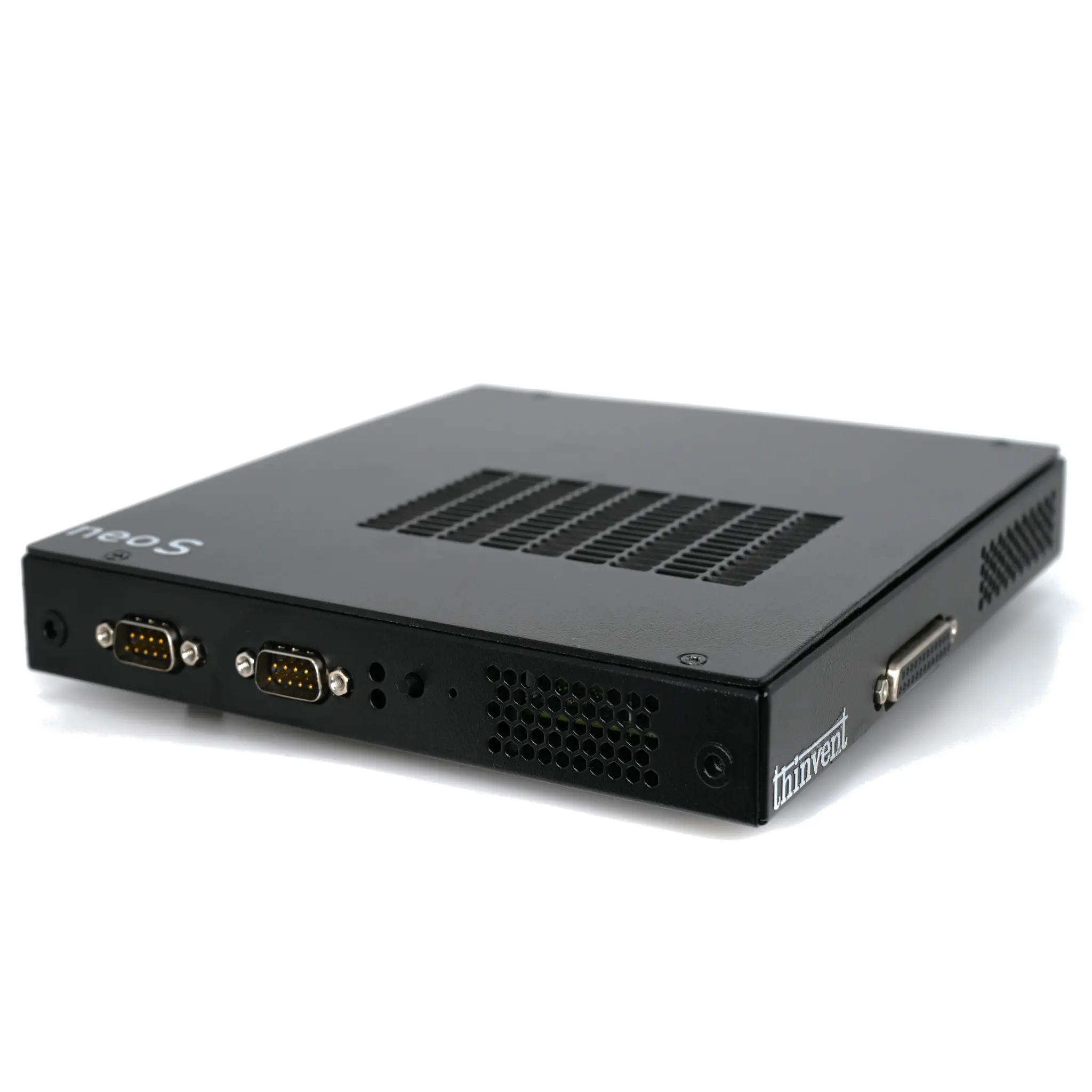
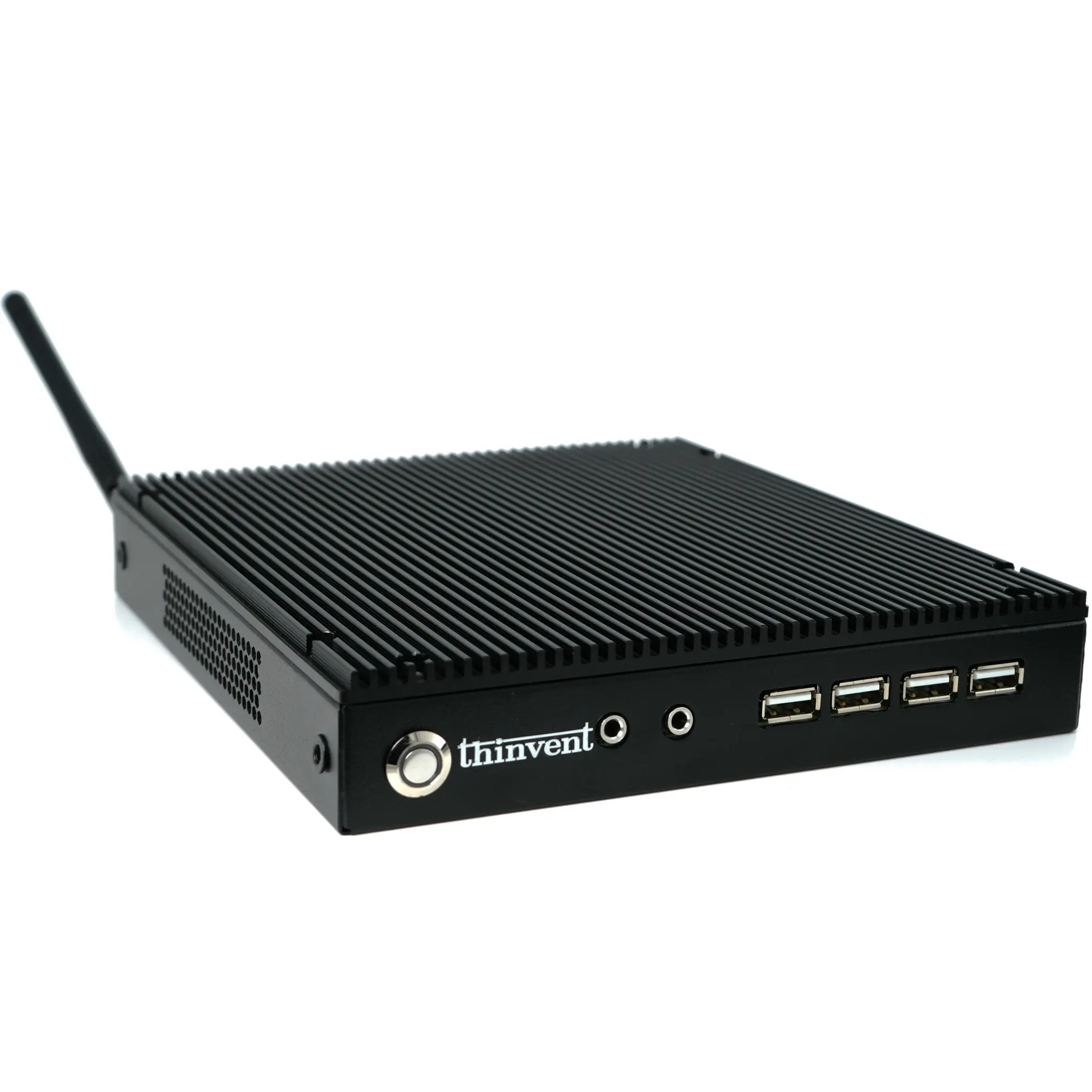
Thinvent offers a range of industrial-grade mini PCs and compact workstations perfectly engineered for creative professionals. Our systems, like the Thinvent Aero Mini PC with 14th Gen Intel Core 5 120U processors and the Thinvent Industrial PC IPC5 with a 12th Gen Intel Core i5-1250P, deliver the necessary horsepower for video editing and graphic design in a robust, space-saving form factor. Built with reliability and sustained performance in mind, these PCs often feature fanless or advanced cooling designs to ensure quiet, uninterrupted operation during long rendering sessions. Configured with ample DDR4 RAM, high-speed NVMe SSDs, and professional operating systems like Windows 11 Pro, Thinvent PCs provide a powerful and dependable foundation for any creative workflow.