Choosing a new desktop computer requires balancing performance, reliability, and cost against your specific needs. The essential factors to consider are the processor (CPU), memory (RAM), storage, form factor, and connectivity. A mismatch in any of these areas can lead to a frustrating user experience or unnecessary expense. This guide breaks down these critical components to help you make an informed decision.
Key Specifications to Evaluate
The processor (CPU) is the brain of your computer. For basic tasks like web browsing and document editing, an efficient 4-core processor like the Intel N100 or an ARM Cortex series is sufficient. For demanding applications such as CAD, video editing, or running multiple virtual machines, a high-performance CPU like an Intel Core i5 or i7 with more cores and higher clock speeds (e.g., 4.4 GHz and above) is necessary. Memory (RAM) is crucial for multitasking; 8GB is the modern baseline, while 16GB or 32GB is recommended for professional workloads. Storage type and capacity directly affect system responsiveness and data access. Solid State Drives (SSDs) offer vastly faster boot and load times compared to traditional Hard Disk Drives (HDDs). For an operating system and core applications, a 256GB SSD is a good starting point, with 512GB or 1TB providing comfortable headroom.
Form Factor and Use Cases
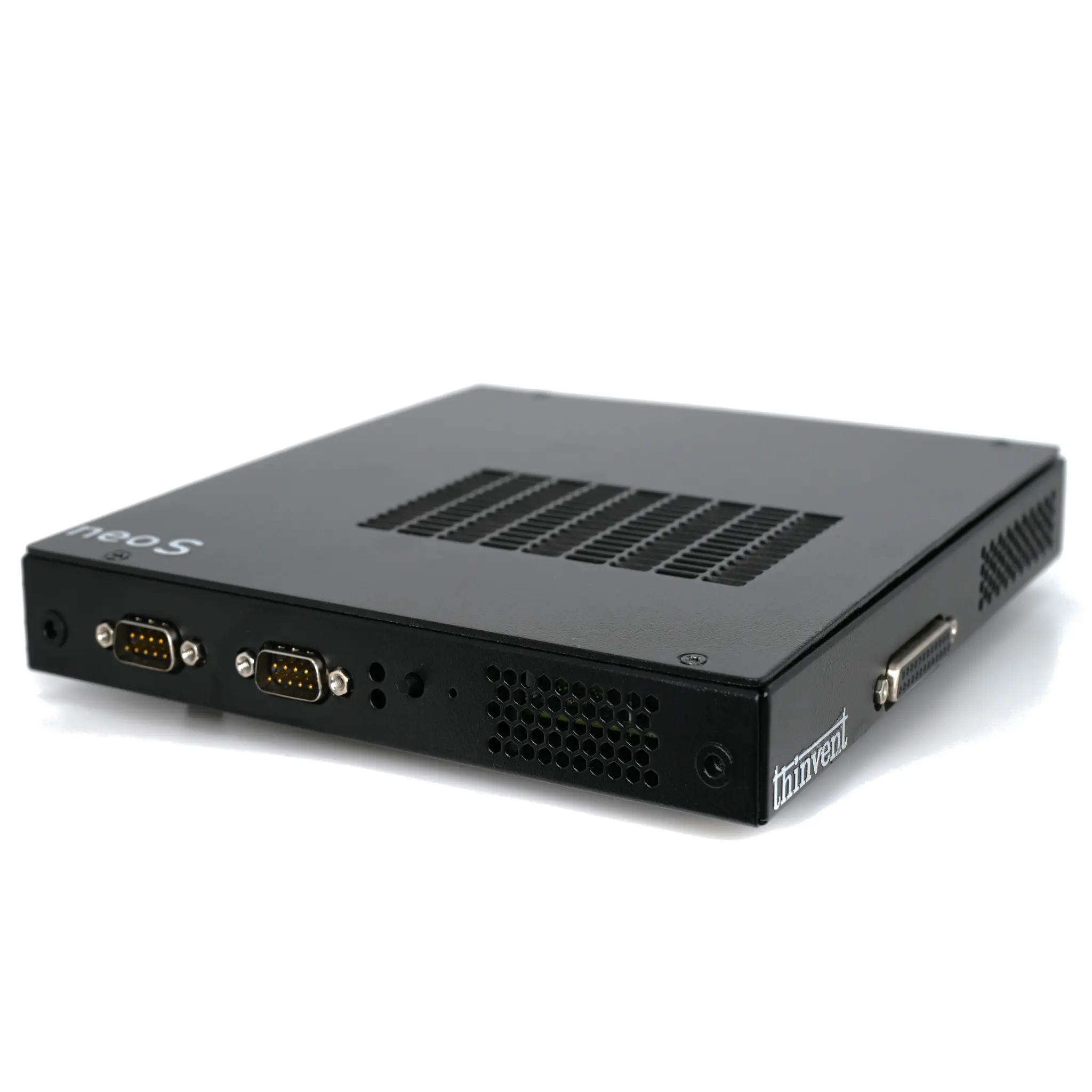
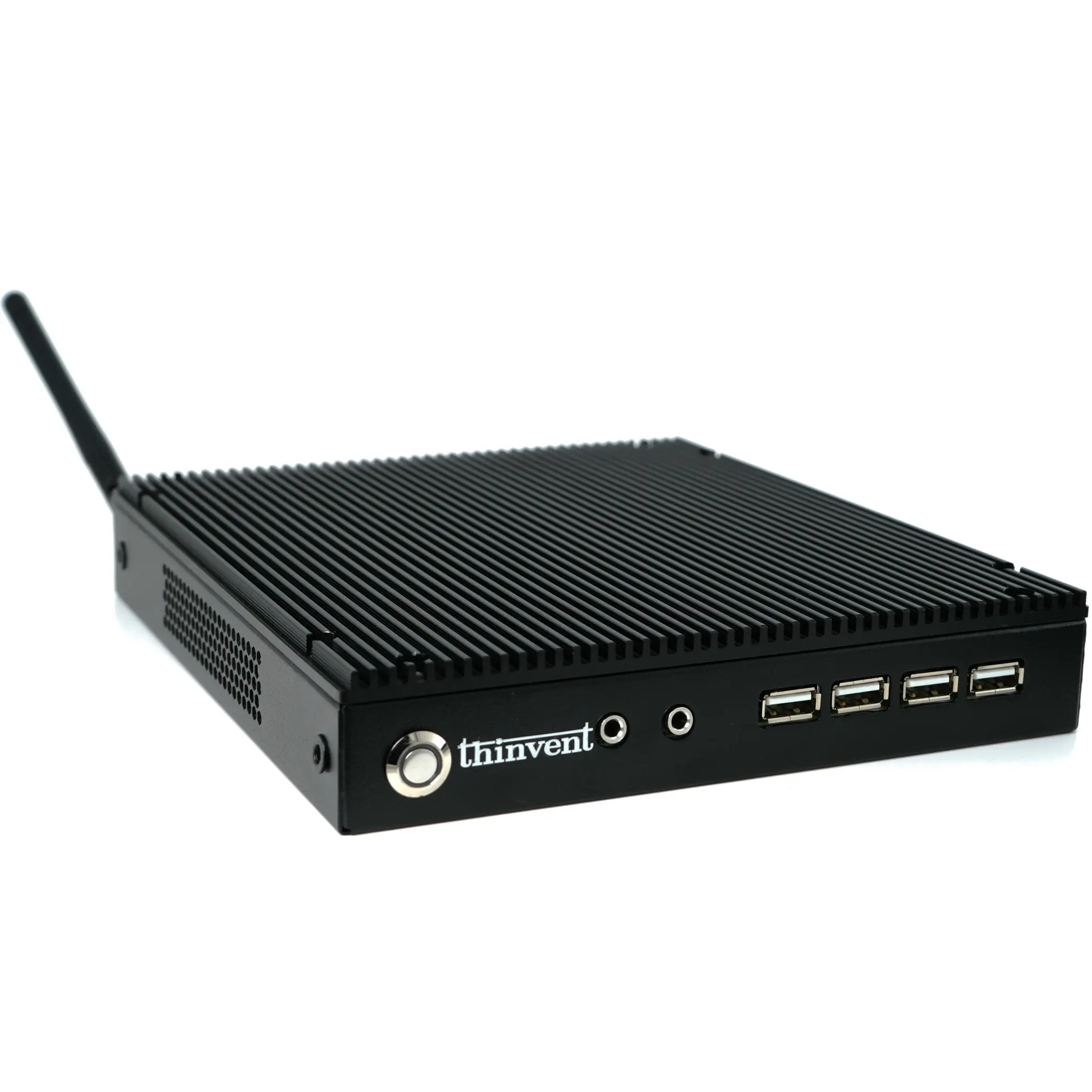
Your physical space and application dictate the ideal form factor. Traditional Tower Desktops offer maximum expandability for gaming or server use. Mini PCs and Thin Clients provide a compact, energy-efficient, and often fanless solution perfect for digital signage, kiosks, office workstations, or space-constrained environments. All-in-One PCs integrate the computer into the monitor, reducing cable clutter for reception areas or sleek office setups. Industrial PCs are built with ruggedized components for reliability in harsh conditions like factories, warehouses, or outdoor installations, featuring wide temperature tolerance and enhanced durability.
Connectivity and Expansion
Ensure the computer has the necessary ports for your peripherals. Look for multiple USB ports (preferably USB 3.2 for fast data transfer), HDMI or DisplayPort outputs for connecting monitors, and Ethernet ports for stable, high-speed network connections. For business or industrial use, features like dual Ethernet ports, serial ports (COM), or expansion slots for add-on cards can be critical. Also, consider the operating system; options range from Windows 11 Pro for full software compatibility to lightweight, secure Linux distributions for embedded and specific industrial applications.
Thinvent Desktop Solutions
Thinvent offers a comprehensive range of desktop computers engineered for reliability and specific use cases. Our product lineup includes robust Industrial PCs with Intel Core processors for demanding automation and control tasks, compact and versatile Mini PCs powered by Intel N-series or ARM processors for general office and digital signage, and ultra-efficient Thin Clients for virtualized environments. Whether you need a fanless design for silent operation, a rugged chassis for an industrial setting, or a high-performance workstation, Thinvent provides tailored computing solutions built for professional durability and performance.