What Is the Best CPU Configuration for Home Use?
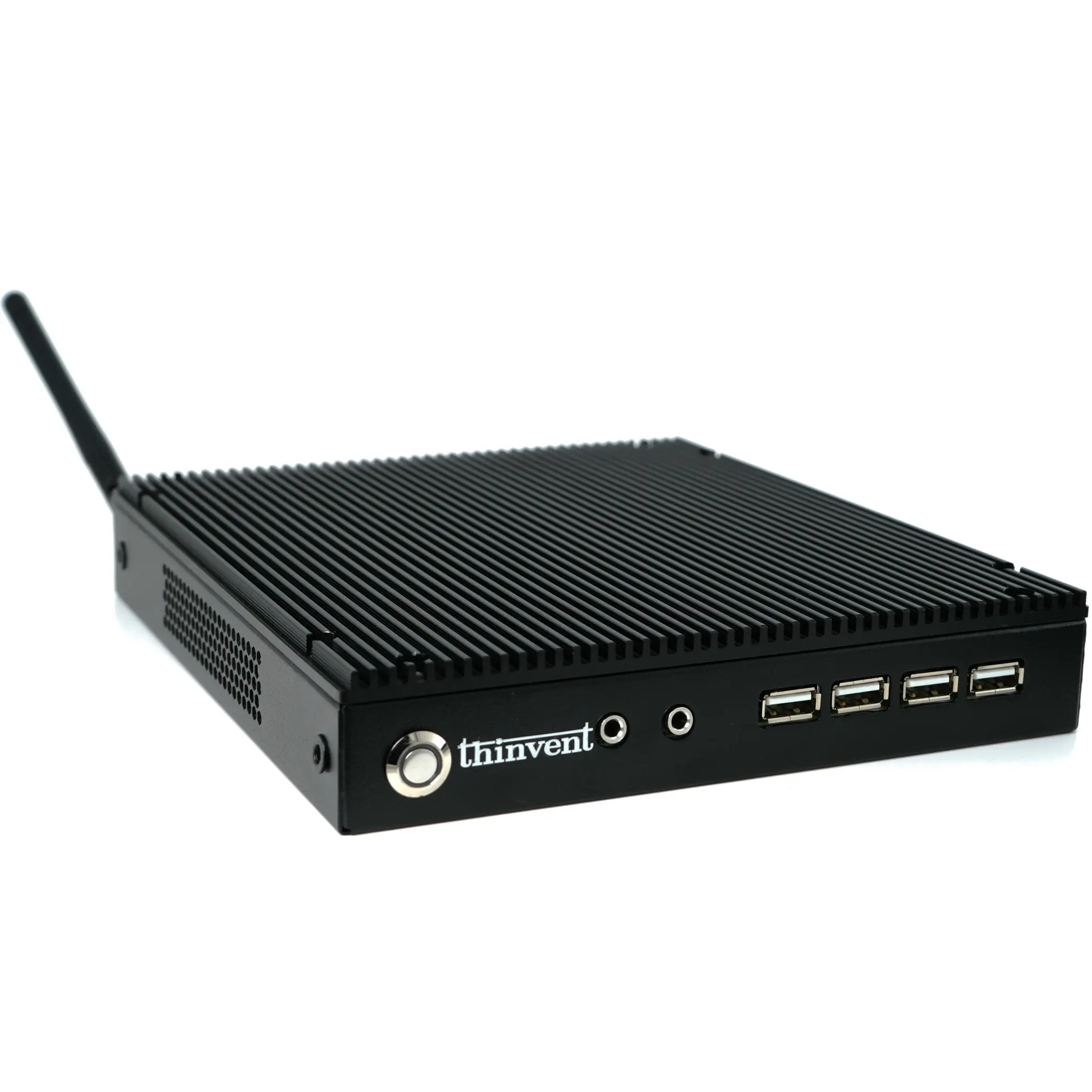
The ideal CPU configuration for home use depends on your primary activities—whether you're browsing the web, streaming media, working from home, or light gaming. For most households, a balanced configuration with a modern, energy-efficient processor, adequate RAM, and fast storage delivers the best everyday experience. The Intel N100 processor, found in Thinvent's Aero Mini PC lineup, exemplifies this sweet spot, offering four cores with a boost clock up to 3.4 GHz and 6 MB of cache—enough power for multitasking, office applications, and 4K video playback without excessive heat or noise.
Key Specifications and Technical Details
When selecting a CPU for home use, consider these core specifications:
| Specification | Recommended Range | Why It Matters |
|---|---|---|
| Cores | 4–6 | Handles multitasking (browser tabs, office apps, video calls) |
| Clock Speed | 2.0–3.5 GHz | Faster speeds improve responsiveness in everyday tasks |
| Cache | 6 MB+ | Reduces latency for frequently used data |
| TDP | 6–15W | Lower power consumption means quieter, cooler operation |
| Integrated Graphics | Yes (Intel UHD) | Eliminates need for a discrete GPU for streaming and light gaming |
The Intel N100 (12th Gen, Alder Lake-N) perfectly matches these criteria. Its 6W TDP ensures fanless or near-silent operation—ideal for a living room or home office—while its Intel UHD graphics support up to three 4K displays, making it suitable for media centers or dual-monitor productivity setups.
Use Cases and Applications
A well-configured home PC serves multiple roles:
-
General Productivity: Web browsing, email, Microsoft Office, and video conferencing run smoothly with 8–16 GB RAM and a 128–256 GB SSD.
-
Media Consumption: Stream 4K video on Netflix, YouTube, or Plex without stuttering, thanks to hardware-accelerated decoding.
-
Light Content Creation: Edit photos in GIMP or basic videos in DaVinci Resolve (1080p) with acceptable performance.
-
Home Server: Run a personal NAS, Plex server, or home automation hub (e.g., Home Assistant) 24/7 with low power draw.
-
Education & Remote Learning: Handle Zoom, Google Classroom, and educational software simultaneously.
For gaming, a CPU like the N100 can manage older titles (e.g., Minecraft, Fortnite at low settings) but isn't designed for AAA gaming—consider a system with a discrete GPU for that.
Thinvent's Products Featuring This Technology
Thinvent offers the Aero Mini PC series powered by the Intel N100 processor, available in multiple configurations to suit your home needs. Each unit comes with 16 GB DDR4 RAM and a 128 GB SSD as standard, with options for Windows 11 Pro, Windows 11 IoT, Ubuntu Linux, or DOS. The compact, fanless design ensures silent operation, while the 12V 10A adapter keeps power consumption minimal. Choose from models with or without a keyboard and mouse set, and add WiFi via an optional module. Whether for a home office, media center, or basic computing, Thinvent's Aero Mini PC delivers reliable, energy-efficient performance.