What Makes a Great Desktop for Editing?
The best desktop for editing requires a balance of high-performance components to handle demanding tasks like video rendering, photo manipulation, and audio production. Key specifications include a powerful multi-core processor for fast encoding, ample RAM for smooth multitasking with large files, fast SSD storage for quick project loading, and reliable connectivity for peripherals and external drives. A robust cooling system is also essential to maintain performance during long rendering sessions.
Key Specifications for Editing Workstations
For professional editing, focus on these technical details:
-
Processor (CPU): Modern multi-core processors (6 cores or more) from Intel's Core i5, i7, or i9 series (12th Gen and newer) provide the necessary horsepower for rendering and effects processing.
-
Memory (RAM): 16GB is the minimum for basic editing; 32GB or 64GB is recommended for 4K/8K video, complex composites, and seamless multitasking.
-
Storage (SSD): A fast NVMe SSD (512GB or 1TB) is crucial for hosting your operating system, applications, and active project files to reduce load and save times.
-
Graphics & Connectivity: While dedicated GPUs are often preferred, modern integrated graphics in high-end processors can handle many editing tasks. Multiple high-speed USB ports (USB 3.2 Gen 2, USB-C) and dual HDMI outputs are important for connecting monitors and high-speed storage devices.
Ideal Use Cases and Applications
These desktops are engineered for content creators and professionals across industries:
-
Video Production: Editing and color grading footage in software like Adobe Premiere Pro, DaVinci Resolve, and Final Cut Pro.
-
Graphic Design & Photography: Working with high-resolution images in Adobe Photoshop, Illustrator, and Lightroom.
-
Audio Engineering: Mixing and mastering audio tracks with low latency in digital audio workstations (DAWs).
-
3D Modeling & Animation: Handling lighter 3D rendering and animation tasks, especially when paired with capable integrated or discrete graphics.
Recommended System Comparison
| Editing Workload | Recommended CPU Series | Minimum RAM | Recommended SSD | Key Consideration |
|---|---|---|---|---|
| Basic Photo & 1080p Video | Intel Core i3 / i5 (12th Gen+) | 16 GB | 256 GB | Good for beginners and standard definition work. |
| Professional 4K Video & Design | Intel Core i5 / i7 (13th/14th Gen) | 32 GB | 512 GB - 1 TB | Balances performance for demanding professional workflows. |
| Advanced 8K, 3D & Heavy Compositing | Intel Core i7 / i9 (13th/14th Gen) | 64 GB | 1 TB+ | Maximum performance for the most complex projects. |
Thinvent Industrial Desktops for Editing
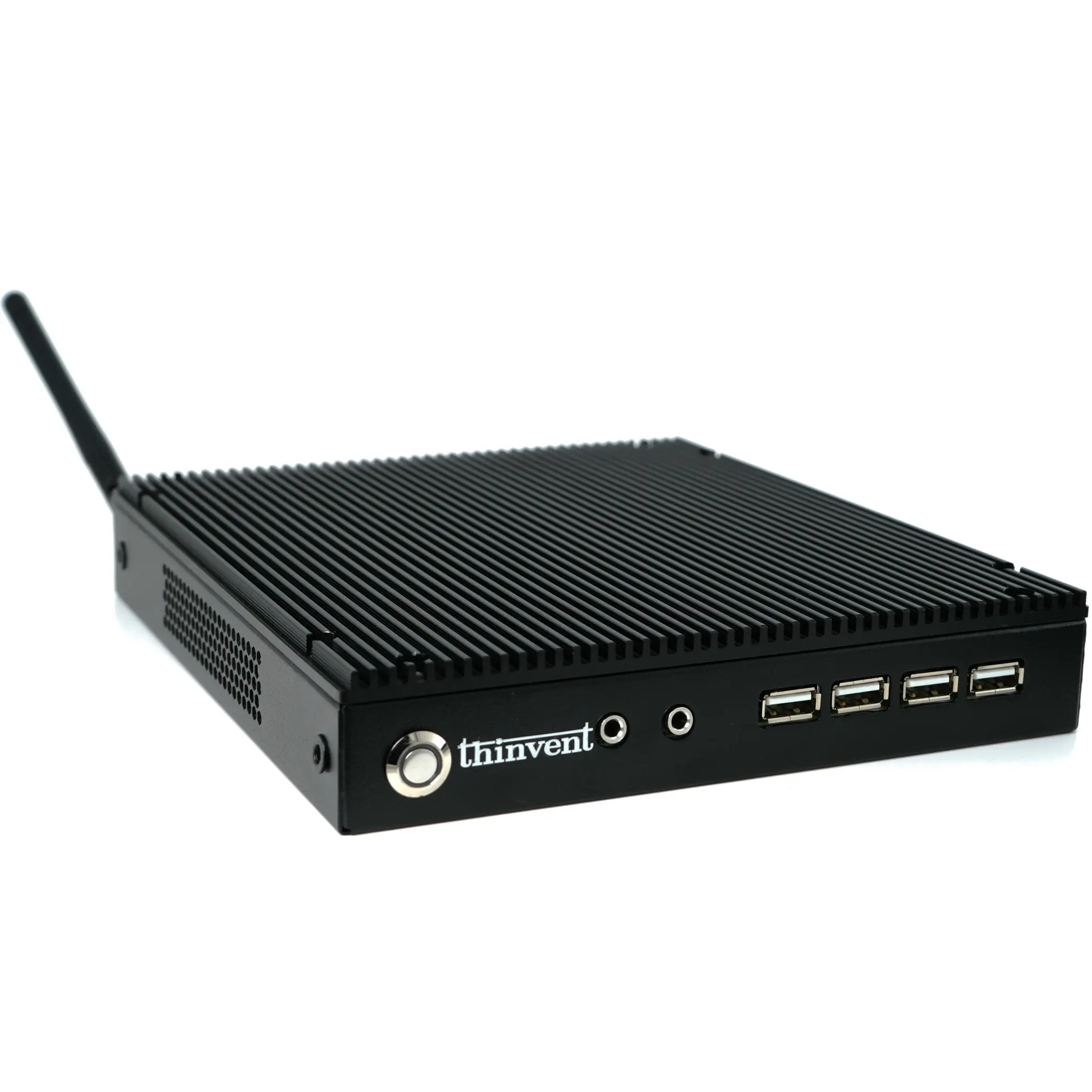
Thinvent offers a range of robust, fanless industrial desktops and mini PCs that provide the reliable, sustained performance required for editing tasks. Our systems feature the latest Intel Core processors, configurable high-capacity RAM and SSD options, and extensive connectivity—all housed in durable, passively cooled chassis ideal for noise-sensitive environments like studios. Built for 24/7 operation, Thinvent computers deliver the stability and power that professional editors depend on to meet tight deadlines and maintain creative workflow.