What Makes a Desktop Computer "Wireless"?
A wireless desktop computer is a compact system that connects to your network, peripherals and displays without a tangle of cables. In practice this means built-in dual-band WiFi (2.4 GHz and 5 GHz) and Bluetooth for keyboards, mice and headsets, combined with a small form factor that sits on a desk, mounts behind a monitor, or tucks into a cabinet. The result is a clean, cable-light workspace that can be deployed, moved or serviced in minutes.
Key Specifications to Look For
When evaluating compact wireless desktops, focus on the components that determine real-world responsiveness:
| Specification | What It Means in Practice |
|---|---|
| Processor | Intel® Celeron®, N-series or Core™ i3/i5 handle office, POS and kiosk workloads smoothly |
| Memory | 8 GB for everyday office tasks, 16 GB for multitasking and virtualisation |
| Storage | 256 GB–1 TB SSD for fast boot and silent, shock-resistant operation |
| Wireless | Dual-band WiFi plus Bluetooth for cable-free peripherals |
| Wired fallback | Gigabit Ethernet (1000 Mbps) for dependable, low-latency networking |
| Display output | HDMI and USB-C for modern monitors and docking |
| Power | External 12V adapter keeps heat and noise out of the chassis |
Fanless designs are especially valuable in wireless desktop roles: with no moving parts, there is no dust intake and no fan noise, so the system can run continuously in a reception area, clinic or shop floor without maintenance attention.
Where Compact Wireless Desktops Fit
Modern workspaces rarely look like a traditional office. A compact wireless desktop suits:
-
Reception and front-desk counters, where a small chassis keeps the counter clear and WiFi avoids drilling cable routes.
-
Retail billing and POS terminals, where SSD storage and fanless cooling tolerate dusty, always-on environments.
-
Clinics and laboratories, where silent, sealed systems are easier to keep clean.
-
Kiosks, digital signage and meeting-room PCs, where the unit can be hidden behind a display and managed over the network.
-
Branch and back-office desks, where standardised images and remote management reduce support visits.
Because these systems draw modest power and run cool, they are equally comfortable in a home office, a co-working desk or a factory control cabinet.
Wired Reliability Behind a Wireless Front End
Wireless convenience should never come at the cost of dependability. The best compact desktops pair dual-band WiFi and Bluetooth with dual Gigabit Ethernet ports, so you can keep a wired uplink for critical traffic — point-of-sale transactions, industrial protocols or VoIP — while wireless handles peripherals and guest access. Look for multiple USB 3.2 Gen 2 ports for fast external drives, and USB-C where you want a single-cable connection to a modern monitor. Operating system choice matters too: Windows 11 Pro for mainstream business software, Ubuntu Linux or an embedded Linux build for kiosks and appliances, or FreeDOS/without OS if you plan to deploy your own image.
Thinvent's Compact Wireless Desktop Range
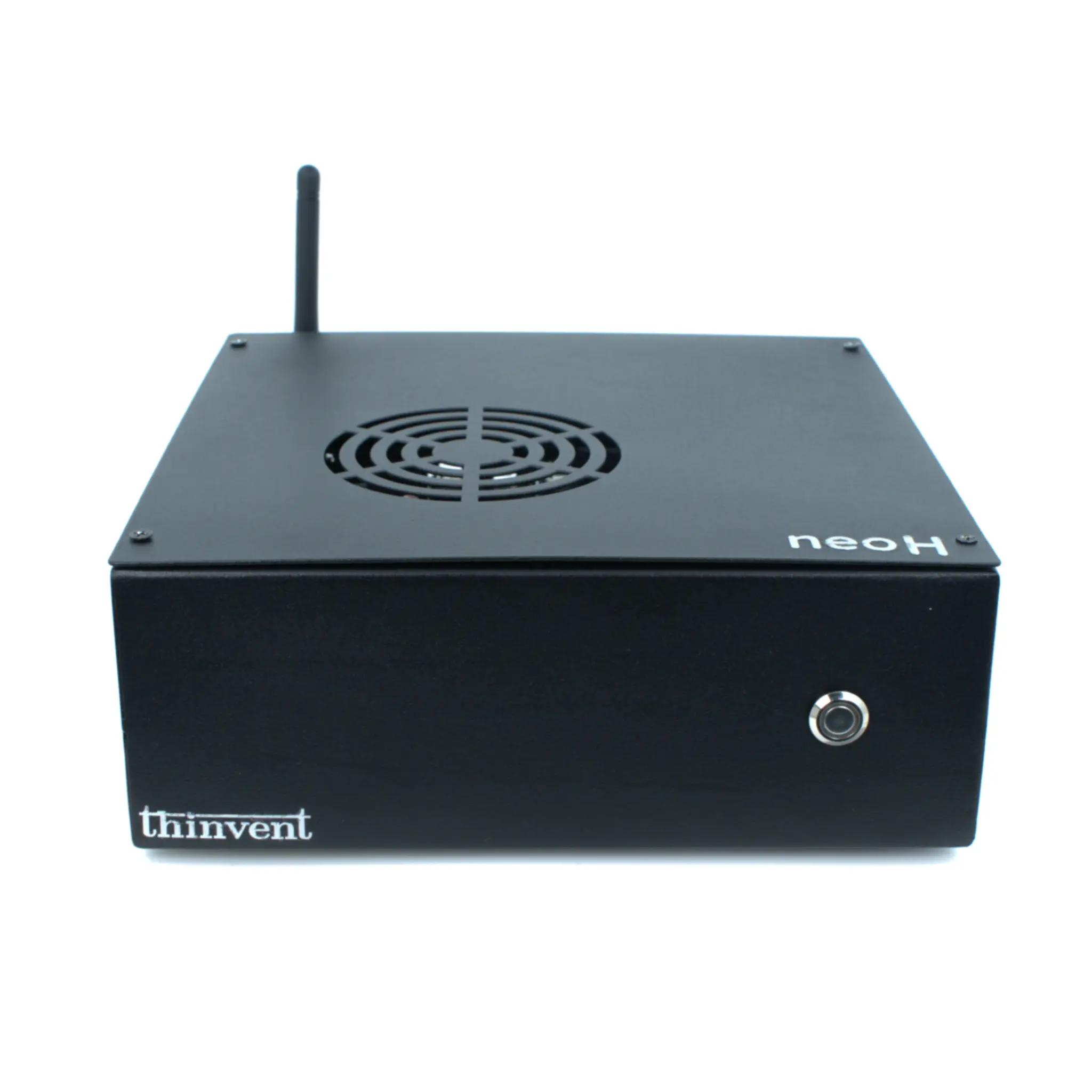
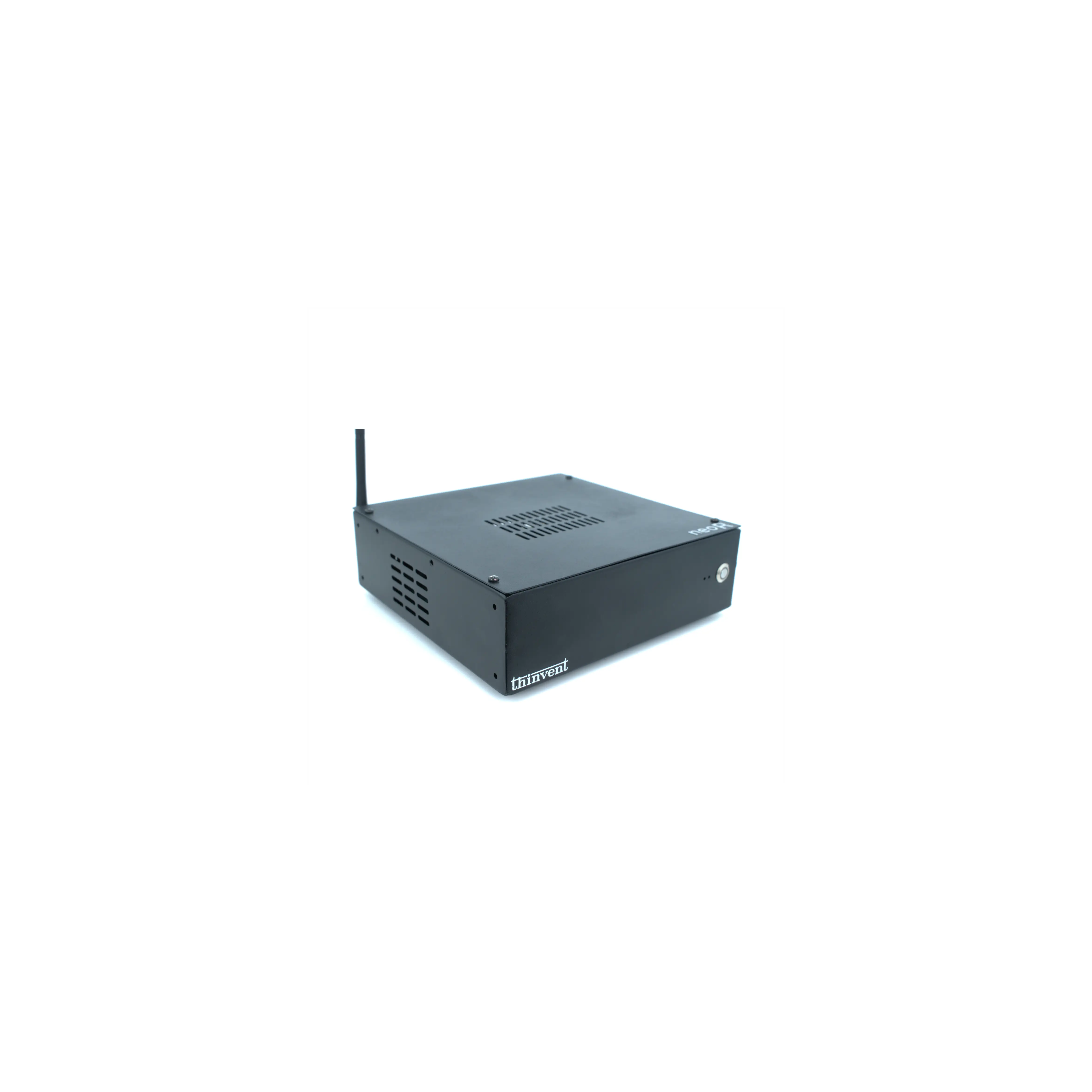
Thinvent builds compact, fanless computers for exactly these environments. The Thinvent® Industrial PC IPC3 pairs an Intel® Core™ i3-1215U processor (6 cores, up to 4.4 GHz, 10 MB cache) with 16 GB DDR4 RAM, a 1 TB SSD, dual-band WiFi and a 12V adapter, in a chassis small enough for a desk or control cabinet. It is available with Windows 11 Pro, Windows 11 IoT Value, DOS, Thinux™ Embedded Linux or without an OS, and optional quad DB9 serial ports for legacy equipment. Alongside the IPC3, Thinvent's mini PC, thin client and all-in-one ranges cover everything from basic office terminals to multi-display industrial workstations — all designed to run quietly, reliably and without cable clutter.