What Are Computers Without an Operating System?
A computer without an operating system (OS) is a barebone system that ships without any pre-installed software platform like Windows or Linux. This provides maximum flexibility for users who wish to install their own preferred or custom operating system, whether it's a specific Linux distribution, a legacy Windows version, a real-time OS for industrial applications, or a proprietary software stack. These systems are ideal for developers, IT professionals, and businesses with specific software requirements or licensing agreements.
Key Specifications and Technical Details
Computers sold without an OS typically feature standard x86 or ARM architecture hardware compatible with a wide range of software. Key components include:
-
Processor: Modern Intel or ARM-based CPUs, from efficient Celeron/N-series to powerful Core i5/i7 models.
-
Memory: DDR4 or DDR5 RAM, with configurations ranging from 4GB to 64GB.
-
Storage: NVMe or SATA SSDs (128GB to 2TB+), often provided as blank drives ready for OS installation.
-
Connectivity: Standard ports including USB 3.2, HDMI/DisplayPort, and Gigabit Ethernet are guaranteed to have broad driver support.
-
Form Factors: Available as compact Mini PCs, rugged Industrial PCs, Thin Clients, and All-in-One displays.
Primary Use Cases and Applications
The "Without OS" configuration is critical for several professional and industrial scenarios:
-
Software Development & Testing: Developers can install multiple OS versions or create clean build environments.
-
Custom Embedded Solutions: For kiosks, digital signage, or IoT gateways running a lightweight, custom Linux build or a real-time operating system (RTOS).
-
IT Infrastructure: Deploying as servers or network appliances with a preferred Linux server distribution (e.g., Ubuntu Server, CentOS).
-
Cost & Licensing Control: Organizations can leverage existing volume licenses for Windows or use free, open-source alternatives to reduce total cost of ownership.
-
Education & Research: Allows institutions to teach operating system fundamentals or install specialized academic software packages.
Comparison: With OS vs. Without OS
| Feature | Computer With Pre-Installed OS | Computer Without OS |
|---|---|---|
| Out-of-Box Experience | Ready to use immediately after setup. | Requires technical knowledge to install an OS. |
| Flexibility | Limited to the installed OS; may require licensing to change. | Complete freedom to install any compatible OS. |
| Cost | Includes OS licensing fee. | Often lower upfront cost; you pay only for hardware. |
| Ideal For | General business users, standard office workloads. | Developers, system integrators, custom projects, IT departments. |
| Setup Time | Minutes. | Longer, dependent on OS installation and driver setup. |
Thinvent Computers Available Without an Operating System
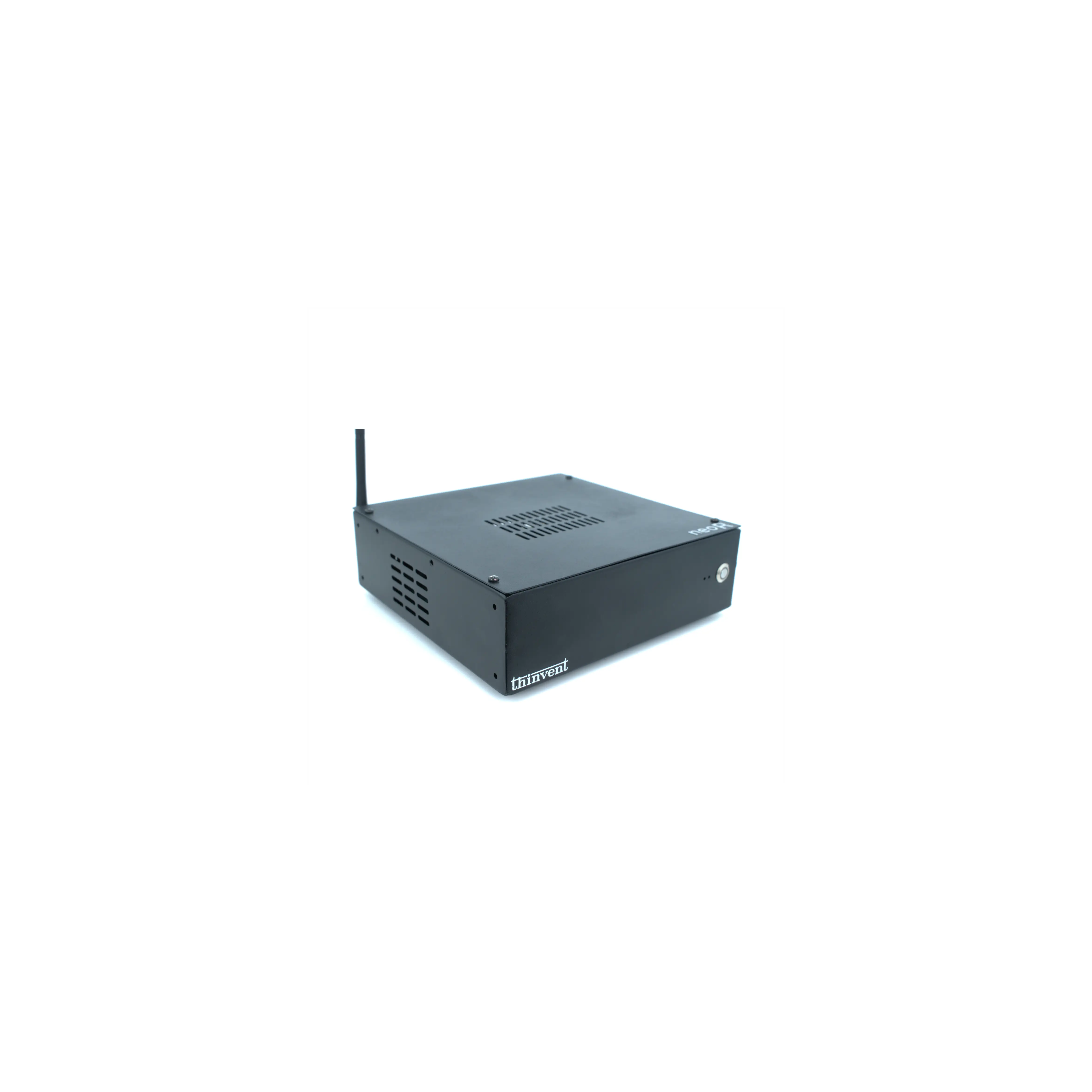
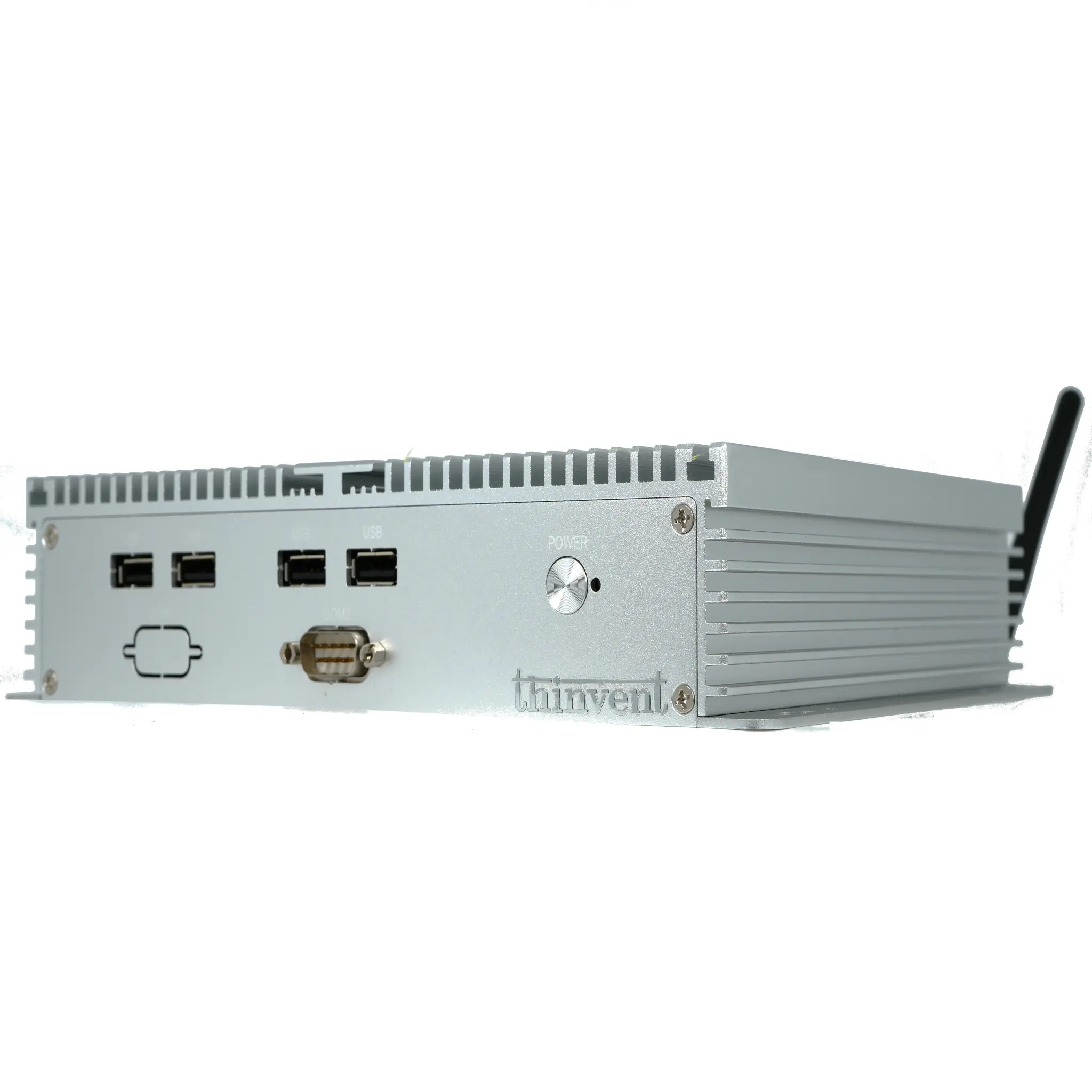
Thinvent offers a comprehensive range of industrial-grade computing hardware without a pre-installed operating system, providing a blank canvas for your specific software needs. Our product lines include fanless Mini PCs built with Intel processors, durable Industrial PCs for harsh environments, and space-saving All-in-One panels. These systems are designed for reliability and long-term operation, featuring robust construction, wide-temperature components, and versatile I/O. Whether you need a low-power system for a networked appliance or a high-performance unit for a custom workstation, Thinvent provides the dependable hardware foundation for your specialized application.