What Defines a High-Performance Desktop Computer
A high-performance desktop computer is engineered to handle demanding applications such as digital content creation, data analysis, software development, and industrial automation. These systems prioritize processing power, memory capacity, and storage speed over portability or energy efficiency. Key characteristics include a multi-core processor with high clock speeds, ample RAM (typically 16GB or more), and fast solid-state storage to reduce load times and improve multitasking.
For applications like video editing, 3D rendering, or running virtual machines, the CPU's single-threaded performance and number of cores are critical. A processor like the Intel N100 in the Thinvent Aero Mini PC offers a balance of efficiency and performance with its 4 cores and 3.4 GHz boost clock, making it suitable for office productivity, lightweight development, and embedded systems. However, for more intensive tasks such as 4K video editing or complex simulations, a desktop with a higher-tier processor (e.g., Intel Core i5/i7 or AMD Ryzen 5/7) and dedicated graphics may be required.
Key Specifications and Technical Details
When selecting a high-performance desktop, consider the following specifications:
-
Processor (CPU): Look for at least 4 cores and a base clock of 2.0 GHz or higher. The Intel N100 (12th Gen, Alder Lake-N) features 4 efficient cores, 6 MB cache, and a max turbo frequency of 3.4 GHz. It is ideal for multitasking and moderate workloads.
-
Memory (RAM): 16GB DDR4 is the sweet spot for demanding applications. It allows smooth operation of multiple browser tabs, office suites, and light development environments.
-
Storage: An SSD (e.g., 128GB or 256GB) is essential for fast boot times and application loading. For large data sets, consider models with expandable storage or NVMe support.
-
Operating System: Options include Windows 11 IoT/Pro, Linux (Ubuntu, Thinux), or DOS for custom deployments. Windows 11 Pro offers advanced security and management features for business use.
-
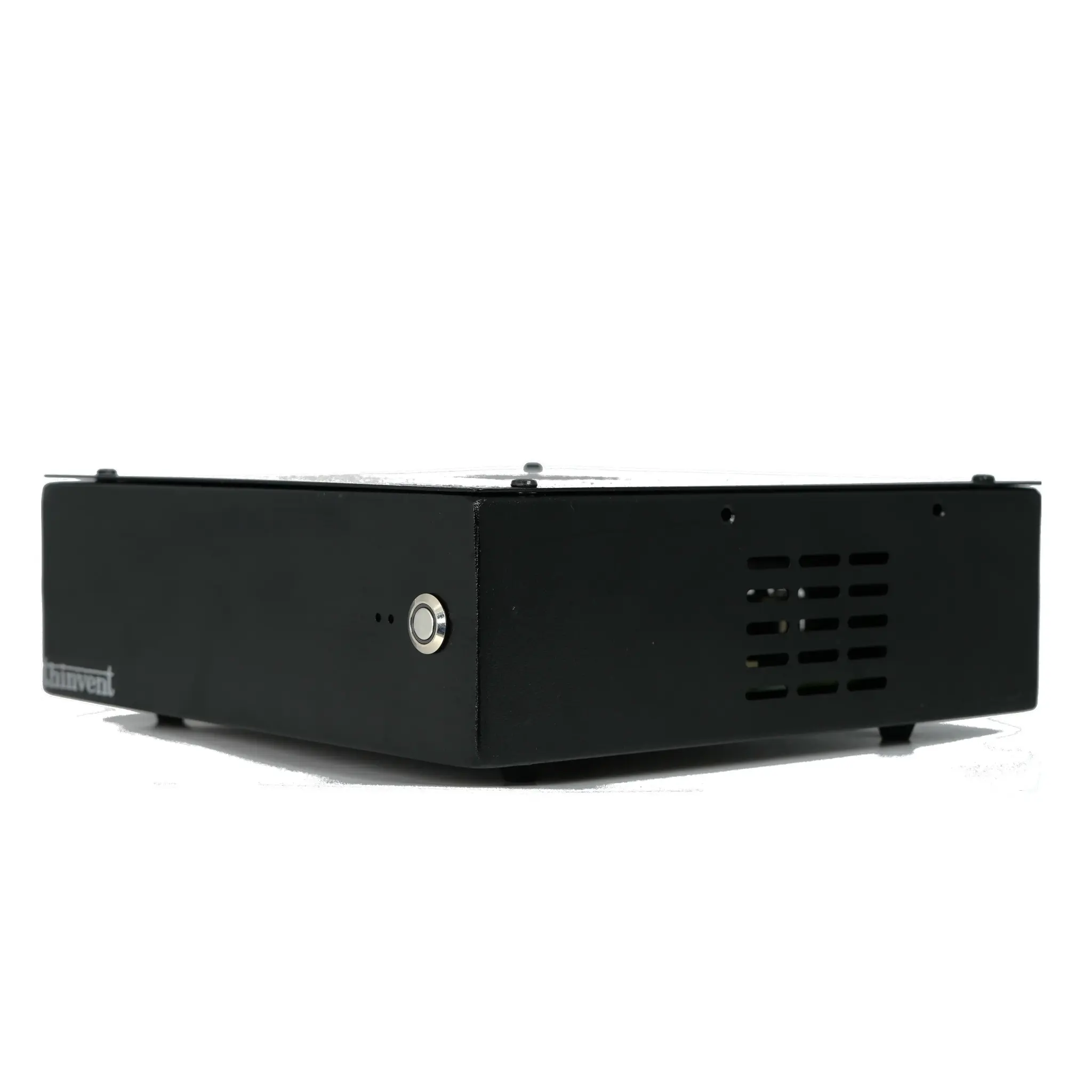
Form Factor: Mini PCs like the Thinvent Aero are compact and fanless, making them suitable for space-constrained environments like kiosks, digital signage, or industrial control.
Comparison of Common High-Performance Desktop Configurations
| Component | Entry-Level (e.g., Intel N100) | Mid-Range (Intel Core i5) | High-End (Intel Core i7/i9) |
|---|---|---|---|
| Cores/Threads | 4/4 | 6/12 | 8/16 or more |
| Max Clock | 3.4 GHz | 4.6 GHz | 5.0+ GHz |
| RAM | 16GB DDR4 | 16-32GB DDR4/DDR5 | 32-64GB DDR5 |
| Storage | 128GB SSD | 256-512GB SSD | 1TB NVMe SSD |
| Graphics | Integrated | Integrated or entry GPU | Dedicated GPU |
| Typical Use | Office, light dev, IoT | Content creation, VMs | 3D rendering, gaming, AI |
Use Cases and Applications
High-performance desktop computers serve a wide range of demanding applications:
-
Enterprise and Office Productivity: Running multiple virtual machines, large spreadsheets, and collaboration tools simultaneously.
-
Software Development: Compiling code, running containers (Docker), and testing applications locally.
-
Digital Content Creation: Photo editing (Adobe Photoshop), video editing (DaVinci Resolve), and graphic design.
-
Industrial and Embedded Systems: Controlling machinery, data logging, and running real-time operating systems (e.g., Thinux Embedded Linux).
-
Digital Signage and Kiosks: Powering interactive displays with smooth video playback and responsive touch interfaces.
-
Education and Research: Running simulations, statistical analysis (R, Python), and virtual labs.
The Thinvent Aero Mini PC, with its fanless design and 12V DC power, is particularly well-suited for 24/7 operation in industrial environments where dust, noise, and space are concerns.
Thinvent's High-Performance Desktop Solutions
Thinvent offers a range of high-performance desktop computers tailored for demanding applications. The Aero Mini PC series features the Intel N100 processor (12th Gen, 4 cores, up to 3.4 GHz) with 16GB DDR4 RAM and 128GB SSD, available with Windows 11 IoT/Pro, Ubuntu, Thinux Embedded Linux, or DOS. Each configuration can be ordered with or without a keyboard and mouse set for turnkey deployment.
These systems are built for