What Makes a Desktop Ideal for Video Editing?
A desktop for video editing requires a balanced combination of high-performance processing, ample memory, fast storage, and reliable connectivity to handle demanding tasks like rendering, encoding, and real-time playback. The core components must work in unison to manage large video files, complex timelines, and high-resolution footage without bottlenecks. Key specifications to prioritize include a multi-core processor, dedicated or powerful integrated graphics, substantial RAM, and NVMe SSD storage.
Key Specifications for Video Editing Desktops
For professional-grade video editing, the following technical specifications are recommended:
-
Processor: A modern, multi-core CPU (e.g., Intel Core i5/i7 or equivalent) with high clock speeds is essential for fast encoding and smooth timeline scrubbing.
-
Memory (RAM): 16GB is the absolute minimum for 1080p editing; 32GB or more is recommended for 4K workflows, multi-cam projects, or heavy effects usage.
-
Storage: A fast NVMe SSD (512GB or larger) for the operating system, applications, and active project files is non-negotiable for speed. A secondary high-capacity HDD or SSD is ideal for media archives.
-
Graphics: While a dedicated GPU (Graphics Processing Unit) is highly beneficial for acceleration in applications like Adobe Premiere Pro and DaVinci Resolve, modern Intel processors with integrated Iris Xe graphics can also provide capable performance for many editing tasks.
-
Connectivity: Multiple high-speed ports like USB 3.2 Gen 2 and USB-C are crucial for transferring footage from cameras and external drives. Dual or multiple monitor support via HDMI or DisplayPort is also a standard requirement for an efficient editing workspace.
Applications and Use Cases
These desktops are engineered for content creators, post-production studios, and marketing agencies. They are perfectly suited for:
-
Editing and color grading 4K/6K video footage.
-
Creating motion graphics and visual effects (VFX).
-
Producing online content for YouTube, social media, and corporate communications.
-
Managing multi-camera productions for events, interviews, or live streams.
-
Running demanding software like Adobe Creative Suite, DaVinci Resolve, and Final Cut Pro.
Comparison of Key Components
| Component | Entry-Level Editing (1080p) | Professional Editing (4K/6K) |
|---|---|---|
| Processor | Intel Core i3 / i5 (10th-12th Gen) | Intel Core i5 / i7 (13th-14th Gen) |
| RAM | 16 GB DDR4 | 32 GB DDR5 or higher |
| Primary Storage | 256 GB NVMe SSD | 512 GB - 1 TB NVMe SSD |
| Graphics | Integrated Intel UHD/Iris Xe Graphics | Dedicated GPU or high-performance integrated graphics |
| Ideal For | Social media clips, basic tutorials | Feature films, broadcast content, complex VFX |
Thinvent's Video Editing Desktop Solutions
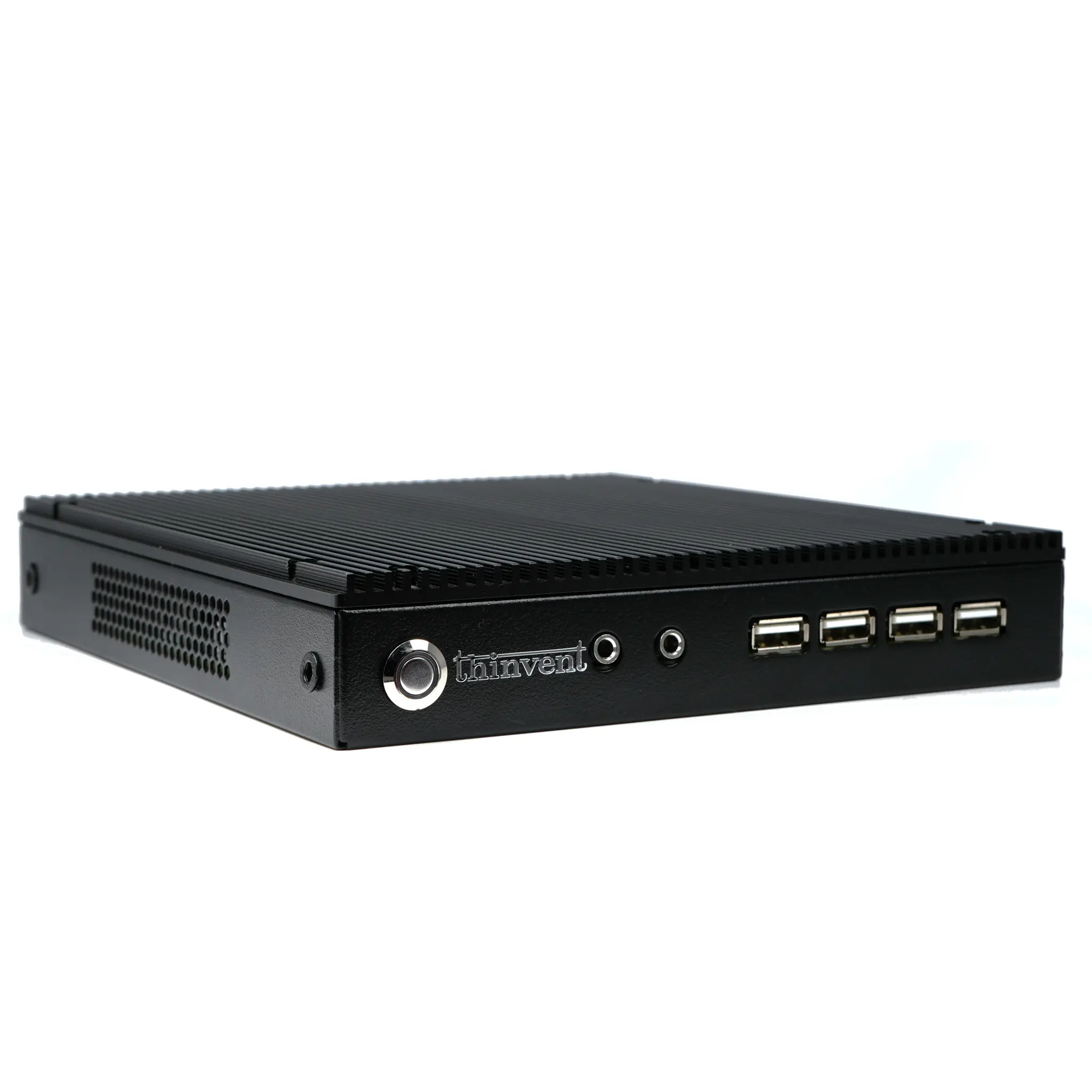
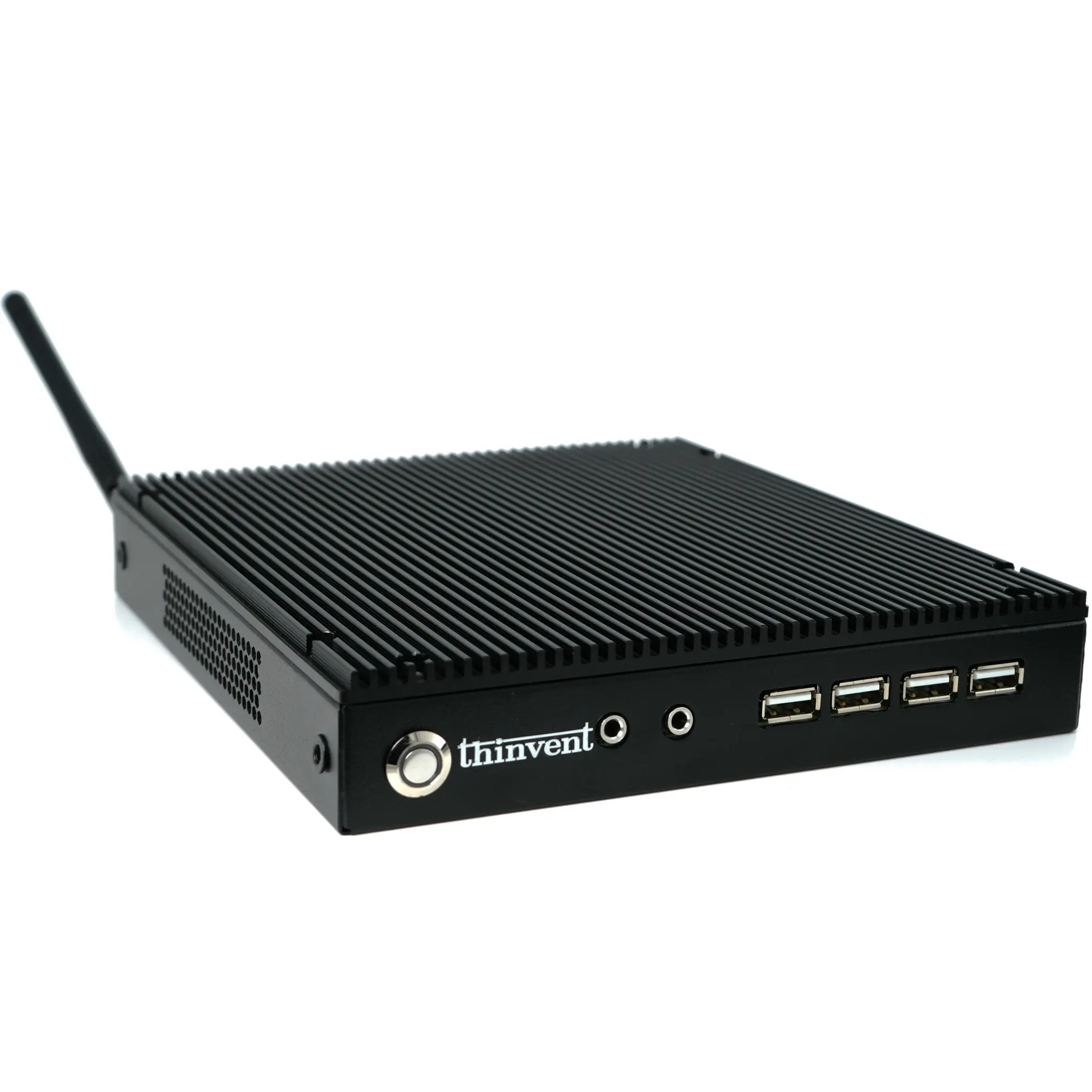
Thinvent offers a range of robust industrial computing solutions that can be configured as powerful desktops for video editing. Our systems prioritize reliability, stable performance, and efficient cooling—critical for long rendering sessions. From compact Mini PCs with the latest Intel processors to more expansive Industrial PC configurations, our products can be tailored with the high-speed RAM, large-capacity NVMe storage, and advanced connectivity required by modern video editors. Explore our configurable platforms to build a desktop that meets the specific demands of your creative workflow.