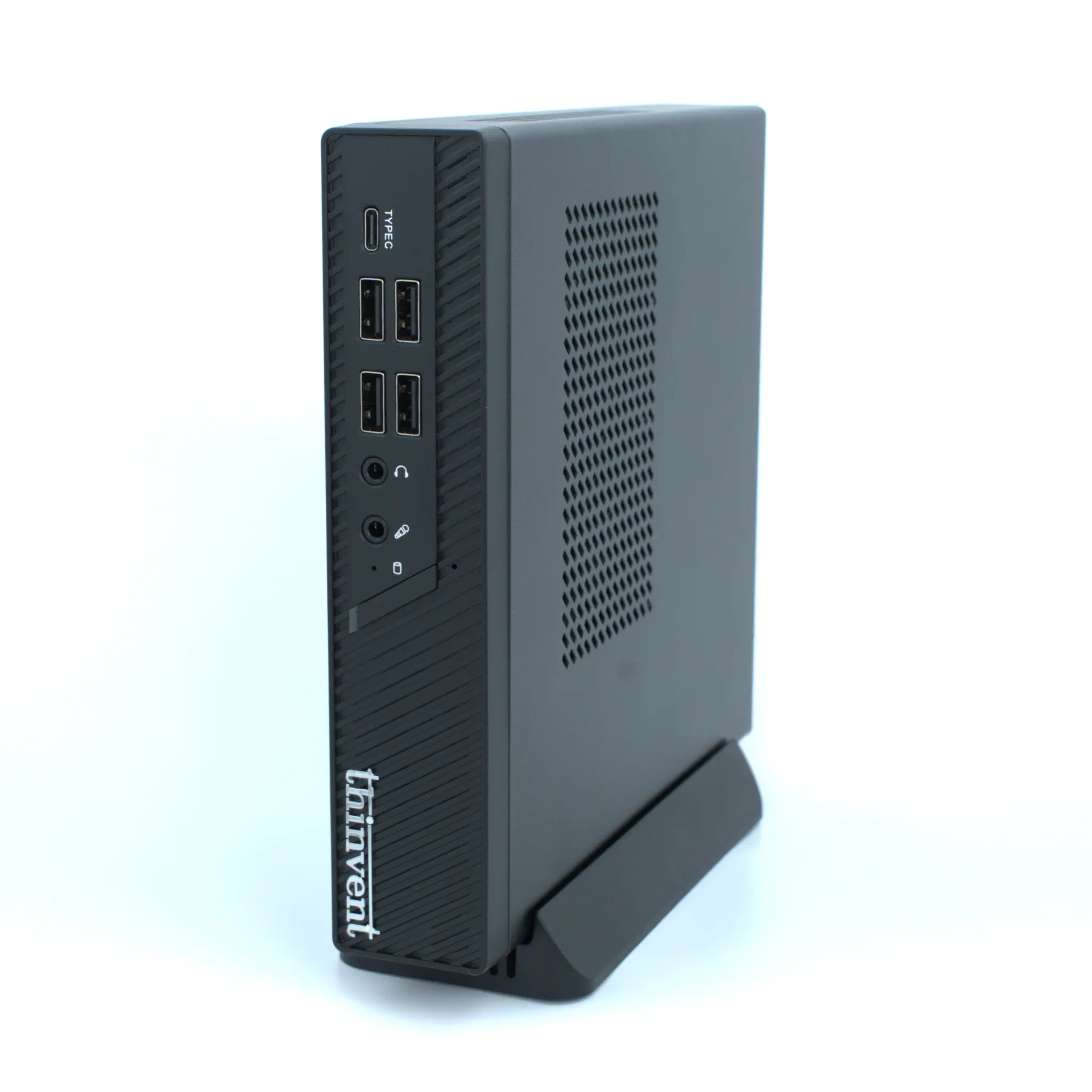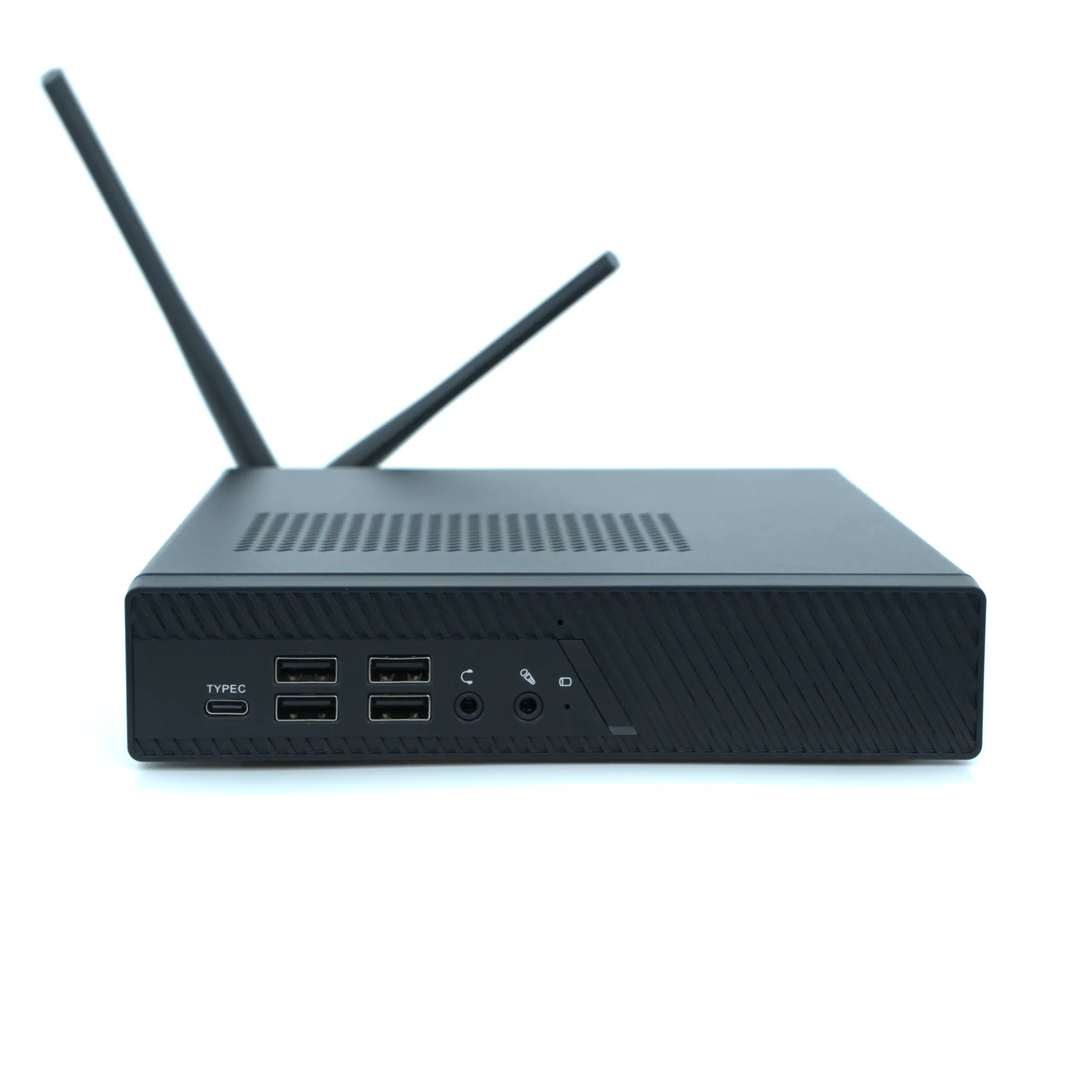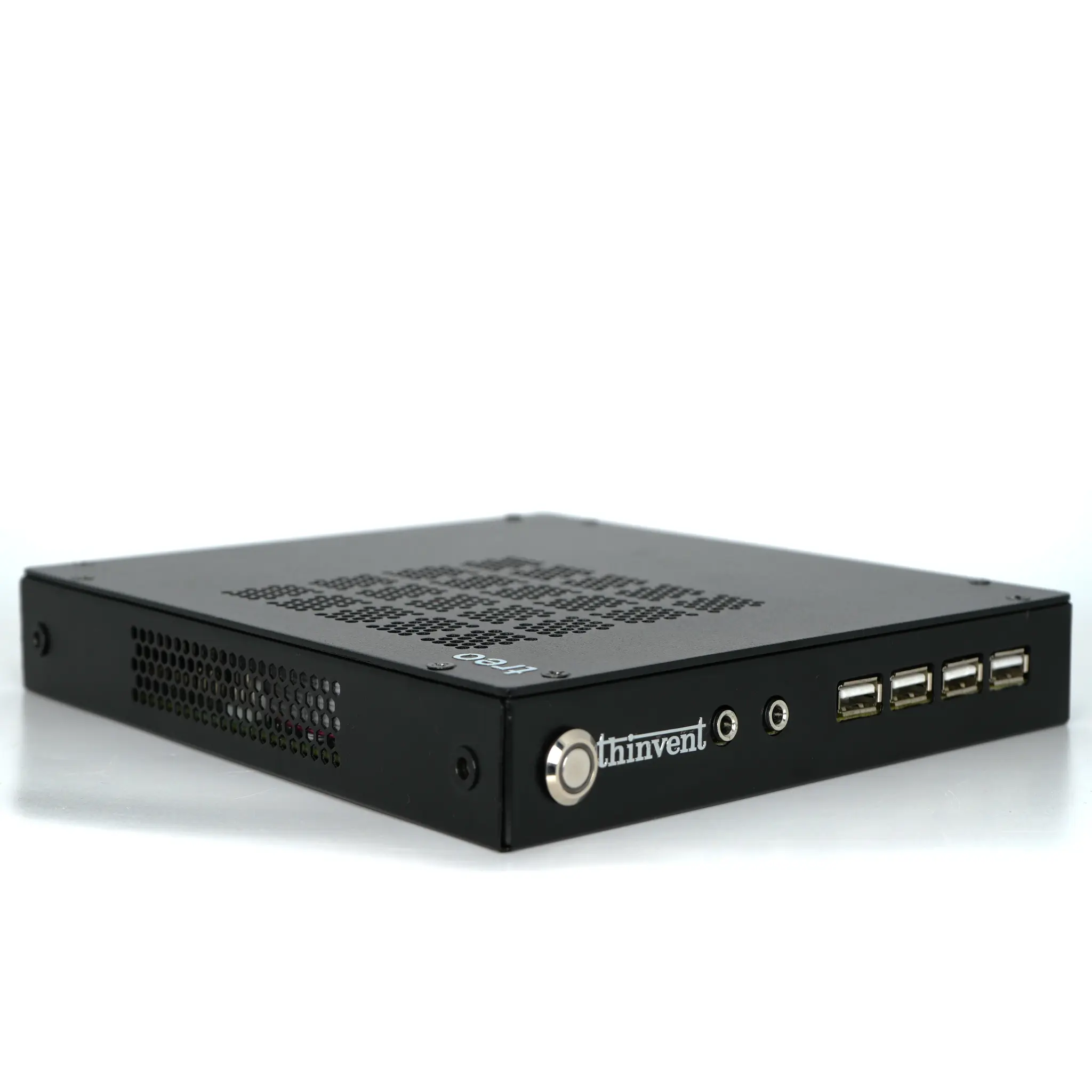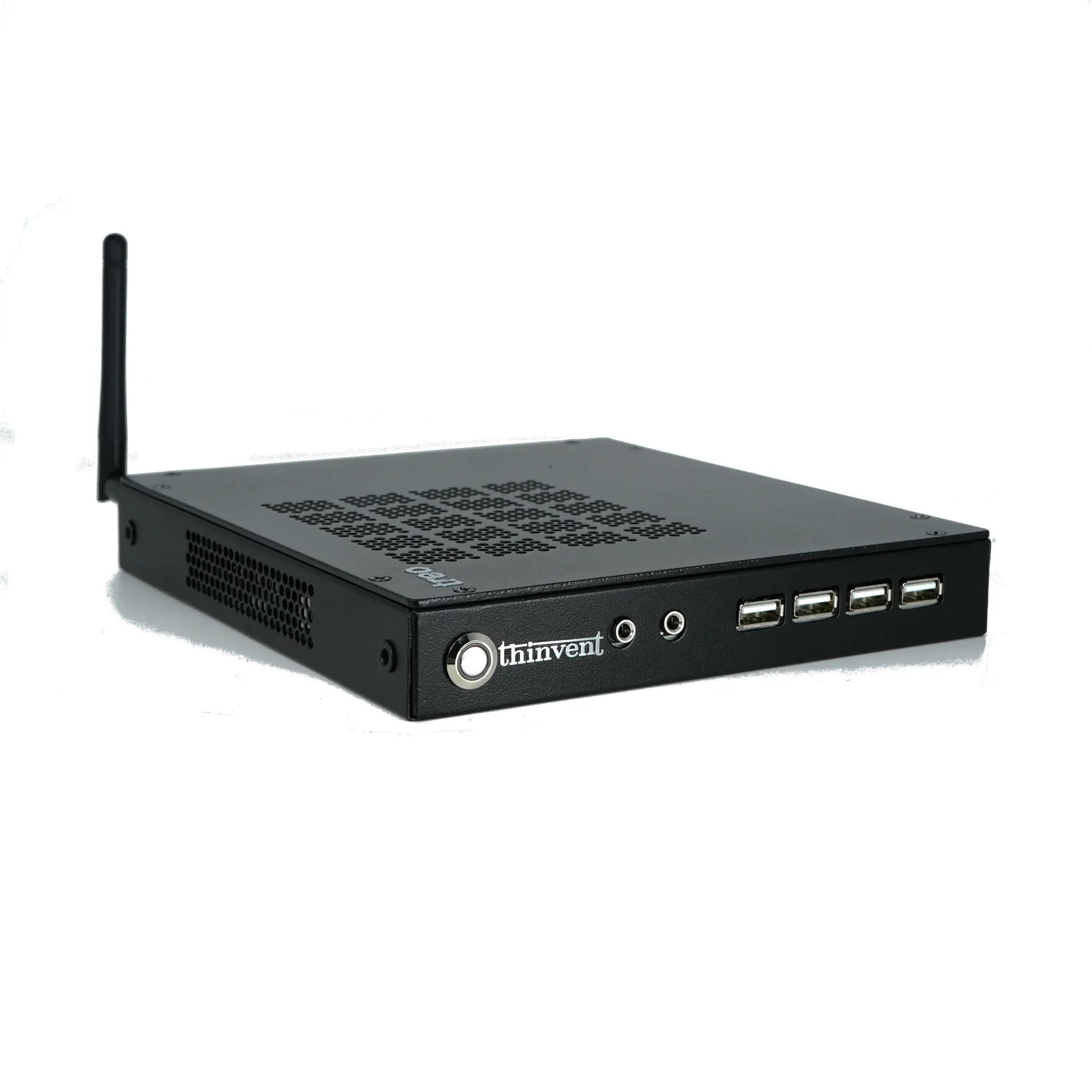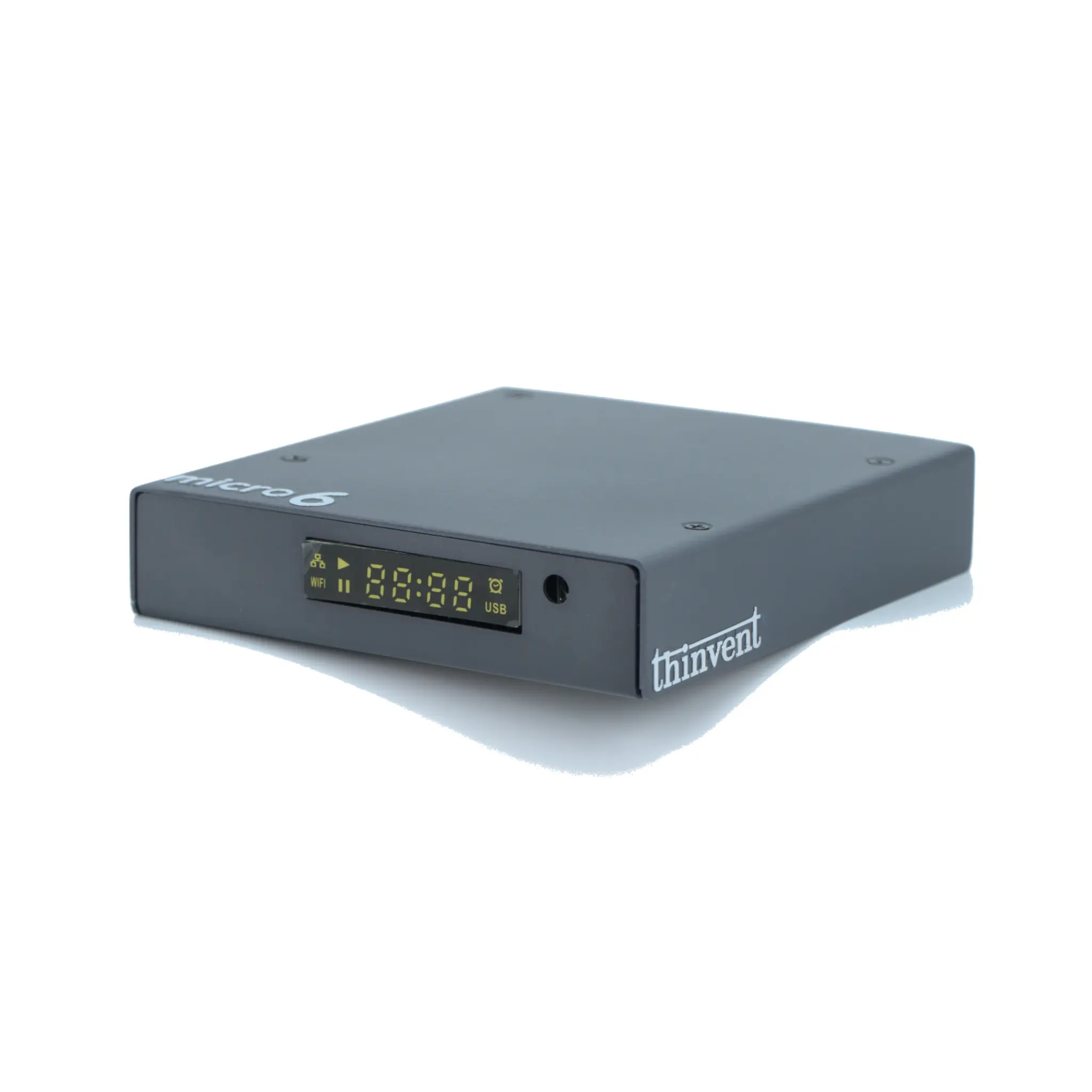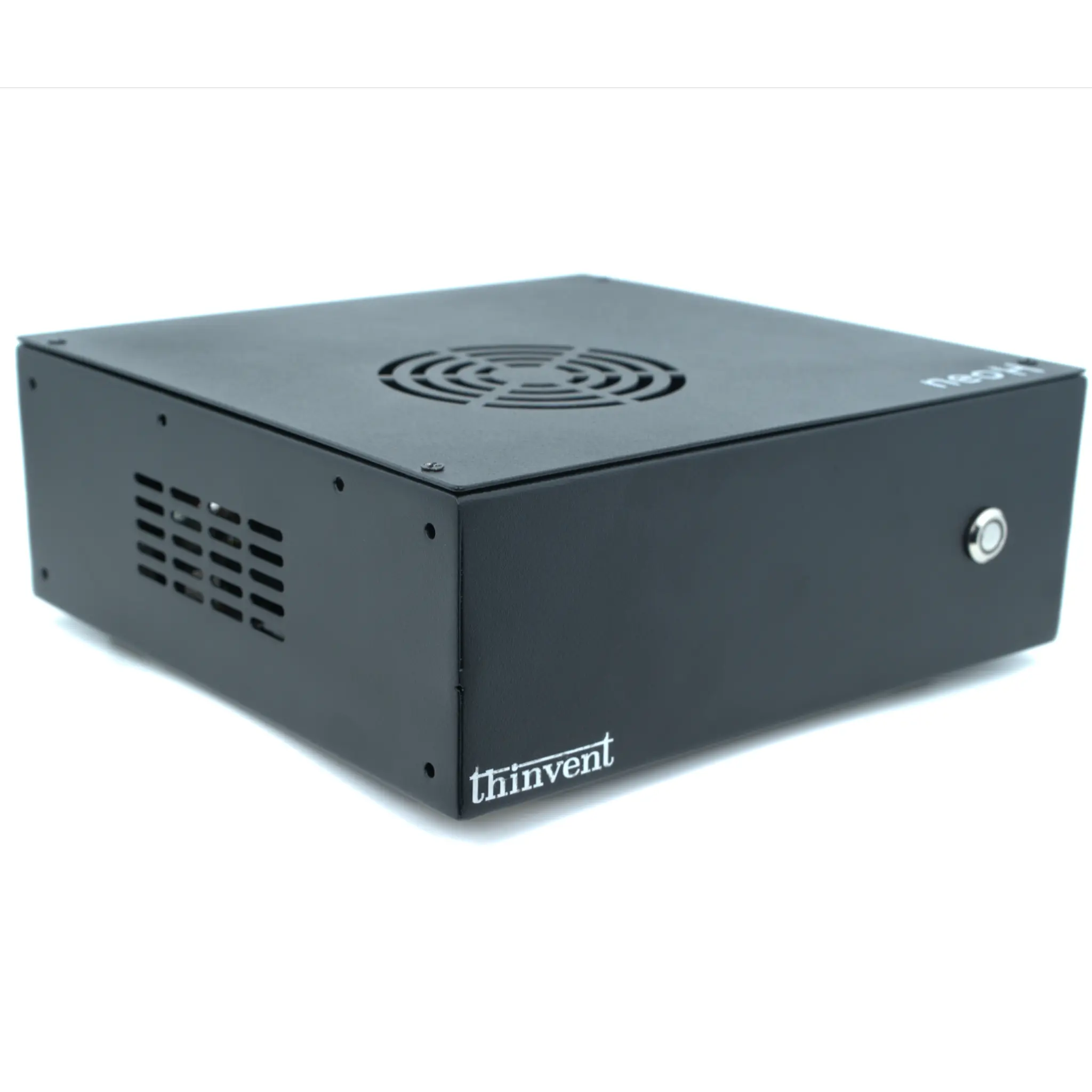
The Geekom Air12 Lite is a compact mini PC built around Intel's N100 and N150 processors, with up to 16GB of DDR4 memory and an M.2 2280 SSD of up to 1TB. The closest Thinvent alternative is the Thinvent Aero Mini PC with Intel Celeron N5095A, a compact mini PC that offers larger memory and storage options within a similar everyday computing profile.
Geekom Air12 Lite vs Thinvent Aero Mini PC
| Feature | Geekom Air12 Lite | Thinvent Aero Mini PC, Intel Celeron N5095A |
|---|---|---|
| Processor | Intel N100 or N150 (Alder Lake-N / Twin Lake-N) | Intel Celeron N5095A |
| Cores/Threads | Not stated | 4 cores |
| RAM | Up to 16 GB DDR4 SO-DIMM (single slot) | 4 GB to 32 GB |
| Storage | Up to 1 TB M.2 2280 NVMe or SATA | 32 GB to 2 TB |
| Form Factor | 135.5 × 115.5 × 34.5 mm, around 1 kg | Not stated |
| Wireless | Wi-Fi 5, Bluetooth 5.1 | Wi-Fi 5 (802.11ac), dual band, or No WiFi |
| Video | Intel UHD Graphics, HDMI 2.0, DP 1.4 | Not stated |
| Ethernet | 1 × RJ-45 (10/100/1000 Mbps) | Not stated |
| Operating System | Microsoft Windows | DOS |
Key differences
-
Thinvent Aero Mini PC supports up to 32 GB of RAM, double the 16 GB maximum of the Geekom Air12 Lite.
-
Thinvent Aero Mini PC offers storage up to 2 TB, compared with up to 1 TB on the Geekom Air12 Lite.
-
Thinvent Aero Mini PC is also available in higher-performance configurations, including Intel Core i3 to i7 and AMD Ryzen 5 processors with up to 64 GB of RAM.
-
The Geekom Air12 Lite uses the Intel N100 or N150 processors, which are designed for low power use and fit very light everyday tasks.
-
The Geekom Air12 Lite ships with Windows as its operating system, while Thinvent Aero Mini PC configurations are offered with DOS.
Which one should you choose?
Choose the Geekom Air12 Lite if you want a compact Windows mini PC for basic everyday tasks such as web browsing, office work and streaming. Choose the Thinvent Aero Mini PC if you need more memory, larger storage or a wider range of processor options for multitasking or future upgrades.