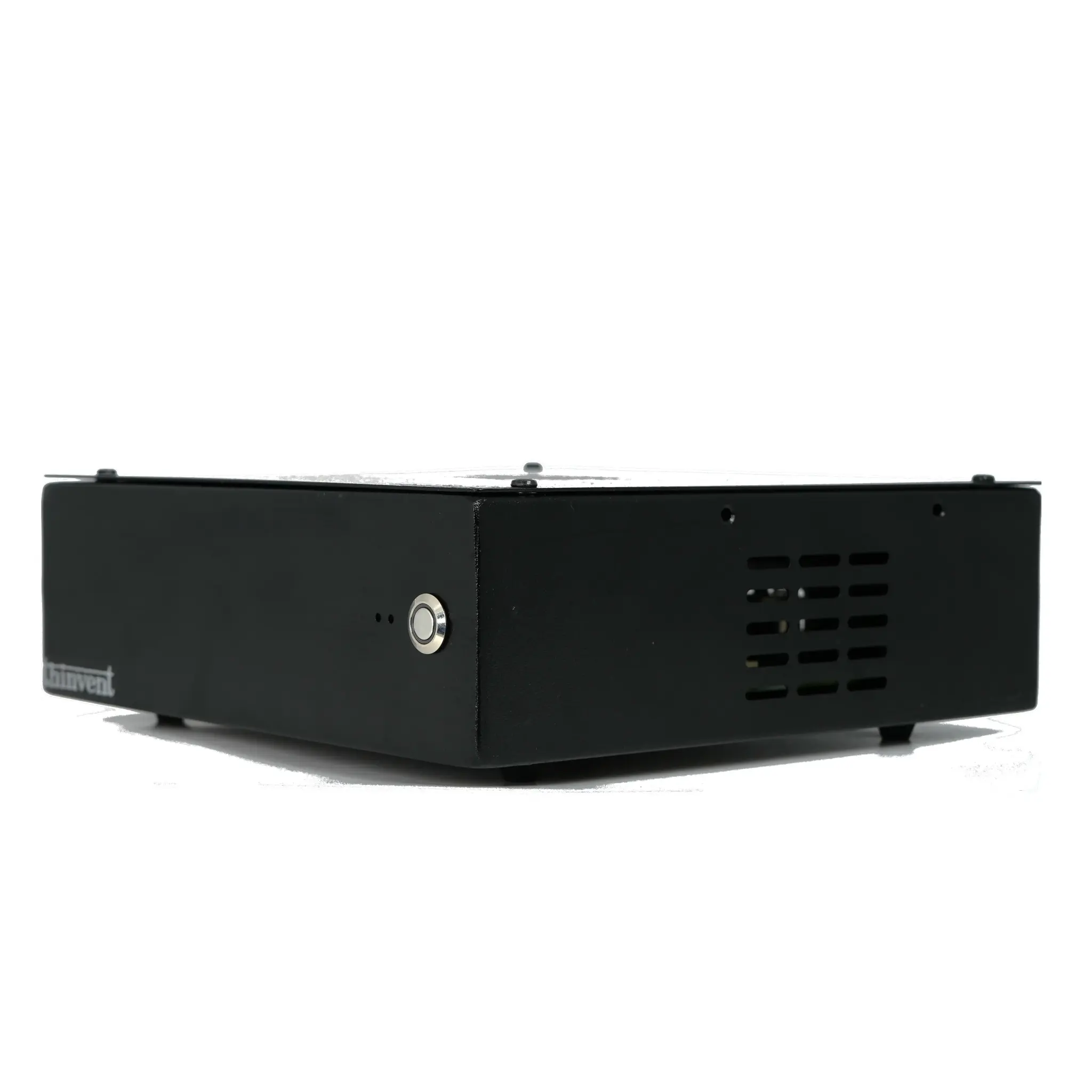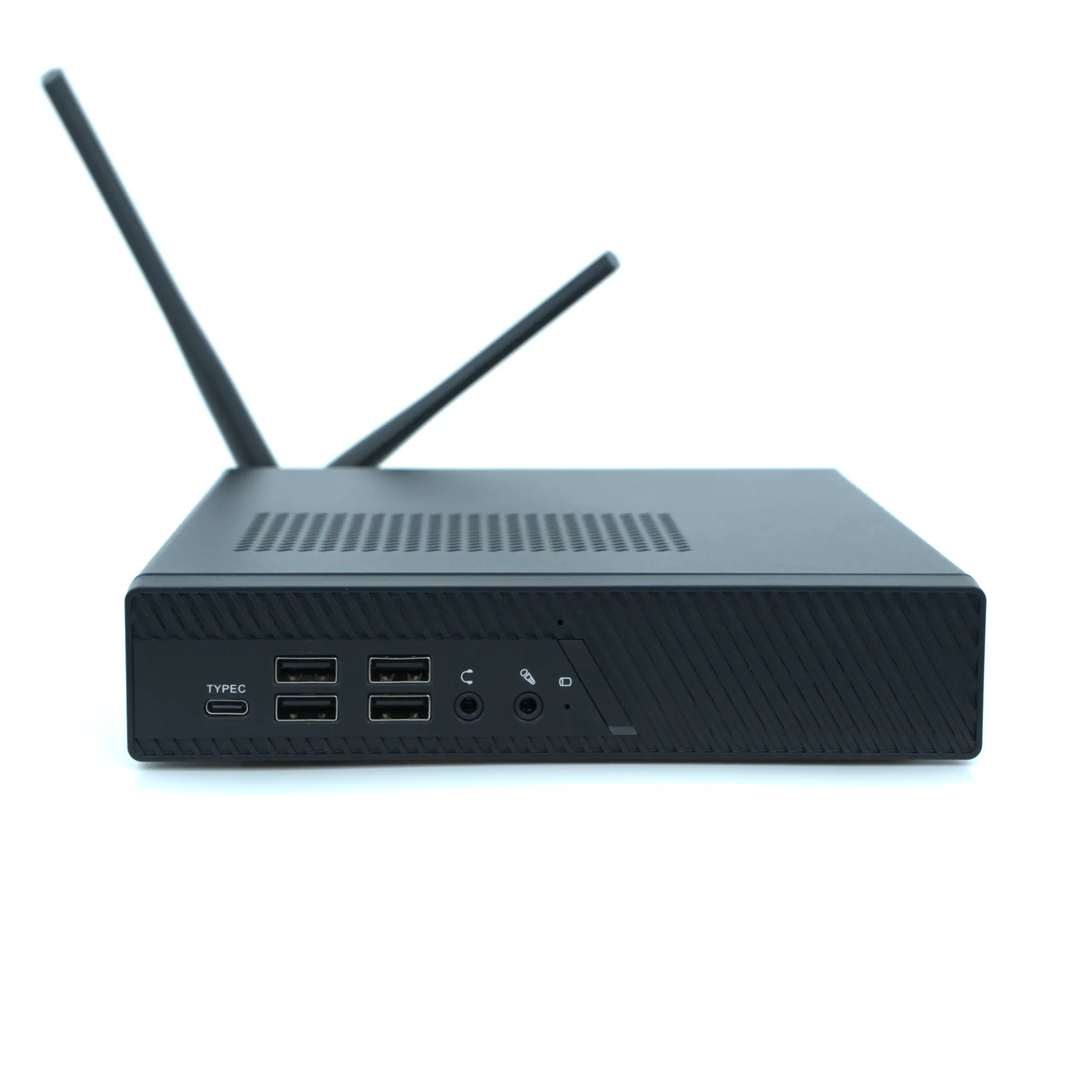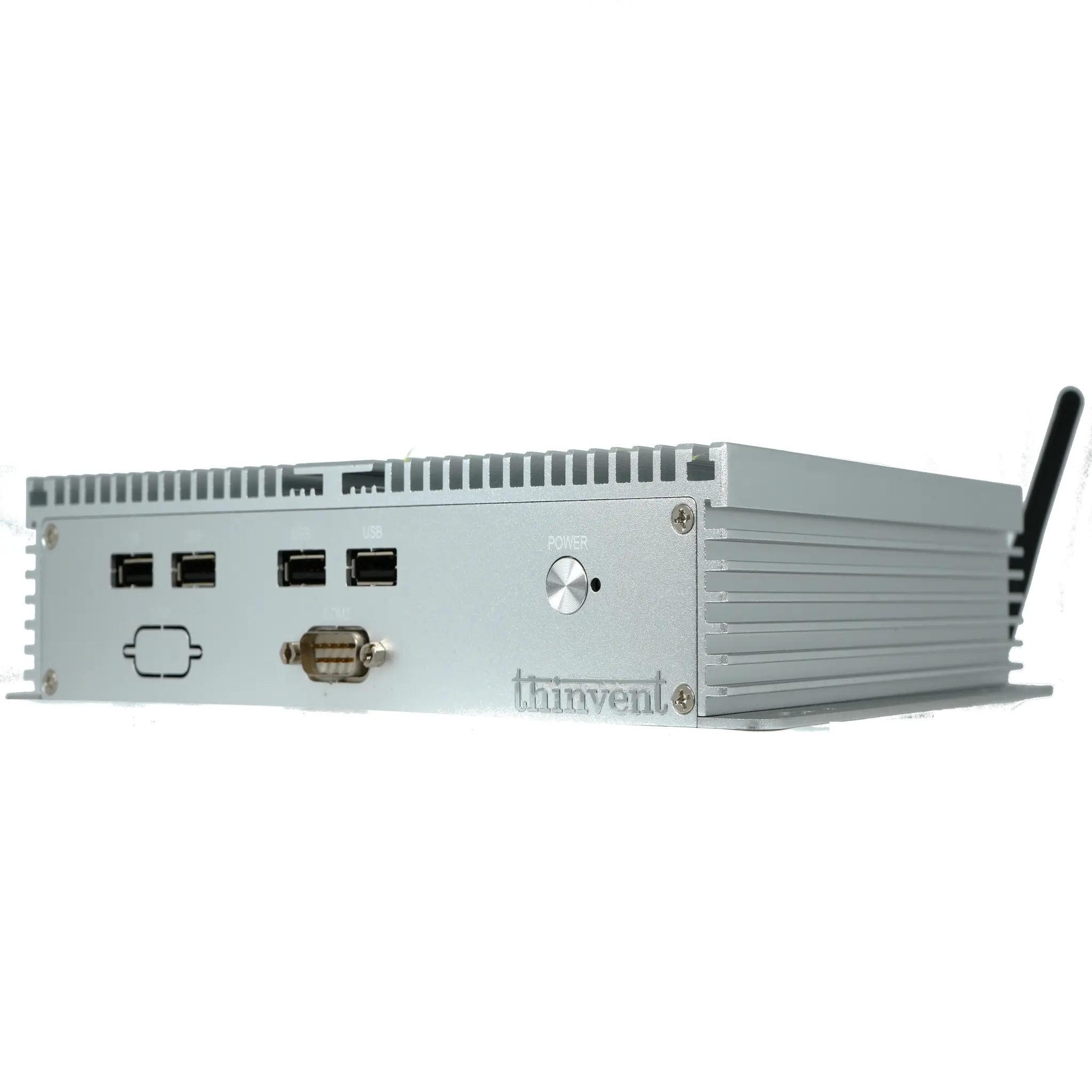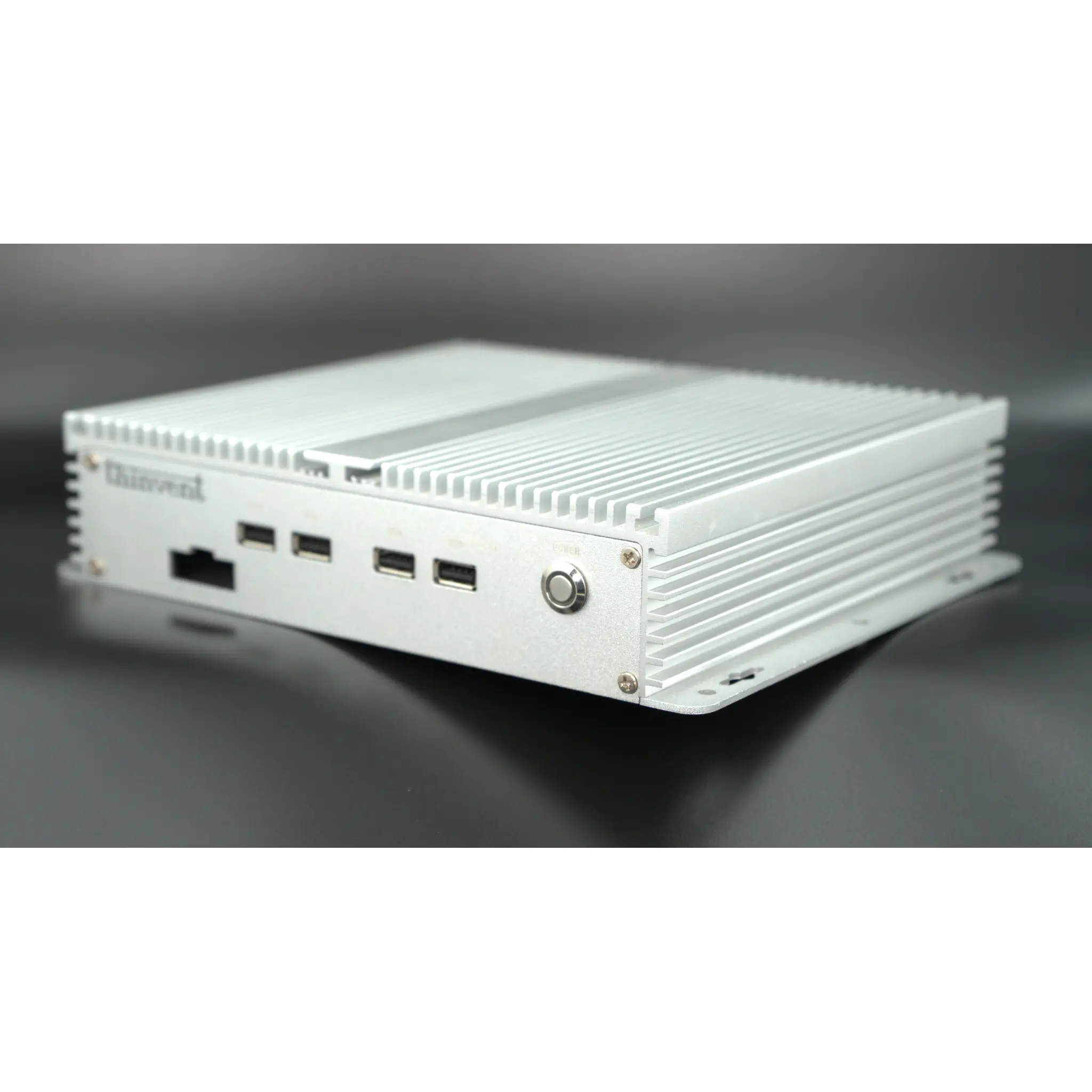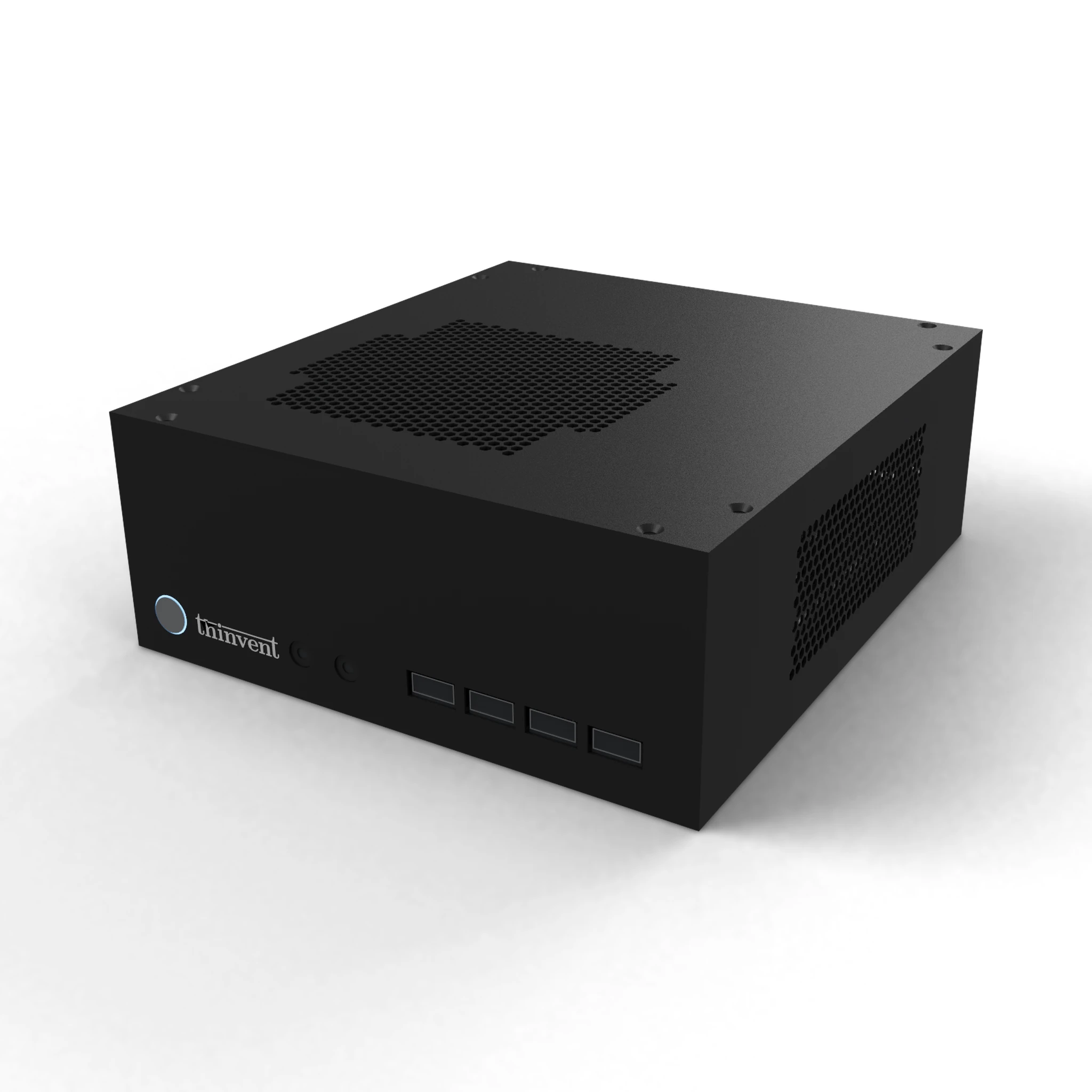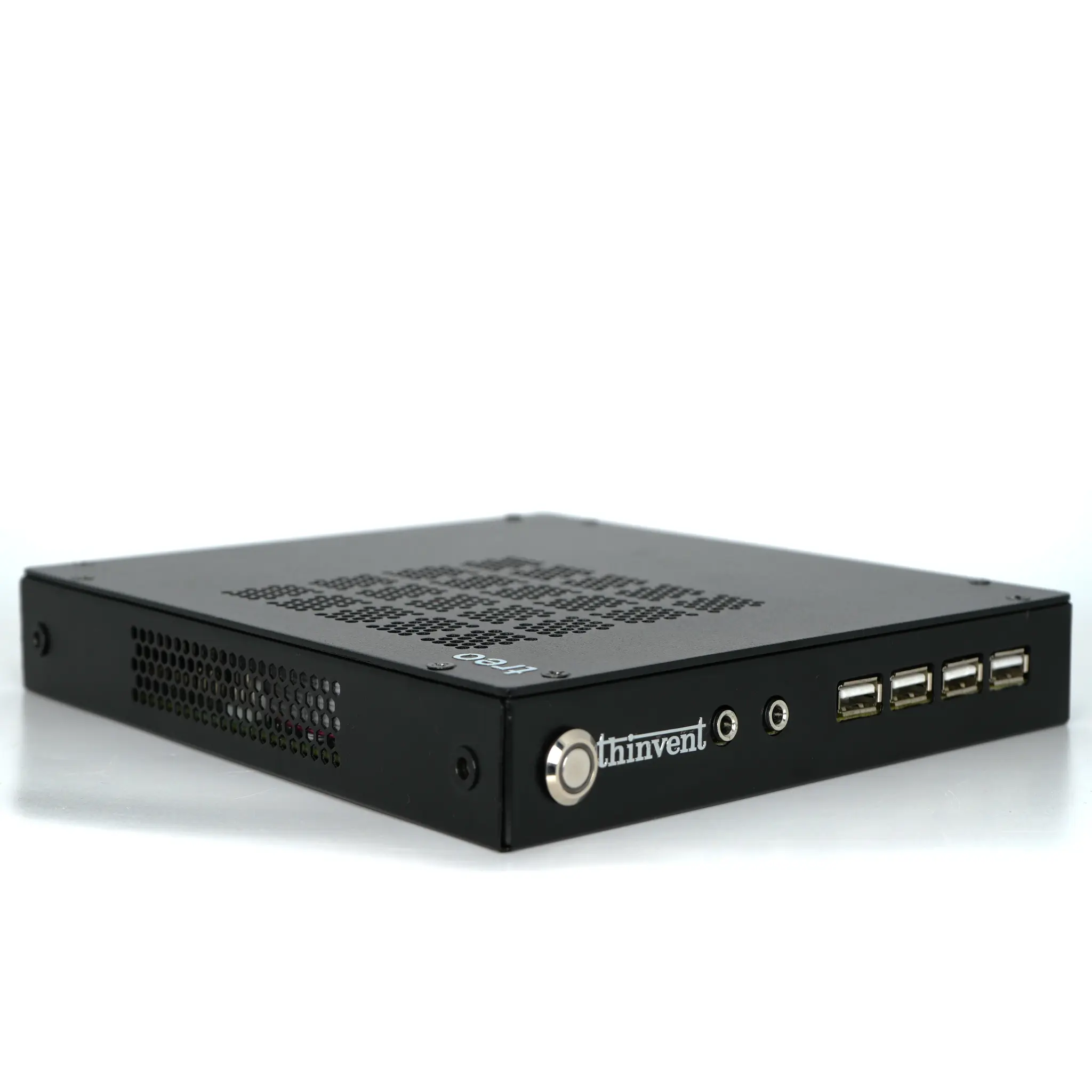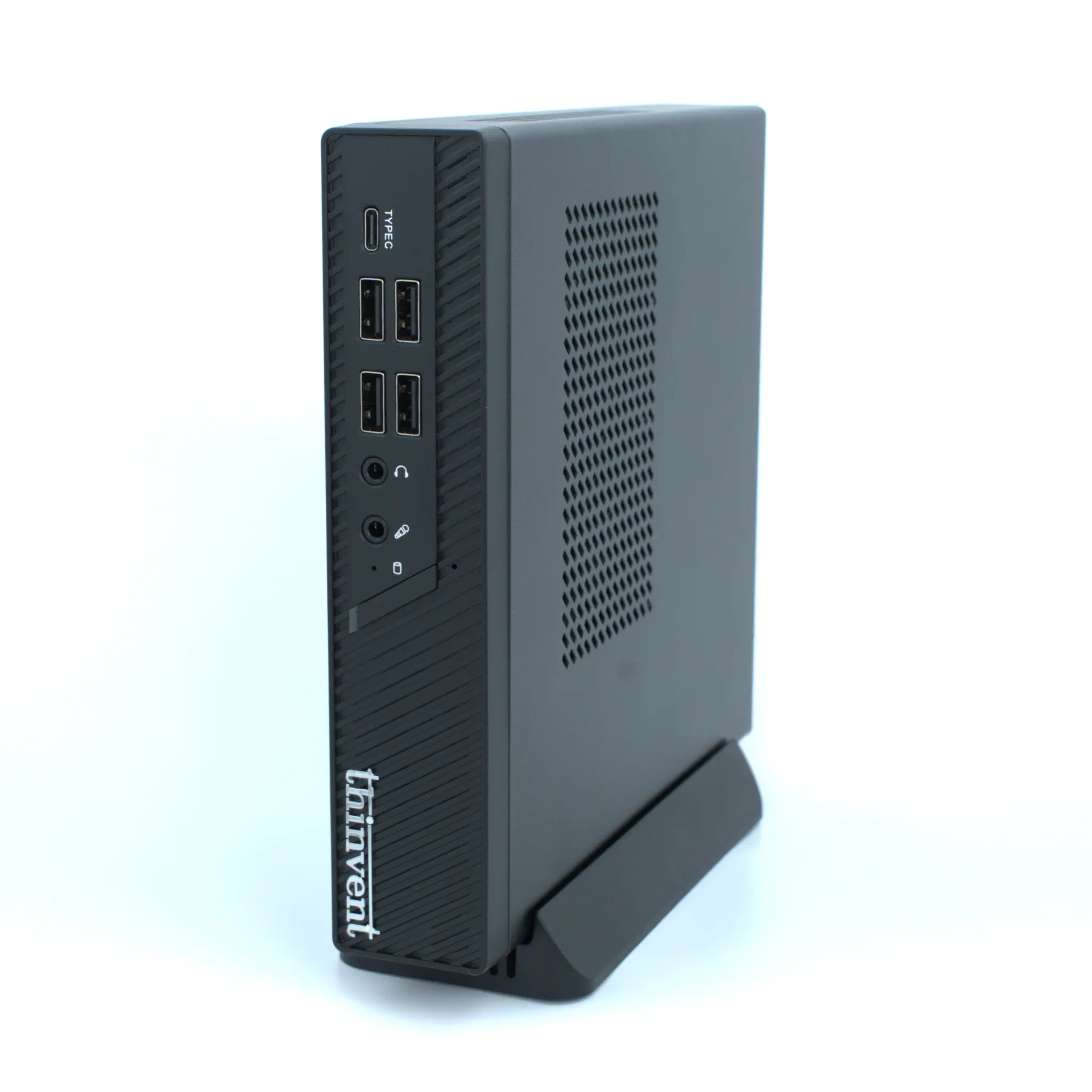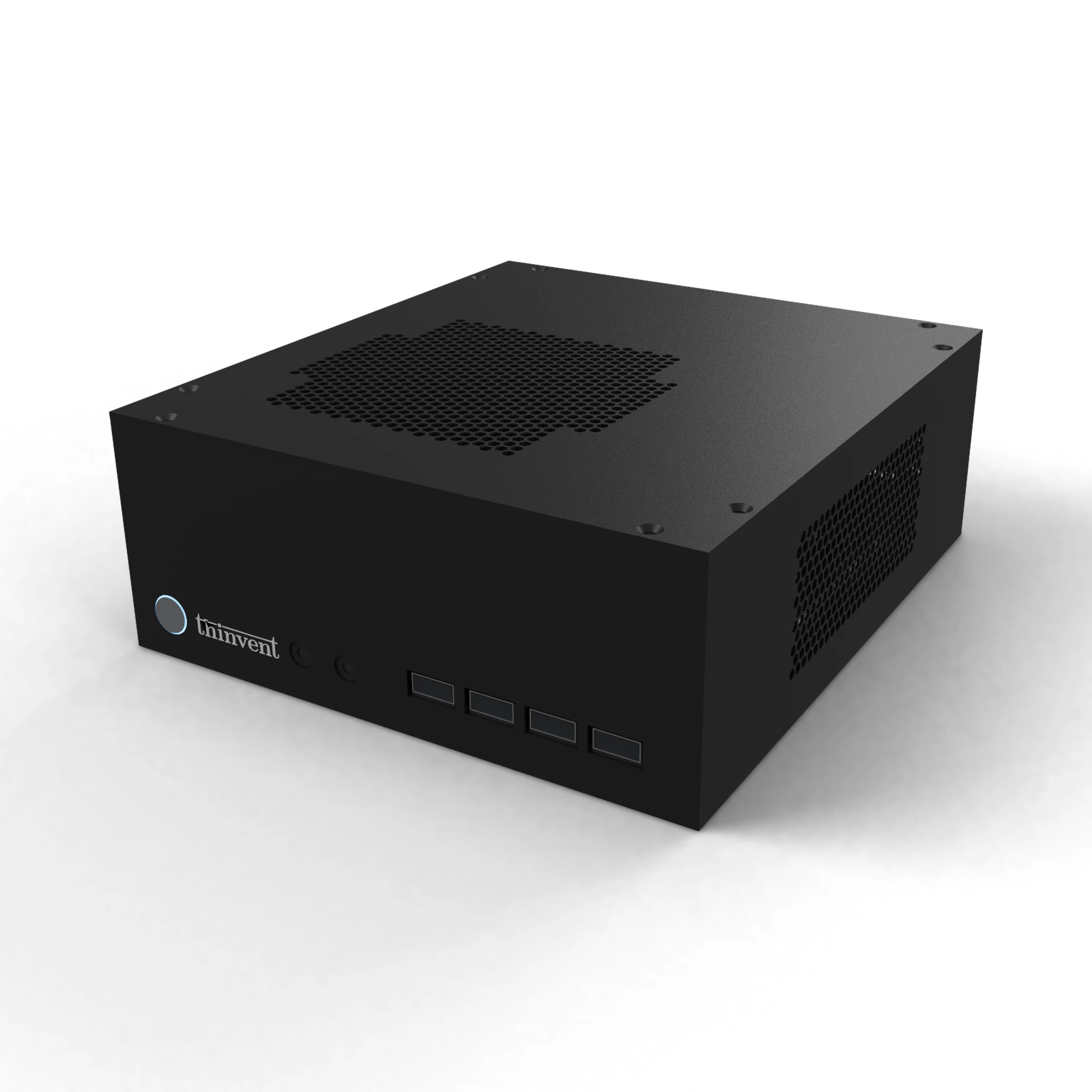
The Lenovo ThinkCentre business desktop with a 12th Gen Intel Core i3-12100 is a compact Mini PC with Windows 11 Pro, Wi-Fi and support for up to three displays. The closest Thinvent match is the Thinvent Aero Mini PC with the Intel Core i3-1215U (12th Gen), which runs Windows 11 Pro, has Wi-Fi 5 dual band, and supports RAM up to 64 GB.
Lenovo ThinkCentre i3 12th Gen vs Thinvent Aero Mini PC (Intel Core i3-1215U)
| Specification | Lenovo ThinkCentre (Core i3-12100) | Thinvent Aero Mini PC (Core i3-1215U) |
|---|---|---|
| Processor | Intel Core i3-12100 (12th Gen) | Intel Core i3-1215U (12th Gen) |
| Cores/Threads | 4 cores / 8 threads | 6 cores |
| RAM | Up to 64 GB | Up to 64 GB |
| Storage | Up to 1 TB HDD and SSD (per listing) | 32 GB to 2 TB SSD (128 GB in this SKU) |
| Form Factor | Mini PC | Mini PC |
| Operating System | Windows 11 Pro | Windows 11 Pro |
| Wi-Fi | Yes | Wi-Fi 5 (802.11ac), dual band |
| Displays | Up to 3 (HDMI, DP, VGA) | HDMI and VGA (2 outputs) |
Key differences
-
The Thinvent Aero Mini PC has 6 cores against the Lenovo's 4 cores, which gives it more parallel processing capacity on the same 12th Gen Intel generation.
-
Both products support up to 64 GB of RAM.
-
The Thinvent Aero Mini PC has a dual LAN option on its Core i3-1215U model, along with an RS485 option for industrial serial connectivity.
-
The Lenovo supports three displays through HDMI, DisplayPort and VGA. The Thinvent Aero Mini PC has HDMI and VGA ports for two displays.
-
The Thinvent Aero Mini PC can run Windows 11 Pro, Windows 11 IoT Value, Ubuntu Linux, Thinux Embedded Linux, or no operating system at all.
-
The Thinvent Aero Mini PC has a steel and ABS housing with powder-coated finish, rated for 0°C to 35°C operation.
Which one should you choose?
Choose the Lenovo ThinkCentre if you need three display outputs with Windows 11 Pro. Choose the Thinvent Aero Mini PC if you want 6 cores, a choice of operating systems including Linux, and a dual LAN or RS485 option.