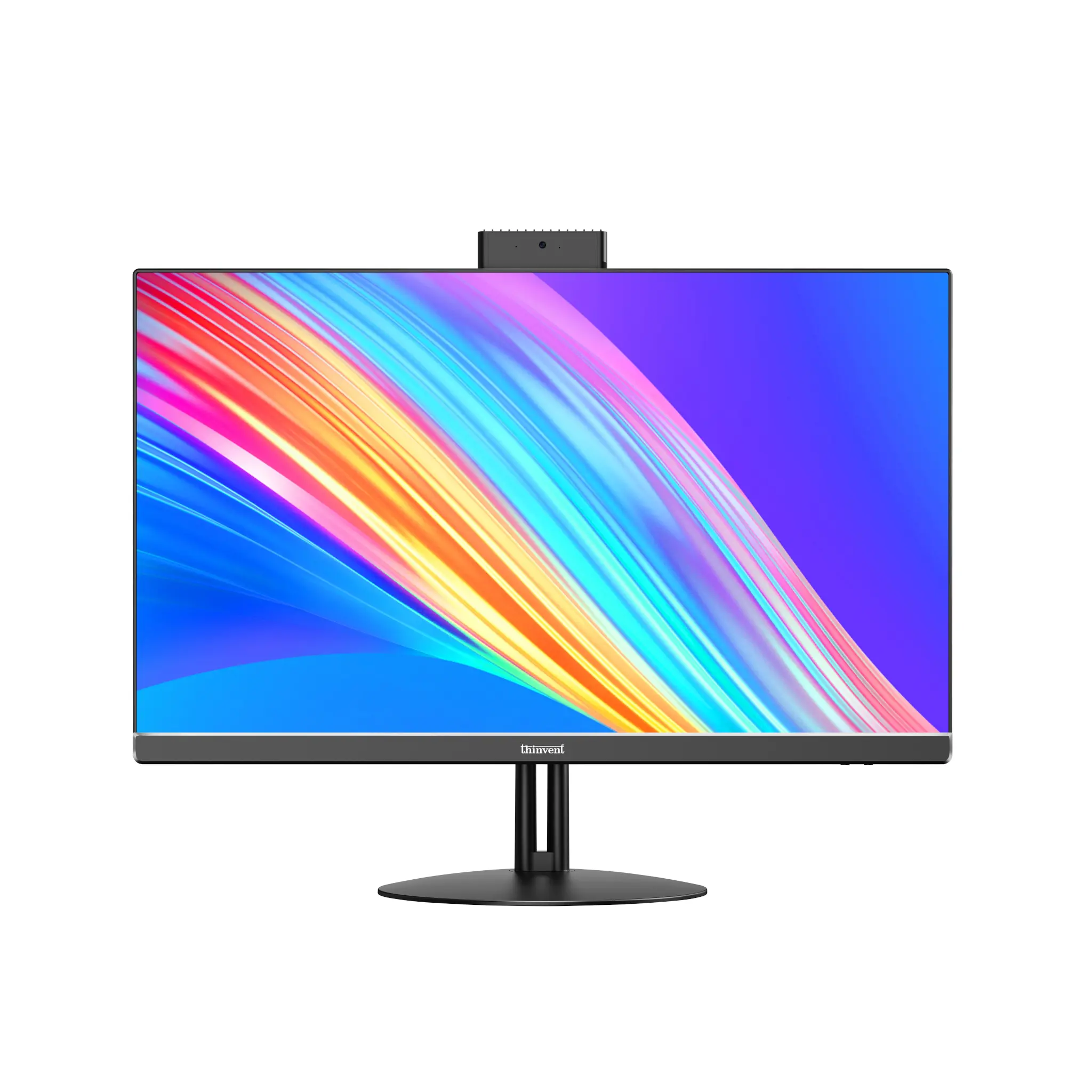
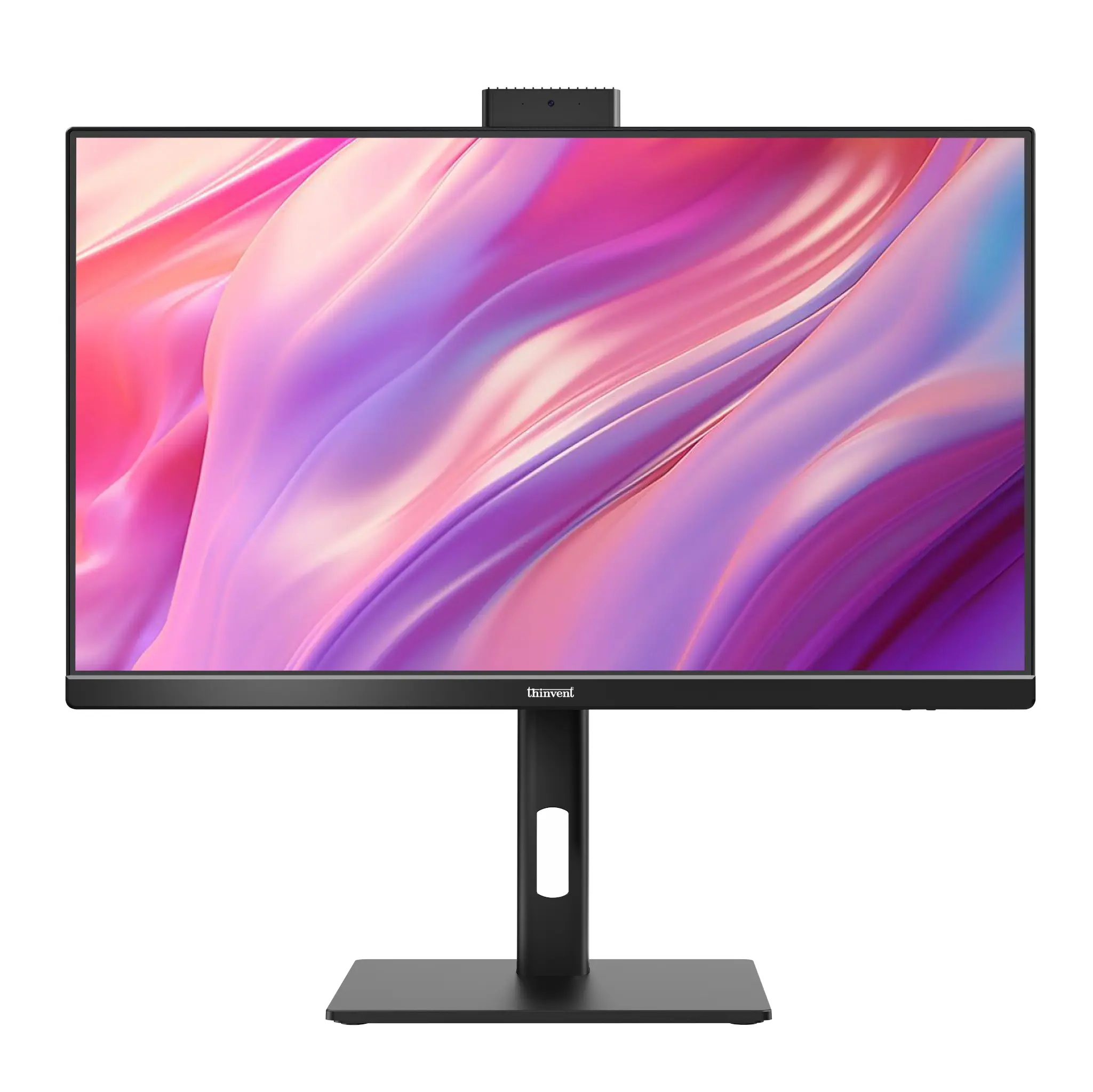
The Lenovo ThinkCentre All-in-One Desktop is a business all-in-one PC with an Intel Core i3 processor, Wi-Fi and Windows 11 Pro. The closest Thinvent match is the Thinvent Uno All-in-One PC with Intel Core i3-1315U, which has 64 GB of RAM and 2 TB of SSD storage.
Lenovo ThinkCentre All-in-One vs Thinvent Uno All-in-One PC
| Lenovo ThinkCentre All-in-One | Thinvent Uno, Intel Core i3-1315U | Thinvent Uno, Intel Core i3-1215U | |
|---|---|---|---|
| Processor | Intel Core i3 | Intel Core i3-1315U | Intel Core i3-1215U |
| Cores/Threads | Up to 6 cores | 6 cores | 6 cores |
| RAM | Up to 32 GB | Up to 64 GB | Up to 64 GB |
| Storage | Up to 2 TB | 2 TB SSD | 2 TB SSD |
| Form Factor | All-in-One | All-in-One | All-in-One |
| Wireless | Wi-Fi | Wi-Fi 5 (802.11ac), dual band | Wi-Fi 5 (802.11ac), dual band |
| Operating System | Windows 11 Pro | Windows 11 Pro | Windows 11 Pro |
Choose from the operating systems below for the Thinvent Uno: Windows 11 Pro, Windows 11 IoT Value, Ubuntu Linux, Thinux™ Embedded Linux, Without OS, or DOS.
Key differences
-
The Thinvent Uno supports up to 64 GB of RAM, twice the 32 GB maximum of the Lenovo ThinkCentre All-in-One.
-
Both Thinvent Uno models use the Intel Core i3 series, with the same 6 cores as the Lenovo's maximum configuration.
-
The Thinvent Uno has a 21.5-inch, 1920 × 1080 display with a pop-up 2-megapixel camera, two 3 W speakers, and HDMI and VGA outputs.
-
The Thinvent Uno includes a Kensington lock and is rated for 0°C to 35°C operation.
-
We could not confirm the Lenovo ThinkCentre All-in-One's display size, ports or cooling details, so those points are not compared here.
Which one should you choose?
Choose the Lenovo ThinkCentre All-in-One if you want a Lenovo business AIO with Windows 11 Pro and Wi-Fi. Choose the Thinvent Uno if you need up to 64 GB of RAM, a choice of operating systems including Linux, or a fixed-stand AIO with a Kensington lock.