What Is a Mini PC with HDMI Connectivity?
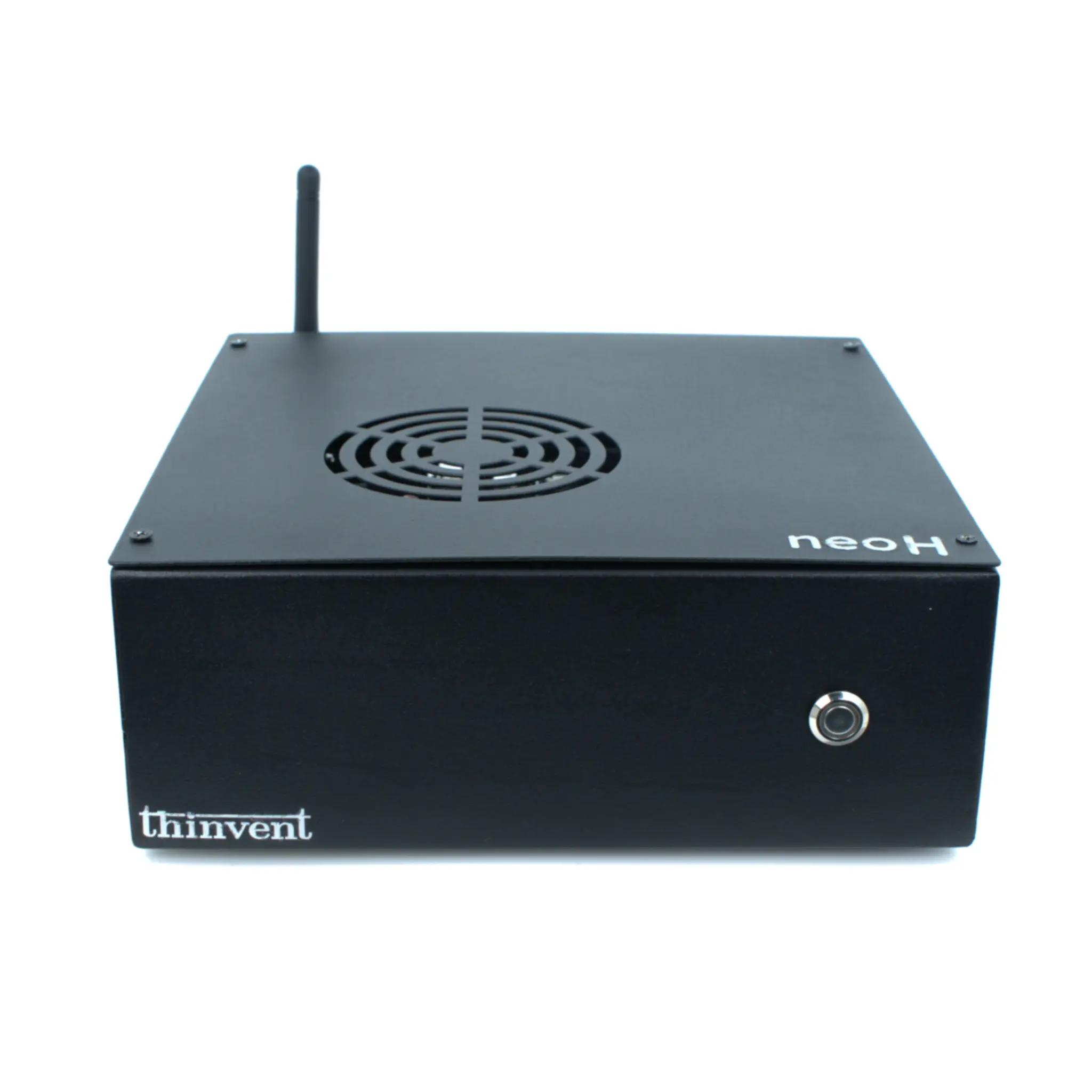
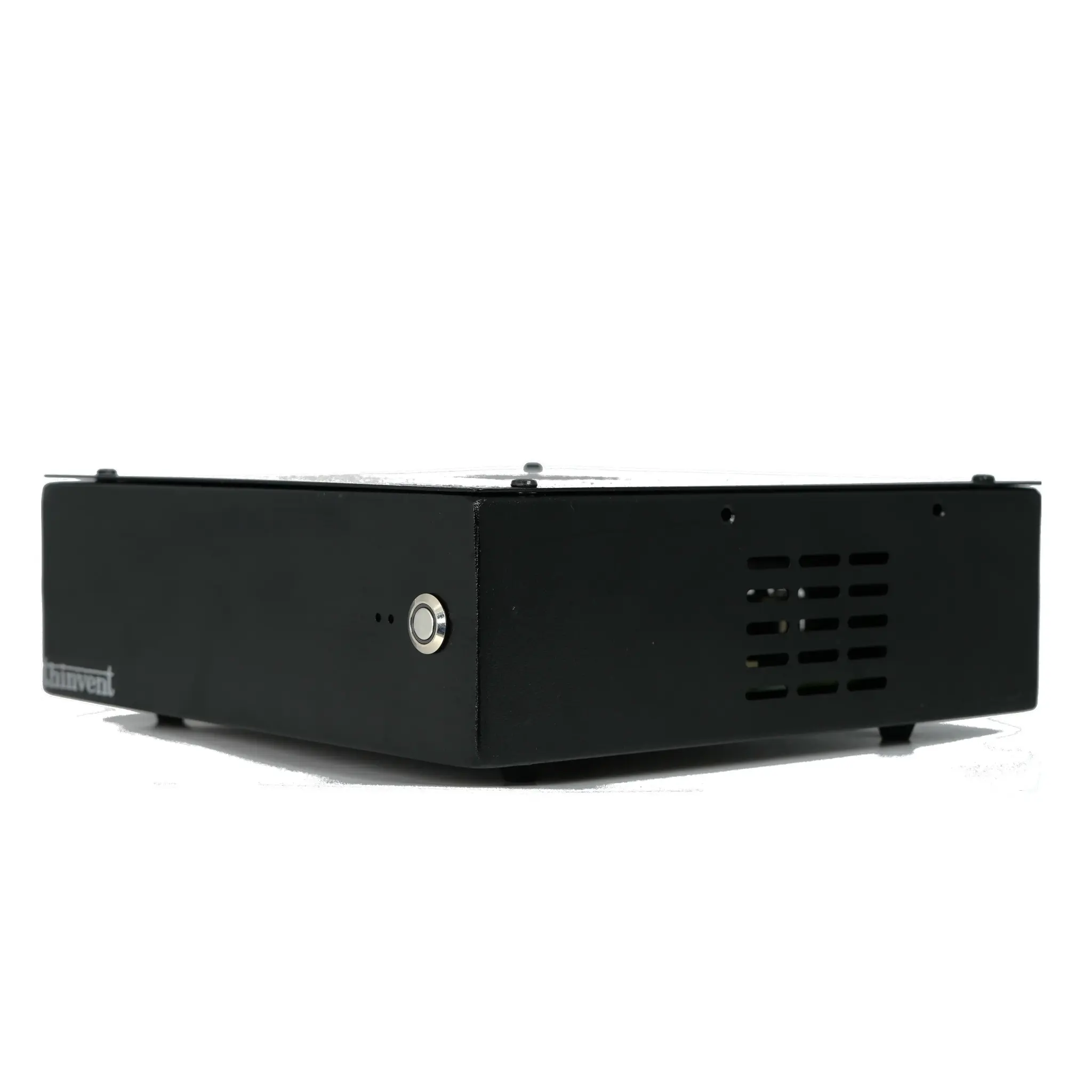
A mini PC with HDMI connectivity is a compact desktop computer that outputs video and audio over an HDMI port, letting you connect it directly to a monitor, TV, projector or digital signage display with a single cable. Because HDMI carries both video and audio, no separate speakers or audio cables are required. These systems typically measure a fraction of the size of a tower desktop, mount behind a screen or under a desk, and draw far less power — often running from a small 12V external adapter.
HDMI has become the default display interface on modern mini computers for good reason: it is universally supported by displays, it is plug-and-play, and it supports high resolutions without configuration. A well-designed mini PC usually provides at least one full-size HDMI port, and many models add a second HDMI output so two independent screens can run side by side.
HDMI Versions and What They Support
The HDMI version determines the maximum resolution and refresh rate. HDMI 1.4 supports up to 1920 × 1080 at 60 Hz and 3840 × 2160 at 30 Hz. HDMI 2.0 raises this to 3840 × 2160 (4K) at 60 Hz, which is what most business, signage and video-wall deployments need. HDMI 2.1 goes further, supporting 4K at 120 Hz and 8K at 60 Hz for specialist workloads.
| HDMI Version | Max Resolution | Typical Refresh Rate | Common Use |
|---|---|---|---|
| HDMI 1.4 | 1920 × 1080 / 3840 × 2160 | 60 Hz / 30 Hz | Basic office, legacy displays |
| HDMI 2.0 | 3840 × 2160 (4K) | 60 Hz | Signage, dual-screen office, kiosks |
| HDMI 2.1 | 3840 × 2160 / 7680 × 4320 | 120 Hz / 60 Hz | High-refresh and 8K specialist work |
Two HDMI ports are especially useful: one screen can run an application or POS interface while the second drives a customer-facing display, a dashboard or an extended desktop. Combined with a modern integrated GPU, dual HDMI output allows smooth extended-desktop working without adding a discrete graphics card.
Typical Applications
-
Digital signage and menu boards — a single HDMI cable to a commercial display, with the mini PC tucked behind the panel.
-
Office and reception desks — dual HDMI for a main monitor plus a secondary screen for email, CRM or dashboards.
-
Kiosks and self-service terminals — compact, low-power and easy to mount inside an enclosure.
-
Conference rooms — HDMI straight into a projector or large-format display for presentations and video calls.
-
Education and training labs — low power draw and quiet operation suit rooms with many seats.
-
Industrial and retail environments — fanless designs handle dust, vibration and wide temperature ranges while still driving a display over HDMI.
What to Look For
When choosing a compact mini PC with HDMI, check four things: the HDMI version and whether you need one or two outputs; the processor, since 4K60 video and multitasking benefit from a modern Intel Core or Celeron/N-series chip; memory and storage, where 8–16 GB RAM and an SSD keep the system responsive; and the cooling and mounting design, because fanless chassis are preferable in dusty or unattended