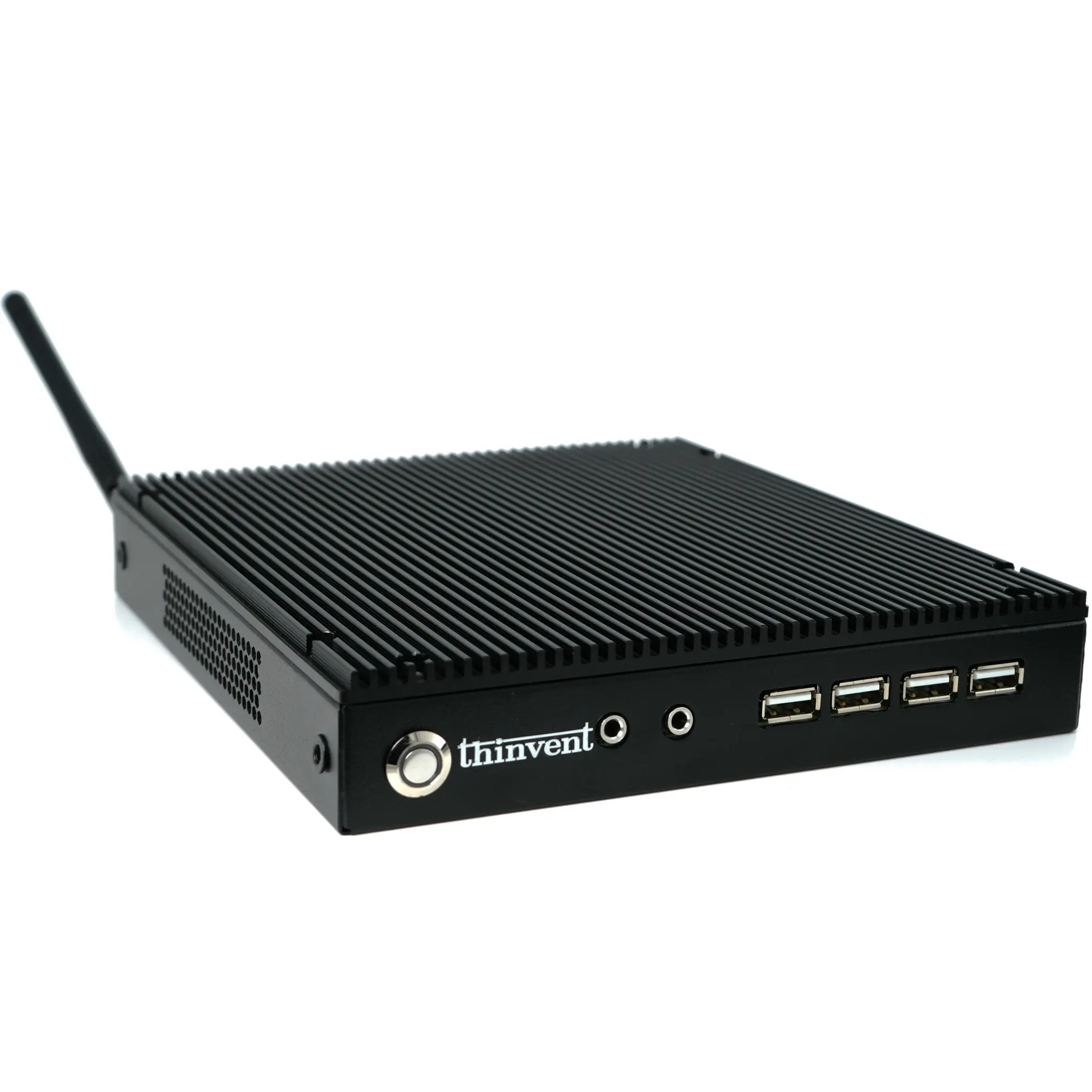
Finding the Right Office Computer at the Right Price
When searching for an office computer, the primary goal is to balance performance with cost. An affordable office computer doesn't mean sacrificing reliability; it means selecting the right specifications for your daily tasks. Typical office workloads include web browsing, email, document editing, spreadsheets, video conferencing, and using cloud-based applications. For these tasks, you don't need a high-end gaming or workstation processor. Instead, focus on a system with a modern, energy-efficient processor, sufficient RAM for multitasking (at least 4GB to 8GB), and a solid-state drive (SSD) for fast boot times and application loading. This combination ensures a responsive and frustration-free experience without overspending.
Key Specifications for a Budget-Friendly Office PC
The most critical components for an office computer are the processor (CPU), memory (RAM), and storage. For the CPU, Intel's N-series processors (like the N100 or N95) or entry-level Core i3 processors offer excellent performance for office tasks at a low price point and with very low power consumption. These processors are more than capable of handling multiple browser tabs, Office 365, and Zoom calls simultaneously. For memory, 4GB is the bare minimum, but 8GB is highly recommended for smoother multitasking. An SSD, even a 128GB model, is non-negotiable for modern computing as it dramatically improves system responsiveness compared to traditional hard drives. Operating system choice (Windows or Linux) can also affect the overall price.
Use Cases and Applications
An affordable office computer is ideal for a wide range of professional environments. This includes front desk and reception areas, call centers, educational labs, library terminals, and general administrative workstations in small to medium-sized businesses. They are also perfect for remote workers who need a reliable secondary machine for productivity. These computers excel in scenarios where the primary software suite is browser-based or includes standard office applications like Microsoft Office, Google Workspace, or LibreOffice. Their small form factor (Mini PCs) also makes them excellent for space-constrained desks, allowing for a clean and organized workspace.
Comparison of Entry-Level Office PC Options
Here is a comparison of common processor options found in affordable office computers:
| Feature | Intel N100 / N95 | Intel Core i3 (12th Gen) |
|---|---|---|
| Cores / Threads | 4 / 4 | 6 / 8 (e.g., i3-1215U) |
| Typical Use | Basic office, web browsing, light apps | Multitasking, heavier spreadsheets, light data analysis |
| RAM Recommendation | 4GB - 8GB | 8GB - 16GB |
| Power Efficiency | Excellent (6W TDP) | Very Good (15W TDP) |
| Price Point | Most Affordable | Affordable |
Thinvent's Range of Cost-Effective Office Computers
Thinvent offers a diverse portfolio of office computers designed to fit any budget without compromising on quality. For the most cost-sensitive deployments, our Treo and Micro series Mini PCs featuring Intel N-series processors (N95, N100) or ARM Cortex processors are excellent choices, providing fanless, silent operation and low power consumption. For users who need a bit more performance for multitasking, our Aero Mini PC and Industrial IPC3 with Intel Core i3 processors offer a significant boost. All Thinvent office PCs come with fast SSD storage and are available with or without an operating system, including Windows 11 Pro and Ubuntu Linux, allowing you to tailor the solution to your exact needs and budget.