What is a Thin Client Display?
A thin client display refers to the visual output from a thin client computer, a streamlined endpoint device designed to connect to a centralized server or cloud environment. Unlike traditional desktops, thin clients have minimal local processing, relying on the server for most computing tasks. The "display" aspect is critical, as it is the primary user interface for accessing virtual desktops, applications, and data hosted remotely. These systems are engineered for reliability, low power consumption, and silent, fanless operation, making them ideal for environments where space, noise, and heat are concerns.
Key Specifications and Technical Details
Modern thin client displays are driven by compact, energy-efficient hardware. Core specifications typically include low-power Intel processors (like the N-series), sufficient RAM for smooth remote protocol operation (often 8GB or 16GB), and modest SSD storage for the host operating system. Connectivity is paramount, with standard features including Gigabit Ethernet for stable network connections, multiple HDMI ports for dual-monitor setups, and USB ports for peripherals. They run lightweight or specialized operating systems such as Windows IoT, Linux distributions, or custom embedded OSes optimized for virtual desktop infrastructure (VDI).
Use Cases and Applications
Thin client displays are the cornerstone of centralized computing architectures. They are extensively deployed in:
-
Corporate VDI Environments: Providing secure, standardized desktops to employees from a central data center.
-
Healthcare: Accessing Electronic Health Records (EHR) systems from nursing stations and patient rooms with enhanced security and easy management.
-
Education: In computer labs and libraries, allowing students to access lab software from any terminal while simplifying IT maintenance.
-
Call Centers & Retail: Running CRM and POS applications reliably across hundreds of stations with minimal downtime.
-
Digital Signage & Kiosks: Driving content on displays in public spaces due to their small form factor and 24/7 reliability.
Comparison: Thin Client vs. Traditional Desktop for Display Purposes
| Feature | Thin Client | Traditional Desktop |
|---|---|---|
| Primary Processing | Server/Cloud-based | Local |
| Hardware Footprint | Very small, fanless | Larger, often with fans |
| Power Consumption | Very Low (10-25W) | Moderate to High (65W+) |
| Heat & Noise Output | Minimal to none | Can be significant |
| Initial Hardware Cost | Lower | Higher |
| Total Cost of Ownership (TCO) | Lower (easier management, longer lifespan) | Higher (individual maintenance, upgrades) |
| Security | High (data resides centrally) | Varies (data on local device) |
| Best For | Centralized, scalable, secure deployments | High-performance, graphics-intensive local tasks |
Thinvent Thin Client Solutions
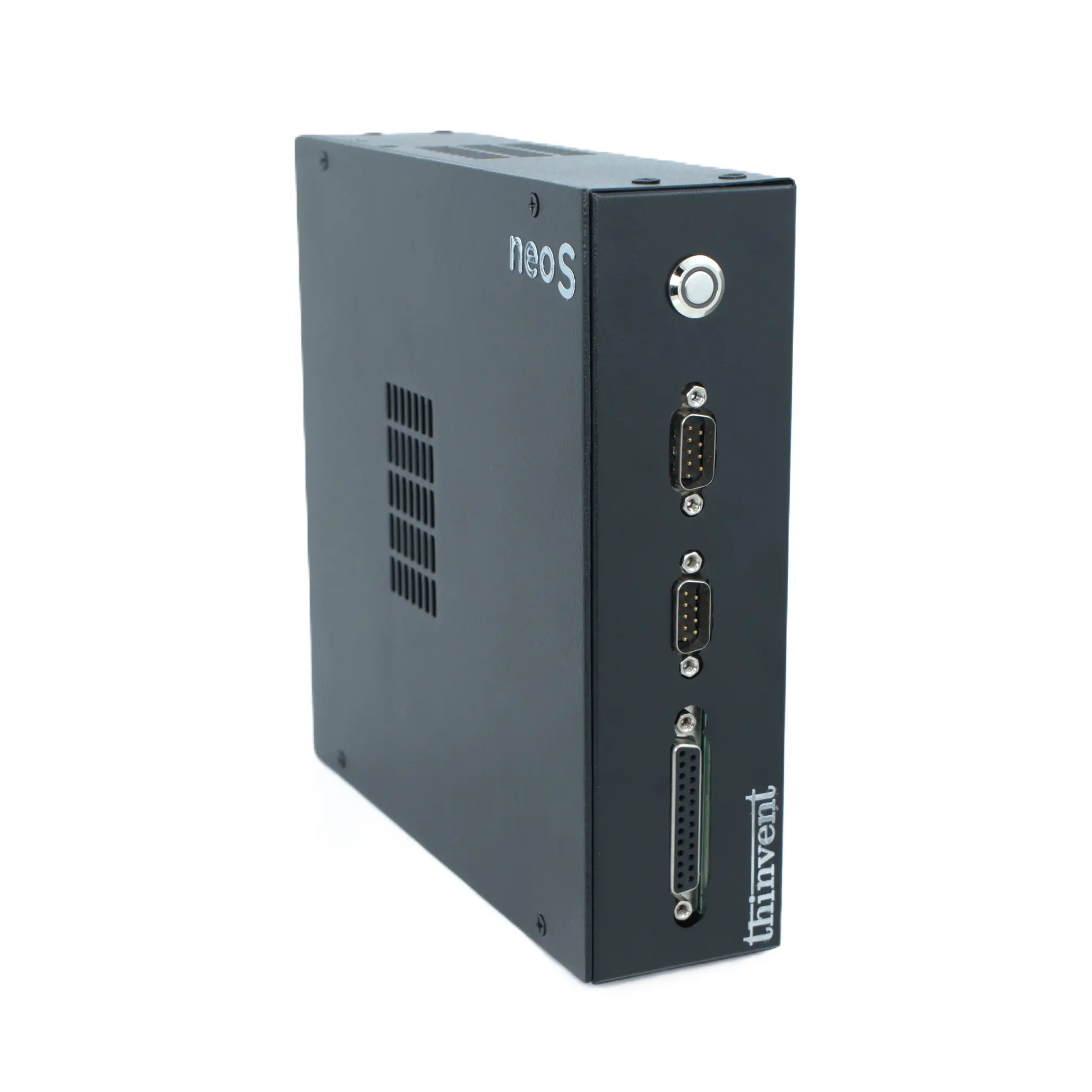
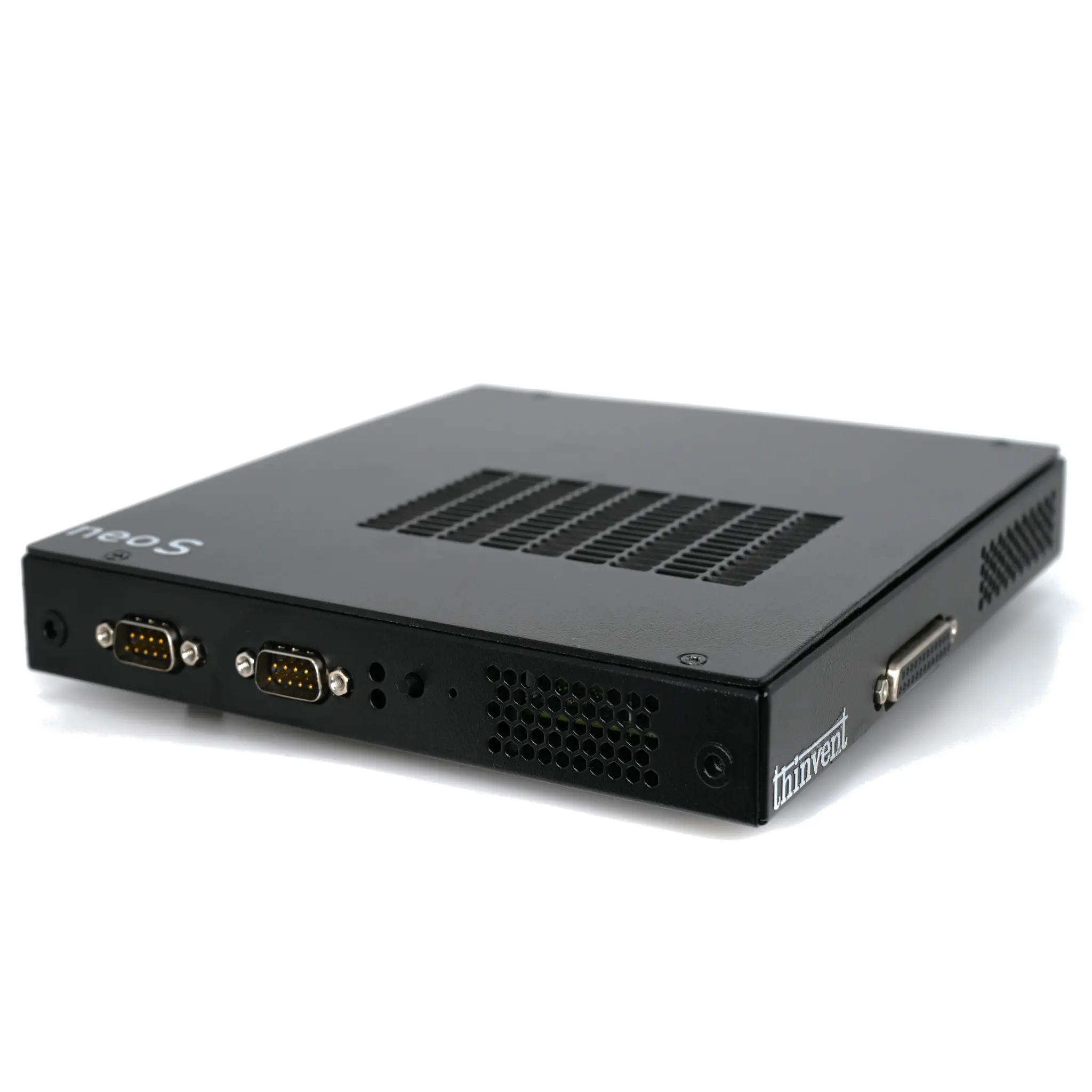
Thinvent offers a robust range of thin client computers designed to deliver crisp, reliable displays for any VDI or cloud-based workflow. Our Neo S series, for example, features the efficient Intel N100 processor, up to 16GB of RAM, and multiple OS options to seamlessly integrate into your existing infrastructure. Built for durability and silent operation, Thinvent thin clients provide a cost-effective and manageable endpoint solution for businesses worldwide, ensuring users have a consistent and responsive display experience connected to their virtual workspace.