A touch screen monitor for a PC is a display that incorporates a touch-sensitive overlay, allowing users to interact directly with the on-screen content using their fingers or a stylus. These monitors connect to a computer via standard video interfaces like HDMI or DisplayPort and often use USB for the touch data transmission. They are essential for creating intuitive, interactive user interfaces in environments where traditional input devices like a keyboard and mouse are impractical, cumbersome, or unsanitary.
Key Specifications and Technologies
Modern industrial touch screen monitors are defined by several critical specifications. The touch technology is paramount, with common types being Projected Capacitive (PCAP) for high clarity and multi-touch support, and Resistive for durability and operation with gloves or stylus. Screen size typically ranges from compact 10-inch displays to large 24-inch panels, with common industrial sizes being 15.6", 21.5", and 23.8". Resolution is another key factor, with Full HD (1920x1080) being standard for clarity. They feature robust build quality with IP-rated front bezels for dust and liquid resistance, wide operating temperature ranges, and anti-glare coatings for use in bright environments. Mounting options like VESA are standard for flexible installation.
Applications and Use Cases
Touch screen monitors are deployed across numerous sectors to enhance efficiency and user experience. In industrial automation, they serve as HMIs (Human-Machine Interfaces) for controlling machinery and monitoring production lines. Retail and Hospitality utilize them for Point-of-Sale (POS) systems, self-service kiosks, and digital menus. In healthcare, they enable quick access to patient records and medical imaging. Transportation and logistics use them for fleet management and warehouse control systems. Their intuitive nature reduces training time and minimizes input errors.
Choosing the Right Touch Monitor
Selecting a monitor depends on the operational environment and required interaction. | Feature | Consideration | Best For | | :--- | :--- | :--- | | Touch Type | PCAP (Multi-touch, high clarity) vs. Resistive (works with gloves) | Public kiosks (PCAP) vs. factory floors (Resistive) | | Bezel & Build | Metal chassis, IP65/IP54 rating | Harsh, wash-down environments | | Brightness | High nits (500-1000+ cd/m²) | Outdoor or brightly lit indoor areas | | Connectivity | HDMI/DisplayPort + USB for touch | Compatibility with existing PC systems |
Thinvent Touch Screen Solutions
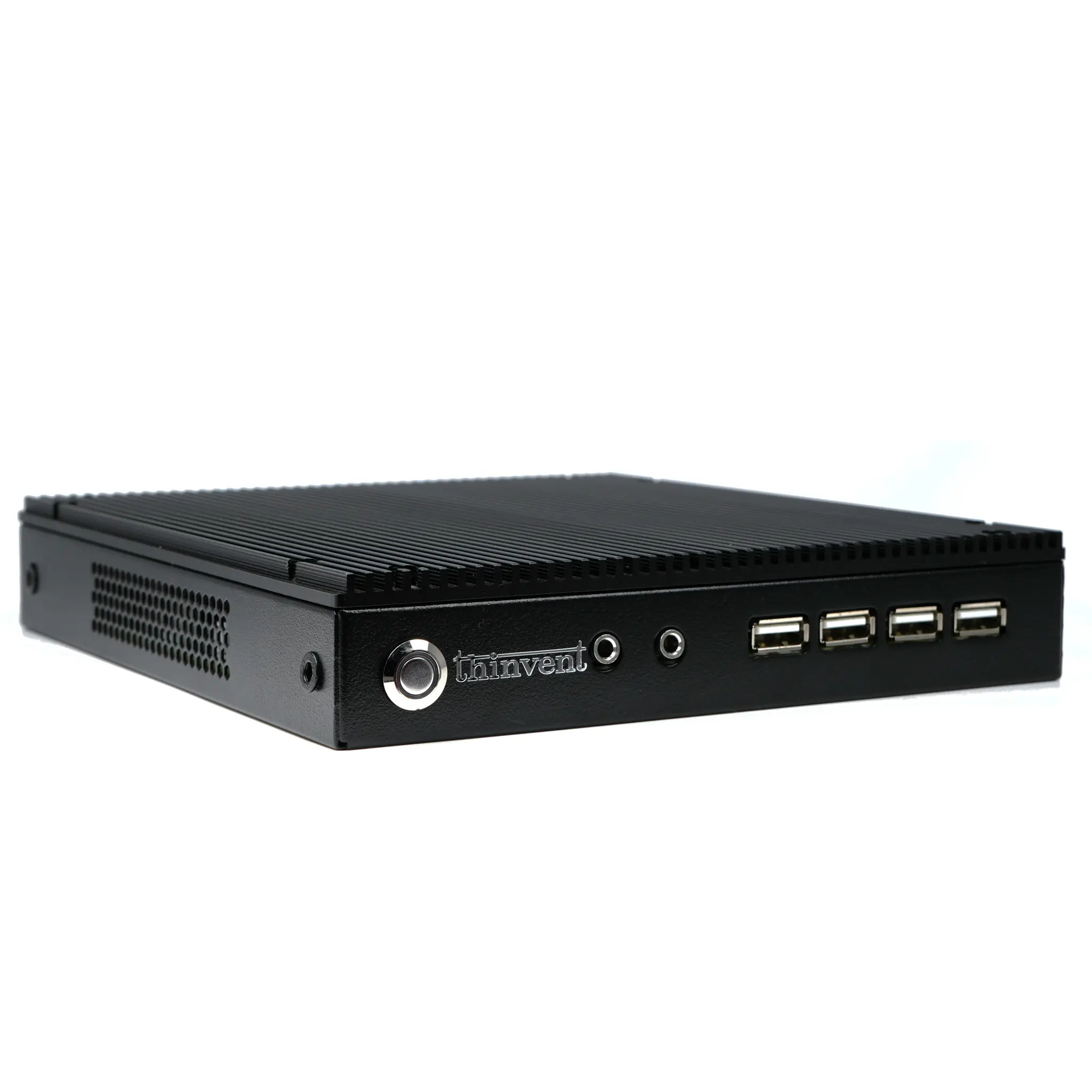
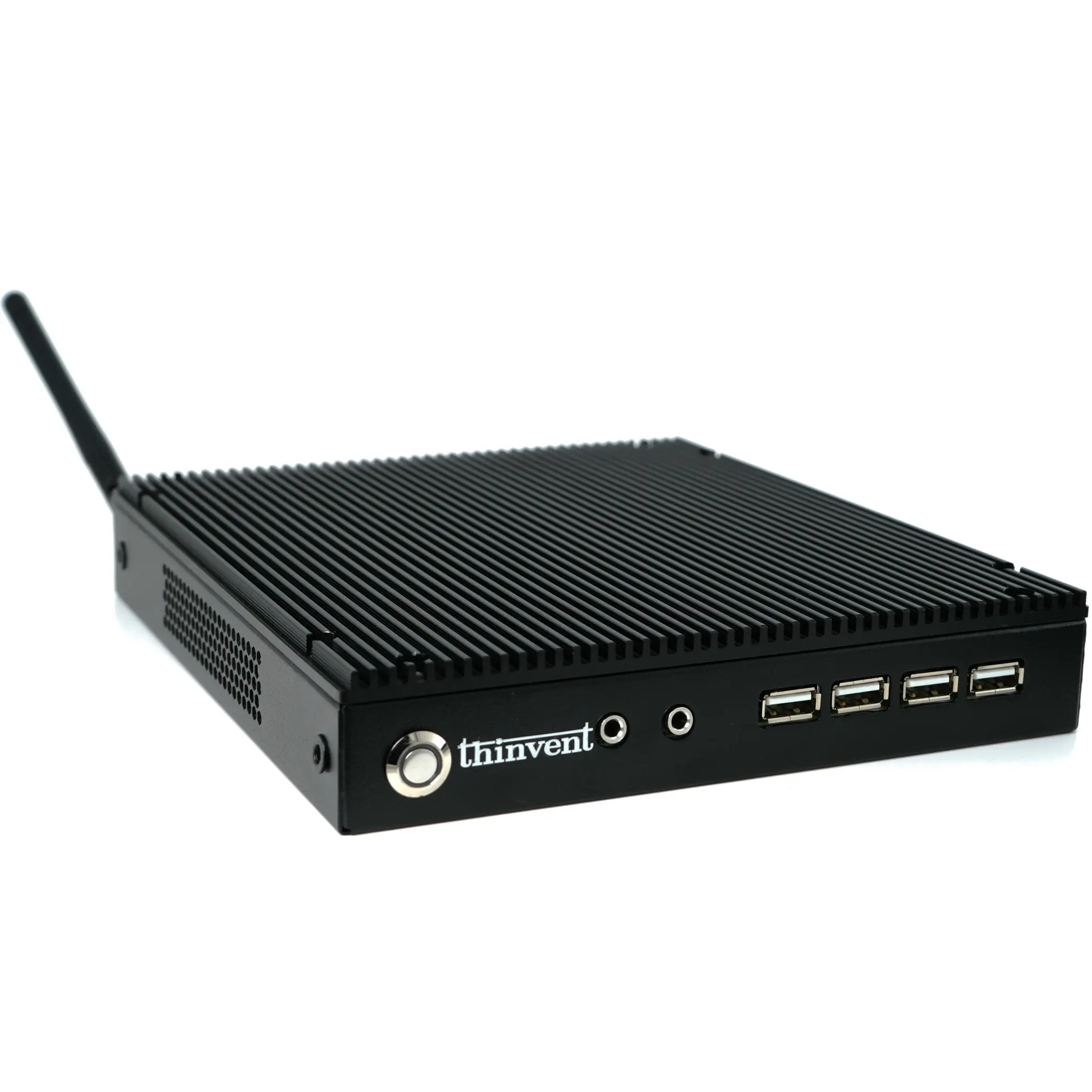
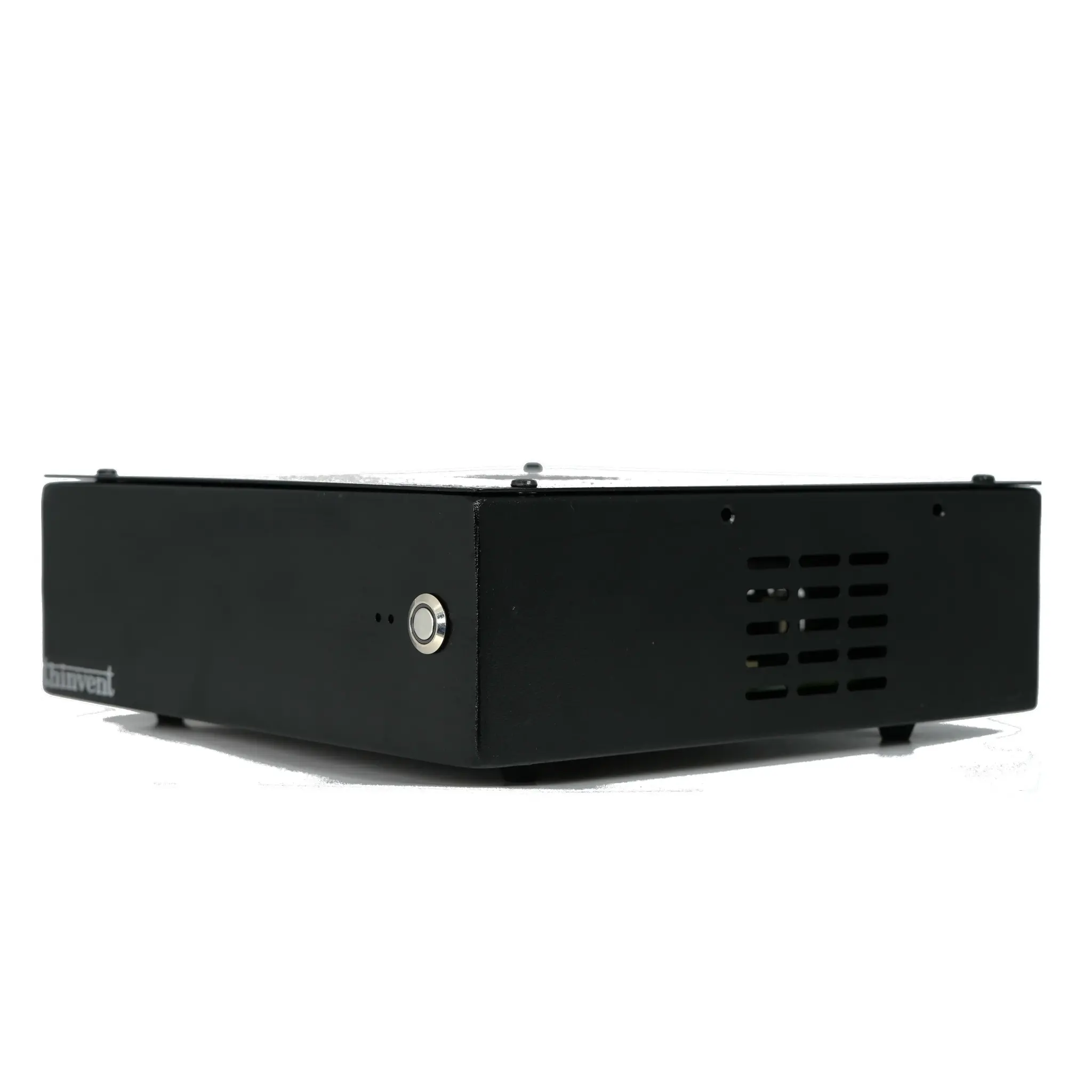
While Thinvent specializes in robust industrial computing hardware like fanless Mini PCs and Thin Clients, our systems are engineered for seamless integration with a wide range of industrial touch screen monitors. A Thinvent industrial PC, with its reliable, fanless design and wide voltage input, provides the perfect stable computing core for touch-based applications. Pairing a Thinvent Mini PC with a high-quality touch monitor creates a complete, durable solution for kiosks, digital signage, interactive HMIs, and control panels. Our computers support all major operating systems and offer the connectivity and processing power needed to drive responsive touch interfaces in demanding 24/7 operational environments.