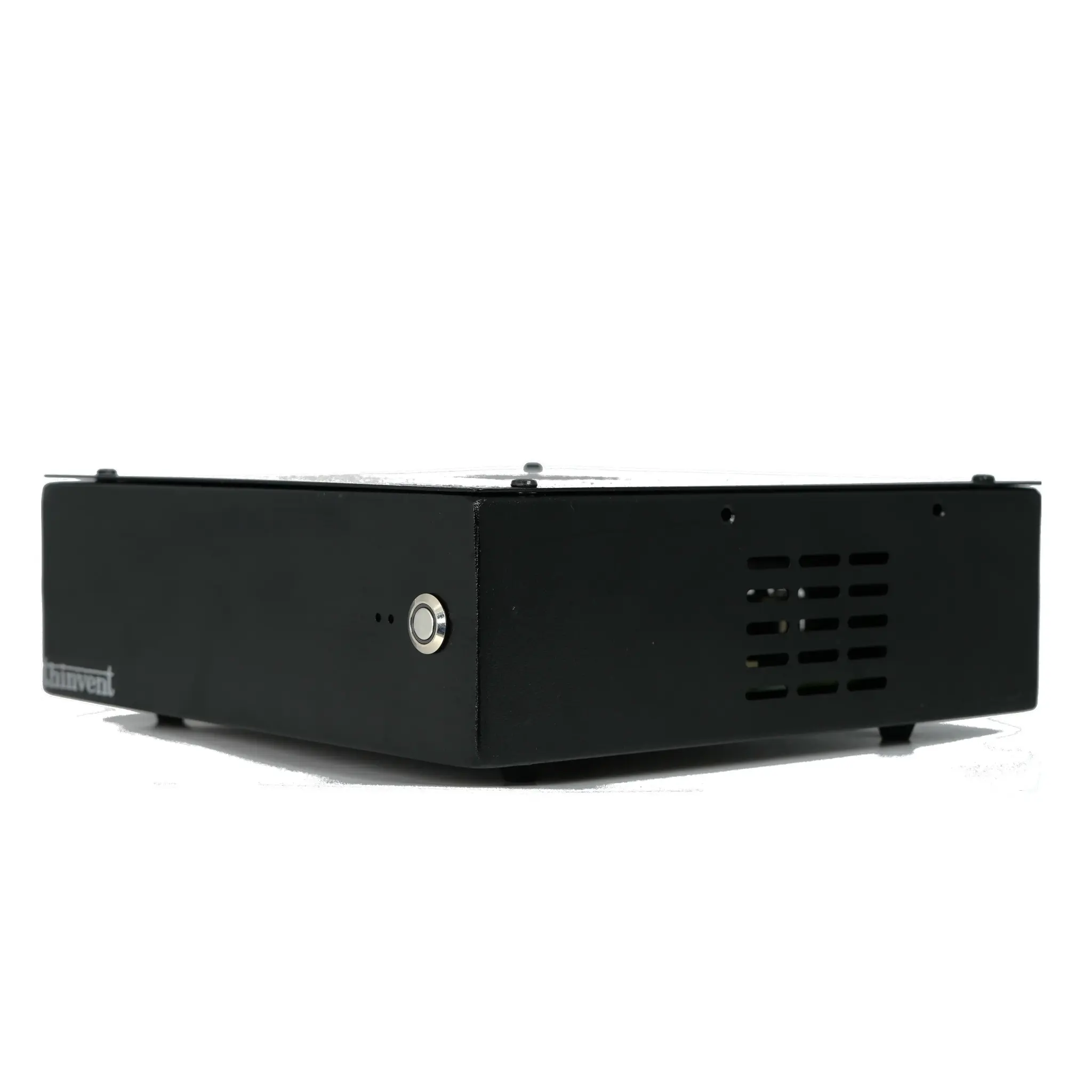
A Vspace client is a compact, low-power endpoint device designed specifically to connect to a virtual desktop infrastructure (VDI) or cloud workspace environment. Instead of running a full operating system and applications locally, it acts as a secure gateway, streaming the user's desktop, applications, and data from a central server. This architecture centralizes management, enhances security, and simplifies IT operations.
Key Specifications and Technical Details
Modern Vspace clients are engineered for efficiency and reliability. They typically feature low-power, fanless processors from Intel's N-series (like the N100) or ARM architectures, which generate minimal heat and allow for silent, maintenance-free operation in 24/7 environments. Standard configurations include sufficient RAM (8GB-16GB) and fast SSD storage (128GB-256GB) for the client operating system and caching. Essential connectivity includes Gigabit Ethernet for a stable network connection, multiple USB ports for peripherals, and HDMI/DisplayPort outputs. These devices often run lightweight, secure operating systems like a customized Linux build, Windows IoT, or a dedicated thin client OS.
Use Cases and Applications
Vspace clients are ideal for any scenario requiring centralized control, security, and easy scalability.
-
Corporate Offices & Call Centers: Provide standardized, secure desktops to employees, with all data residing securely in the data center.
-
Healthcare (Hospitals & Clinics): Enable secure access to Electronic Health Records (EHR) systems from any terminal while ensuring patient data compliance.
-
Education (Labs & Classrooms): Deploy identical software environments for students, easily reset between sessions, and manage from a single console.
-
Industrial & Manufacturing: Withstand harsh environments due to fanless, rugged designs, providing reliable access to SCADA and MES systems on the factory floor.
-
Retail & Hospitality: Power digital signage, point-of-sale (POS) systems, and kiosks with a centrally managed and easily updated platform.
Comparison: Vspace Client vs. Traditional Desktop
| Feature | Vspace Client (Thin Client) | Traditional Desktop PC |
|---|---|---|
| Primary Role | Access device for remote virtual desktops | Local processing and storage |
| Management | Centralized, simple image deployment | Individual, complex software installs |
| Security | High (no local data storage) | Lower (data at risk on local drive) |
| Hardware Lifecycle | Longer, less frequent refresh | Shorter, frequent upgrades needed |
| Total Cost of Ownership | Lower (reduced IT support, energy, hardware) | Higher (management, energy, replacement) |
| Ideal For | Standardized tasks, secure environments | High-performance computing, graphic design |
Thinvent Vspace Client Solutions
Thinvent offers a robust range of industrial-grade mini PCs perfectly suited to act as high-performance Vspace clients. Our Aero Mini PC series, for example, features the efficient Intel N100 processor in a completely fanless chassis, ensuring silent and reliable operation. Built with industrial components for 24/7 uptime, these devices support a variety of operating systems including Windows IoT, Ubuntu Linux, and our own Thinux™ Embedded Linux, allowing you to choose the optimal platform for your VDI environment. With multiple configuration options for memory, storage, and OS, Thinvent provides a scalable and durable hardware foundation for your virtual desktop deployment.