Which Processor Is Best For Your Desktop?
The "best" desktop processor depends entirely on your specific workload, performance requirements, and budget. There is no single best CPU for all users; the optimal choice is defined by the tasks you perform daily. For general office work, a modern quad-core processor like the Intel N100 is often more than sufficient, while demanding applications like video editing, 3D rendering, or scientific computing require high-core-count CPUs from the Intel Core i5 or i7 series.
Key Specifications and Performance Tiers
When evaluating processors, consider these core specifications:
-
Cores/Threads: Determines multitasking ability and performance in parallelized applications. More cores are better for professional workloads.
-
Clock Speed (GHz): Affects the speed of single-threaded tasks, crucial for general responsiveness and some legacy software.
-
Cache (MB): A high-speed memory on the CPU; larger cache sizes improve performance by reducing data fetch times.
-
Thermal Design Power (TDP): Indicates heat output and power consumption. Lower TDP (e.g., in Intel N-series) enables fanless, silent operation ideal for quiet offices or embedded applications.
For a quick comparison of common processor tiers and their ideal use cases, see the table below:
| Processor Tier | Example Models | Ideal For | Key Considerations |
|---|---|---|---|
| Entry-Level / Efficient | Intel N100, N95, J4125 | Digital Signage, Thin Clients, Basic Office Tasks | Ultra-low power, fanless designs, cost-effective. |
| Mainstream Performance | Intel Core i3, i5 (12th-14th Gen) | General Business Desktops, Multi-tasking, Light Content Creation | Excellent balance of performance, power efficiency, and value. |
| High Performance | Intel Core i5/i7 (P-series, 13th-14th Gen) | Engineering Workstations, Video Editing, Data Analysis | High core counts and turbo speeds for demanding professional software. |
Matching The Processor To The Application
Selecting the right CPU requires aligning its capabilities with your primary use case:
-
Office & Productivity: A modern 4-core processor (e.g., Intel N100 or Core i3) with 8-16GB RAM handles web browsing, document editing, and video conferencing with ease.
-
Creative & Development Work: Applications like Adobe Premiere Pro, AutoCAD, or software compilers benefit significantly from higher core counts (6+ cores) and faster clock speeds found in Intel Core i5 and i7 processors.
-
Industrial & Embedded Environments: For 24/7 operation in harsh conditions, low-power, fanless processors (Intel N-series) are preferred for their reliability, silence, and minimal maintenance.
Thinvent Desktop Solutions Featuring Optimal Processors
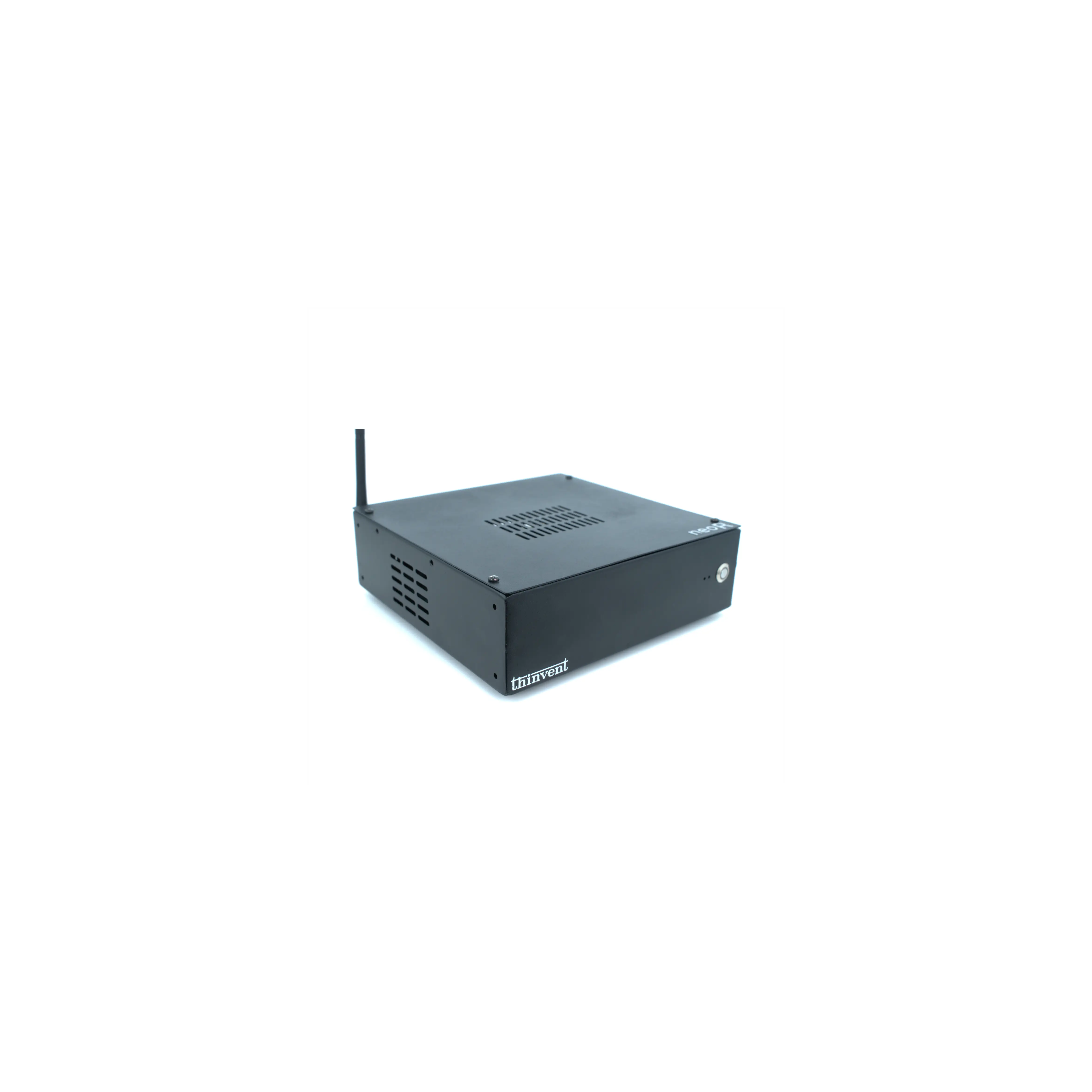
Thinvent offers a comprehensive range of industrial desktops and mini PCs equipped with processors tailored for every scenario. Our product lines span from ultra-efficient, fanless systems powered by Intel N-series CPUs for digital signage and kiosks, to robust mini workstations featuring 12th to 14th Generation Intel Core i5 processors for engineering and design tasks. Each system is built for durability and stable performance in commercial and industrial settings, providing a reliable computing foundation matched precisely to your operational demands.