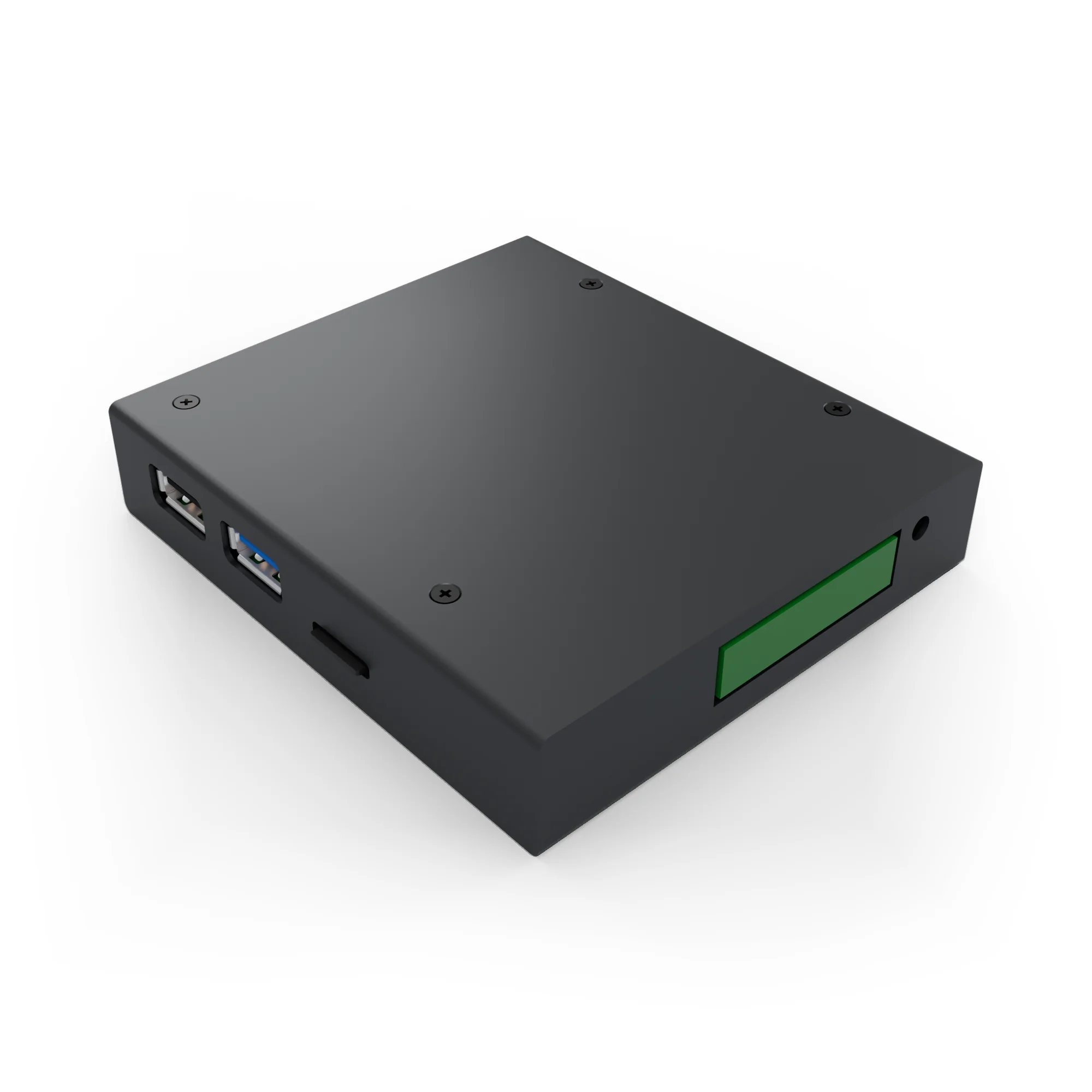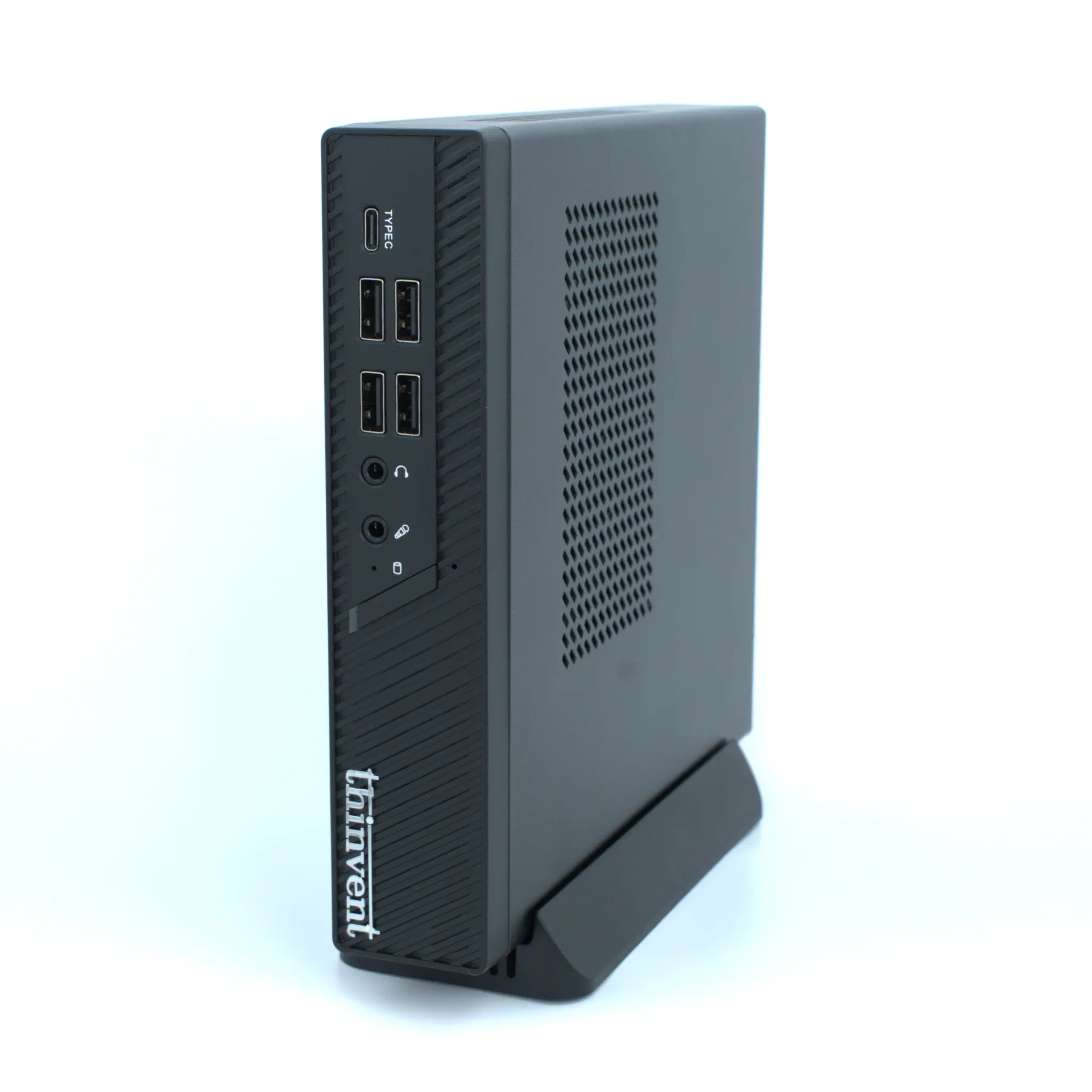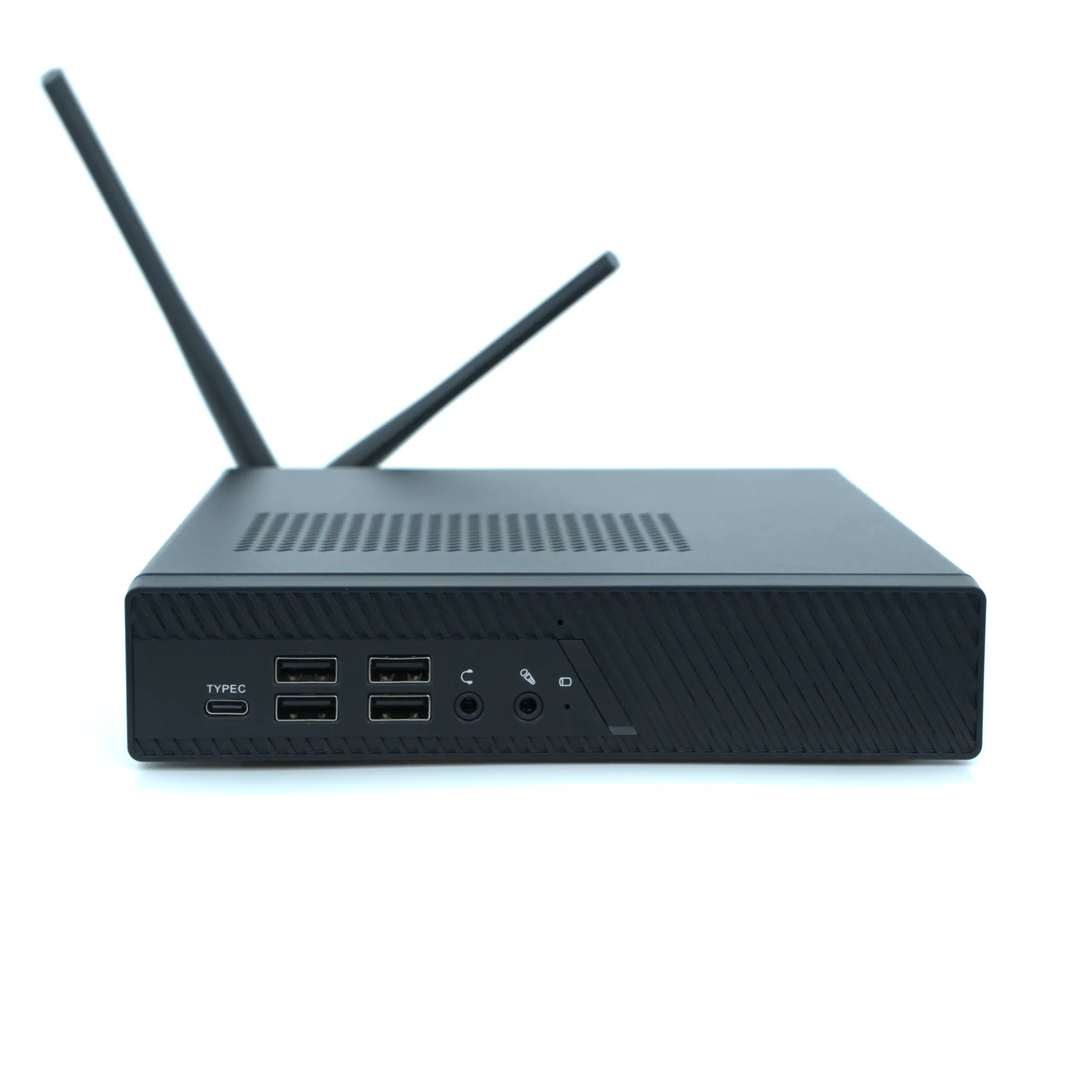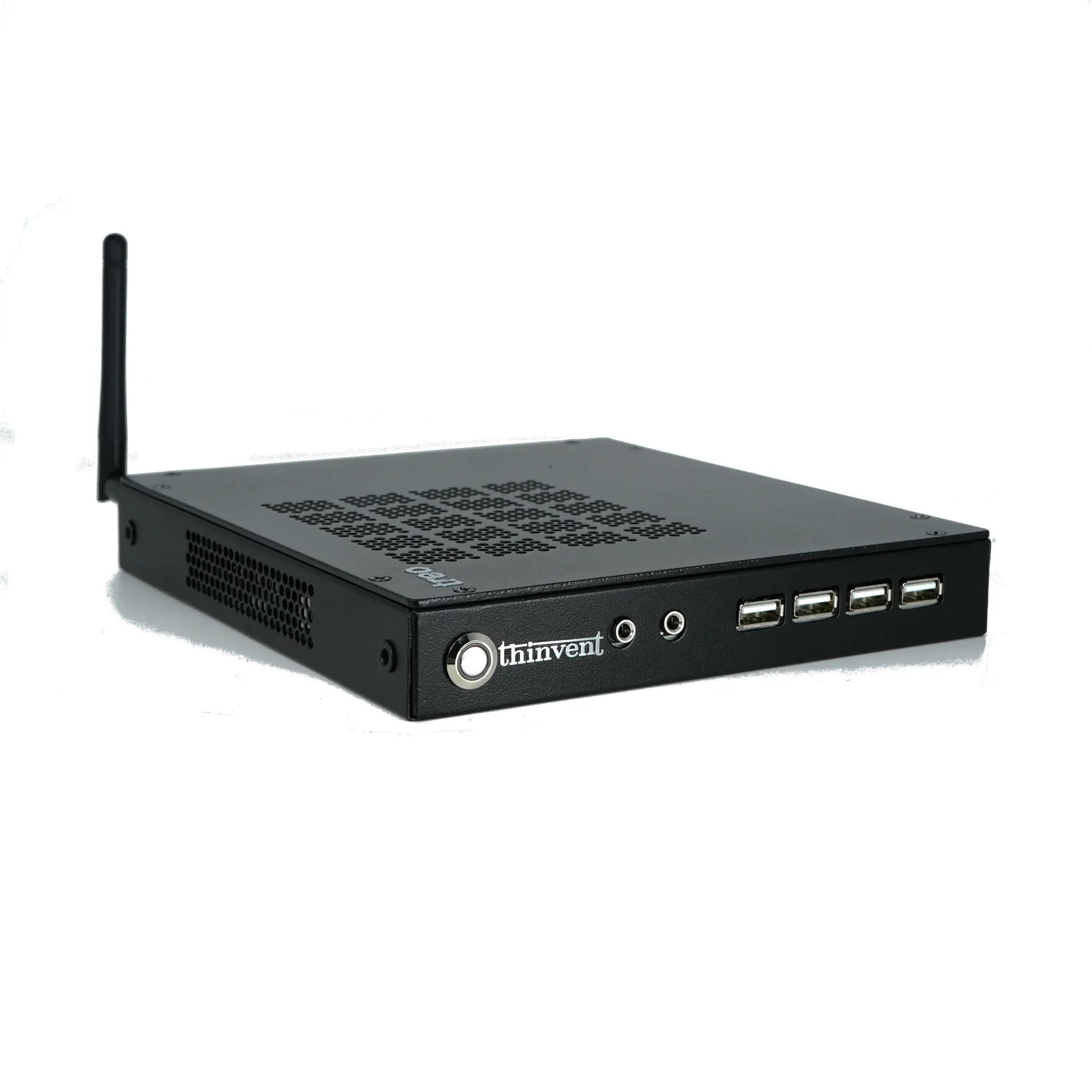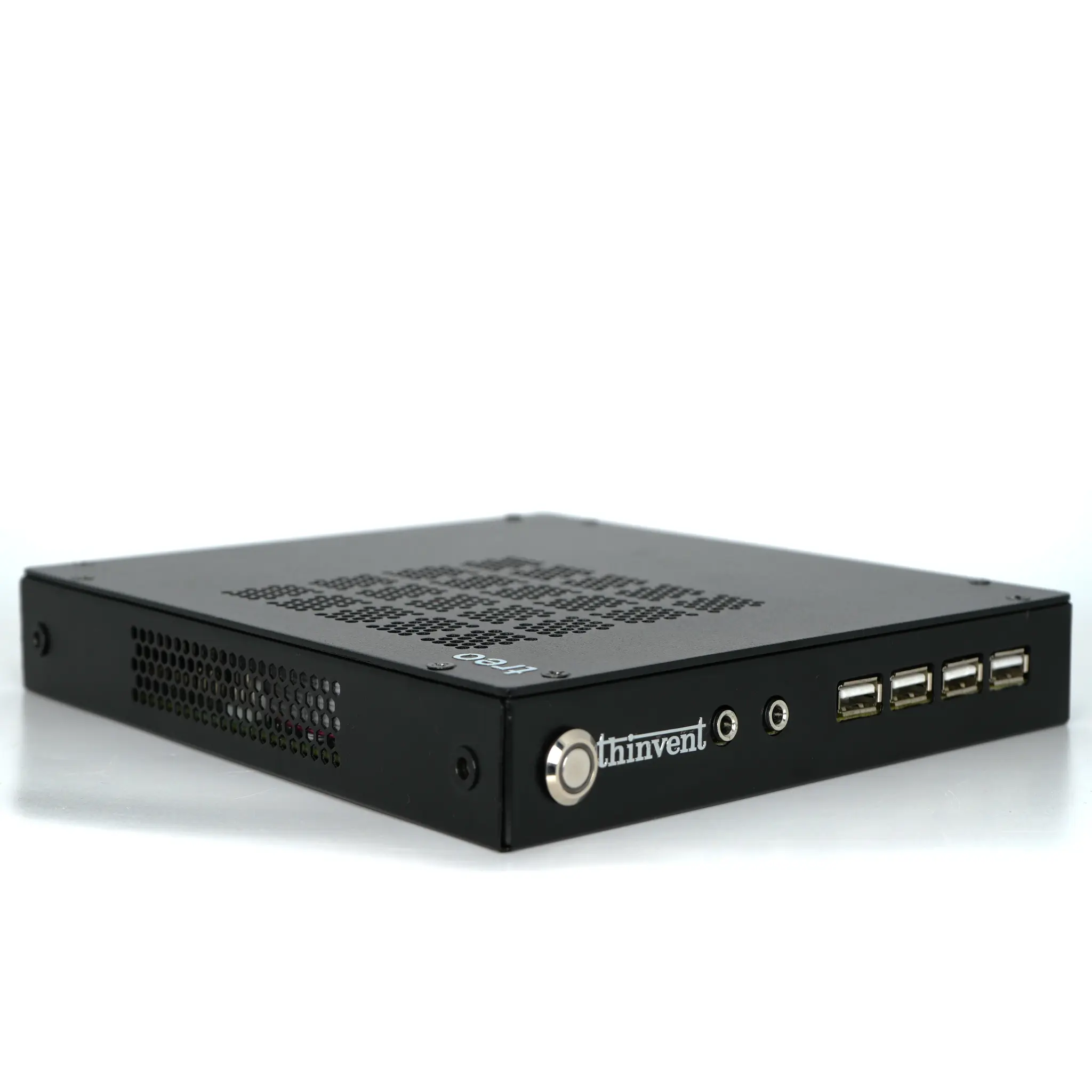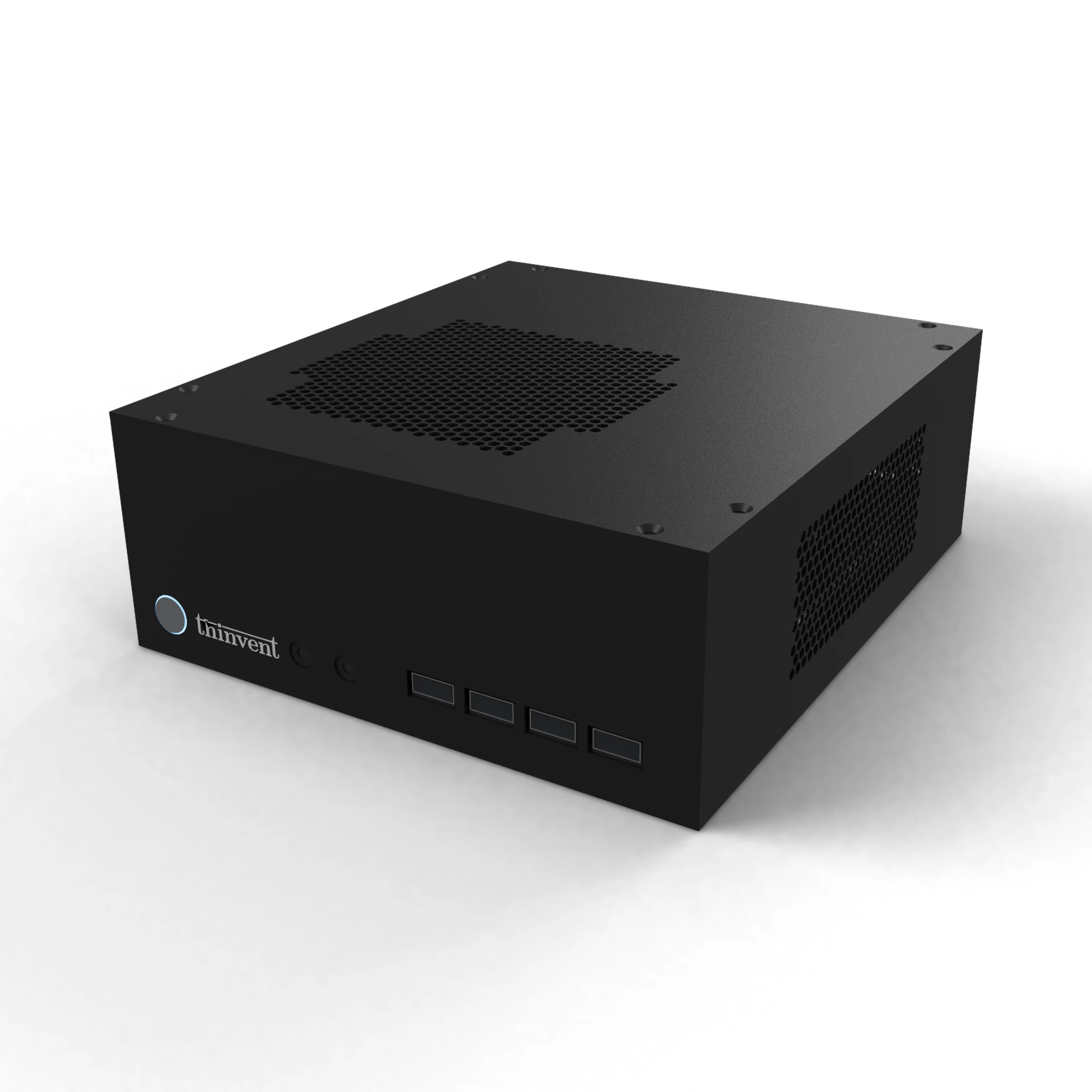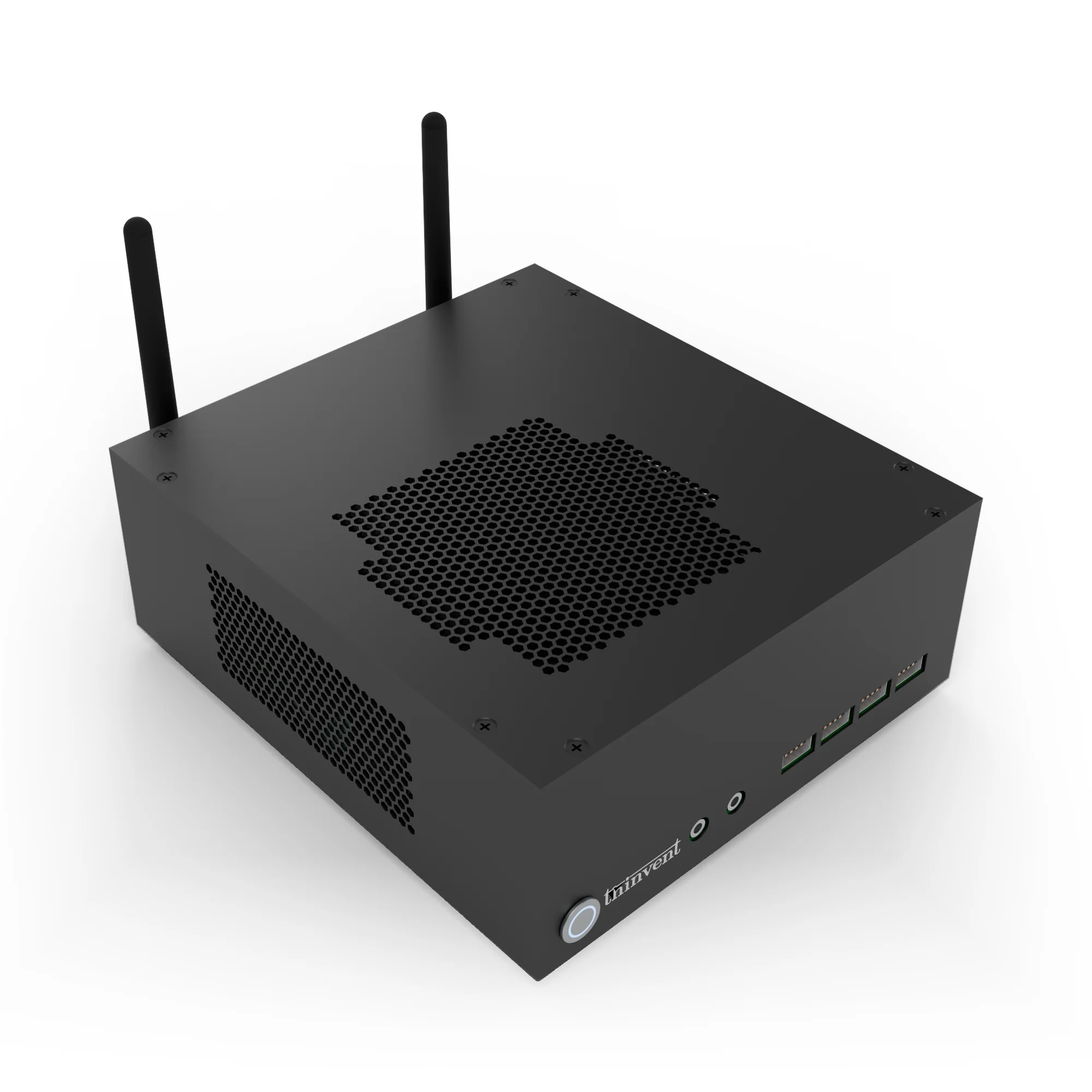
Der Zotac ZBOX CI327 nano ist ein handflächengroßer Mini-PC mit lüfterlosem, passiv gekühltem Gehäuse und einem Intel-Vierkernprozessor. Er steuert bis zu drei Displays an. Die nächstgelegene Thinvent-Alternative ist der Thinvent Treo Mini PC mit Intel Core 5 120U, der 10 Kerne, bis zu 32 GB RAM und bis zu 2 TB SSD-Speicher bietet.
Zotac ZBOX CI327 nano vs. Thinvent Treo Mini PC
| Feature | Zotac ZBOX CI327 nano | Thinvent Treo Mini PC, Intel Core 5 120U | Thinvent Treo Mini PC, Intel Core Ultra 5 125U |
|---|---|---|---|
| Processor | Intel quad-core processor | Intel Core 5 120U | Intel Core Ultra 5 125U |
| Cores/Threads | 4 cores | 10 cores | 12 cores |
| RAM | Not confirmed | 8 GB | 32 GB (up to 64 GB across the Treo range) |
| Storage | Not confirmed | 2 TB SSD | 2 TB SSD |
| Form Factor | Mini PC | Mini PC | Mini PC |
| Cooling | Fanless, passive-cooled | Fan-cooled | Fan-cooled |
| Displays | Up to 3 | 2 HDMI + 1 VGA | 1 HDMI 2.0 + 1 VGA |
| Operating System | Not confirmed | Windows 11 Pro | Windows 11 Pro |
Wichtigste Unterschiede
-
Der Thinvent Treo Mini PC mit Intel Core 5 120U hat 10 Kerne, der Zotac ZBOX CI327 nano dagegen 4 Kerne.
-
Der Thinvent Treo Mini PC mit Intel Core Ultra 5 125U hat 12 Kerne, und sein RAM reicht innerhalb der Treo-Reihe bis zu 64 GB.
-
Der Thinvent Treo Mini PC unterstützt bis zu 2 TB SSD-Speicher.
-
Der Zotac ZBOX CI327 nano ist lüfterlos. Der Thinvent Treo Mini PC verwendet eine Lüfterkühlung, die leistungsstärkere Prozessoren ermöglicht.
-
Der Zotac ZBOX CI327 nano steuert bis zu drei Displays an. Der Thinvent Treo Mini PC hat beim Core 5 120U-Modell 2 HDMI- und 1 VGA-Ausgang, beim Core Ultra 5 125U-Modell 1 HDMI 2.0- und 1 VGA-Ausgang.
-
Jedes Thinvent Treo-Modell ist mit Windows 11 Pro, Windows 11 IoT Value, Ubuntu Linux, Thinux Embedded Linux, ohne Betriebssystem oder mit DOS erhältlich.
Welchen sollten Sie wählen?
Wählen Sie den Zotac ZBOX CI327 nano, wenn Sie ein lautloses, lüfterloses System mit drei Display-Ausgängen benötigen. Wählen Sie einen Thinvent Treo Mini PC, wenn Sie mehr Prozessorkerne, mehr RAM und größeren Speicher oder die Wahl des Betriebssystems benötigen.