What Makes an Industrial Computer Suitable for 4 Monitors?
To drive four monitors simultaneously, an industrial computer needs robust multi-display support. This typically requires either a processor with integrated graphics capable of handling multiple outputs (such as Intel UHD Graphics 730 or higher) or dedicated graphics options via PCIe expansion. The key specification to look for is the number of display outputs—HDMI, DisplayPort, USB-C, or DVI ports—with at least four physical ports or a combination that supports daisy-chaining. Additionally, the system must have sufficient GPU memory and bandwidth to render content across all screens without lag, making Intel Core i5 or i7 processors with Iris Xe or better graphics ideal for demanding multi-monitor workloads.
Key Specifications for Multi-Monitor Industrial PCs
When selecting an industrial computer for a 4-monitor setup, prioritize these technical details:
-
Processor: Intel Core i5 or higher (12th generation or newer) for integrated graphics support and multitasking. ARM-based processors may not support multiple displays.
-
Graphics: Integrated Intel UHD Graphics 730, Iris Xe, or dedicated GPU support via PCIe.
-
Display Outputs: Minimum of 4 ports—HDMI 2.0 or DisplayPort 1.4 for 4K resolution per monitor.
-
Memory: At least 16GB RAM to handle multiple applications across screens.
-
Cooling: Fanless design for reliability in industrial environments with constant operation.
Use Cases for 4-Monitor Industrial Computers
Multi-monitor industrial computers are essential in various sectors:
-
Digital Signage: Displaying different content on each screen for advertising or information kiosks.
-
Control Rooms: Monitoring multiple camera feeds, data dashboards, or SCADA systems simultaneously.
-
Financial Trading: Running multiple charts, news feeds, and trading platforms.
-
Medical Imaging: Viewing patient data, MRI scans, and diagnostic tools side by side.
-
Manufacturing: Managing production lines, inventory systems, and quality control displays.
Comparison of Display Output Configurations
| Configuration | Ports Required | Typical Resolution | Best For |
|---|---|---|---|
| 4x HDMI | 4 HDMI ports | 4K @ 30Hz each | Digital signage, control rooms |
| 2x HDMI + 2x DisplayPort | 2 HDMI + 2 DP | 4K @ 60Hz each | Trading, medical imaging |
| 1x HDMI + 3x USB-C | 1 HDMI + 3 USB-C | 4K @ 60Hz each | Modern setups with USB-C monitors |
| 2x HDMI + 2x DVI | 2 HDMI + 2 DVI | 1080p @ 60Hz each | Legacy industrial applications |
Thinvent's Products for Multi-Monitor Setups
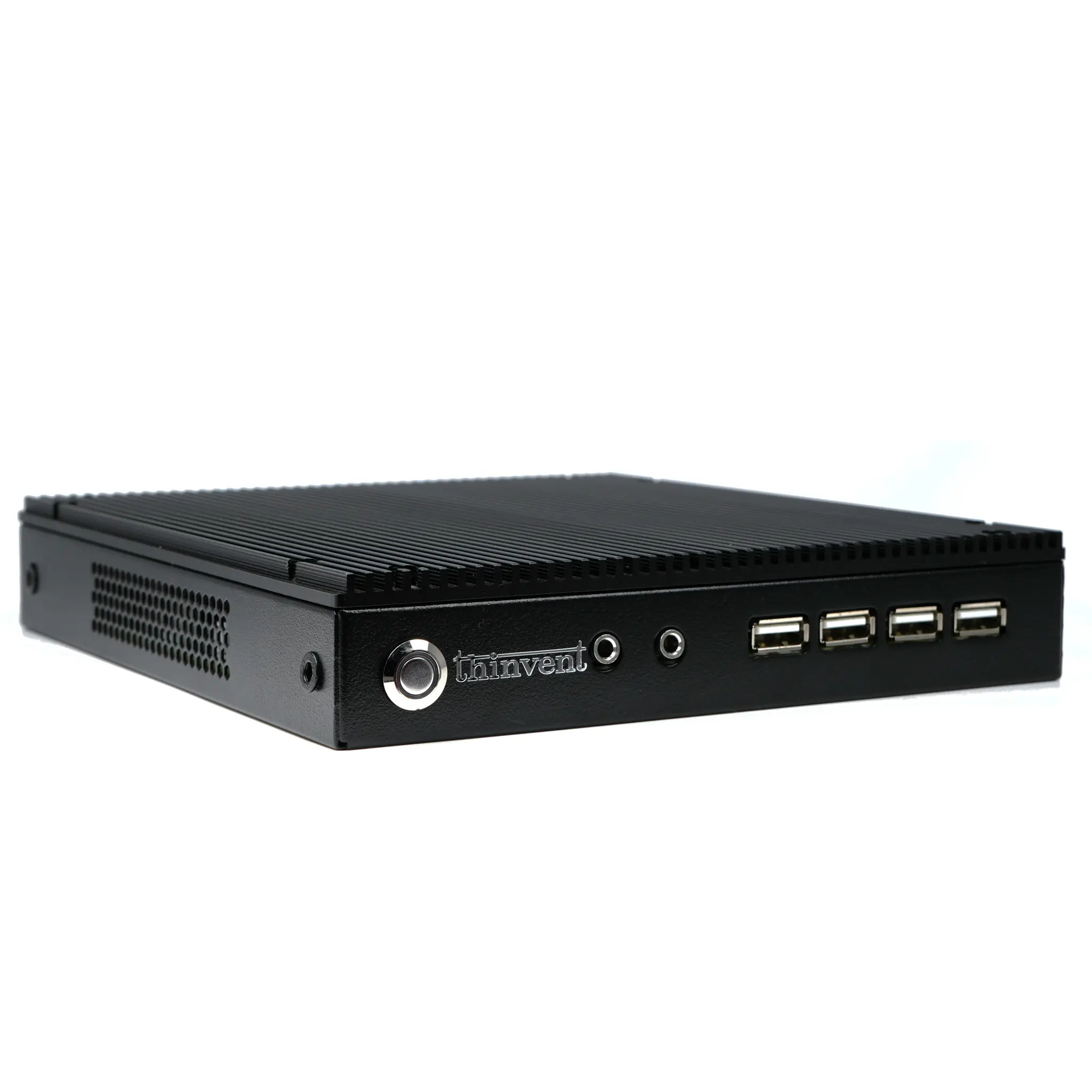
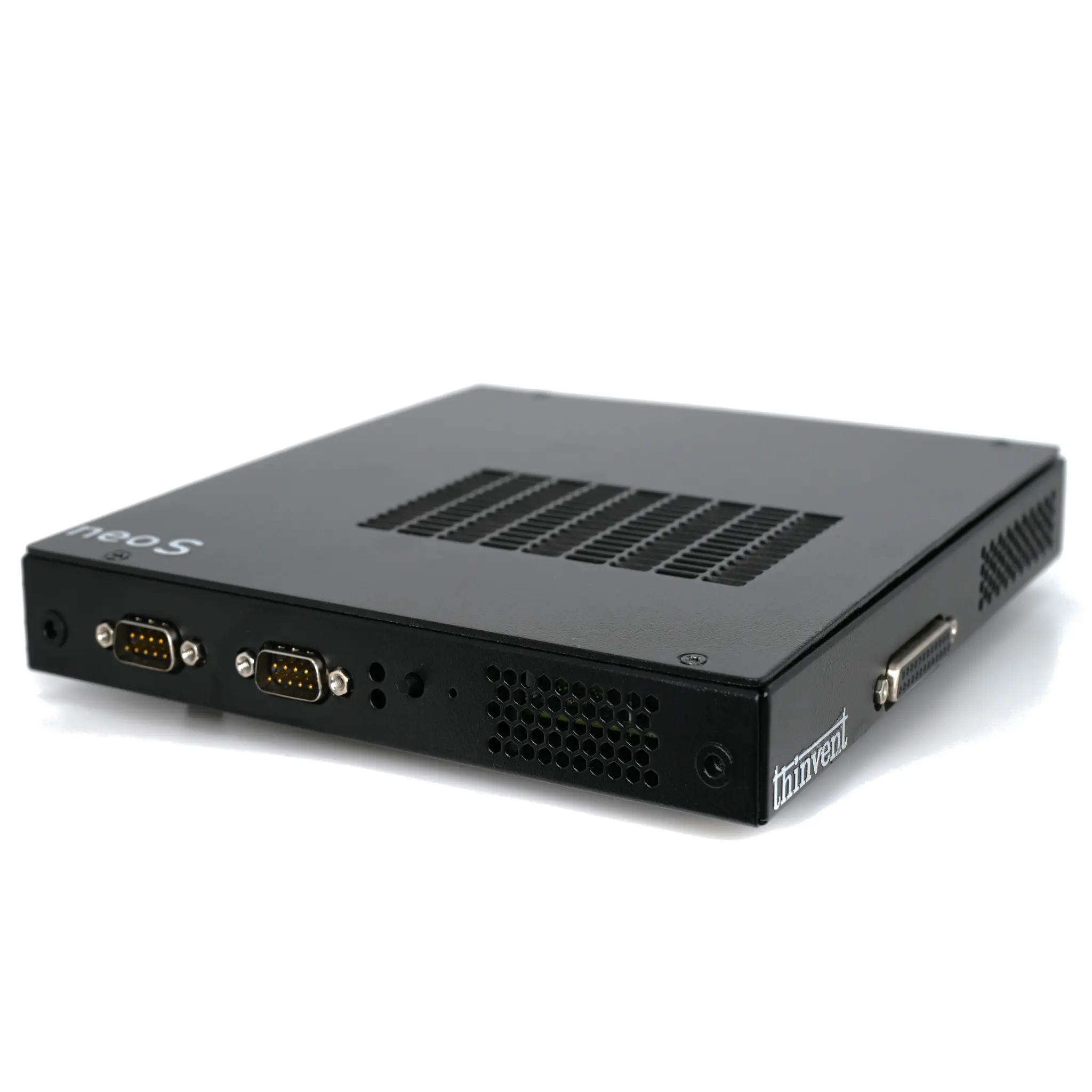
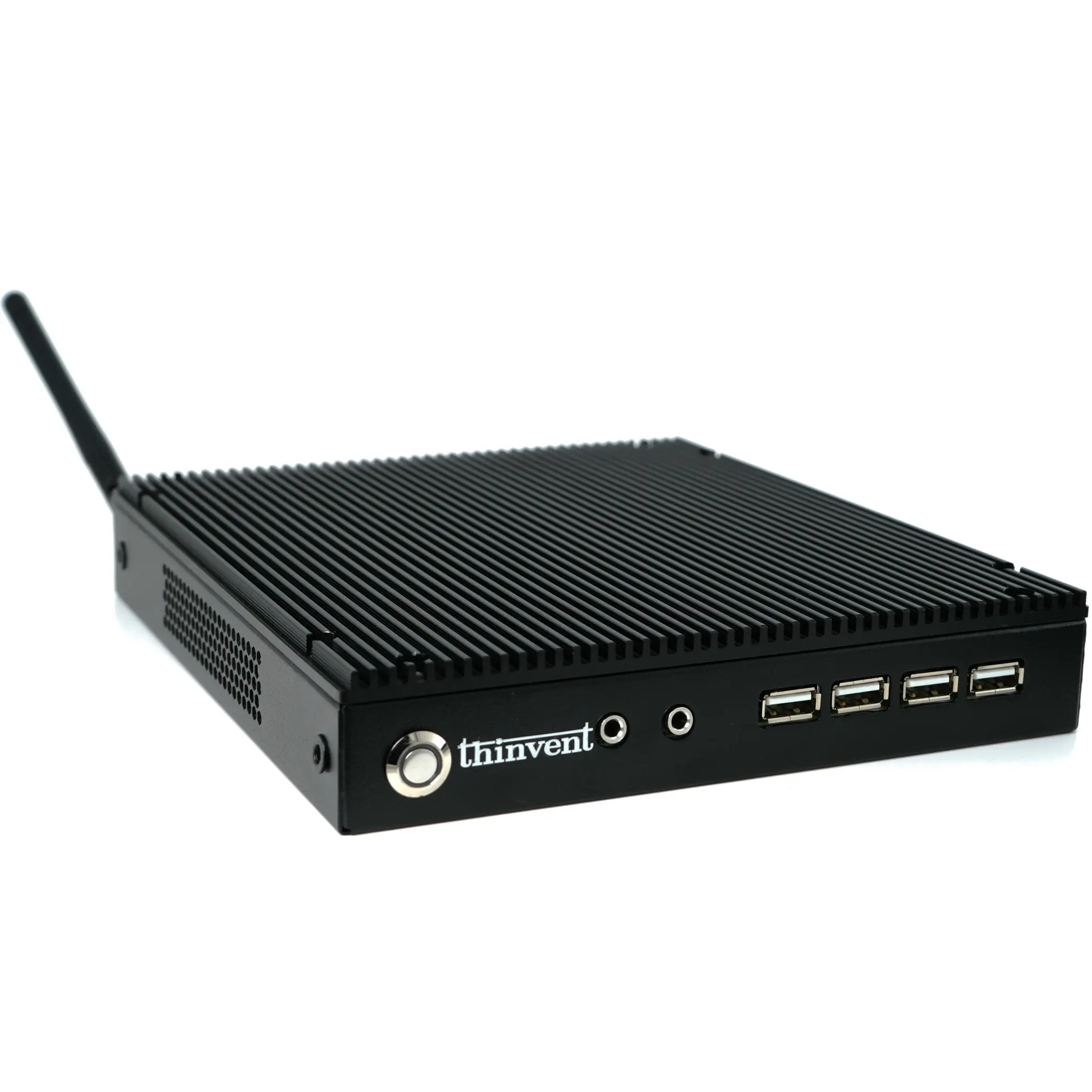
Thinvent offers a range of industrial computers designed for multi-monitor applications. Our Industrial PC IPC5 with Intel Core i5-1240P and 12 cores provides excellent graphics performance for four displays. The Aero Mini PC series features Intel Core i5 120U (10 cores) with dual HDMI and USB-C outputs, ideal for compact multi-monitor deployments. For rugged environments, our fanless Treo Mini PC with N100 processor supports up to 3 displays via HDMI and DisplayPort. All models are built with industrial-grade components for 24/7 operation and include options for Windows 11 Pro or Ubuntu Linux. Contact our team to customize a 4-monitor solution for your specific application.