What is the Best Computer Setup for Editing?
The best computer setup for professional editing requires a balanced combination of high-performance processing, ample memory, fast storage, and reliable connectivity. Unlike standard office tasks, video, photo, and audio editing software demands significant CPU power for rendering, sufficient RAM for handling large files and multitasking, and fast SSDs for quick project loading and saving. A robust setup also includes multiple high-resolution display outputs and stable, high-speed data transfer ports.
Key Specifications for an Editing Workstation
For a seamless editing experience, focus on these core technical specifications:
-
Processor (CPU): A modern multi-core processor is essential. For video editing, Intel Core i5 or i7 series (12th generation or newer) are recommended for their strong multi-threaded performance in encoding and effects rendering.
-
Memory (RAM): 16GB is the absolute minimum for basic 1080p editing. For 4K workflows, complex effects, or multitasking with other applications, 32GB or 64GB is ideal to prevent slowdowns.
-
Storage (SSD): Use a fast NVMe SSD (512GB or 1TB minimum) as your primary drive for the operating system and active projects. This drastically reduces application launch times, file import/export speeds, and timeline scrubbing latency.
-
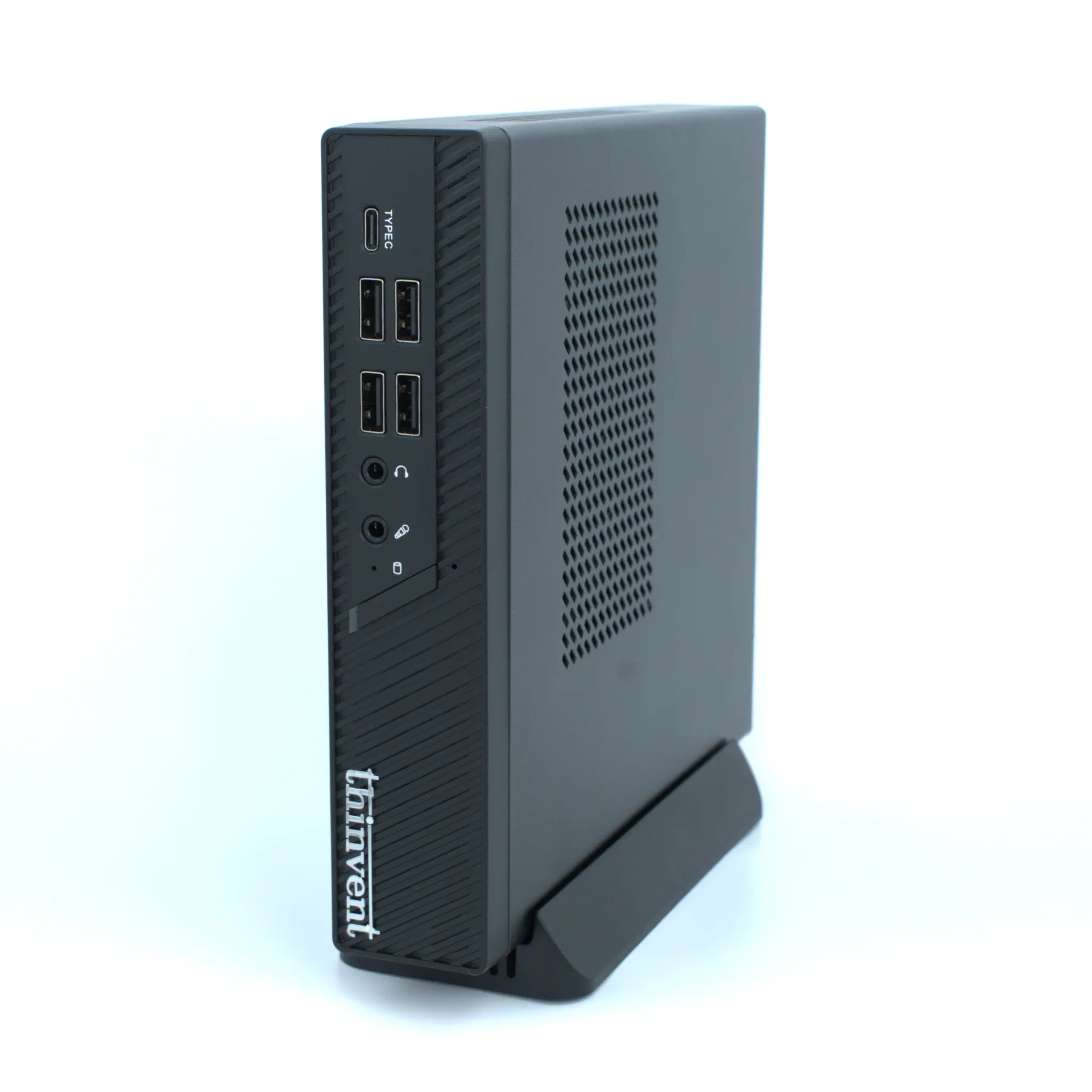
Graphics & Connectivity: While a dedicated GPU is optimal for advanced video effects, modern Intel processors with integrated Iris Xe graphics provide capable acceleration for many editing tasks. Ensure the system has multiple display outputs (like HDMI 2.0) for a multi-monitor setup and high-speed USB ports (USB 3.2 Gen 2, USB-C) for connecting external drives and peripherals.
Ideal Use Cases and Applications
A high-specification editing computer is versatile and serves multiple professional and industrial creative roles:
-
Video Production: Editing 4K/8K footage, color grading, and rendering in software like DaVinci Resolve, Adobe Premiere Pro, and Final Cut Pro.
-
Graphic Design & Photography: Processing high-resolution images, working with multi-layered PSD files in Adobe Photoshop, and creating vector graphics in Illustrator.
-
Audio Production: Running digital audio workstations (DAWs) like Ableton Live or Pro Tools with multiple plugin instances and tracks.
-
Broadcast & Digital Signage: Creating and managing content for professional broadcast environments or digital signage networks where reliability is critical.
Comparison of Processor Tiers for Editing
| Use Case | Recommended Series | Ideal Generation | Minimum RAM | Recommended SSD |
|---|---|---|---|---|
| Basic Photo/Audio Editing | Intel Core i3 / Intel N-series | 12th Gen or newer | 16 GB | 256 GB |
| Professional 1080p/4K Video Editing | Intel Core i5 / i7 | 12th, 13th, or 14th Gen | 32 GB | 512 GB - 1 TB |
| Advanced 4K/8K & Effects Work | Intel Core i7 / i9 | 13th or 14th Gen | 64 GB+ | 1 TB+ NVMe |
Thinvent Industrial Computers for Editing Workflows
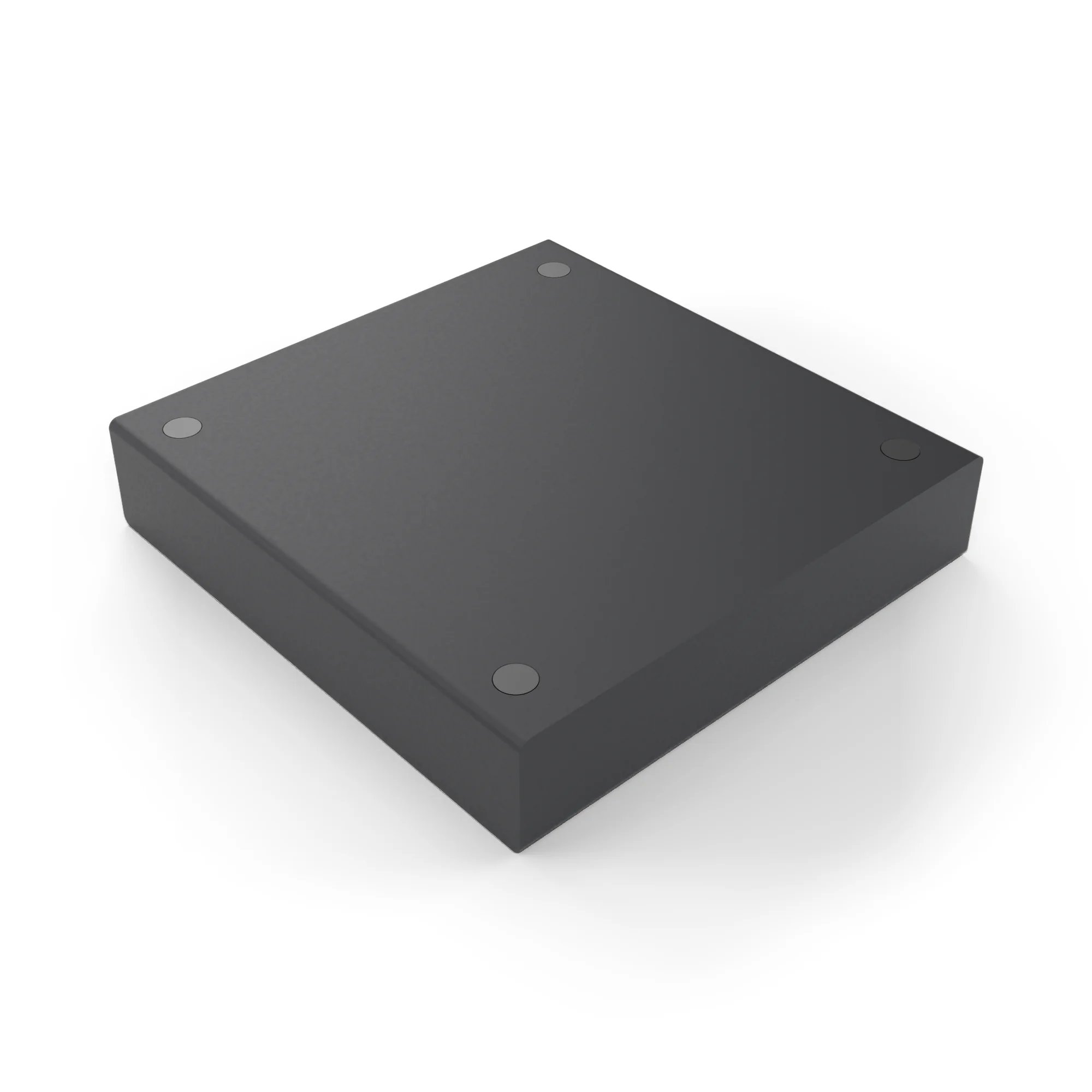
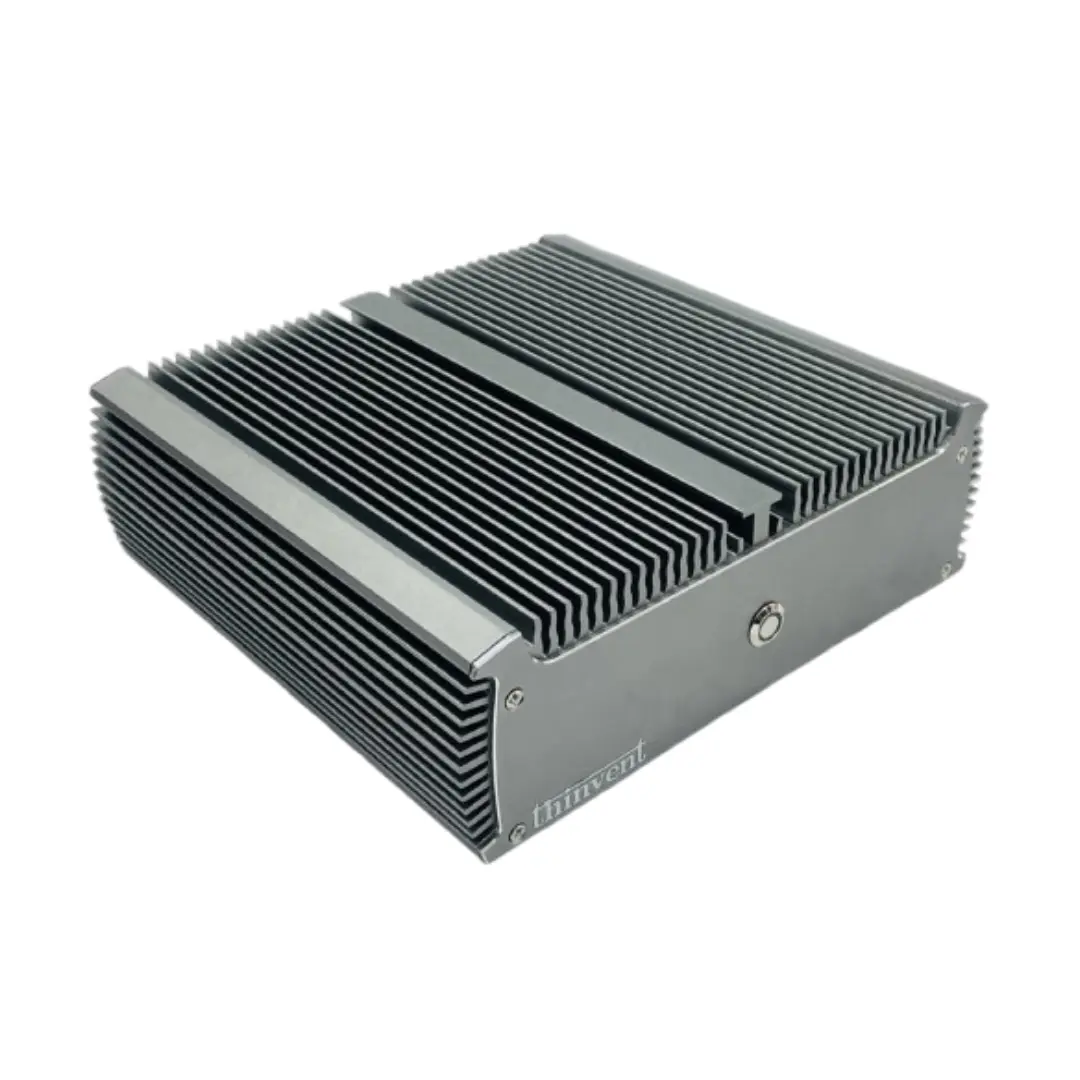
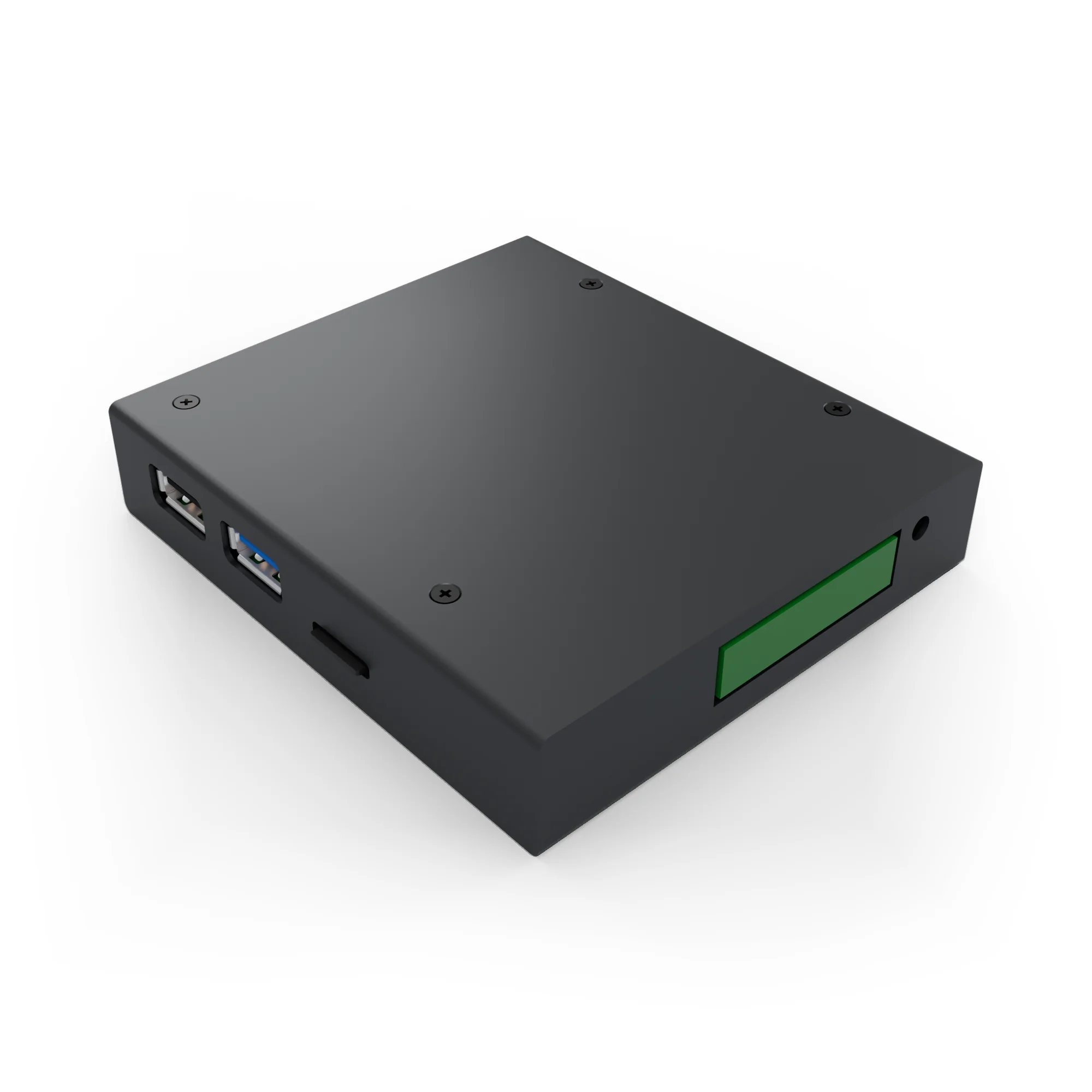
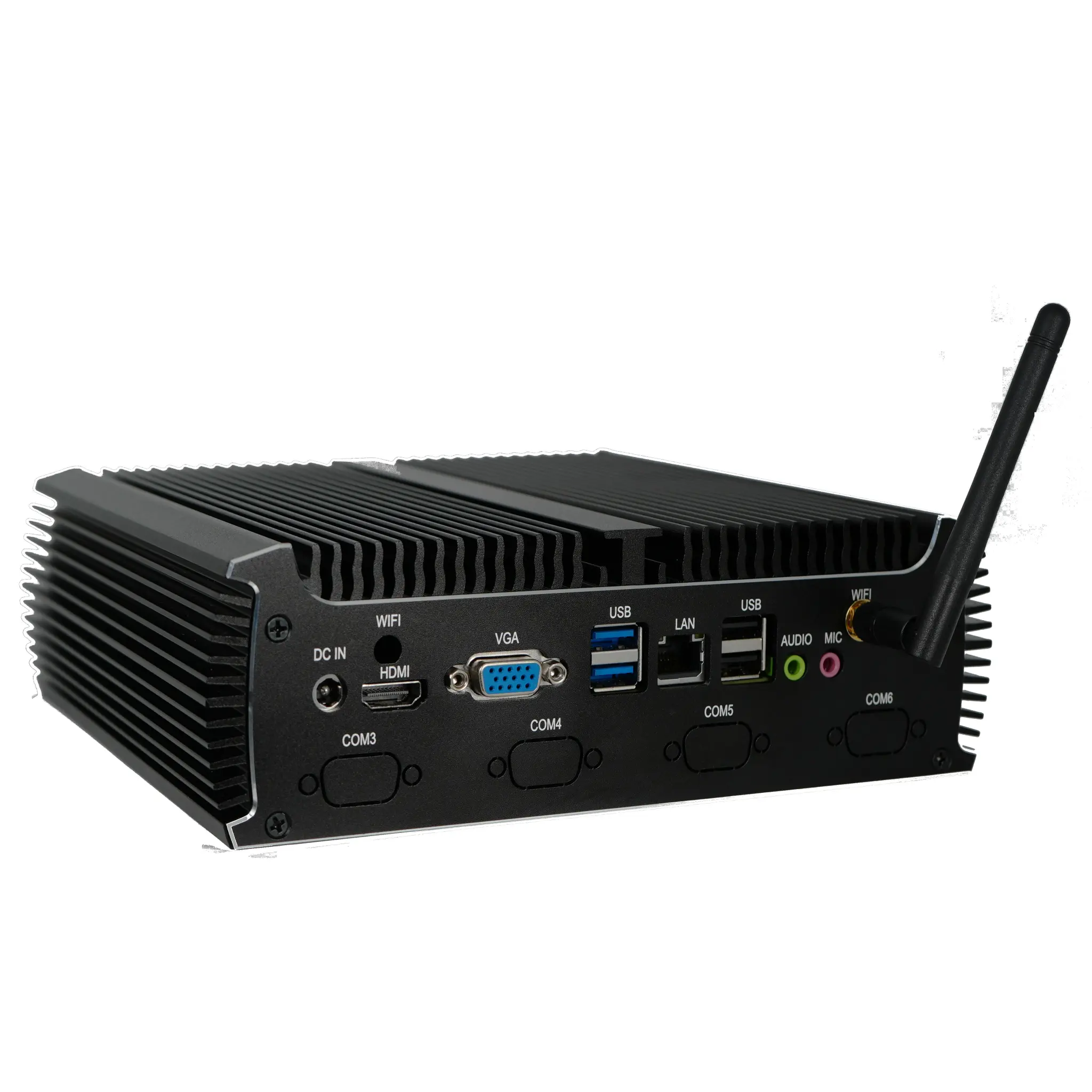
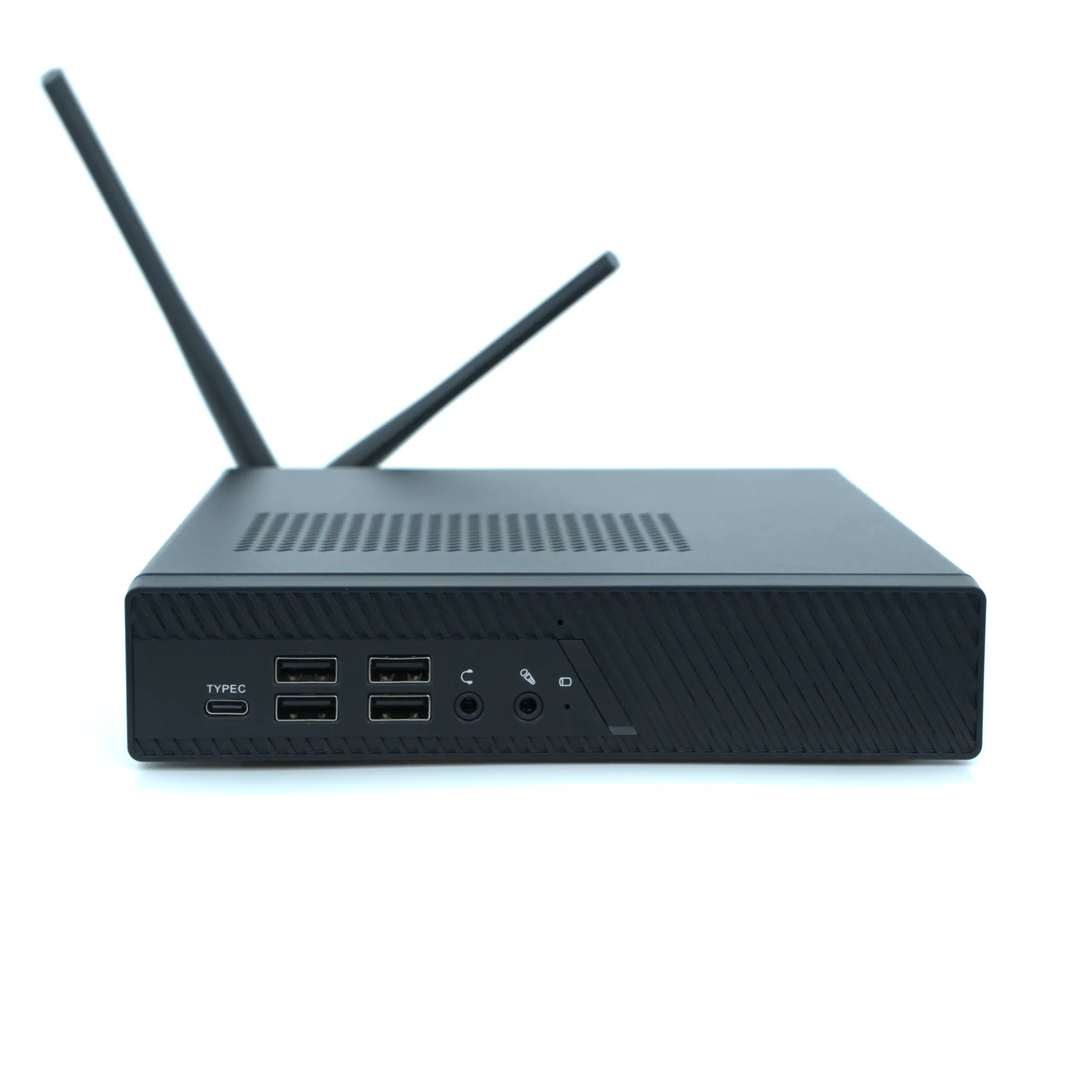
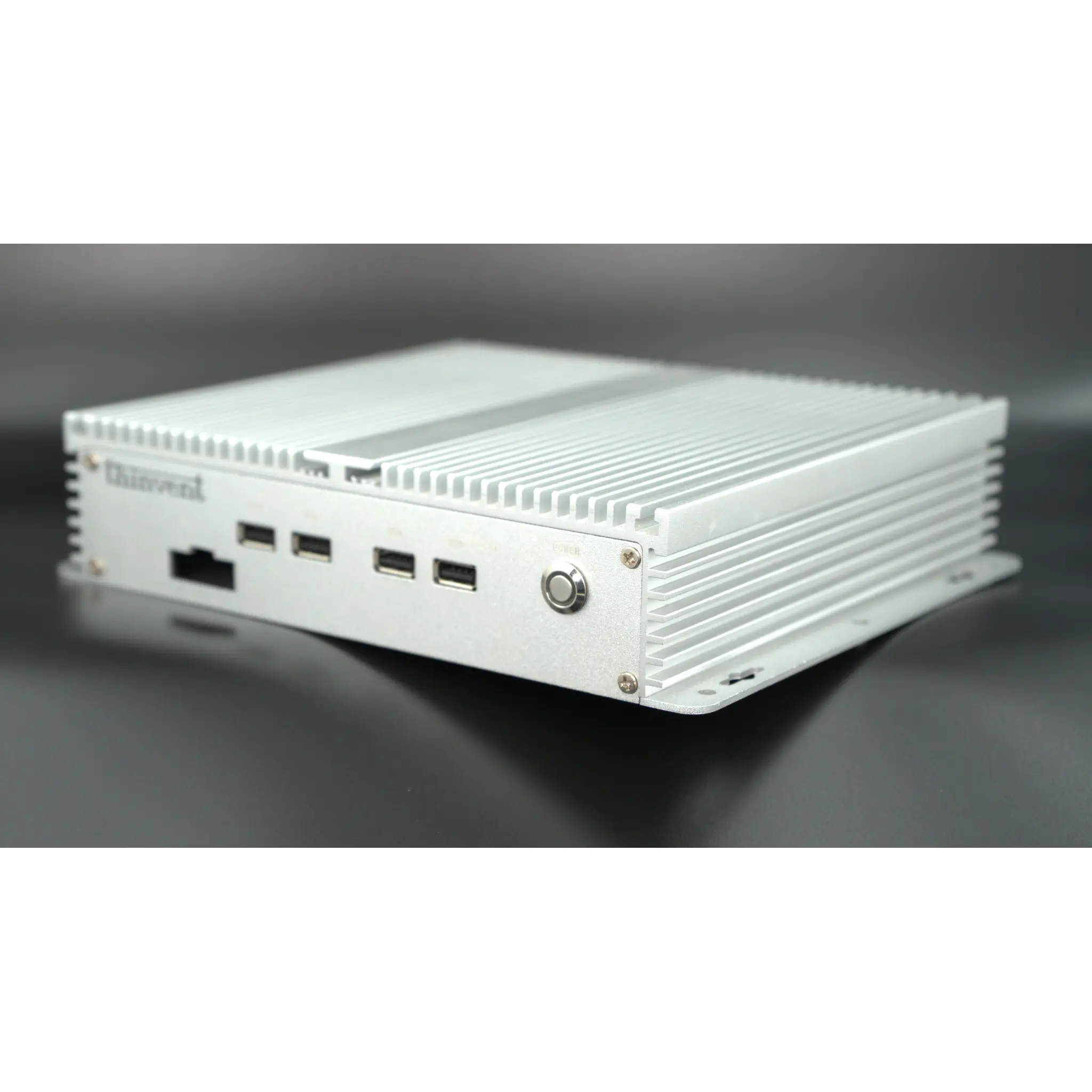
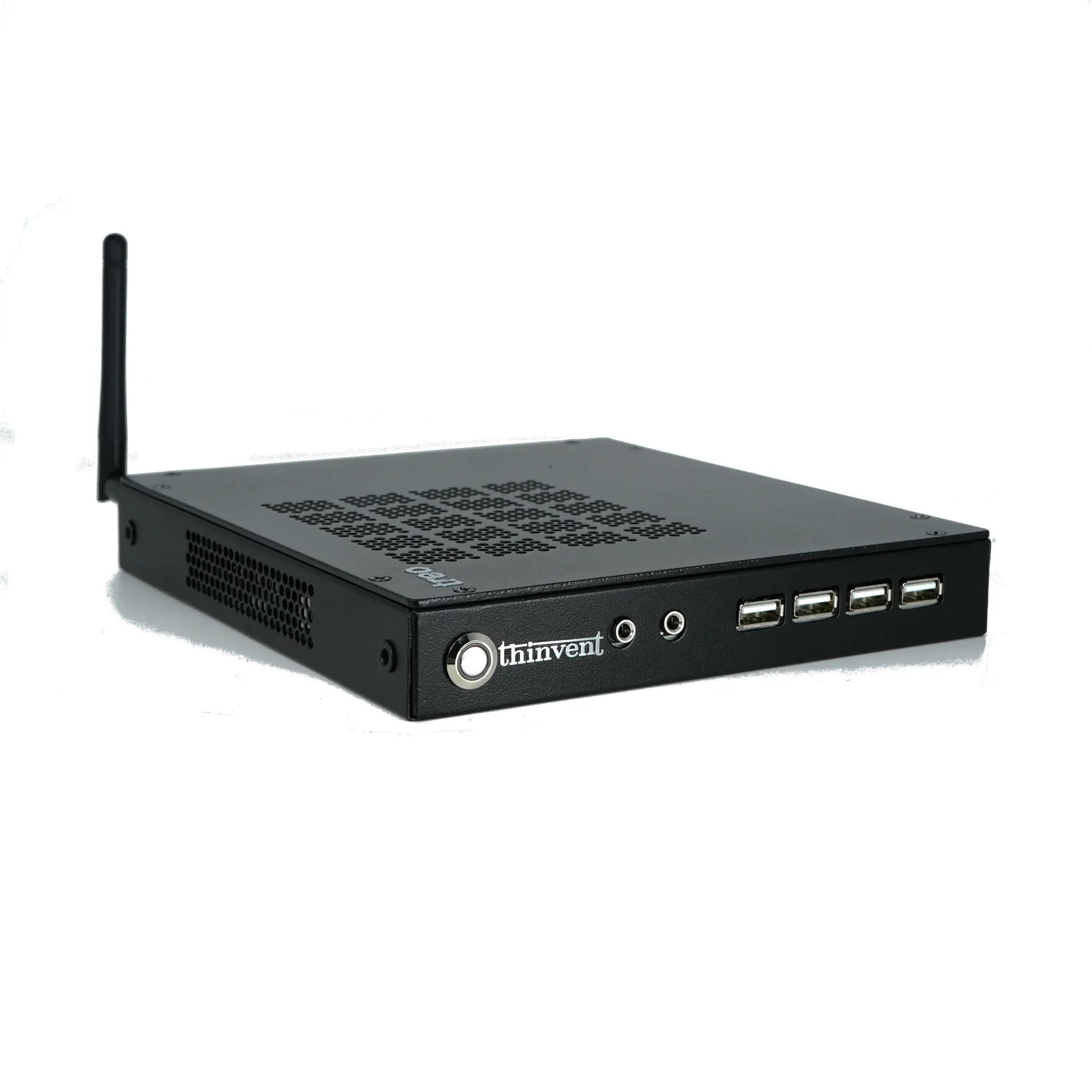
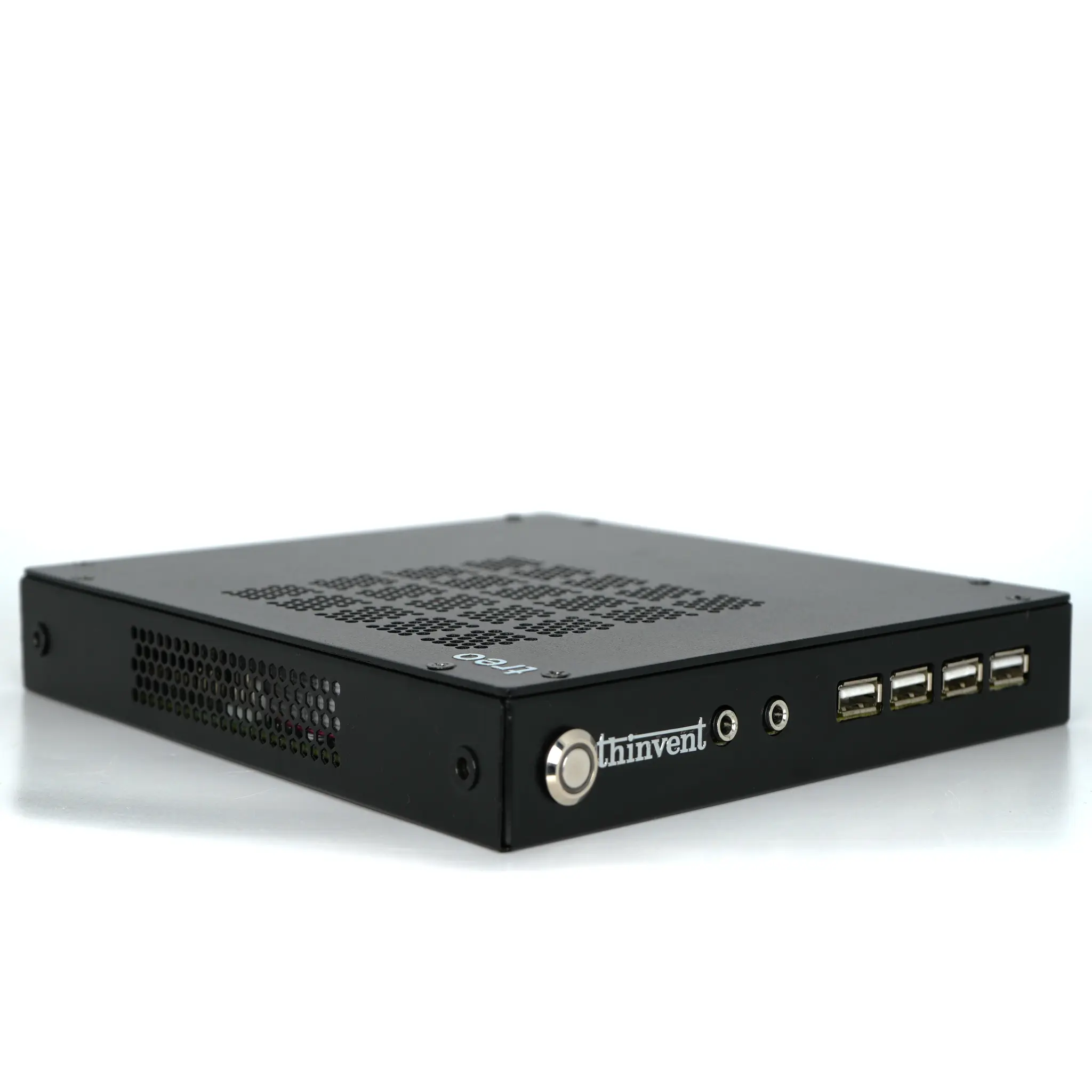
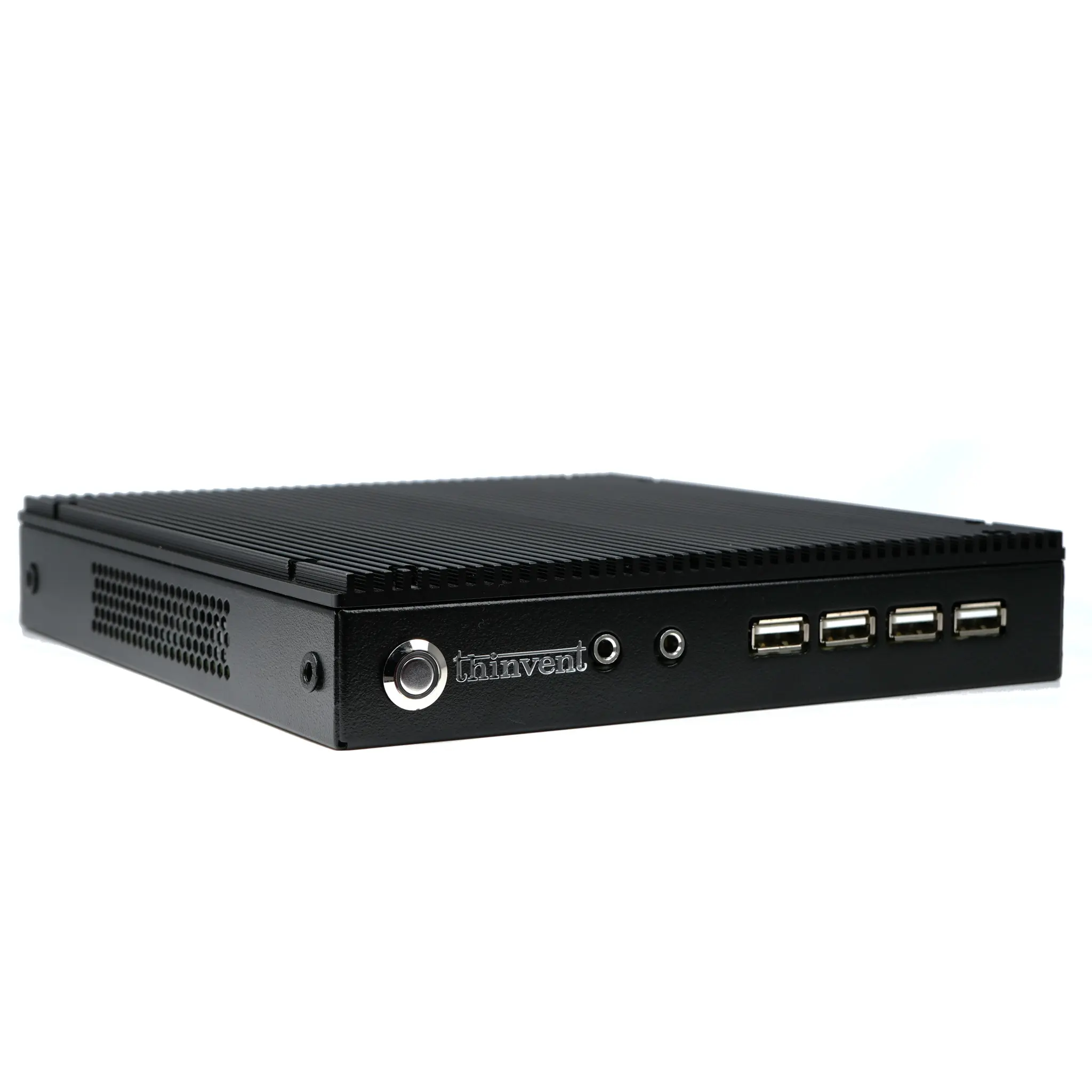
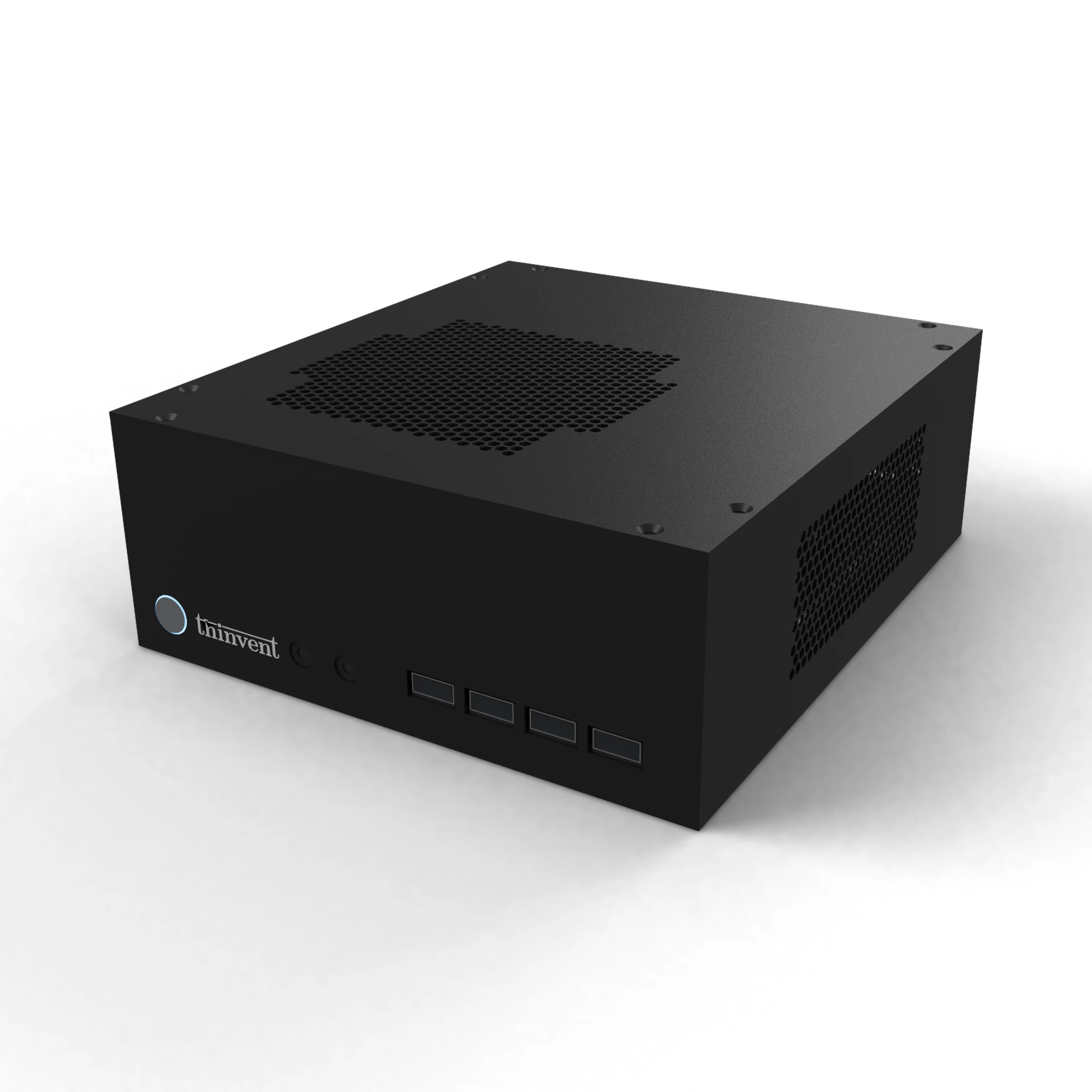
Thinvent offers a range of robust, fanless industrial computers perfectly suited for demanding editing environments where reliability, silent operation, and continuous performance are non-negotiable. Our systems are built with industrial-grade components to withstand long rendering sessions and 24/7 operation in control rooms, post-production studios, and broadcast facilities. From compact Mini PCs with Intel Core processors for space-constrained setups to powerful modular Industrial PCs capable of handling the most complex timelines, Thinvent provides the durable, high-performance foundation professional editors require.