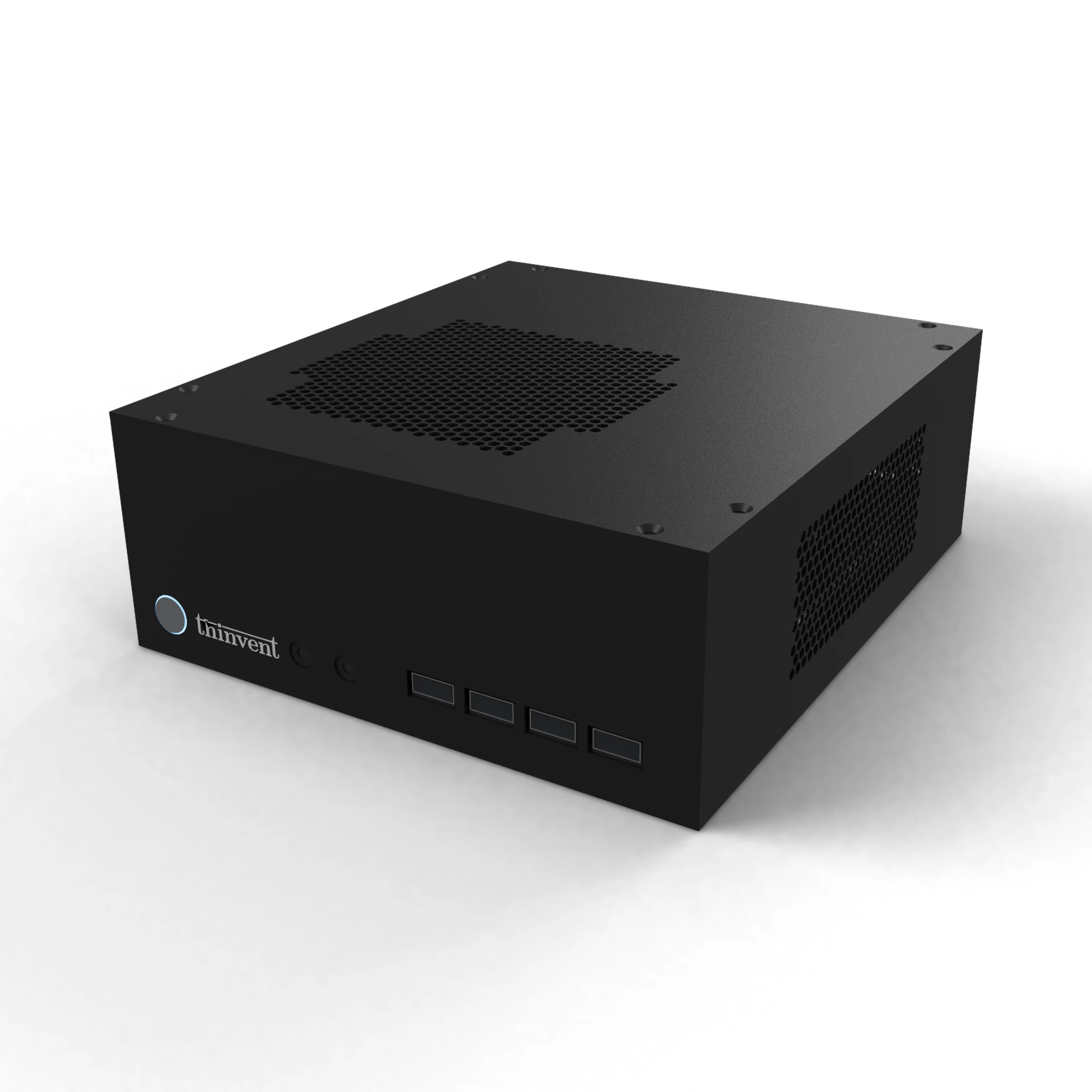
The best desktop configuration for office use balances performance, reliability, and cost-effectiveness to handle daily productivity tasks without compromise. An optimal setup should smoothly run office suites, web browsers with multiple tabs, video conferencing applications, and basic business software. Key considerations include a capable multi-core processor, sufficient RAM for multitasking, fast storage for quick boot and load times, and reliable connectivity for peripherals and networks.
For general office workloads, a modern Intel processor like the N100 or an Intel Core i3 provides an excellent foundation. The Intel N100, with its 4 efficient cores, is ideal for light to moderate office use, offering strong performance for document editing, email, and web-based applications while being extremely power-efficient. For more demanding multitasking or departments using more complex software, an Intel Core i3-1215U (6 cores) or an i5-1250P (12 cores) delivers the necessary horsepower. A minimum of 8GB RAM is recommended, with 16GB being the sweet spot for future-proofing and handling multiple applications simultaneously. Storage should be a solid-state drive (SSD), with 256GB as a practical starting point for the operating system and core applications.
Typical Office Desktop Configurations:
| Use Case | Recommended Processor | Recommended RAM | Recommended Storage | Key Features |
|---|---|---|---|---|
| Basic Office Tasks (Word, Email, Web) | Intel N100 / ARM A55 | 4GB - 8GB | 128GB - 256GB SSD | Fanless, low power, compact |
| General Productivity & Multitasking | Intel Core i3-1215U | 8GB - 16GB | 256GB - 512GB SSD | Good multi-core performance |
| Advanced & Departmental Use | Intel Core i5-1250P / 120U | 16GB - 32GB | 512GB+ SSD | High performance for data analysis, design |
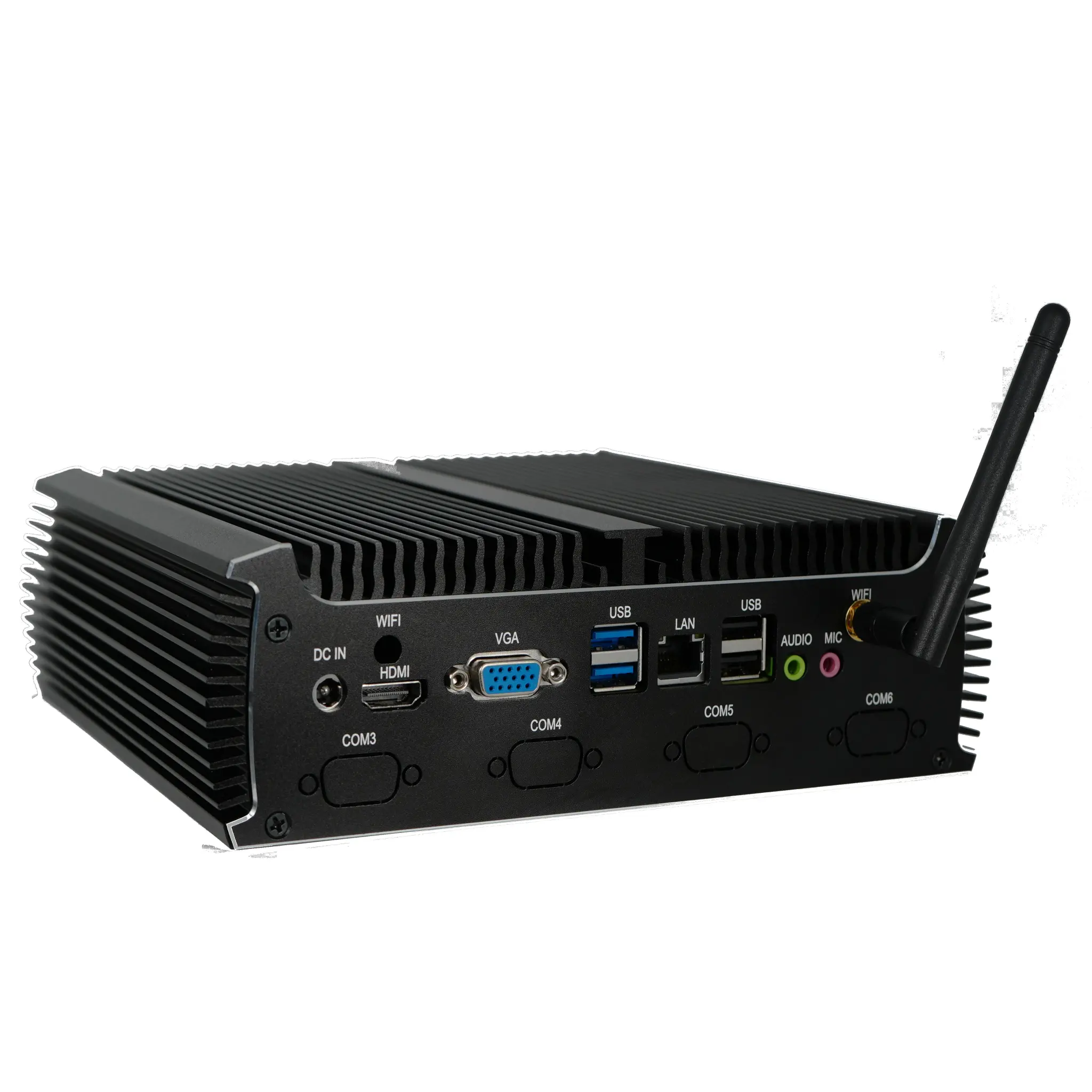
These systems are perfect for a wide range of office applications, from front-desk kiosks and call center workstations to executive desktops and digital signage. Their compact, fanless designs (common in mini PCs) reduce noise, save valuable desk space, and improve reliability by eliminating dust-clogged fans. Connectivity is also crucial; look for systems with multiple USB ports (including USB 3.2 for fast data transfer), HDMI outputs for dual monitors to boost productivity, and Gigabit Ethernet for stable network connections.
Thinvent's Office-Optimized Desktop Solutions
Thinvent offers a comprehensive range of compact and industrial computing solutions engineered for office environments. Our product lineup allows you to select the perfect balance of performance and form factor for any business need.
-
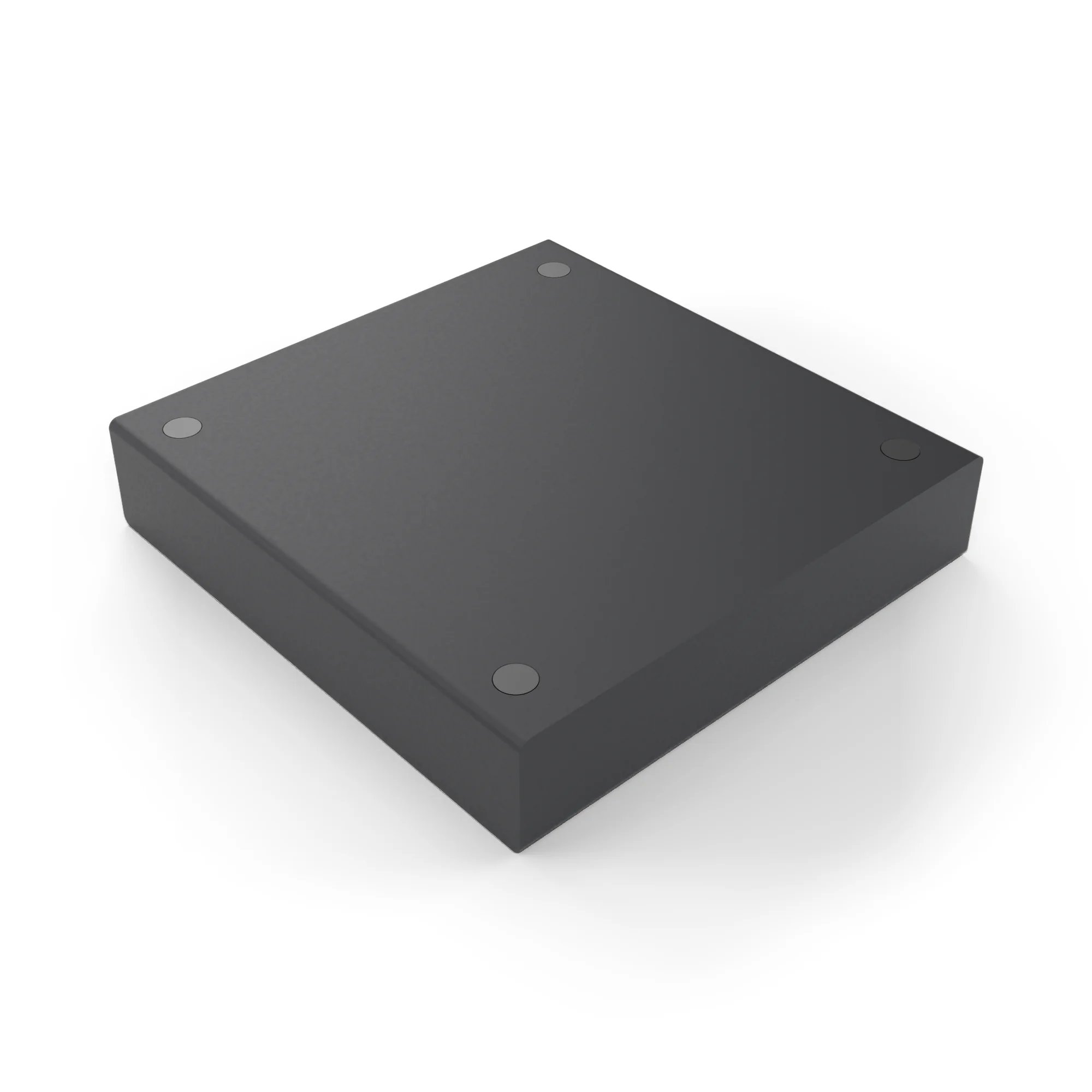
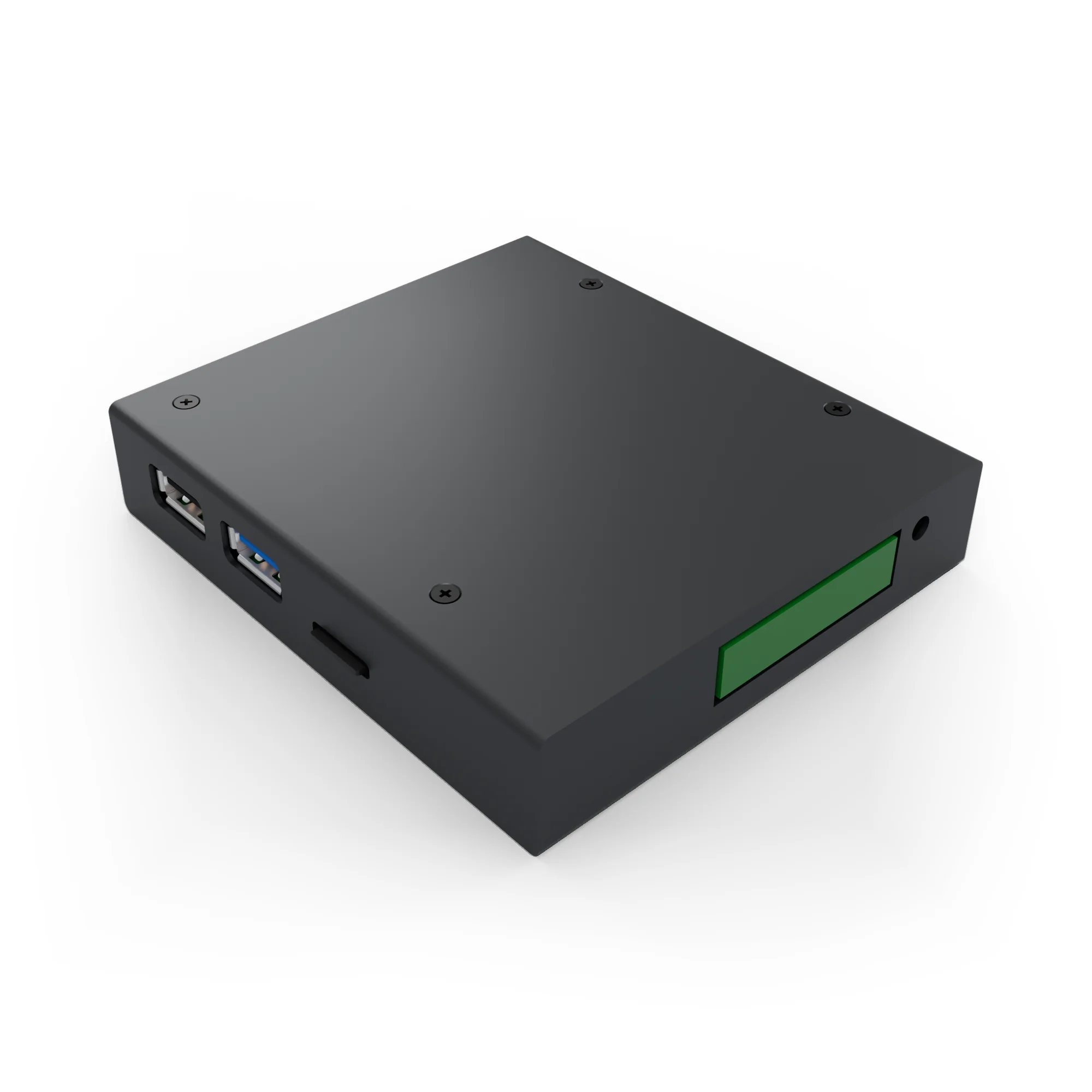
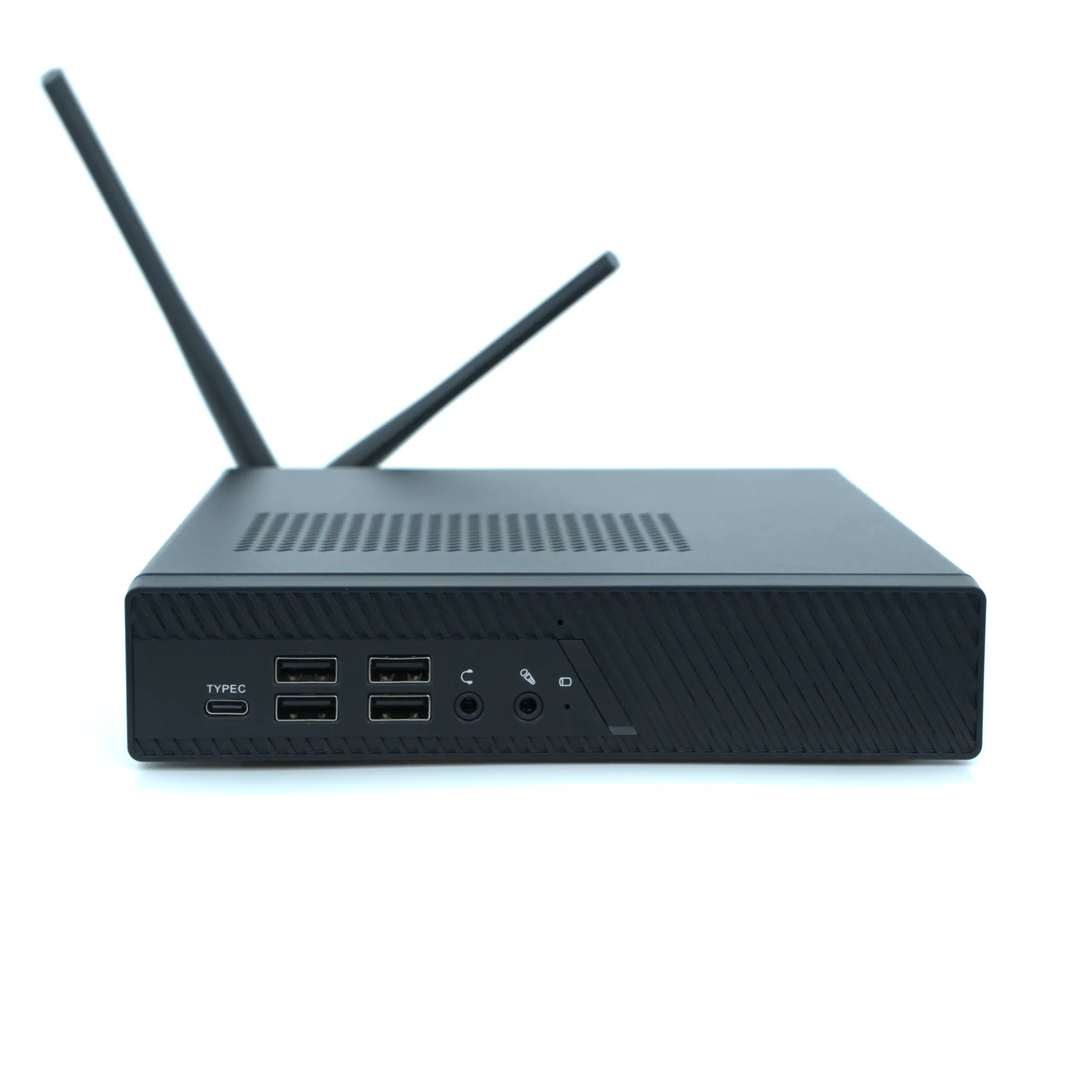
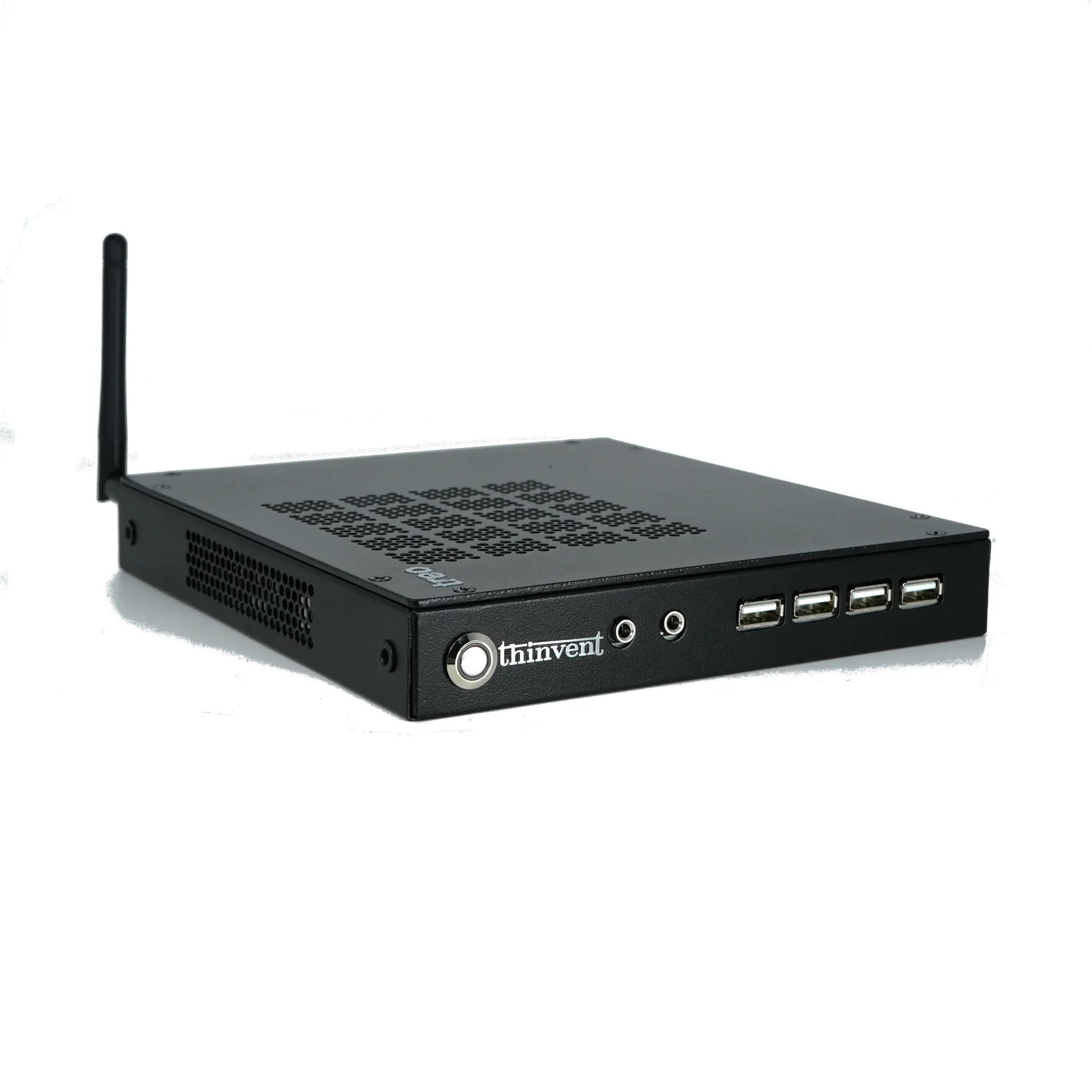
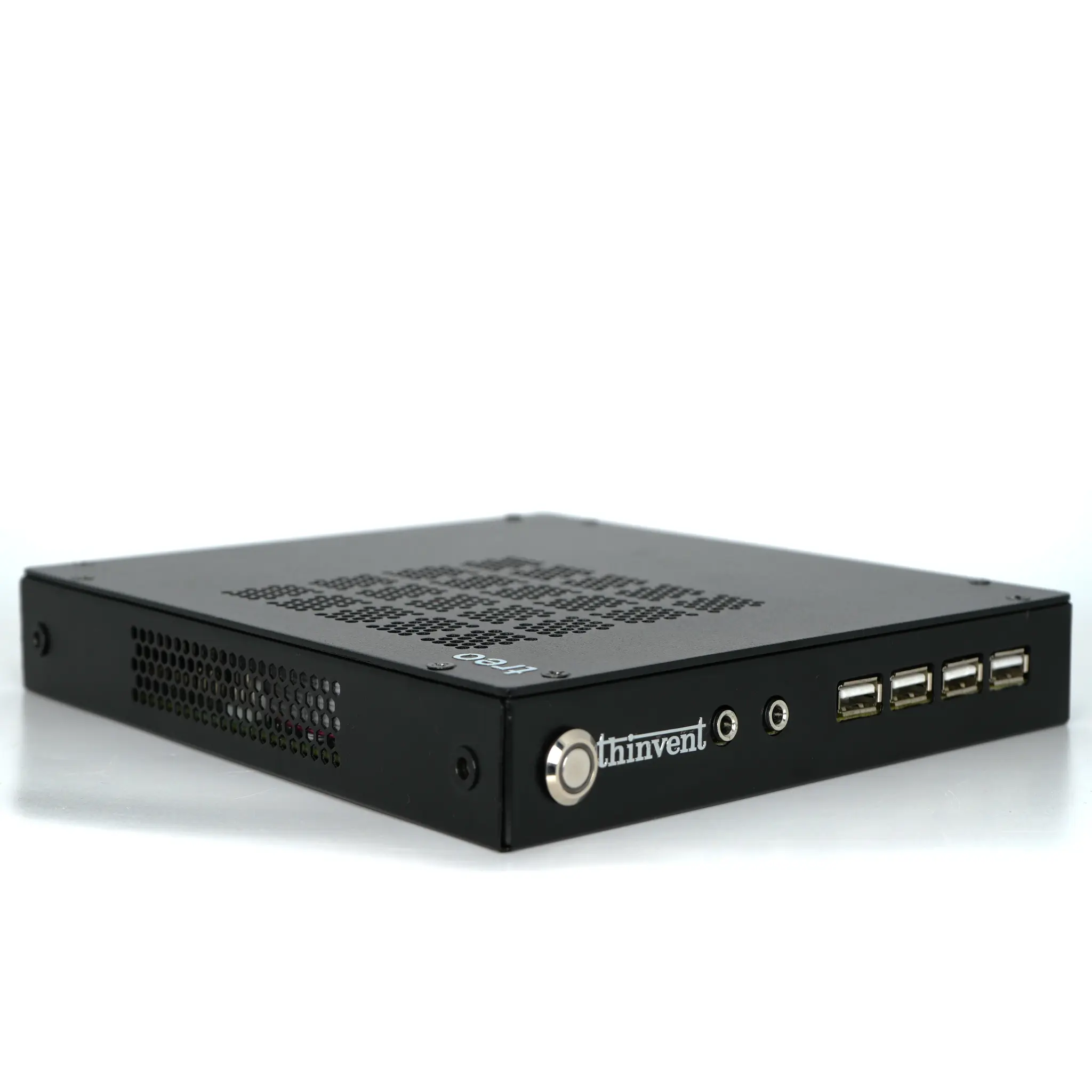
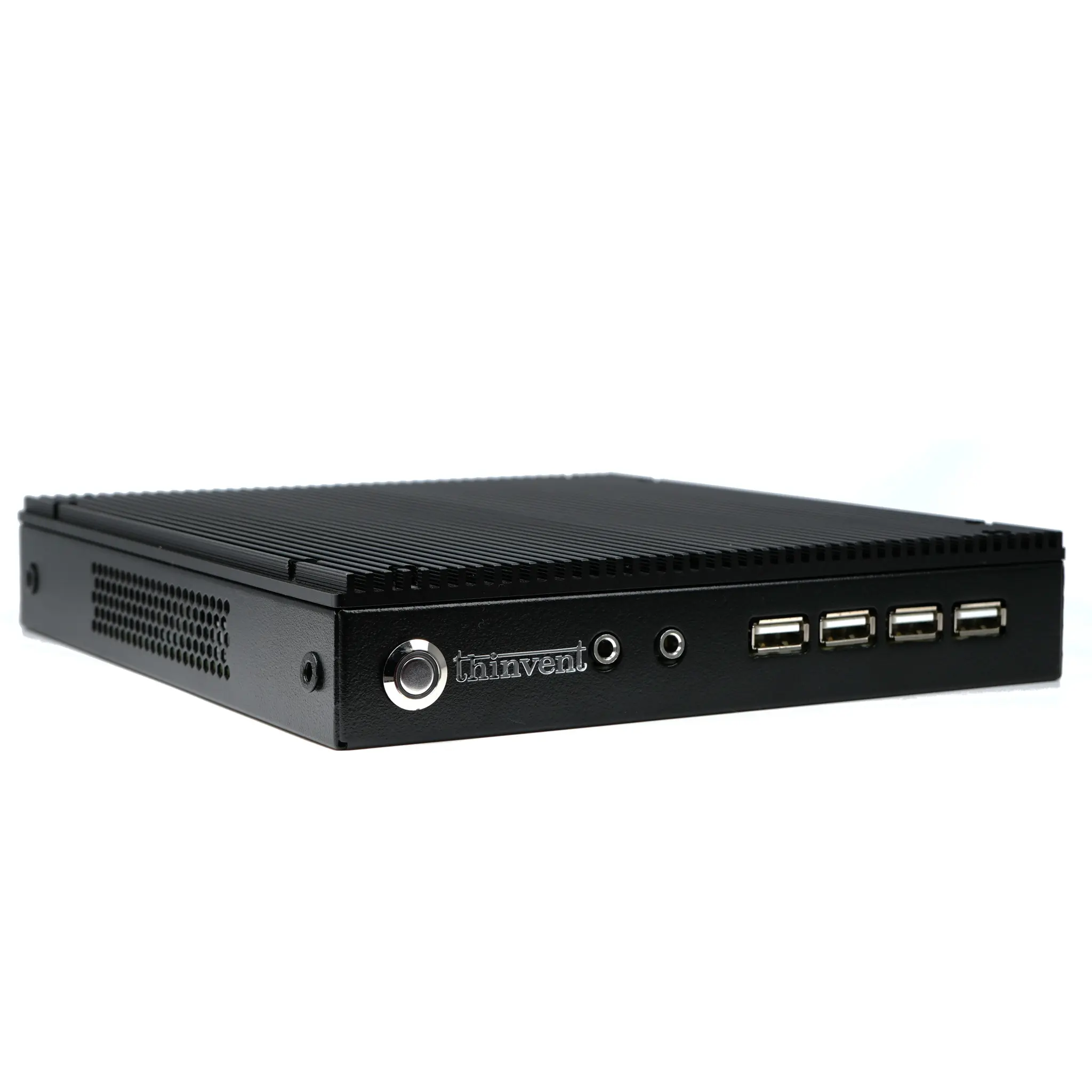
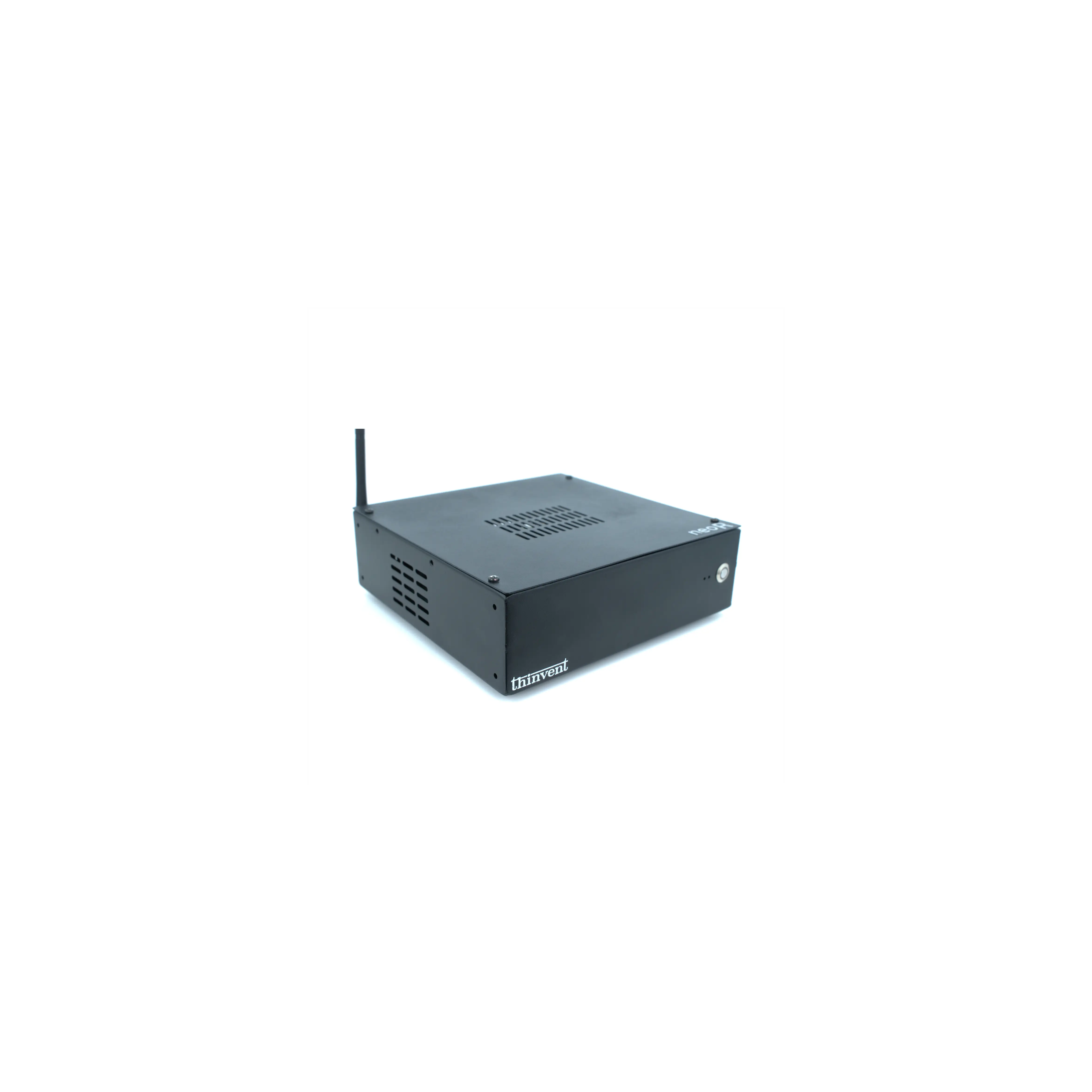
For Lightweight & Energy-Efficient Tasks: The Thinvent Micro 6 Pro and Treo Mini PC series, powered by ARM or Intel N100 processors, provide silent, fanless operation for basic office applications, web browsing, and terminal services, all in an ultra-compact footprint.
-
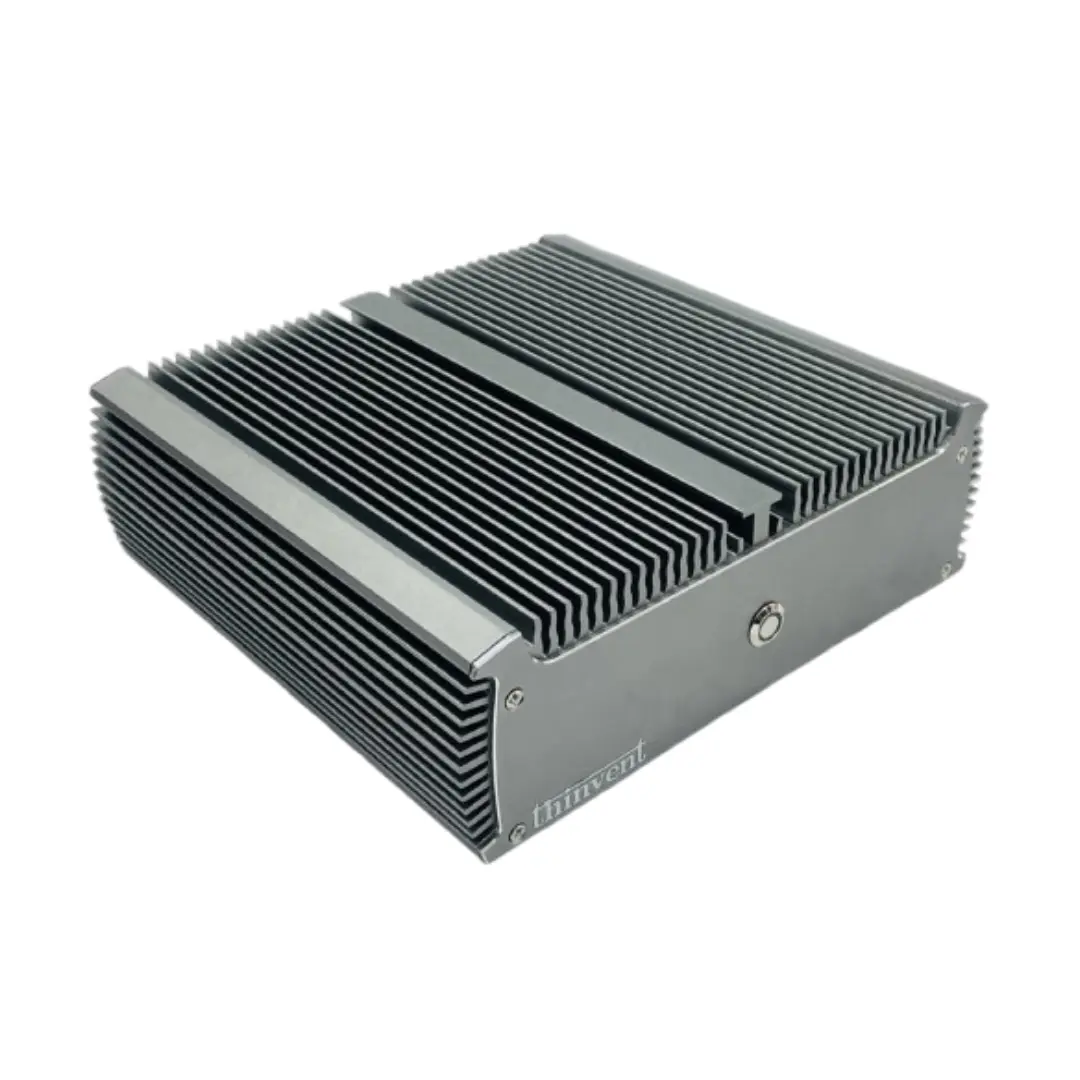
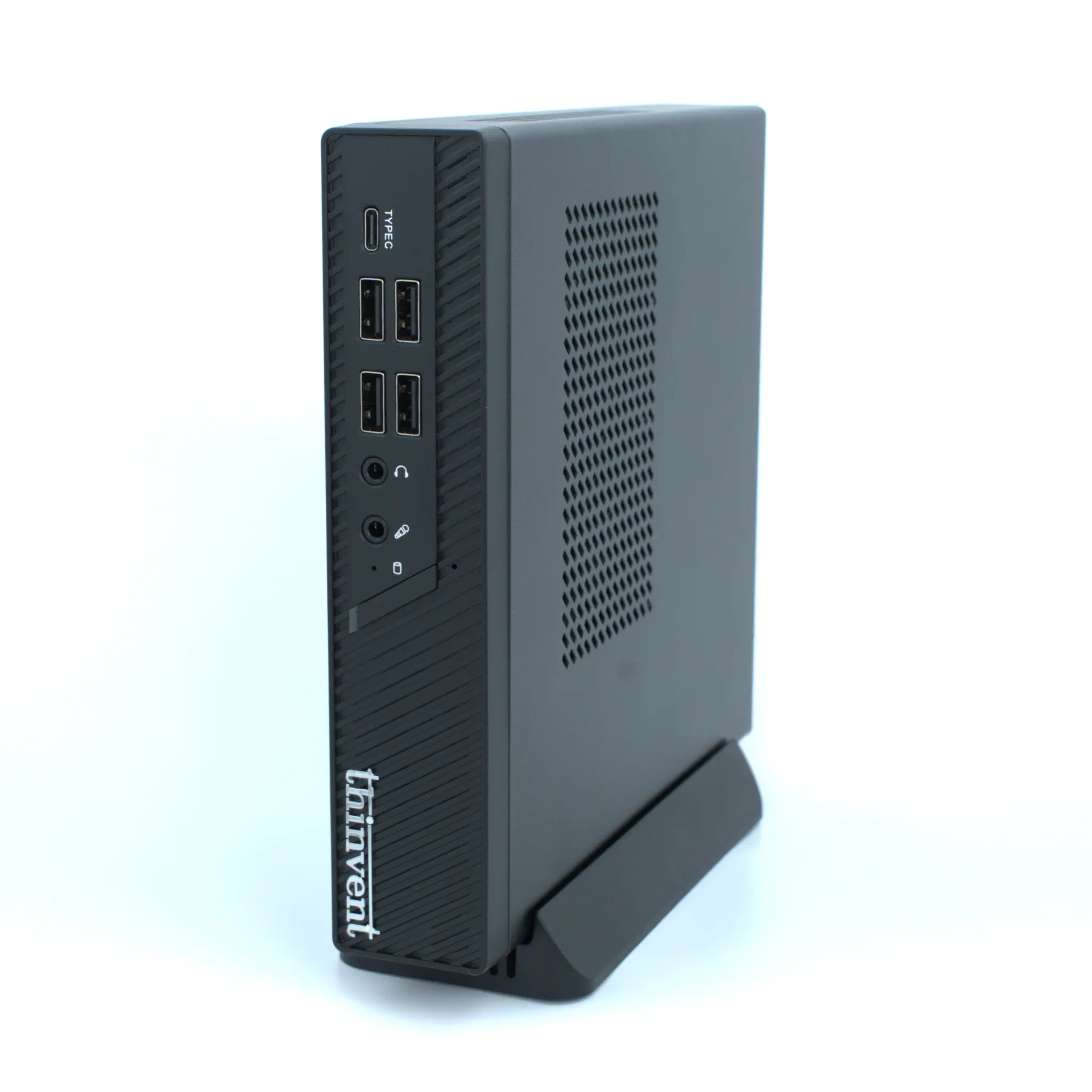
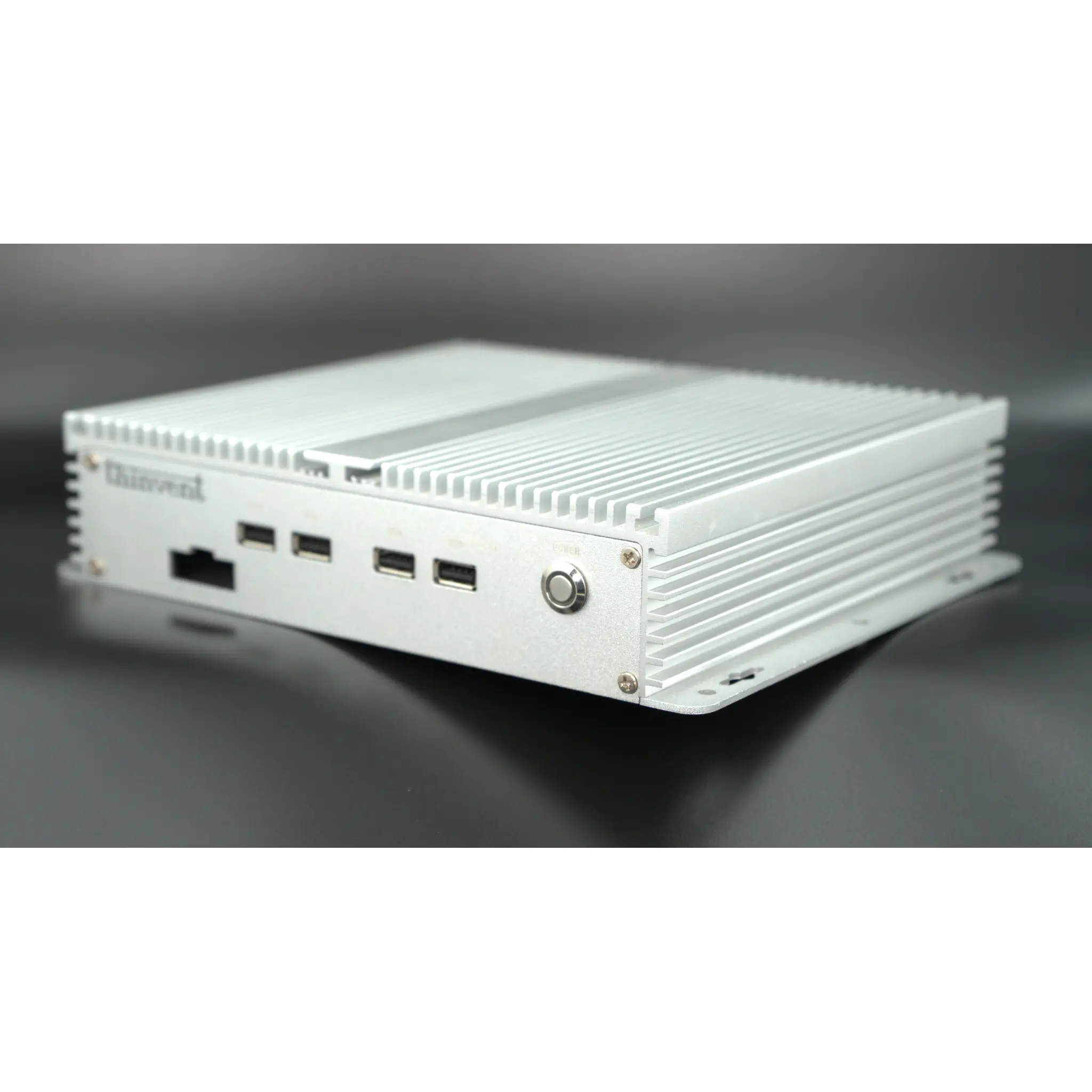
For Mainstream Office Productivity: The Thinvent Aero Mini PC and Industrial PC IPC3, featuring Intel Core i3 and i5 processors, deliver robust performance for multitasking, Microsoft Office suites, accounting software, and video conferencing with ample RAM and fast SSD storage.
-
For Demanding Departmental Workloads: The Thinvent Industrial PC IPC5 with a high-core-count Intel Core i5-1250P processor is built for advanced analytics, financial modeling, and design applications, offering desktop-grade power in a rugged, reliable chassis suitable for 24/7 operation.
All Thinvent systems are built for durability and come with flexible operating system options, including Windows 11 Pro and Ubuntu Linux, ensuring compatibility with your business software and security requirements.