Best PC for Video Editing in 2025
The best PC for video editing in 2025 balances high-performance multi-core processors, ample RAM, fast SSD storage, and robust graphics capabilities to handle modern codecs and high-resolution timelines efficiently. For professional-grade work, a system should feature a modern Intel Core i5 or i7 processor (or equivalent), a minimum of 16GB of RAM, and a fast NVMe SSD. While dedicated GPUs are often recommended for heavy effects and color grading, modern integrated graphics like Intel's Iris Xe, found in many of our latest processors, provide substantial acceleration for many editing tasks, especially in 1080p and 4K workflows.
Key specifications to prioritize include a high core and thread count for faster rendering and encoding, a high CPU clock speed (boost frequencies of 4.0 GHz or higher) for responsive timeline scrubbing, and a large CPU cache to improve data handling. Sufficient RAM (16GB minimum, 32GB+ ideal) is critical for handling multiple applications, large project files, and effects. Fast storage, such as a 512GB or larger NVMe SSD, drastically reduces project load times and media cache performance. For connectivity, multiple display outputs (like dual HDMI) are essential for a multi-monitor editing setup.
Primary Use Cases and Applications:
-
Professional Video Editing: Cutting, color correction, and rendering for YouTube, corporate, and broadcast content.
-
Motion Graphics & Light VFX: Working with Adobe After Effects, DaVinci Resolve Fusion, or similar software for titles and basic animations.
-
4K and Multi-Cam Editing: Managing high-bitrate footage from multiple camera angles efficiently.
-
Content Creation Workstations: Serving as a compact, powerful hub for creators who also stream, design, or handle audio production.
Comparing Thinvent Systems for Video Editing
Based on the provided product list, here is a comparison of systems suitable for different tiers of video editing work:
| Model Series | Example Product | Key Specs (CPU, RAM, Storage) | Best For Editing Tier |
|---|---|---|---|
| Entry-Level / Basic | Treo Mini PC (Intel N100, 4GB RAM, 128GB SSD) | 4 Cores, 3.4 GHz, 4GB RAM | 1080p editing, very light projects, proxy workflows. |
| Mainstream / Prosumer | Aero Mini PC (Intel Core i3-1215U, 8GB RAM, 256GB SSD) | 6 Cores, 4.4 GHz, 8GB RAM | 1080p/4K editing (with proxies), social media content, light effects. |
| Performance / Professional | Industrial PC IPC5 (Intel Core i5-1250P, 16GB RAM, 512GB SSD) | 12 Cores, 4.4 GHz, 16GB RAM | Demanding 4K editing, multi-cam sequences, faster renders. |
| High-Performance / Flagship | Aero Mini PC (Intel Core 5 120U, 16GB RAM, 512GB SSD) | 10 Cores, 5.0 GHz, 16GB RAM | High-framerate 4K editing, complex timelines, excellent single-core performance. |
Note: The ARM-based Micro series (Micro 5, Micro 6 Pro) are thin clients designed for remote desktop and light browsing; they are not suitable for native video editing applications due to their architecture and limited resources.
Thinvent Products for Video Editing
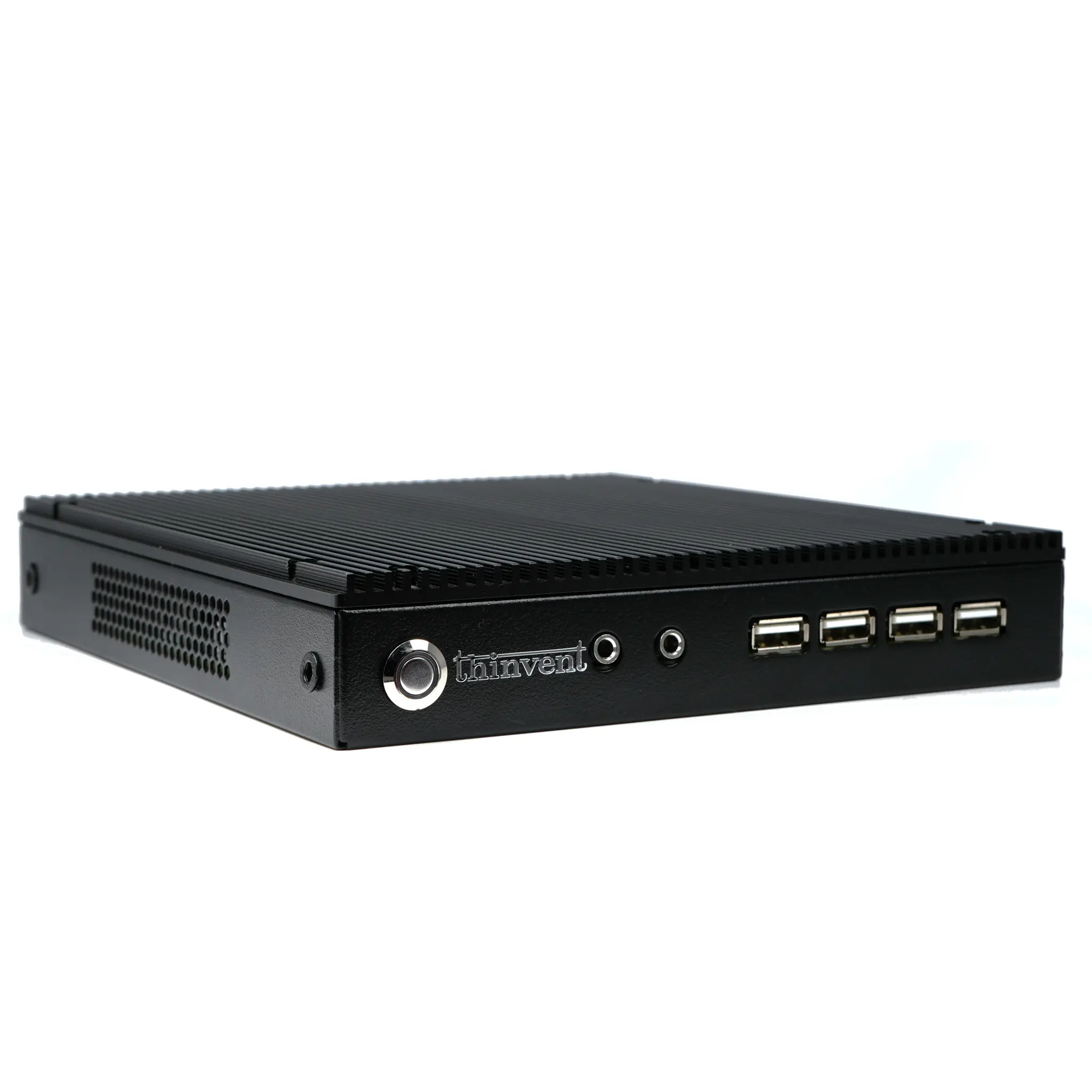
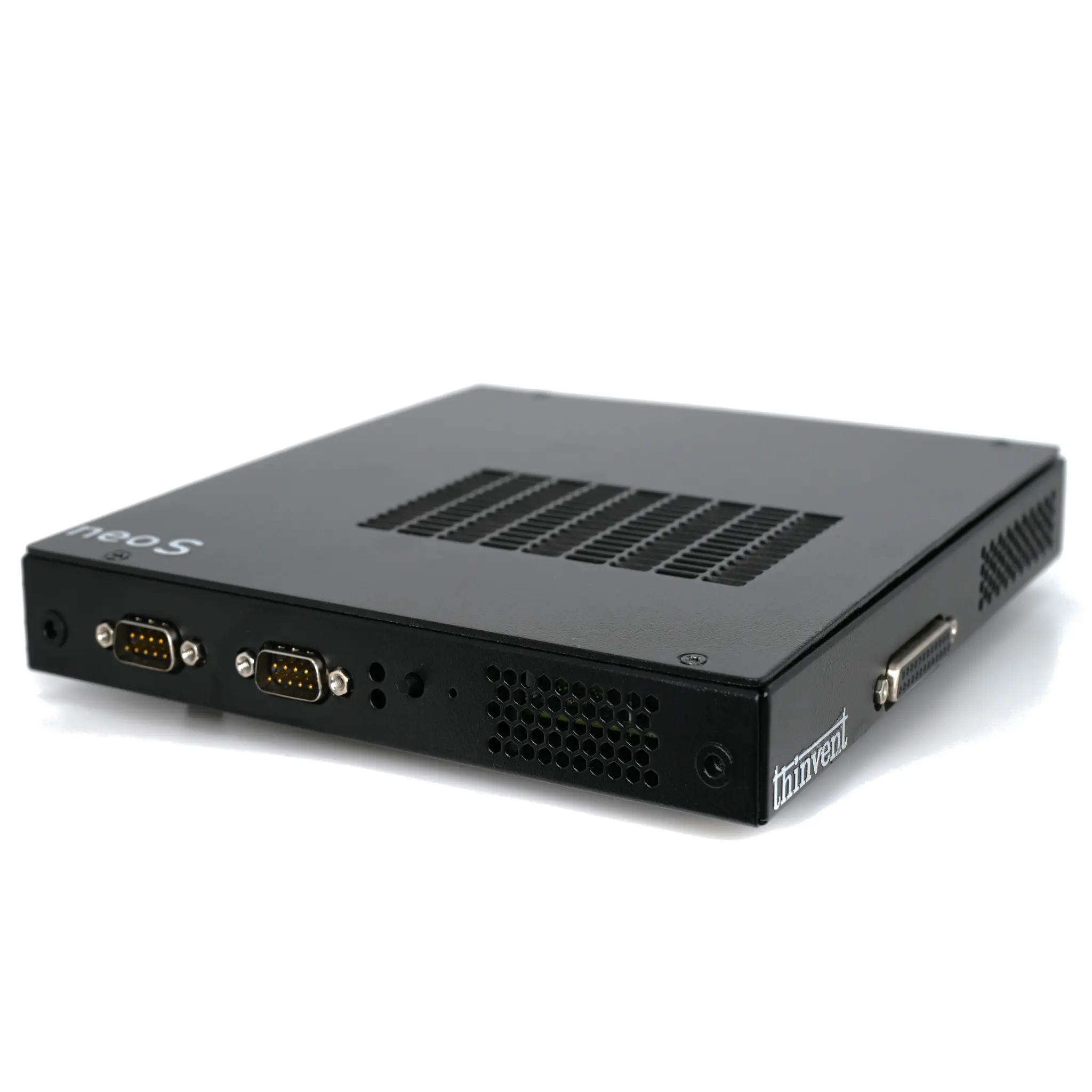
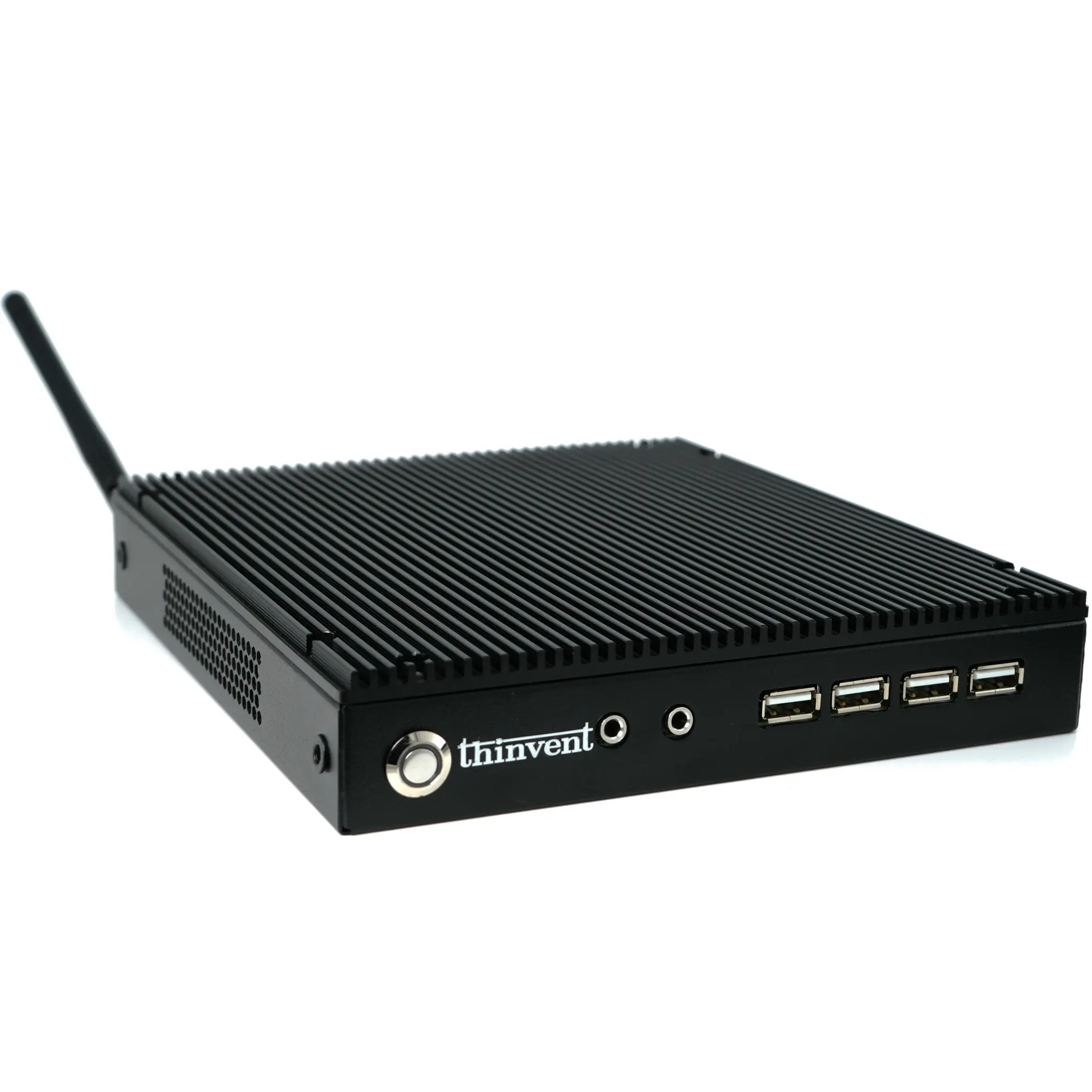
Thinvent offers a versatile range of industrial and mini PCs perfectly suited for video editing workflows in 2025. Our Industrial PC IPC5, featuring a 12-core Intel Core i5-1250P processor, 16GB of RAM, and a 512GB SSD, stands out as our top recommendation for professional editors requiring robust performance for 4K projects and efficient rendering. For creators seeking a balance of power and compact form factor, the Aero Mini PC with a 14th Gen Intel Core 5 120U processor hits a 5.0 GHz turbo frequency, making timeline navigation exceptionally smooth. Our Treo and standard Industrial PC lines with Intel i3 and N-series processors provide reliable, cost-effective foundations for 1080p editing, educational environments, and content creation stations. All Thinvent systems are built for reliability in demanding environments, ensuring your creative workstation remains stable during long editing sessions, with options for Windows or Linux operating systems to match your software ecosystem.