What are Compact Mini PCs?
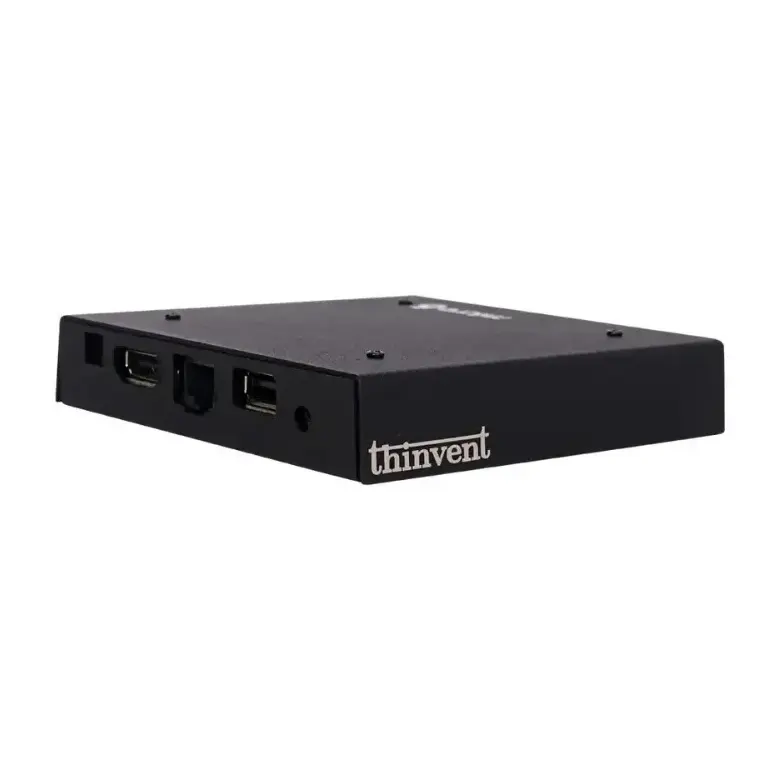
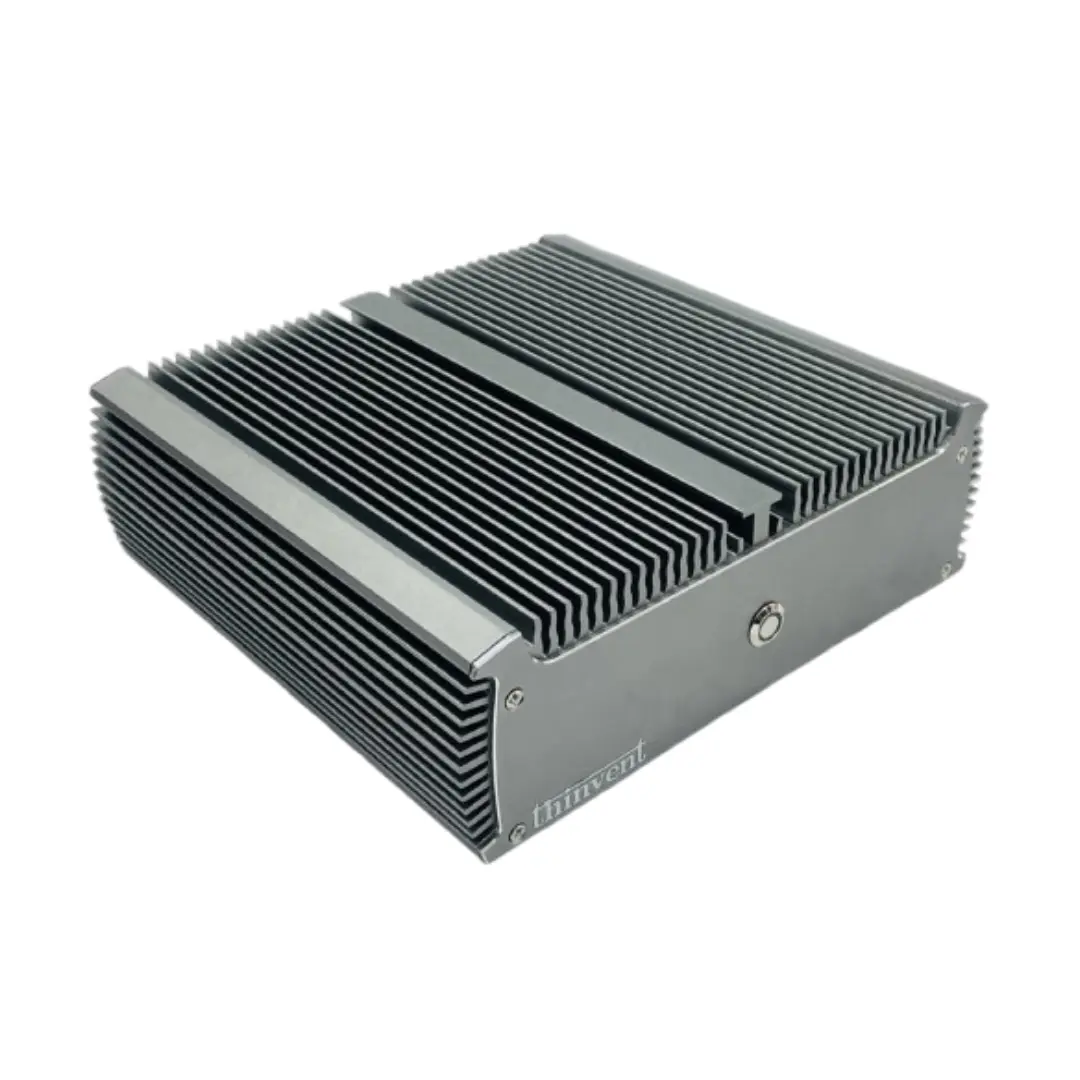
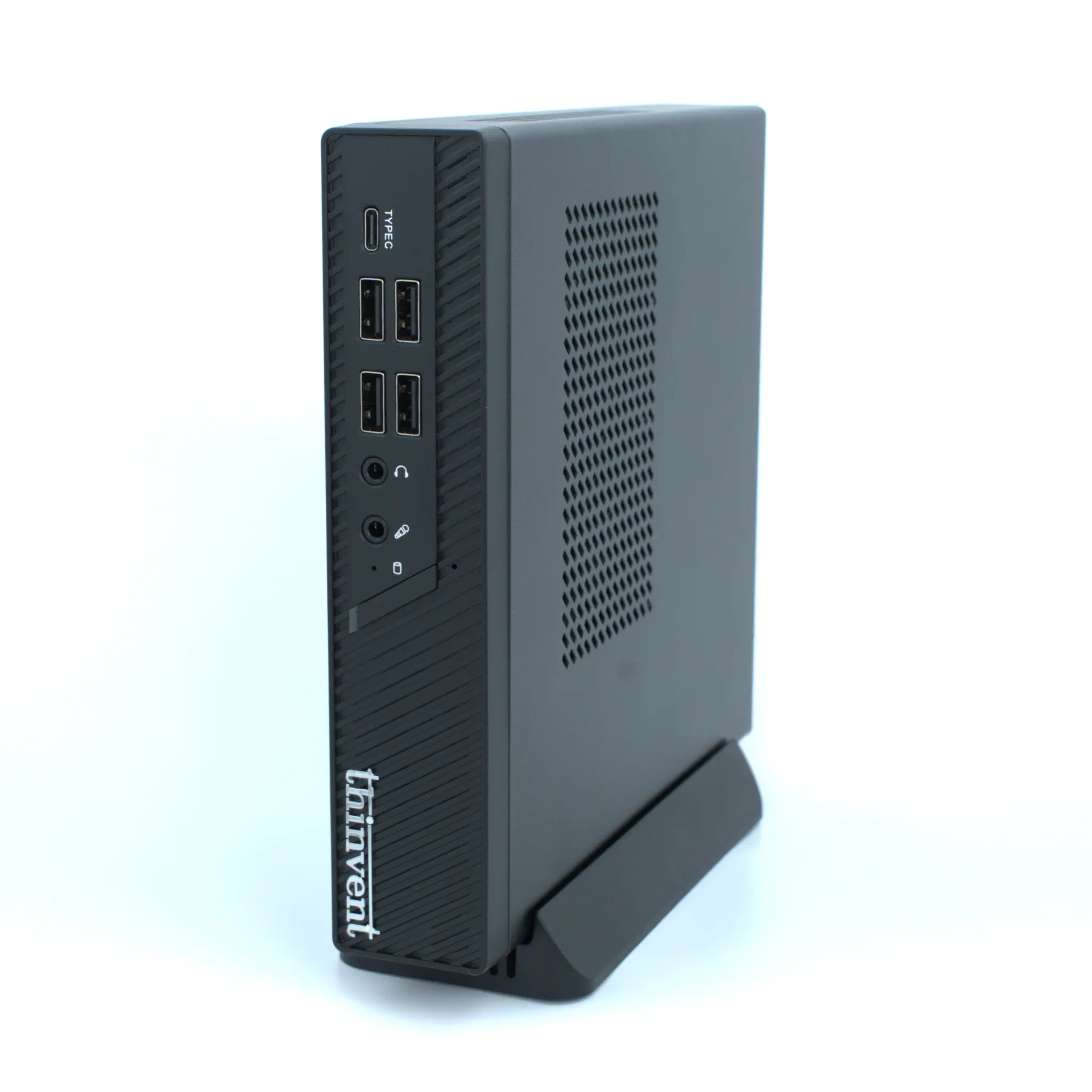
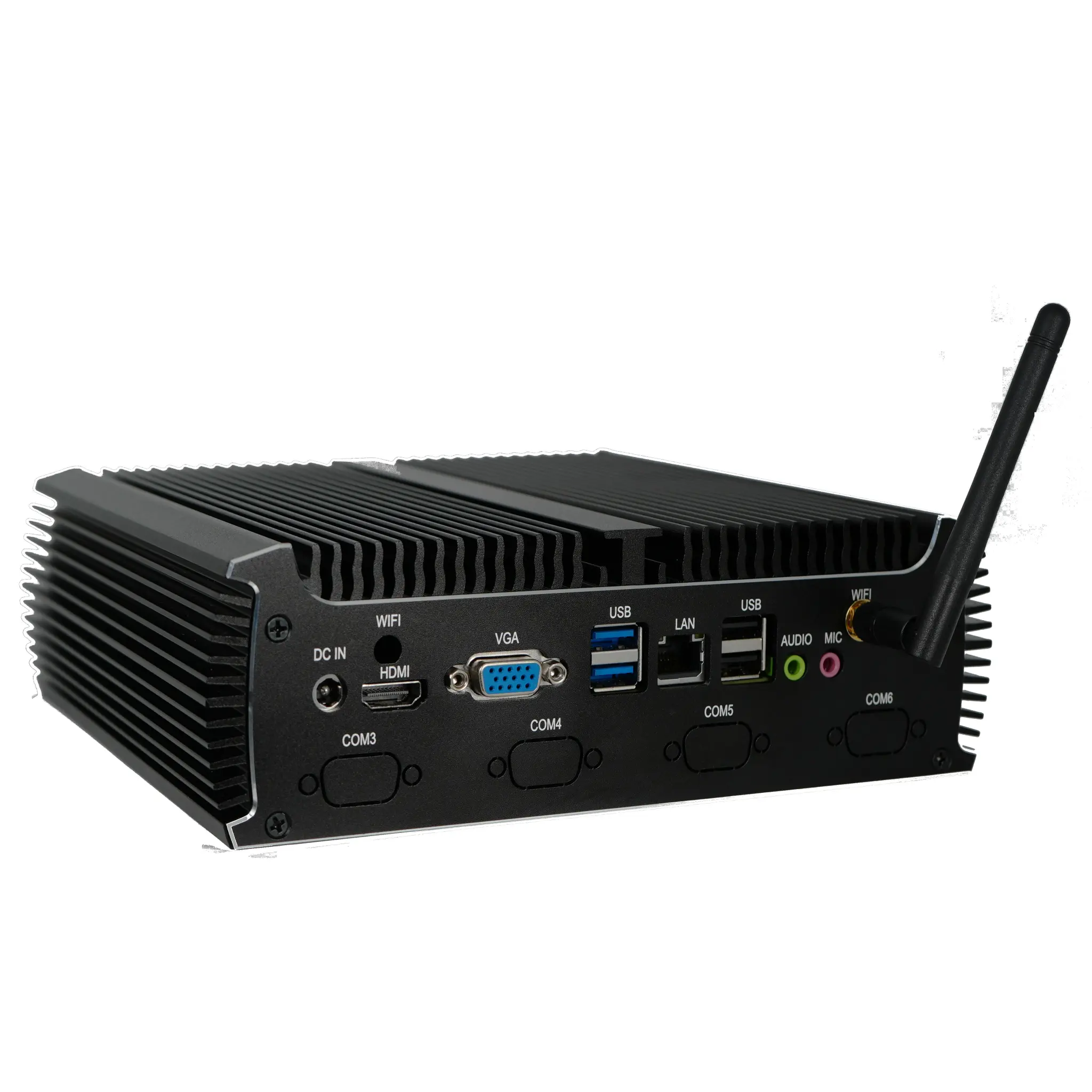
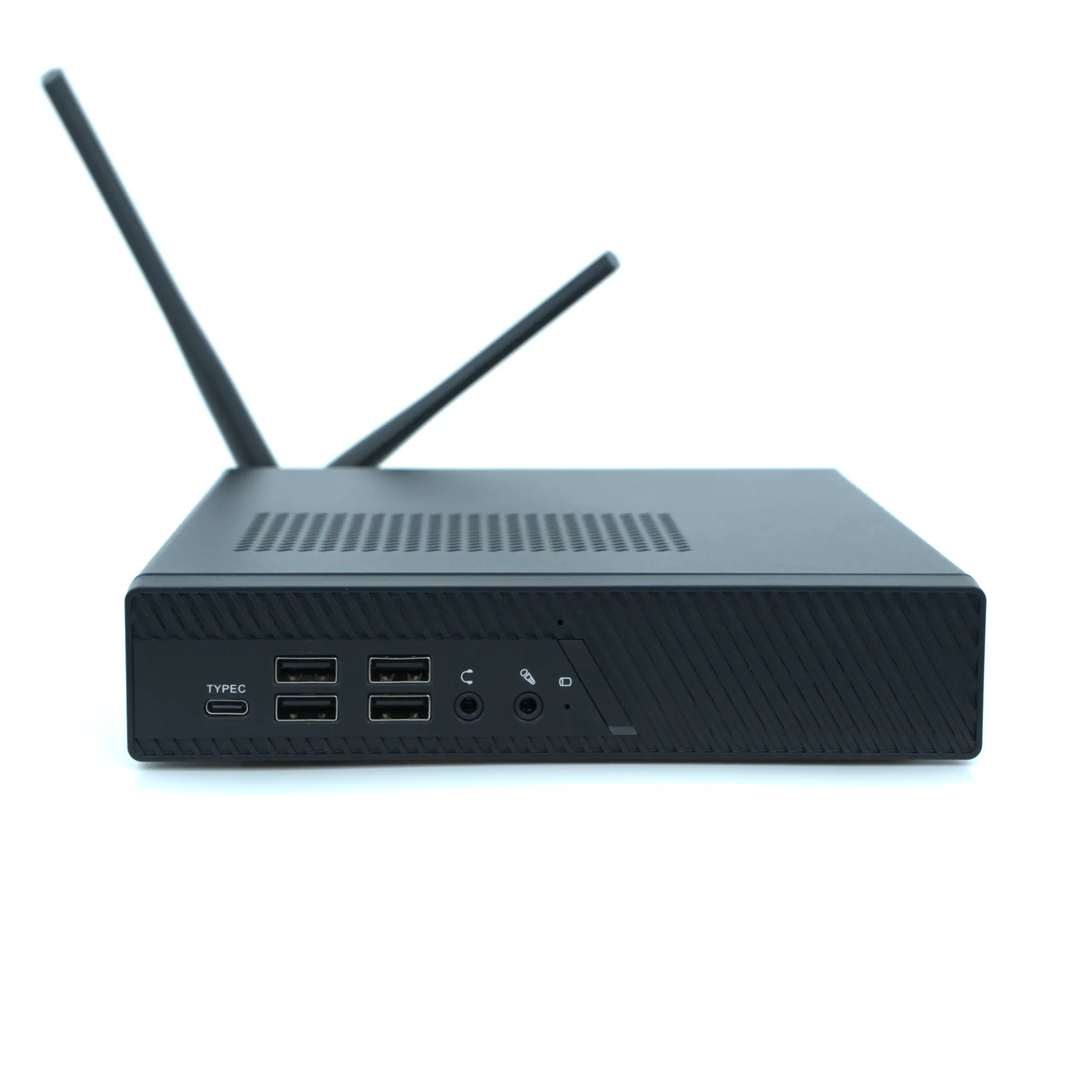
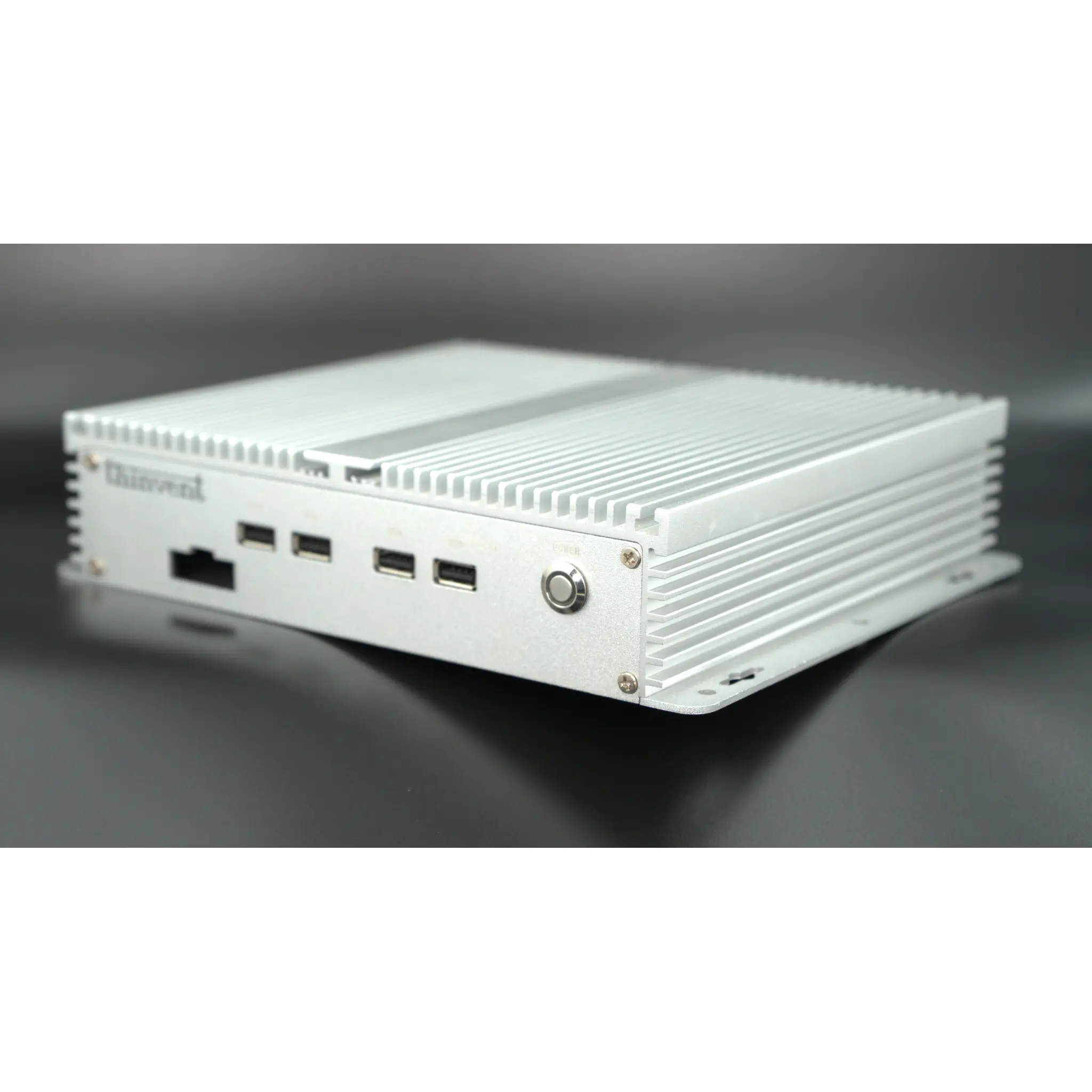
Compact Mini PCs are small-form-factor computers designed to deliver full computing functionality in a significantly reduced physical footprint. They are engineered to be space-efficient, energy-saving, and versatile, making them ideal replacements for traditional bulky desktop towers. These systems typically feature low-power processors, fanless cooling for silent operation, and robust connectivity options, all housed in a chassis that can be easily mounted behind a monitor or in confined spaces.
Key Specifications and Technical Details
The performance spectrum of compact Mini PCs is broad, catering to different needs. On the entry-level, ARM-based systems like the Cortex A53 and A55 offer efficient quad-core processing with onboard RAM and eMMC storage, perfect for lightweight tasks. For more demanding office and industrial workloads, Intel-based platforms are available, ranging from the efficient Intel N100 processor to powerful 12th and 14th Gen Intel Core i3, i5, and even P-series processors. Key specifications to consider include:
-
Processor: ARM Cortex for ultra-low power or Intel Core for high performance.
-
Memory: Ranges from 2GB onboard RAM to 16GB DDR4.
-
Storage: Options include 16GB/64GB eMMC or 128GB to 512GB SSDs.
-
Connectivity: Standard HDMI outputs, with some models featuring dual-band Wi-Fi.
-
Power: Low-voltage DC adapters (5V-12V) ensure energy efficiency.
-
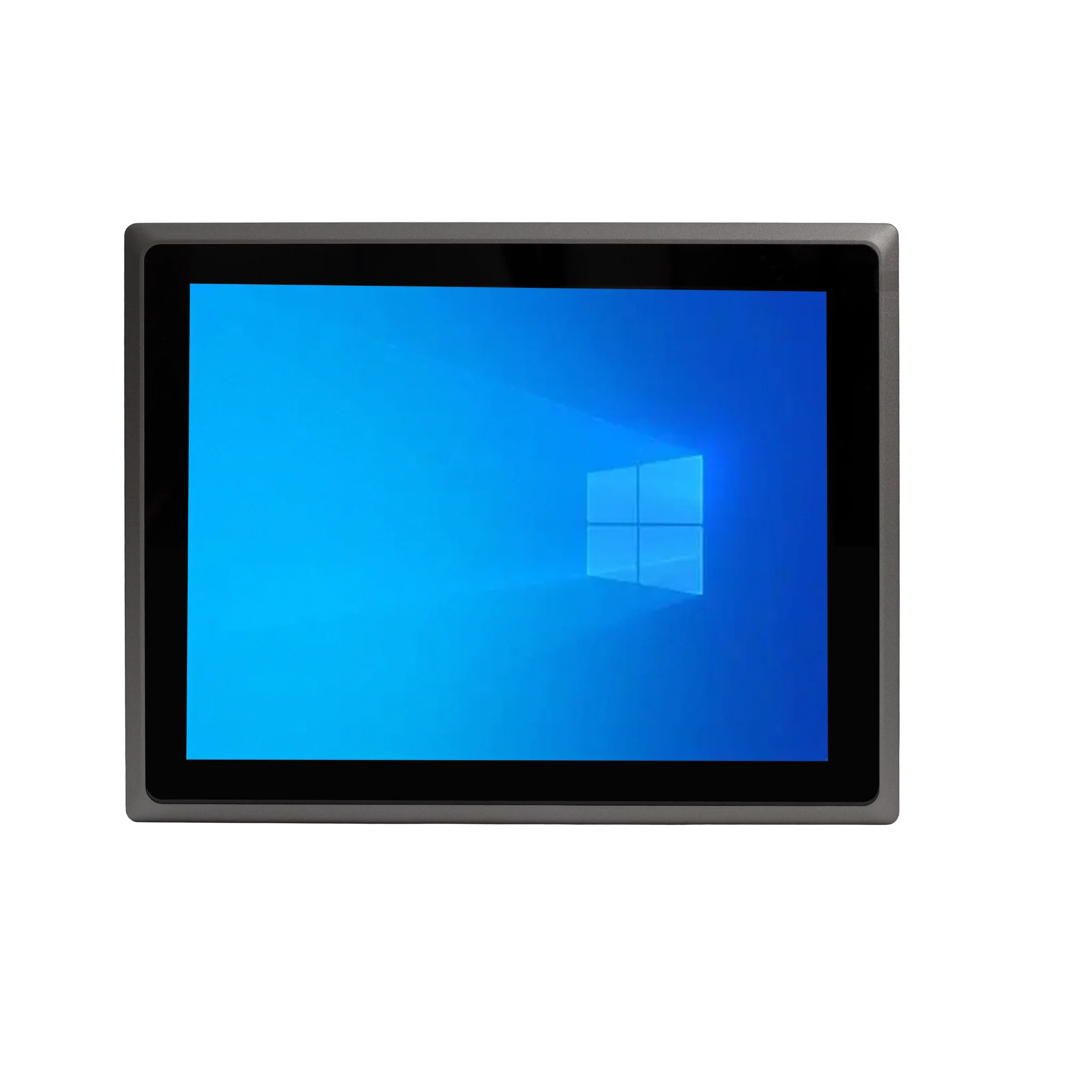
Operating Systems: Pre-installed options include Thinux™ Embedded Linux, Ubuntu Linux, or Windows 11 IoT/Pro.
Use Cases and Applications
These versatile computers are deployed across numerous environments due to their reliability and compact design.
-
Digital Signage & Kiosks: Powering interactive displays and information points in retail, hospitality, and public spaces.
-
Office Productivity: As silent, space-saving workstations for general office applications, web browsing, and communication tools.
-
Industrial Automation: Serving as control units for manufacturing equipment, HMI (Human-Machine Interface) panels, and data acquisition systems in harsh environments.
-
Thin Client & VDI: Ideal endpoints for virtual desktop infrastructure, providing secure access to centralized resources with minimal local management.
-
Edge Computing: Processing data locally in IoT networks for applications like surveillance, retail analytics, and smart buildings.
Comparison of Common Mini PC Platforms
| Feature | ARM-Based Mini PCs (e.g., Micro Series) | Intel N-Series Mini PCs (e.g., Treo, IPC1) | Intel Core Series Mini PCs (e.g., IPC, Aero Series) |
|---|---|---|---|
| Core Use | Lightweight tasks, thin clients, digital signage | General office, basic productivity, edge computing | Demanding office apps, industrial software, multitasking |
| Performance | Efficient, low-power processing | Balanced performance for everyday computing | High-performance computing with turbo boost |
| Power Draw | Very Low (5V adapters) | Low to Moderate | Moderate to High |
| Typical OS | Thinux™, Embedded Linux | Linux, Windows IoT | Windows 11 Pro, Ubuntu Linux |
| Ideal For | Cost-sensitive, always-on deployments | Space-constrained general use | Power users and specialized industrial applications |
Thinvent's Range of Compact Mini PCs
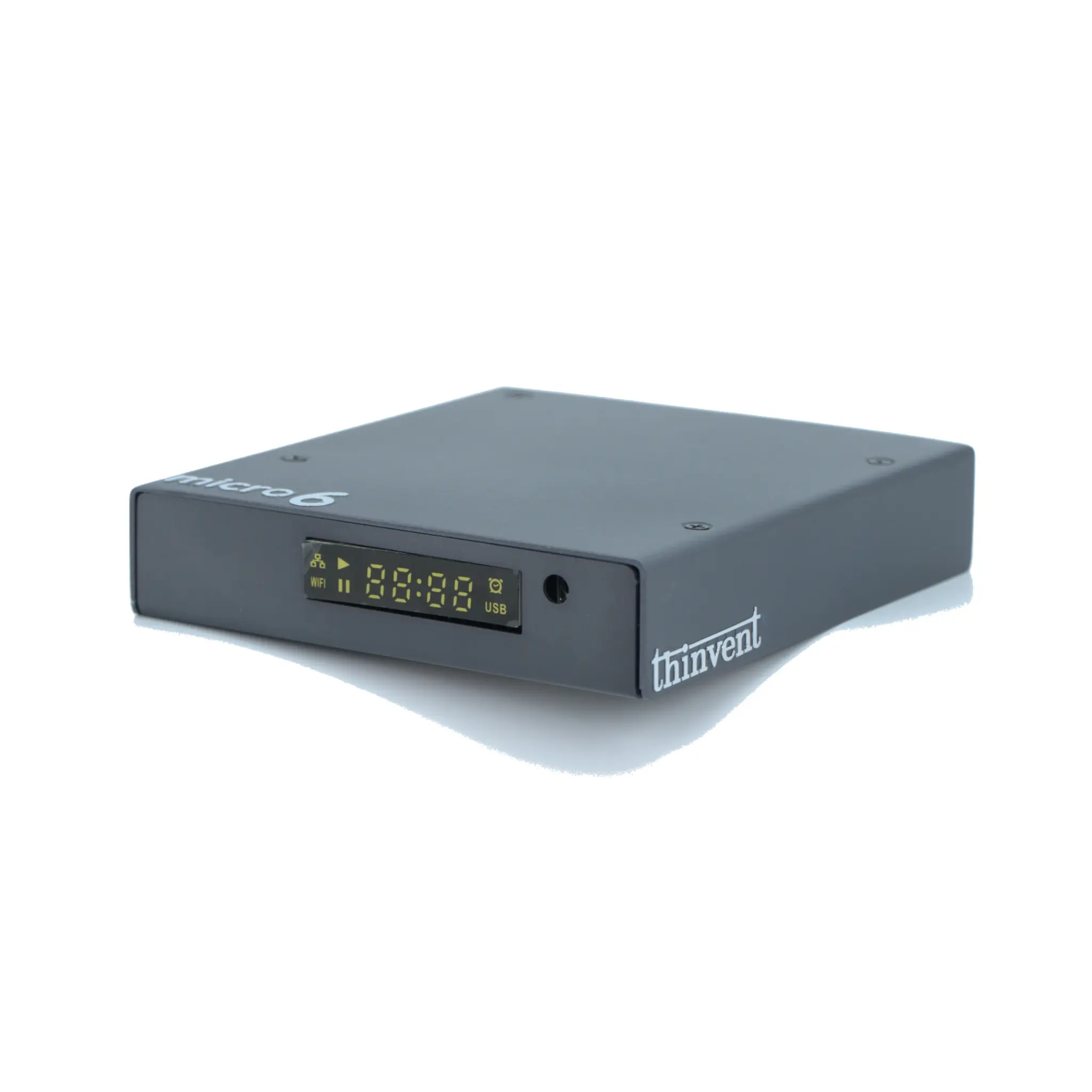
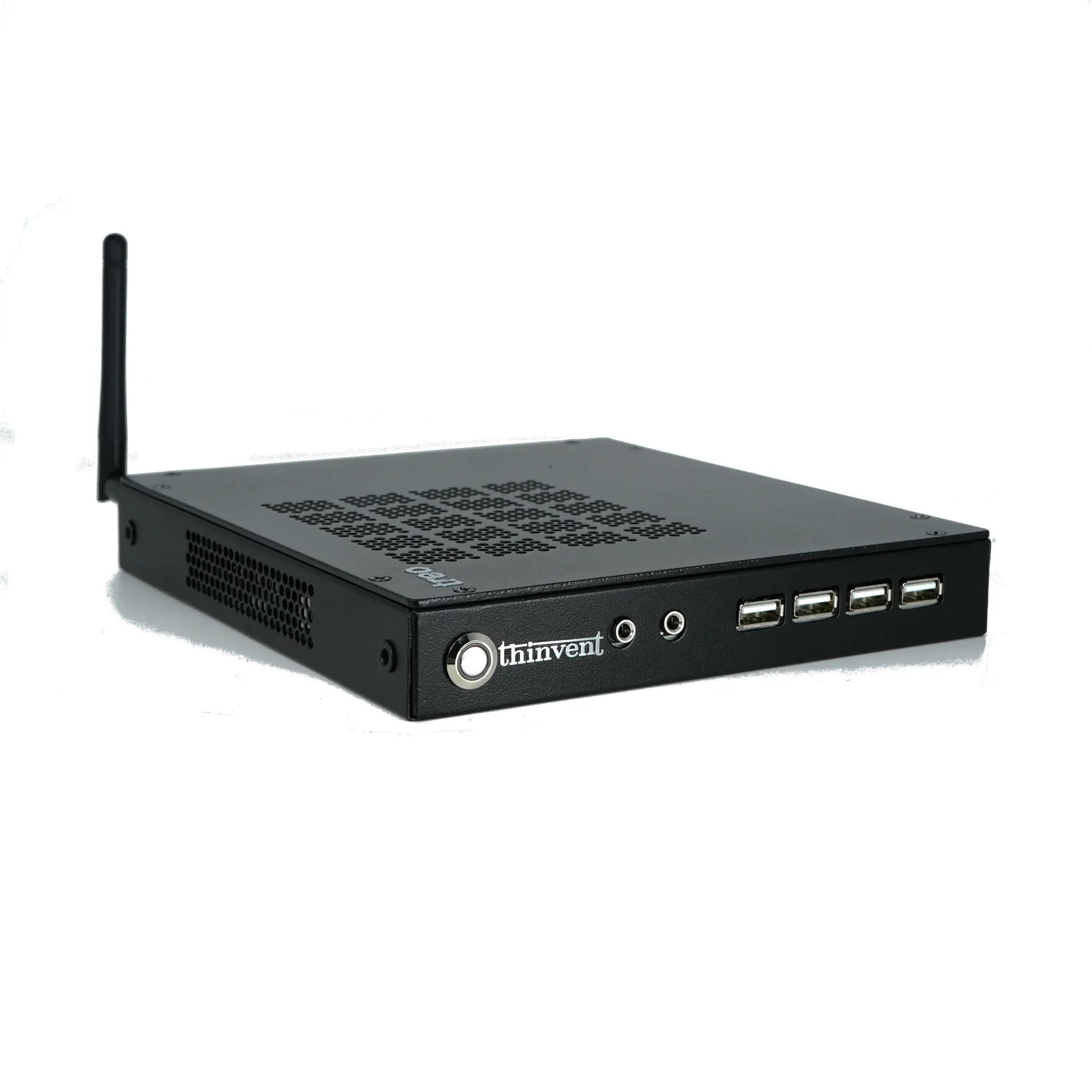
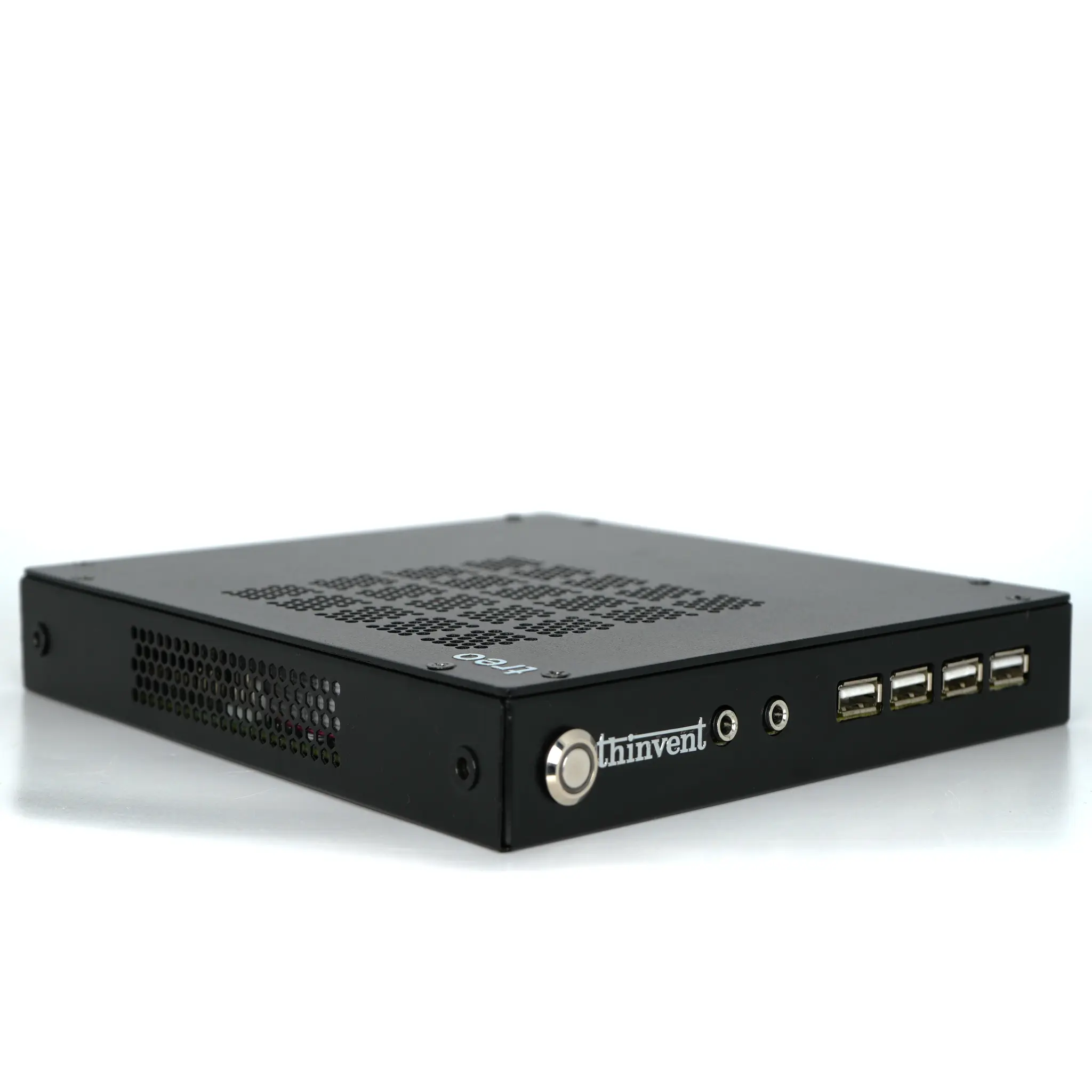
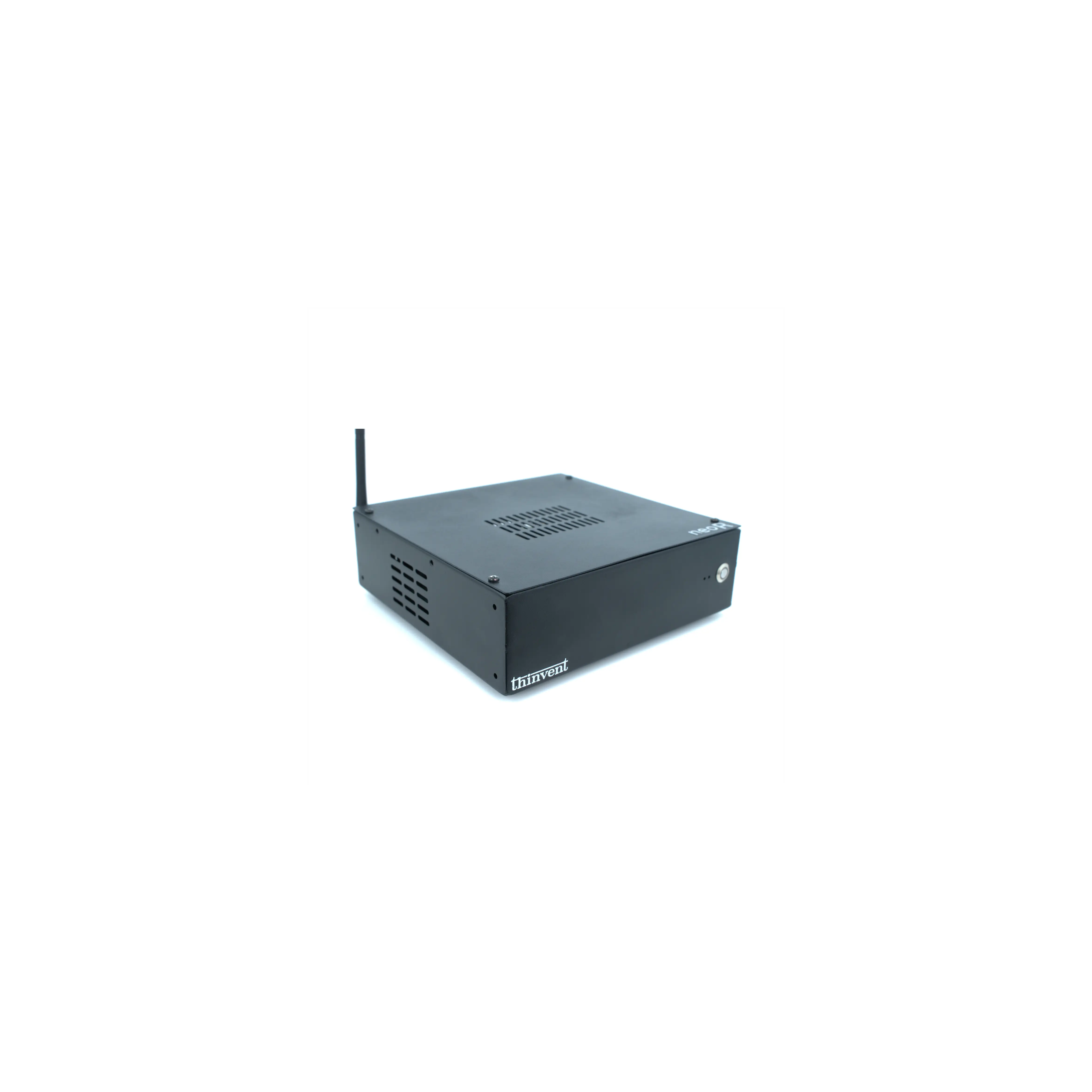
Thinvent offers a comprehensive portfolio of compact Mini PCs engineered for reliability across diverse sectors. Our Micro Series leverages ARM architecture for ultra-efficient, fanless operation in digital signage and thin-client roles. The Treo and IPC1 models feature the Intel N100 processor, providing a perfect balance of performance and power efficiency for everyday office and light industrial tasks. For high-performance demands, our IPC3, IPC5, and Aero Series are equipped with 12th and 14th Generation Intel Core processors, delivering desktop-level power for complex industrial automation, professional office workloads, and advanced edge computing. All Thinvent Mini PCs are built with industrial-grade components, support flexible mounting options, and come with a choice of operating systems to seamlessly integrate into your specific operational environment.