How to Compare Computers
Comparing computers means looking past the marketing name and lining up the specifications that actually determine whether a machine will do the job: processor, memory, storage, cooling method, connectivity, and operating system support. Two systems can look identical on the outside while behaving very differently in the field — one may sit silently in a dusty cabinet for years, while another needs a filtered fan enclosure and regular servicing.
The first comparison axis is the processor. Intel's low-power N-series chips (such as the N95, N100 and N150) suit thin clients, kiosks and light data-entry roles where low heat and low power draw matter more than raw throughput. Intel Core i3 and i5 parts, including the i3-1215U with 6 cores and up to 4.4 GHz, sit a step above: they handle multi-tabbed applications, local databases, machine-vision front ends and modest virtualisation without straining. Core count, cache size and maximum frequency together predict responsiveness better than clock speed alone.
The second axis is memory and storage. 4-8 GB of RAM covers browser-based and terminal workloads; 16 GB is the practical floor for industrial control software, multiple background services or Windows 11 Pro with heavy multitasking; 32-64 GB is for virtualisation and analytics at the edge. Storage follows the same logic — 128-256 GB for thin clients, 512 GB to 1 TB for industrial PCs that log data locally, run databases or stage updates offline.
Comparison Table: Typical Configurations
| Attribute | Entry / Thin Client | Mainstream Industrial PC | High-Performance Edge PC |
|---|---|---|---|
| Processor | Intel N95 / N100 / N150 | Intel Core i3-1215U (6 core, 4.4 GHz) | Intel Core i5, 13th/14th gen |
| Memory | 4-8 GB | 16 GB | 32-64 GB |
| Storage | 128-256 GB SSD | 512 GB-1 TB SSD | 1 TB+ SSD |
| Cooling | Fanless | Fanless or fan-assisted | Fan-assisted |
| Typical OS | Thinux Embedded Linux, Windows 11 IoT | Windows 11 Pro, Ubuntu 24.04 LTS | Windows 11 Pro, Ubuntu 24.04 LTS |
| Best for | Kiosks, terminals, signage | SCADA, MES, machine control | Vision, virtualisation, analytics |
Use Cases and Applications
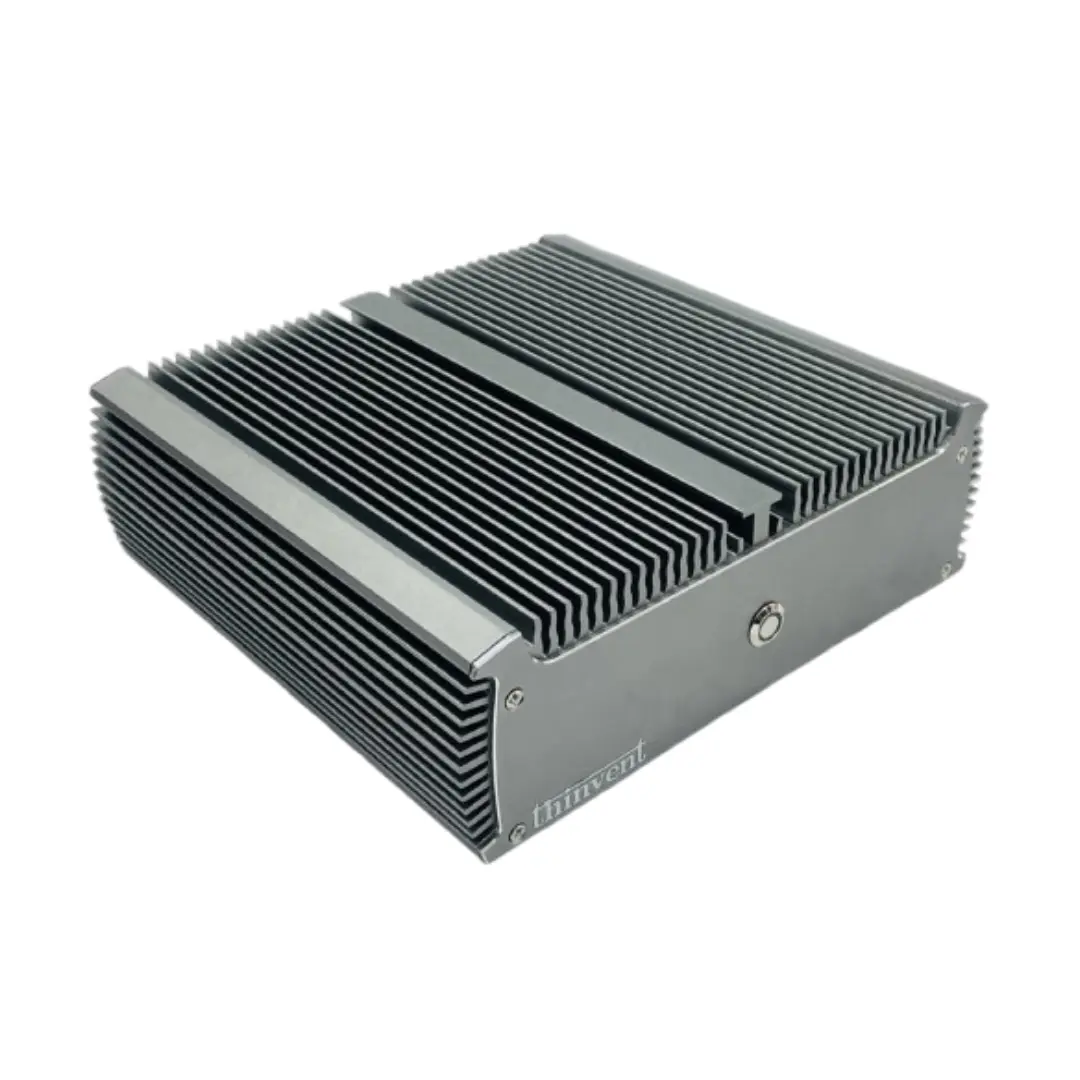
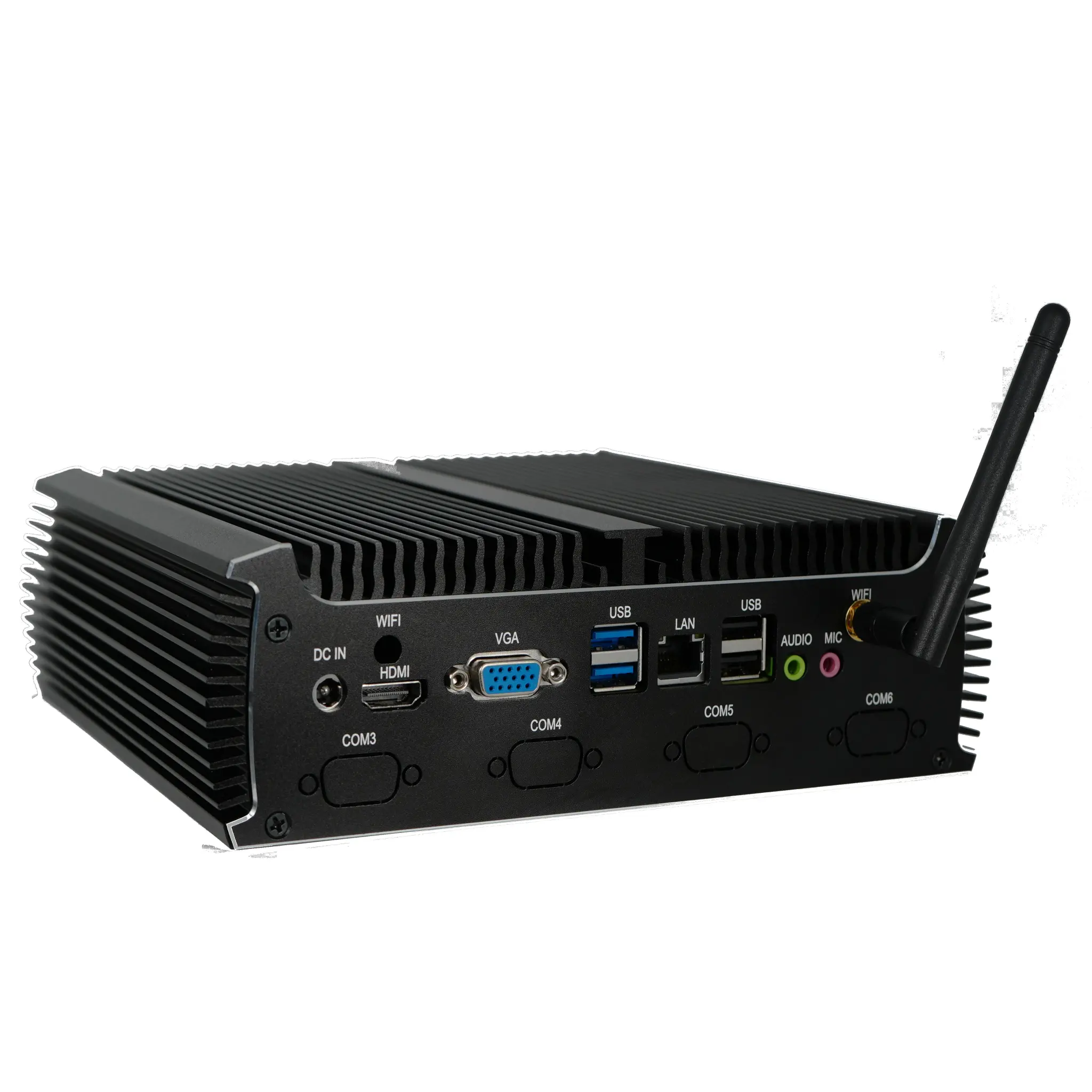
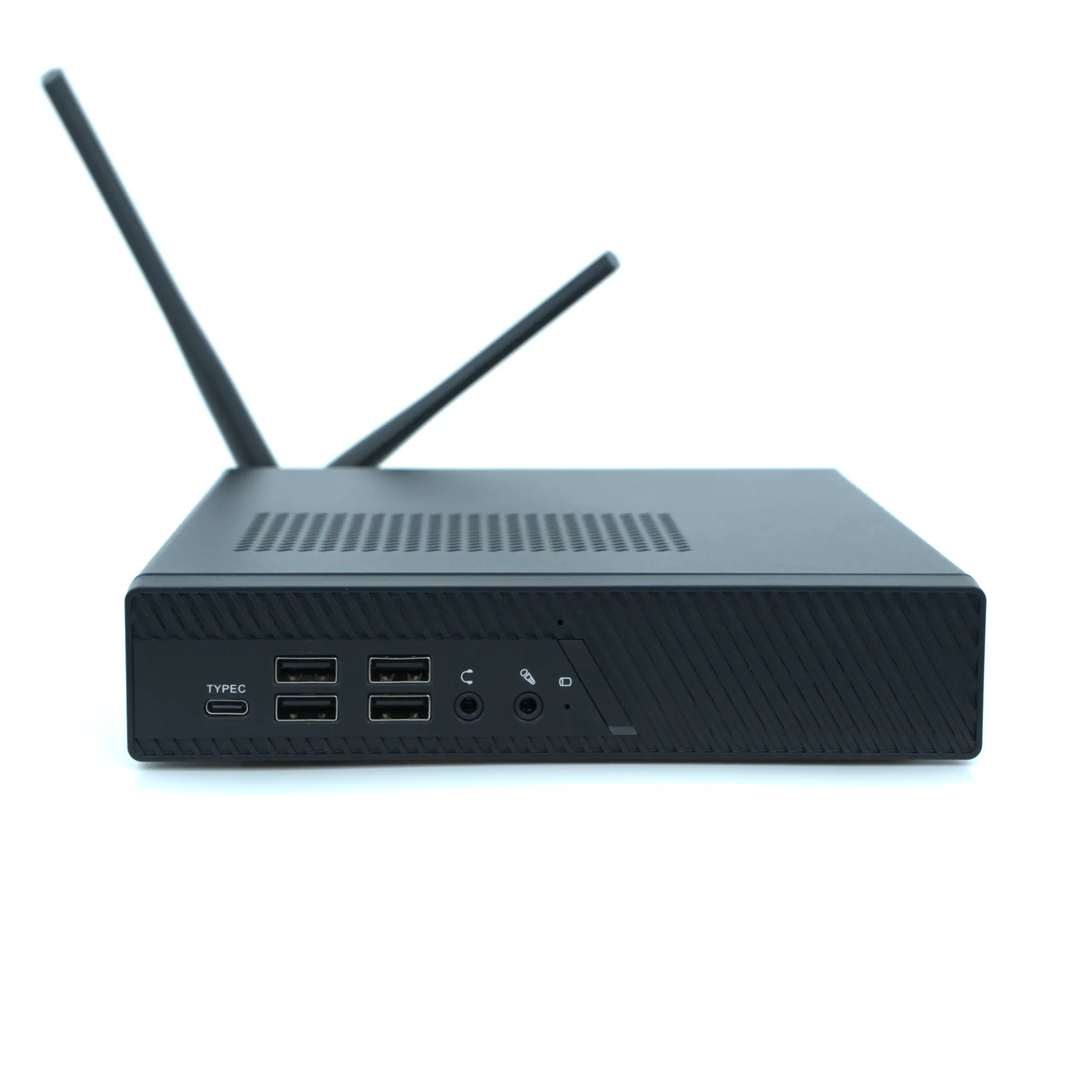
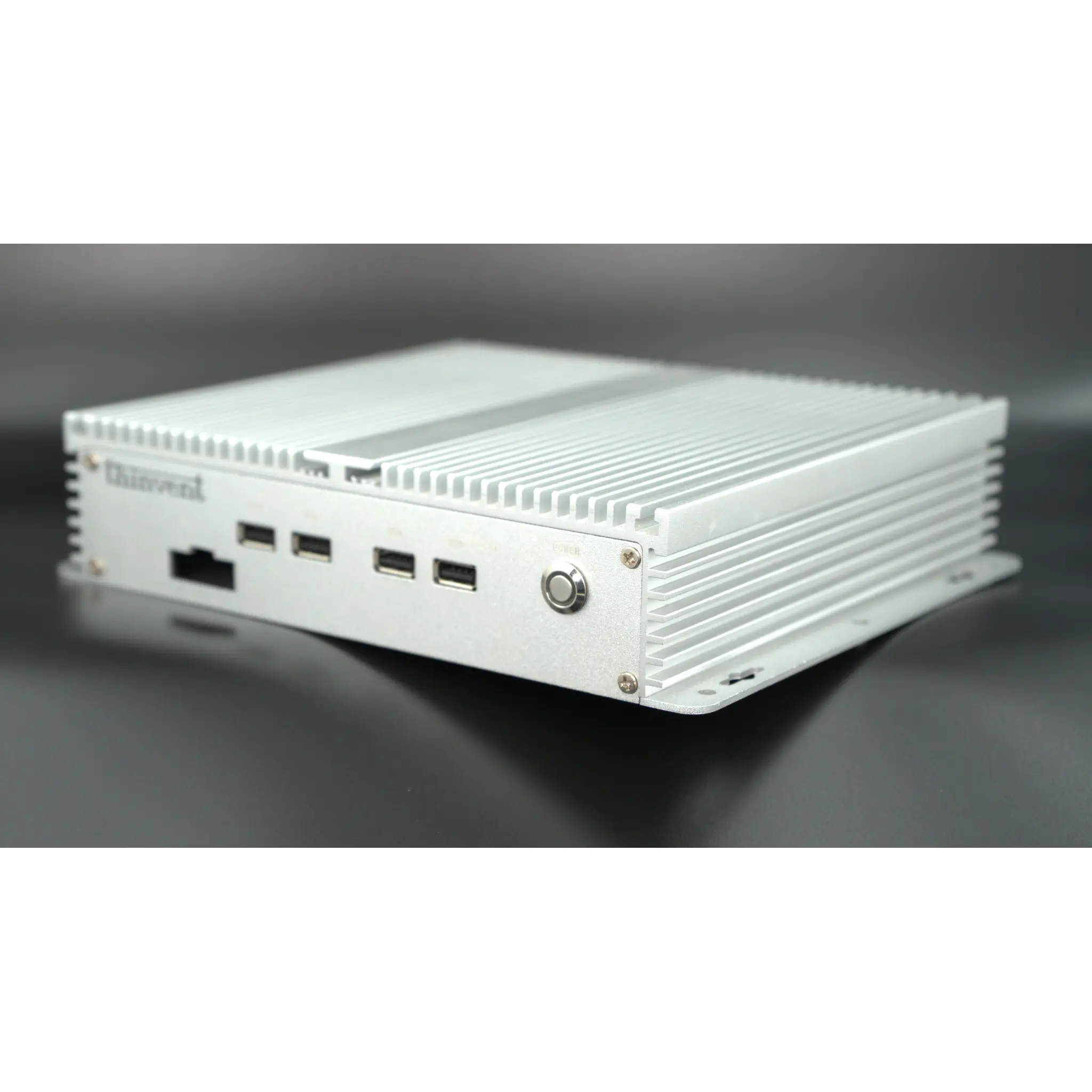
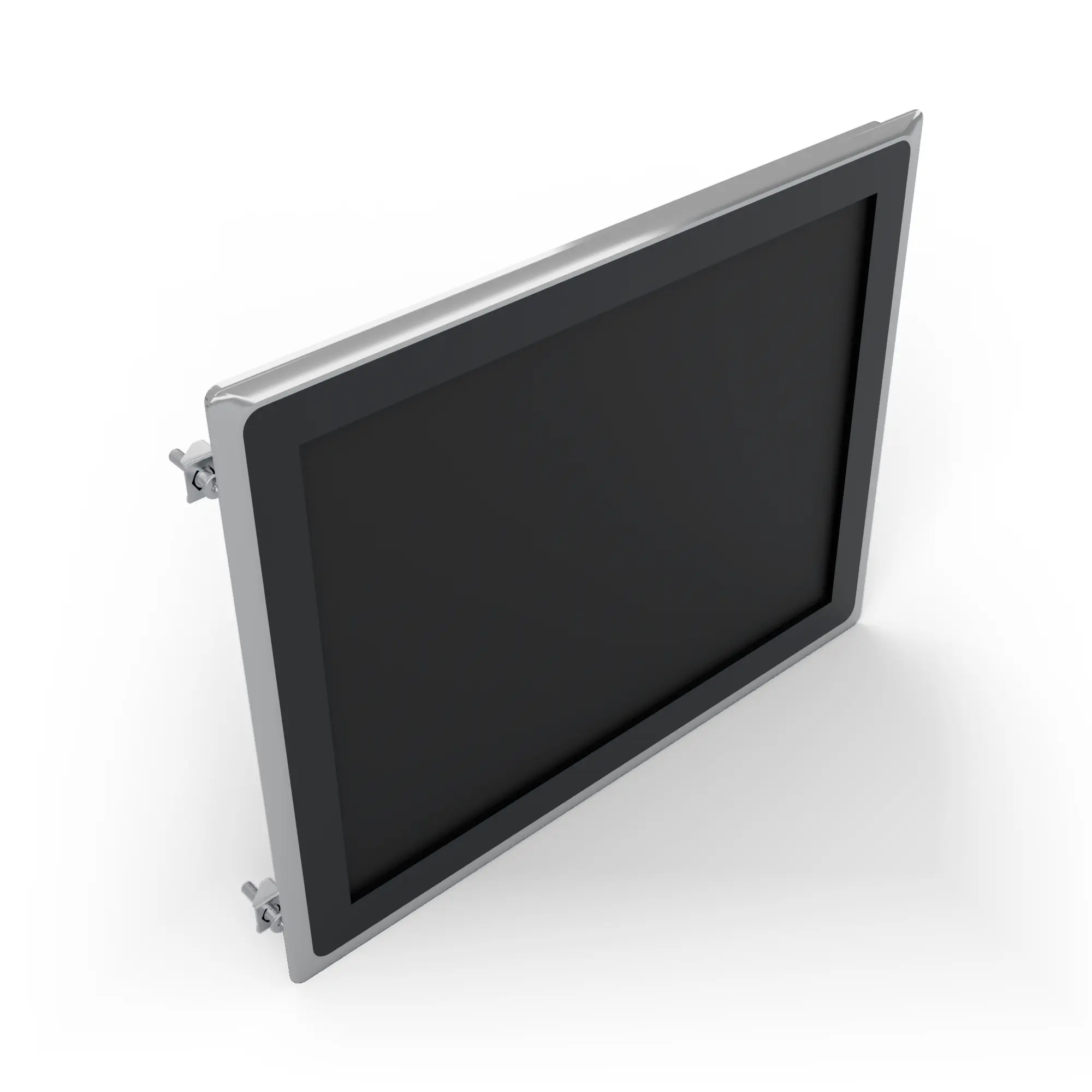
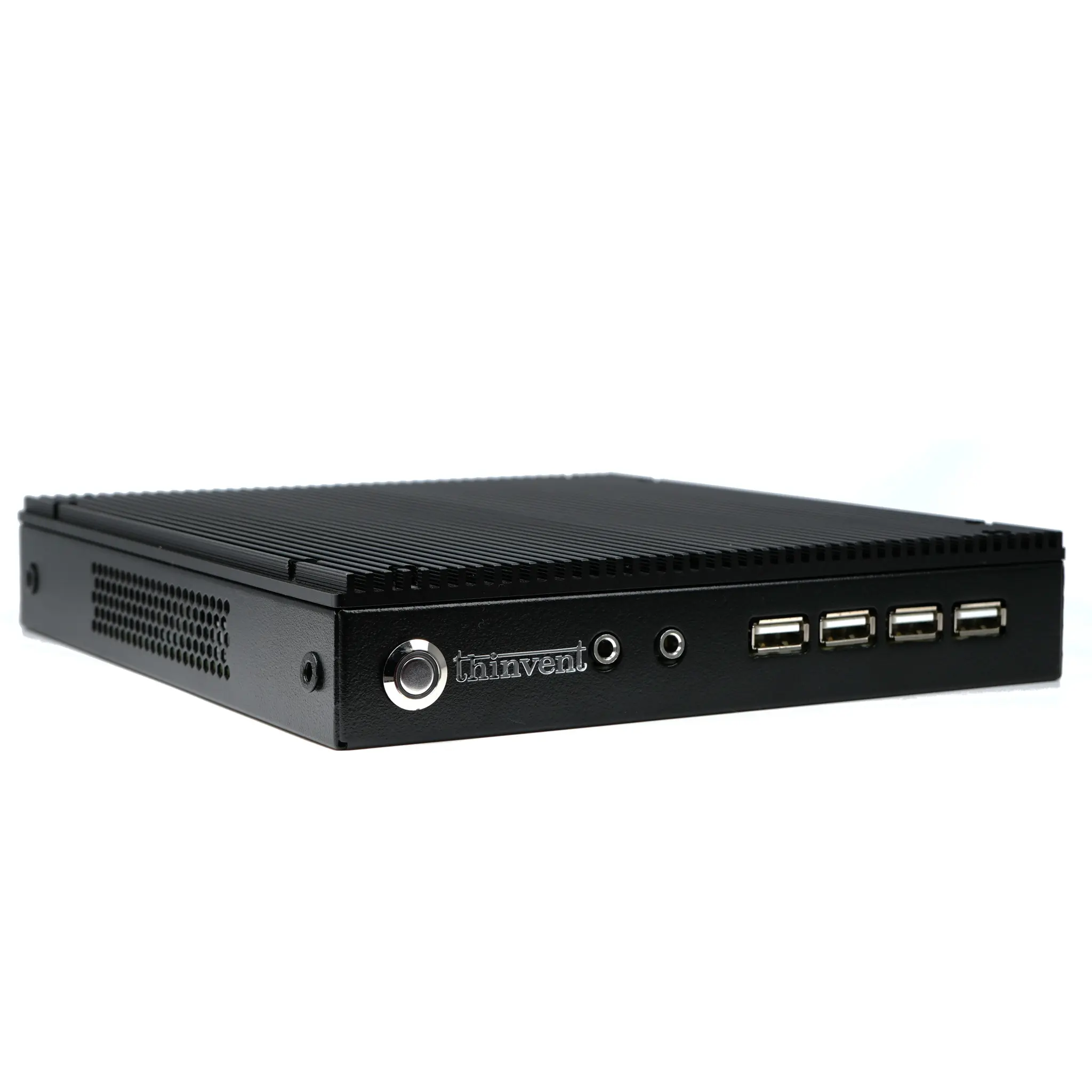
Fanless mini PCs and thin clients are compared mainly on silence, dust tolerance and power efficiency — they are chosen for shop-floor terminals, digital signage, hospital workstations, library and education labs, and VDI endpoints. Industrial PCs are compared on I/O and durability: dual Gigabit Ethernet for network segregation, multiple HDMI outputs for control-room displays, USB 3.2 Gen 2 and USB-C for peripherals and cameras, and serial ports (DB9) for legacy PLCs, weighbridges, barcode scanners and instrumentation. All-in-one PCs are compared on screen size, touch support and cable-free installation at point of sale or reception desks.
Operating system choice is part of the comparison too. Windows 11 Pro gives the widest software compatibility; Windows 11 IoT Value offers a longer servicing lifecycle for fixed-function devices; Ubuntu Linux 24.04 LTS and embedded Linux distributions reduce licensing cost and attack surface; FreeDOS or no-OS units suit customers deploying their own image. Always check that the OS you intend to run is validated for the exact processor generation and chipset on the board.
Thinvent Products Built for These Workloads
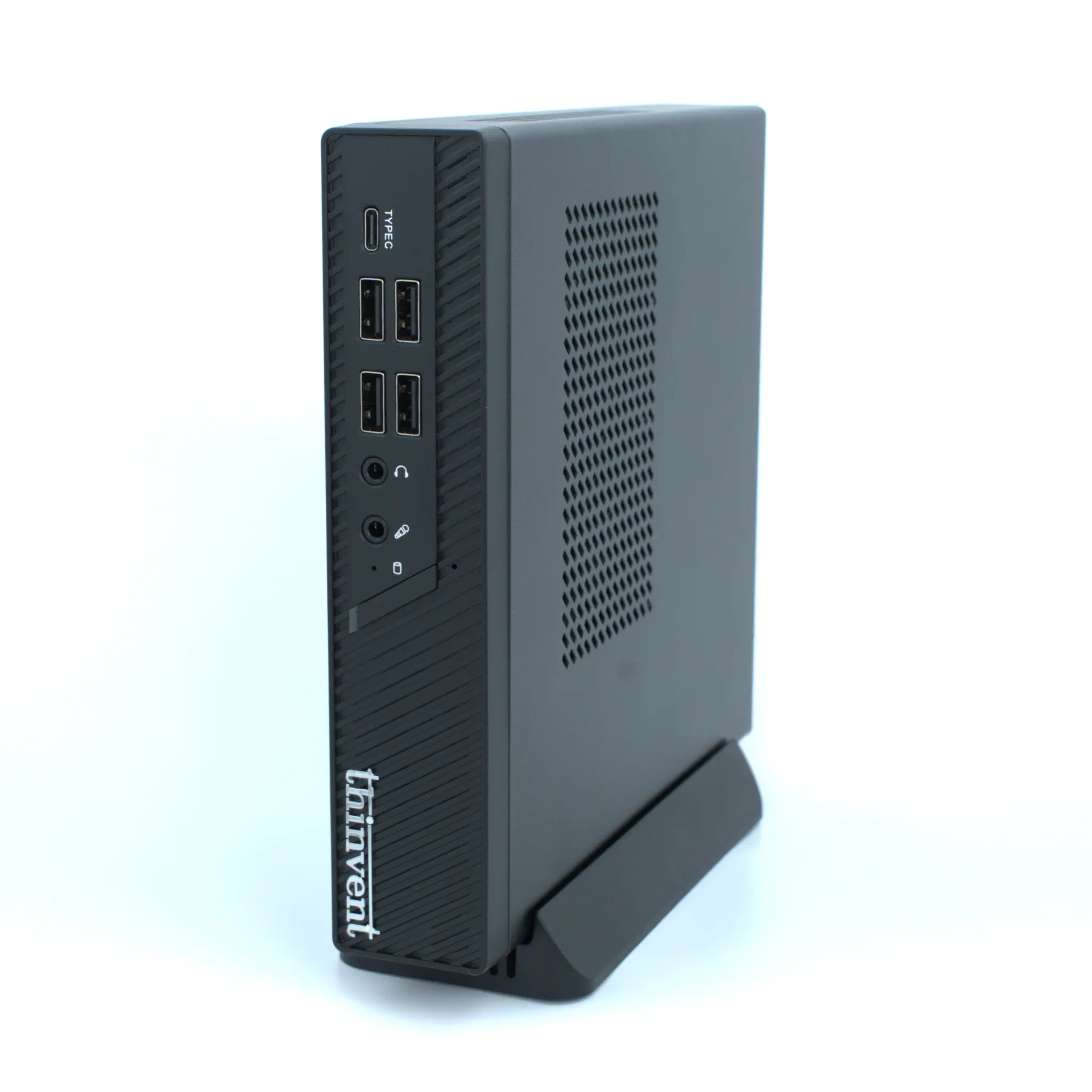
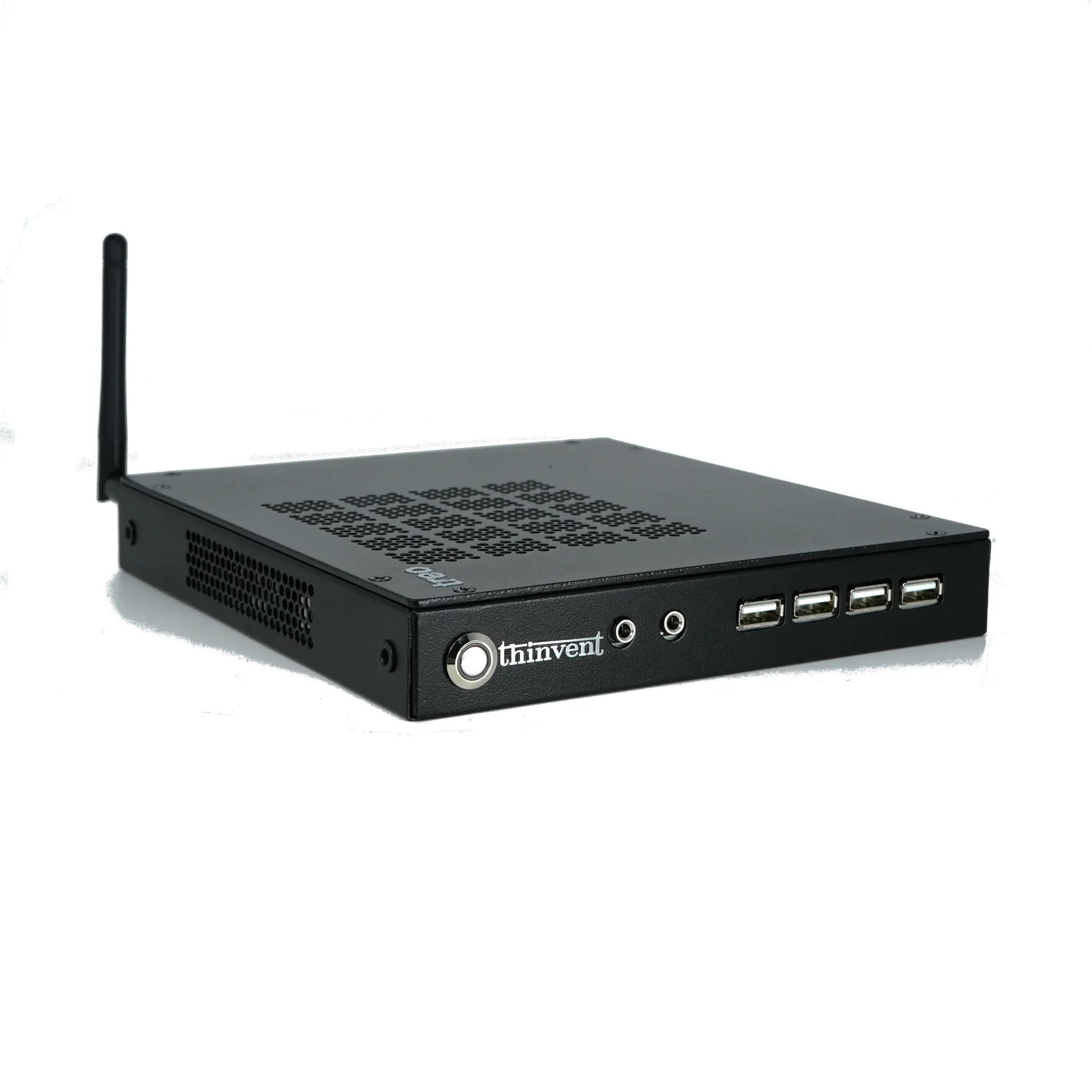
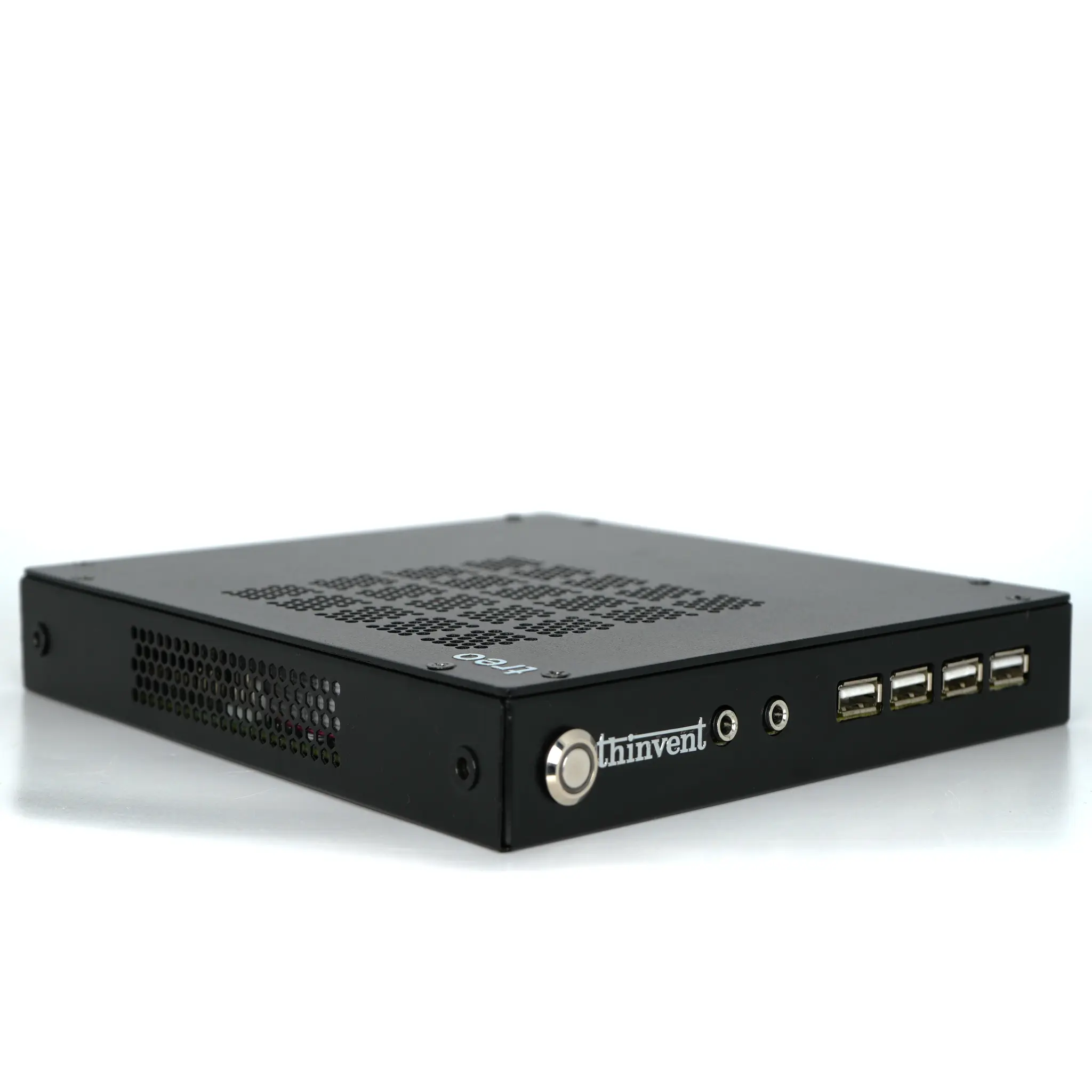
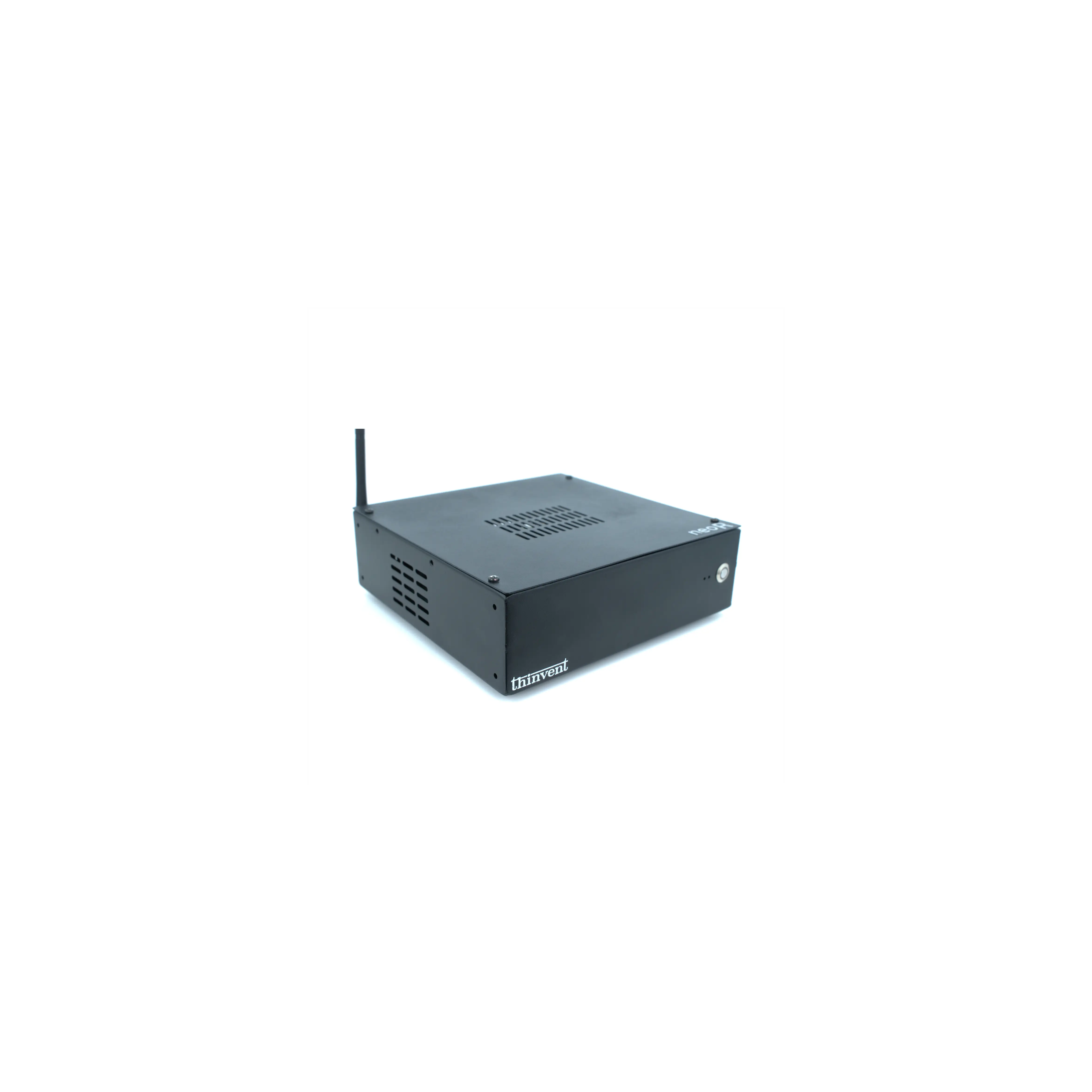
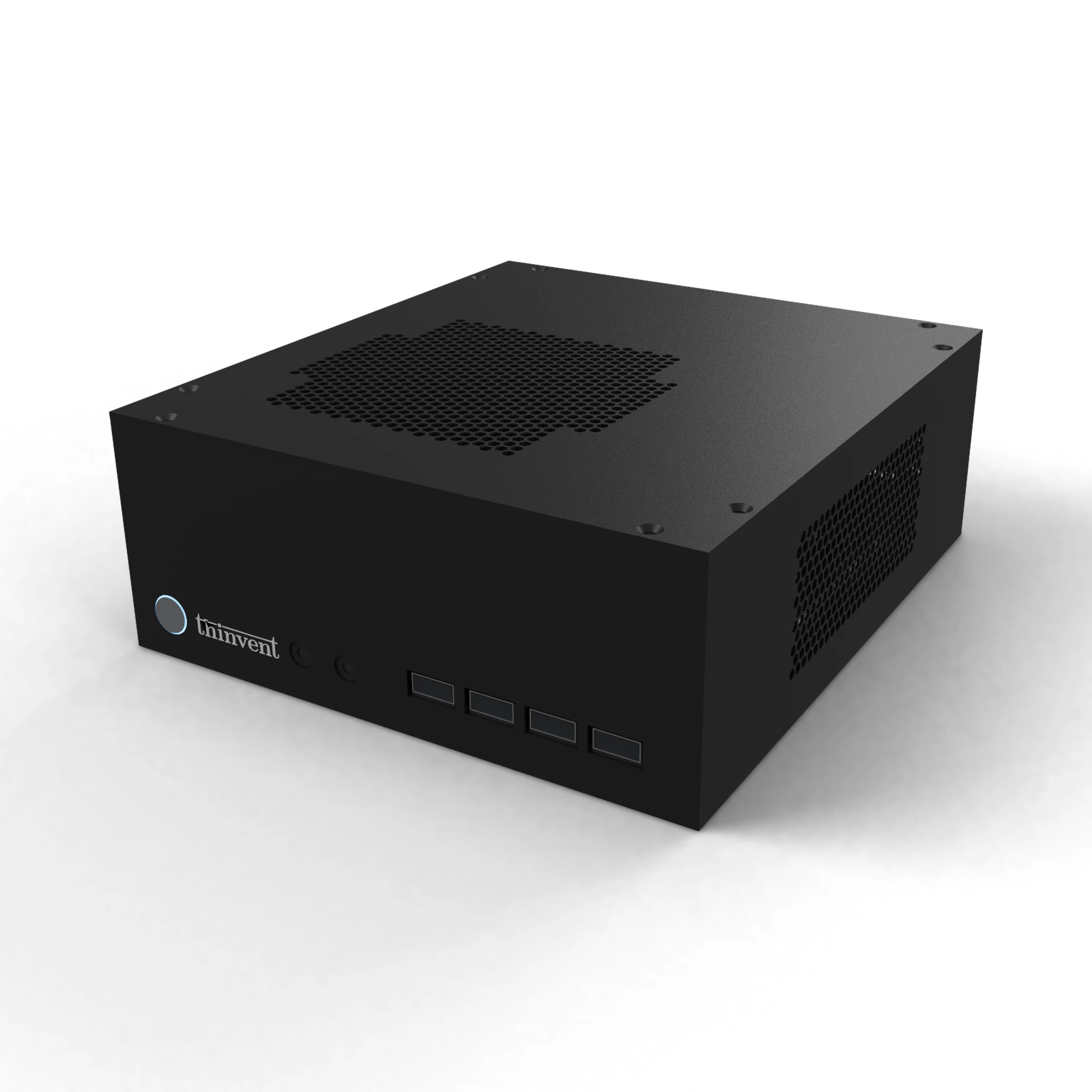
Thinvent manufactures industrial computers, mini PCs, thin clients and all-in-one PCs for exactly these comparison criteria. The IPC3 industrial PC pairs an Intel Core i3-1215U (6 cores, up to 4.4 GHz, 10 MB cache) with 16 GB DDR4 RAM and a 1 TB SSD, and is available with quad DB9 serial ports for legacy equipment, plus a choice of Windows 11 Pro, Windows 11 IoT Value, DOS or Thinux Embedded Linux. For lighter terminal and signage roles, Thinvent's N-series mini PCs and thin clients deliver fanless, low-power operation, while the all-in-one range covers 21.5-inch and 23.8-inch formats for space-constrained installations. Every model is specified on the same parameters — processor, memory, storage, ports and OS — so you can compare like for like.