What Are the Best Computers for Office Use?
For office environments, the ideal computers balance performance, reliability, and space efficiency. They must handle daily tasks like email, document processing, video conferencing, and web browsing without lag, while being durable enough for continuous operation. Key specifications for office PCs include modern multi-core processors (like Intel's N-series or Core i3/i5), sufficient RAM (8GB to 16GB), and fast SSD storage (256GB or more) to ensure quick boot times and application loading. A compact, fanless design is also advantageous for a quiet, dust-resistant workspace.
Key Specifications for Office Computers
Office computers do not require extreme gaming or workstation-level hardware, but they need consistent, efficient performance. A typical configuration includes:
-
Processor: Modern Intel processors (e.g., N100, i3, i5) with 4 or more cores for smooth multitasking.
-
Memory (RAM): 8GB is the baseline for standard office suites; 16GB is recommended for heavier multitasking or numerous browser tabs.
-
Storage: A 256GB or 512GB SSD provides ample space for the operating system, applications, and files while ensuring fast system responsiveness.
-
Connectivity: Multiple USB ports (including USB 3.2 and USB-C), HDMI outputs for dual monitors, and reliable Gigabit Ethernet are essential.
-
Operating System: Windows 11 Pro offers robust management and security features for business, while Linux options like Ubuntu provide a cost-effective, stable alternative.
Use Cases and Applications
Office computers are deployed across various business functions:
-
General Administration: Running productivity software (Microsoft 365, Google Workspace), managing emails, and handling spreadsheets.
-
Front Desk & Reception: Powering digital signage, managing visitor logs, and handling communications.
-
Call Centers: Operating CRM software and communication platforms reliably for hours on end.
-
Finance & Accounting: Processing financial data with specialized software, requiring stable performance and data security.
-
Hybrid Workstations: Supporting video conferencing (Zoom, Teams) and collaborative work with multiple monitor setups.
Comparison of Common Office Computer Types
| Feature | Mini PC (Fanless) | Traditional Desktop (Tower) | All-in-One PC |
|---|---|---|---|
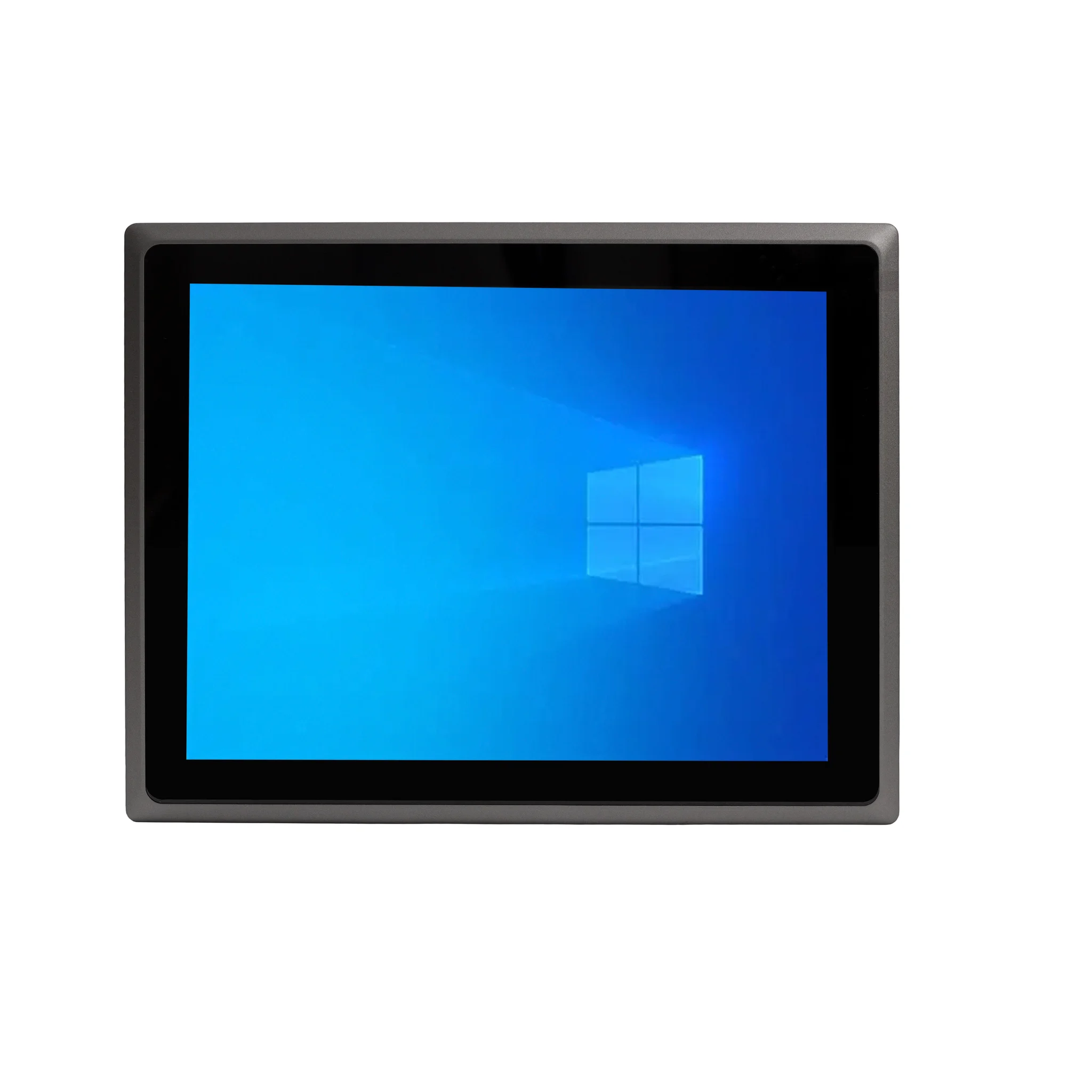
| Form Factor | Ultra-compact, space-saving | Large, requires under-desk space | Integrated display, minimal cables |
| Noise Level | Silent (fanless) | Audible fan noise | Typically quiet |
| Performance | Efficient for standard office tasks | Highly configurable for power users | Sufficient for most office work |
| Upgradability | Limited (often RAM/SSD only) | High (multiple components) | Very limited |
| Ideal For | Space-constrained, quiet offices | Departments needing future upgrades | Reception, clean desk policies |
Thinvent's Office Computing Solutions
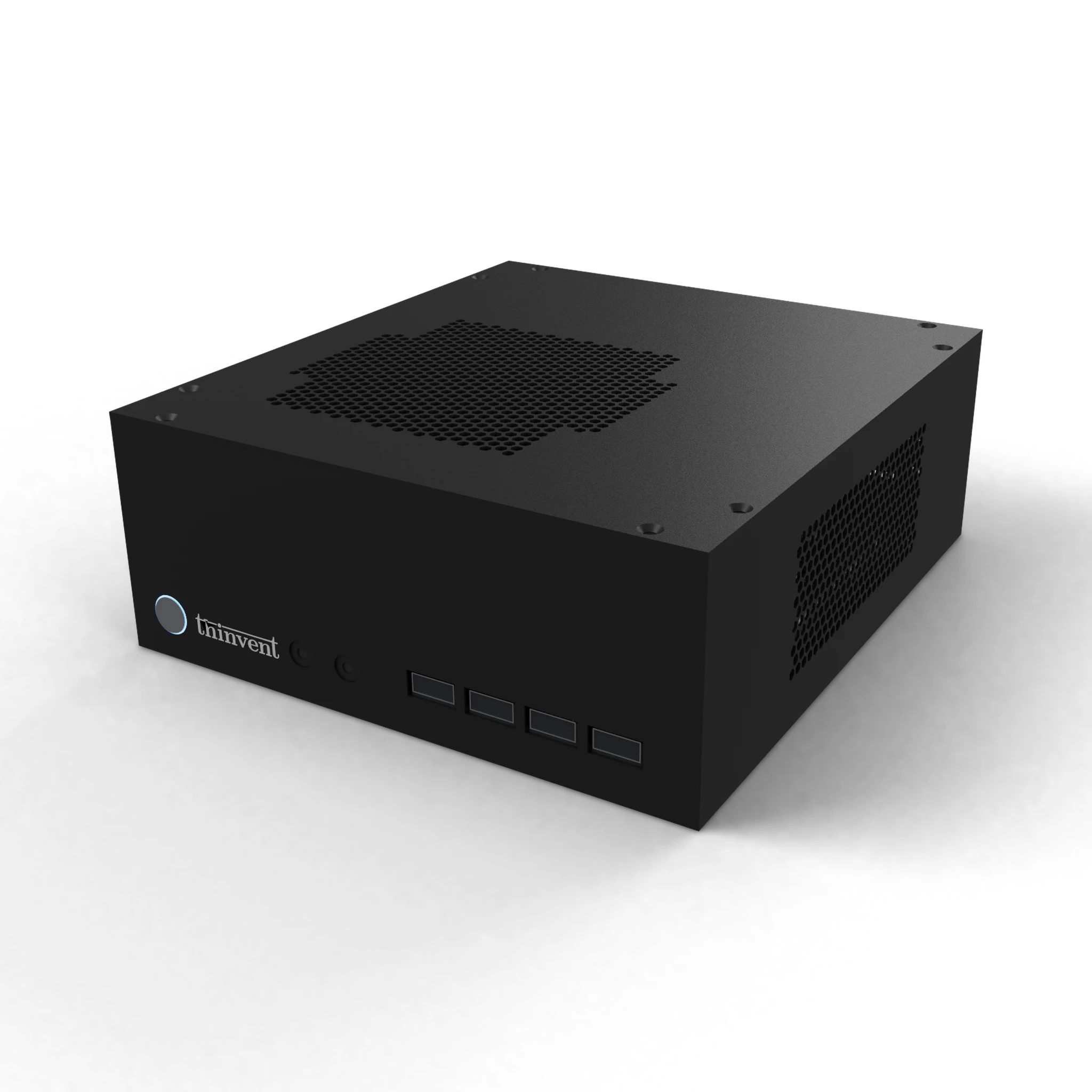
Thinvent offers a range of industrial-grade computers perfectly suited for demanding office environments. Our products, like the fanless Aero Mini PC series, are built for reliability and 24/7 operation. They feature energy-efficient Intel processors, robust DDR4 memory, and fast SSD storage in a compact, silent design that reduces clutter and maintenance. With options for Windows 11 Pro, Ubuntu Linux, or other operating systems, Thinvent provides flexible, durable computing solutions that enhance productivity and withstand the rigors of daily business use.