Understanding the Dell OptiPlex 7010 and Its Modern Alternatives
The Dell OptiPlex 7010 is a well-known business desktop computer, originally released in the early 2010s. It typically featured Intel's 3rd generation Core processors (like the i5-3470), DDR3 memory, and traditional hard drives. While reliable in its time, its technology is now over a decade old. Modern computing needs demand greater efficiency, smaller form factors, and more robust connectivity. Today, the market offers superior alternatives that provide better performance per watt, fanless operation for silent and dust-resistant environments, and compact designs ideal for space-constrained deployments.
Key Specifications and Modern Requirements
Modern compact PCs designed for business and industrial use, which serve as excellent replacements for legacy systems like the 7010, offer significant upgrades. Key specifications to look for include:
-
Processor: Modern Intel processors like the N-series (e.g., N100, N95) or Core i-series (e.g., i3, i5) from the 12th generation onward. These provide excellent performance with very low power consumption.
-
Memory: DDR4 or DDR5 RAM, with 8GB being a standard starting point for general office tasks and 16GB recommended for more demanding applications.
-
Storage: Solid State Drives (SSDs) are now essential, offering dramatically faster boot times, application loading, and overall system responsiveness compared to traditional HDDs. Sizes start at 128GB.
-
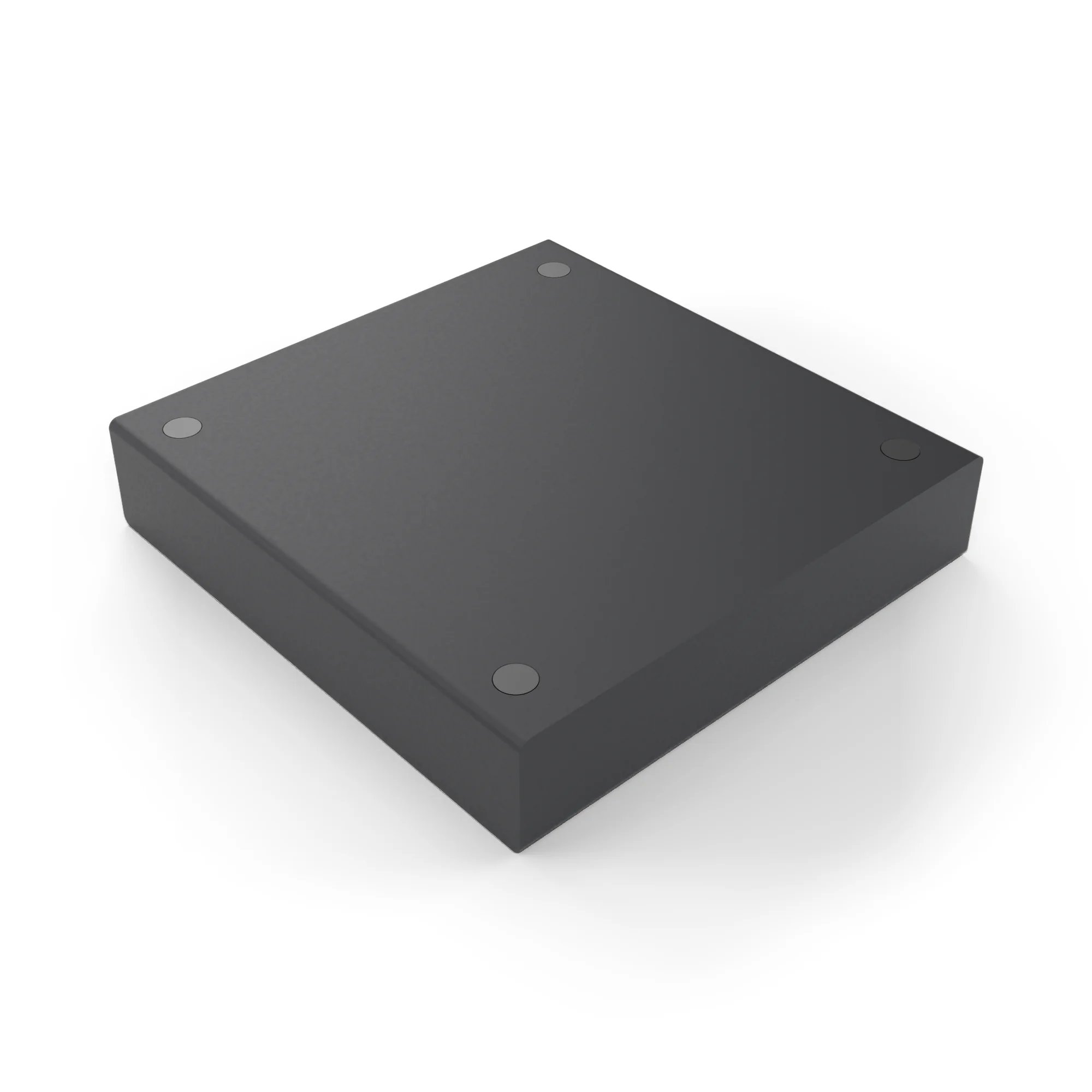
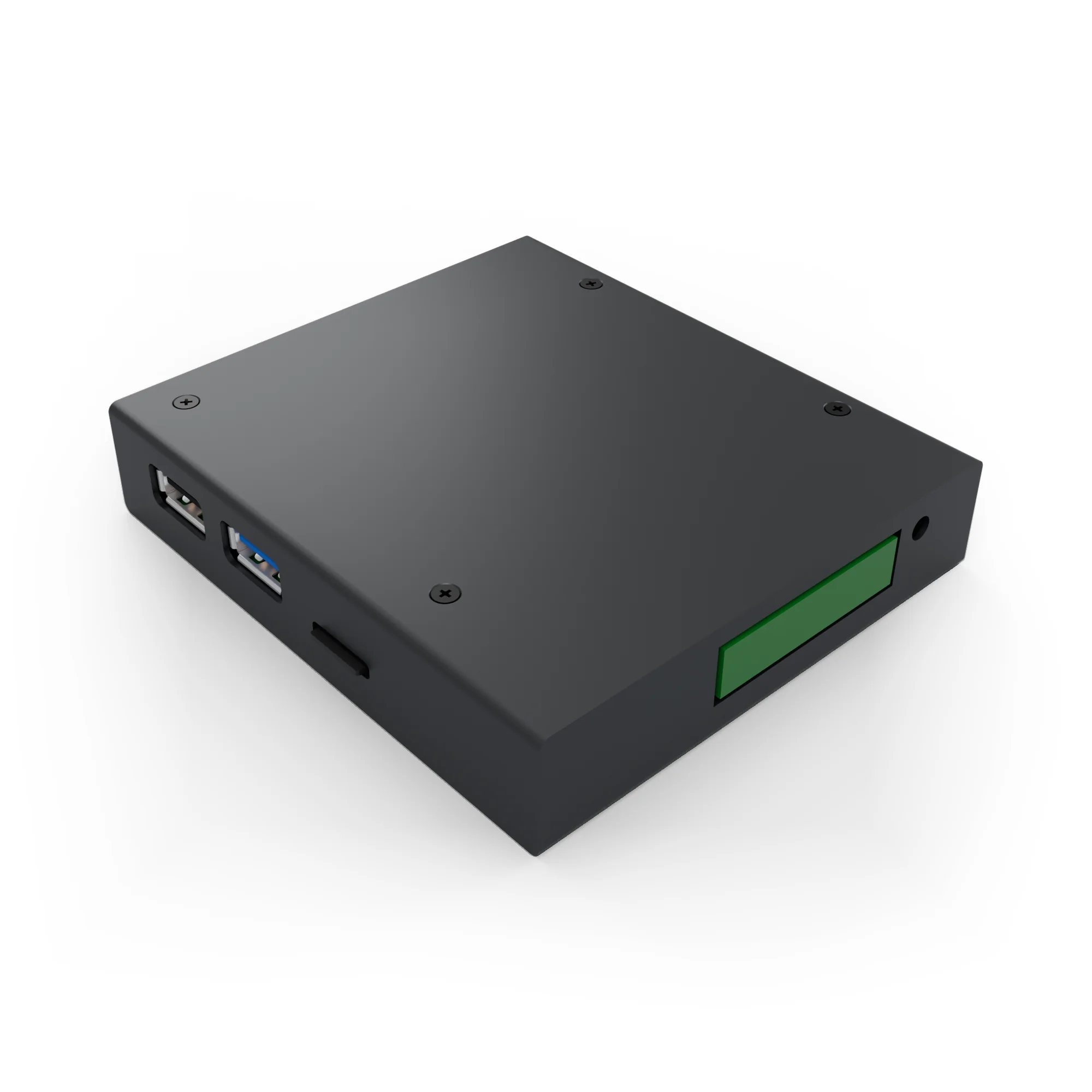
Form Factor: The shift is towards ultra-compact Mini PCs or Thin Clients, which can be mounted behind monitors or in tight industrial panels, saving significant desk and floor space.
-
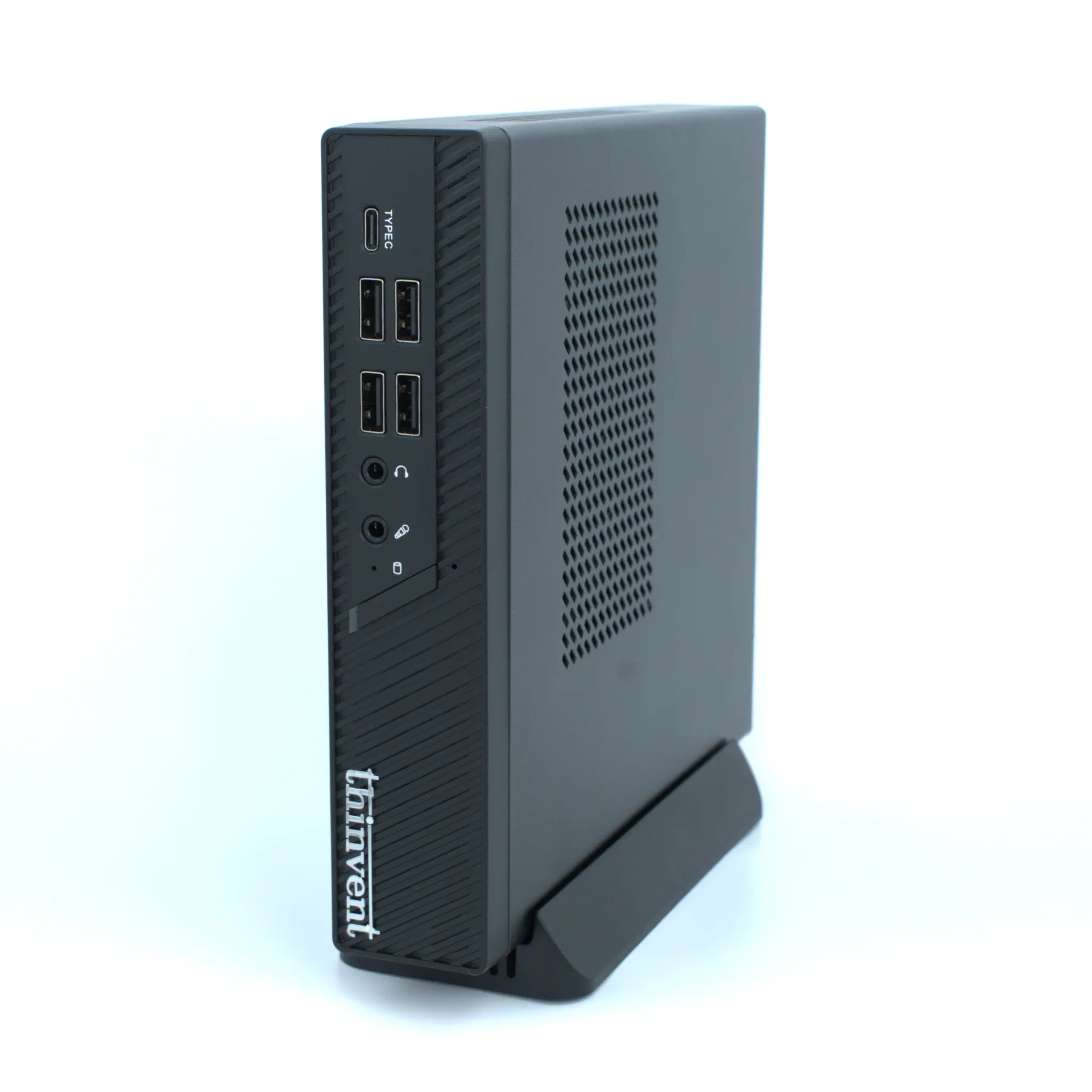
Connectivity: Modern systems feature multiple high-speed USB ports (including USB-C), Gigabit Ethernet for fast networking, and dual HDMI or DisplayPort outputs for multi-monitor setups.
Use Cases and Applications
Systems that replace the OptiPlex 7010 are versatile and suited for a wide range of environments:
-
Digital Signage & Kiosks: Fanless, compact designs are perfect for running media players in retail stores, museums, or transportation hubs.
-
Office Productivity: Ideal for general office work, web browsing, email, and video conferencing, with a much smaller physical and carbon footprint.
-
Light Industrial Computing: Used in manufacturing for machine control, data acquisition, or running HMIs (Human-Machine Interfaces) due to their rugged, fanless construction.
-
Thin Client / VDI Endpoints: Perfect for virtual desktop infrastructure, providing a secure and manageable endpoint for accessing centralized resources.
Comparison: Legacy Desktop vs. Modern Mini PC
| Feature | Legacy Desktop (e.g., Dell OptiPlex 7010) | Modern Industrial Mini PC |
|---|---|---|
| Form Factor | Tower or Small Form Factor (SFF) | Ultra-Compact, often fanless |
| Typical Processor | Intel 3rd Gen Core i5 (c. 2012) | Intel 12th Gen N100 or Core i3/i5 |
| Power Consumption | High (65W+ CPU + other components) | Very Low (10W - 28W for entire system) |
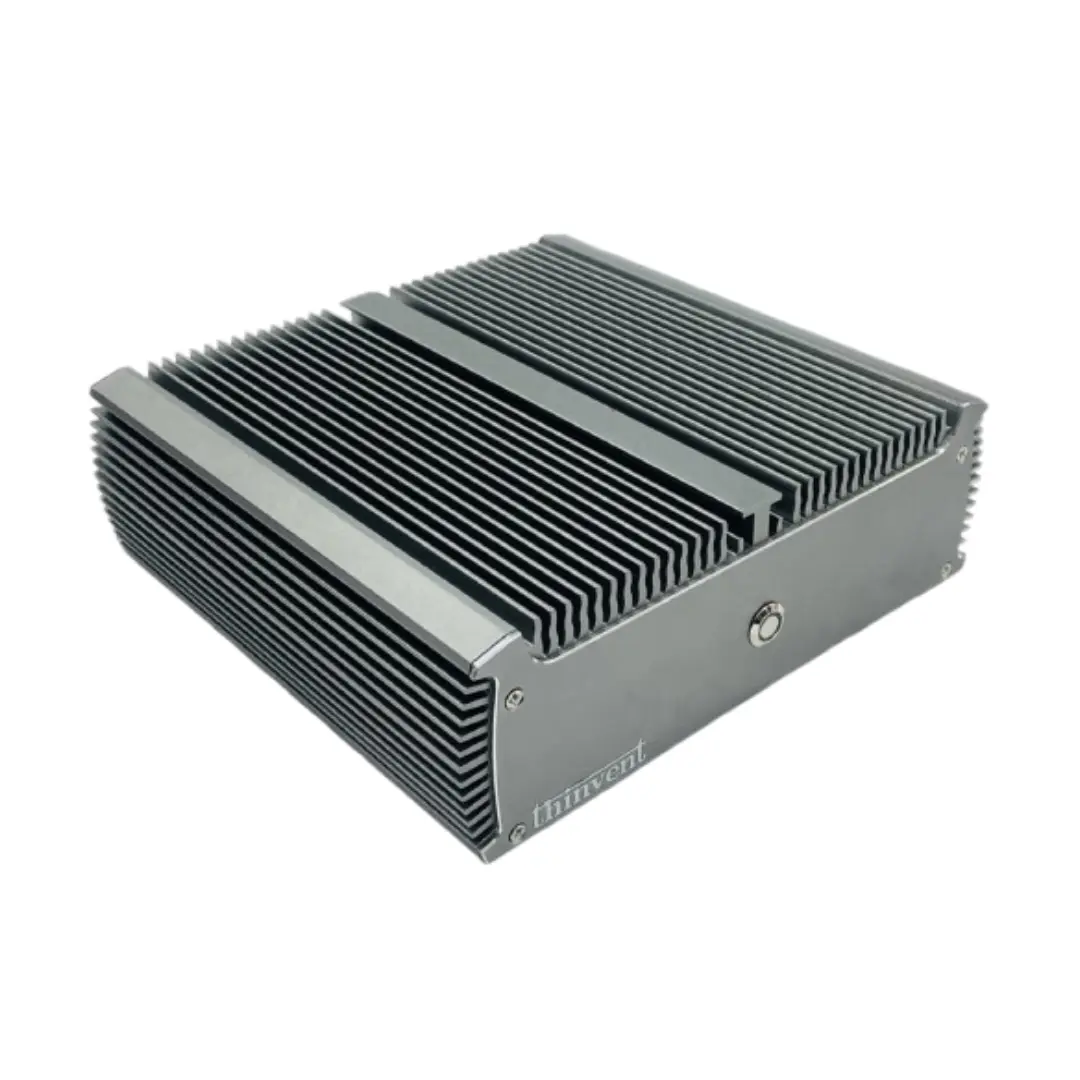
| Noise & Maintenance | Cooling fans required, dust intake | Fanless, silent, no moving parts |
| Primary Storage | Hard Disk Drive (HDD) | Solid State Drive (SSD) |
| Modern I/O | Limited USB 3.0, VGA/DVI common | USB 3.2/Type-C, Dual HDMI/DP |
Thinvent's Range of Compact Industrial Computers
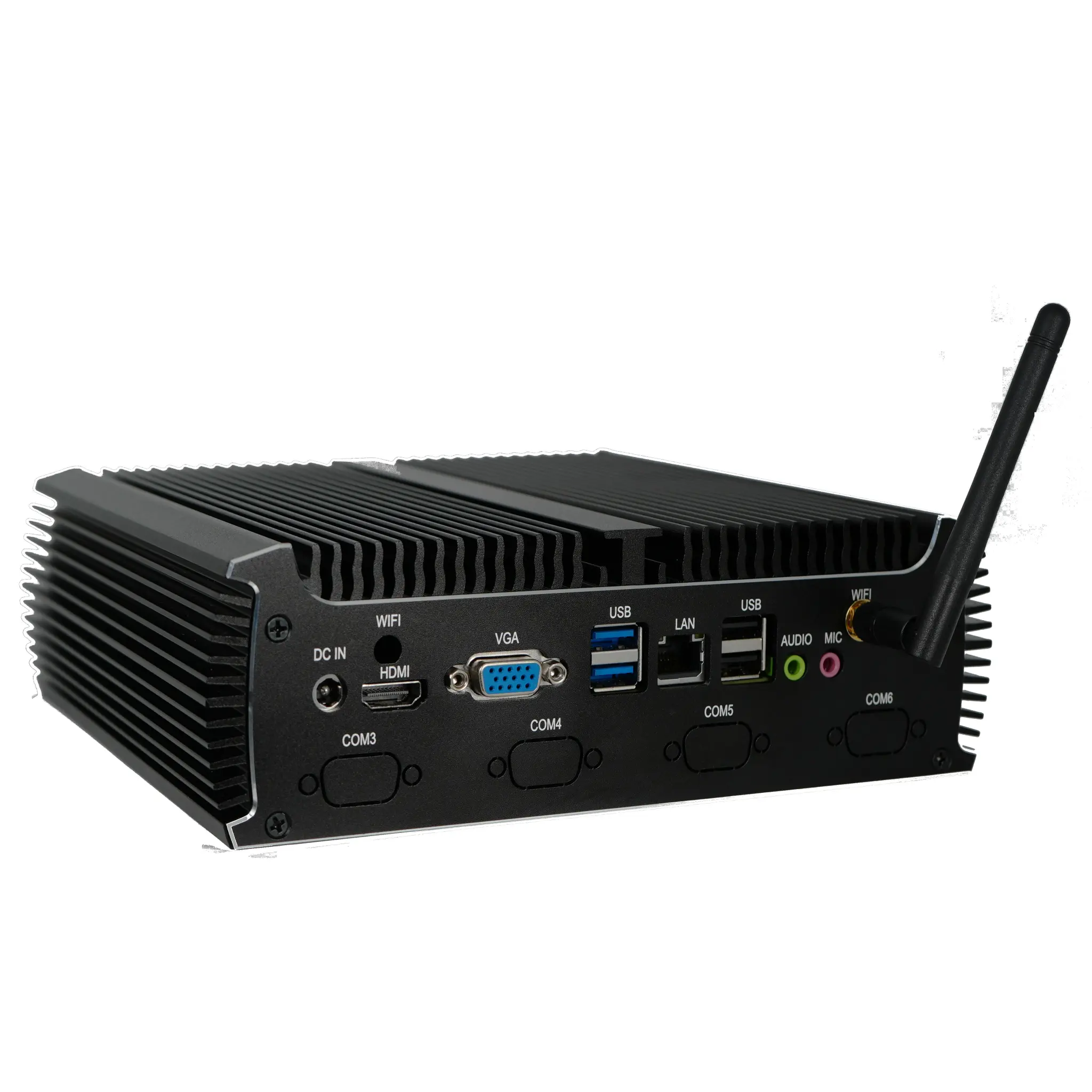
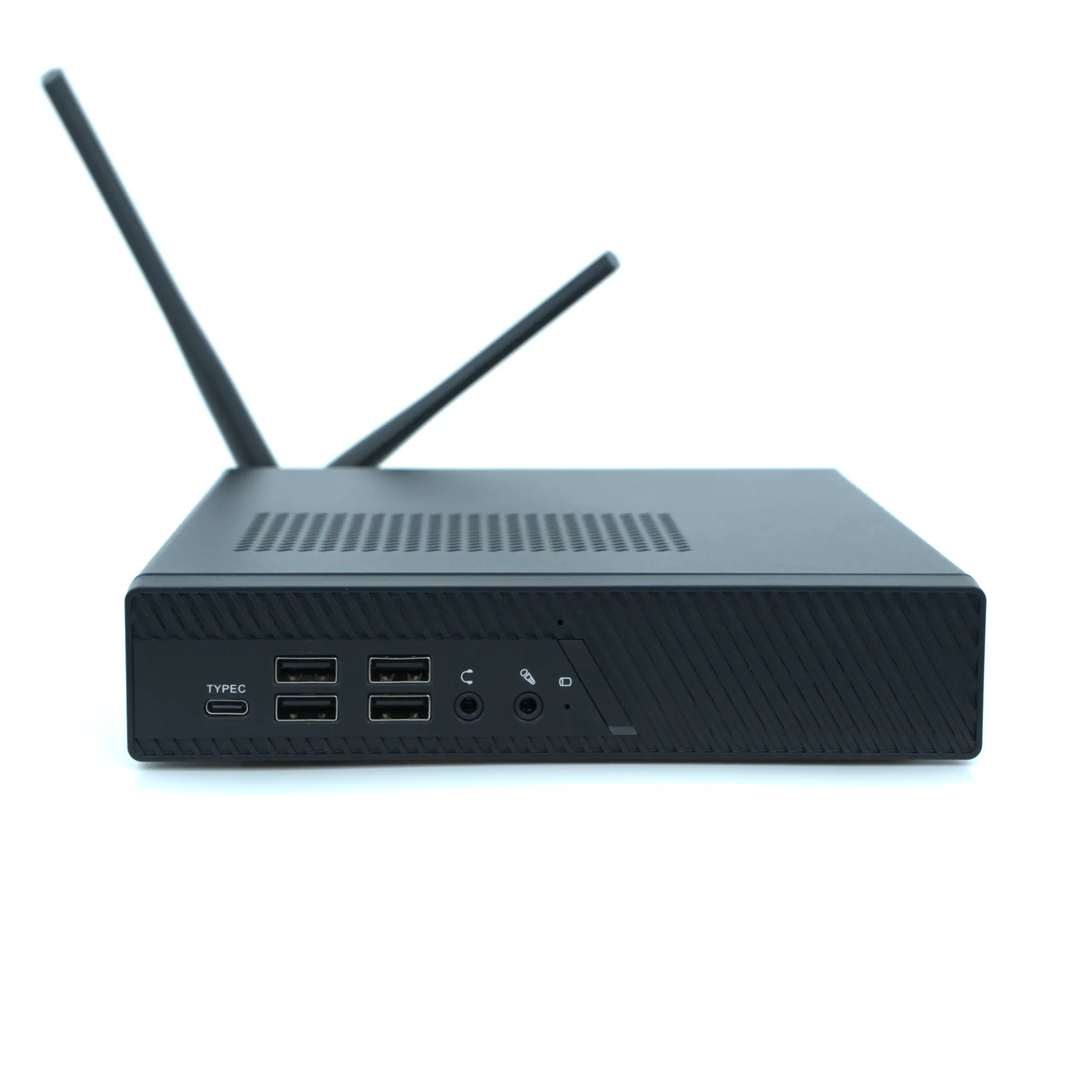
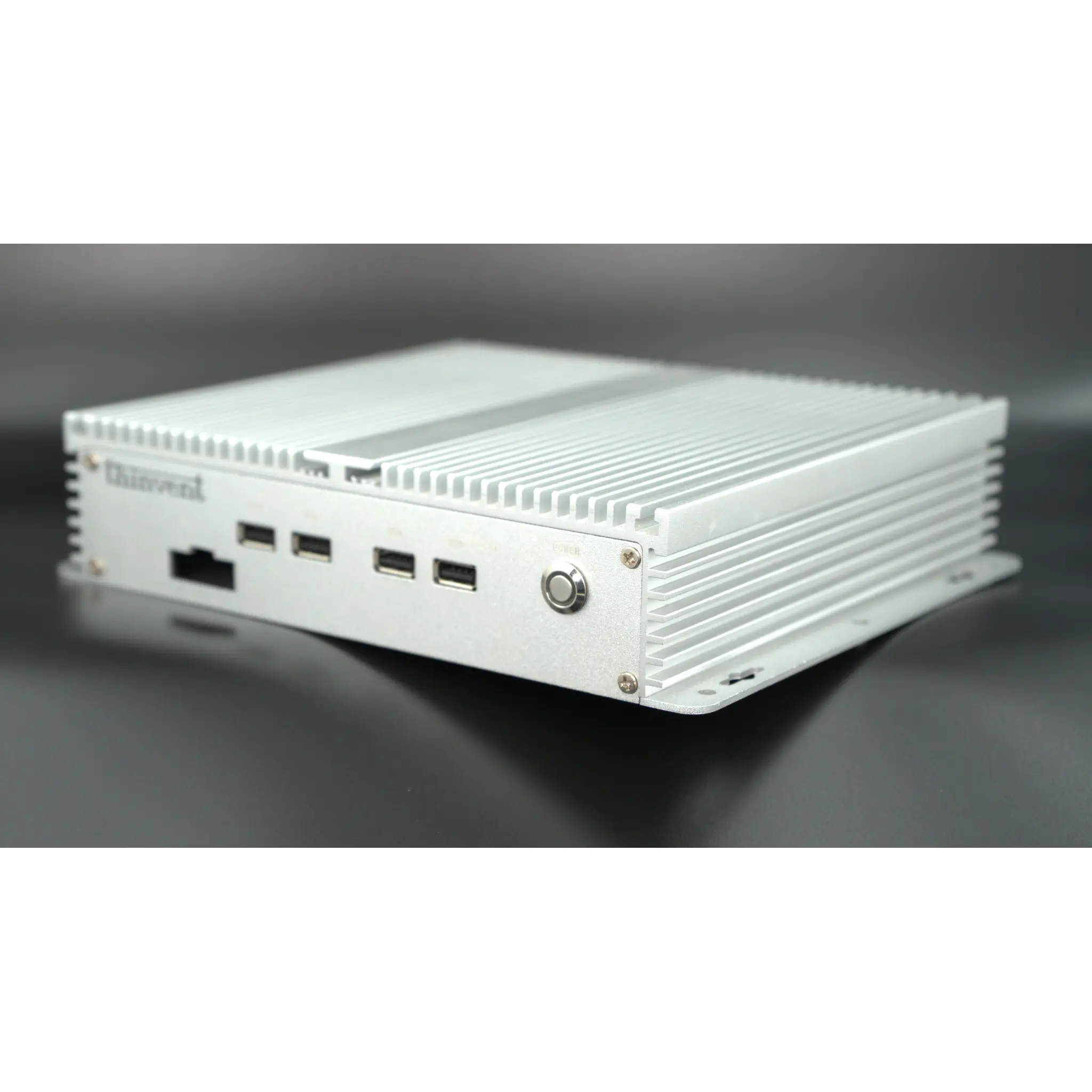
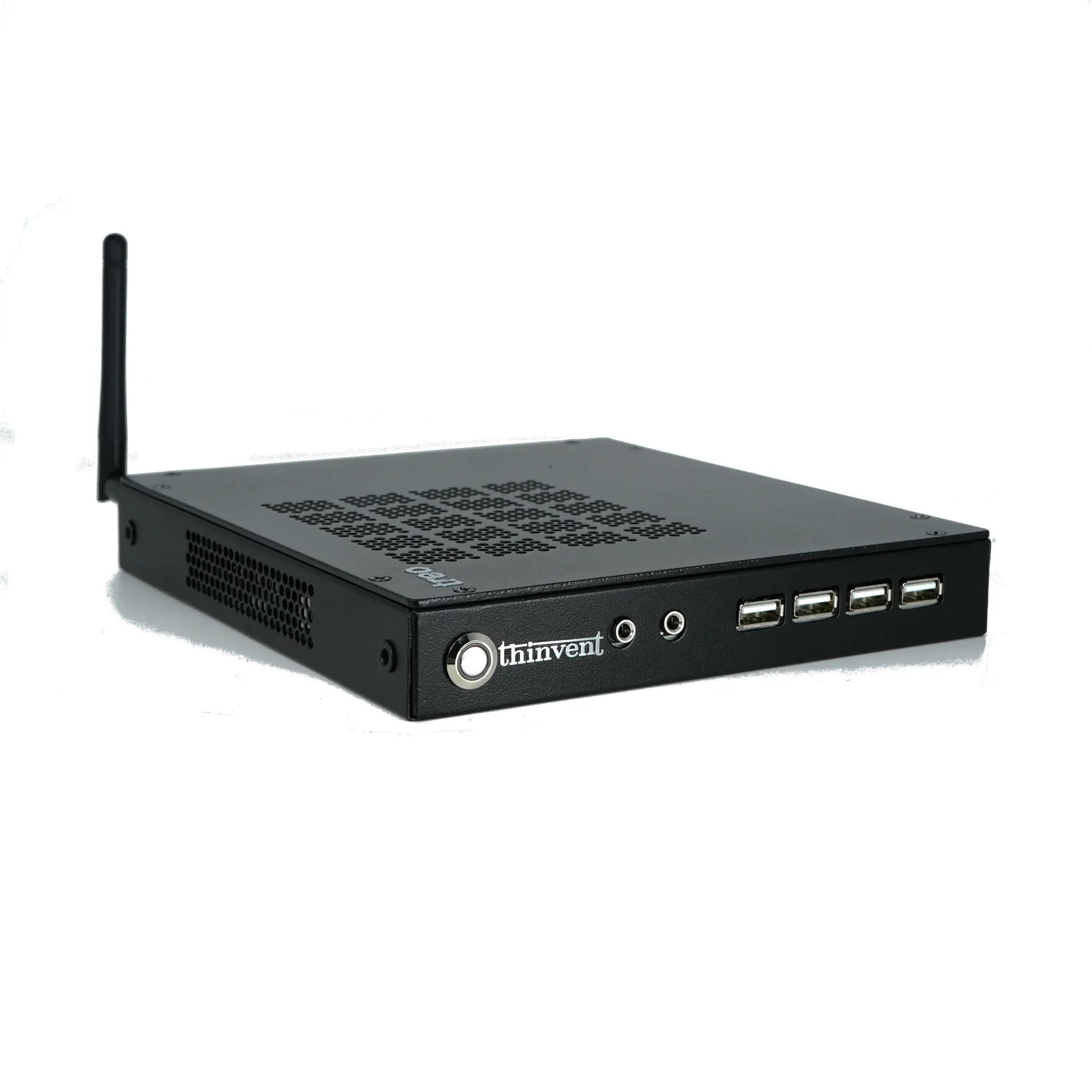
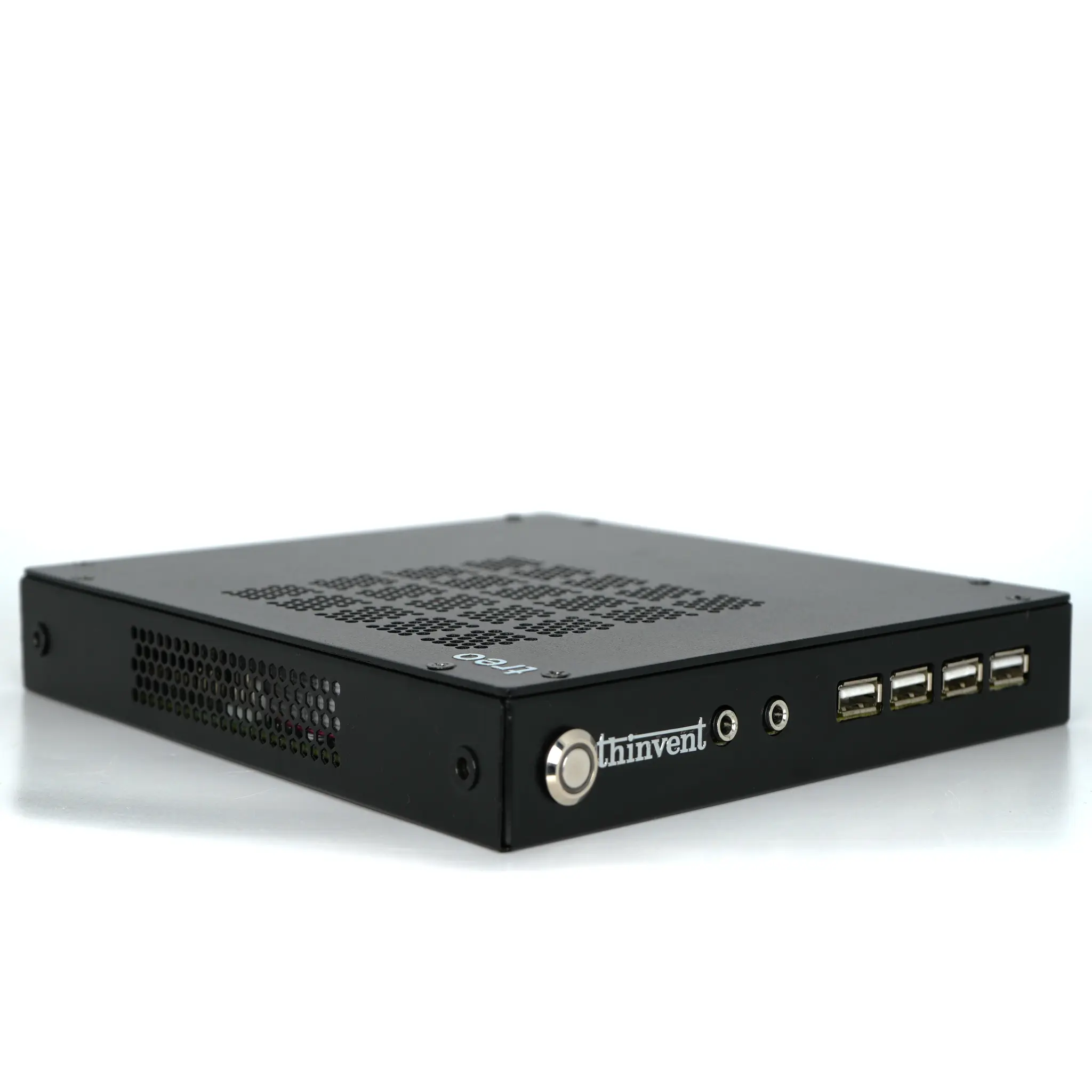
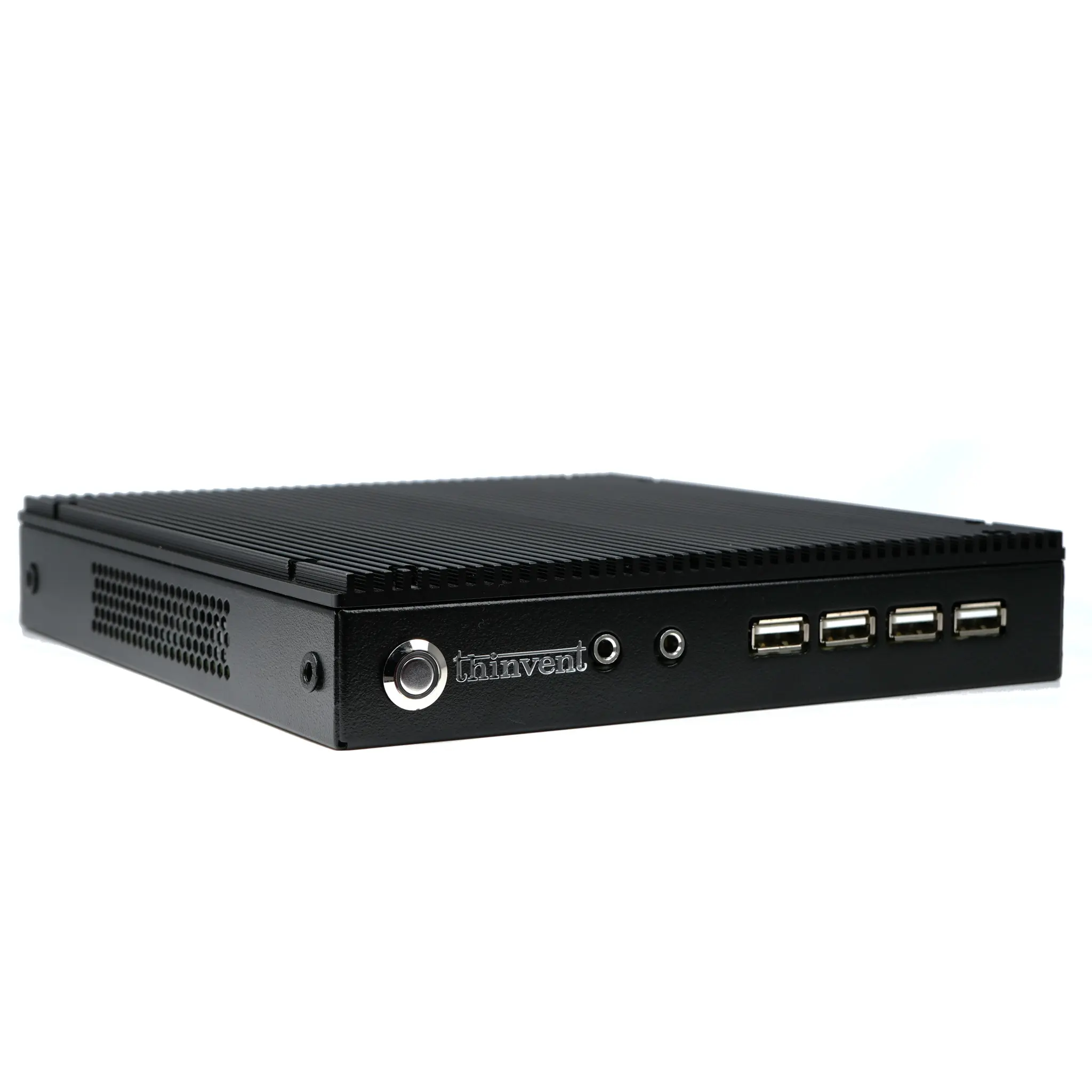
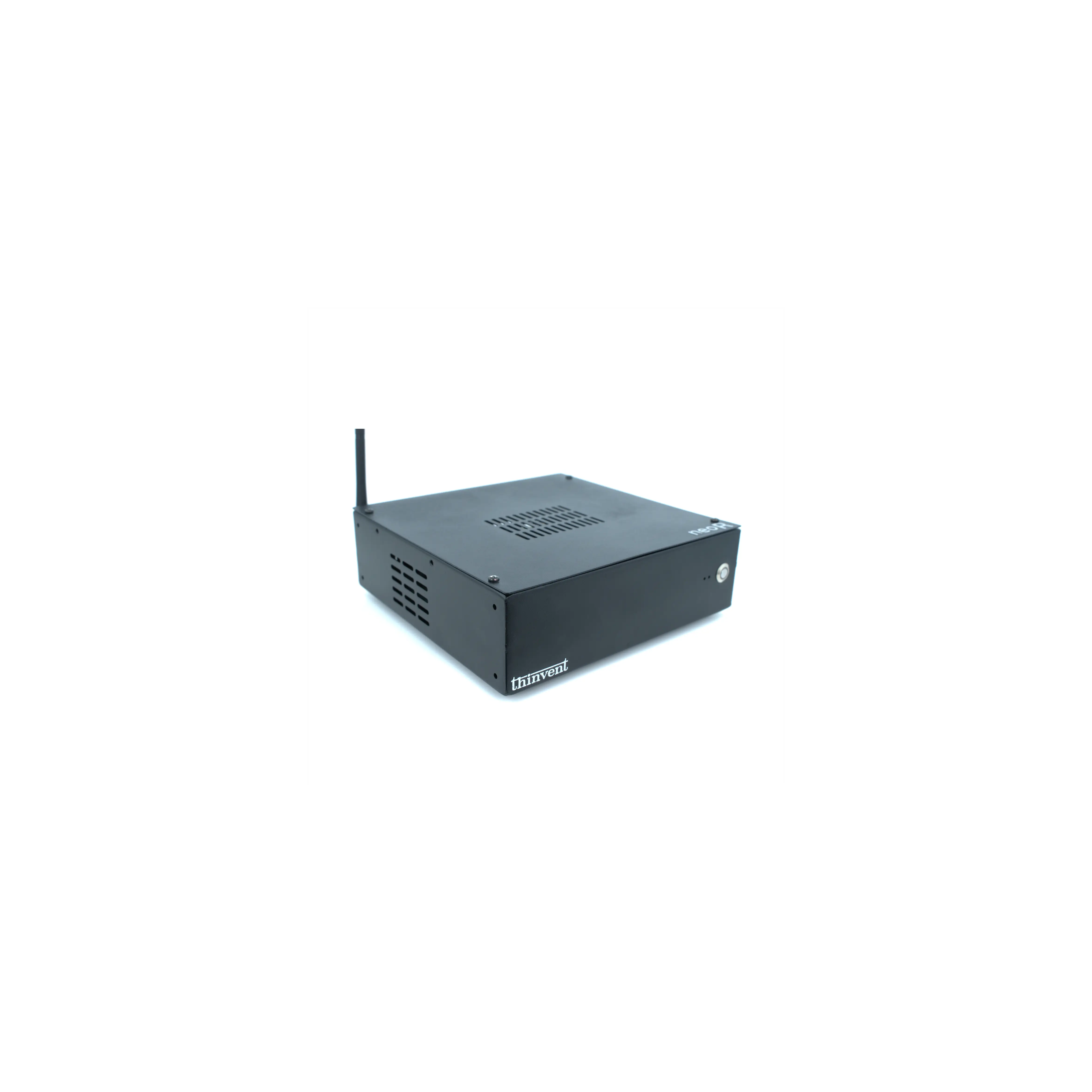
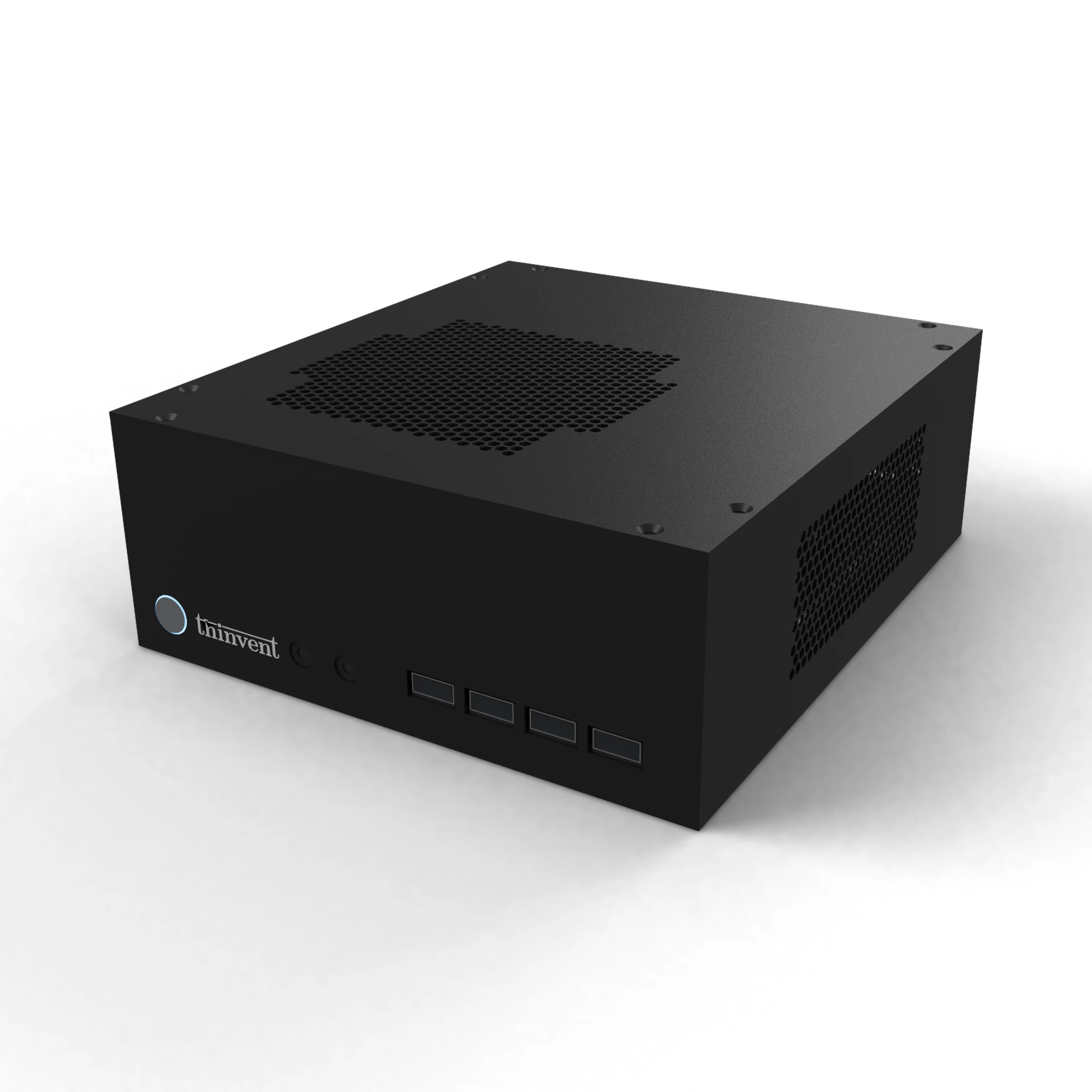
Thinvent specializes in manufacturing robust, compact computing solutions that are ideal successors to legacy business desktops. Our product lines, such as the Aero Mini PC series, are engineered for reliability in commercial and light industrial settings. They feature modern Intel processors, efficient DDR4 memory, and fast SSD storage—all housed in a fanless, rugged chassis. This design ensures silent operation, resistance to dust, and longevity in 24/7 operating environments. Whether you need a system for a digital signage network, a office workstation, or an embedded control panel, Thinvent offers configurable options with a choice of operating systems, including Windows 11, Ubuntu Linux, and our own Thinux™ embedded platform, to match your specific application requirements.