What is a Docking Station Compatible Industrial PC?
A docking station compatible industrial PC is a compact, robust computing device designed to seamlessly integrate with universal docking stations, creating a versatile and expandable workstation. These PCs provide the core processing power and reliability of an industrial-grade system while leveraging the connectivity and peripheral expansion capabilities of a docking hub. This combination is ideal for creating streamlined, clutter-free work environments in offices, labs, and industrial control rooms where users need to connect multiple monitors, storage devices, and network interfaces through a single, quick-connect point.
Key Specifications for Docking Station Use
For optimal performance with a docking station, an industrial PC requires specific hardware features. A modern processor, such as an Intel N-series chip, provides efficient power for multi-tasking across expanded displays. Sufficient RAM (8GB or 16GB) ensures smooth operation when multiple applications are running through the dock. Crucially, the PC must have the correct physical ports—typically USB-C with DisplayPort Alternate Mode or Thunderbolt™—to support video, data, and power delivery over a single cable to a compatible dock. Reliable Gigabit Ethernet and multiple USB 3.2 ports are also important for connecting a full suite of peripherals.
Applications and Use Cases
This setup is perfect for environments requiring a clean desk policy and flexible hot-desking. In corporate offices, users can dock their industrial mini PC to instantly connect to dual monitors, a wired network, an external keyboard/mouse, and speakers. In digital signage control rooms, a single PC can manage content on multiple displays via a docking station's video outputs. For engineering and design labs, these systems provide a stable, fanless computing core that can be easily connected to high-resolution monitors and specialized test equipment through a centralized dock, simplifying setup and maintenance.
Comparison: Docking vs. Traditional Connectivity
| Feature | Docking Station Setup | Traditional Desktop Setup |
|---|---|---|
| Connection Speed | Single-cable connection for power, video, & data. | Multiple cables required for each peripheral. |
| Desk Clutter | Minimal; only one cable to the PC. | High; multiple cables from PC to each device. |
| Port Expansion | Adds multiple standardized ports (USB, HDMI, Ethernet). | Limited to ports physically on the PC chassis. |
| User Mobility | High; PC can be undocked and moved in seconds. | Low; PC is typically a fixed installation. |
| Ideal For | Hot-desking, flexible workspaces, clean environments. | Permanent installations with fixed hardware needs. |
Thinvent Products for Docking Station Workflows
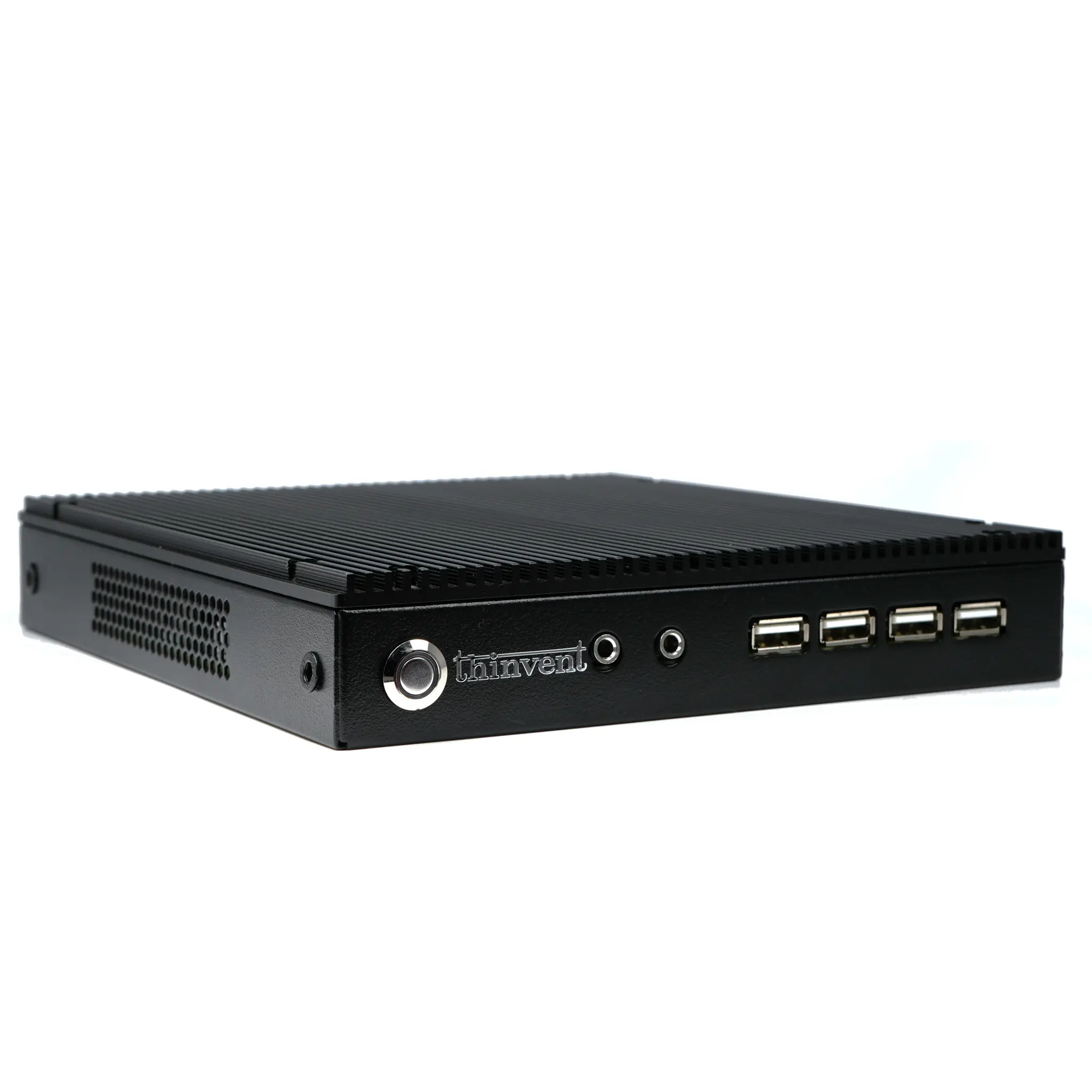
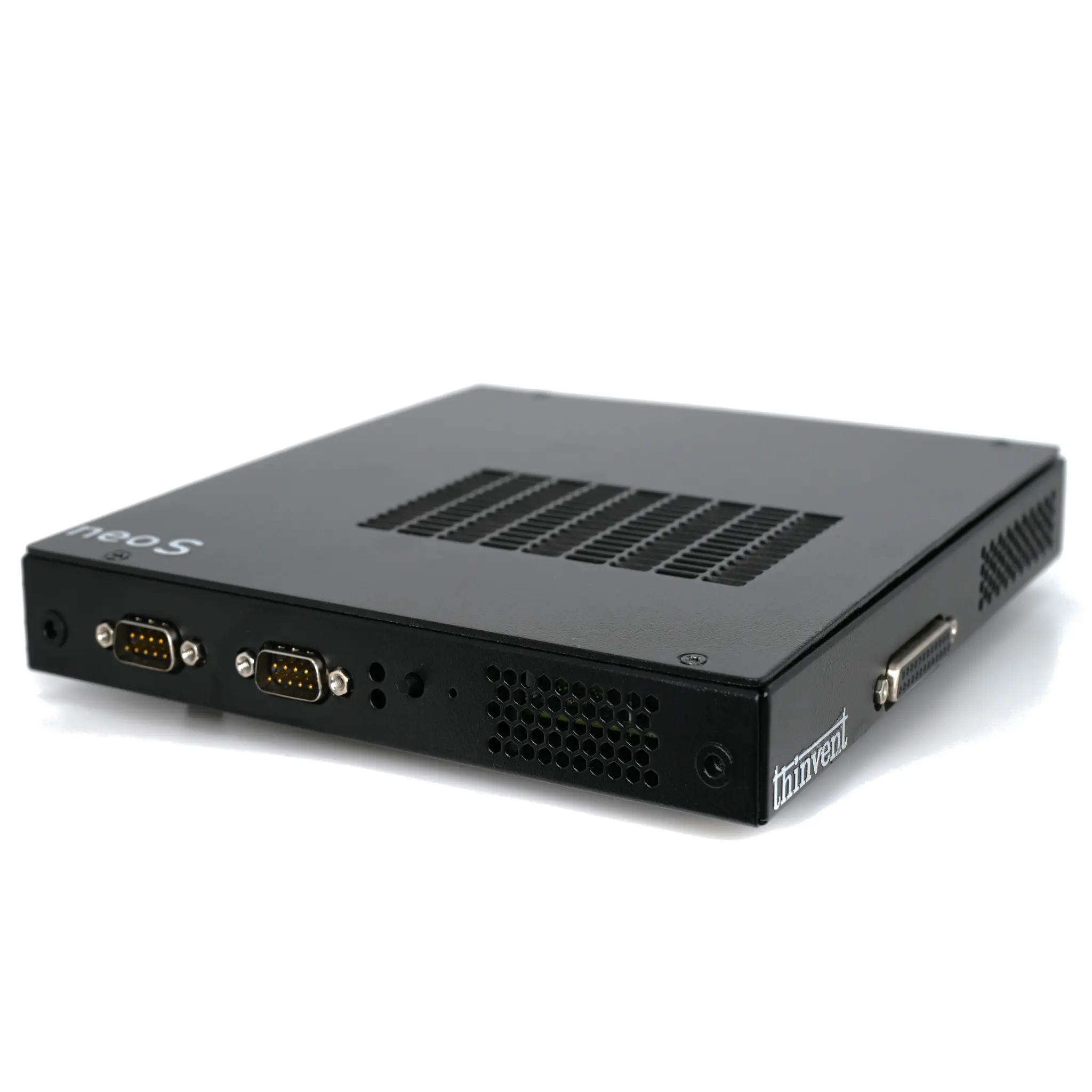
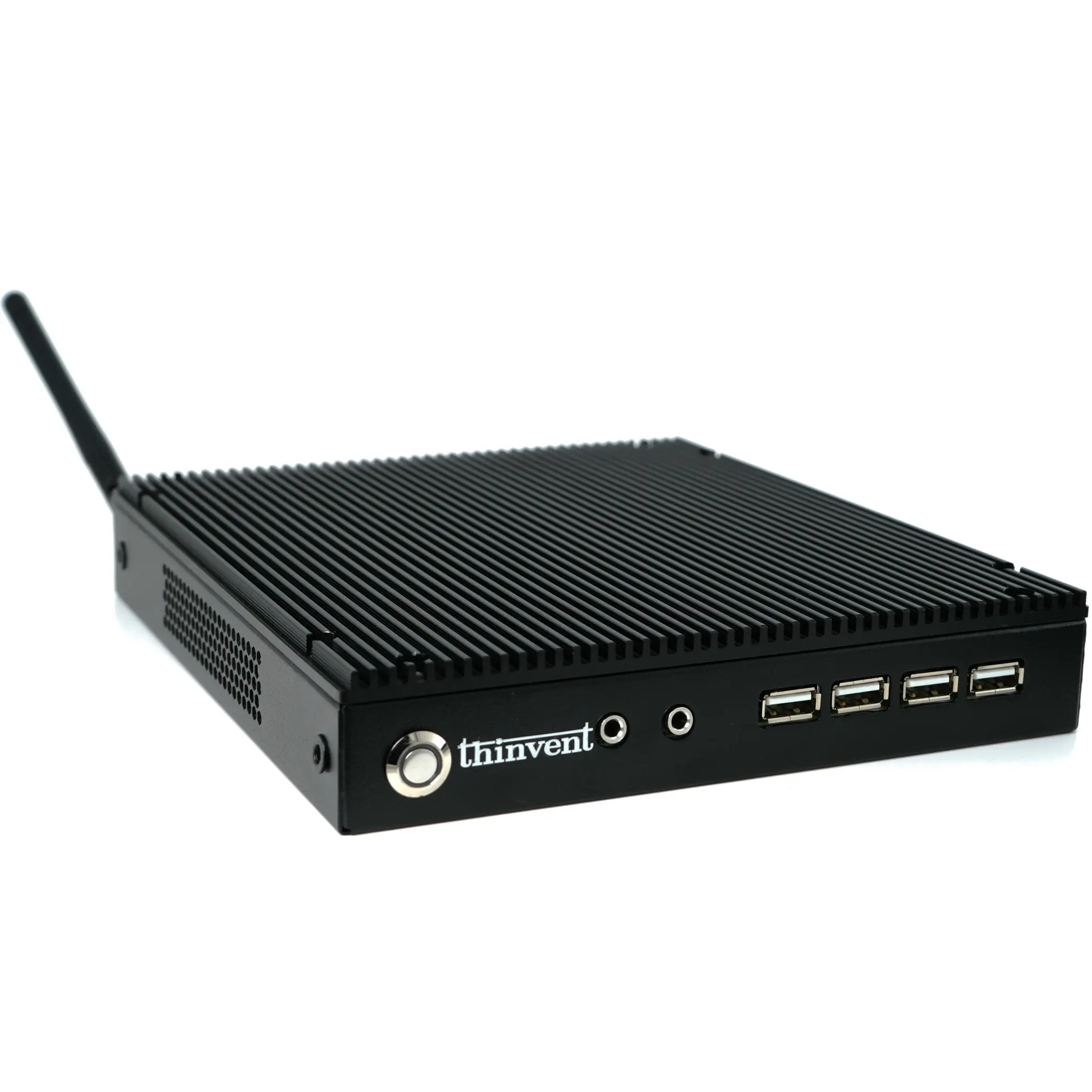
Thinvent's range of industrial mini PCs, like the Aero series, are engineered for compatibility with modern docking solutions. These fanless computers are built with reliable Intel processors and offer configurations with the necessary USB-C connectivity to serve as the perfect, robust heart of a docked workstation. Their compact size and wide operating temperature range make them suitable for embedding in kiosks or mounting behind monitors in space-constrained commercial and industrial settings. By choosing a Thinvent industrial PC, you gain a durable, high-performance base unit designed to work flawlessly with universal docking stations for years of reliable service.