What Kind of Desktop Computer Does SolidWorks Need?
SOLIDWORKS is a professional-grade 3D CAD application, and its performance depends far more on the processor than on any single component. The software is largely single-threaded for modelling operations, which means clock speed matters more than core count for everyday part and assembly work. Dassault Systèmes publishes official system requirements, and the general guidance is a modern x86-64 processor running at high frequency, a minimum of 16 GB RAM (32 GB is recommended for larger assemblies), a discrete GPU with certified OpenGL drivers for RealView and shaded rendering, and a fast SSD for the scratch and cache files SOLIDWORKS writes continuously during a session.
Key Specifications to Look For
| Component | Practical Minimum | Recommended for Assemblies |
|---|---|---|
| Processor | Intel N-series or Celeron, 4 cores, 2.9 GHz+ | Intel Core i5, 10th gen or newer |
| Memory | 16 GB DDR4 | 32 GB or more |
| Storage | 128 GB SSD | 512 GB SSD or larger |
| Graphics | Certified discrete GPU for full RealView | Entry professional GPU (e.g. NVIDIA T-series) |
| Display | 1920 x 1080 | 1920 x 1080 or higher |
| OS | Windows 11 Pro 64-bit | Windows 11 Pro 64-bit |
Note that SOLIDWORKS is a Windows-only application. Linux and DOS are not supported platforms for the desktop product, so any machine intended to run it should ship with a genuine Windows licence. Windows 11 Pro is the current supported release and includes the memory and security management features that CAD workstations benefit from.
Where Compact Desktops Fit in a CAD Workflow
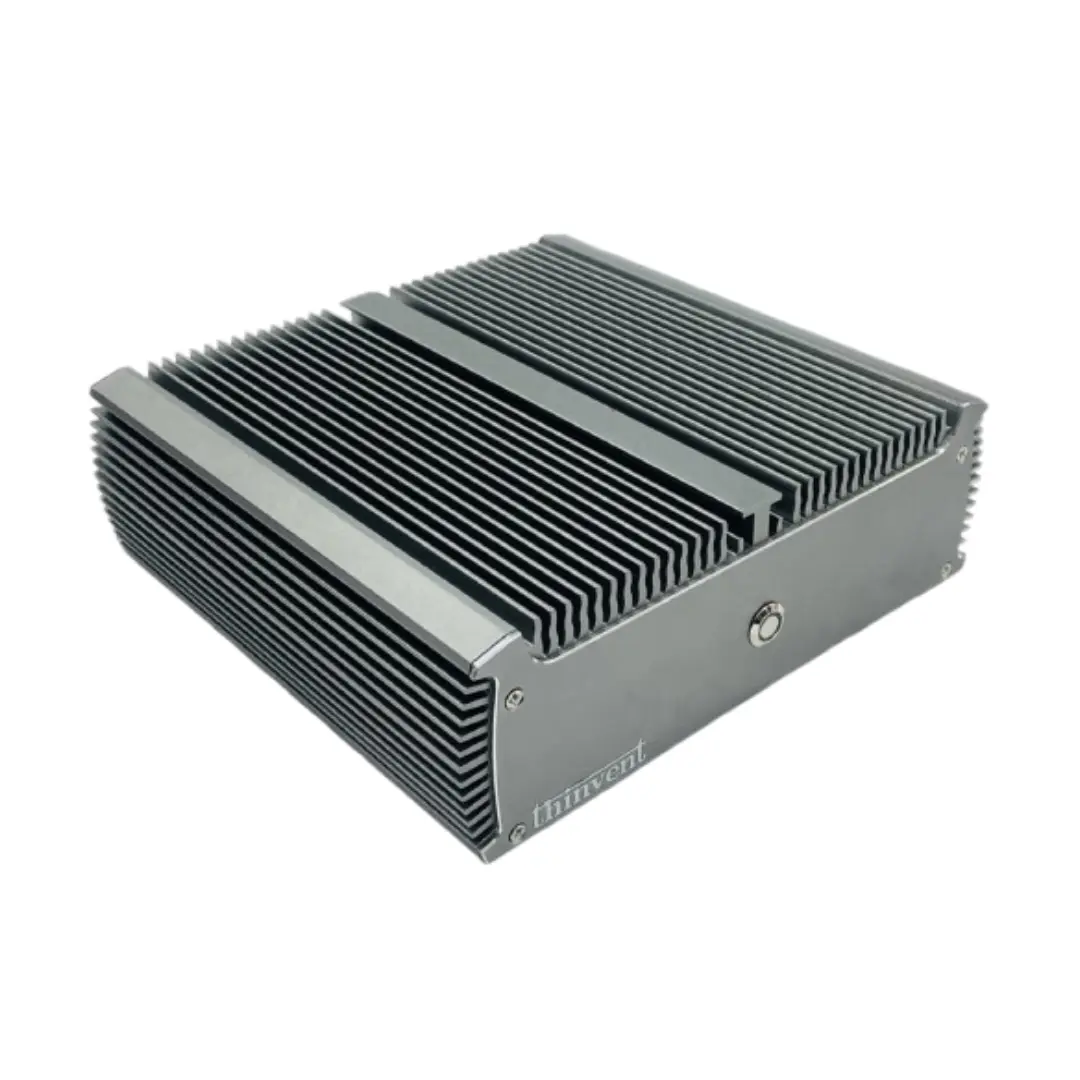
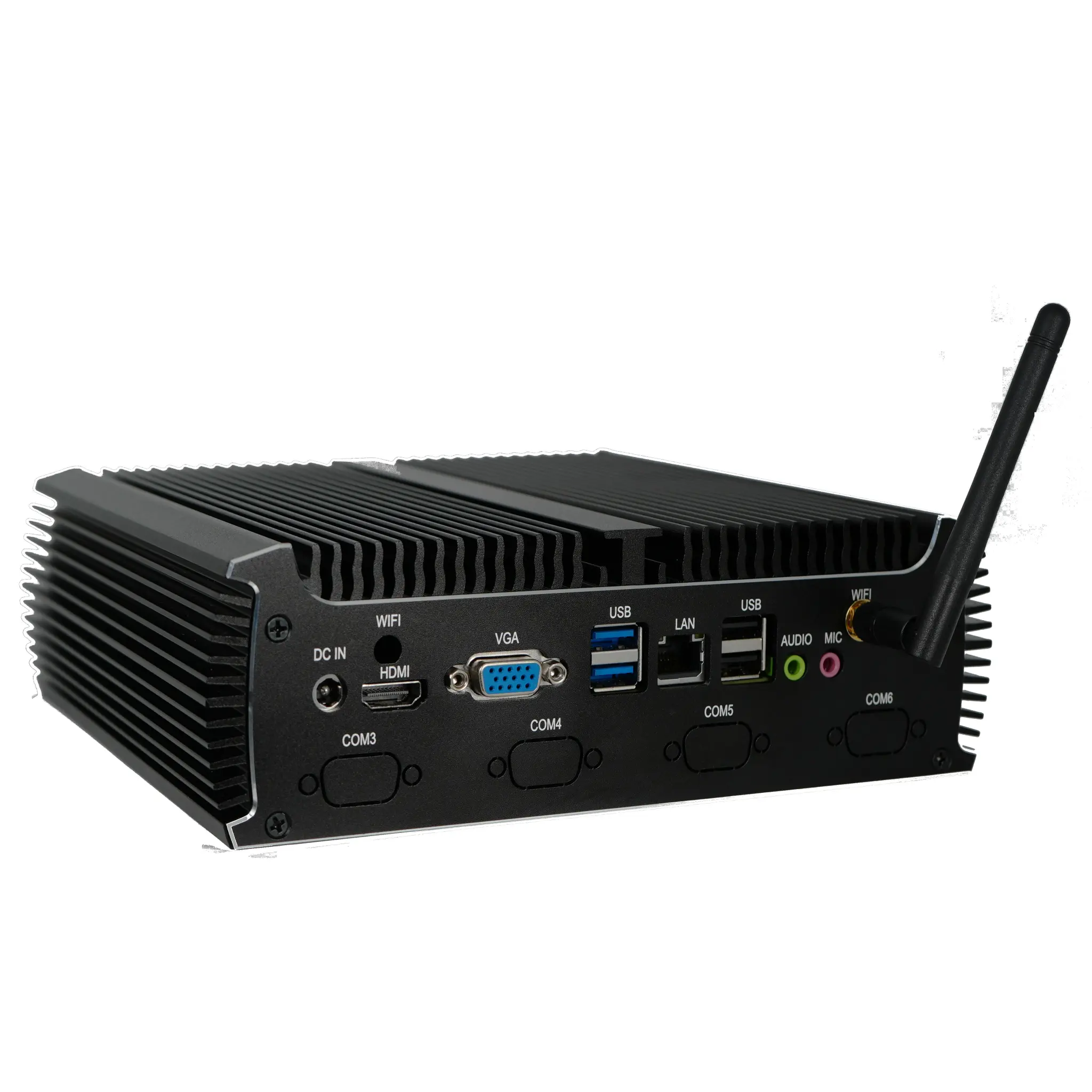
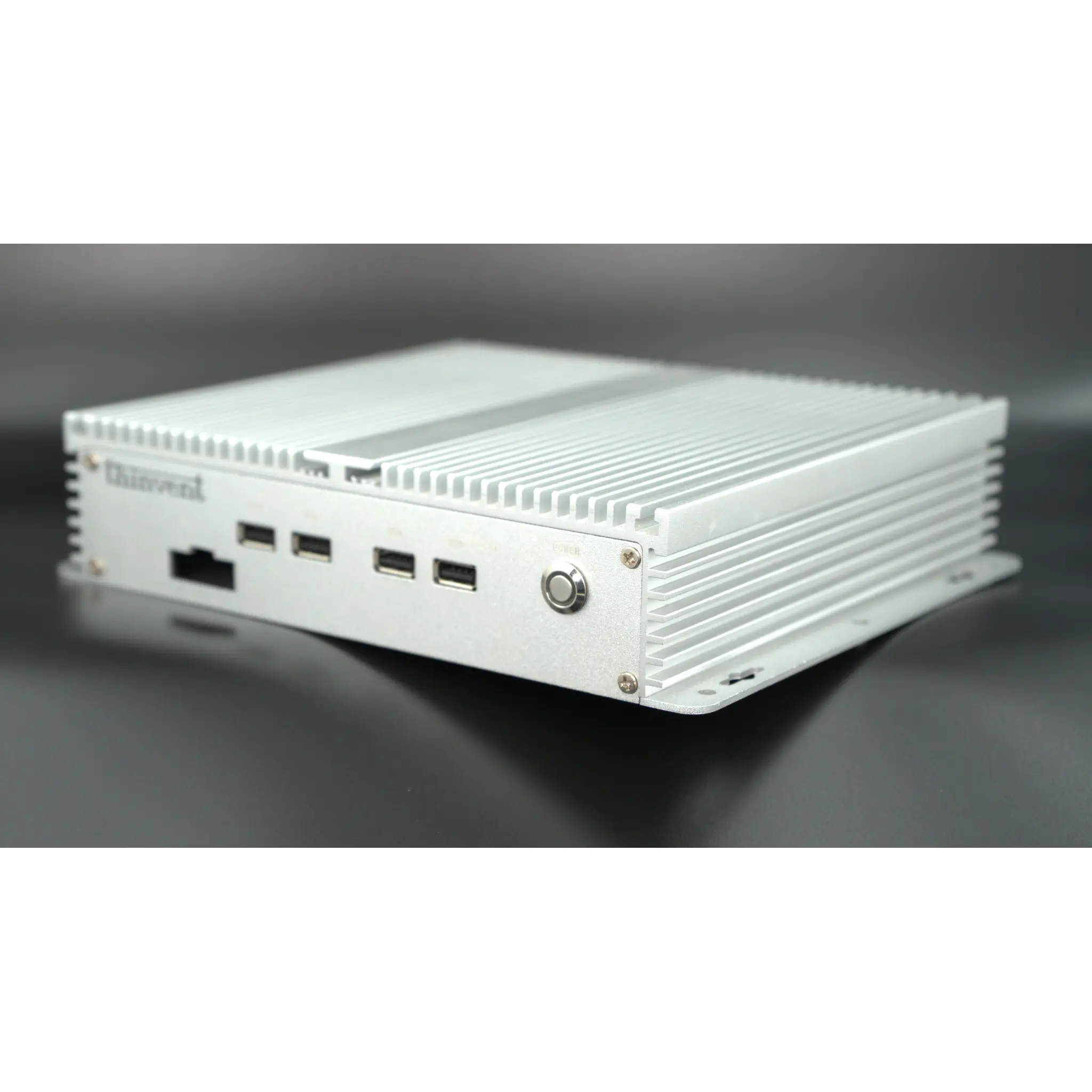
Not every SOLIDWORKS user is modelling 10,000-part assemblies. A large share of real-world work is drawing review, markup, PDM/PLM client access, eDrawings viewing, BOM checking, and light part modelling. These tasks run comfortably on a compact, fanless desktop with a quad-core Intel processor, 16 GB of RAM and an SSD, provided the user is not relying on GPU-accelerated RealView. Fanless designs are particularly attractive on shop floors, in inspection bays and in cleanroom-adjacent offices, because with no intake fan there is no path for metal dust, coolant mist or lint to enter the chassis. The trade-off is straightforward: integrated graphics handle wireframe and basic shaded views, while full photorealism and large assembly rotation benefit from a dedicated card.
Matching the Machine to the Task
For a designer who opens one or two parts at a time, a compact desktop with 16 GB RAM and a 128 GB or 256 GB SSD is a workable, low-maintenance option. For a user who regularly opens mid-size assemblies, 32 GB RAM and a 512 GB SSD remove the two most common causes of slowdown. For heavy simulation, large assembly work or rendering, a tower with a discrete professional GPU remains the right choice. It is worth being honest about this boundary rather than overselling a small form factor into a role it was not designed for.
Thinvent Products for SOLIDWORKS Workflows
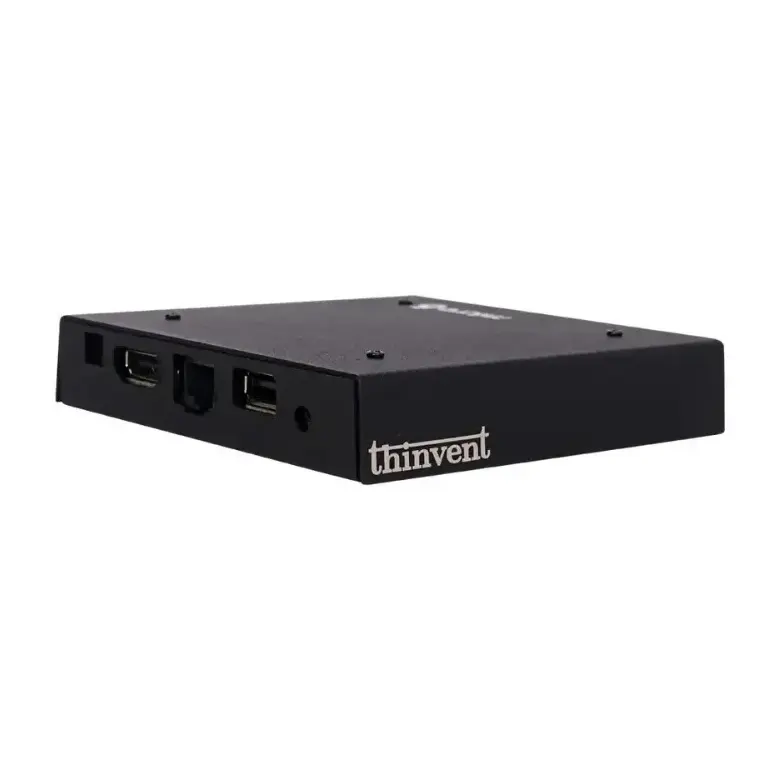
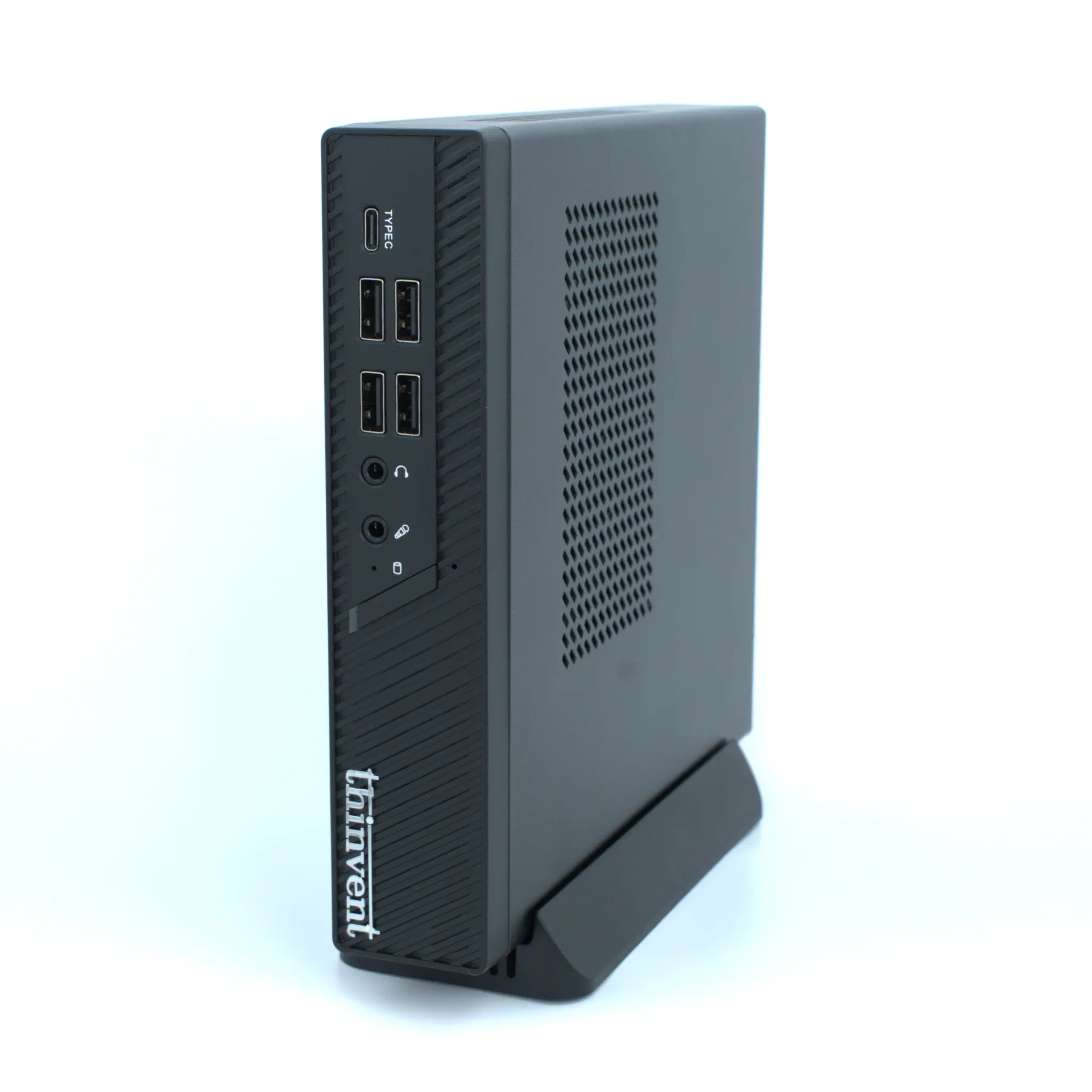
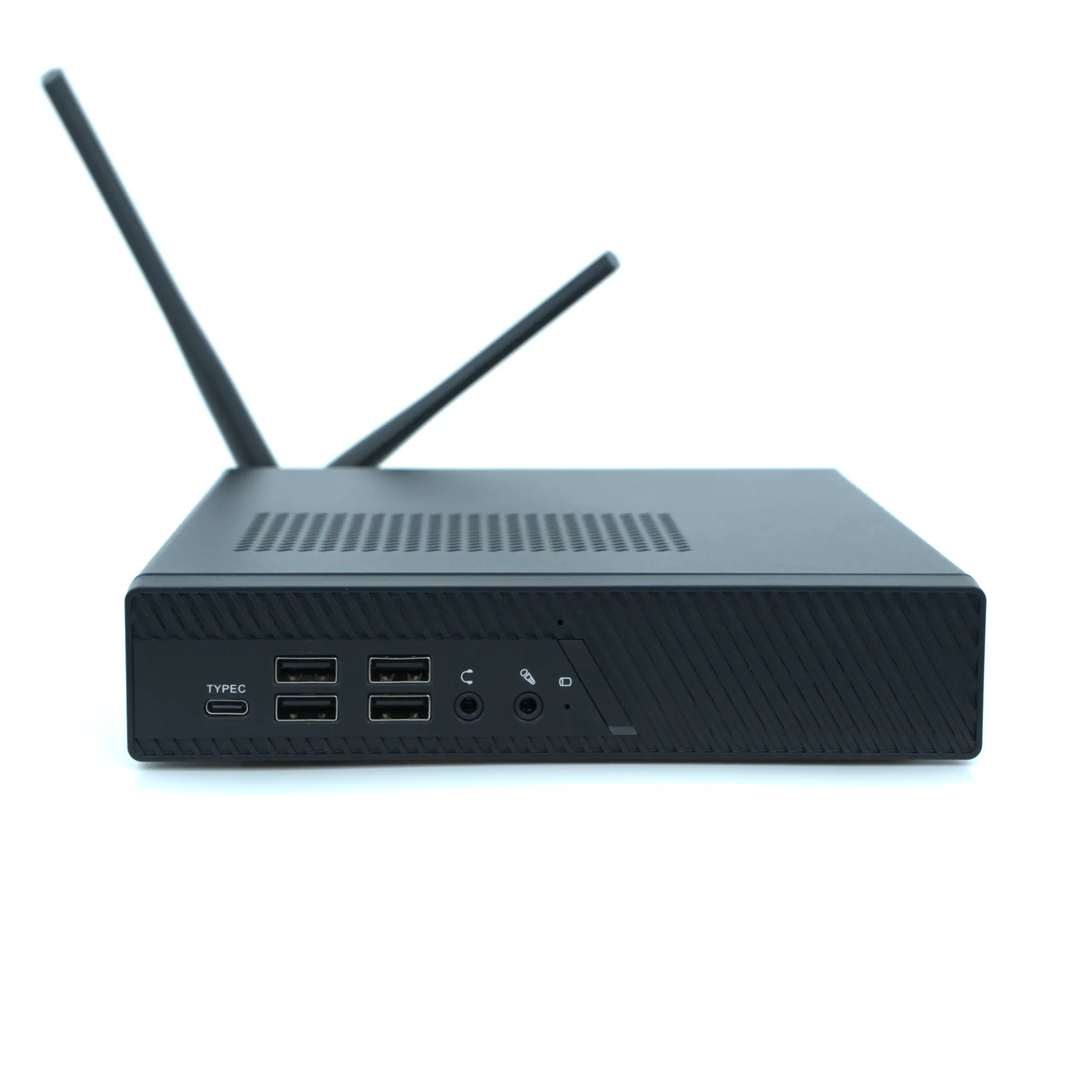
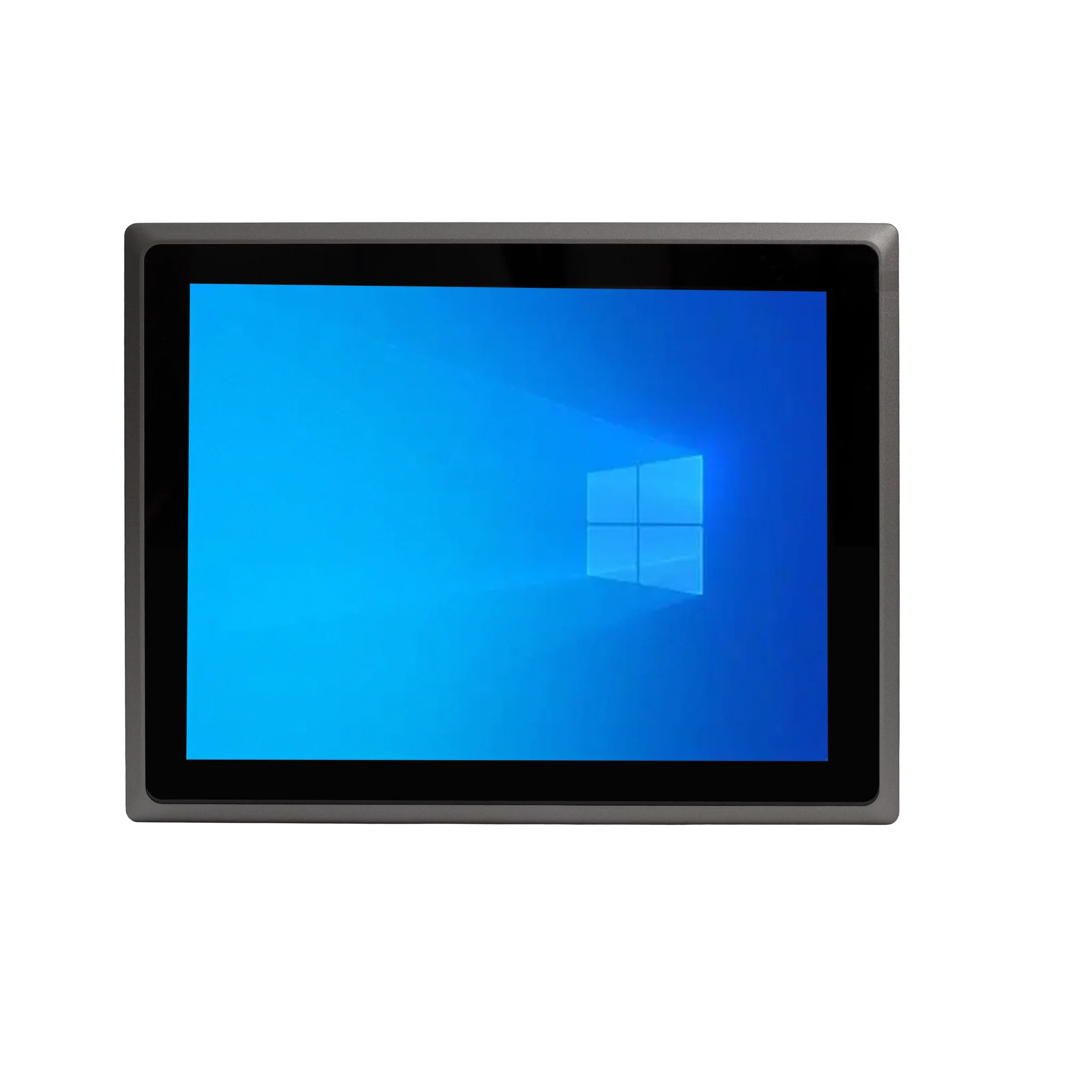
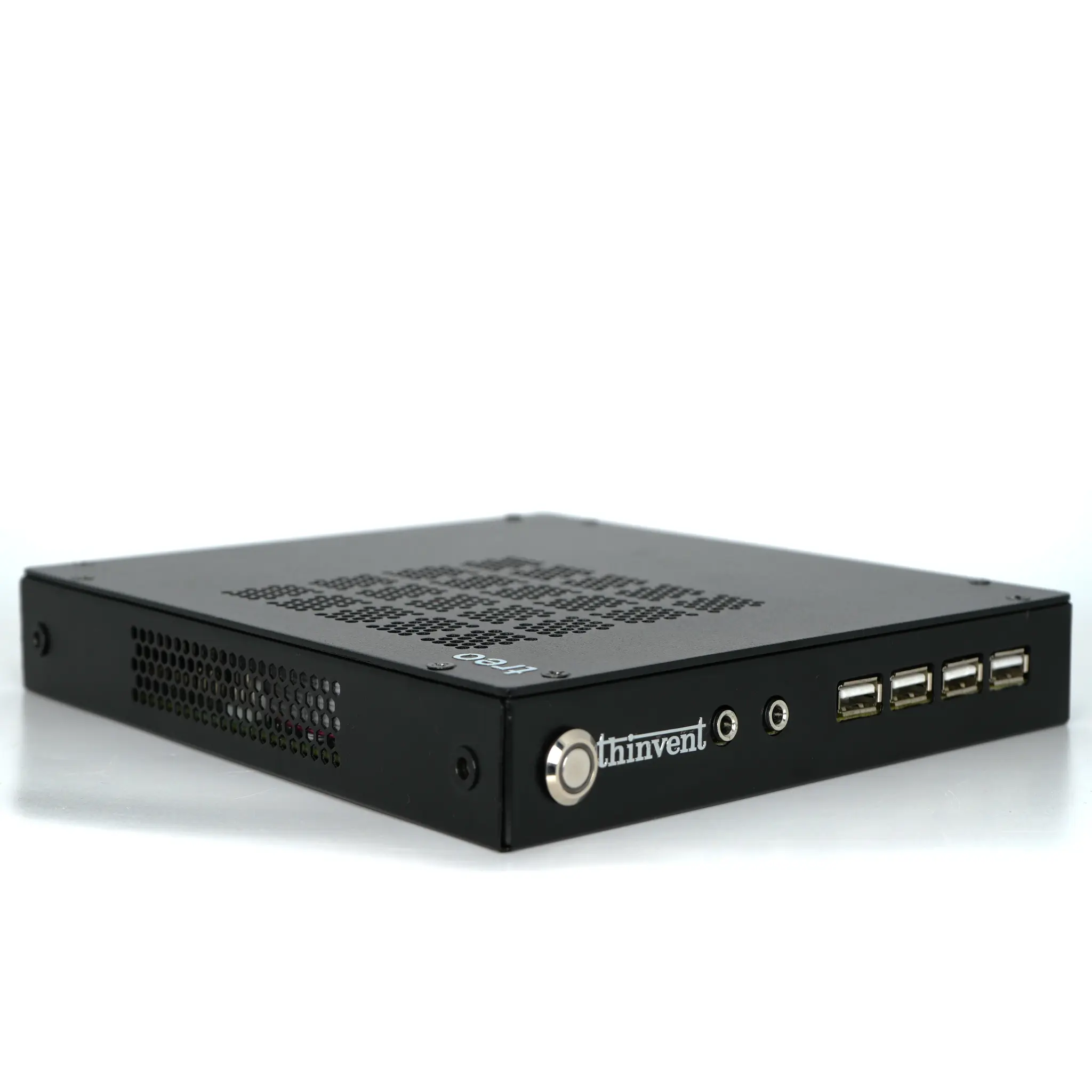
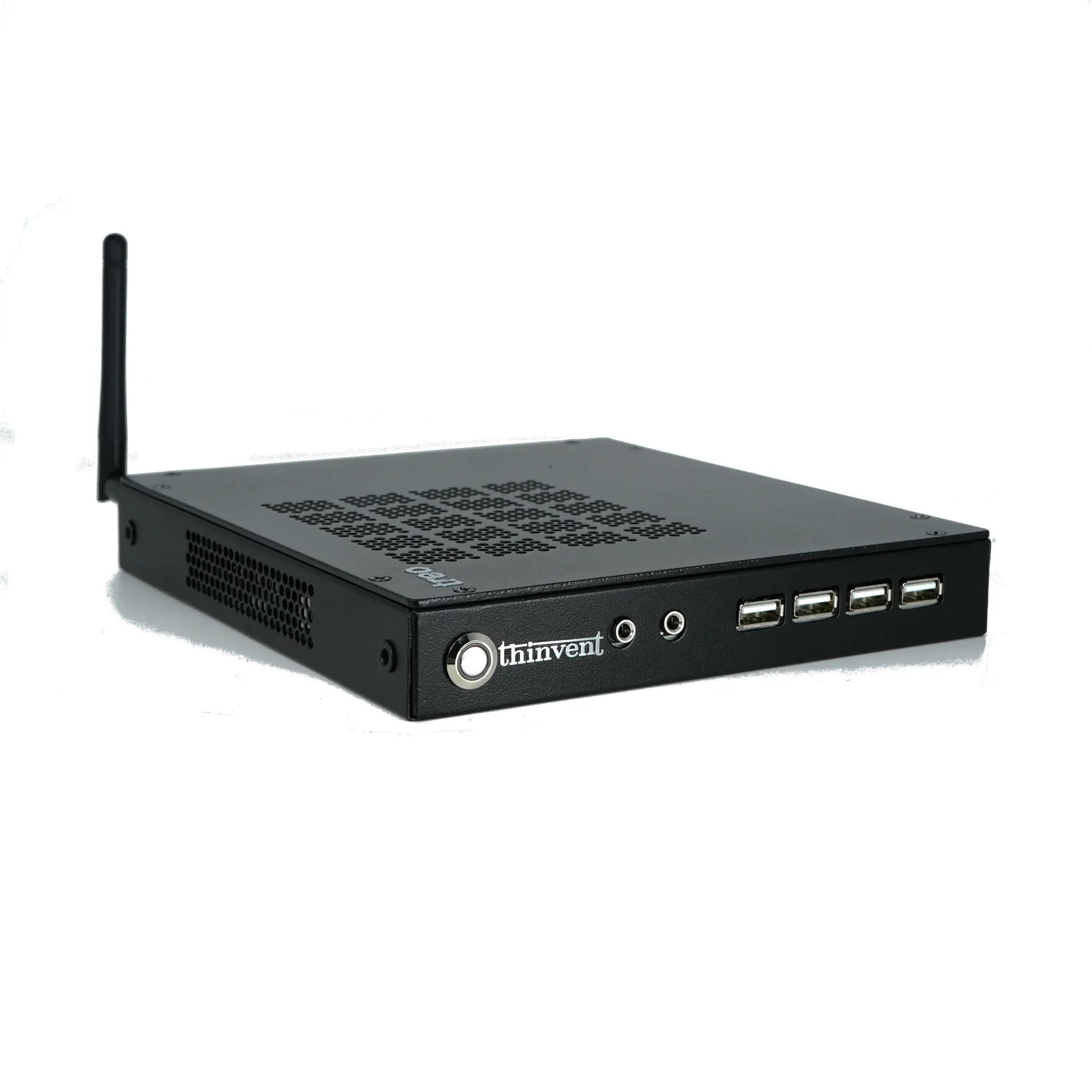
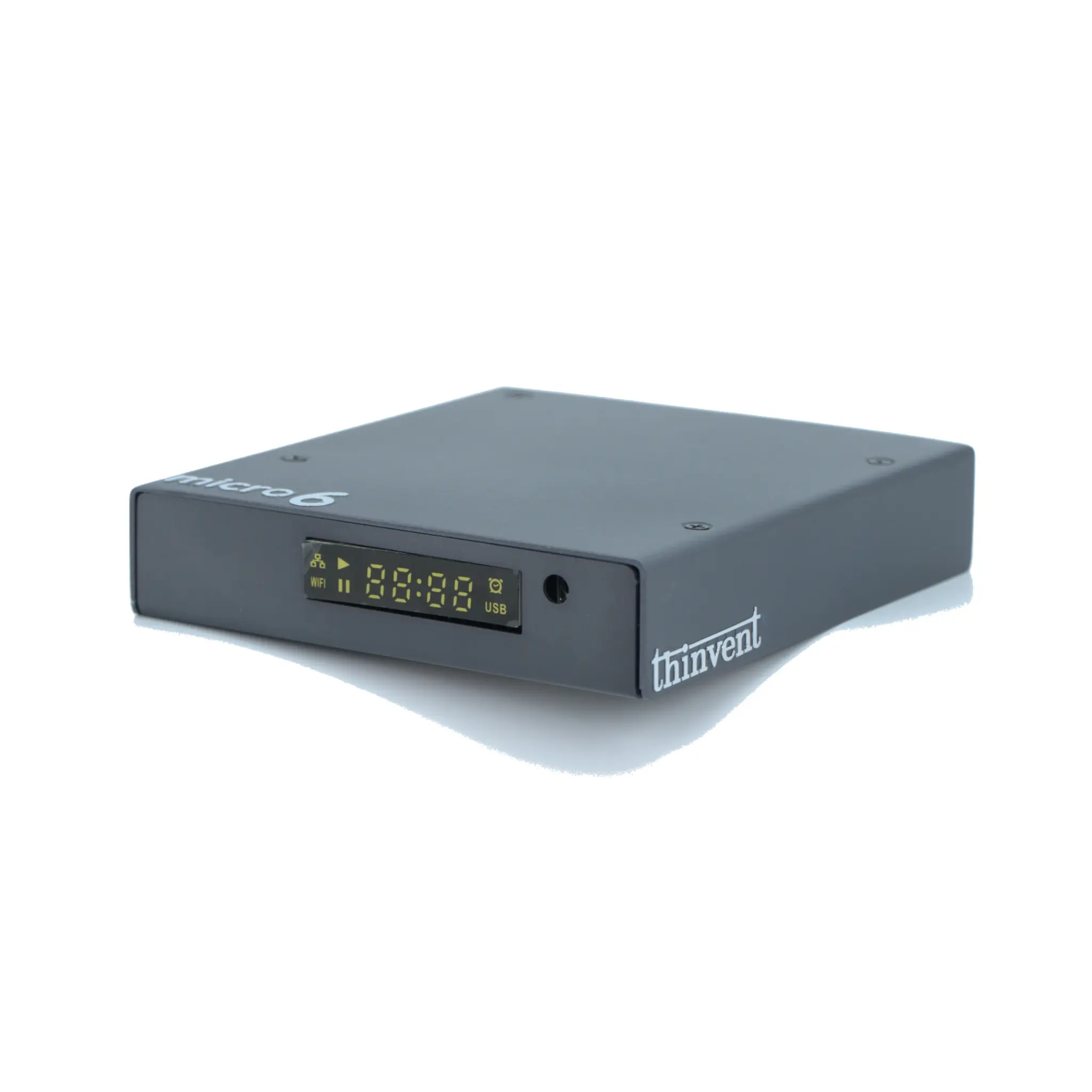
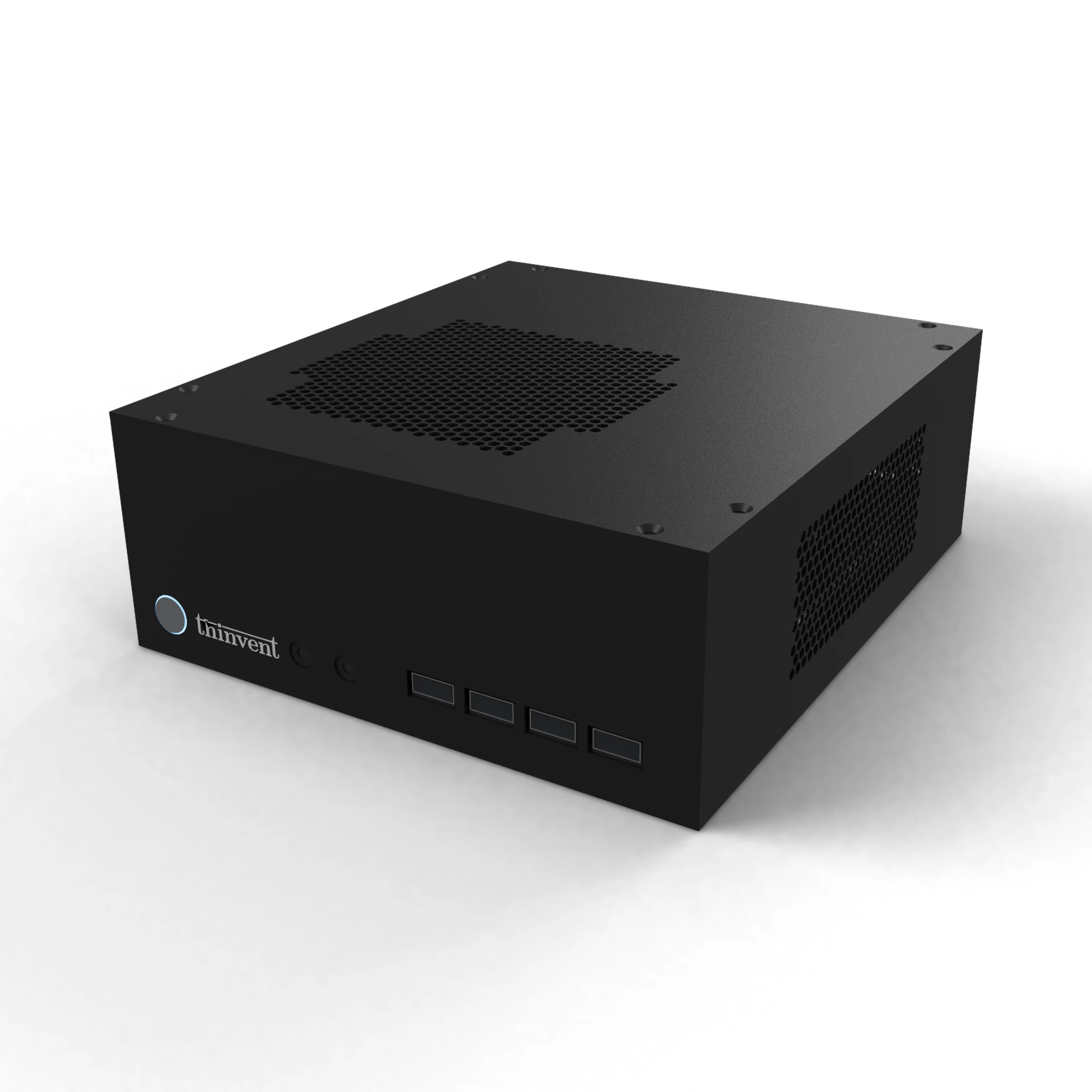
Thinvent builds compact and industrial desktops that suit the lighter end of the SOLIDWORKS workload. The Aero Mini PC family pairs an Intel quad-core processor with 16 GB DDR4 memory and SSD storage, and is available with Windows 11 Pro, Windows 11 IoT, Ubuntu Linux or a bare DOS image, so you can standardise on the operating system your team already uses. For deployments that need a display built in, Thinvent's all-in-one and industrial PC ranges offer the same low-maintenance, fanless approach in a single unit. If your requirement is drawing review, PDM access or light modelling in a dusty or hot environment, a Thinvent compact desktop will keep running quietly where a fan-cooled tower would struggle. For full assembly design with certified GPU acceleration, pair a Thinvent system as a secondary review station alongside a dedicated CAD workstation.