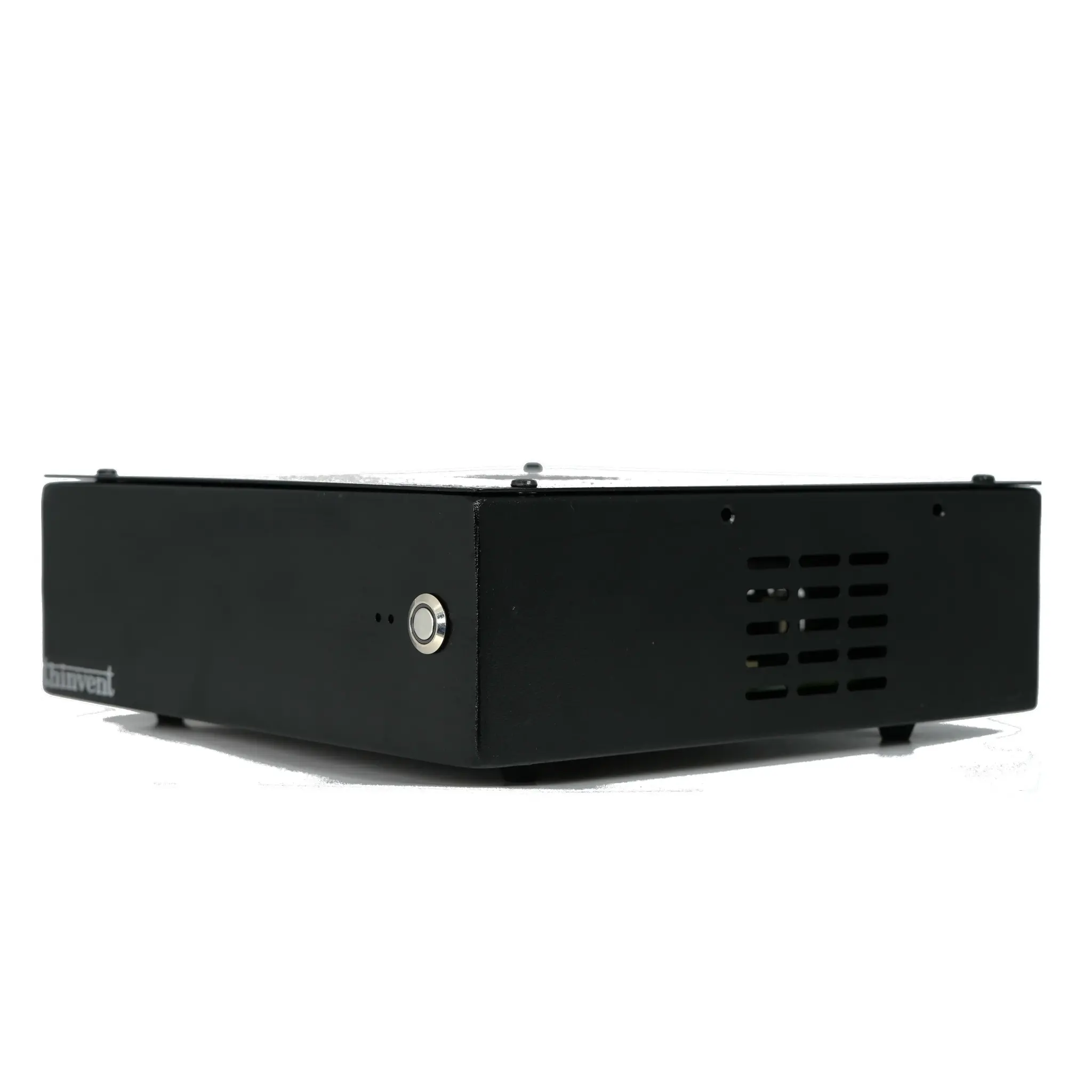
What Are Desktop Computers?
A desktop computer is a personal computer designed for regular use at a single location, typically on or near a desk. Unlike laptops, they consist of separate components like a system unit (tower or compact case), monitor, keyboard, and mouse. Modern desktops offer significant advantages in performance, upgradeability, and cooling, making them ideal for demanding tasks, office work, and home entertainment.
Key Specifications and Technical Details
Modern desktop computers are defined by their core components. The processor (CPU) is the brain, with options ranging from efficient Intel N-series chips for everyday tasks to powerful Intel Core i-series processors for intensive workloads. Memory (RAM) directly impacts multitasking ability, with 8GB being standard for general use and 16GB or more recommended for professional applications. Storage is typically provided by fast Solid State Drives (SSDs), with capacities from 128GB to 1TB or more. Connectivity is also crucial, with modern desktops featuring multiple USB ports (including USB-C), HDMI/DisplayPort outputs for monitors, and Gigabit Ethernet for reliable networking.
Use Cases and Applications
Desktop computers are versatile tools suited for various environments:
-
Office & Business: Perfect for productivity software, CRM systems, video conferencing, and general administrative tasks. Their reliability and ease of maintenance make them a staple in corporate settings.
-
Home & Entertainment: Serve as family computers for web browsing, streaming media, online learning, and light gaming. Their larger screens and comfortable peripherals enhance the user experience.
-
Digital Signage & Kiosks: Compact and fanless models are deployed in retail stores, restaurants, and public spaces to run advertising or interactive information displays 24/7.
-
Light Industrial & Embedded Applications: Rugged, fanless industrial PCs function as control units in manufacturing, logistics, and thin client setups, offering stability in harsh conditions.
Comparison of Desktop Form Factors
| Feature | Traditional Tower | Compact/Mini PC | All-in-One (AIO) |
|---|---|---|---|
| Size | Largest, requires separate space | Very small, fits anywhere | Monitor and PC combined |
| Performance & Upgradeability | Highest, easiest to upgrade components | Good for standard tasks, limited upgrades | Moderate, often difficult to upgrade |
| Best For | Gaming, video editing, servers | Space-constrained offices, digital signage, kiosks | Clean desks, reception areas, home use |
| Ports & Connectivity | Most expansive options | Standard selection (USB, HDMI, Ethernet) | Integrated, often fewer ports |
Thinvent Desktop Computer Solutions
Thinvent offers a robust range of desktop computing solutions engineered for reliability and performance. Our product lines include the Aero Series of fanless Mini PCs, which are perfect for silent operation in offices and embedded applications. For more demanding computational needs, we provide Industrial PCs with powerful Intel Core processors. We also manufacture All-in-One PCs with integrated displays for a streamlined workspace. All Thinvent desktops are built with industrial-grade components, feature efficient fanless or active cooling, and support a wide range of operating systems, including Windows, Linux, and our custom Thinux™ platform, ensuring a perfect fit for any professional requirement.