What is an Office Desktop Computer?
An office desktop computer is a reliable, efficient, and cost-effective computing solution designed to handle the core productivity tasks of a modern business environment. Unlike high-performance gaming or workstation PCs, office desktops prioritize stability, energy efficiency, and seamless operation for applications like word processing, spreadsheets, email, video conferencing, and web browsing. The ideal office PC offers a balance of adequate processing power, sufficient memory, and fast storage within a compact and often fanless design for silent operation.
Key Specifications for Office Desktops
For general office use, specific technical specifications ensure smooth daily performance. A modern quad-core processor, such as an Intel N-series chip, provides ample power for multitasking. At least 8GB of RAM is recommended to run multiple applications and browser tabs without slowdown. A Solid State Drive (SSD) with 128GB or 256GB of storage dramatically improves boot times and application loading compared to traditional hard drives. Essential connectivity includes multiple USB ports for peripherals, HDMI for monitor output, and reliable Gigabit Ethernet for network stability.
Ideal Use Cases and Applications
These computers are the backbone of daily business operations. They are perfectly suited for:
-
General Administration: Running office suites (Microsoft Office, Google Workspace), managing emails, and handling documentation.
-
Front Desk & Reception: Powering customer management software, handling bookings, and displaying information.
-
Call Centers & Support: Operating CRM software and communication platforms for customer service.
-
Educational & Training Rooms: Providing a consistent and manageable computing platform for employees.
-
Digital Signage & Kiosks: Driving content displays in lobbies or retail spaces due to their small size and reliability.
Choosing the Right Office Desktop
When selecting a desktop for your office, consider the form factor and operating system that best fit your workspace and IT policy.
| Feature | Consideration | Recommended for Office Use |
|---|---|---|
| Form Factor | Mini PCs save space, reduce cable clutter, and can be mounted behind monitors. Traditional towers offer more expansion slots. | Mini PC – Excellent for space-constrained or modern, clean-desk environments. |
| Processor | Balance between performance and energy efficiency. | Intel N-series (e.g., N100) or Intel Core i3 – Provides more than enough power for standard office software. |
| Memory (RAM) | Essential for multitasking. | 8GB Minimum, 16GB Recommended – Ensures smooth operation with multiple applications open. |
| Storage | SSDs are non-negotiable for modern productivity. | 128GB SSD Minimum, 256GB Preferred – For the operating system, applications, and active files. |
| Operating System | Depends on software requirements and IT management. | Windows 11 Pro for broad compatibility, or Linux for cost-effective and secure environments. |
Thinvent Office Desktop Solutions
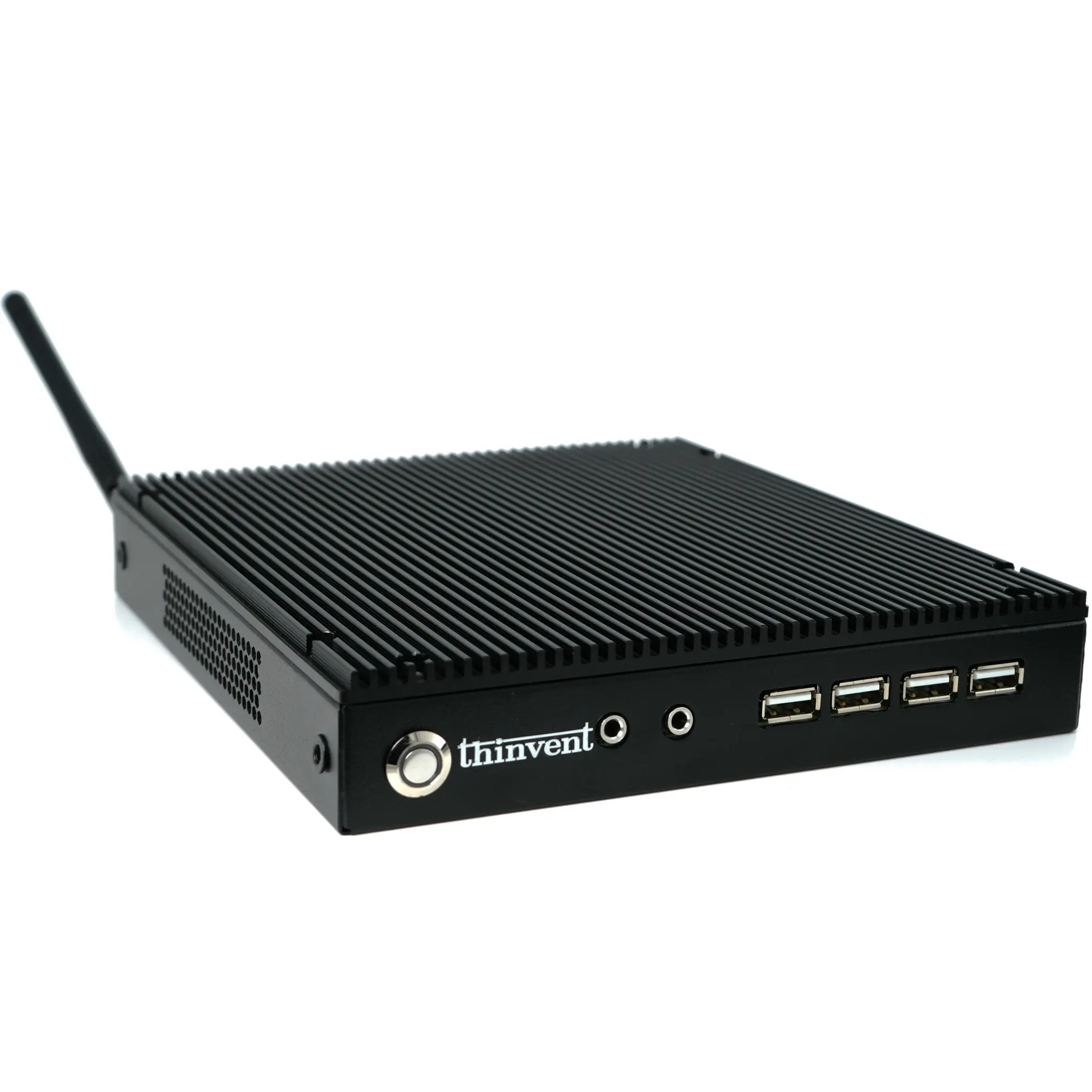
Thinvent offers a range of industrial-grade computing solutions that are exceptionally well-suited for demanding office environments. Our products, like the Aero Mini PC featured on this page, are built for reliability with fanless designs that ensure silent, dust-resistant operation—perfect for open-plan offices. They come configured with the optimal balance of an efficient Intel processor, ample DDR4 RAM, and fast SSD storage to handle business applications effortlessly. Available with multiple operating system choices including Windows 11 Pro, Ubuntu Linux, or a lightweight embedded OS, Thinvent desktops provide a robust, scalable, and professional computing foundation for businesses worldwide.