Computer hardware devices are the physical components that make up a computing system. They are broadly categorized into internal components, which reside inside the computer case, and external peripherals, which connect to the system. Understanding these devices is crucial for selecting the right technology for any application, from simple digital signage to complex industrial automation.
Core Internal Hardware Components
The primary internal hardware defines a computer's core capabilities.
-
Central Processing Unit (CPU): The "brain" of the computer, executing instructions. Performance varies by architecture (e.g., Intel Core, Intel N-series, ARM Cortex), core count, and clock speed.
-
Memory (RAM): Temporary, high-speed storage for active data and applications. More RAM allows for smoother multitasking.
-
Storage (SSD/eMMC/HDD): Non-volatile storage for the operating system, software, and files. Solid State Drives (SSDs) and embedded MultiMediaCard (eMMC) offer faster access than traditional Hard Disk Drives (HDDs).
-
Motherboard: The main circuit board that houses the CPU, RAM, and storage, and provides connectivity for all other components.
-
Power Supply Unit (PSU): Converts power from an outlet to usable power for the internal components.
Key External Peripherals and Connectivity
These devices enable interaction and expansion.
-
Input Devices: Keyboards, mice, touchscreens, and scanners for feeding data into the computer.
-
Output Devices: Monitors, projectors, and printers for displaying or producing results.
-
Connectivity Ports: Essential for linking peripherals and networks. Common types include:
- USB (Universal Serial Bus): For connecting keyboards, storage drives, and more. USB 3.2 offers high-speed data transfer.
- HDMI (High-Definition Multimedia Interface): Transmits high-definition video and audio to displays.
- Ethernet (RJ45): Provides wired, stable, and high-speed network connectivity, crucial for business and industrial environments.
-
Networking: Built-in Wi-Fi adapters or Ethernet controllers enable network and internet access.
Applications Based on Hardware Configuration
The combination of these hardware devices determines a system's ideal use case.
-
Basic Computing & Thin Clients: Systems with ARM processors, 2-4GB RAM, and eMMC storage are perfect for web browsing, digital signage, and virtual desktop infrastructure (VDI) endpoints.
-
Office & General Productivity: Mini PCs with Intel N-series or i3 processors, 8GB RAM, and 256GB SSD handle office suites, email, and multimedia smoothly.
-
Industrial & High-Performance Workloads: Industrial PCs with Intel i5/i7 processors, 16GB+ RAM, and large SSDs support demanding applications like machine vision, automation control, and CAD software.
Thinvent's Range of Integrated Hardware Solutions
Thinvent specializes in pre-configured, reliable computing systems that integrate these essential hardware devices into optimized form factors. Our product lines cater to diverse needs:
-
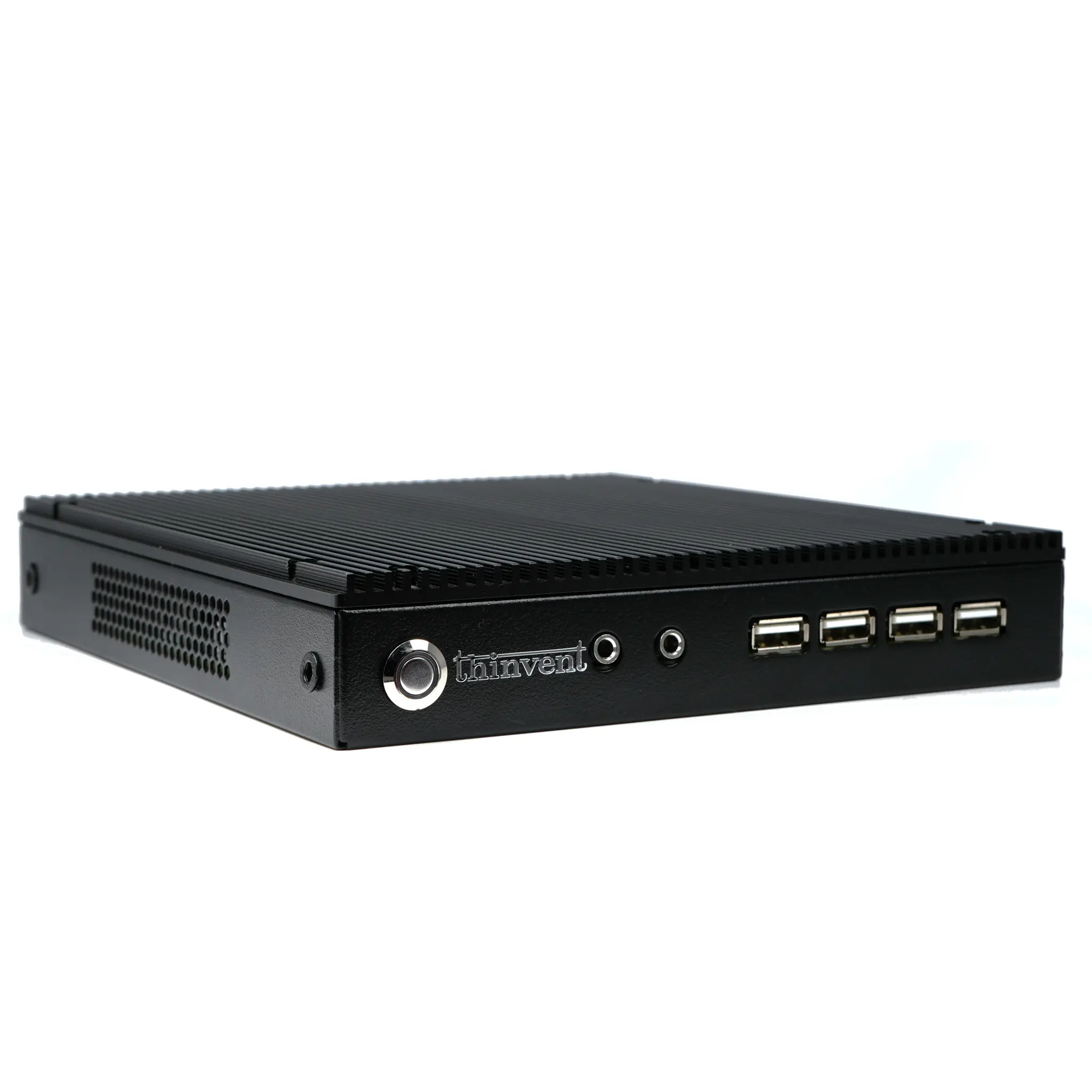
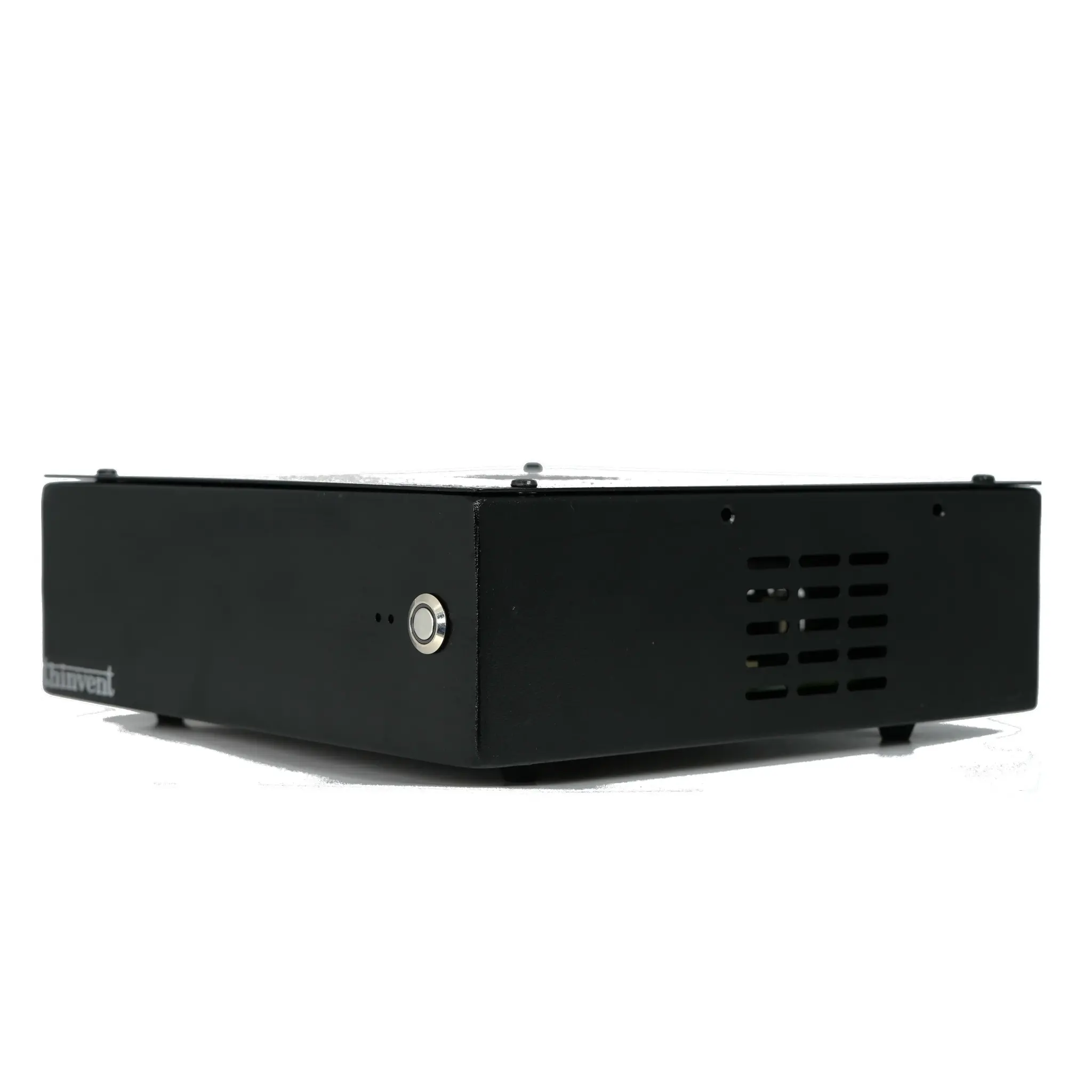
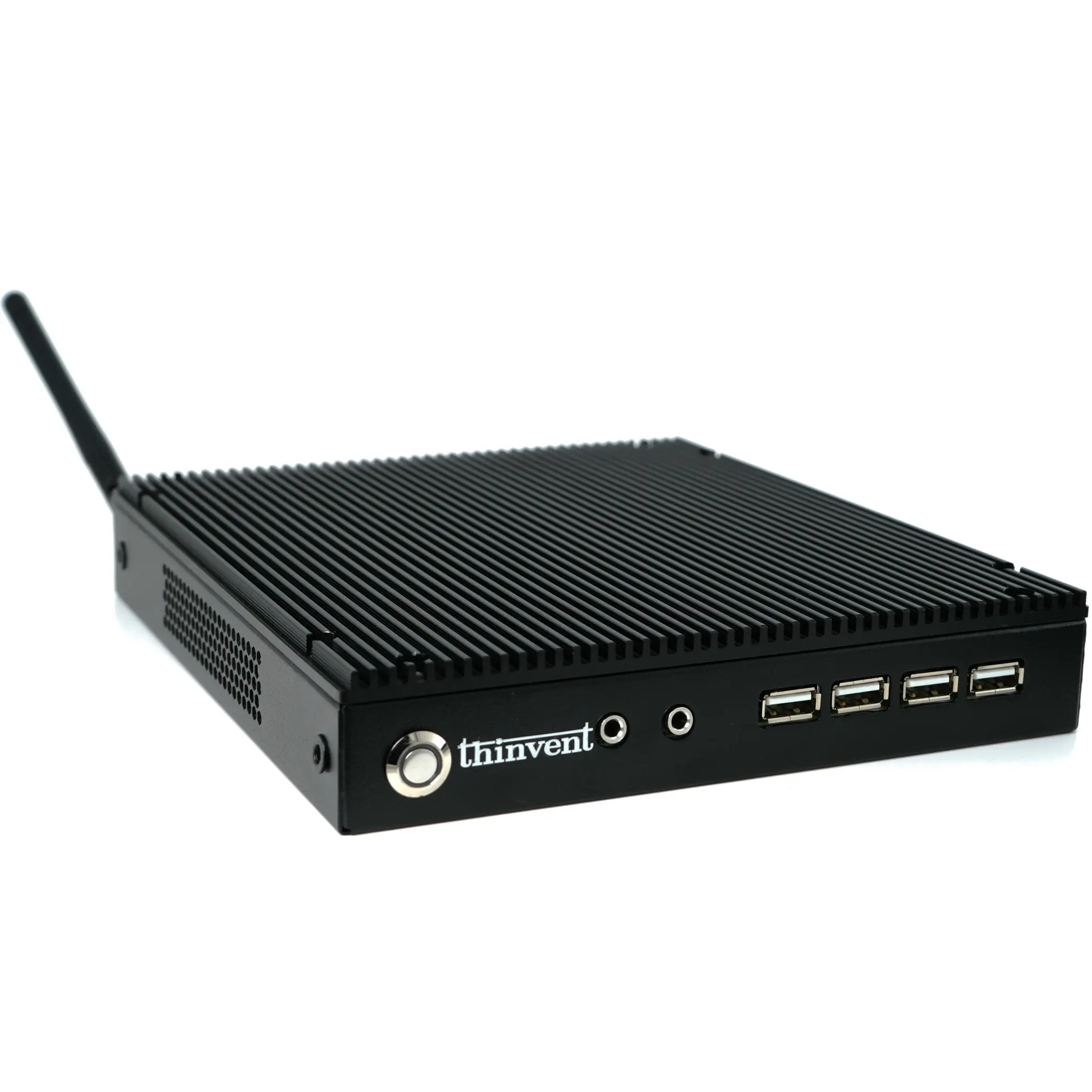
Thinvent Micro Series: Ultra-compact devices based on efficient ARM processors, designed for lightweight tasks, digital signage, and as thin clients.
-
Thinvent Treo & Aero Mini PCs: Versatile mini PCs featuring Intel N-series, i3, and i5 processors, balancing performance and size for office and commercial use.
-
Thinvent Industrial PC (IPC) Series: Rugged and powerful systems built with industrial-grade components, such as the IPC5 with a 12th Gen Intel i5 processor, engineered for 24/7 operation in harsh environments.
Each Thinvent system is a carefully engineered combination of core hardware, ensuring reliability, performance, and suitability for its target application, from the edge to the enterprise.