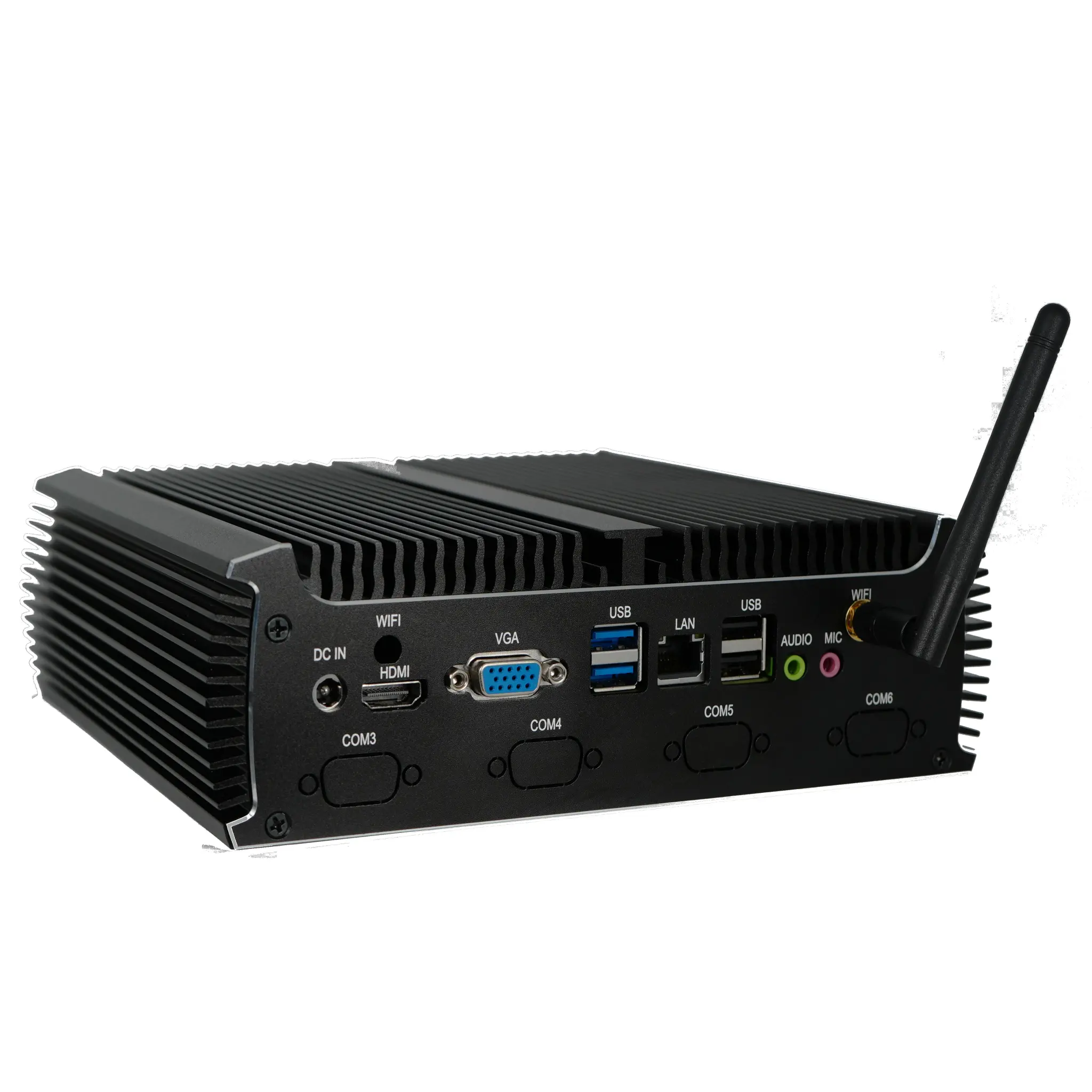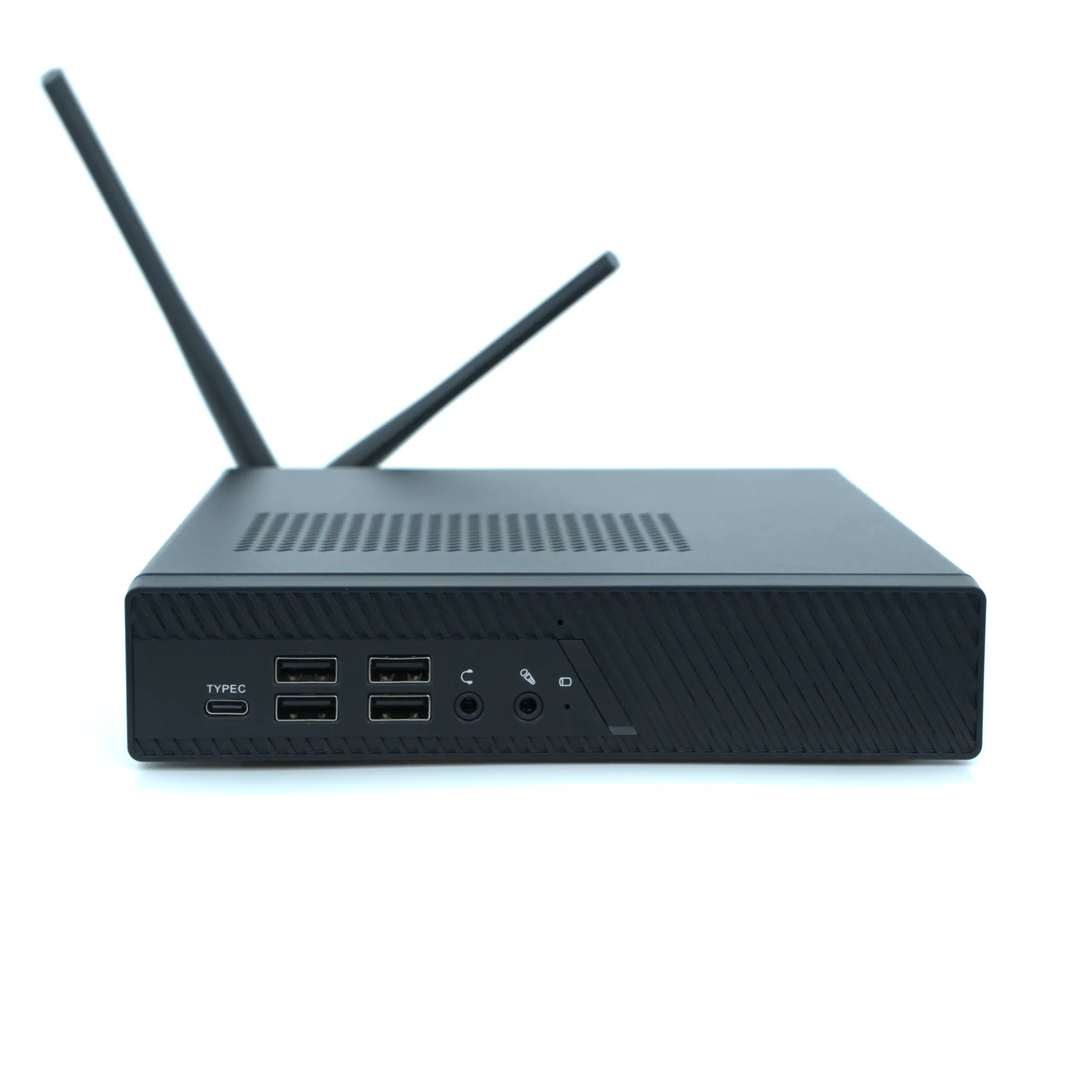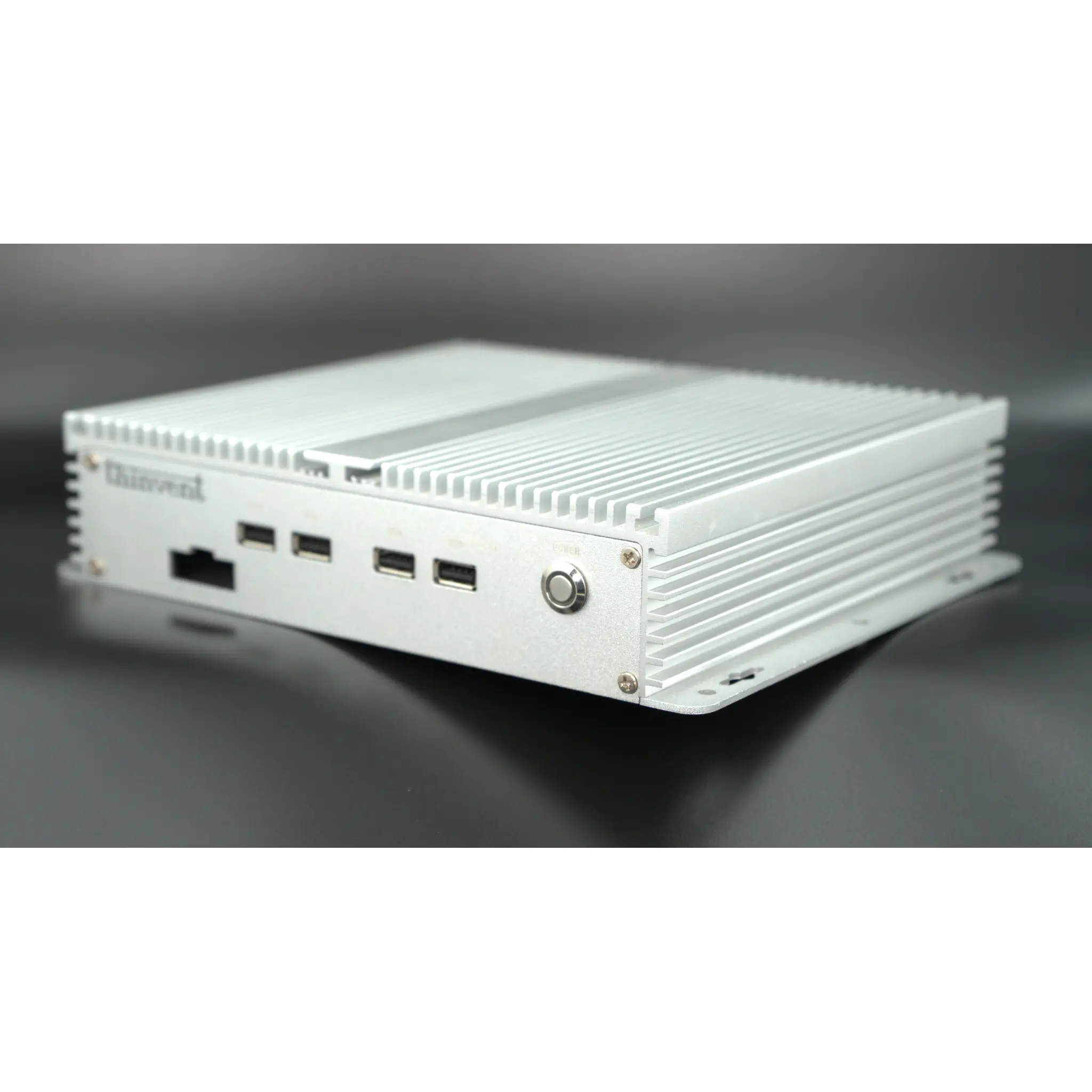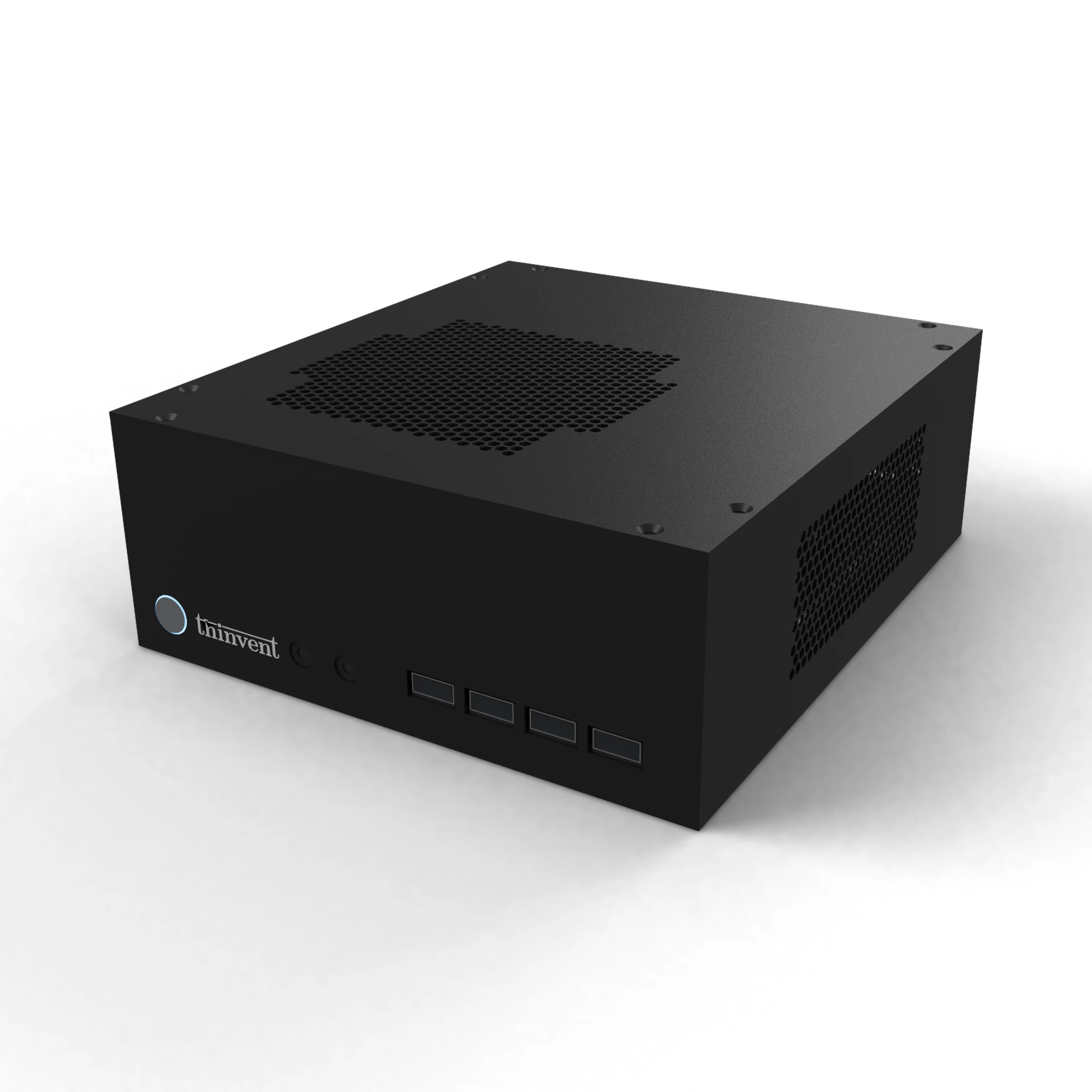
A keyboard is the primary text-input device for any desktop computing setup, and for mini PCs, thin clients and industrial computers it is often the one peripheral that determines how comfortable a workstation feels over an eight-hour shift. When buyers search for a keyboard alongside a computer, they are usually looking for a matched keyboard-and-mouse set that arrives ready to plug in, works with the operating system already installed on the machine, and survives daily use in an office, a shop floor or a control room.
What to look for in a keyboard for a mini PC or thin client
Most mini PCs and thin clients connect peripherals over USB, so a standard USB-A wired keyboard works out of the box with no drivers. Key points to check:
-
Interface: USB 2.0 or USB 3.2 Gen 1 Type-A. Wired keyboards need no pairing and no batteries, which matters in shared or unattended deployments.
-
Layout: Full-size 104/105-key layouts with a numeric keypad suit data entry, billing and ERP work; compact tenkeyless layouts save desk space in kiosks.
-
Key type: Membrane dome switches are quiet, spill-tolerant and inexpensive to replace; scissor switches give a shorter, laptop-like travel; mechanical switches suit heavy typists and are rated in the tens of millions of keystrokes.
-
Hotkeys: Multimedia and function keys can be mapped for volume, brightness and application launching on Windows and Linux.
-
Build: ABS plastic bodies are light; metal-backed or reinforced frames resist flex on industrial benches.
Wireless keyboards using 2.4 GHz USB dongles or Bluetooth add cable-free convenience, but in factory, warehouse and clinical environments a wired connection is generally preferred because there is nothing to charge and no radio interference to troubleshoot.
Matching the keyboard to the operating system
Windows 11 Pro, Windows 11 IoT, Ubuntu Linux, Thinux embedded Linux and FreeDOS all accept standard HID keyboards without extra configuration. The main difference is the modifier key layout: Windows keyboards carry the Windows key, while Linux users often prefer keyboards with clearly labelled Super/Meta keys or the ability to remap Caps Lock and Ctrl through the desktop environment. Where a machine ships without an operating system, the keyboard is simply a hardware accessory and the buyer configures mapping later.
Typical use cases
| Environment | Recommended keyboard type | Why |
|---|---|---|
| Office and back-office desks | Full-size wired USB keyboard + optical mouse | Numeric keypad, no maintenance |
| Call centre and data entry | Quiet membrane keyboard | Low noise, high key-life rating |
| Kiosk, POS and reception | Compact wired keyboard, tucked away | Resists tampering, saves counter space |
| Industrial control room | Wired keyboard with reinforced frame | Dust, vibration and long shifts |
| Meeting rooms and hot desks | Wireless 2.4 GHz set | Quick swap between users |
| Education and training labs | Wired USB set | Nothing to lose or charge |
Pairing keyboards with fanless computers
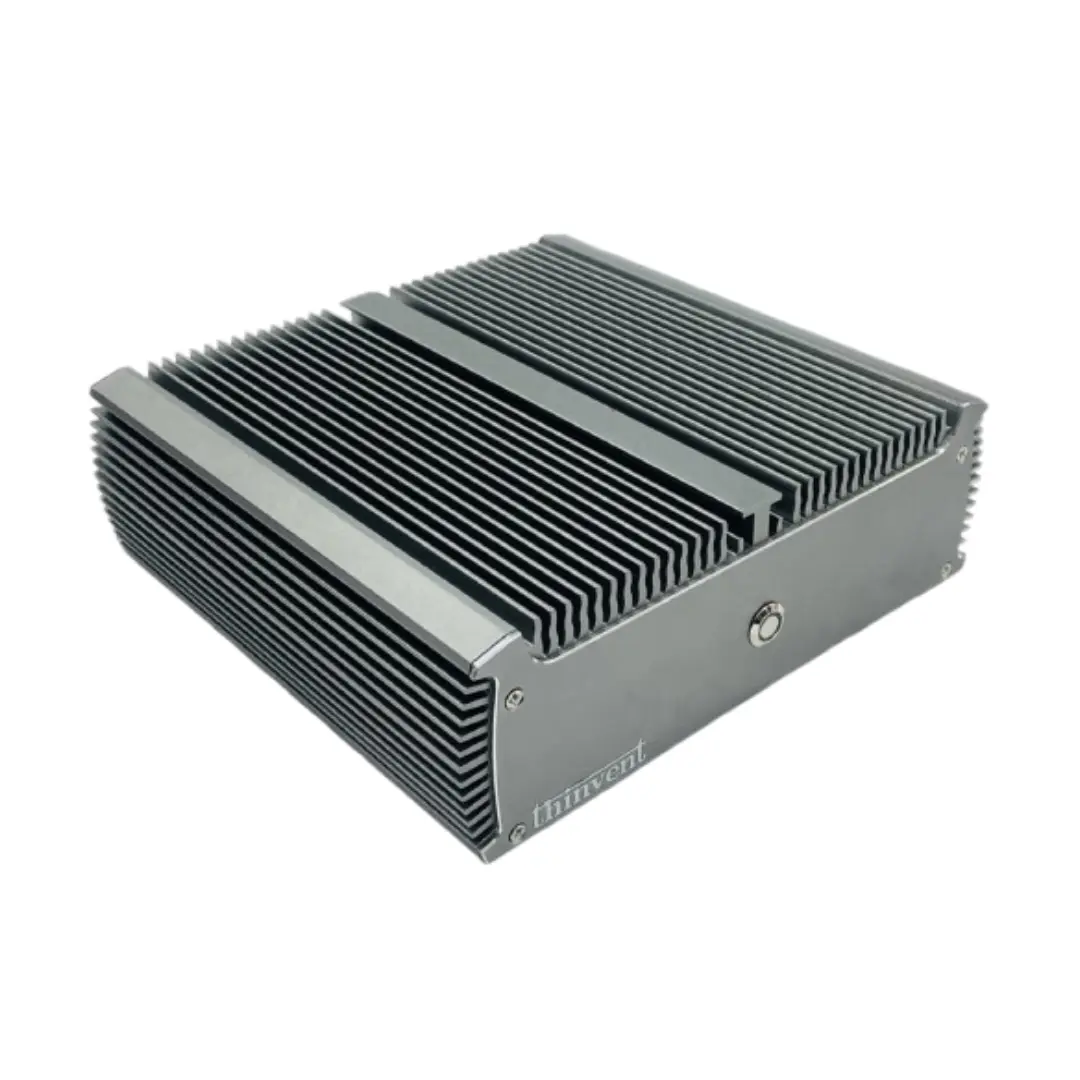
Fanless mini PCs and thin clients have no moving parts, so the keyboard and mouse become the only mechanical points of wear in the setup. Choosing a keyboard rated for a high number of keystrokes, and keeping a spare set on the shelf, is a simple way to keep multi-seat deployments running without downtime. Because these computers draw little power and run silently, they are often mounted behind a monitor or under a desk, which makes a wired keyboard with a generous cable length the practical choice.
Thinvent keyboards and peripheral bundles
Thinvent supplies