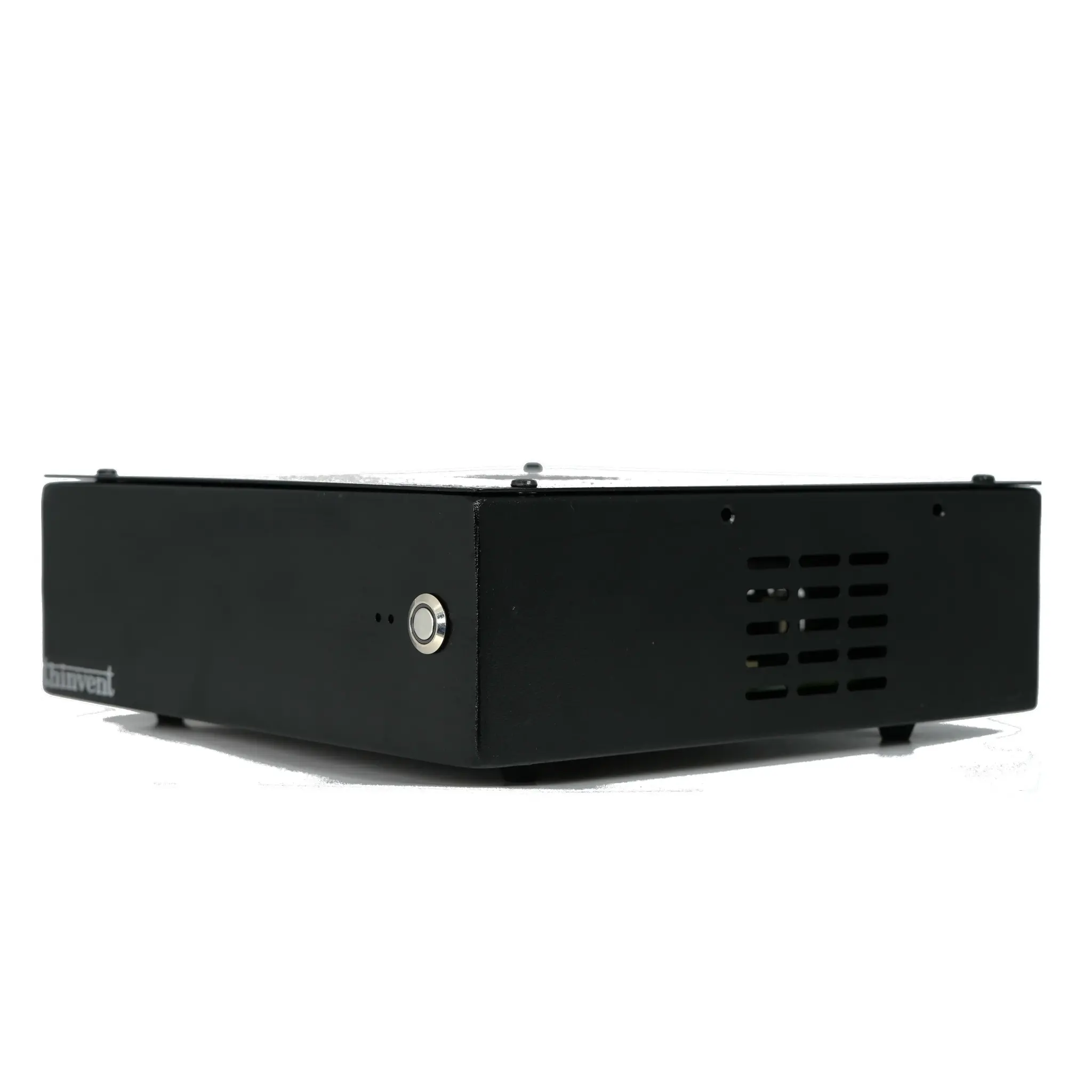
What is a Monitor Computer CPU?
A monitor computer CPU refers to the central processing unit (CPU) within a computer system specifically designed to drive and manage digital displays, such as digital signage, information kiosks, or video walls. These are not standard desktop CPUs; they are embedded within compact, reliable, and often fanless industrial computers built for continuous operation in public or commercial environments. The primary role of this CPU is to decode and render high-definition video content, run content management software, and ensure stable, unattended performance 24/7.
Key Specifications and Technical Details
The ideal CPU for monitor applications balances performance with efficiency and thermal design. Key specifications to consider include:
-
Processor Architecture: Modern Intel processors, such as the efficient N-series (e.g., Intel N100) or more powerful Core i-series, are common. They feature integrated graphics capable of driving multiple high-resolution displays.
-
Core Count & Clock Speed: Multi-core processors (e.g., 4 or more cores) handle multitasking smoothly, such as running a media player while managing network connectivity. Sufficient clock speed ensures quick content loading and transitions.
-
Thermal Design Power (TDP): Low-TDP CPUs are preferred for fanless designs, which eliminate moving parts, reduce dust ingress, and enable silent operation—critical for noise-sensitive areas.
-
Connectivity: Support for multiple video outputs (HDMI, DisplayPort) is essential. Reliable wired Ethernet (Gigabit) ensures stable network content updates, while options for WiFi/Bluetooth add flexibility.
-
Form Factor: These systems are typically compact Mini PCs or All-in-One panels that can be easily mounted behind or integrated into a display.
Use Cases and Applications
Monitor computers are versatile and deployed across numerous sectors:
-
Digital Signage: Powering advertising screens in retail stores, restaurants, airports, and corporate lobbies.
-
Information Kiosks: Providing interactive wayfinding, product catalogs, or self-service check-in terminals.
-
Control Room & Video Walls: Acting as individual nodes in a multi-screen video wall for surveillance, operations centers, or broadcast studios.
-
Menu Boards: Driving dynamic menu displays in fast-food chains and cafes.
-
Corporate Communications: Displaying announcements, dashboards, and live data feeds in office environments.
Choosing the Right CPU for Your Display Application
| Application Need | Recommended CPU Profile | Key Considerations |
|---|---|---|
| Basic Digital Signage (Single screen, static/looping video) | Intel N-series (e.g., N95, N100), 4 cores | Low power, fanless, cost-effective. |
| Interactive Kiosks / Multi-Screen | Intel Core i3/i5 (e.g., 1215U, 1335U), 6+ cores | Higher performance for touch interaction and multiple video streams. |
| 4K/8K Video Walls & High-Resolution Content | Latest Gen Intel Core i5/i7, 10+ cores | Powerful integrated graphics, high memory bandwidth for seamless playback. |
| 24/7 Mission-Critical Displays | Industrial-grade CPUs (any series) | Focus on wide temperature range, shock/vibration resistance, and long-term availability. |
Thinvent's Range of Monitor Computers
Thinvent specializes in robust industrial computing solutions perfect for demanding display applications. Our product lineup includes compact Mini PCs and sleek All-in-One computers featuring the latest Intel processors from the efficient N-series to powerful Core i5 models. These systems are engineered for reliability with fanless cooling, wide operating temperature ranges, and multiple video outputs to drive any display setup. Whether you need a simple media player for a single screen or a high-performance node for a video wall, Thinvent offers configurable options with various memory, storage, and operating system choices to match your exact project requirements.