What is a Home NAS and Why Use a Compact Solution?
A Network Attached Storage (NAS) for home use is a dedicated device connected to your local network, providing centralized file storage, backup, and media streaming for all your devices. Compact NAS solutions, often built on mini PC or thin client hardware, offer a space-saving, energy-efficient, and quiet alternative to bulky traditional NAS enclosures or repurposed old computers. They are perfect for users who need reliable data access without the complexity, noise, or high power draw of larger systems.
Key Specifications for a Compact Home NAS
An effective compact home NAS requires a balance of processing power, memory, storage connectivity, and network capability. Key specifications to consider include:
-
Processor (CPU): A multi-core processor (ARM or x86) is essential for handling file transfers, running basic services, and media transcoding. ARM-based chips offer excellent power efficiency, while Intel Core or N-series processors provide more power for demanding tasks.
-
Memory (RAM): 4GB to 8GB of RAM is typically sufficient for a home NAS running a lightweight OS, supporting multiple simultaneous users and basic Docker containers.
-
Storage: The internal eMMC or SSD hosts the operating system. The primary data storage is provided via external USB 3.0/3.1 Gen 2 ports or SATA connections (in some models) to which you attach large-capacity 2.5" or 3.5" hard drives or SSDs.
-
Connectivity: Gigabit Ethernet is a minimum for fast file transfers. Some compact units also offer Wi-Fi for flexible placement. Multiple USB ports are crucial for connecting storage drives.
-
Operating System: Devices often run lightweight, NAS-optimized Linux distributions like OpenMediaVault, TrueNAS Core, or a customized embedded OS, which can be installed on the internal storage.
Ideal Use Cases and Applications
Compact home NAS devices are incredibly versatile:
-
Centralized Media Library: Store your entire collection of movies, music, and photos and stream them to smart TVs, phones, and tablets using apps like Plex, Jellyfin, or Kodi.
-
Automated Backup Hub: Create a single backup destination for all laptops, phones, and desktops on your network, protecting against device failure.
-
Personal Cloud Storage: Access your files from anywhere with secure remote access, replacing subscription cloud services with your private data vault.
-
Lightweight Home Server: Host a personal website, run a BitTorrent client, manage home automation (like Home Assistant), or host game servers in a low-power, always-on package.
Choosing the Right Hardware: A Comparison
Your choice depends on your performance needs and intended use.
| Use Case Profile | Recommended CPU Type | Ideal RAM | Storage Focus | Key Consideration |
|---|---|---|---|---|
| Basic File Server / Backup | ARM (e.g., Cortex A55) or Intel N100 | 2GB - 4GB | USB-attached HDDs | Ultra-low power, silent, fanless operation. |
| Media Streaming & Light Services | Intel N100 or Core i3 | 4GB - 8GB | USB 3.0/3.1 attached SSDs/HDDs | Good balance of power for 1080p/4K streaming and running a few Docker apps. |
| Power User / Multi-Service Host | Intel Core i5 or higher | 8GB - 16GB+ | Fast SSDs for apps, HDDs for data | Handles multiple VMs, intensive transcoding, and numerous simultaneous services. |
Thinvent Compact Devices for Your Home NAS Build
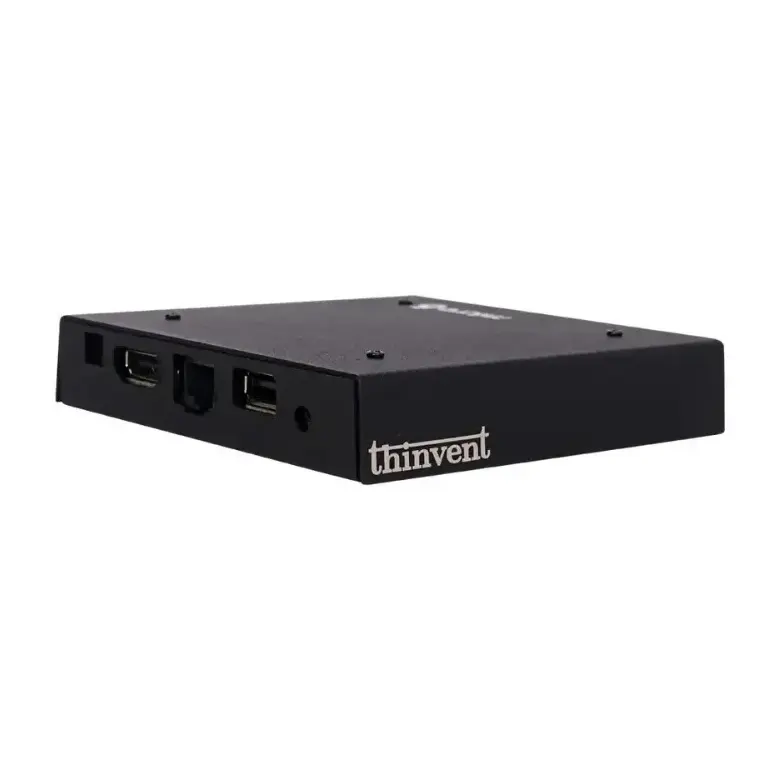
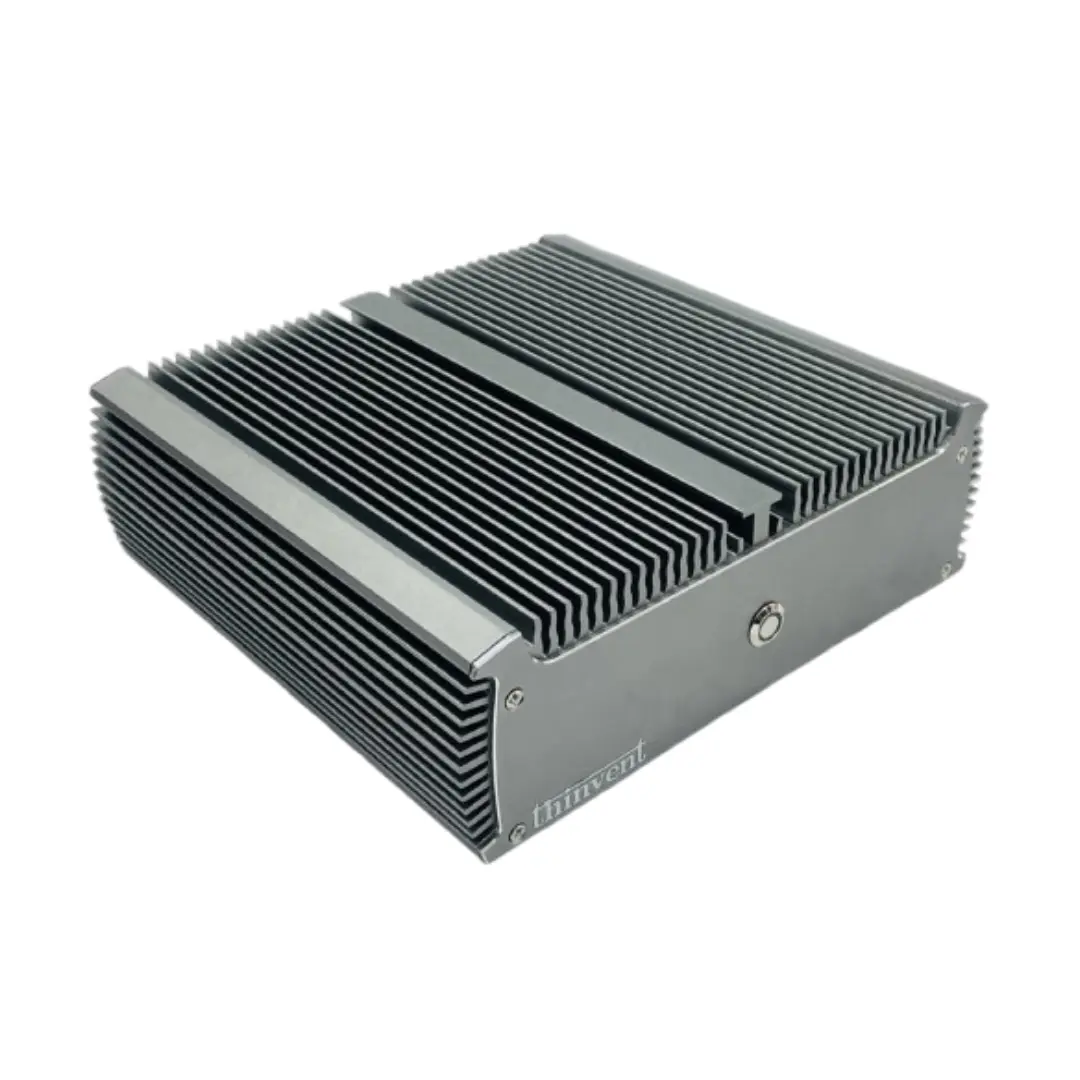
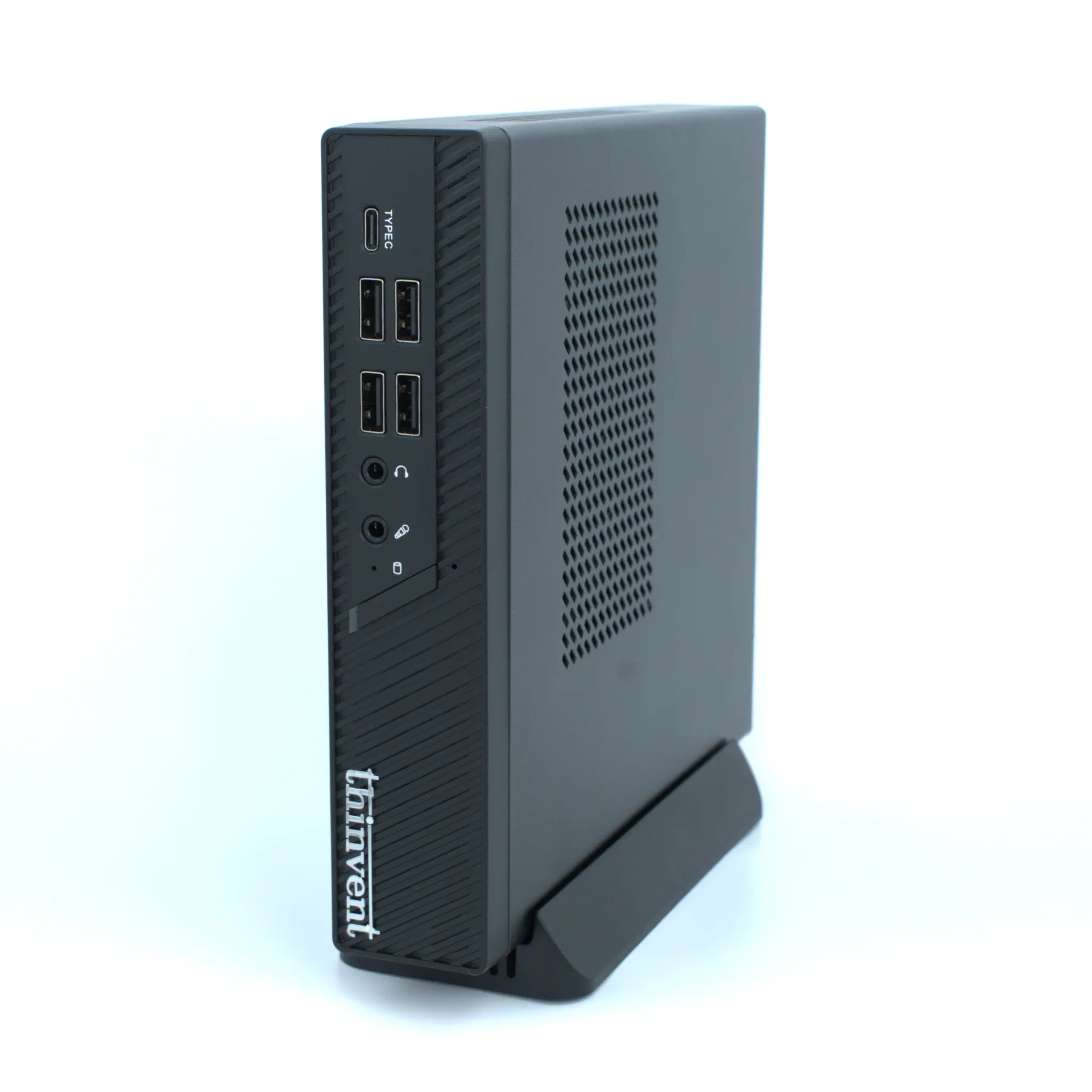
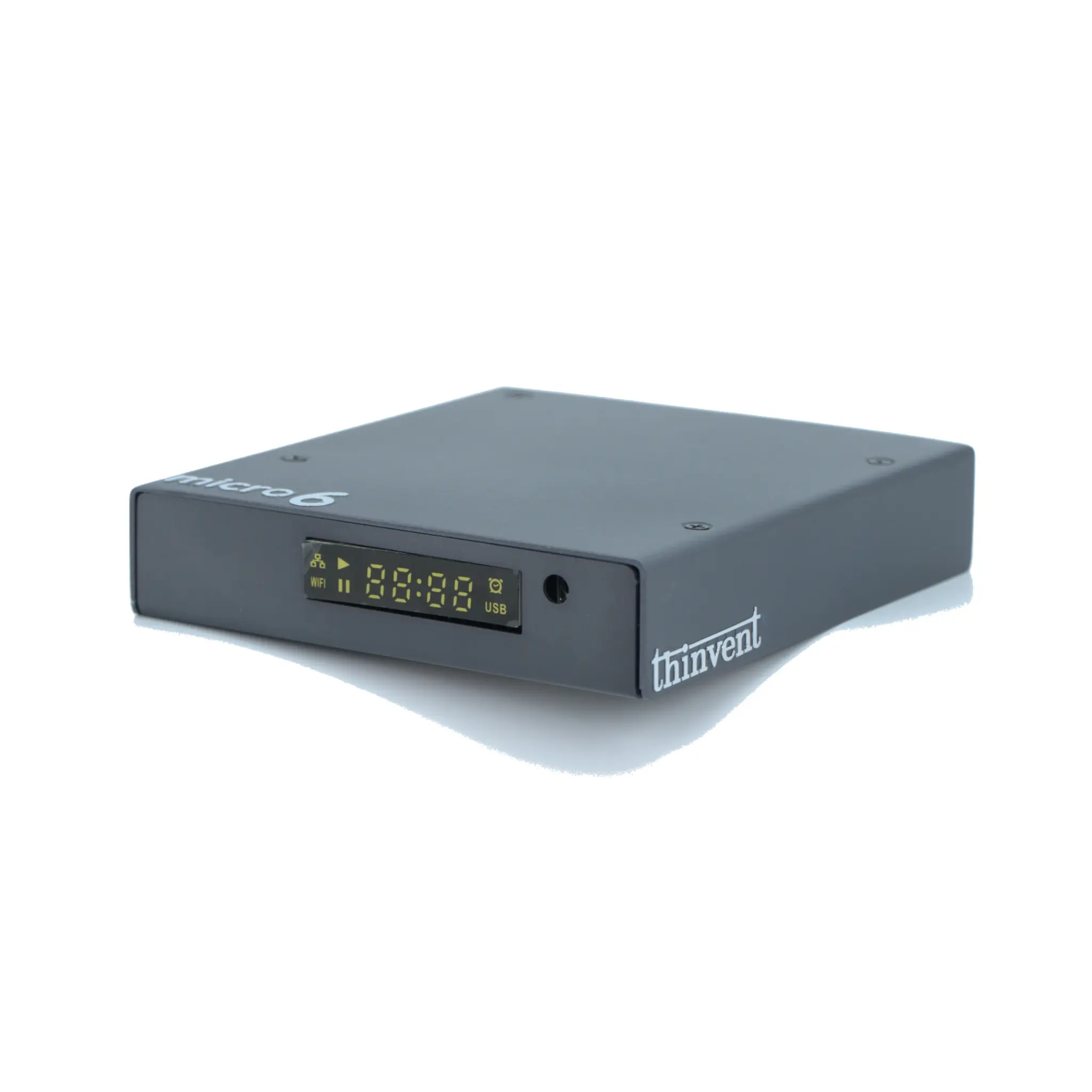
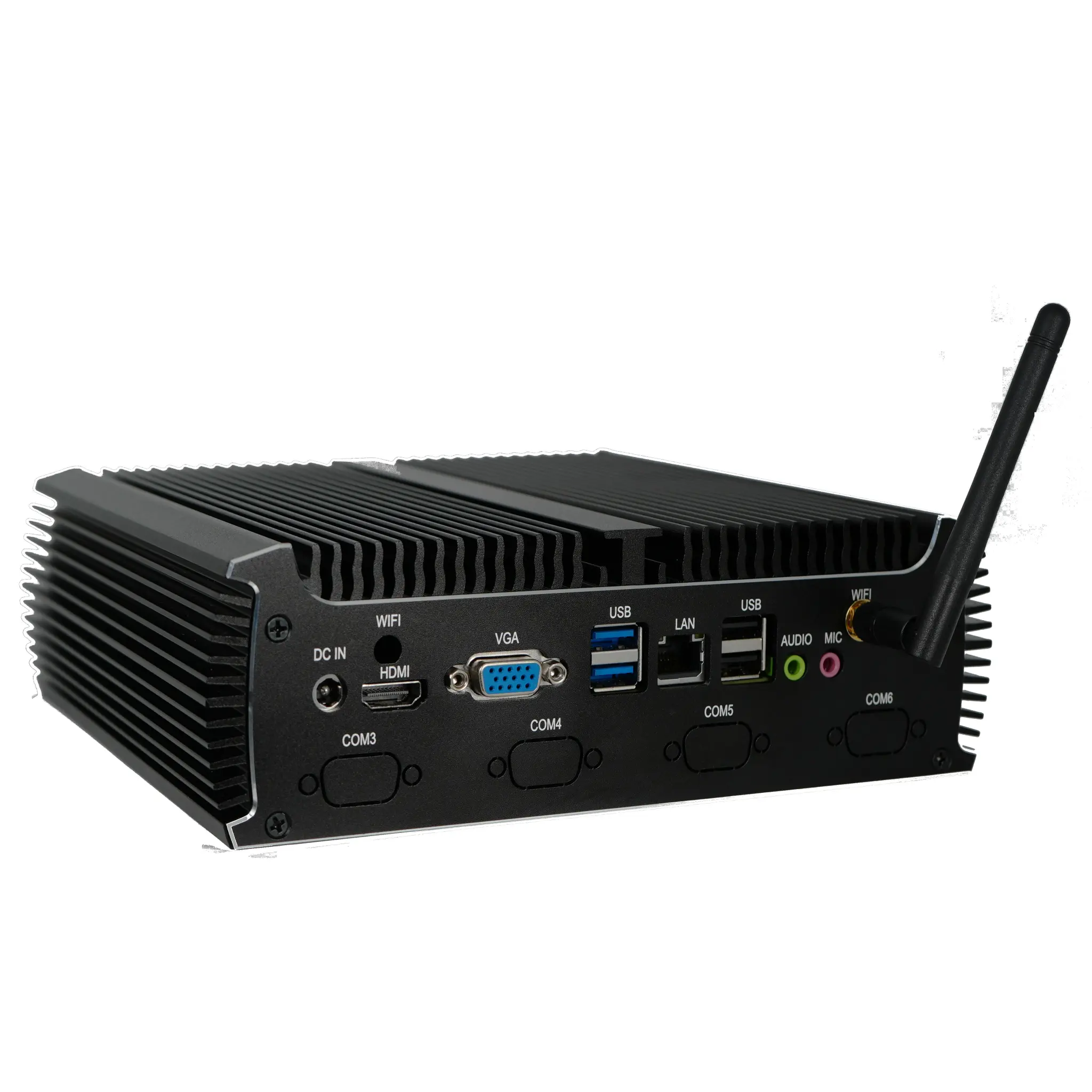
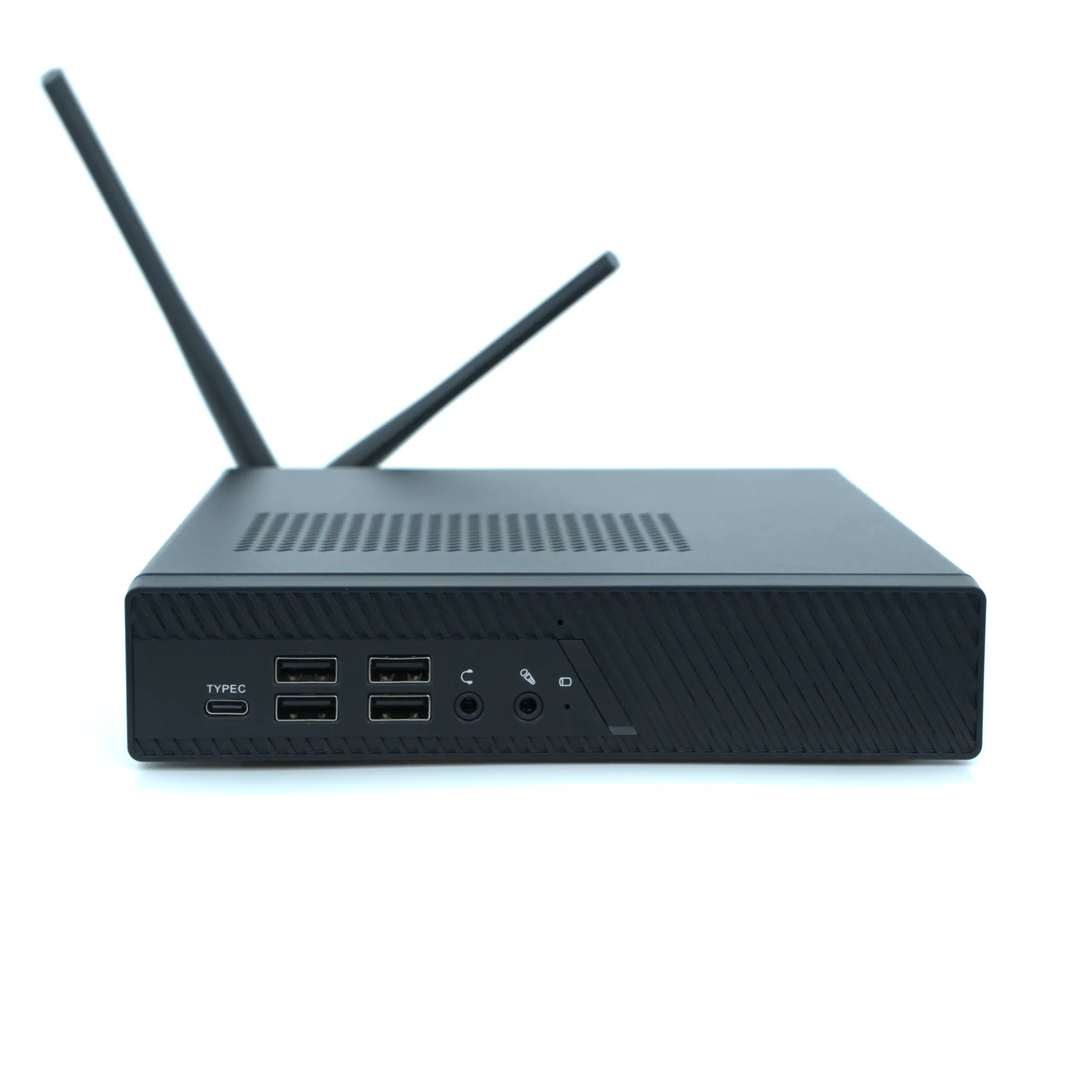
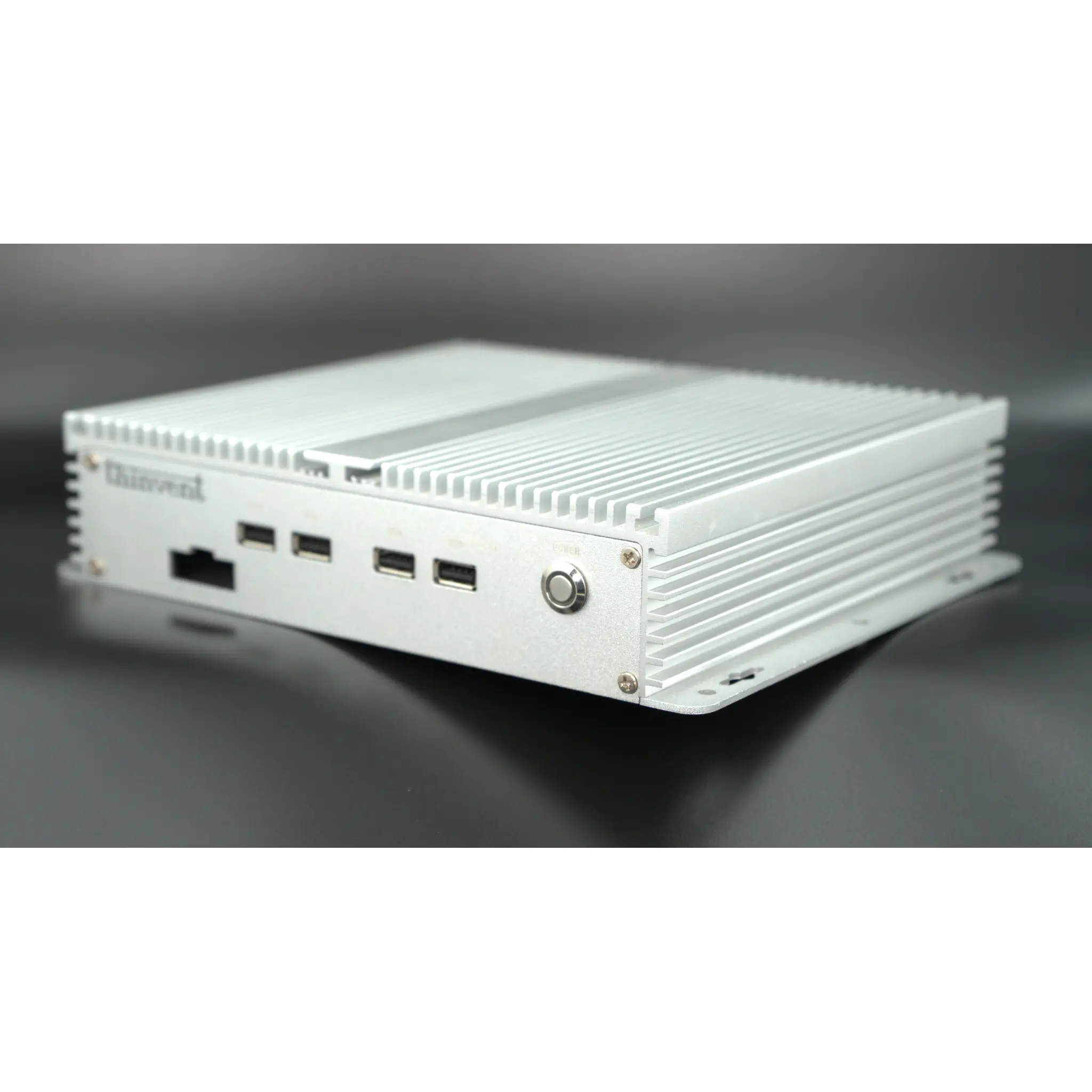
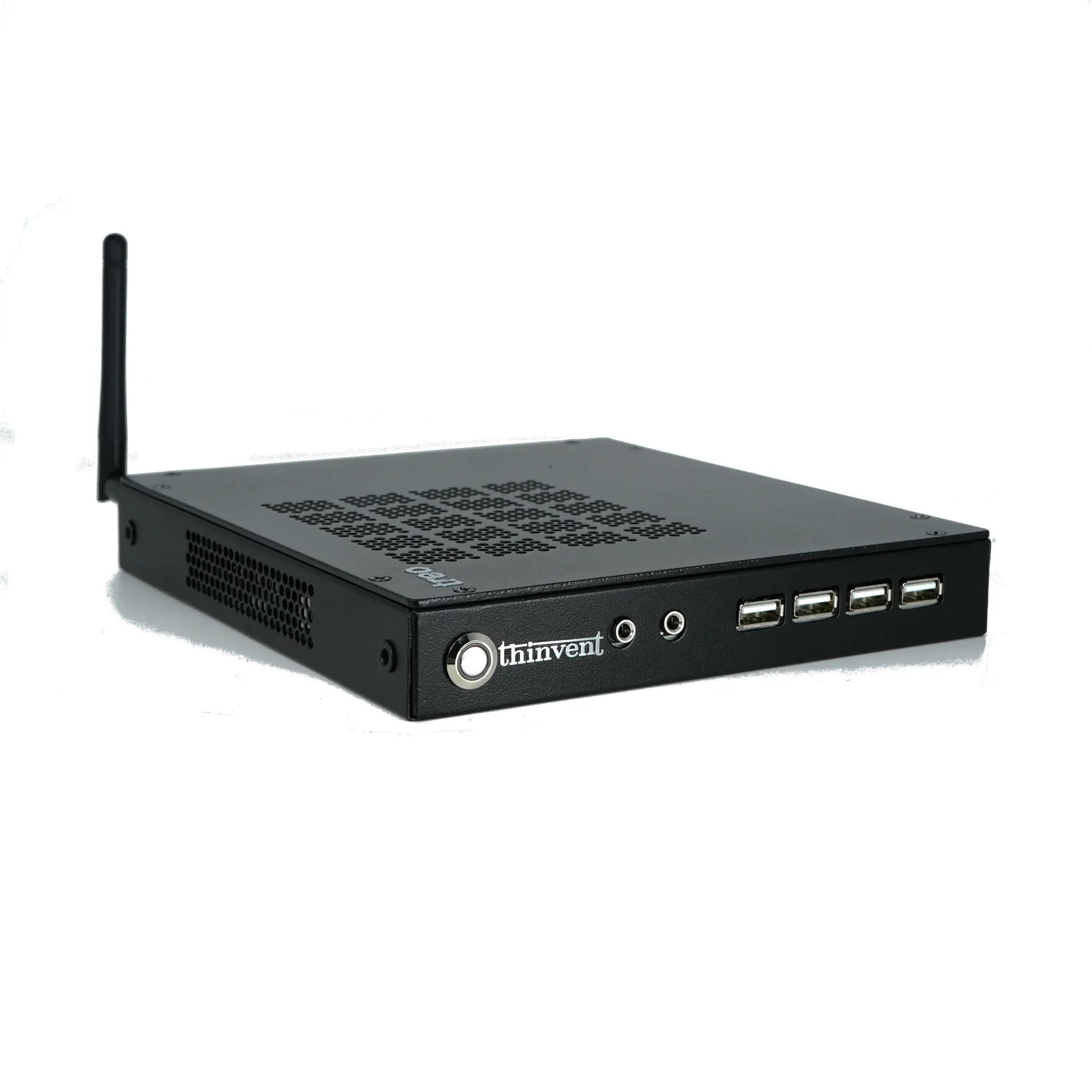
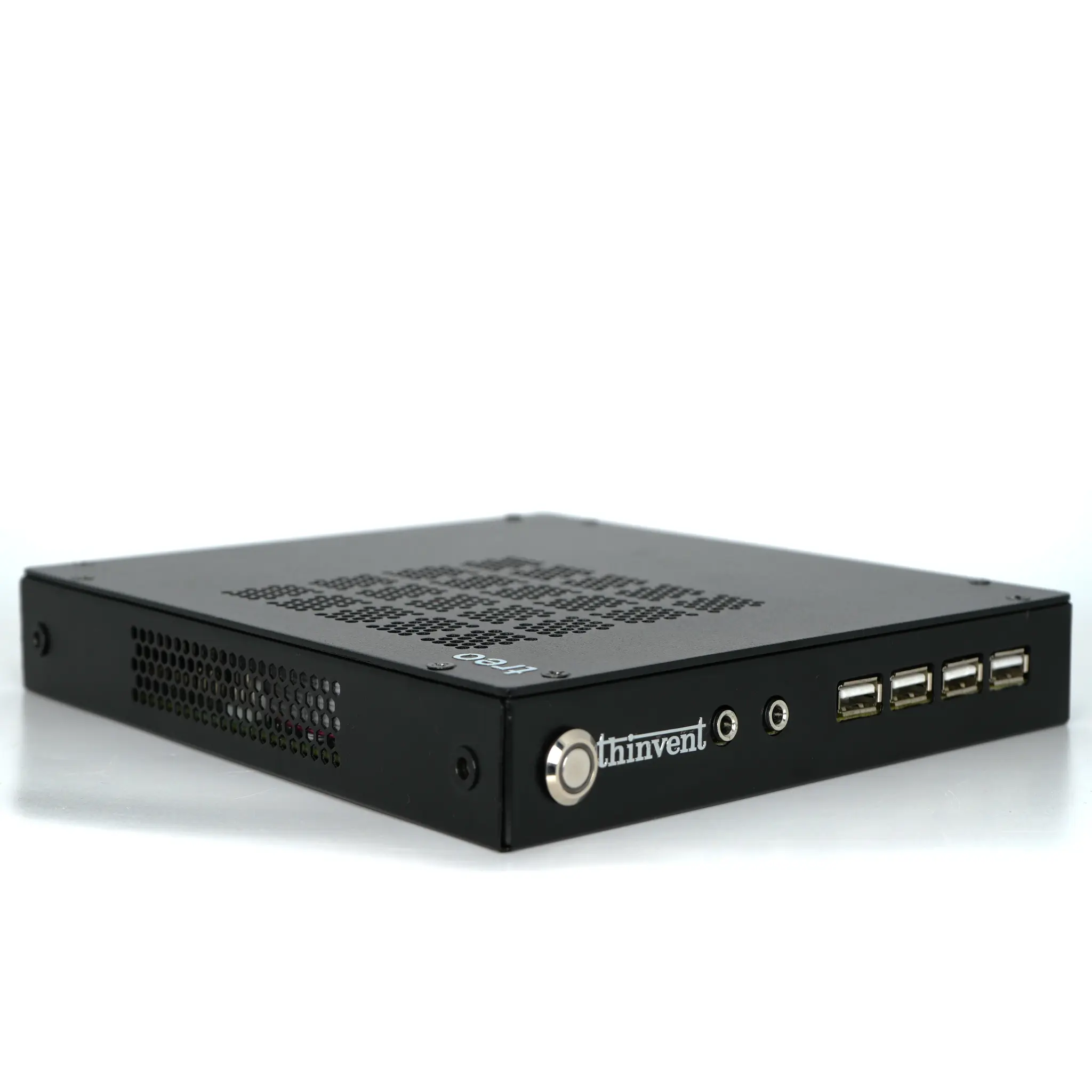
Thinvent's range of industrial mini PCs and thin clients provides an excellent, reliable hardware foundation for building a compact home NAS. Their fanless, robust designs ensure silent, 24/7 operation. For example, the Thinvent Micro 6 Pro Mini PC with its ARM Cortex A55 processor and 4GB RAM is a highly efficient, low-cost option for a basic file server. For more performance, the Thinvent Treo Mini PC or IPC1 featuring the Intel N100 processor offers a great balance of power and efficiency for media streaming. For power users needing to run virtual machines or intensive applications, the Thinvent Aero Mini PC with Intel Core i3 or i5 processors provides desktop-level performance in a tiny, silent chassis. All these devices can easily be configured with popular open-source NAS software to create a tailored and powerful home storage solution.