What Does "Cheapest PC" Really Mean?
When people search for the cheapest PC, they usually want the lowest-cost machine that still does the job reliably. The lowest price on a spec sheet is rarely the lowest cost of ownership — a machine that overheats, needs a fan replacement, or fails in a dusty workshop costs far more over its life than it saved at purchase. The smart approach is to match the processor, memory, and storage to the actual workload, then choose a form factor built for that environment.
What Drives the Price of a PC
Four components decide most of the cost:
-
Processor — Entry Intel® Celeron® and N-series chips (such as the N95, N100, N150, and J4125) cover browsing, billing, POS, digital signage, and thin-client duties at the lowest cost. Intel® Core™ i3 and i5 processors (such as the 1215U, 1315U, and 1335U) add headroom for multitasking, databases, and light industrial software.
-
Memory — 4 GB or 8 GB DDR4 is enough for kiosks, terminals, and single-application use. 16 GB and above suits multi-window office work, virtualization, and machine-control software.
-
Storage — A 128 GB or 256 GB SSD keeps costs down for thin clients and cloud-driven setups. 512 GB and 1 TB suit local data, imaging, and offline operation.
-
Operating system — A unit supplied without an OS, with FreeDOS, or with Ubuntu Linux 24.04 LTS avoids licence cost entirely. Windows 11 Pro adds manageability for business fleets.
Matching the Machine to the Job
| Use Case | Sensible Starting Point |
|---|---|
| Thin client, VDI, cloud apps | 4–8 GB RAM, 128 GB SSD, no OS or Linux |
| POS, billing, kiosk | N-series or Celeron, 8 GB RAM, 256 GB SSD |
| Office productivity | i3, 8–16 GB RAM, 256–512 GB SSD |
| Industrial control, multi-serial | i3/i5, 16 GB RAM, 512 GB–1 TB SSD, fanless chassis |
| Digital signage, 24×7 operation | Fanless mini PC, 8 GB RAM, 128–256 GB SSD |
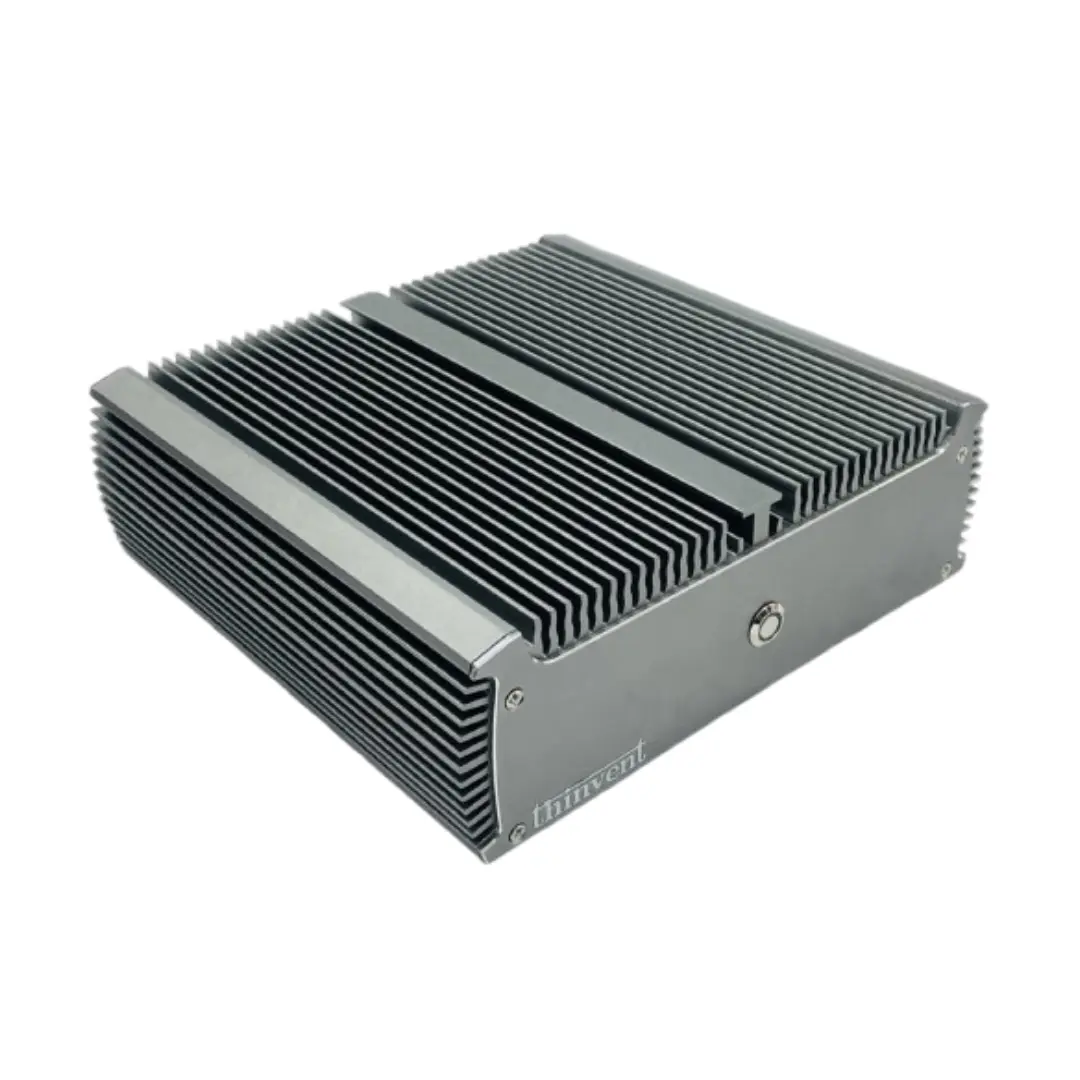
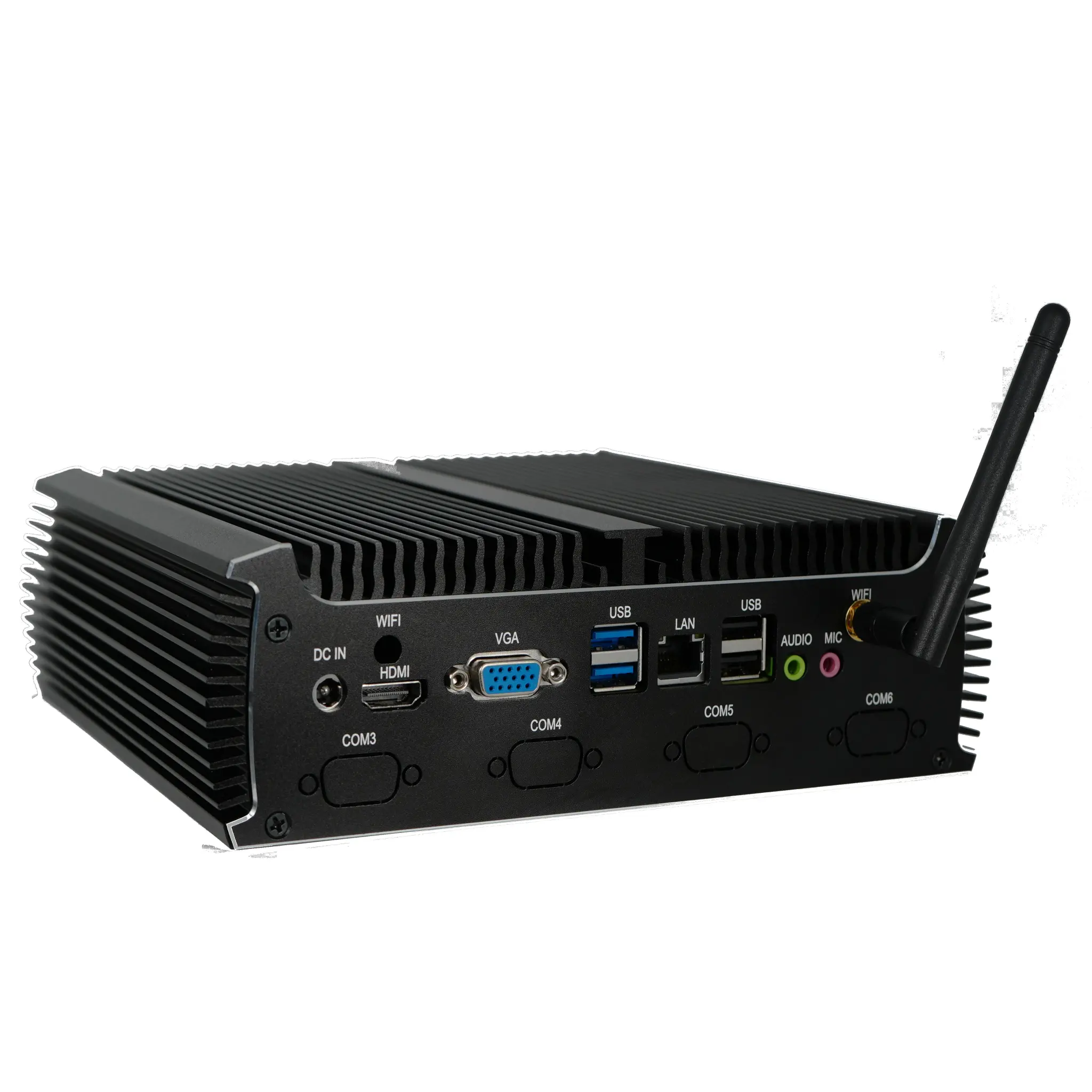
Two rules save money without cutting capability. First, buy only the memory and storage you will use in the next two years — both are the easiest specifications to over-provision. Second, choose fanless cooling for any dusty, hot, or vibration-prone location; removing the fan removes the most common point of mechanical failure and the maintenance visits that follow it.
Why Fanless Industrial Designs Cost Less Over Time
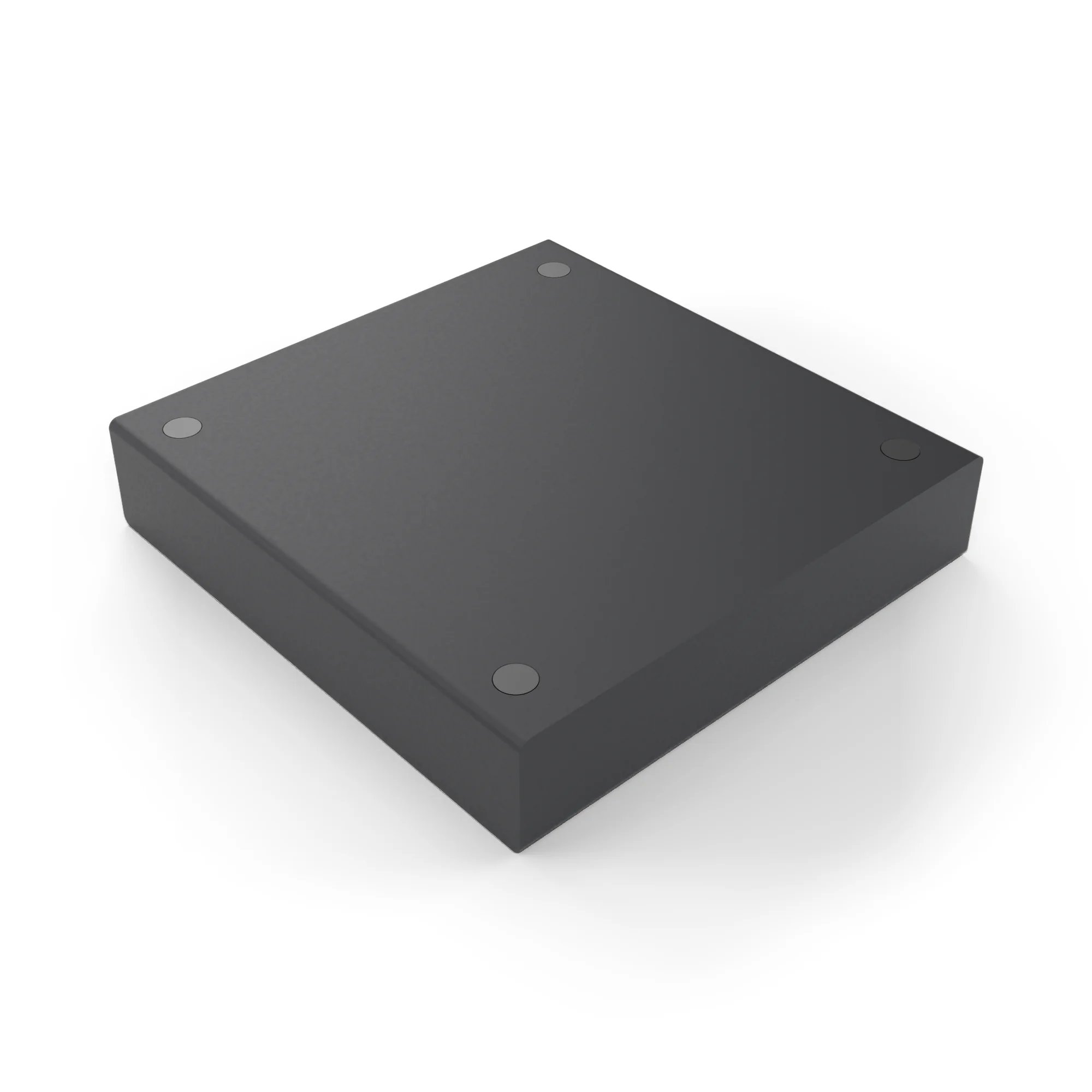
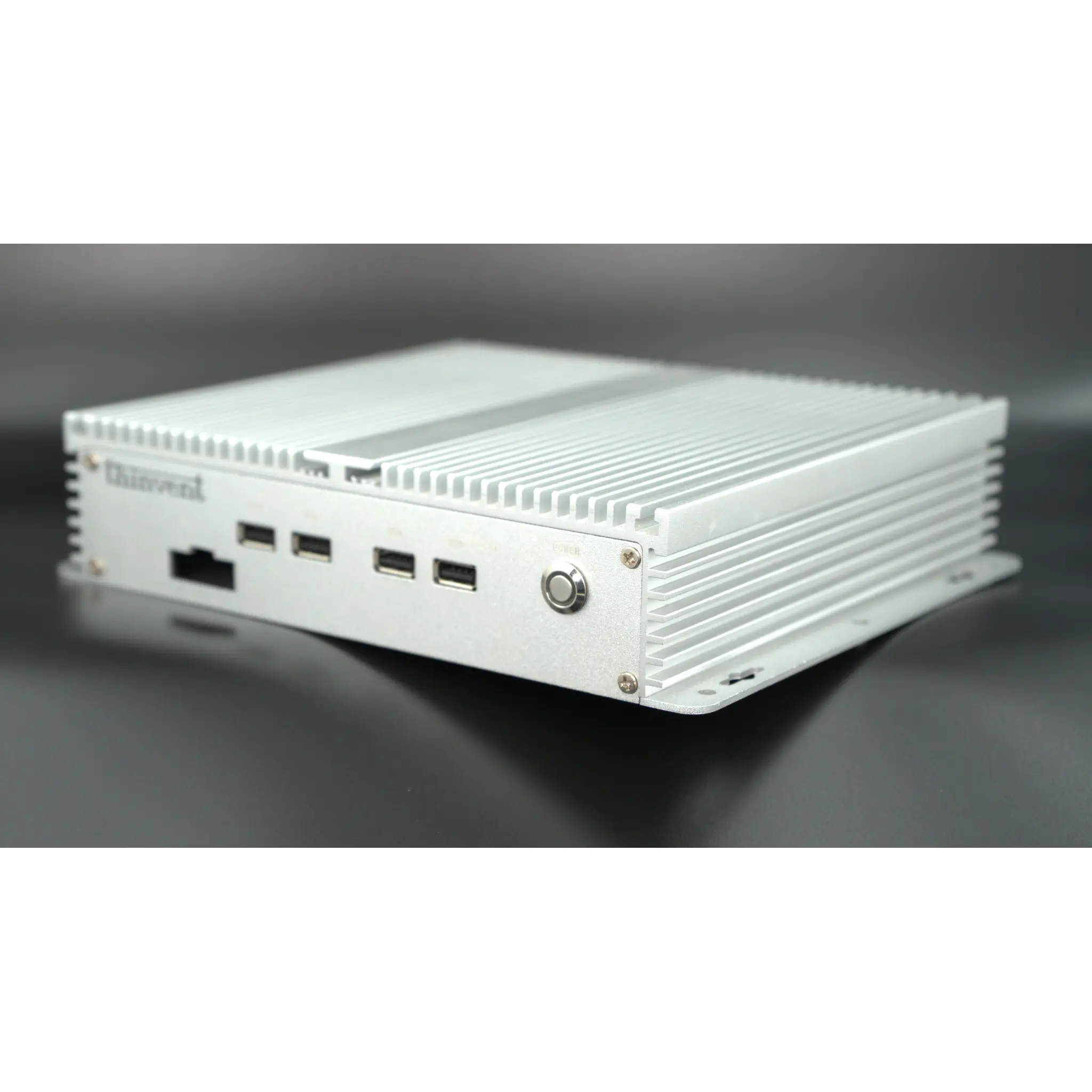
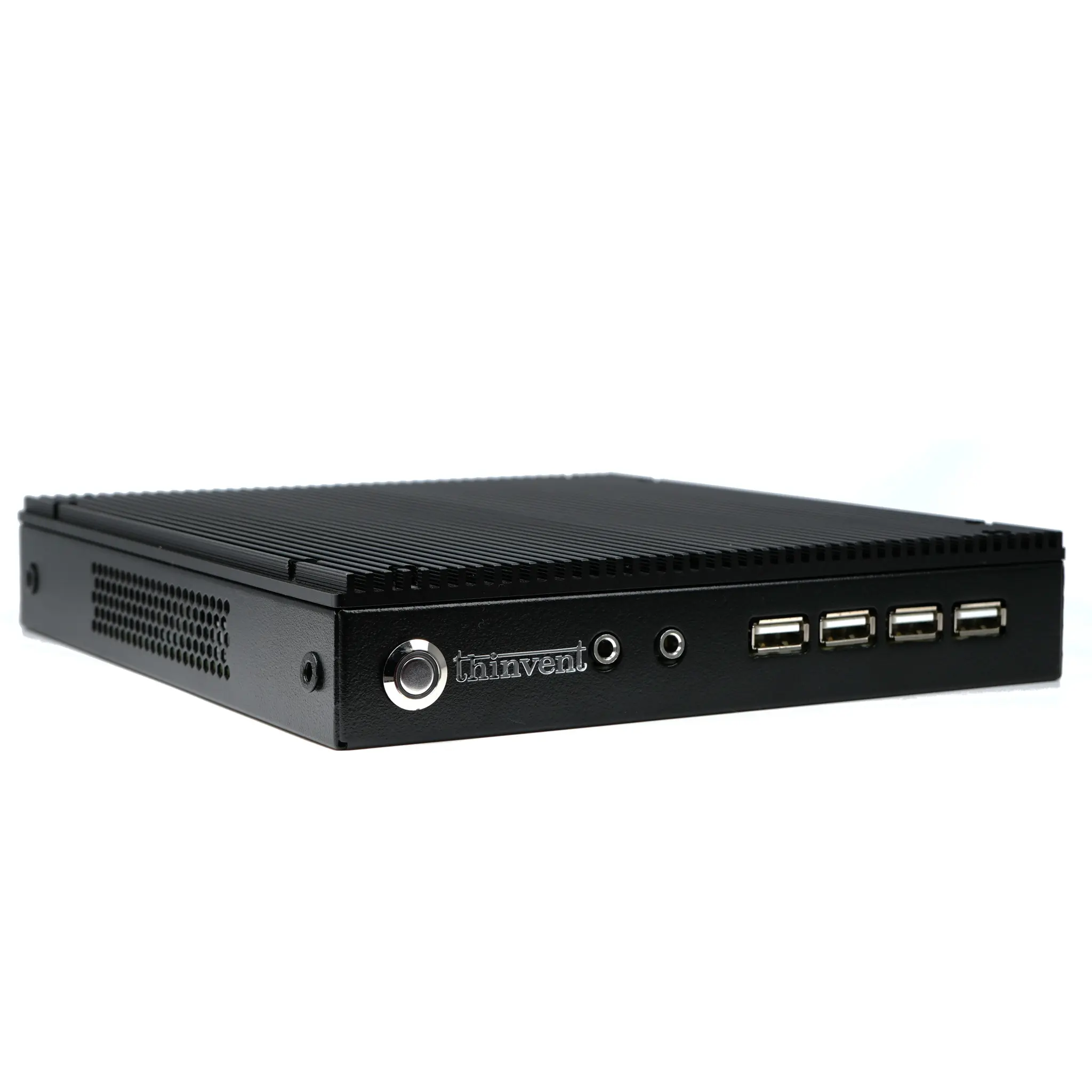
A fanless industrial PC or mini PC has no moving parts in its cooling path, so it tolerates dust, grease, and continuous duty far better than a consumer desktop. That reliability is what turns a low purchase price into a genuinely low total cost. Industrial computers also typically offer wide-input DC power, watchdog timers, and serial or GPIO options that consumer boxes lack, so a single industrial unit can replace a cheap desktop plus add-on cards and still come out ahead.
Thinvent's Affordable Range
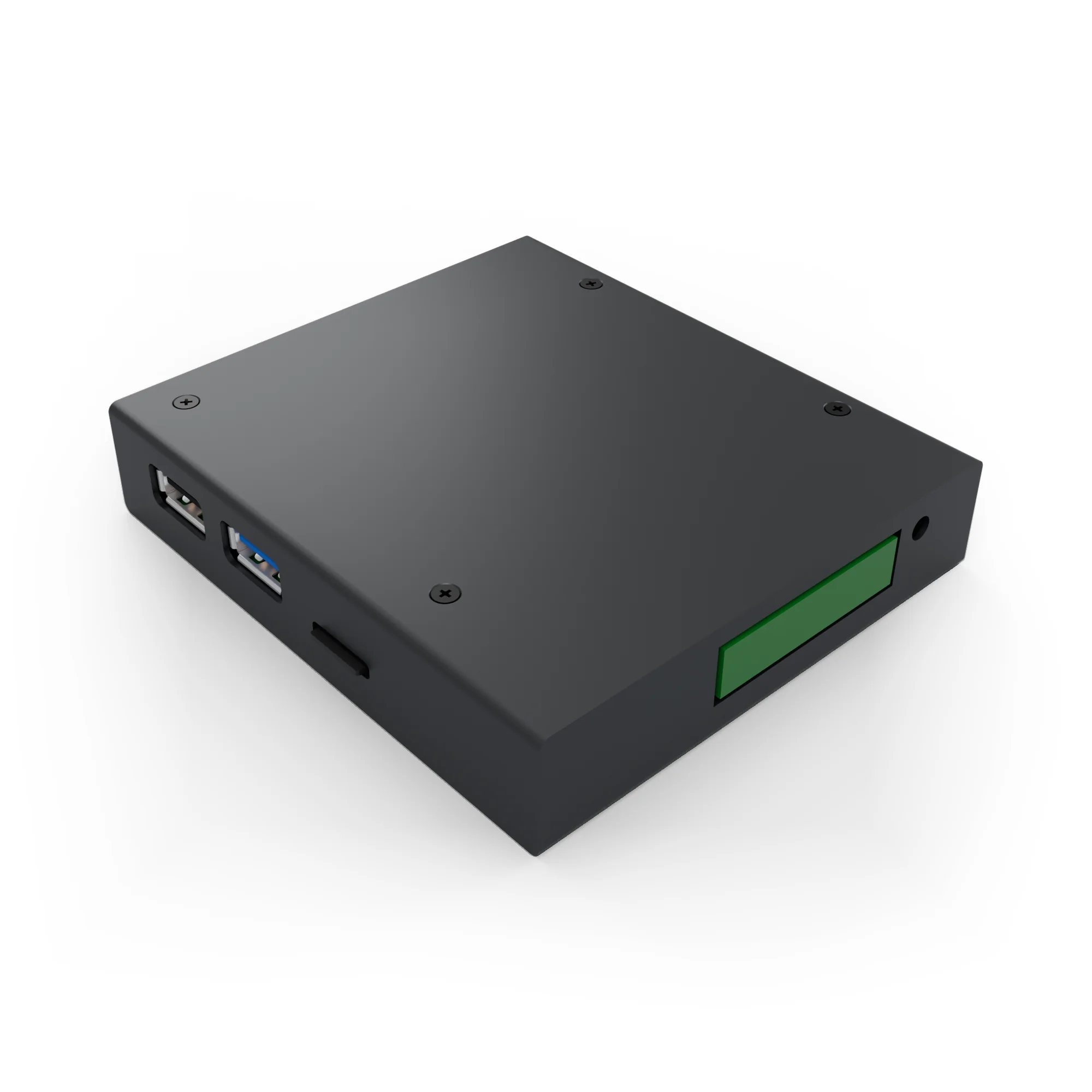
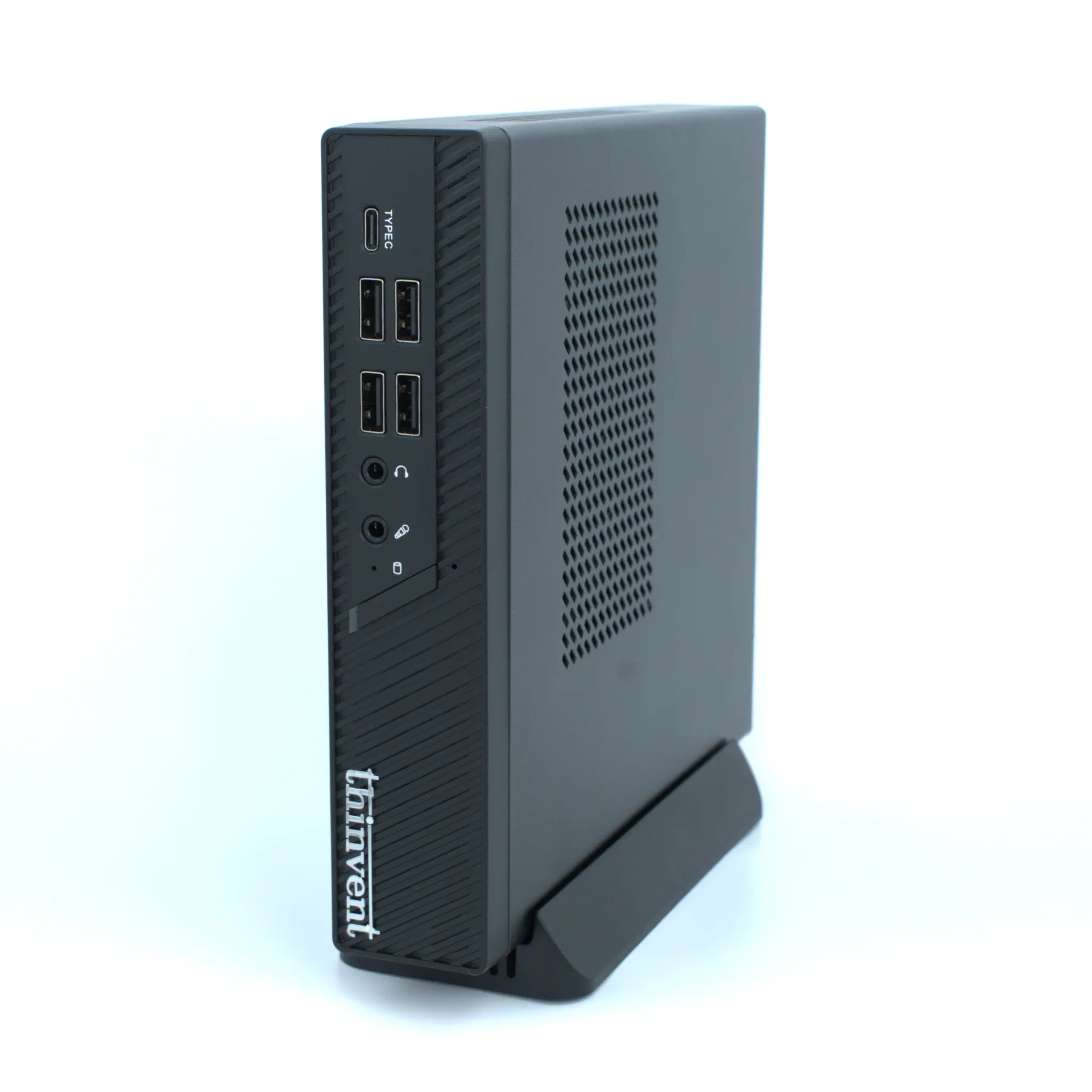
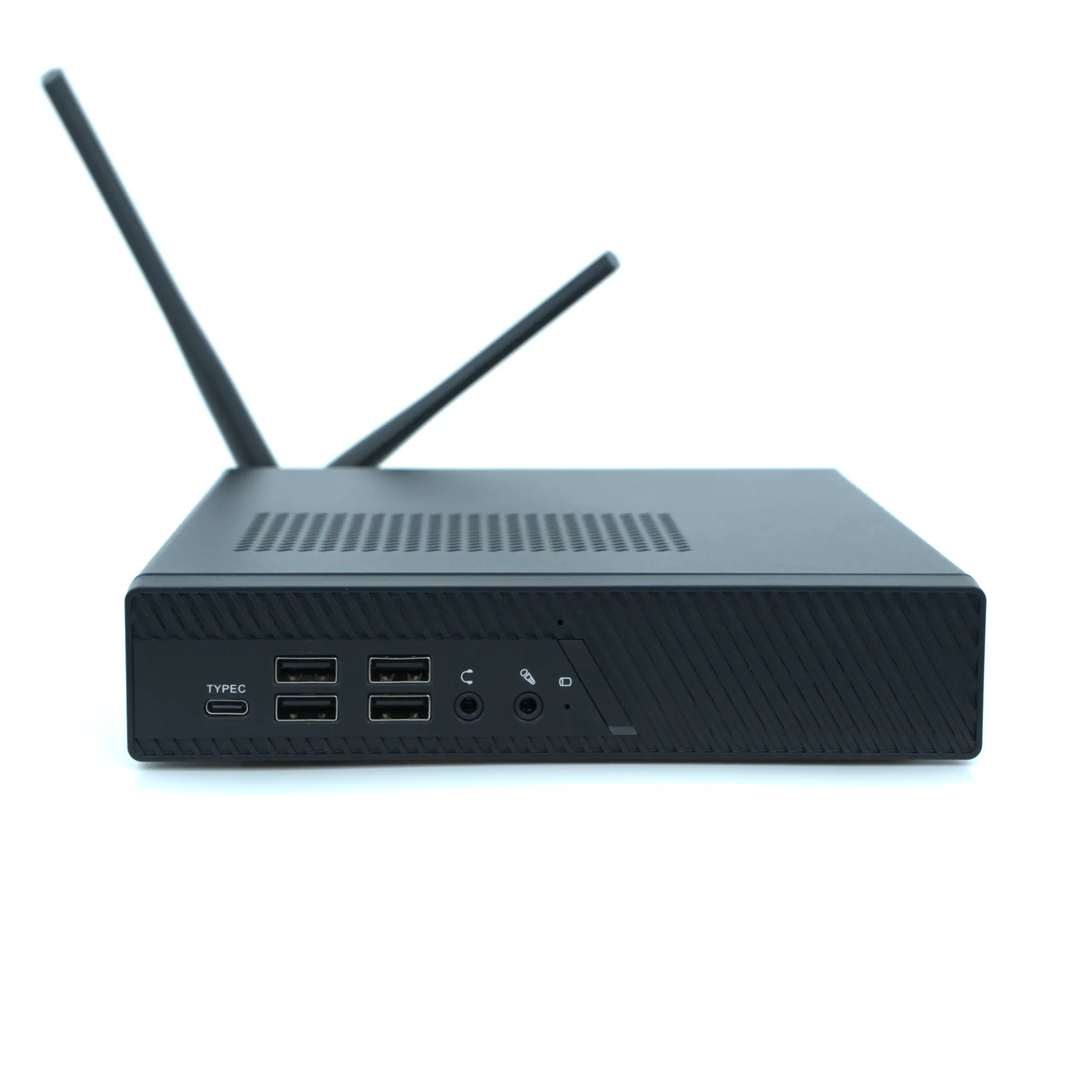
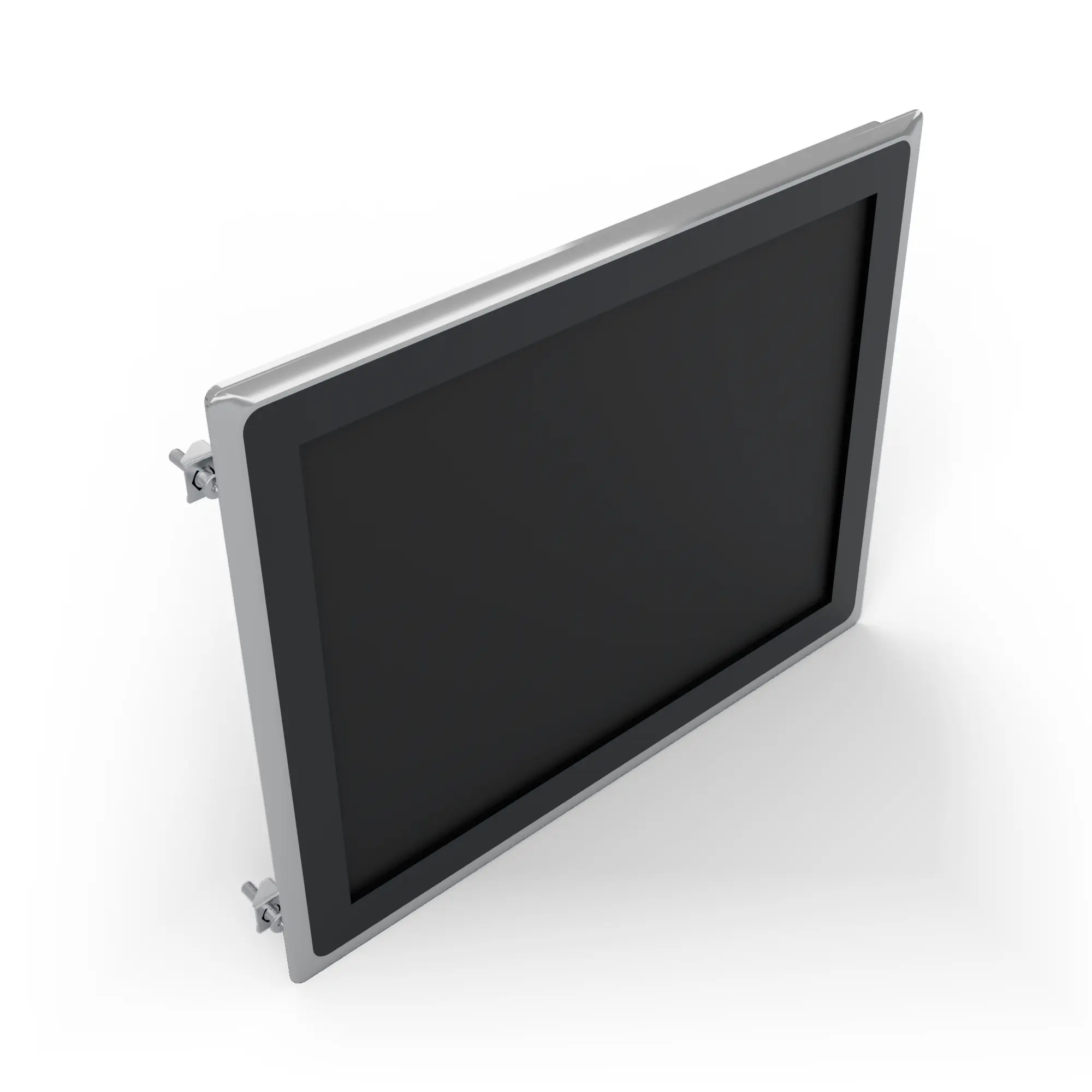
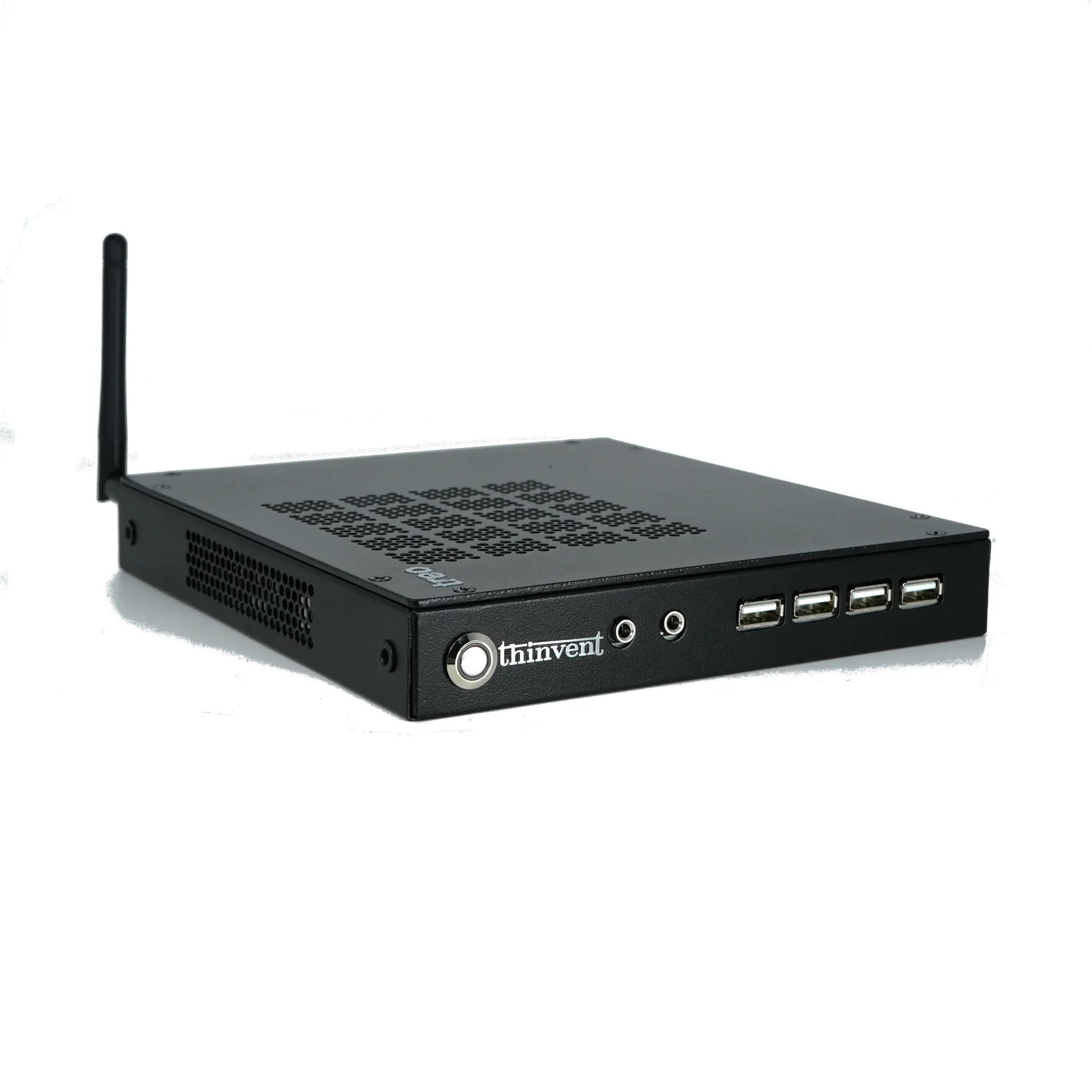
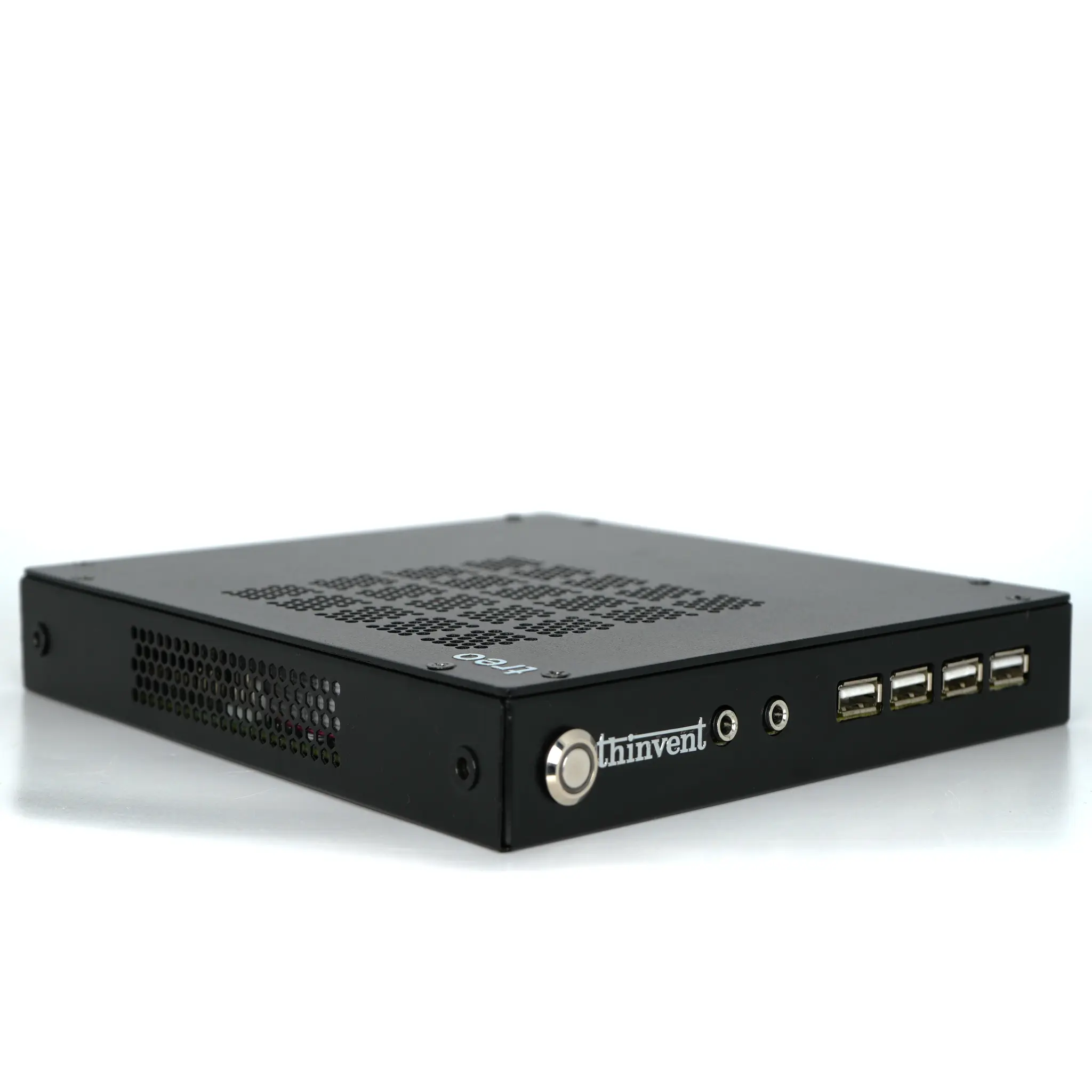
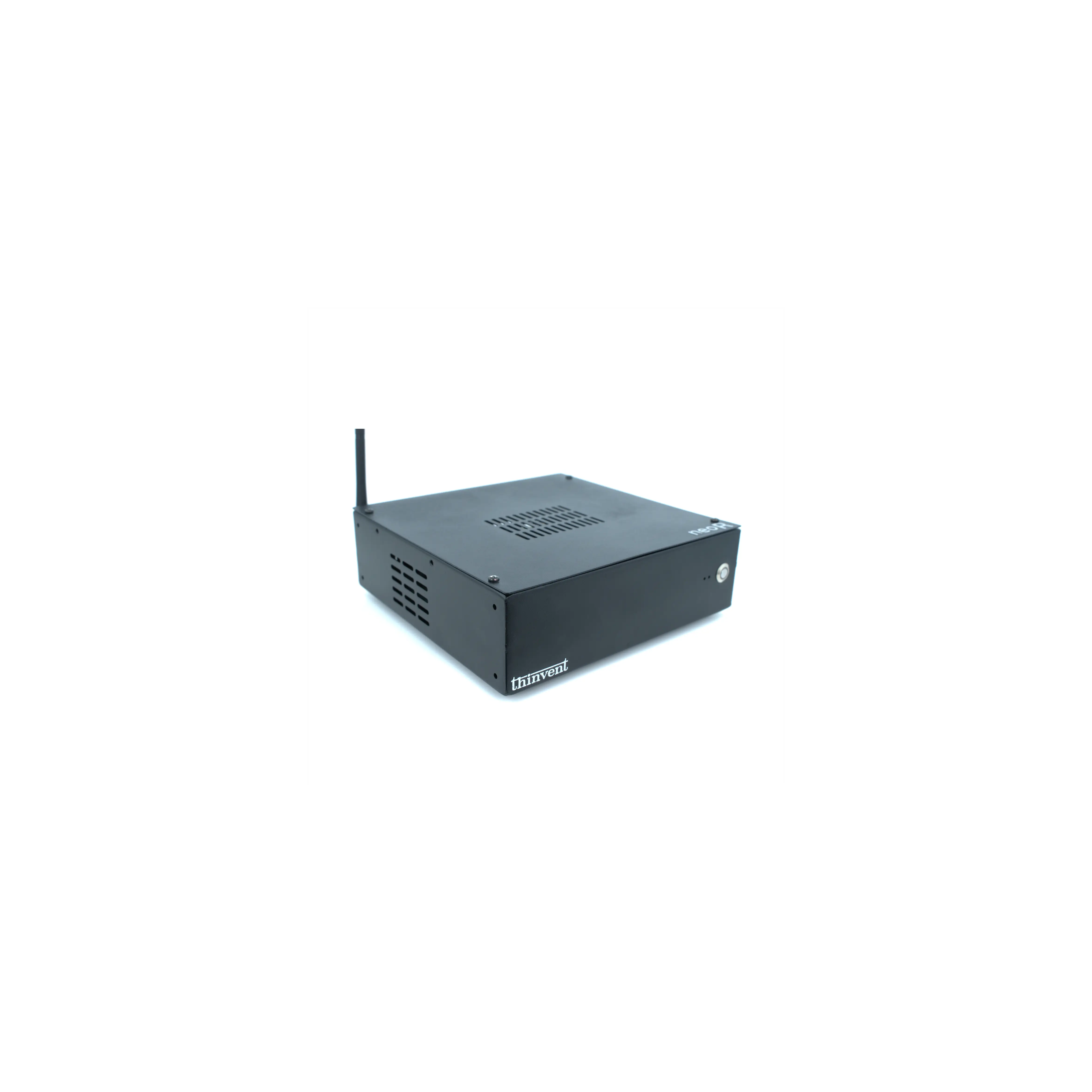
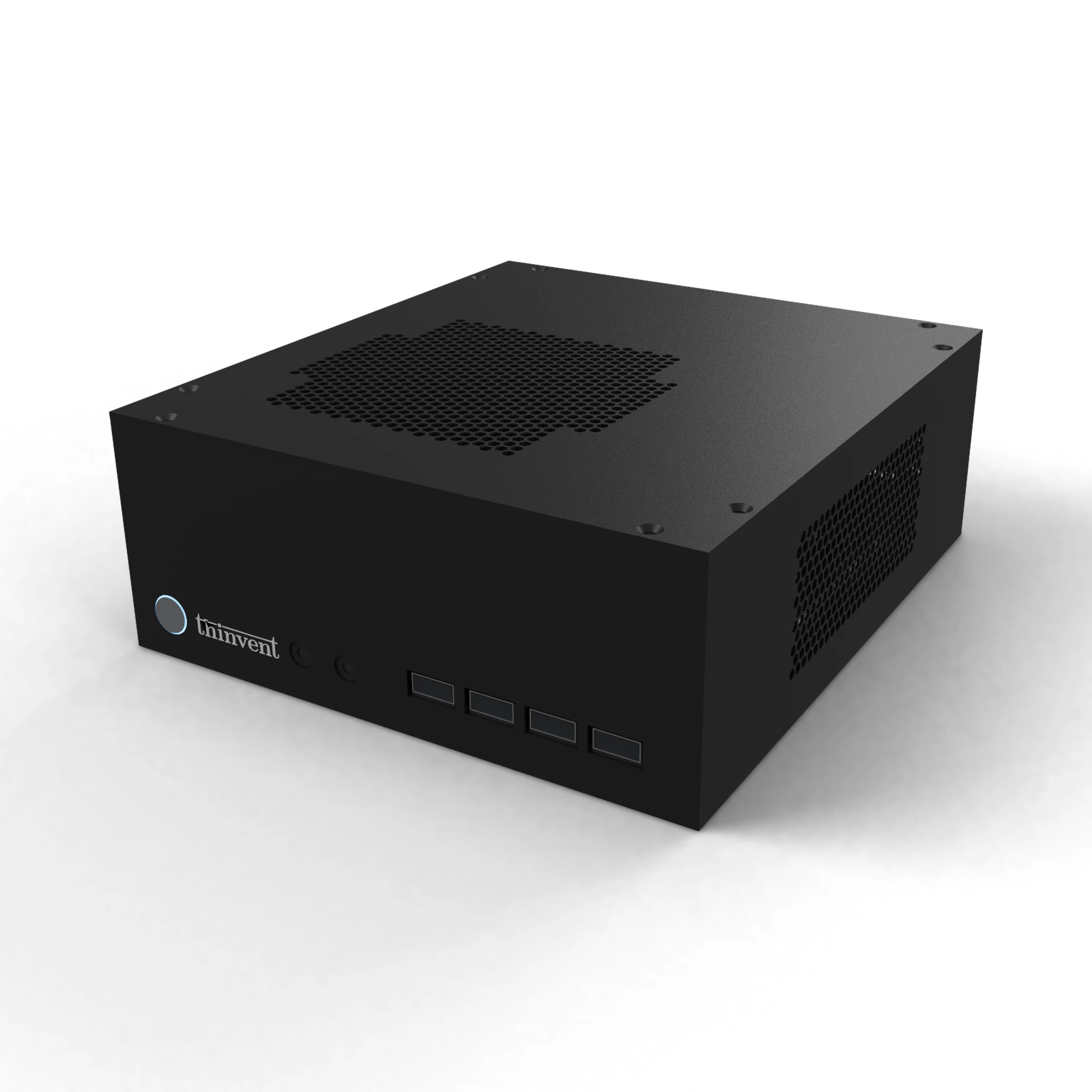
Thinvent builds compact, energy-efficient computers for exactly this kind of value-focused deployment. The range spans fanless mini PCs and thin clients on Intel® Celeron® and N-series processors for the lowest-cost terminals and signage, through to industrial PCs and all-in-one systems on Intel® Core™ i3 and i5 processors for heavier workloads. Memory options run from 4 GB to 64 GB, storage from 128 GB to 1 TB SSD, with a choice of Windows 11 Pro, Ubuntu Linux 24.04 LTS, Thinux™ embedded Linux, FreeDOS, or no operating system at all — so you can configure a low-cost machine without paying for capability you do not need. Dual Gigabit Ethernet, multiple HDMI outputs, USB 3.2 Gen 2, and USB-C connectivity are available across the lineup for terminals, kiosks, and control cabinets alike.