What is a PC for 4 Monitors?
A PC for 4 monitors is a computer system specifically designed or configured to support four independent display outputs simultaneously. This capability is essential for professionals who require expansive digital workspaces to enhance productivity, monitor multiple data streams, or manage complex visual tasks. The core requirement is a graphics solution—either integrated into the processor or via a dedicated GPU—with sufficient video output ports (like HDMI, DisplayPort, or USB-C with DisplayPort Alt Mode) and the processing power to drive the displays effectively.
Key Specifications and Technical Details
To reliably run four monitors, a PC must meet specific hardware criteria. The processor should have a capable integrated GPU (like Intel's UHD Graphics or Iris Xe) or support for a discrete graphics card. Sufficient system memory (RAM) is crucial for handling the increased graphical workload; 16GB is a recommended starting point, with 32GB being ideal for demanding applications. Storage should be fast, typically an SSD, to ensure smooth system performance. The most critical hardware aspect is the availability of multiple video outputs. This is often achieved through a combination of onboard ports and additional outputs from an add-in card or via DisplayPort daisy-chaining/MST (Multi-Stream Transport) hubs.
Use Cases and Applications
Multi-monitor setups are indispensable in various professional and industrial environments. In financial trading and command & control centers, they allow for the simultaneous viewing of live data feeds, charts, and communication platforms. Digital content creators and video editors use them to spread out timelines, tool palettes, and preview windows. Software developers benefit from having code, documentation, and testing environments visible at once. In industrial settings, such PCs are used for process monitoring, SCADA systems, and digital signage solutions where multiple screens display different information streams from a single, compact computer.
Comparison of Multi-Monitor Support Methods
| Method | Description | Typical Port Requirement | Best For |
|---|---|---|---|
| Onboard Graphics | Uses video outputs directly from the motherboard/CPU. | 2-4 native ports (e.g., HDMI, DP). | Basic office tasks, light monitoring. |
| Add-in Graphics Card | Installs a dedicated GPU with multiple outputs. | 4+ ports on the card itself. | Graphic design, trading, advanced workloads. |
| DisplayPort MST | Uses a single DisplayPort output connected to a hub that splits the signal. | 1 DP port can drive 3-4 monitors. | Clean cable management, standardized setups. |
| Mixed Connectivity | Combines onboard ports with a low-profile add-in card. | Maximizes total available outputs in small form factors. | Space-constrained environments like mini PCs. |
Thinvent PCs for Multi-Monitor Setups
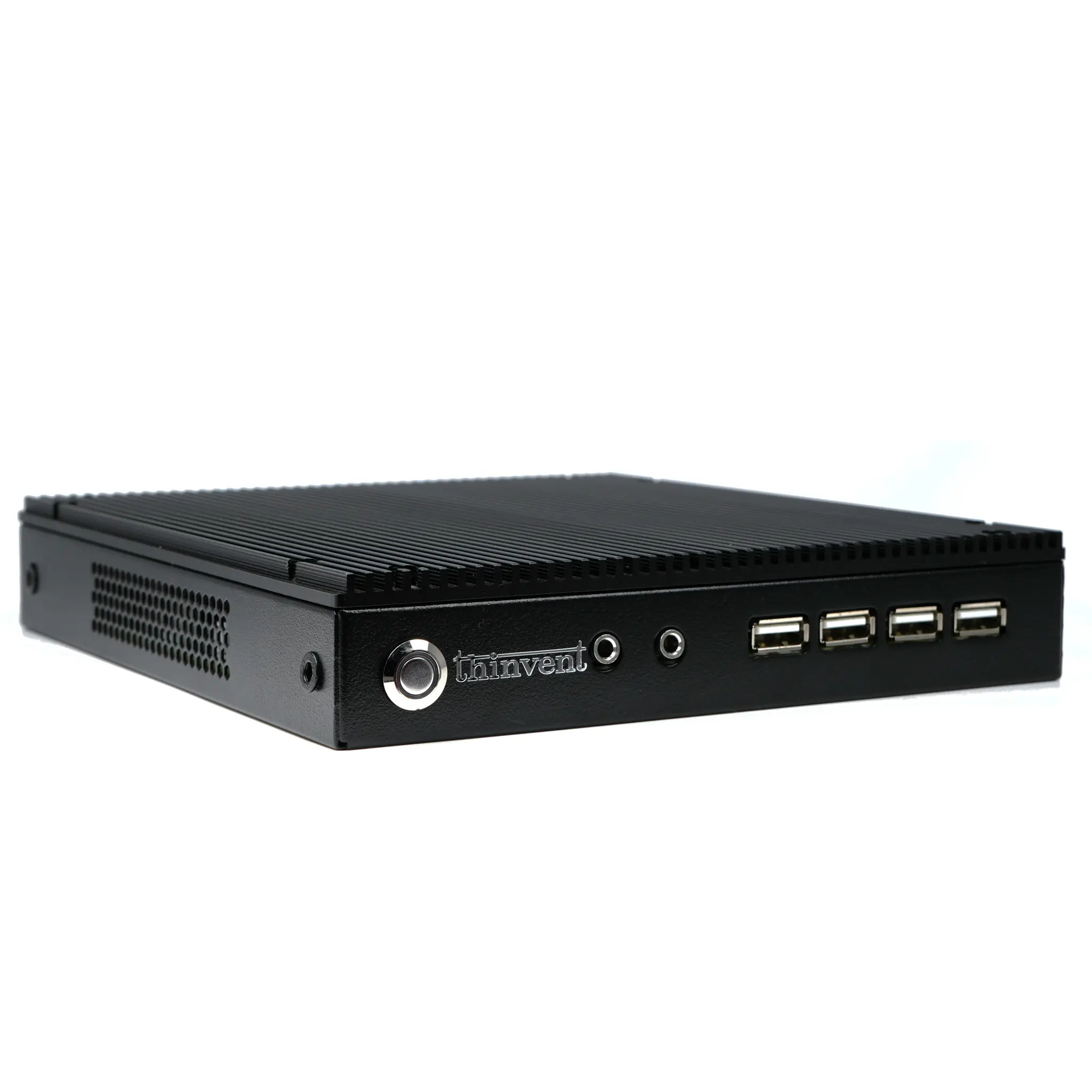
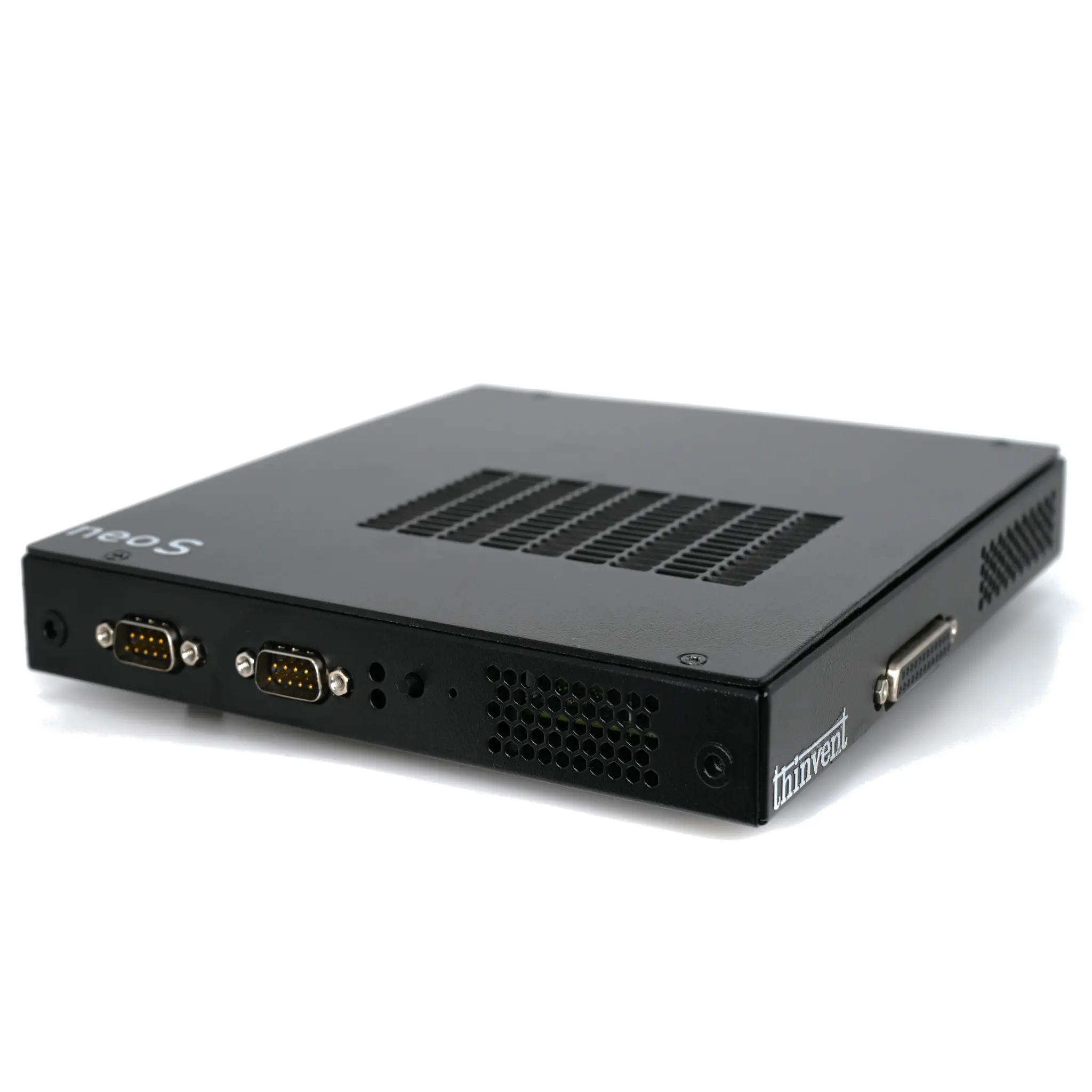
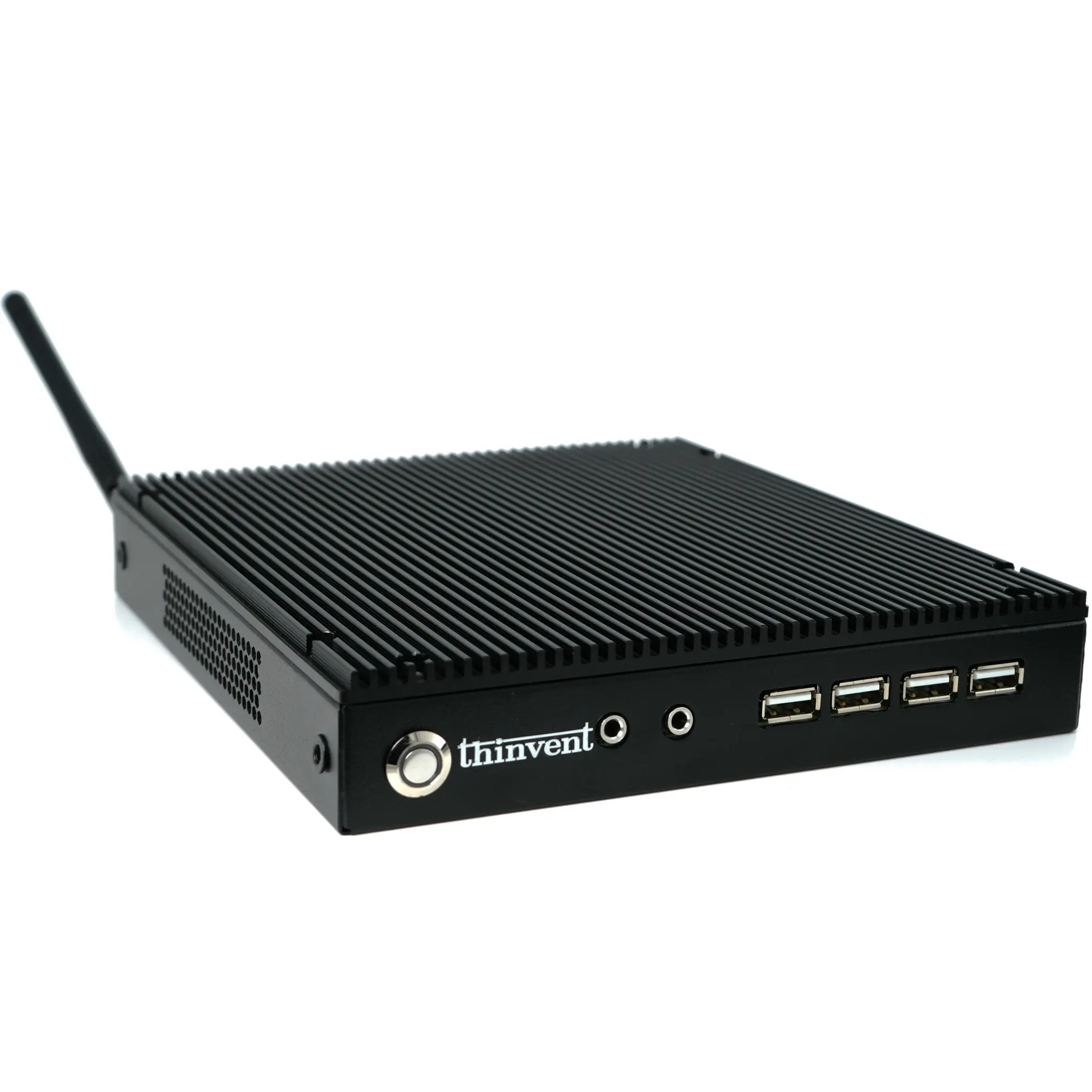
Thinvent offers a range of industrial-grade computers perfectly suited for driving multiple displays. Our compact and fanless Mini PCs and robust Industrial PCs are engineered for 24/7 reliability in demanding environments. Many models feature processors with powerful integrated Intel® graphics and are configured with multiple video output ports, including HDMI and DisplayPort, to natively support dual or triple monitors. For setups requiring four or more screens, our systems provide the necessary expansion capabilities, such as PCIe slots for adding multi-port graphics cards or support for DisplayPort MST technology. Built with industrial components for extended lifecycles and stable operation, Thinvent PCs are an ideal, durable foundation for financial trading desks, control rooms, digital signage networks, and any professional workspace that demands expansive, reliable multi-screen visualization.