Understanding PC and Printer Compatibility
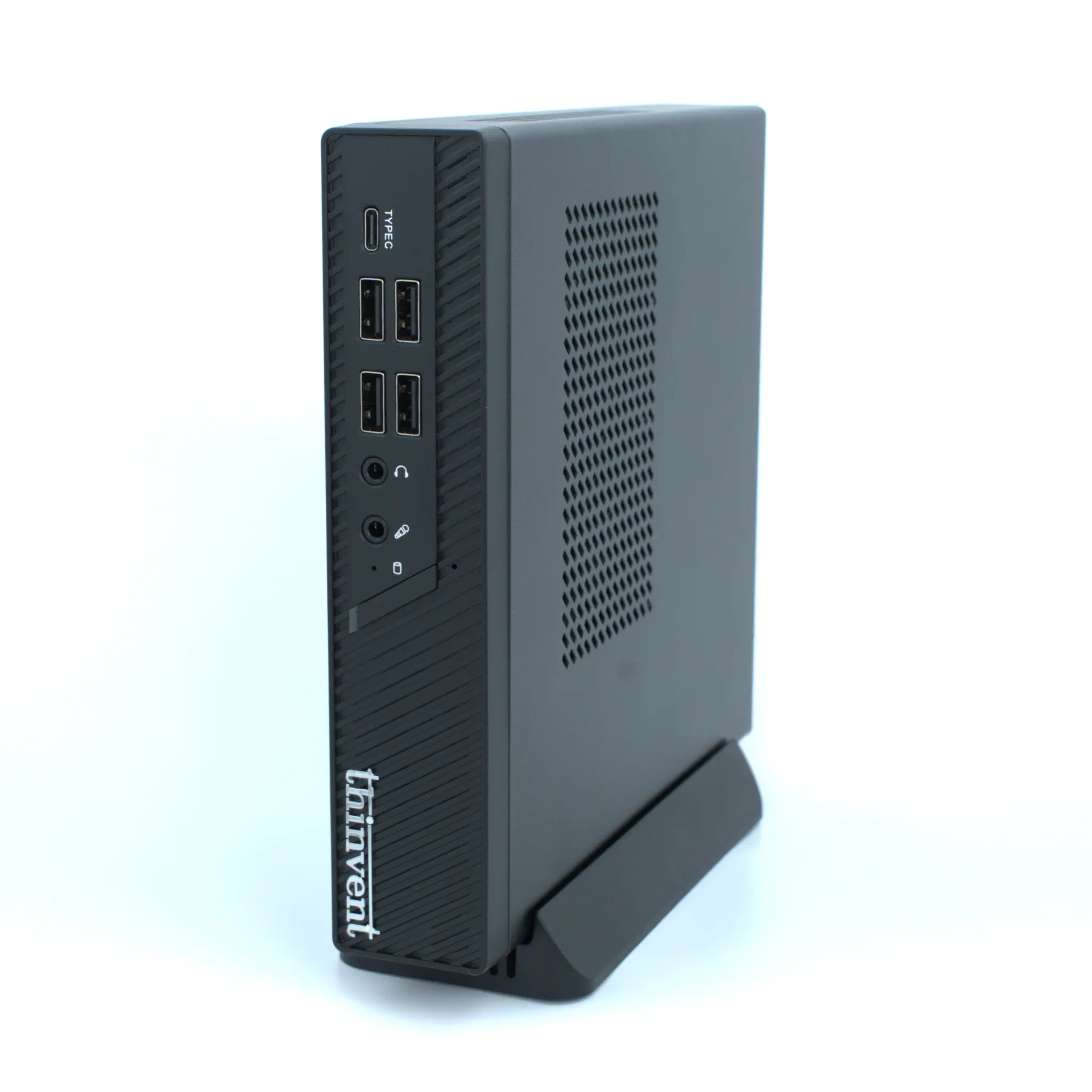
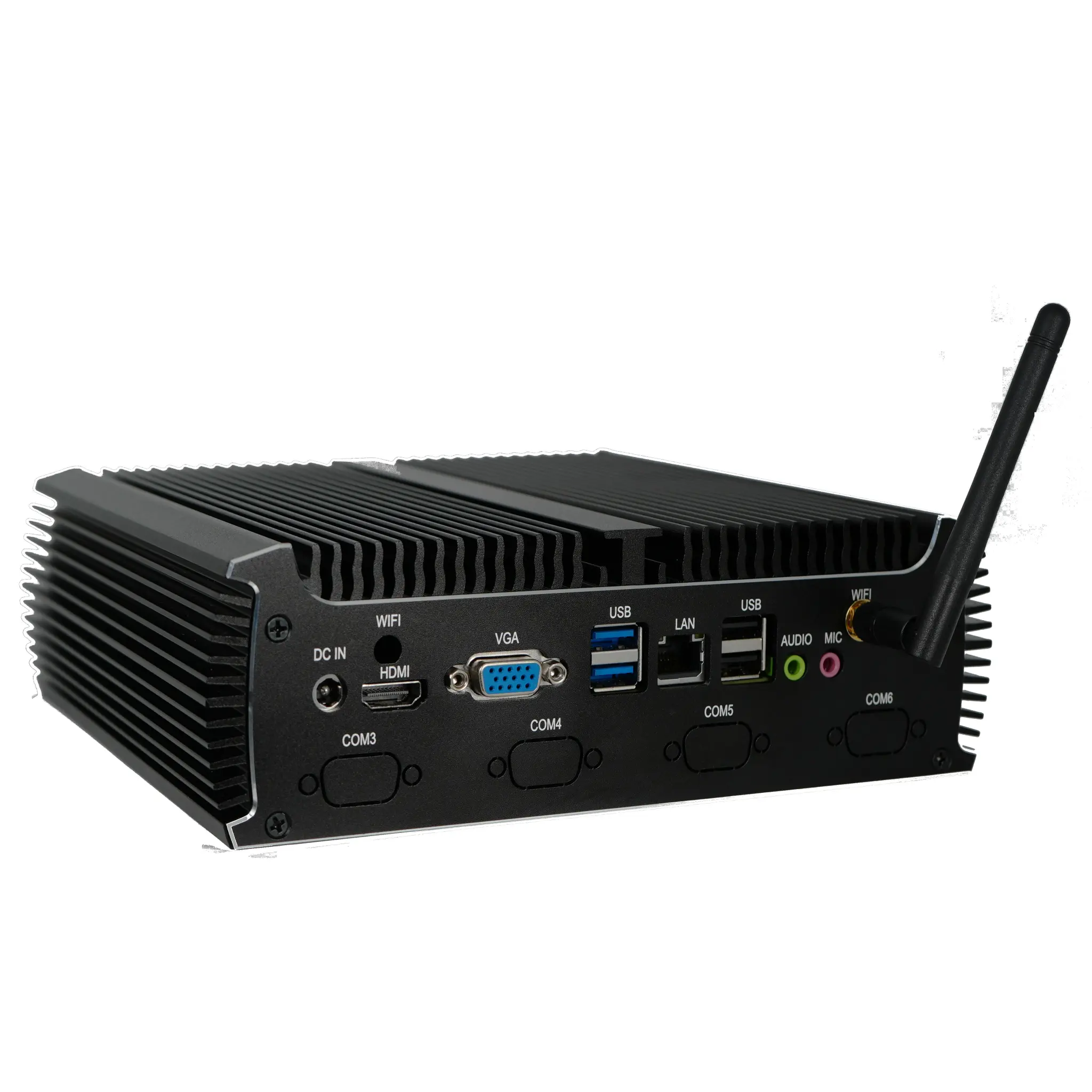
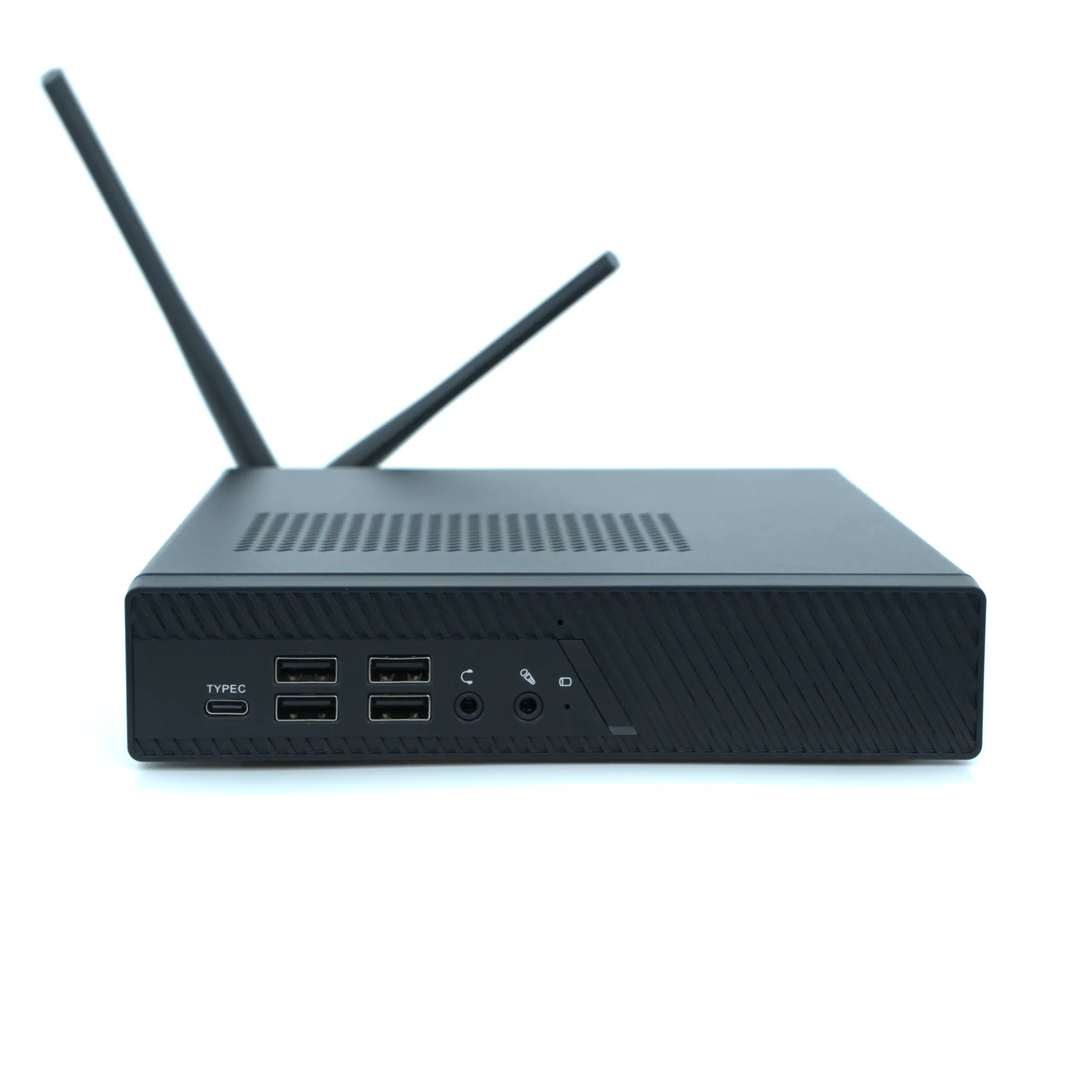
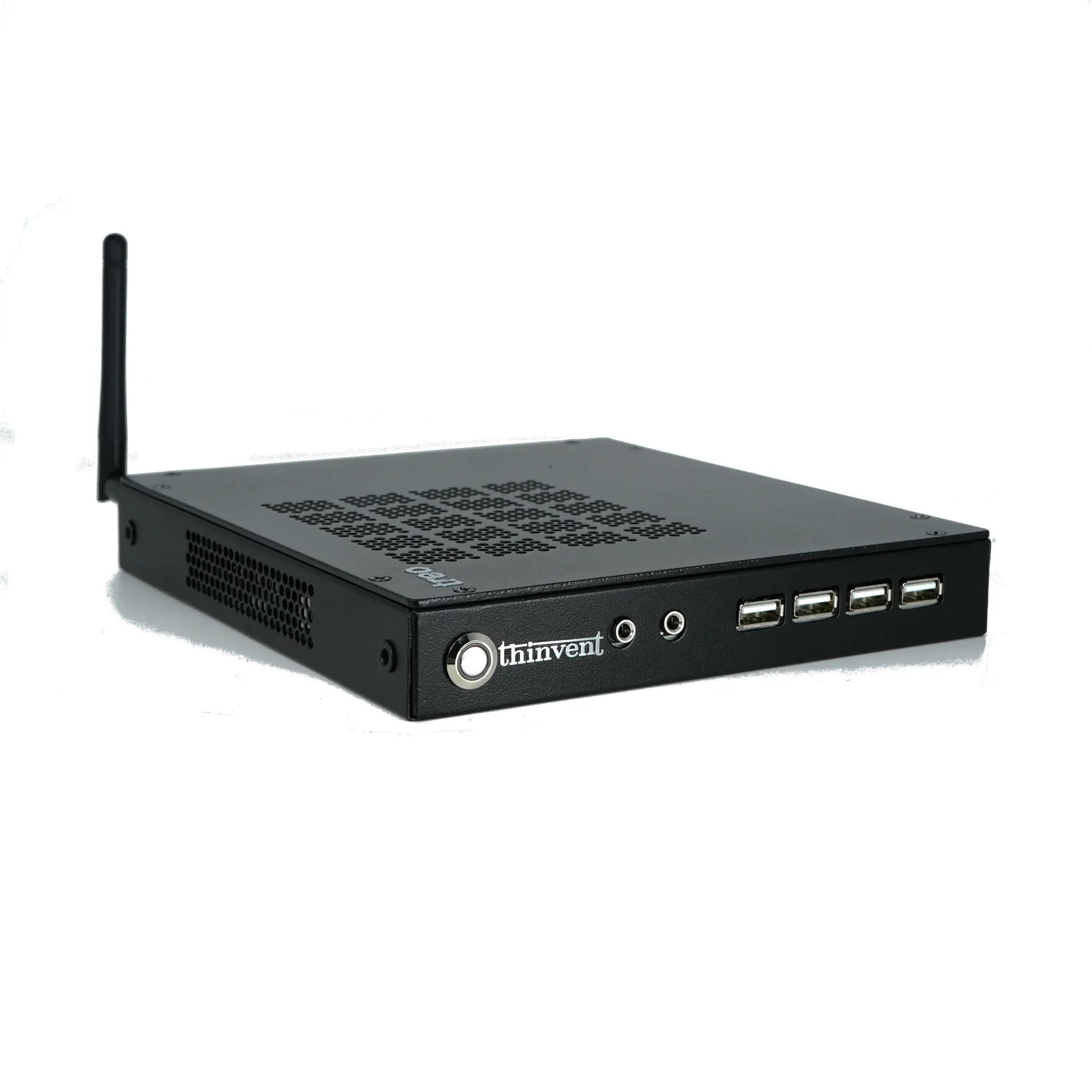
When selecting a PC for use with a printer, the most critical factor is connectivity. Modern printers typically connect via USB (usually USB-A to USB-B cable), Ethernet (RJ-45), or wirelessly through Wi-Fi. Virtually all Thinvent PCs, whether mini PCs, thin clients, or industrial computers, include multiple USB-A ports (often USB 3.0 or higher) for direct printer connection, and many models feature built-in Ethernet for network-based printing. For wireless printing, models with integrated Wi-Fi (such as the Thinvent Micro 5 Wifi Thin Client or the Aero Mini PC with Dual Band WiFi) eliminate the need for cables, allowing you to place the printer anywhere within range.
Key Specifications for Printer-Ready PCs
A PC used for printing tasks—especially in a business environment—should have sufficient processing power to handle print queues, driver management, and multitasking. For light home use, an ARM-based system like the Thinvent Micro 5 (Cortex A53, 2GB RAM) is adequate for basic document printing. For heavier workloads, such as printing large graphics or managing multiple printers, an Intel-based system with at least 4GB RAM and a modern processor (e.g., Intel N100 or Core i3) is recommended. The table below compares common use cases:
| Use Case | Recommended Processor | Minimum RAM | Recommended Storage | Example Thinvent Model |
|---|---|---|---|---|
| Home printing (documents) | ARM Cortex A53/A55 | 2GB | 16GB eMMC | Micro 5 / Micro 6 Pro |
| Small office (mixed documents) | Intel N100 / N95 | 4GB | 128GB SSD | Treo Mini PC (N100) |
| Business/industrial (high volume) | Intel Core i3/i5 | 8GB+ | 256GB+ SSD | IPC3 / Aero (i3-1215U) |
| Advanced graphics/design printing | Intel Core i5 (12th+ gen) | 16GB | 512GB SSD | IPC5 (i5-1240P) |
Operating System and Printer Driver Support
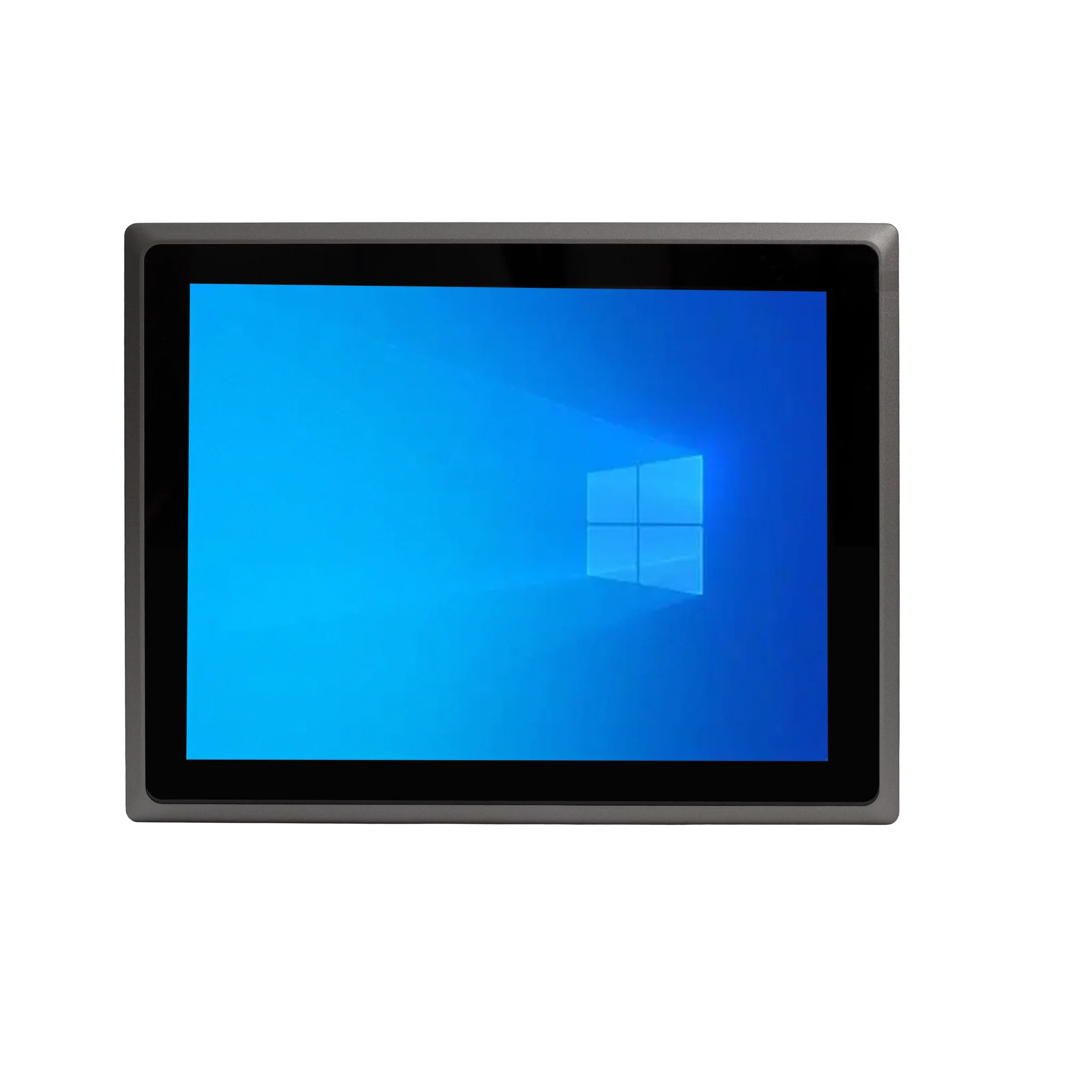
All Thinvent PCs support the major operating systems required for printer compatibility. Models with Windows 11 IoT Value or Windows 11 Pro (e.g., IPC5, Aero Mini PC) provide the widest driver support, as most printer manufacturers release Windows drivers first. For Linux users, Thinvent offers Ubuntu Linux and Thinux Embedded Linux on models like the Treo Mini PC and Micro series. Linux printer support has improved significantly, with CUPS (Common Unix Printing System) handling most modern printers via IPP (Internet Printing Protocol) or manufacturer-provided drivers. For embedded or thin client environments, Thinux Embedded Linux can be configured for network printing with minimal overhead.
Practical Tips for Setting Up a PC with a Printer
To ensure a smooth printing experience, follow these steps:
- Check connectivity: Verify your printer uses USB, Ethernet, or Wi-Fi, and confirm the PC has the corresponding port.
- Install drivers: Download the latest drivers from the printer manufacturer’s website. For Windows, plug-and-play often works; for Linux, use the distribution’s package manager or the printer’s open-source driver.
- Network printing: For shared office printing, connect the printer via Ethernet to your router, or use a PC with Wi-Fi as a print server.
- Power and placement: Ensure the PC and printer are near a power source. Thinvent’s compact mini PCs (e.g., Treo, Micro 6 Pro) save desk space and can be mounted behind a monitor.
Thinvent’s Range of Printer-Compatible PCs
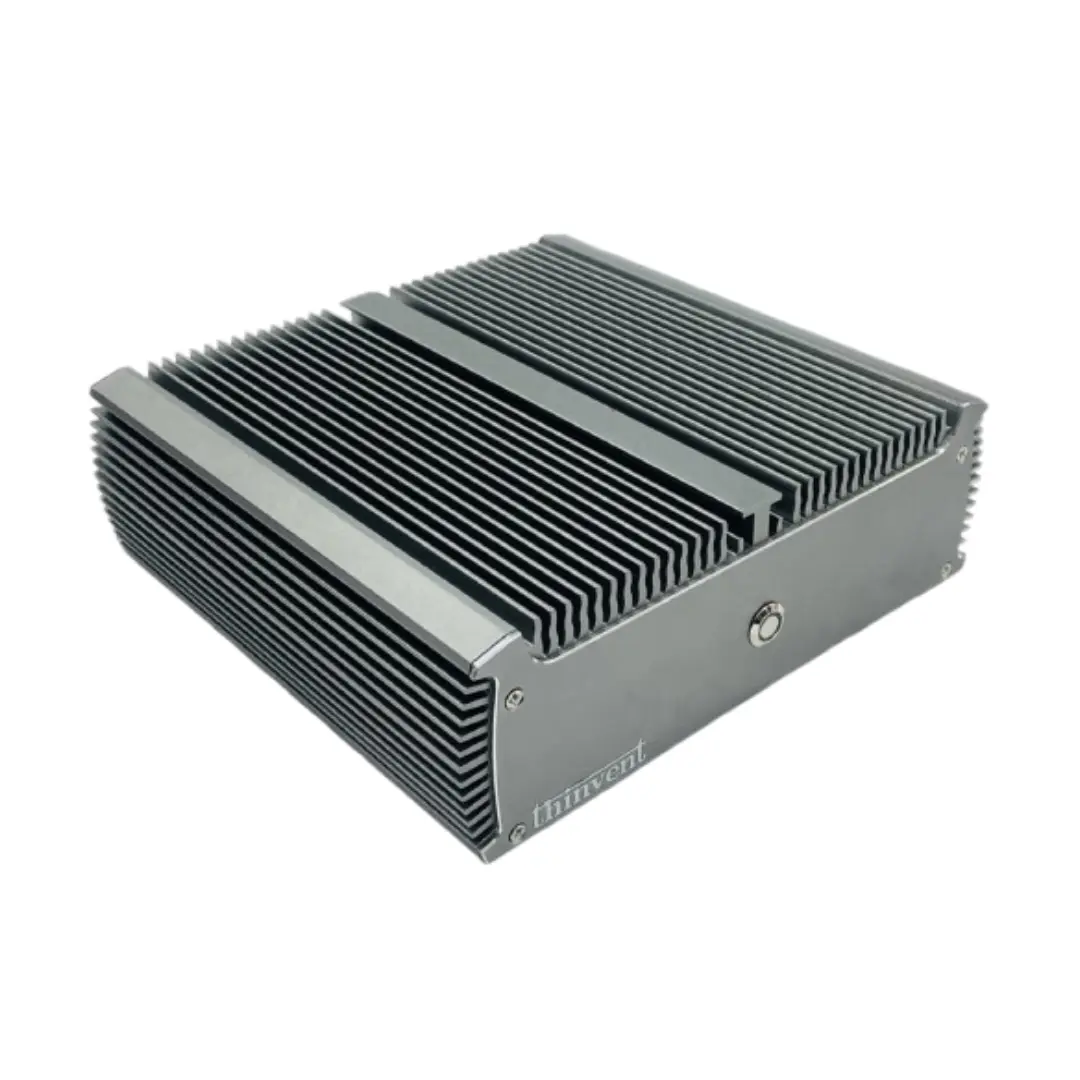
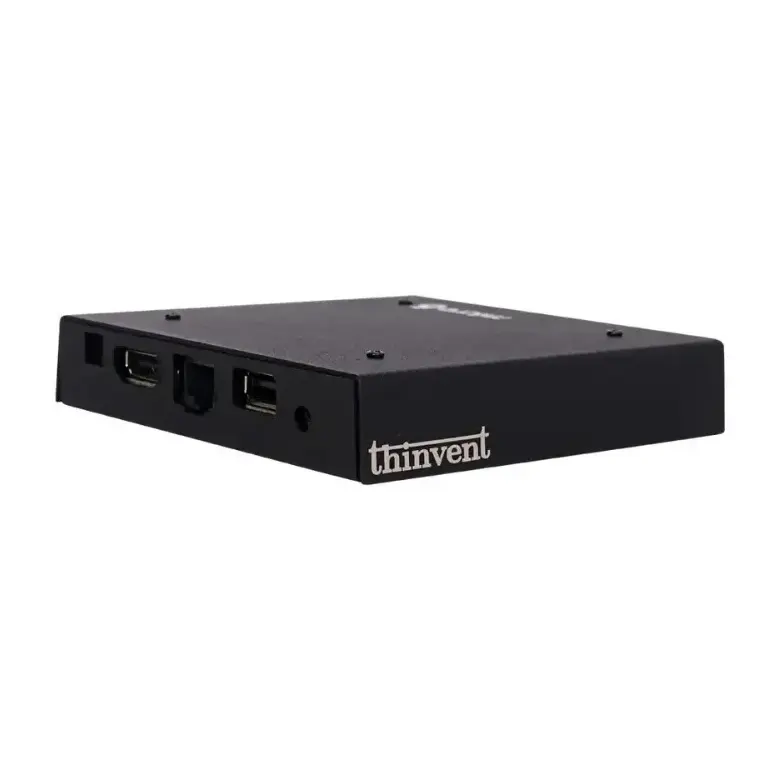
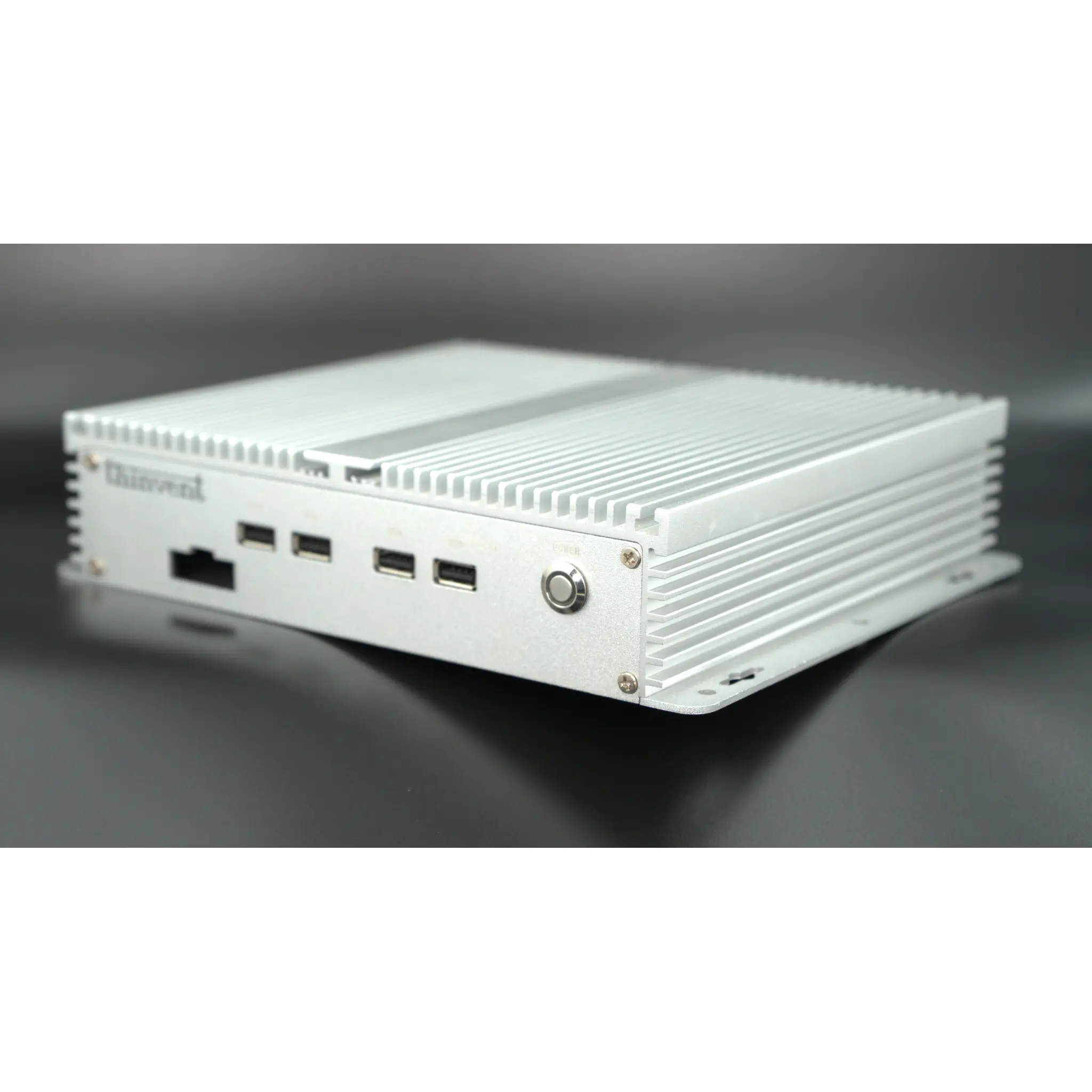
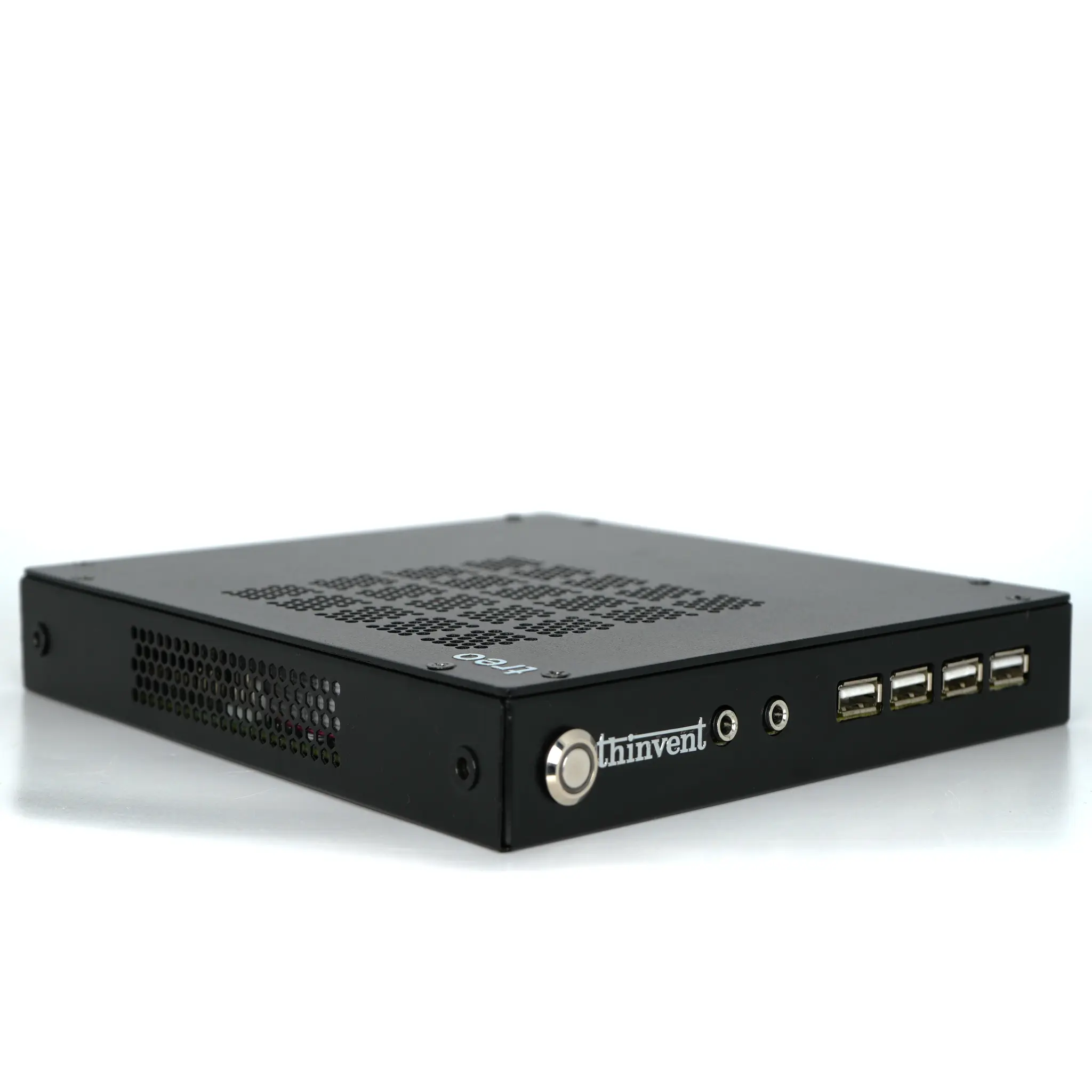
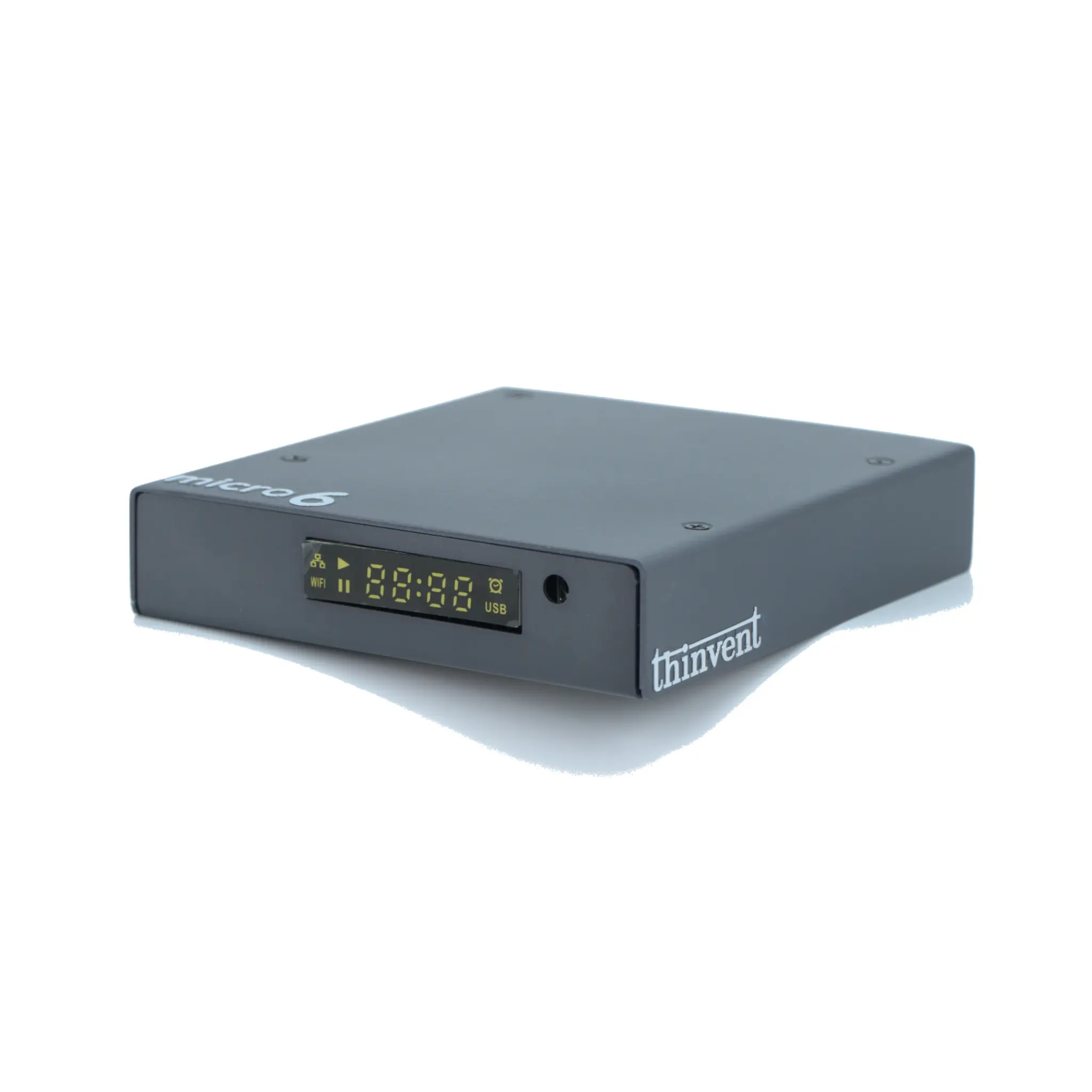
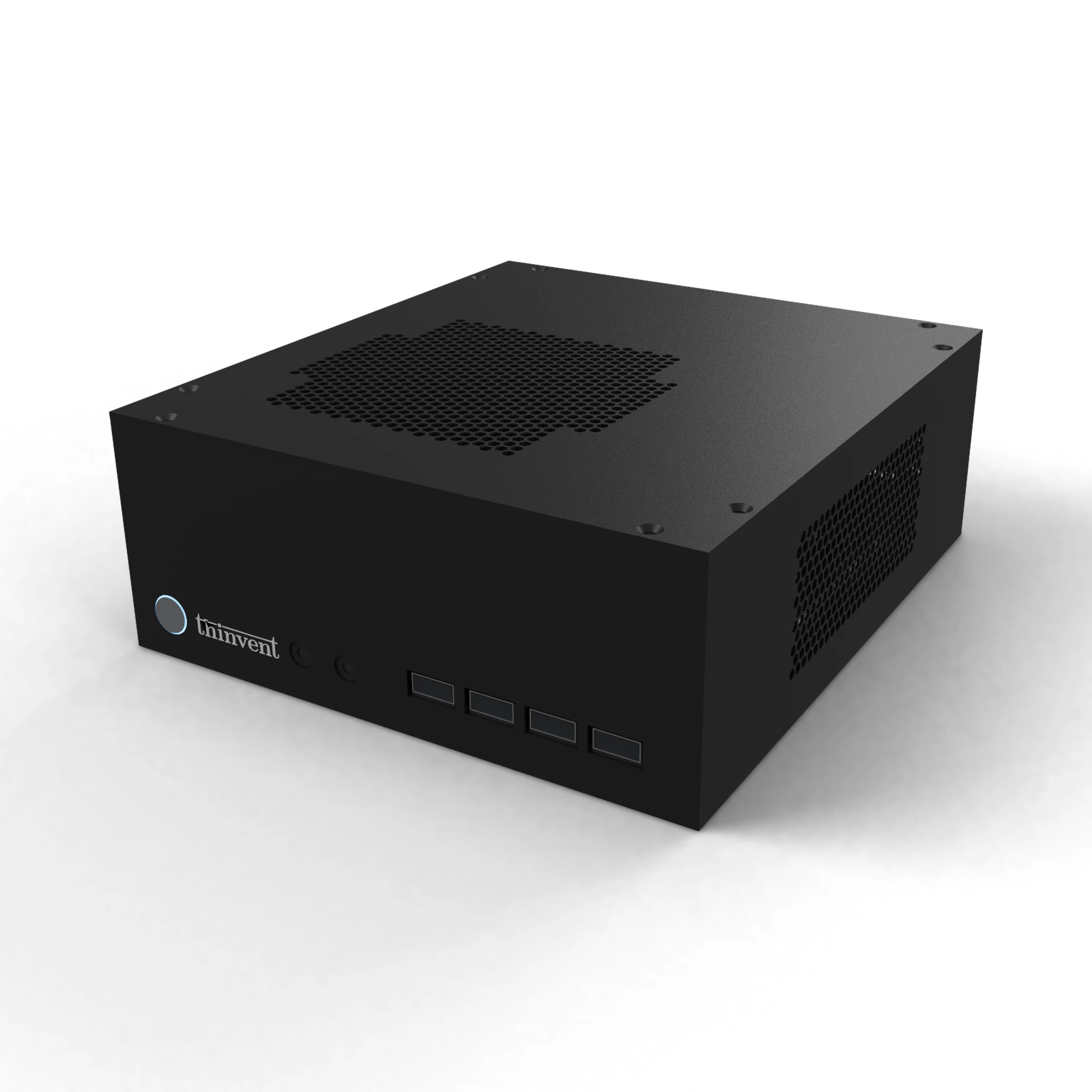
Thinvent offers a diverse lineup of PCs optimized for printer support across home, office, and industrial applications. For home users, the Micro 5 Wifi Thin Client and Micro 6 Pro Mini PC provide low-cost, fanless, and silent operation with Wi-Fi for wireless printing. Small businesses will benefit from the Treo Mini PC (available with Intel N100 or N95 processors, Ubuntu or Thinux Linux) or the Aero Mini PC (Windows 11 Pro, up to Core 5 120U) for higher throughput. For demanding industrial environments, the Industrial PC IPC series (IPC1, IPC3, IPC5) offers ruggedized designs with robust I/O for direct printer connection in factories or warehouses. All models include multiple USB ports and Ethernet, and Wi-Fi is available on select models—ensuring you can connect to any modern printer with ease.