What Makes a Good Proxmox Mini Server?
Proxmox VE is a Debian-based, open-source virtualization platform that combines KVM virtual machines and LXC containers behind a single web interface. Because a Proxmox host runs multiple guests simultaneously, its hardware requirements differ from an ordinary desktop: the CPU must expose hardware virtualization extensions (Intel VT-x and VT-d for PCIe passthrough), RAM must be plentiful enough to divide among guests, and storage should ideally be SSD or NVMe for responsive VM disk I/O. A compact mini server or fanless industrial PC fits this role well when it offers a quiet, low-power, always-on footprint with enough expansion for networking.
Key Specifications to Look For
| Requirement | Recommended | Why It Matters |
|---|---|---|
| CPU | Intel Core i3/i5, 6–10 cores, 12th gen or newer | Cores are assigned per VM; newer chips add efficiency cores and better virtualization support |
| Virtualization | Intel VT-x + VT-d | VT-x runs KVM guests, VT-d enables PCIe passthrough |
| RAM | 16 GB minimum, 32–64 GB preferred | Each VM and container consumes dedicated memory |
| Storage | 256 GB–1 TB SSD | Fast disk I/O for VM images and container rootfs |
| Networking | Dual Gigabit Ethernet ports | One port for the Proxmox management bridge, one for a VM or storage VLAN |
| Cooling | Fanless or industrial-grade | Dust resistance and silent 24/7 operation |
| Form factor | Mini PC or compact industrial PC | Small footprint for rack shelves, cabinets, or desks |
Typical Use Cases
A compact Proxmox server is commonly deployed as a home lab or small-business virtualization node: running a firewall or router VM, a NAS or file server container, a media server, a self-hosted application stack (databases, web servers, monitoring), and test environments for development — all on one box. In industrial settings, the same platform powers edge virtualization, where a single fanless computer hosts a SCADA gateway VM alongside a local data-logging container. Dual Ethernet ports are especially valuable here, letting you separate management traffic from production traffic or dedicate a port to a storage network.
Choosing Between Mini PC and Industrial PC
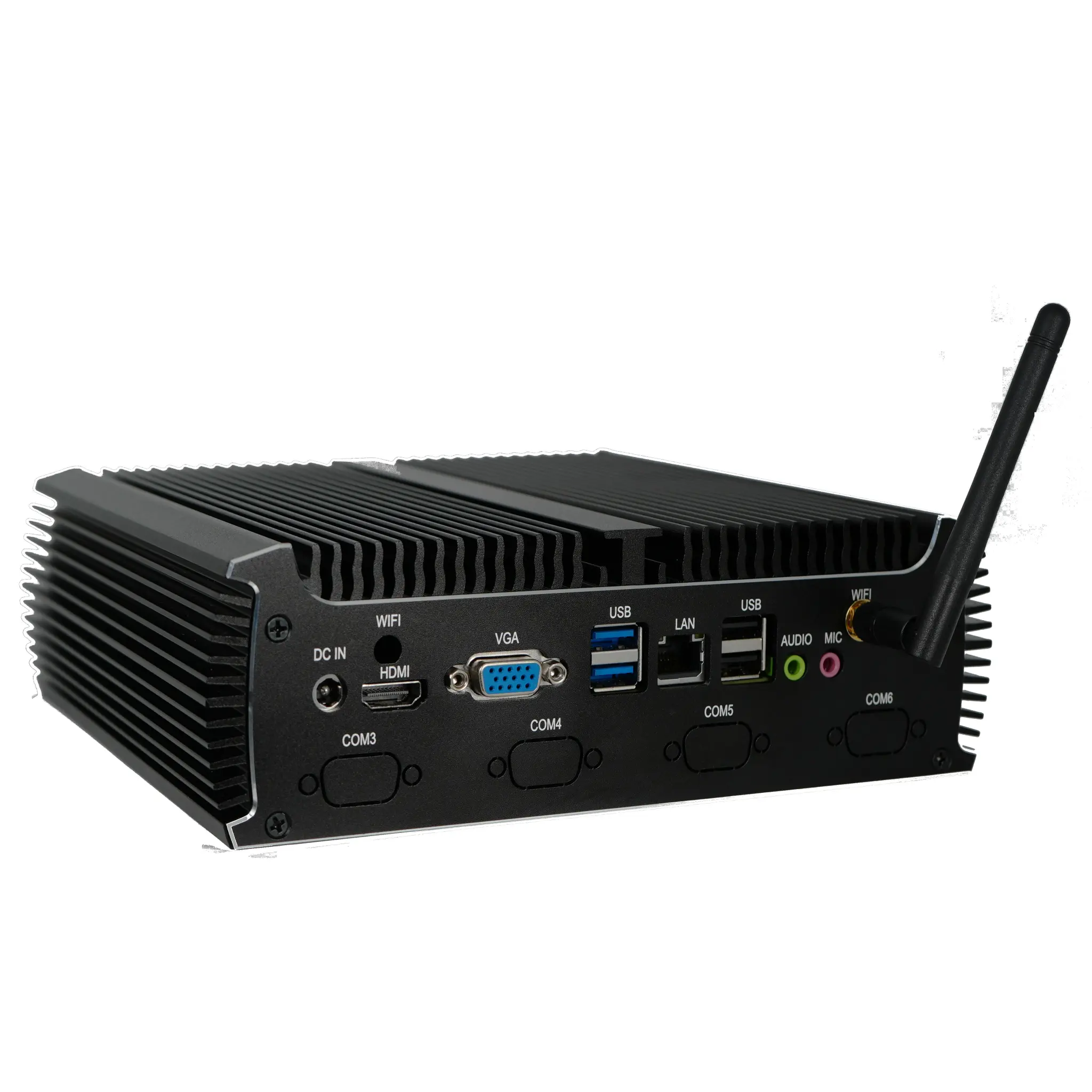
A standard mini PC suits home labs, offices, and light virtualization loads where a clean desk or shelf environment is available. An industrial PC adds wide-temperature tolerance, vibration resistance, watchdog timers, and serial (RS-232/DB9) ports, making it the better choice for factory floors, kiosks, vehicles, or remote cabinets. Both can run Proxmox VE, and both benefit from fanless designs that avoid drawing dust into the chassis — a common cause of failure in continuously running systems.
Software and Deployment Notes
Proxmox VE installs directly from an ISO onto bare metal and manages all guests through its browser interface, so an operating system preinstalled by the vendor is not required — you can order a machine without an OS, or with DOS/Linux, and install Proxmox yourself. Where a vendor-supplied OS is included, it is simply overwritten during installation. For clusters, three nodes are typically used to maintain quorum; a compact mini server makes it practical to stack several nodes in a small space.
Thinvent's Products for Proxmox Virtualization
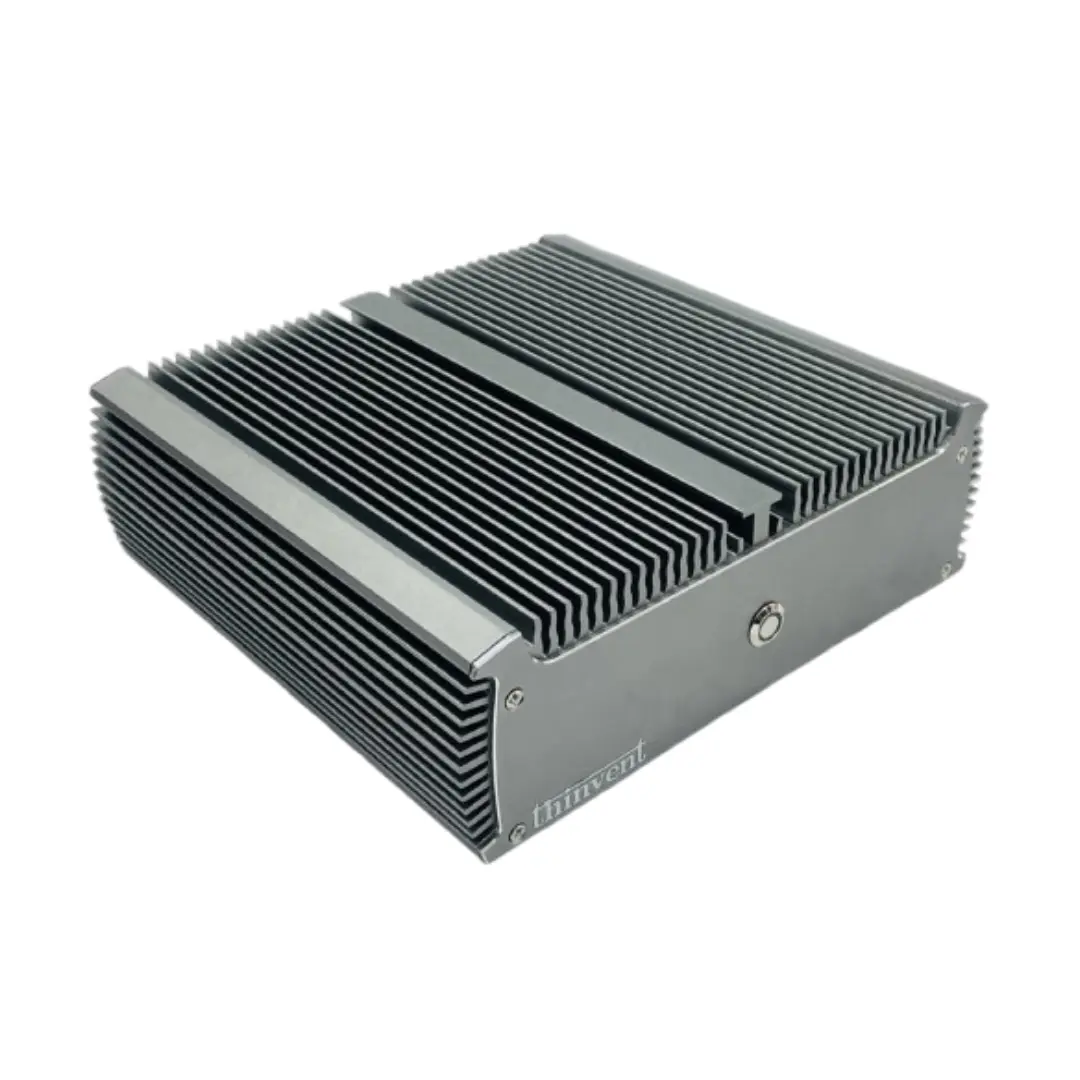
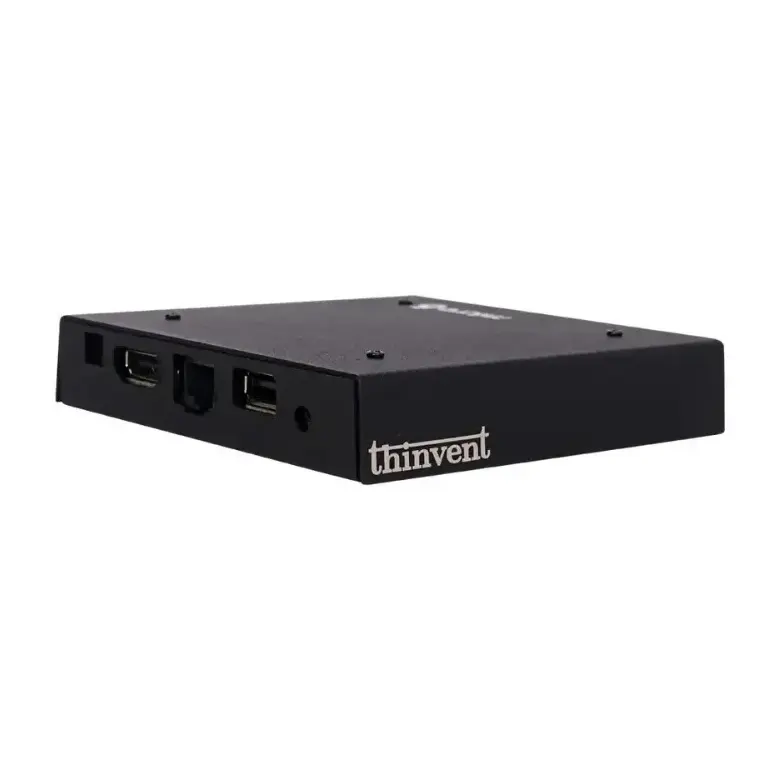
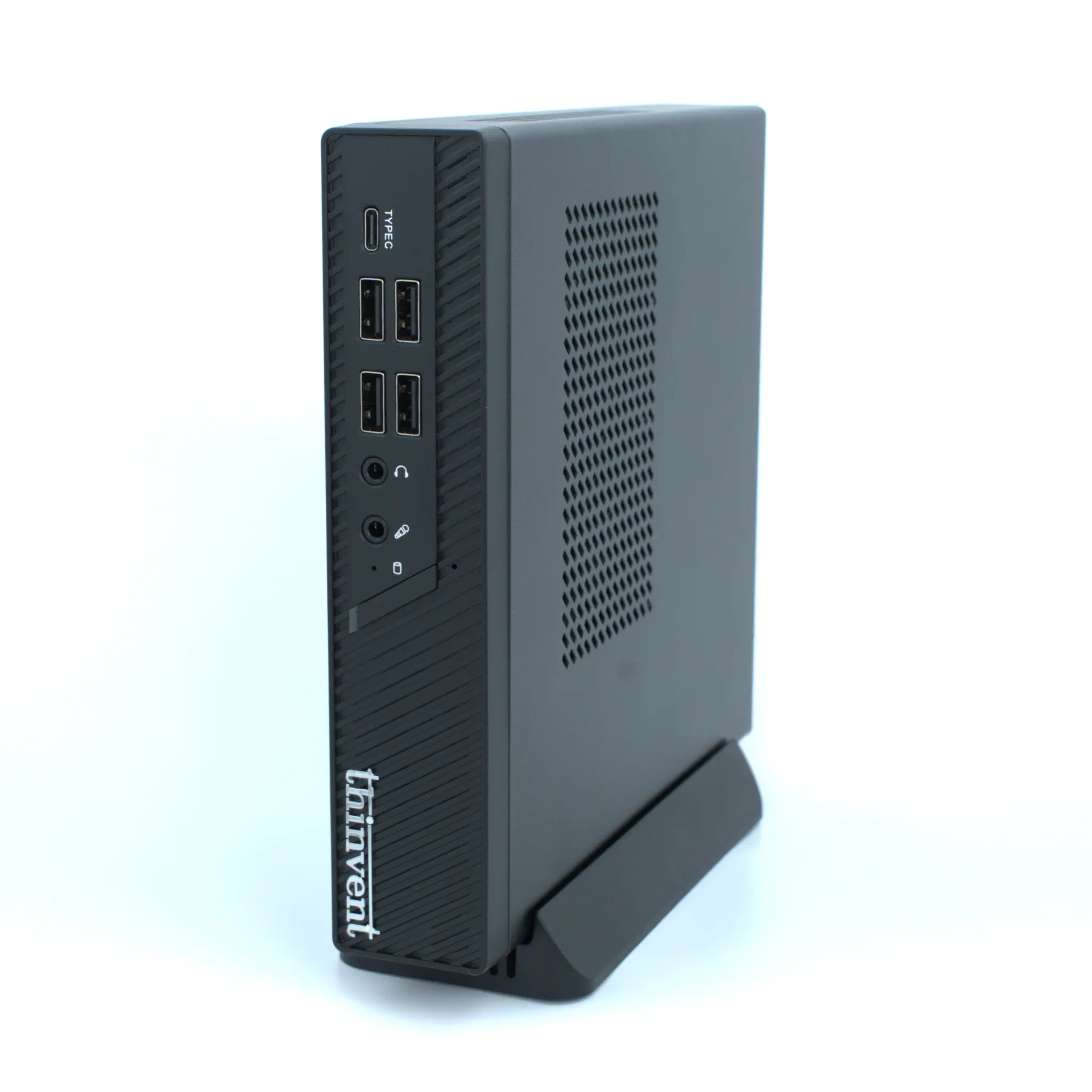
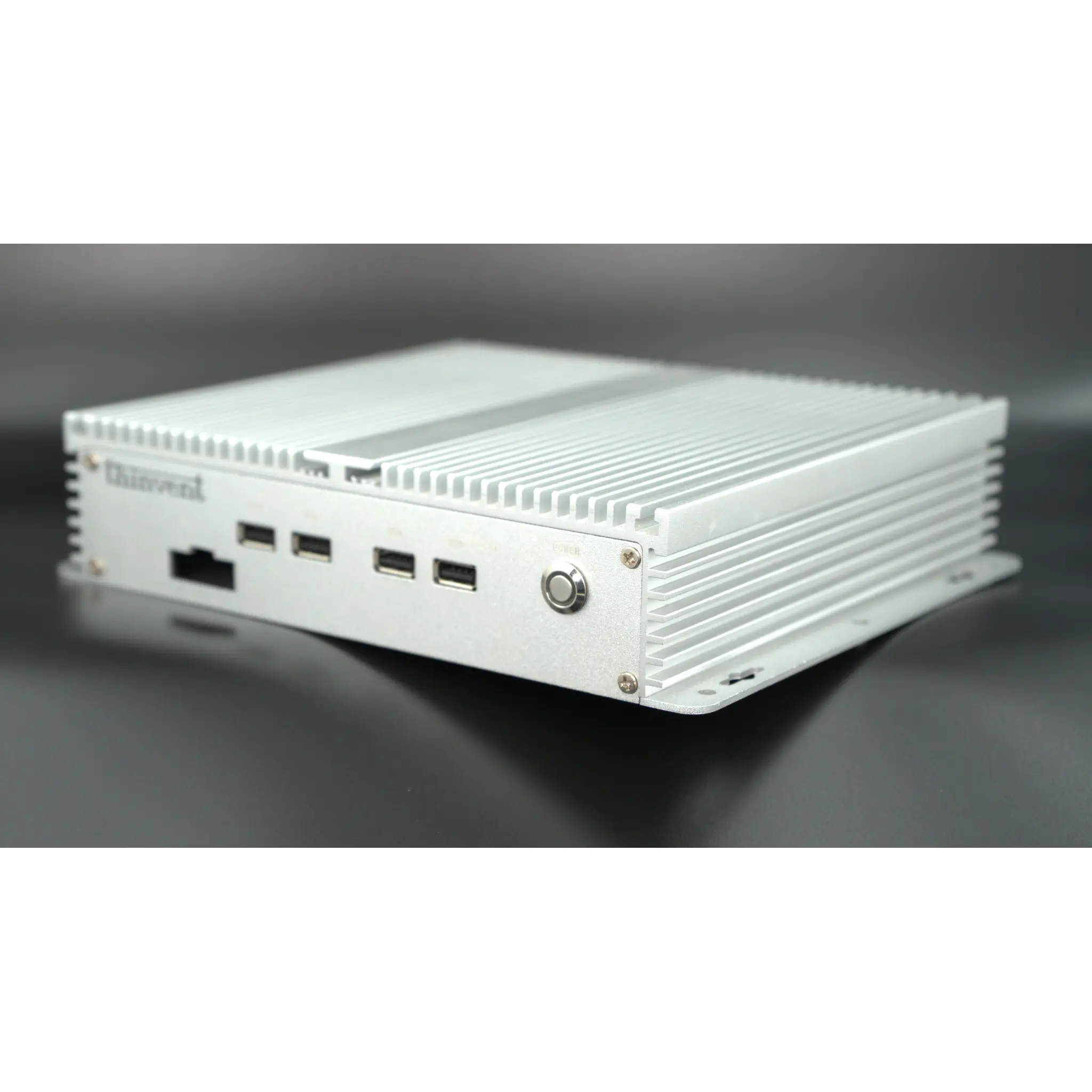
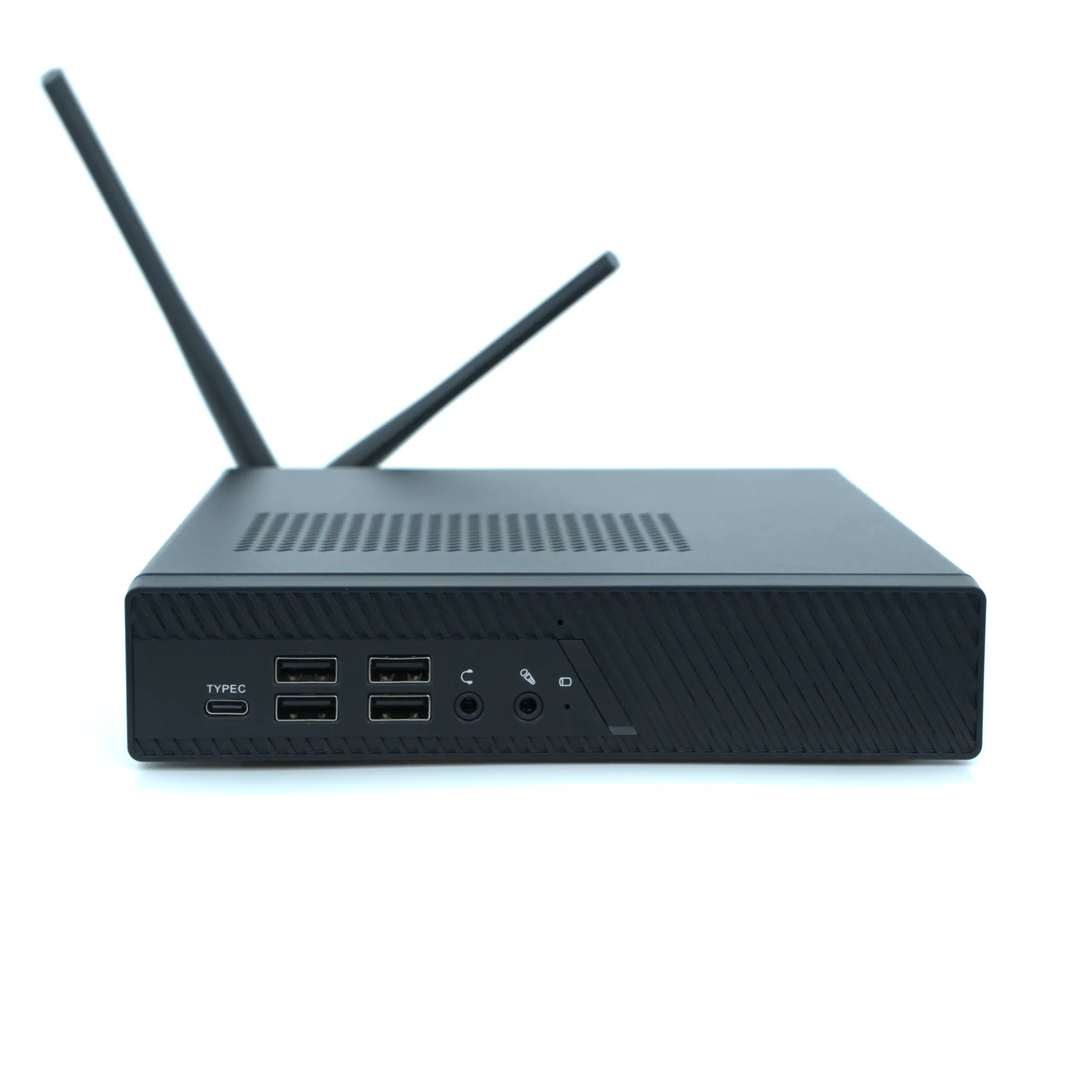
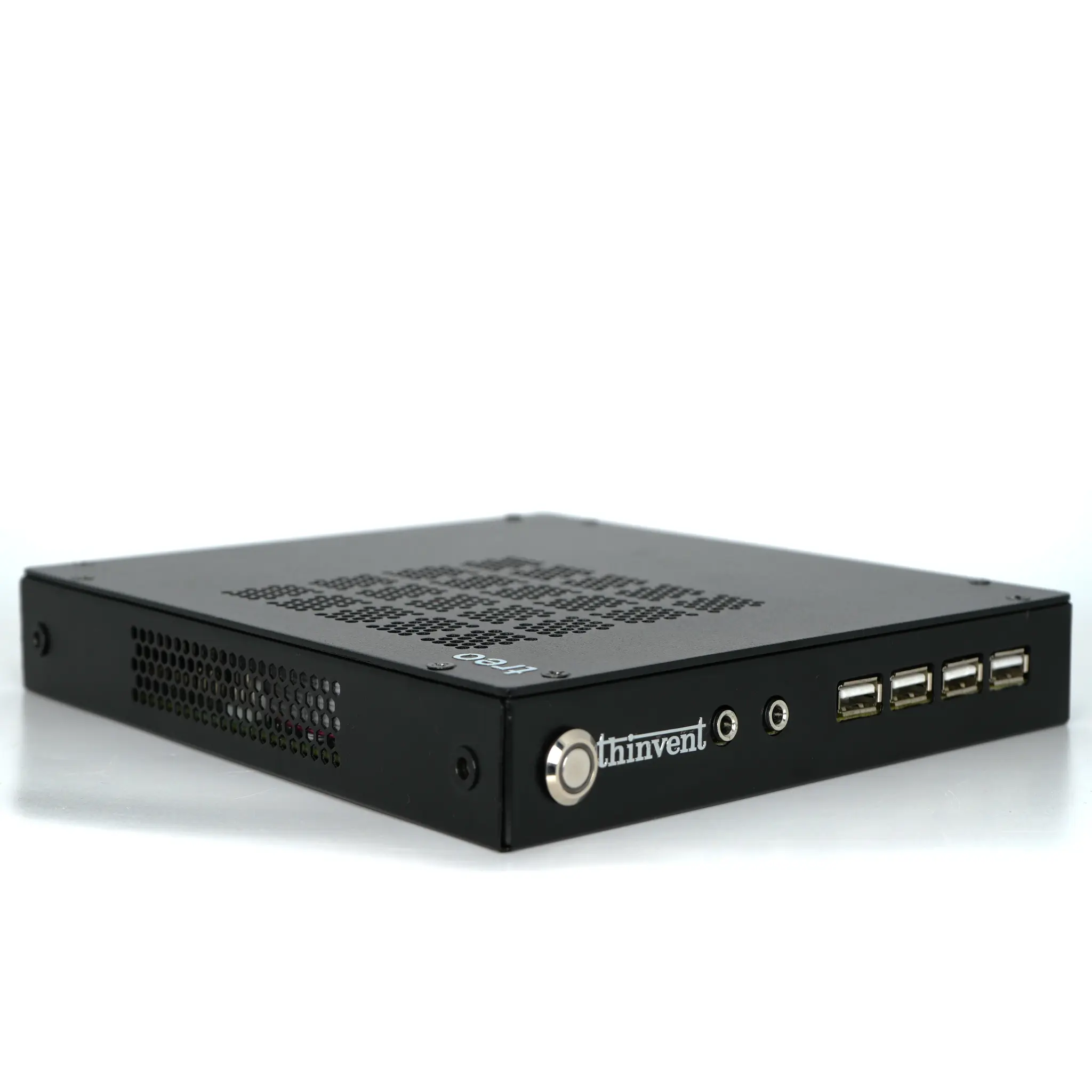
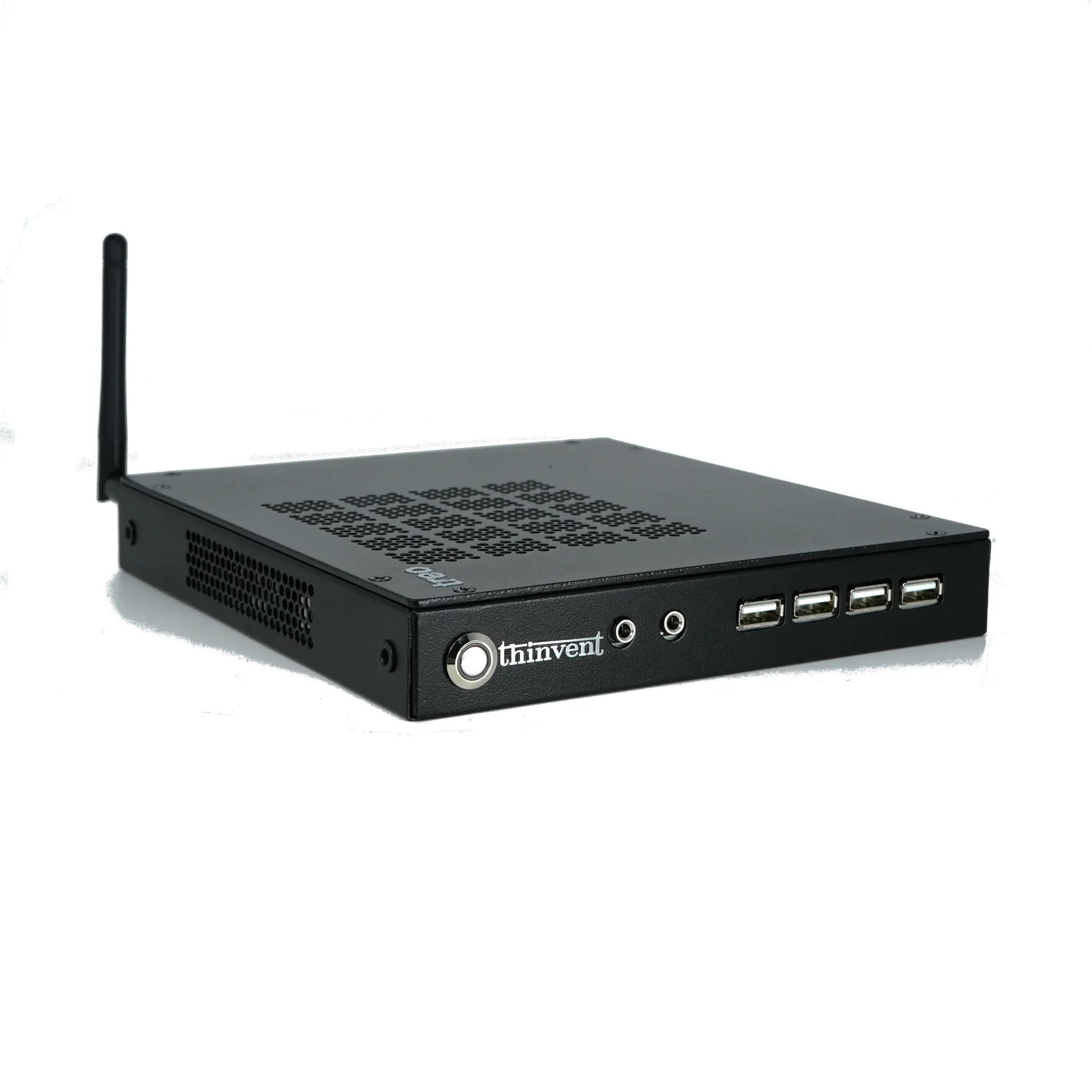
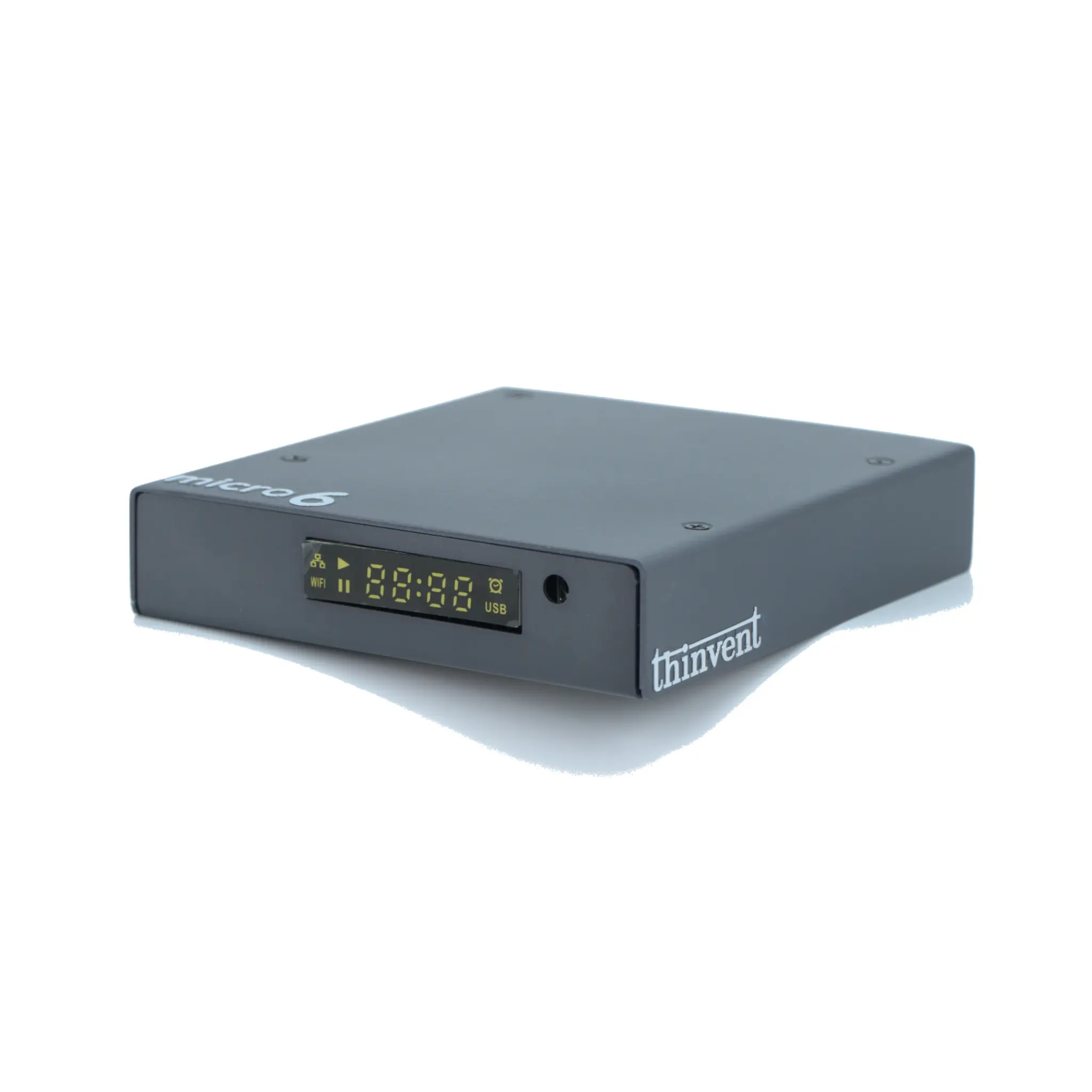
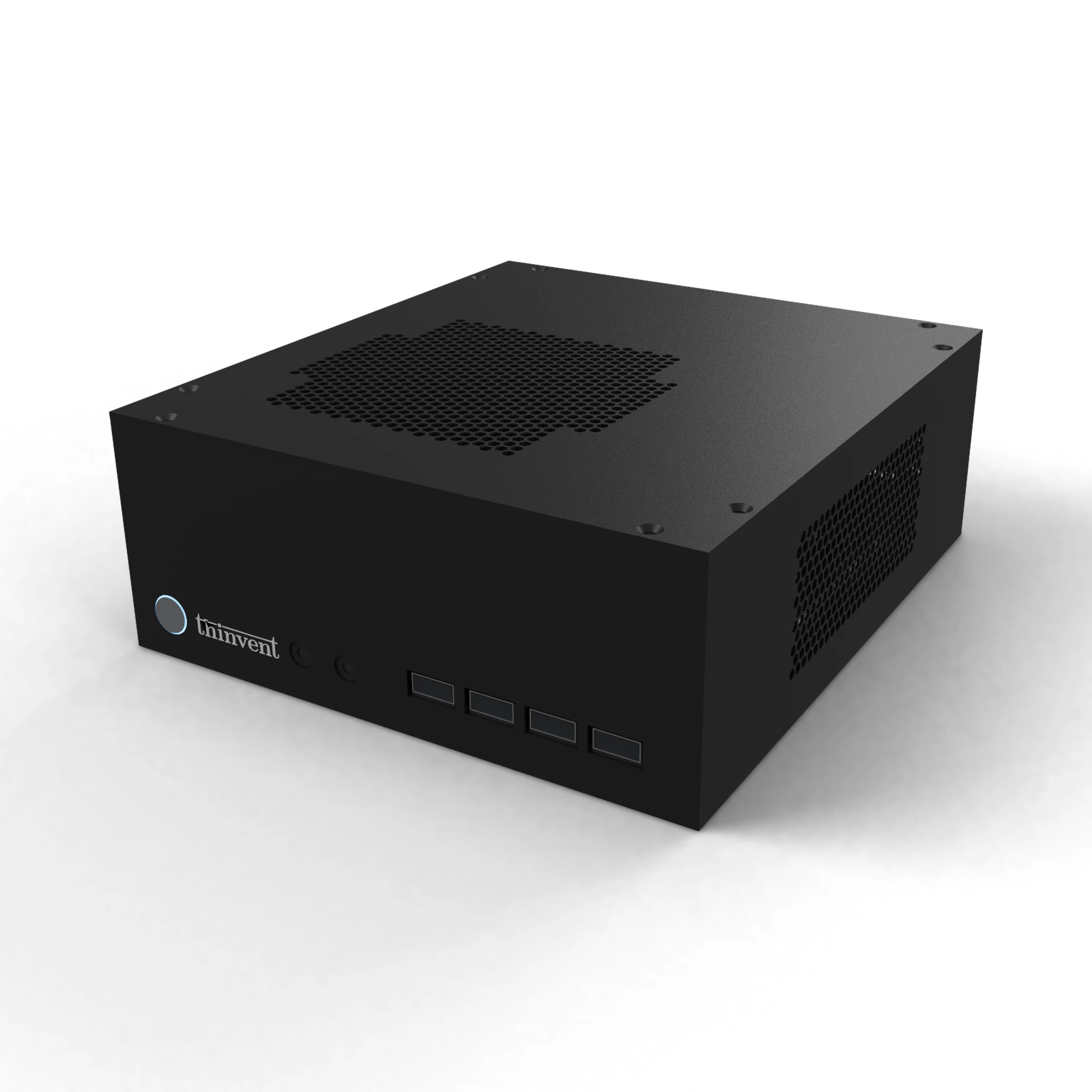
Thinvent's industrial PC and mini PC range is well suited to Proxmox deployments, with configurations built around Intel Core i3 and i5 processors from the 12th generation onward, up to 64 GB of DDR4 memory, and SSD storage from 256 GB to 1 TB. The IPC3 series, for example, pairs an Intel Core i3-1215U (6 cores, up to 4.4 GHz, 10 MB cache) with 16 GB RAM and a 1 TB SSD, and is available with dual Gigabit Ethernet and quad DB9 serial options for industrial edge virtualization. Fanless chassis options support silent, dust-resistant 24/7 operation, and units can be supplied without an operating system so you can install Proxmox VE directly.