What is a Remote Desktop Client?
A Remote Desktop (RD) Client is a compact, low-power computing device designed primarily to connect to a central server or cloud-based virtual desktop. It acts as a terminal, displaying the server's desktop environment and transmitting user inputs (keyboard, mouse) back to the server. All processing, storage, and applications run on the server, making the client device itself simple, reliable, and easy to manage.
Key Specifications for RD Clients
For optimal performance in a remote desktop environment, specific hardware characteristics are essential. The primary goal is to ensure smooth video decoding and network responsiveness. Key specifications include:
-
Efficient Processor: Modern, low-power CPUs with integrated graphics capable of hardware-accelerated video decoding (e.g., H.264, H.265) are ideal. This offloads the video stream processing from the CPU, ensuring a fluid visual experience.
-
Adequate RAM: While the client itself runs minimal software, sufficient RAM (typically 8GB or 16GB) is needed for the operating system and the remote desktop client software to operate without hiccups.
-
Reliable Connectivity: Gigabit Ethernet (1000 Mbps) is crucial for a stable, low-latency connection to the server. Multiple display outputs (like dual HDMI) are also common for multi-monitor setups.
-
Fanless Design: A fanless, solid-state construction is highly desirable for RD clients. It eliminates moving parts, reducing points of failure, enabling silent operation, and allowing deployment in dusty or harsh environments.
Use Cases and Applications
Remote Desktop Clients are deployed across various industries to centralize IT management, enhance security, and reduce hardware costs.
-
Corporate & Call Centers: Provide standardized, secure desktops to employees, with all data residing on secure servers.
-
Education: Deploy in computer labs or libraries, allowing students to access specialized software from a centralized server.
-
Healthcare: Use in nurse stations or patient rooms to access Electronic Health Records (EHR) systems, ensuring data never leaves the secure server.
-
Digital Signage & Kiosks: Reliably display content streamed from a central management server in retail, hospitality, or public spaces.
Comparison: RD Client vs. Traditional Desktop
| Feature | Remote Desktop Client | Traditional Desktop PC |
|---|---|---|
| Processing Power | Minimal; relies on server | High; local CPU & GPU |
| Data Storage | Minimal or none; data on server | Local hard drive or SSD |
| Management | Centralized; update one server image | Each device managed individually |
| Security | High; no data at endpoint | Variable; data at risk on device |
| Total Cost of Ownership | Lower (hardware, energy, maintenance) | Higher |
| Deployment Flexibility | High; can use low-spec hardware | Limited by local hardware specs |
Thinvent Solutions for Remote Desktop Clients
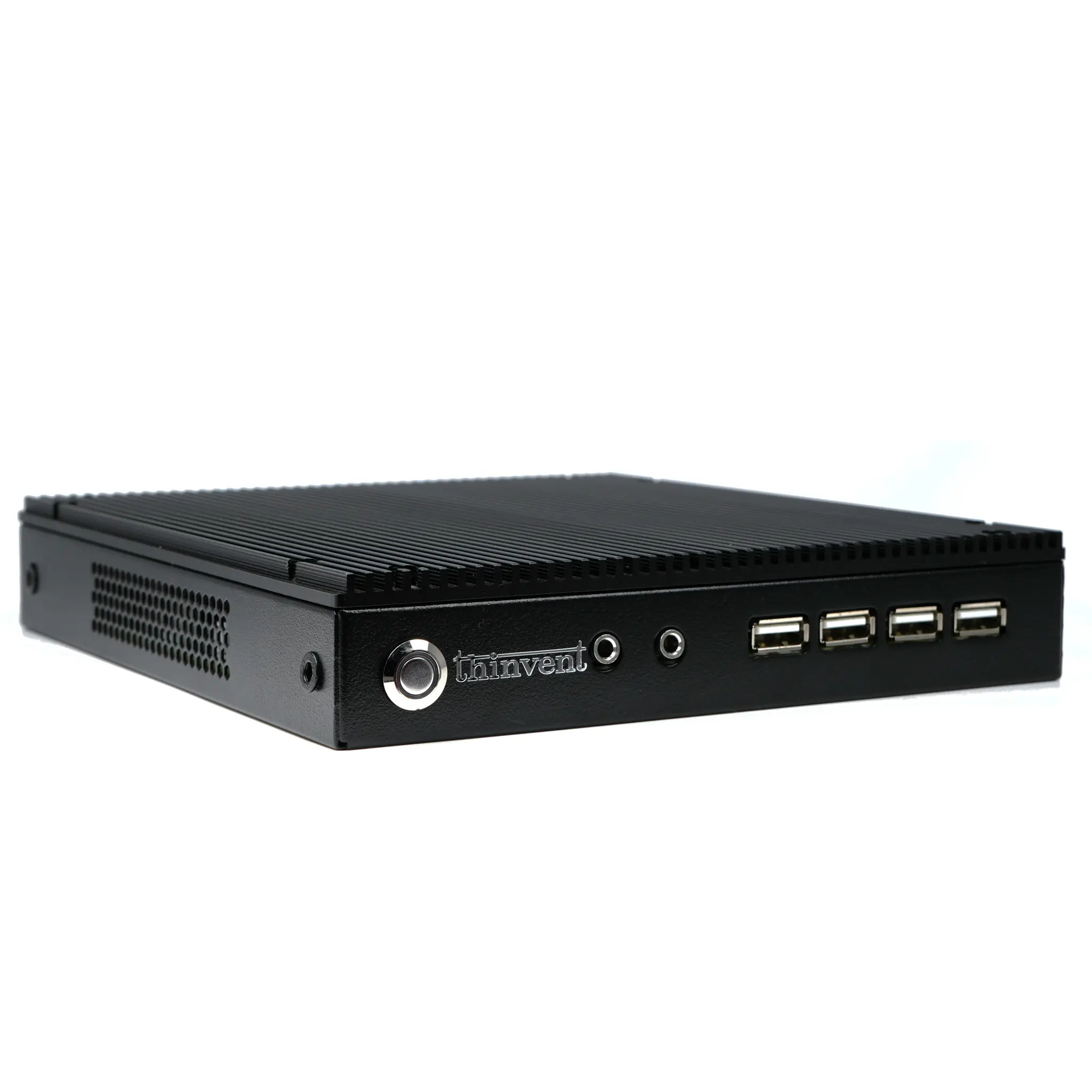
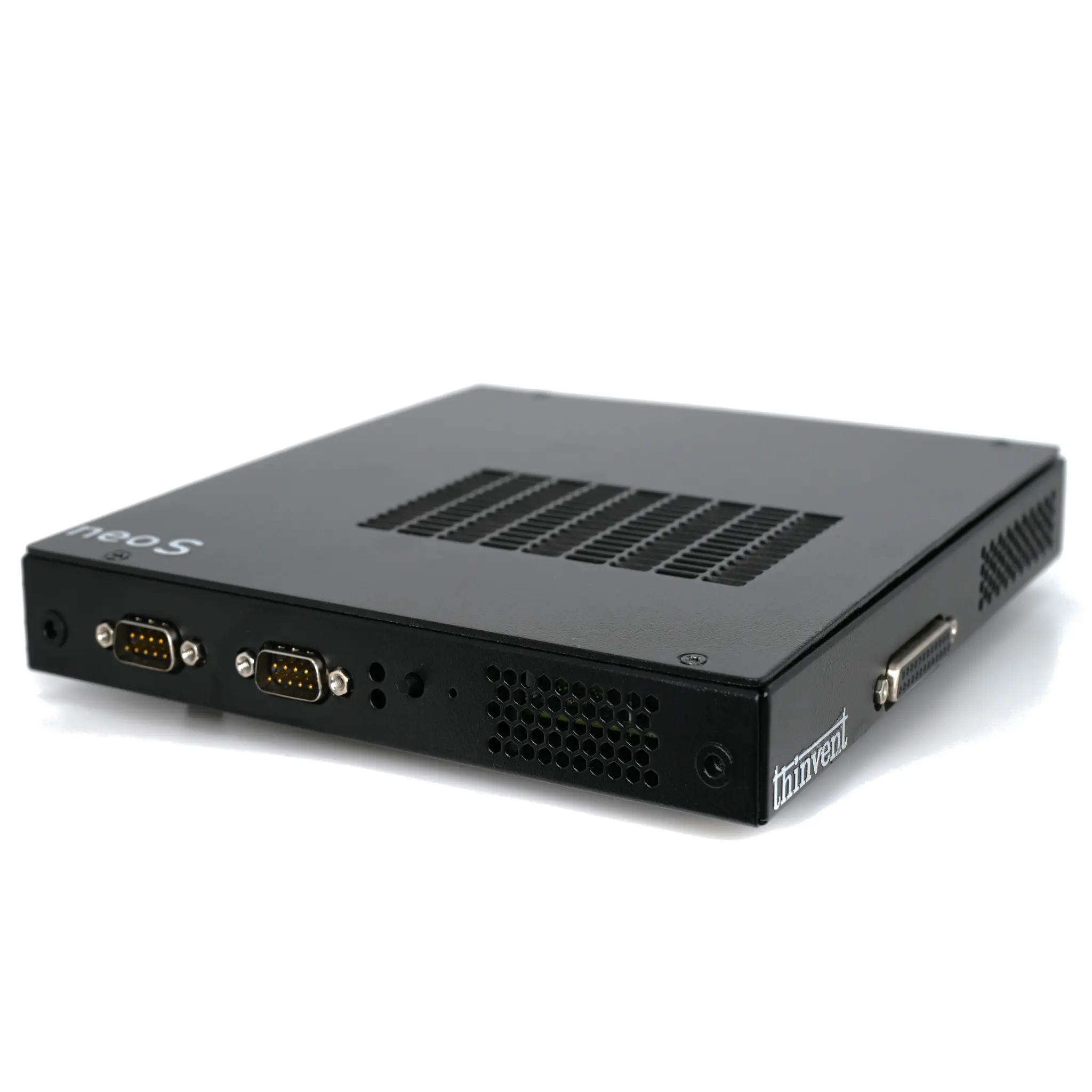
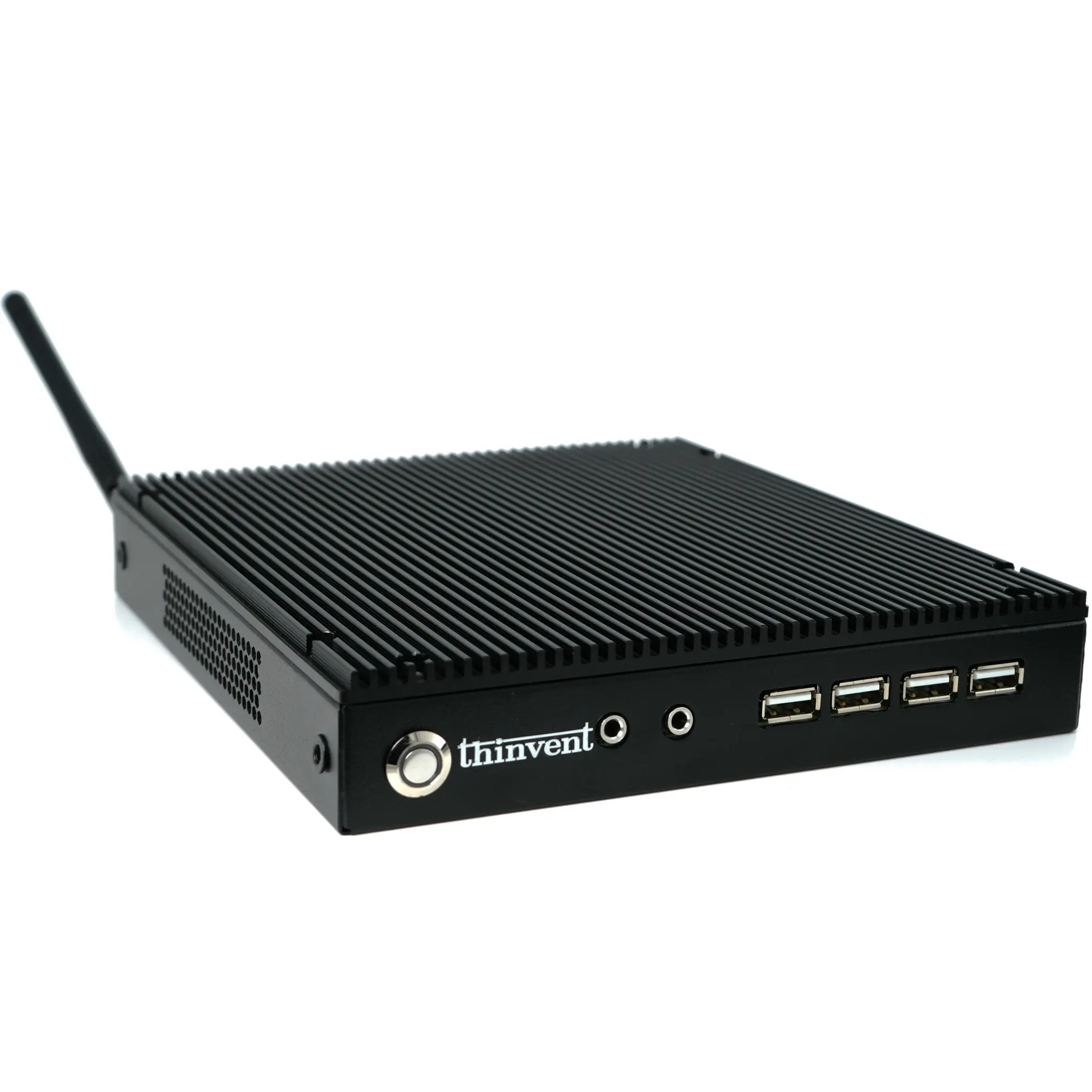
Thinvent specializes in robust, fanless industrial computers perfectly suited for demanding RD client deployments. Our Aero Mini PC series, for example, features the efficient Intel® processor N100, offering excellent video decode performance in a compact, silent, and reliable package. Built for 24/7 operation, these devices come with multiple OS options (Windows, Linux, or without OS) to seamlessly integrate into your existing VDI or RDS infrastructure. Explore our range of Mini PCs and Thin Clients designed to deliver a flawless remote desktop experience with minimal maintenance.