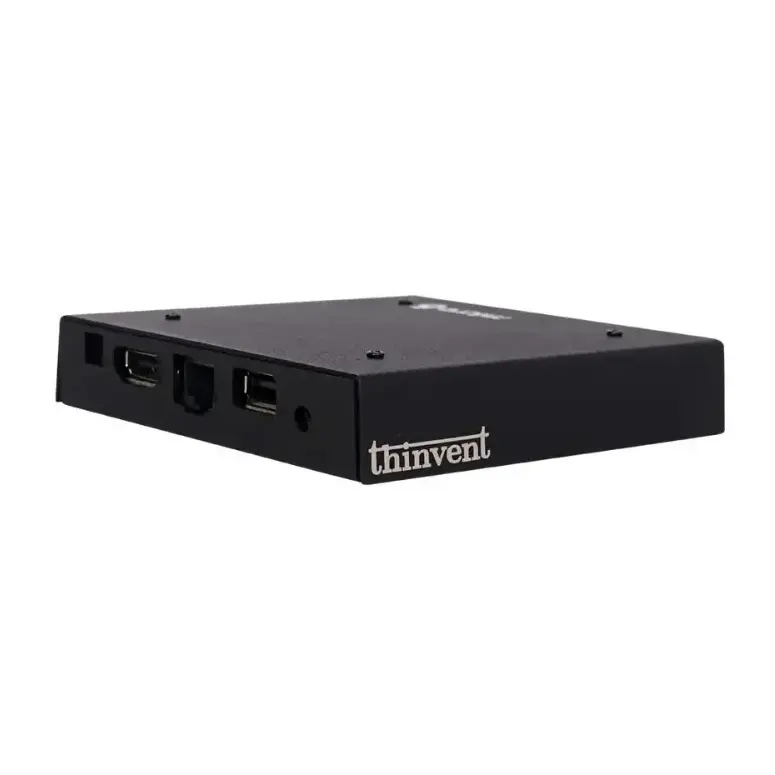
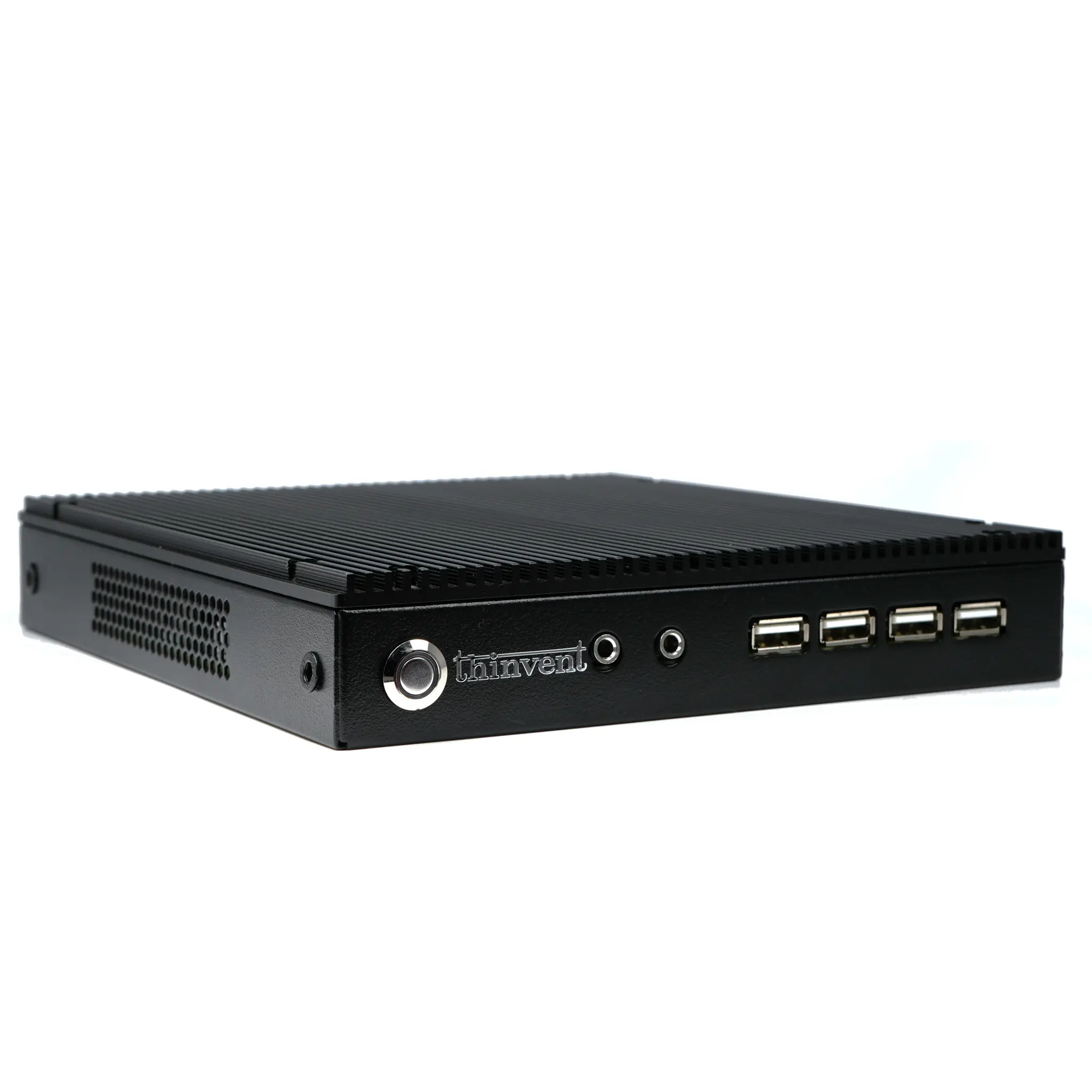
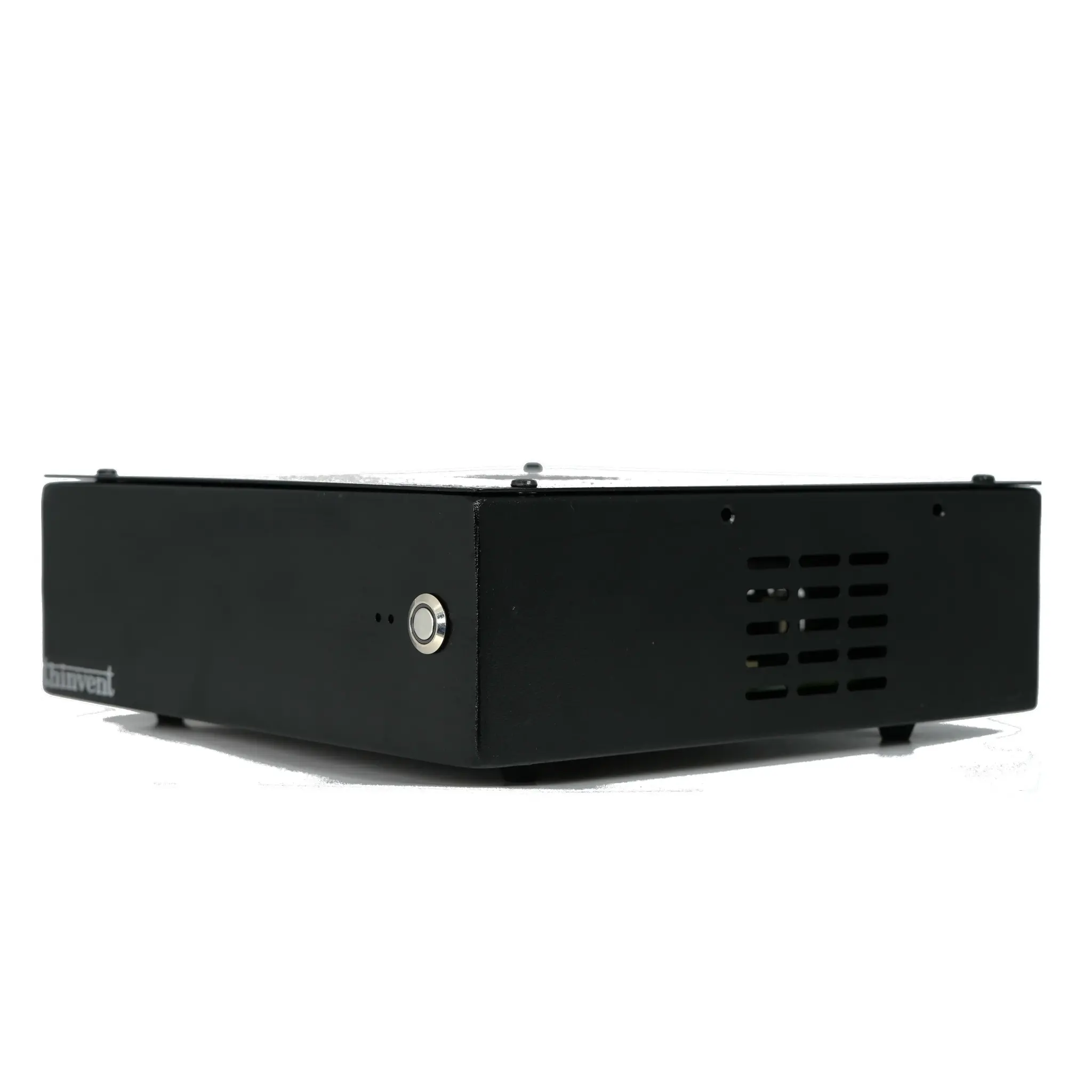
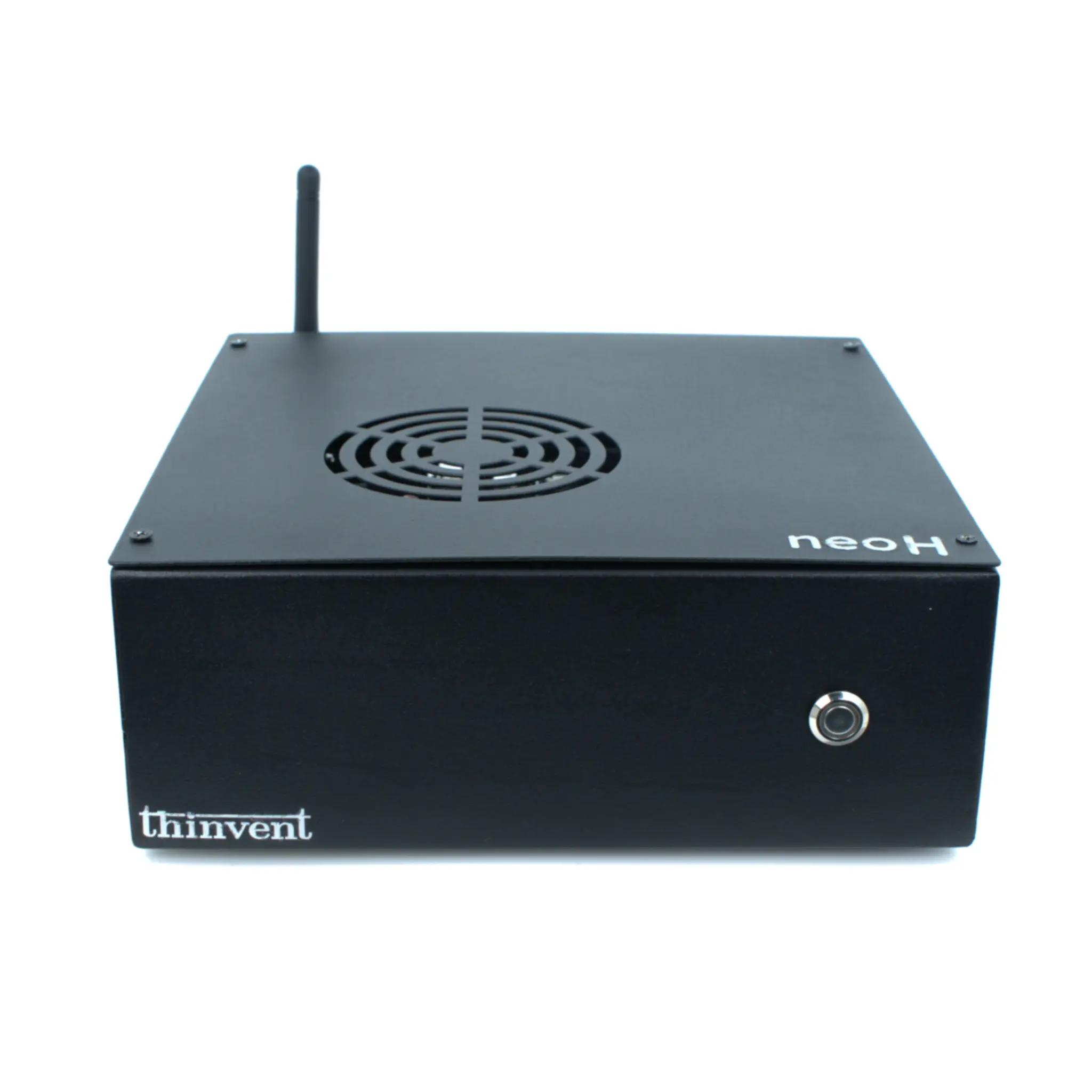
What is an RDP Computer?
An RDP (Remote Desktop Protocol) computer is a dedicated hardware device optimized for connecting to and managing remote desktop sessions. It serves as a client endpoint, allowing users to access a centralized server, virtual machine, or another computer's desktop environment over a network. These systems are designed for efficiency, stability, and seamless connectivity, making them ideal for centralized IT management, virtual desktop infrastructure (VDI), and remote work scenarios.
Key Specifications for RDP Clients
For optimal remote desktop performance, an RDP computer requires specific hardware characteristics. A modern Intel processor, such as the efficient N-series (e.g., N100), provides sufficient power for decoding video streams and handling network traffic without bottlenecking. Adequate RAM (typically 8GB or 16GB) ensures smooth multitasking between the local OS and the remote session. Fast, reliable Ethernet connectivity (Gigabit) is critical for low-latency performance, while solid-state storage (SSD) ensures quick boot times and responsive system operation. Many RDP clients also feature fanless designs for silent, maintenance-free operation in office or industrial environments.
Primary Use Cases and Applications
RDP computers are deployed across various sectors to streamline operations and enhance security. Common applications include:
-
Virtual Desktop Infrastructure (VDI): Acting as thin clients to access virtual desktops hosted on central servers.
-
Remote Workstations: Providing employees with secure, managed access to office computers from any location.
-
Call Centers & Office Desks: Deploying standardized, easy-to-manage endpoints that reduce IT overhead.
-
Digital Signage & Kiosks: Remotely managing and updating content displayed on screens in retail, hospitality, or public spaces.
-
Industrial Control Rooms: Offering reliable access to SCADA and monitoring software in manufacturing and utility settings.
Choosing the Right RDP Computer
The ideal RDP client balances performance with cost-effectiveness. For standard office tasks and light multi-session use, a system with a 4-core Intel N100 processor, 8GB RAM, and a 128GB SSD is often sufficient. For more demanding users who require multiple high-resolution displays or intensive applications via remote session, a more powerful processor (e.g., Intel Core i3/i5) and 16GB of RAM are recommended. The choice of operating system is also flexible, with options ranging from Windows 11 Pro for full compatibility, to lightweight Linux distributions for enhanced security and lower resource consumption.
| Use Case | Recommended Processor | Recommended RAM | Key Feature |
|---|---|---|---|
| Basic VDI / Office Task | Intel N100 / N95 | 8 GB | Fanless, Low Power |
| Multi-Session / Advanced User | Intel Core i3 / i5 | 16 GB | Higher Core Count, Gigabit Ethernet |
| Industrial / 24/7 Operation | Intel Celeron / N-series | 8 GB - 16 GB | Wide Temperature Range, Rugged Design |
Thinvent RDP Computers and Thin Clients
Thinvent specializes in manufacturing robust and reliable computing hardware perfectly suited for RDP and thin client deployments. Our product range includes compact Mini PCs and dedicated Thin Clients built with industrial-grade components for 24/7 reliability. Featuring modern Intel processors like the N100, ample DDR4 memory, and fast SSD storage, Thinvent devices ensure a responsive and stable remote desktop experience. We offer multiple operating system choices, including Windows 11 IoT/Pro and various Linux distributions, allowing for customization based on your specific IT environment and security policies. Designed with fanless cooling and multiple connectivity options, Thinvent RDP computers provide a silent, durable, and efficient solution for centralized computing needs worldwide.