What Is RDP Wrapper?
RDP Wrapper is a lightweight, open-source library that extends the Remote Desktop Protocol (RDP) service already built into Windows. By default, most Windows editions outside of Windows Server — and Windows Pro in some configurations — accept only a single concurrent remote session, and the built-in RDP host is disabled on Home editions. RDP Wrapper works by loading a custom library (rdpwrap.dll) that hooks into the Windows Terminal Services stack, allowing multiple simultaneous RDP sessions and enabling the Remote Desktop host on editions where it is normally restricted.
It is important to understand that RDP Wrapper is not a Microsoft product. It is a community project, and because it interacts with internal Windows components, it depends on the specific build of termsrv.dll. Each Windows update can change that binary, which is why RDP Wrapper ships with an INI configuration file listing supported builds and often requires an updated rdpwrap.ini after a major Windows patch.
How It Works and What You Need
RDP Wrapper does not replace RDP — it supplements it. The Remote Desktop client, encryption, and protocol handling all remain native to Windows. What the wrapper adds is the ability to host more than one remote session and to activate the host on editions that block it.
| Requirement | Detail |
|---|---|
| Operating System | Windows 7 through Windows 11 (build-dependent) |
| Windows Edition | Pro, Enterprise, or Home (host enablement varies) |
| Component | rdpwrap.dll plus rdpwrap.ini build definitions |
| Installer | Community RDPWrap-vX.X.X.zip with install.bat |
| Verification | RDPConf.exe shows wrapper state and listener status |
| Network | TCP port 3389 open on the local network or VPN |
After installation, the RDP configuration utility reports four indicators: wrapper state, service state, listener state, and the detected termsrv.dll version. If the version is not listed in the INI file, the listener will show as "not listening" and the wrapper will not function until an updated configuration is added.
Practical Use Cases
Multi-session RDP is valuable wherever one physical machine must serve several independent users or sessions at once. Common examples include:
-
Thin client deployments — a single host running multiple RDP sessions, with low-power thin clients connecting to it, which reduces hardware and licensing overhead per desk.
-
Lab and training environments — instructors and students sharing a single powerful machine with isolated sessions.
-
Kiosk and point-of-sale systems — a background administrative session alongside the user-facing session.
-
Remote administration — a second session for IT staff without interrupting the logged-in user.
-
Home lab testing — running several Windows environments from one physical box.
Because RDP Wrapper is unofficial, it is best suited to controlled, internal environments rather than production systems that require vendor support. Organizations that need guaranteed, supported multi-session Windows should consider Windows Server with Remote Desktop Services, or design around per-device endpoints instead.
Thinvent Products Suited to RDP and Multi-Session Workloads
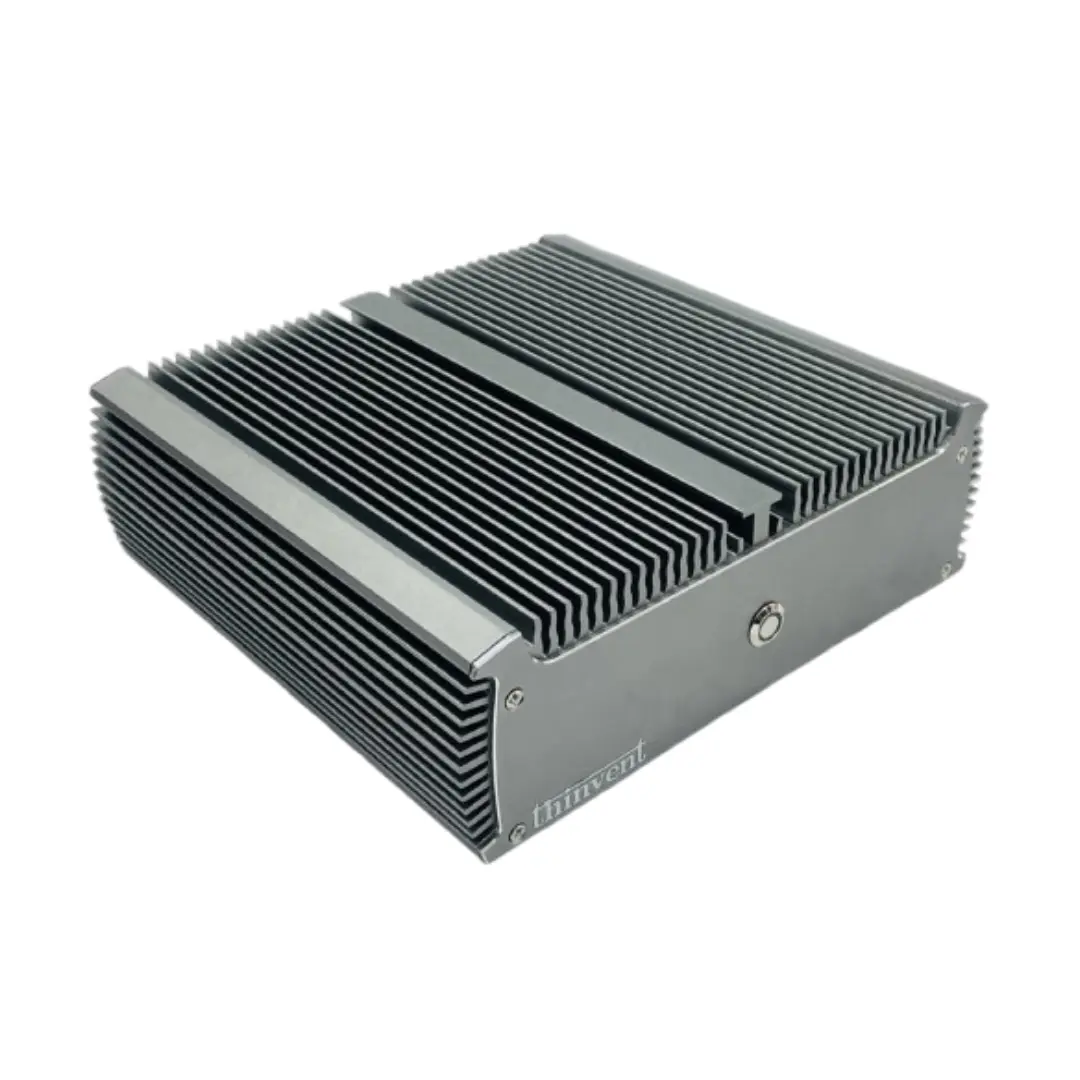
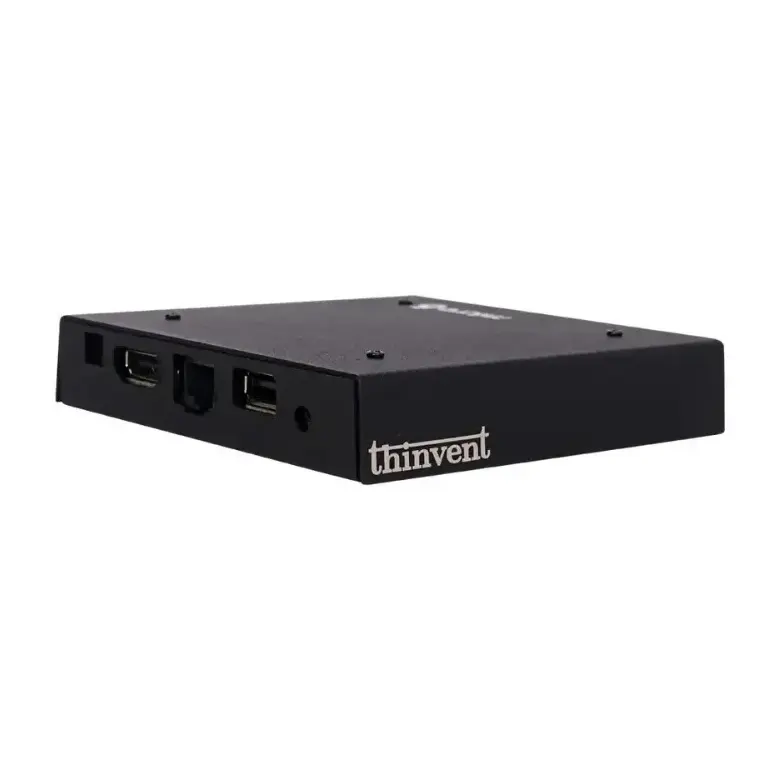
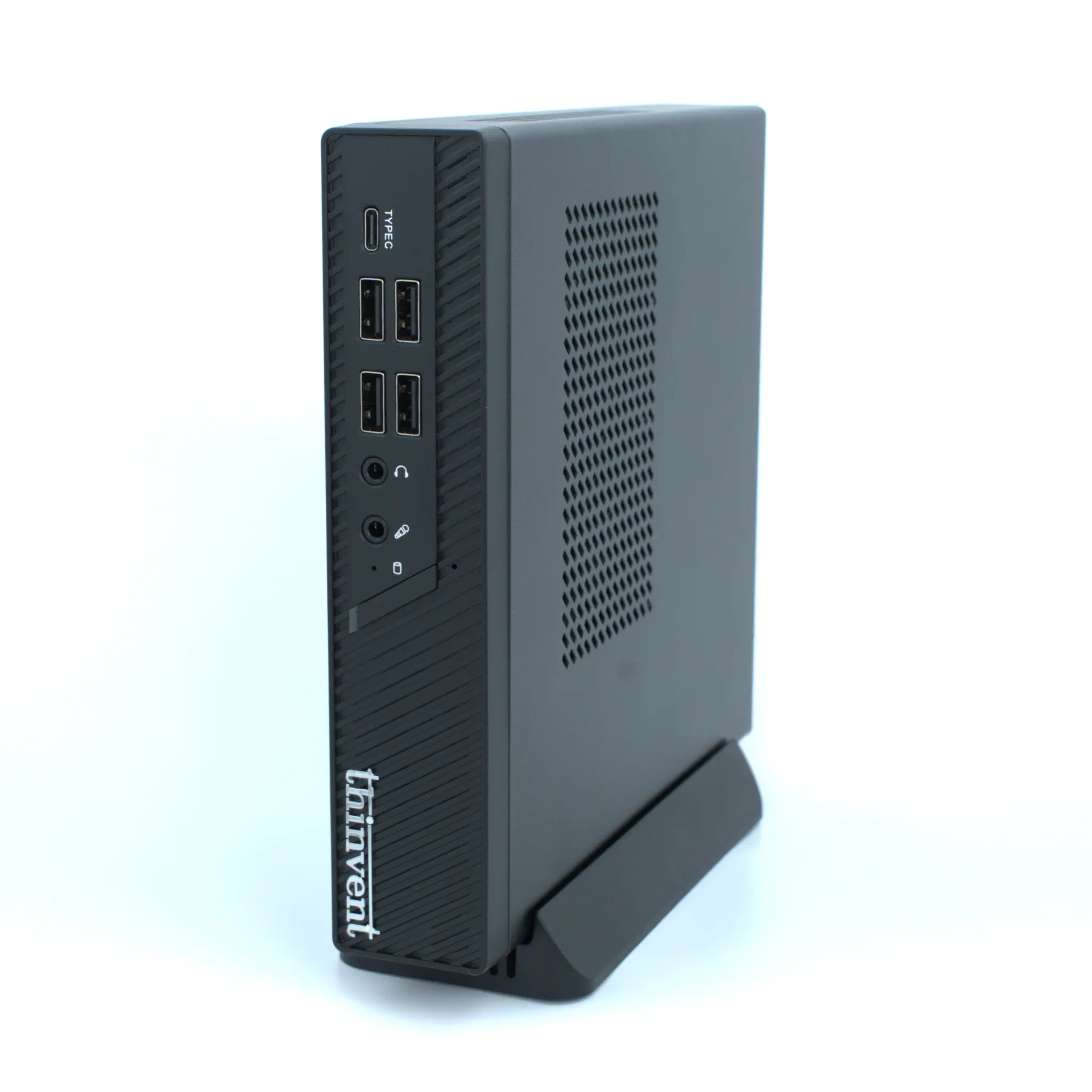
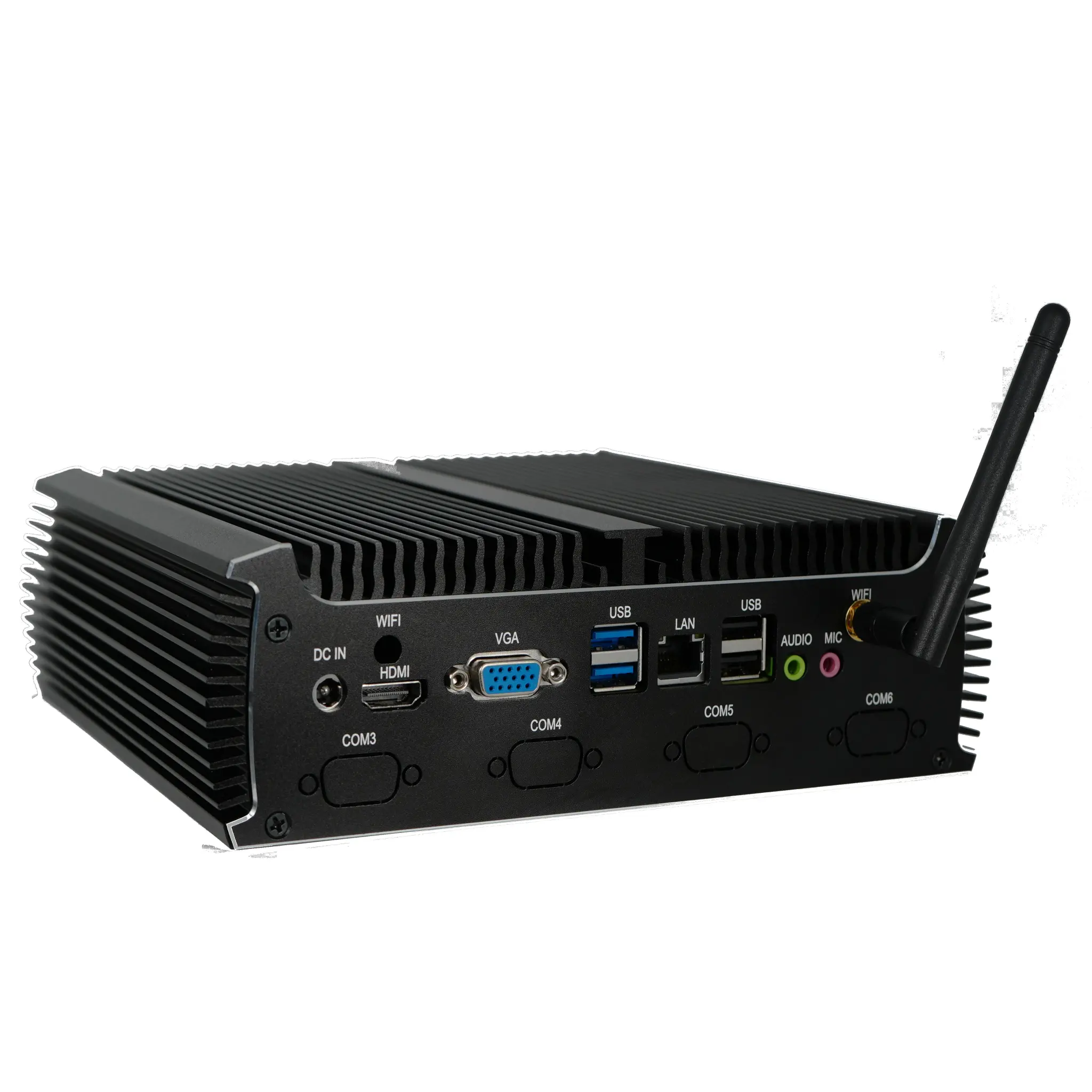
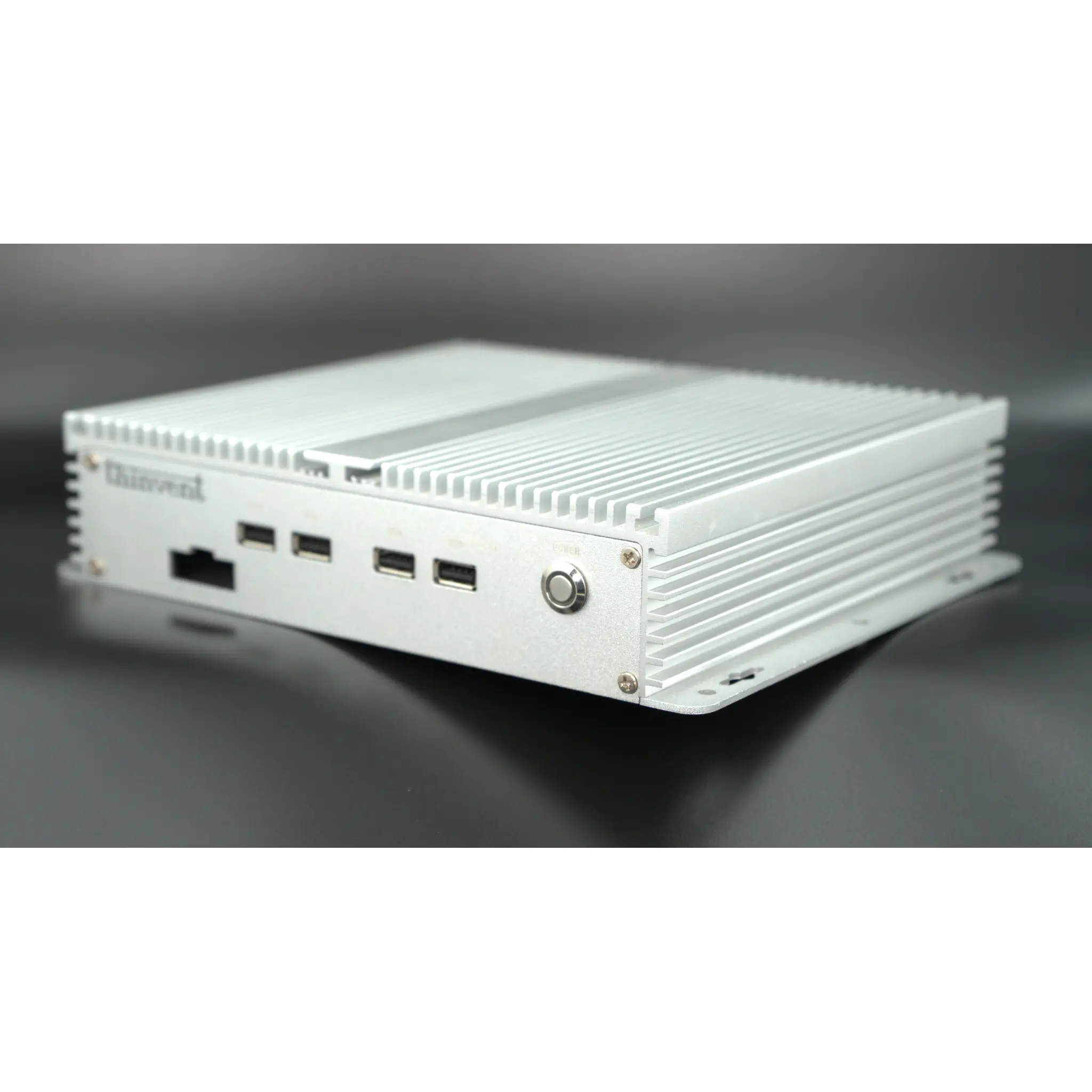
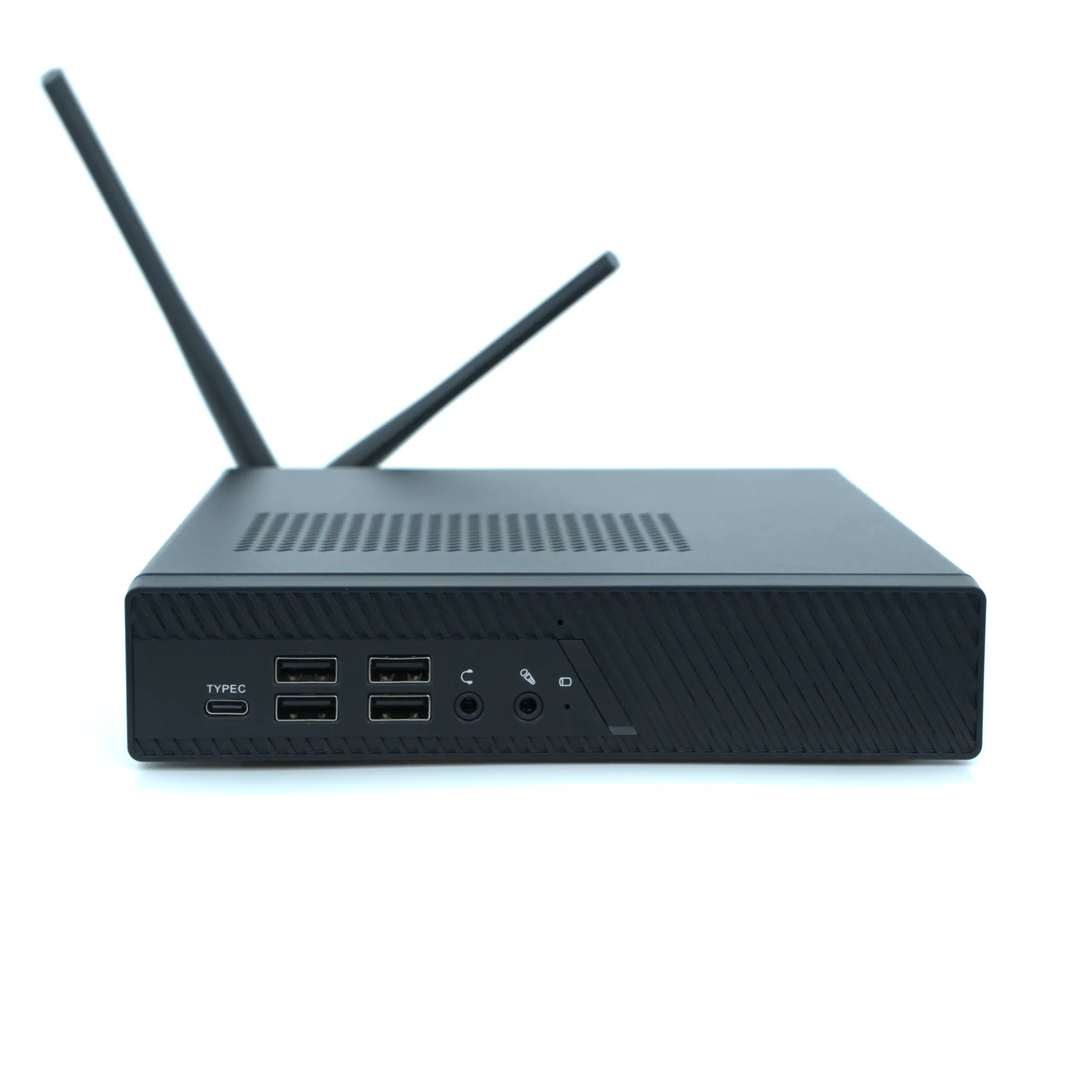
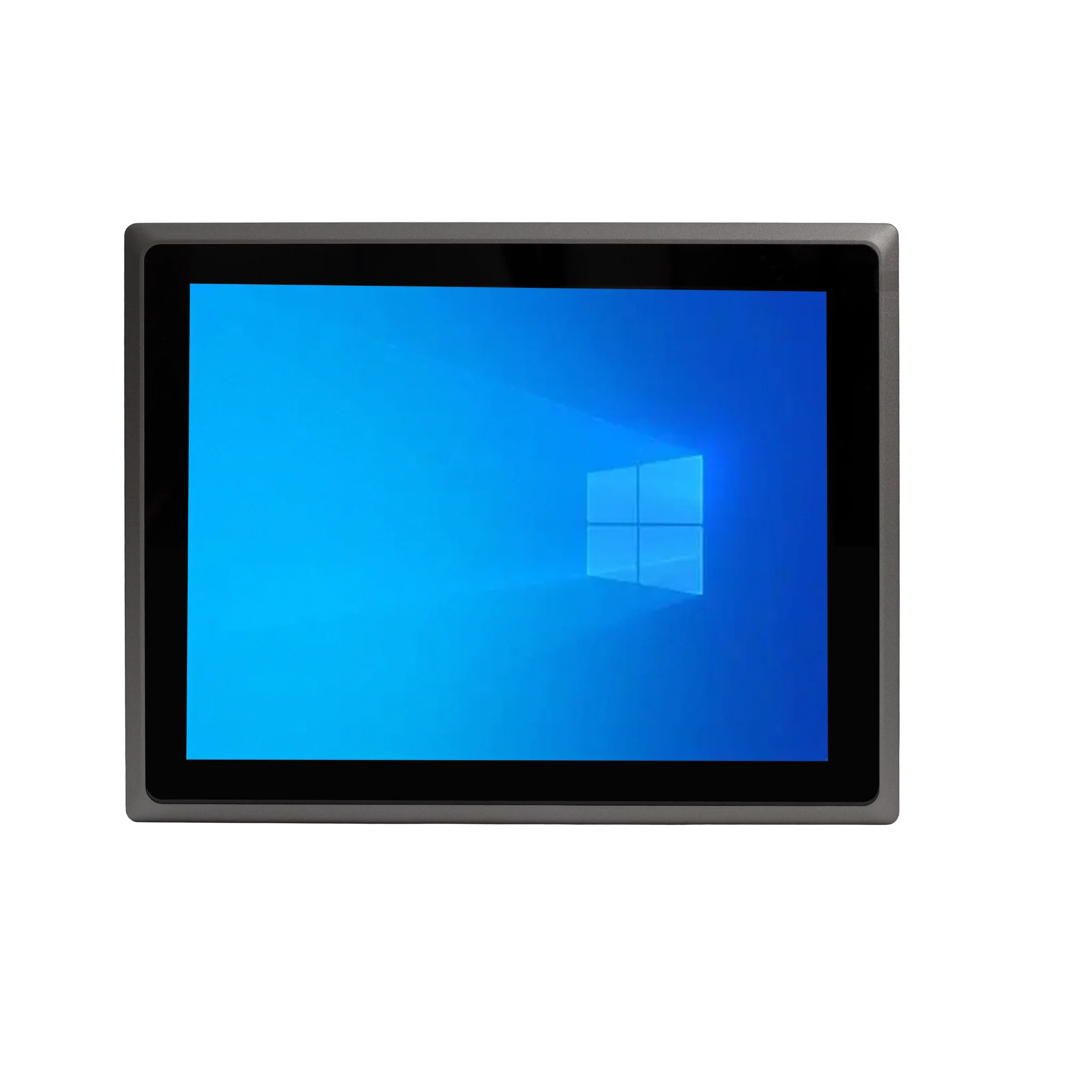
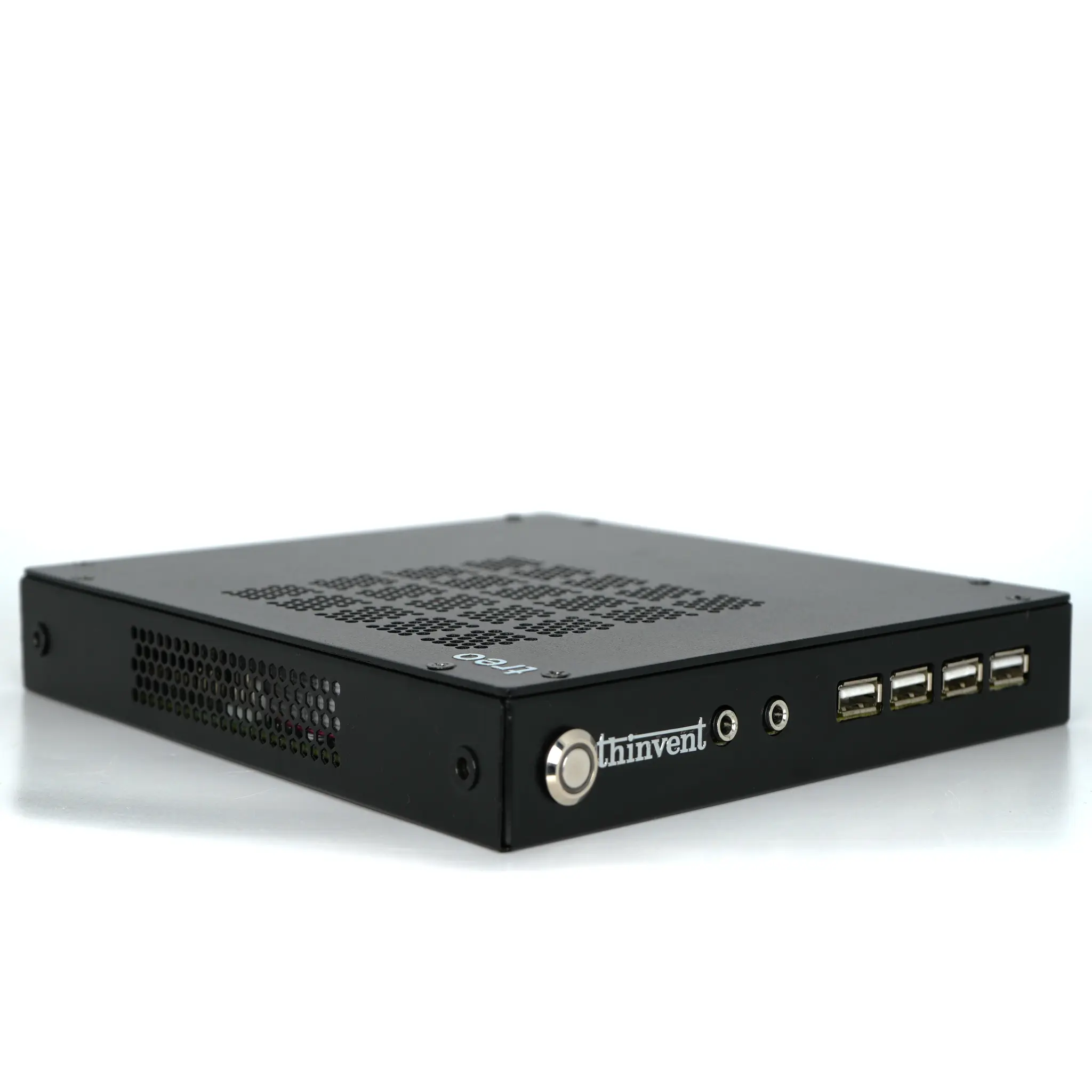
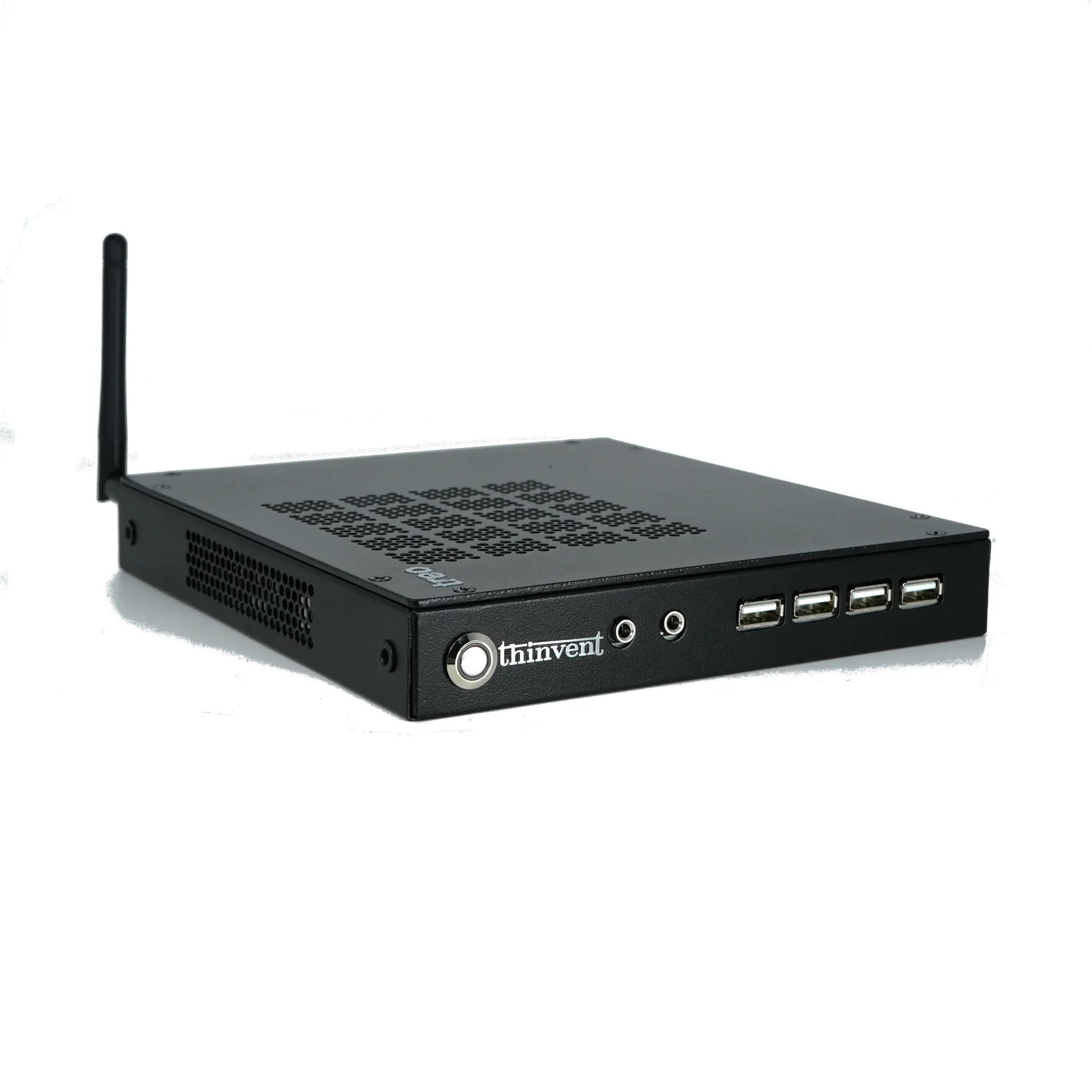
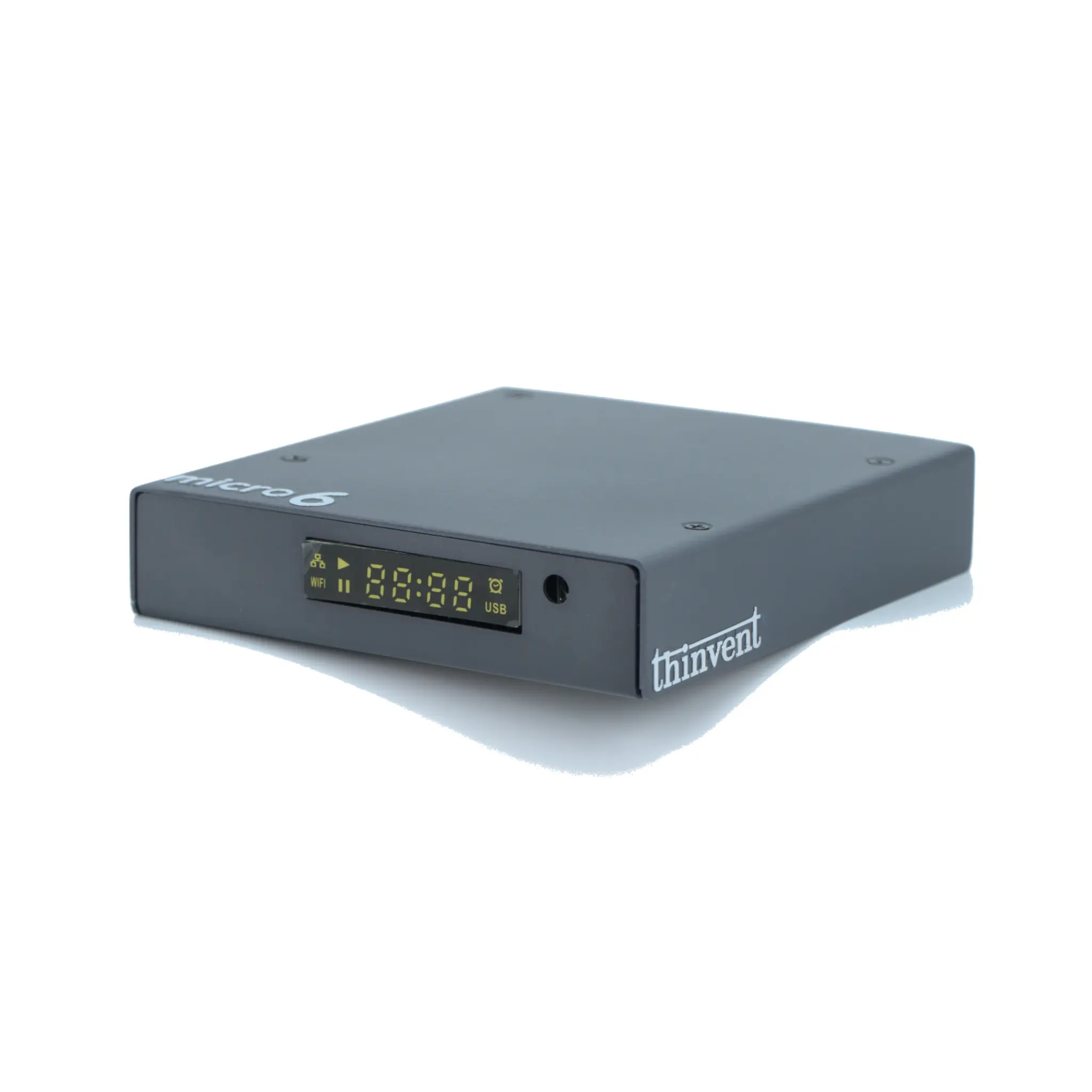
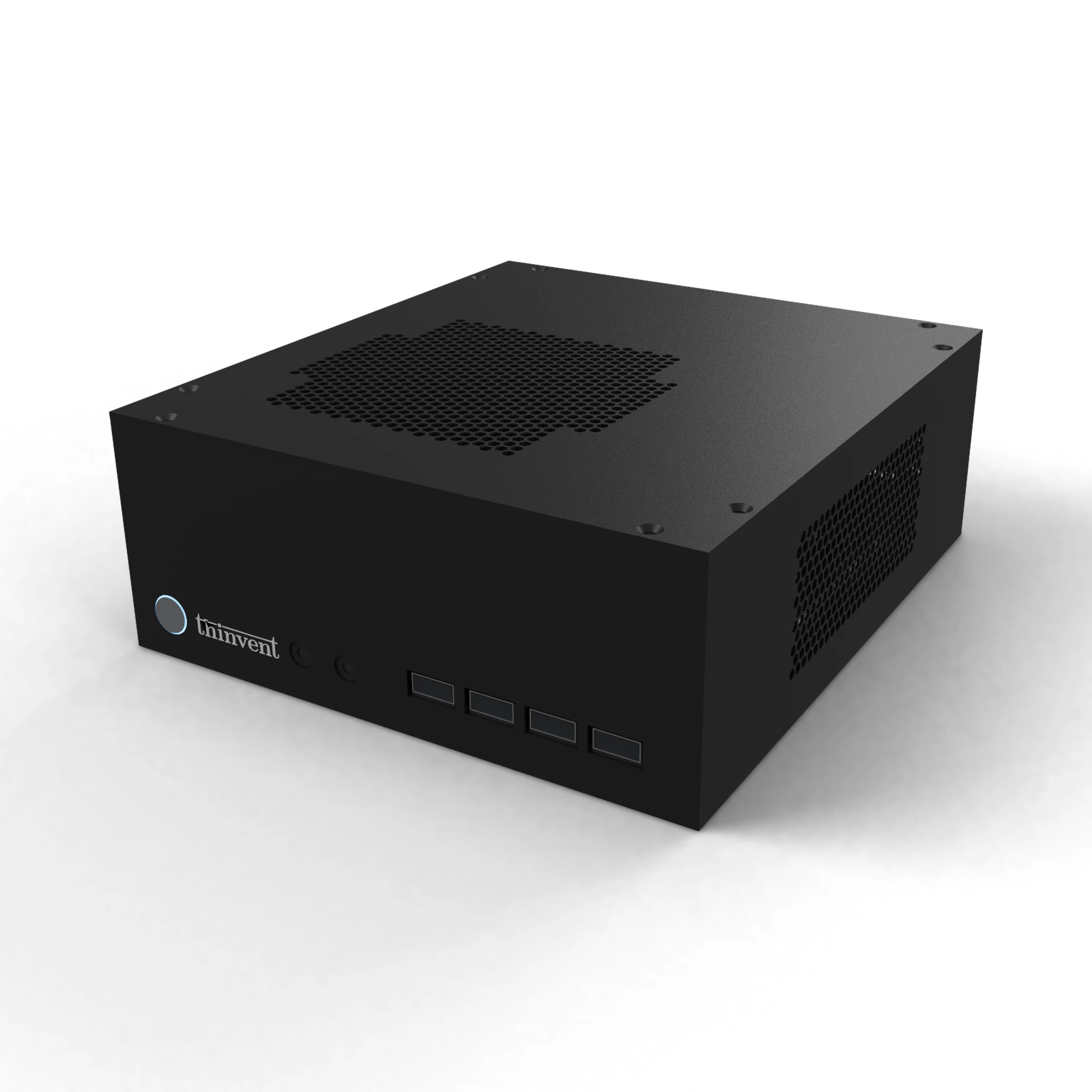
Thinvent's fanless mini PCs, thin clients, industrial computers, and all-in-one PCs are built to run as RDP endpoints or as compact session hosts. With Intel processors, up to 16 GB DDR4 memory, and SSD storage, they handle Remote Desktop client workloads smoothly and can serve as reliable hosts for multi-session setups in labs, classrooms, and offices. Options across Windows 11 Pro, Ubuntu Linux, and Thinux embedded Linux let you match the operating system to your RDP strategy, while fanless, dust-tolerant designs keep them running in workshops and industrial floors where conventional PCs struggle.