What Is a Touchscreen Monitor PC?
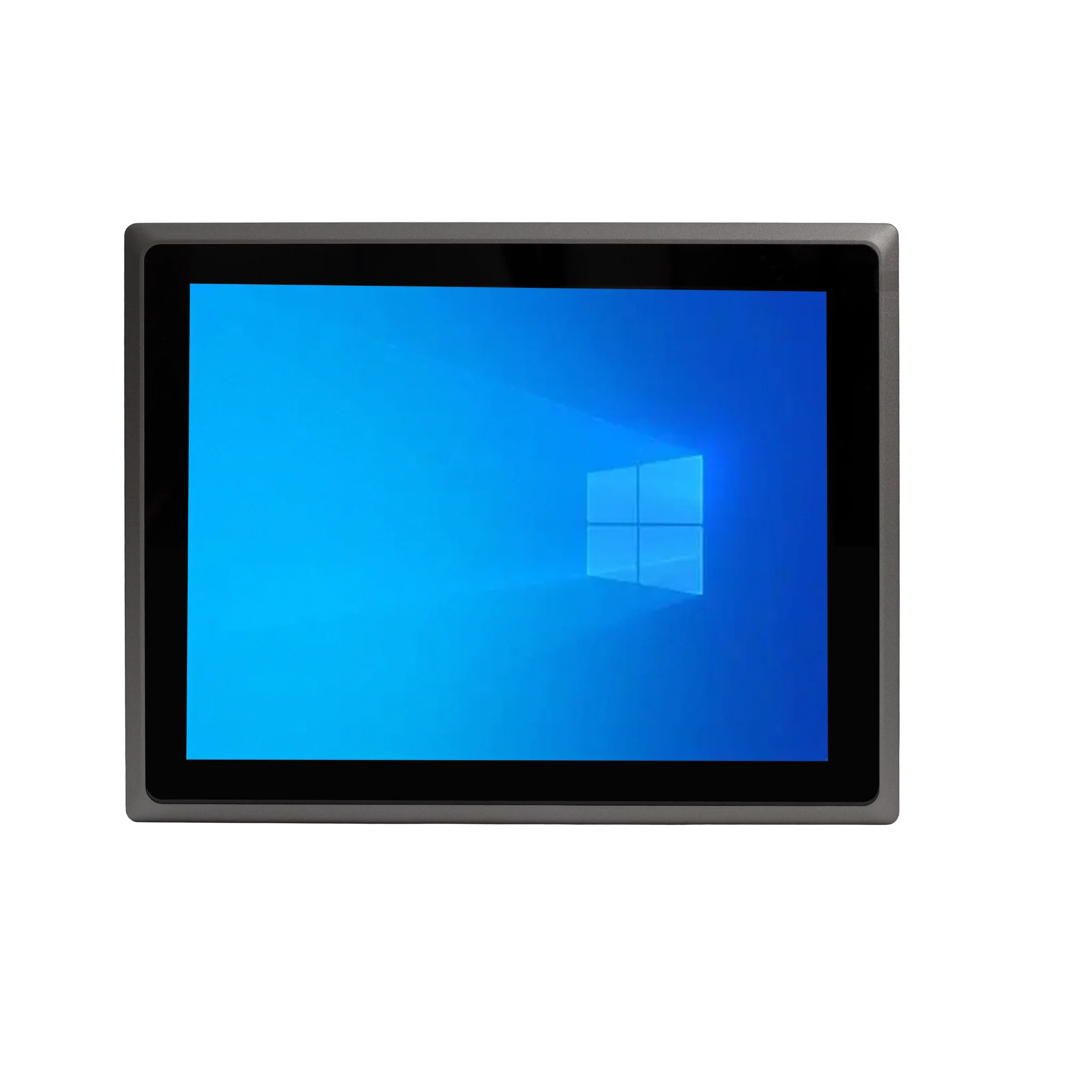
A touchscreen monitor PC is a computer with a display that accepts direct finger or stylus input — combining the screen and the system in one unit. Rather than plugging a separate monitor into a desktop tower or mini PC, the display itself is the computer. This all-in-one approach saves desk space, removes cable clutter, and makes interaction faster for tasks where a keyboard and mouse are awkward, such as point-of-sale billing, kiosk navigation, or shop-floor data entry.
How Touchscreen PCs Work
Most industrial and commercial touchscreen PCs use projected capacitive (PCAP) touch panels, the same technology found in smartphones and tablets. A grid of transparent electrodes sits over the LCD panel; when a finger touches the glass, it changes the local capacitance and the controller reports the coordinates to the operating system. PCAP panels support multi-touch gestures, are sealed against dust and moisture, and have no moving parts — unlike older resistive touch layers that flex under pressure and wear out over time.
Typical Specifications
| Feature | Common Options |
|---|---|
| Screen size | 21.5", 23.8" (also smaller panel sizes) |
| Touch technology | Projected capacitive (PCAP), multi-touch |
| Processor | Intel Celeron, N-series, Core i3 / i5 |
| Memory | 4 GB to 32 GB DDR4 |
| Storage | 128 GB to 1 TB SSD |
| Operating system | Windows 11 Pro, Ubuntu Linux, without OS |
| Mounting | VESA mount, panel mount, stand or wall bracket |
| Connectivity | Gigabit Ethernet, HDMI, USB 3.2, USB-C |
Where Touchscreen Monitor PCs Are Used
-
Retail and hospitality: point-of-sale terminals, self-service ordering, queue management.
-
Industrial control: HMI panels on production lines, machine monitoring, SCADA dashboards.
-
Healthcare: patient check-in, bedside information, clinical data capture.
-
Logistics and warehousing: rugged terminals for picking, dispatch and inventory.
-
Public access: information kiosks, ticketing machines, visitor management.
-
Education and meeting rooms: interactive displays and collaborative whiteboards.
Because the screen and the computer are one sealed unit, these systems are easier to clean, harder to tamper with, and simpler to deploy in locations where a separate tower and monitor would be impractical.
Choosing the Right Configuration
Match the processor and memory to the software you intend to run: a kiosk or POS application is comfortable on a 4-core Intel Celeron or N-series chip with 8 GB of RAM, while multi-window dashboards, video playback or virtualisation benefit from a Core i3/i5 with 16 GB or more. Storage should be solid-state for reliability in vibration-prone or 24×7 environments. Consider whether you need a fanless design for dusty locations, dual Gigabit Ethernet for network redundancy, and whether the operating system should be Windows 11 Pro, Ubuntu Linux, or supplied without an OS so you can image your own.
Thinvent Touchscreen and All-in-One PCs
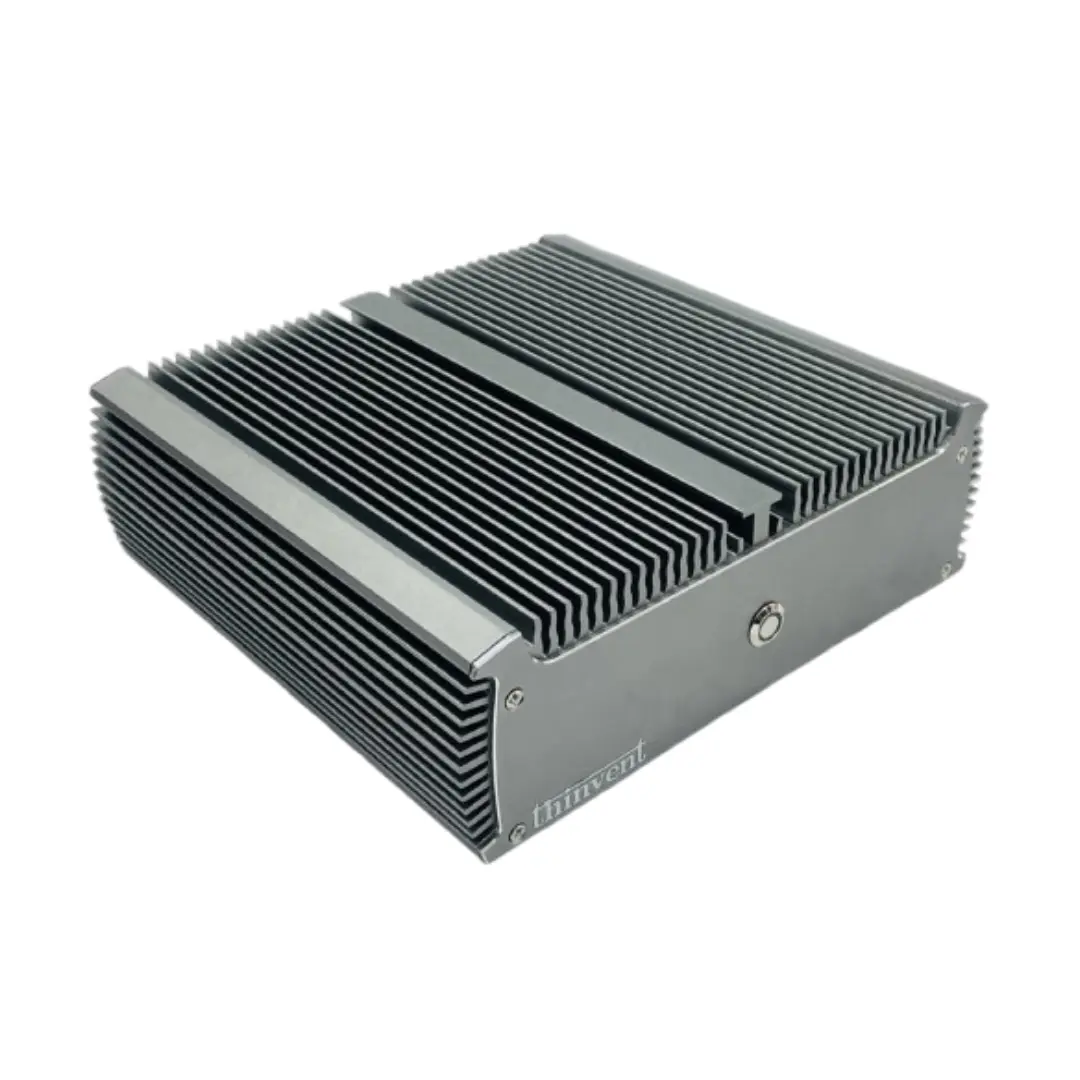
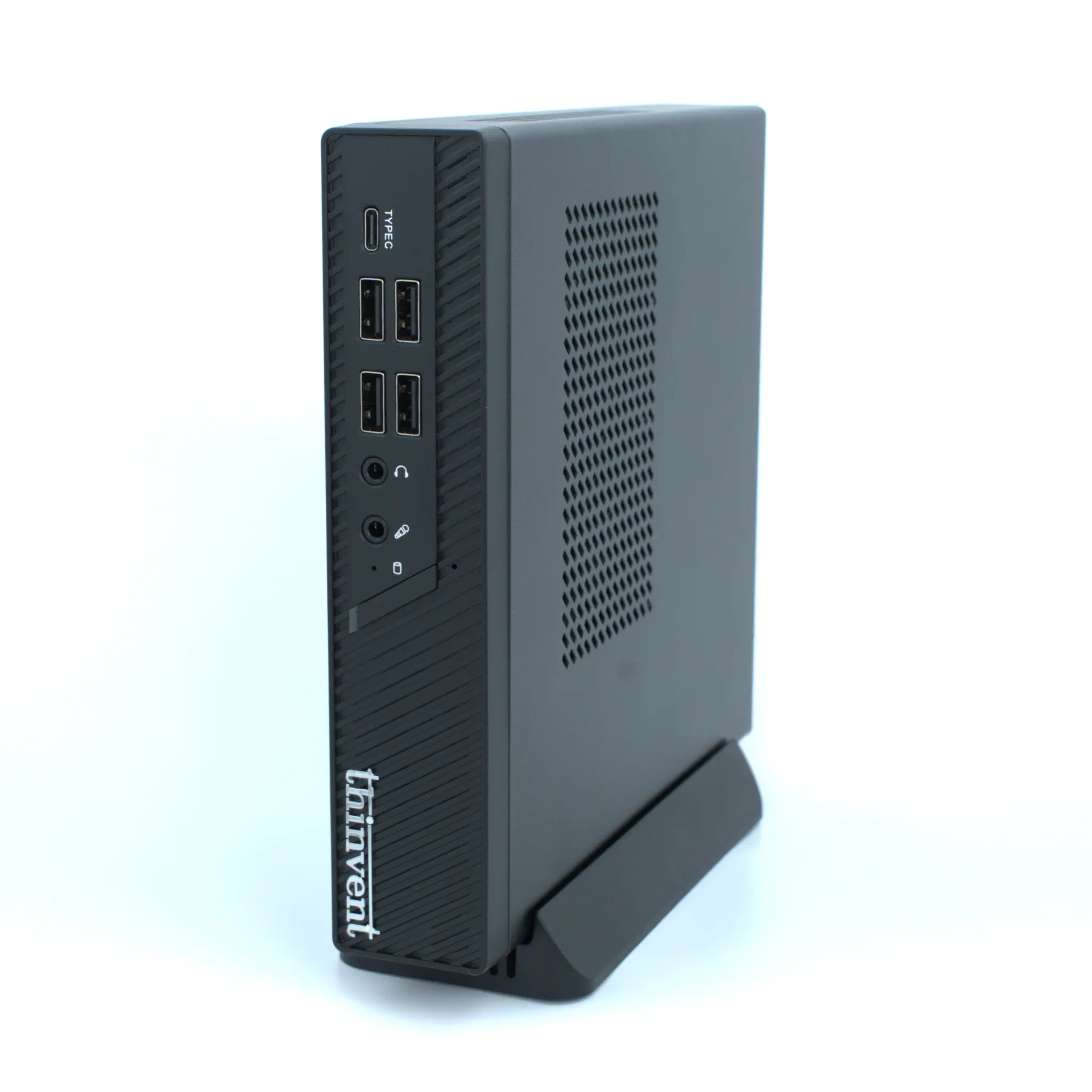
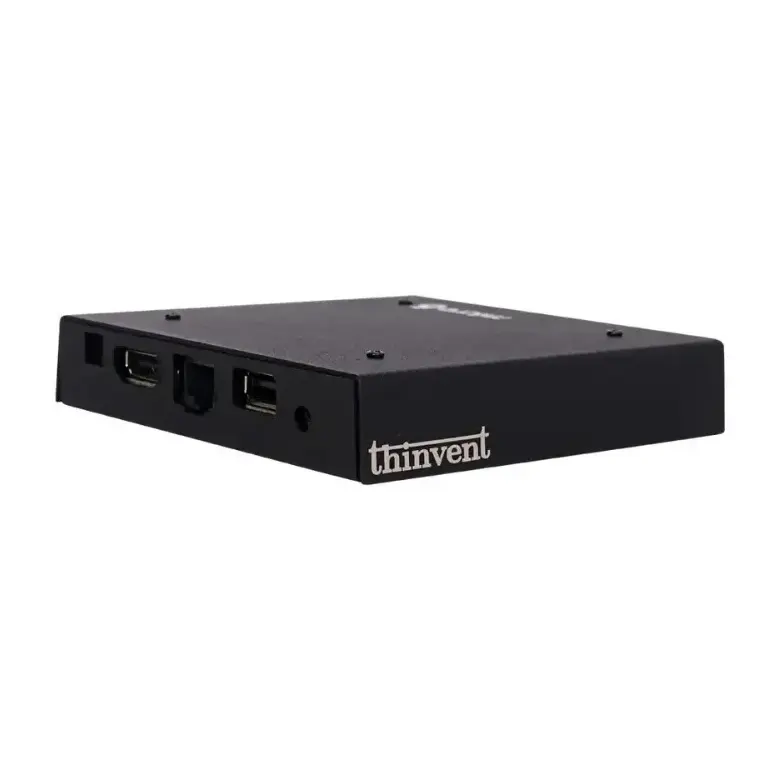
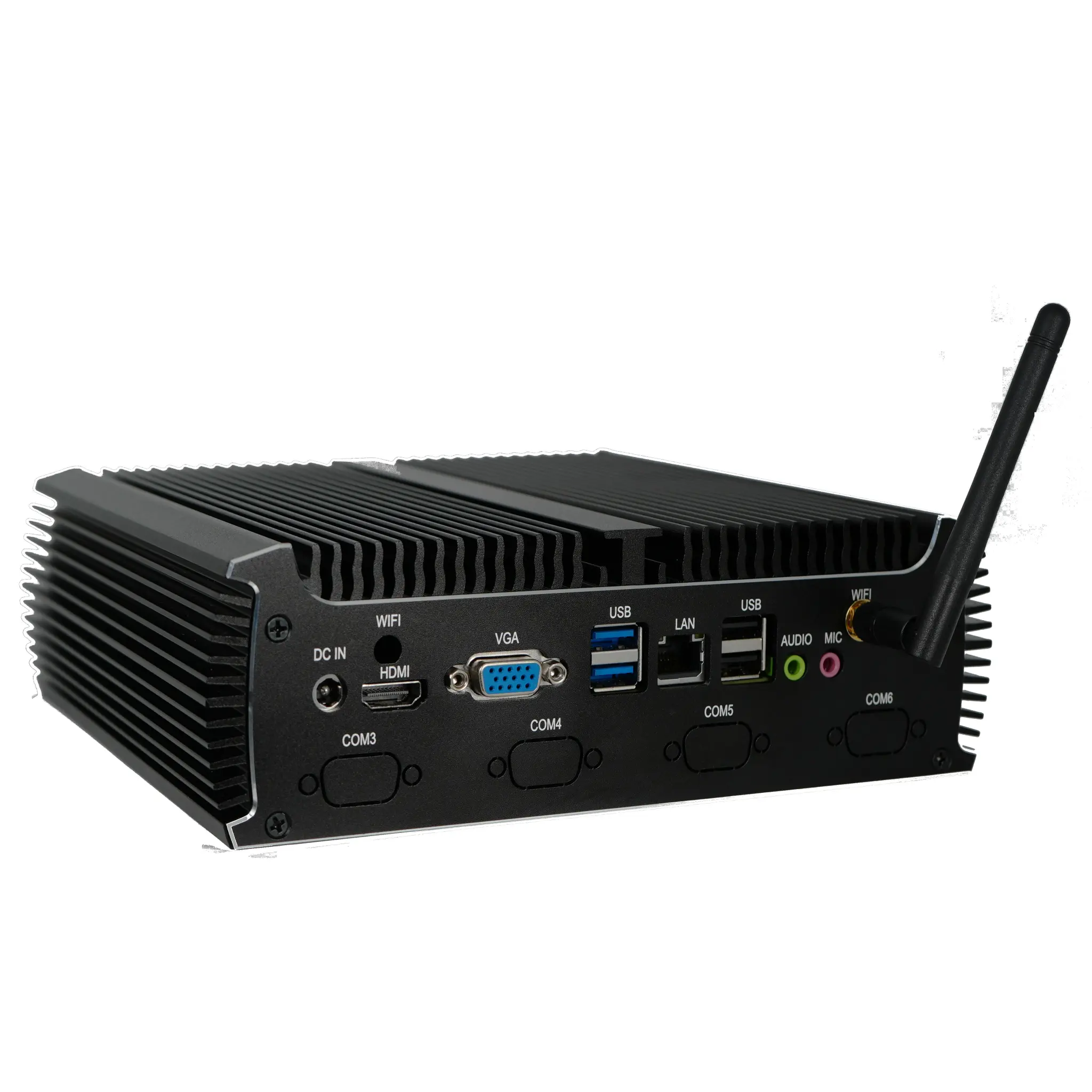
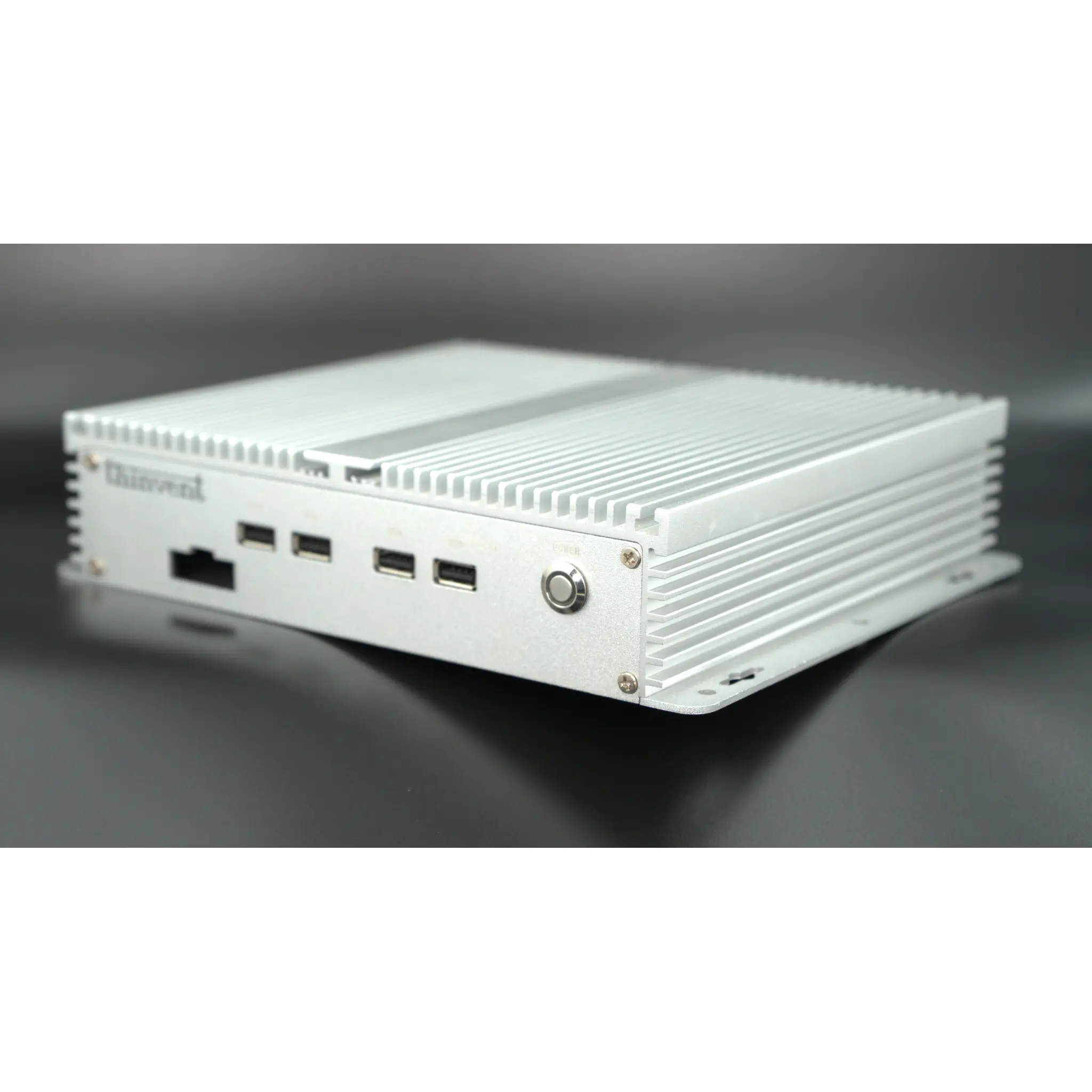
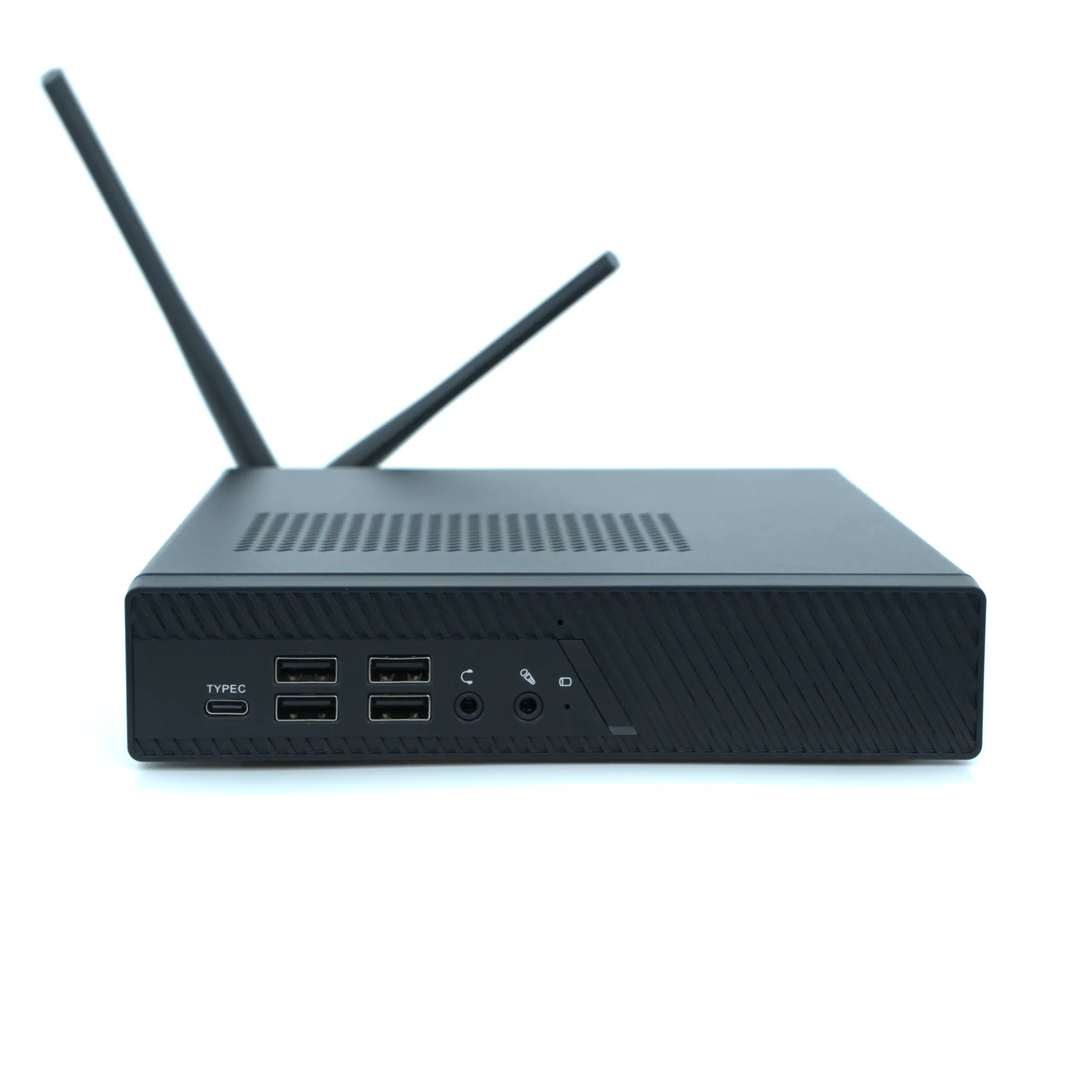
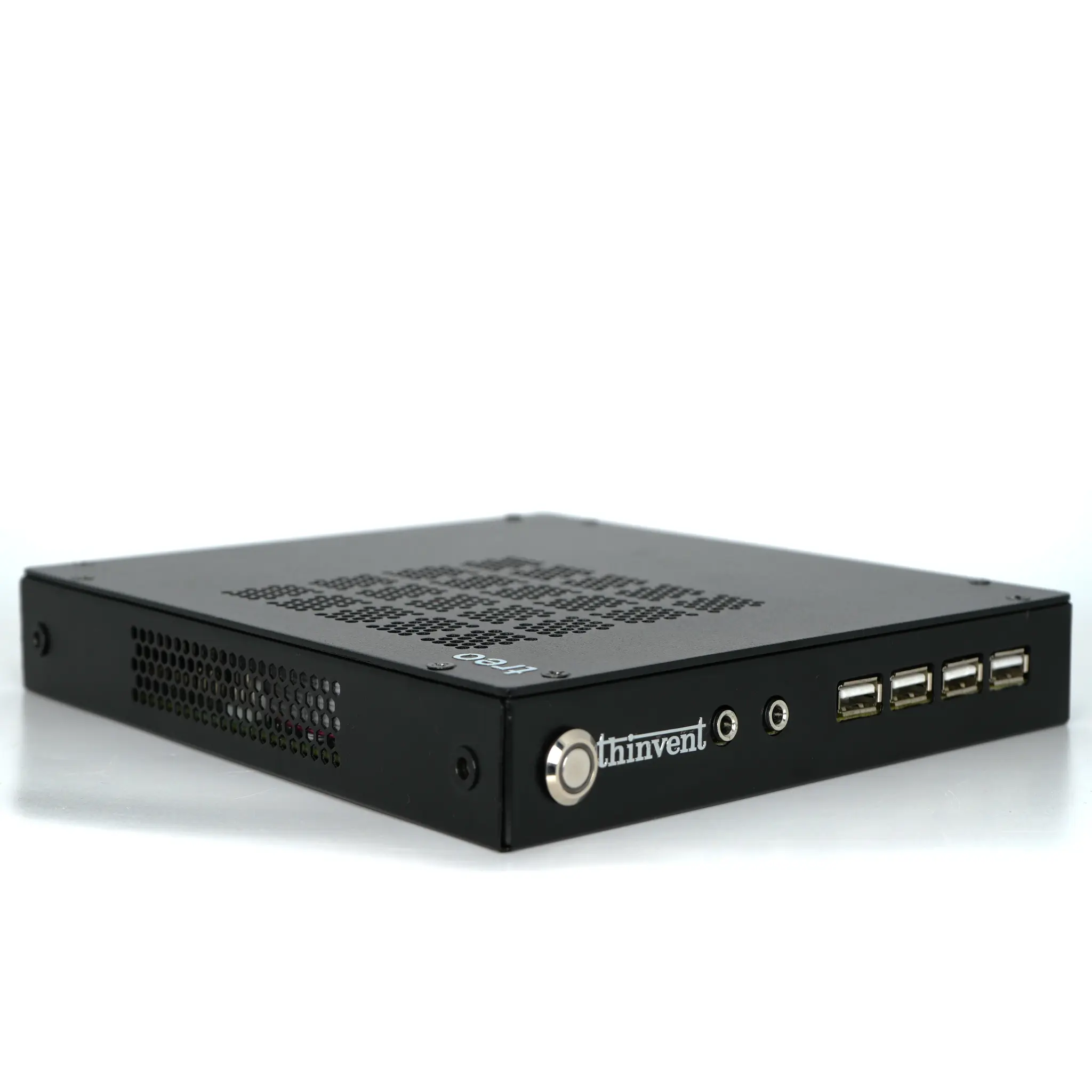
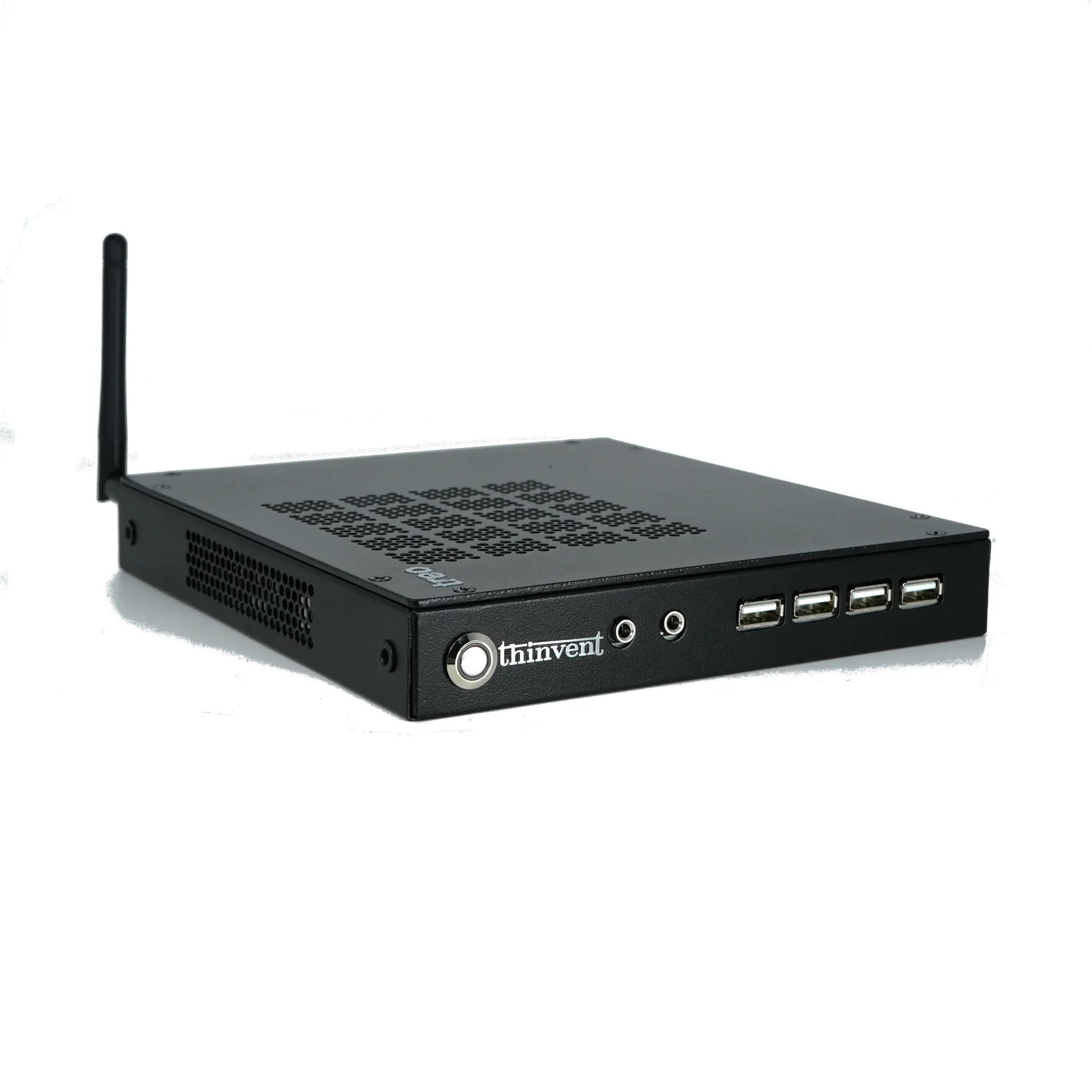
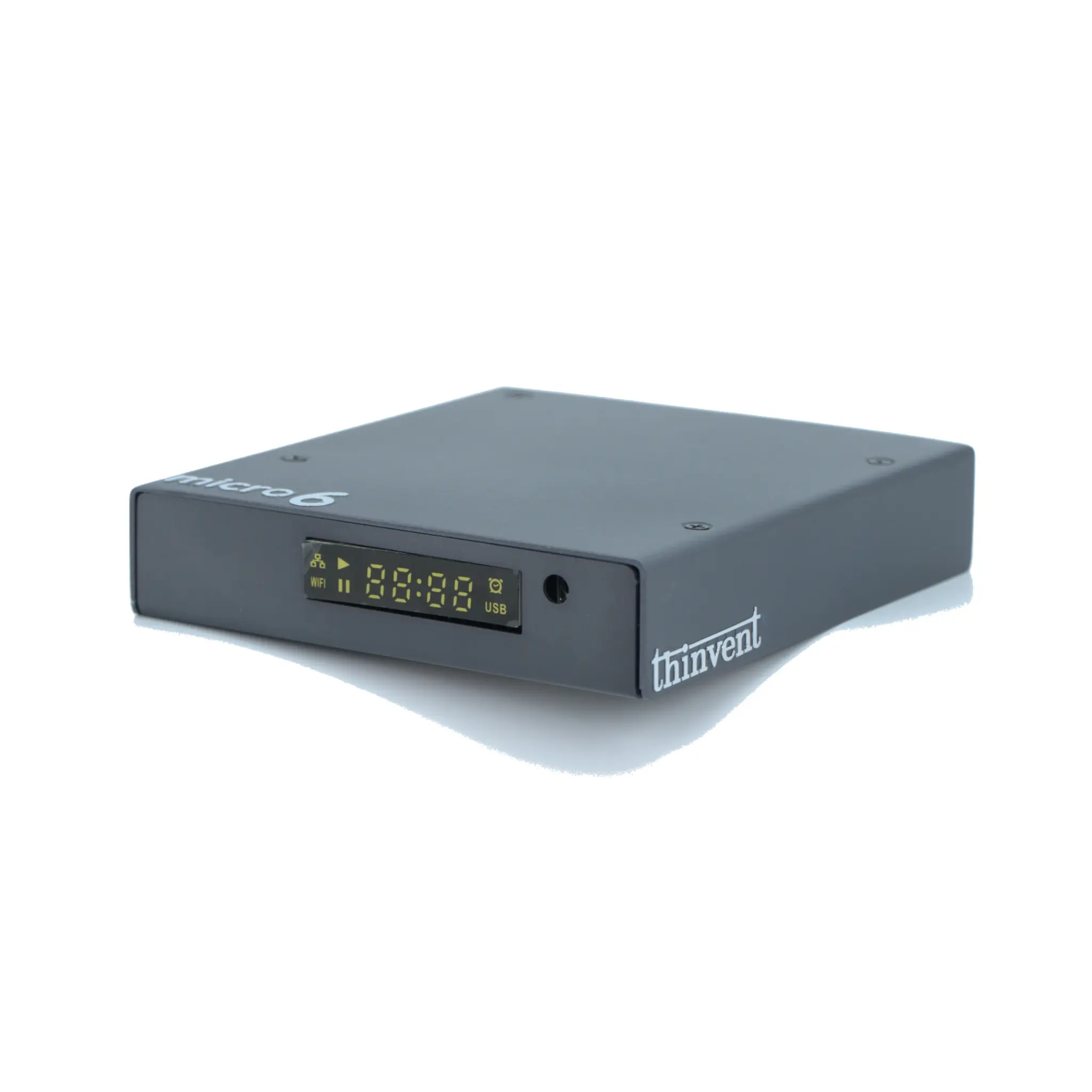
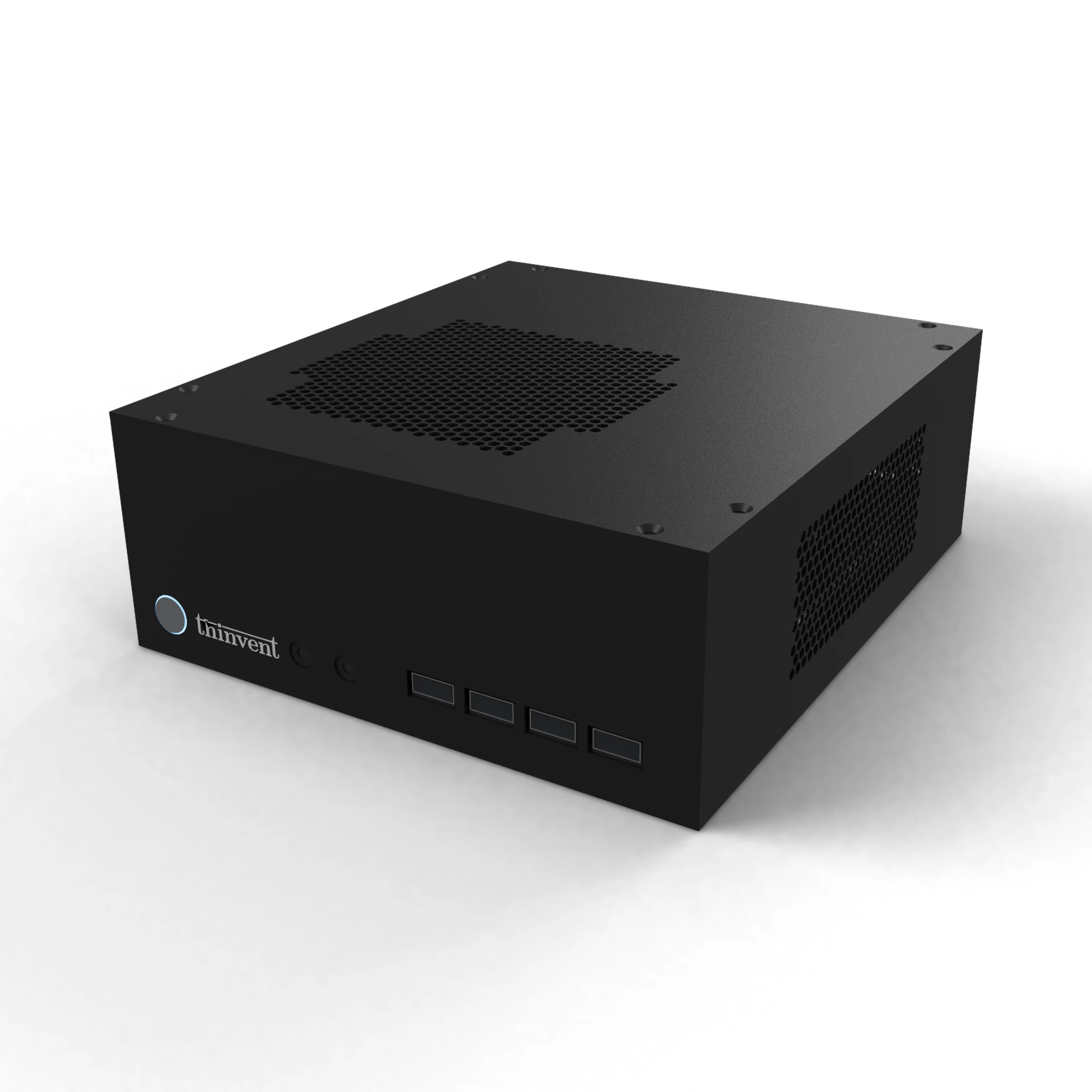
Thinvent builds all-in-one PCs and touchscreen monitor computers for industrial, retail and institutional use, alongside the mini PCs and thin clients that can drive external touch displays. Configurations span Intel processors, 4 GB to 32 GB memory, SSD storage, Windows 11 Pro, Ubuntu Linux 24.04 LTS or no operating system, with Gigabit Ethernet, HDMI and USB-C connectivity. Units are designed for continuous operation, VESA and panel mounting, and long-term availability so deployments stay consistent over their service life.