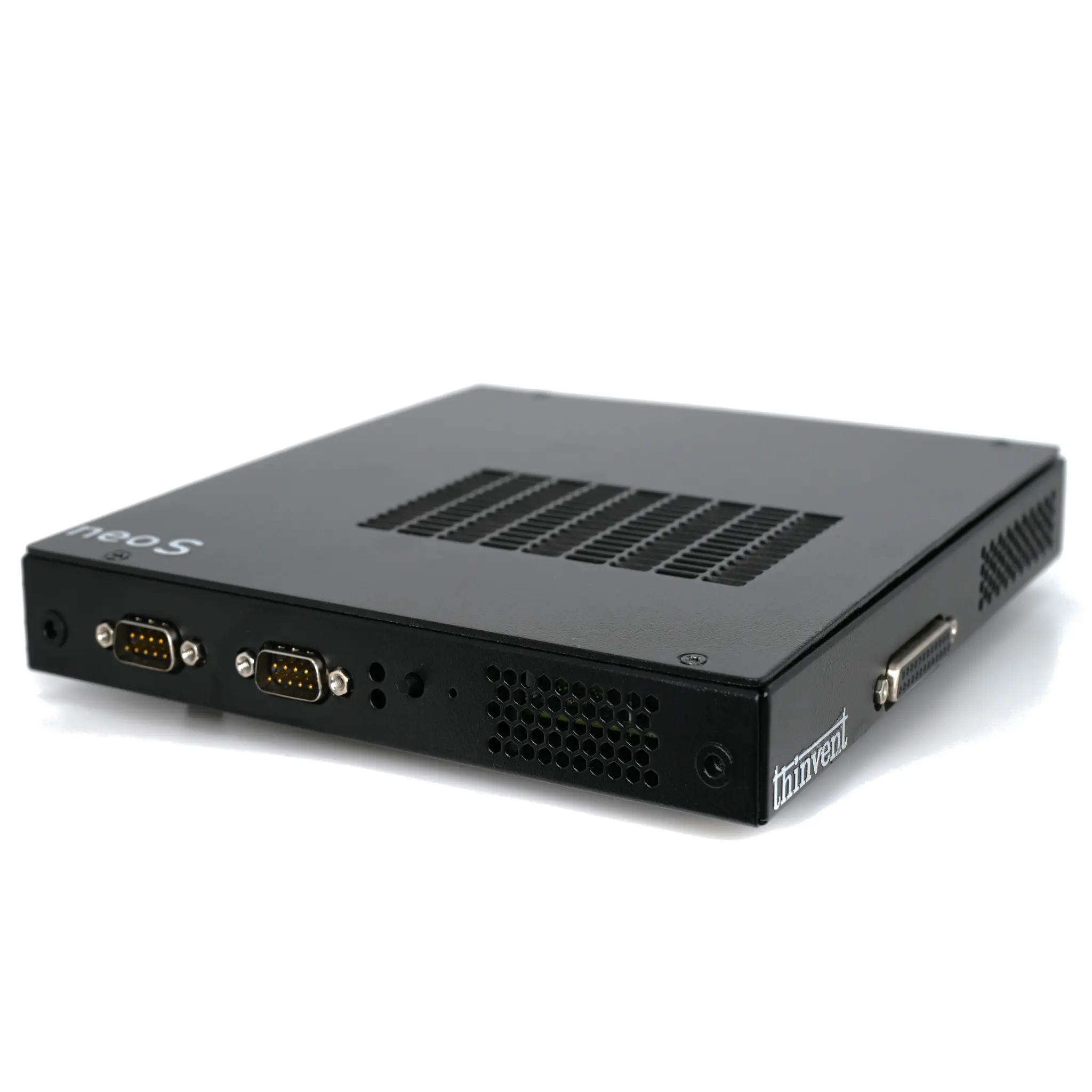
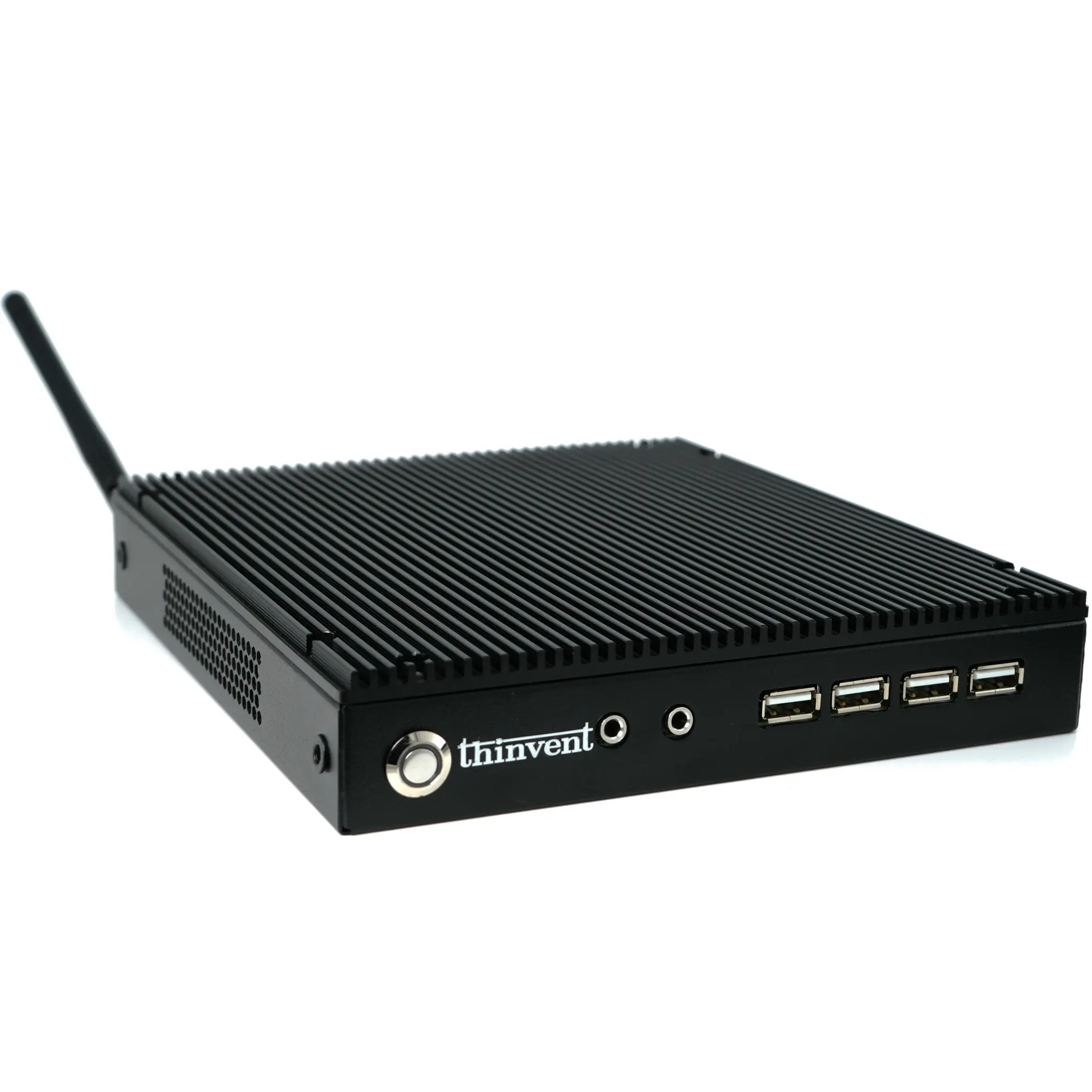
What is a VDI Client?
A VDI (Virtual Desktop Infrastructure) client is a compact, low-power endpoint device designed to connect to a centralized virtual desktop hosted on a server. Instead of running applications locally, the VDI client acts as a terminal, displaying the desktop environment and sending user inputs (keyboard, mouse) back to the server. This architecture centralizes computing, data, and management, offering significant advantages in security, cost, and IT efficiency.
Key Specifications for VDI Clients
The ideal VDI client prioritizes reliable connectivity, efficient processing for decoding video streams, and a small physical footprint. Key technical specifications include:
-
Processor: Modern, low-power CPUs with integrated graphics (e.g., Intel N-series) are ideal. They provide ample performance for protocol decoding (like Citrix HDX, VMware Blast, Microsoft RDP) without excessive heat or power draw.
-
Memory (RAM): 4GB to 16GB is typically sufficient, as the OS and connection broker run locally, while the main workload is on the server.
-
Storage: A small SSD (128GB or 256GB) is adequate for the host operating system and client software.
-
Connectivity: Dual Gigabit Ethernet ports are valuable for network redundancy or segmentation. Multiple video outputs (HDMI, DisplayPort) support multi-monitor setups.
-
Form Factor: Fanless, compact designs like mini PCs or thin clients are preferred for silent operation and space-saving deployment in offices, call centers, or digital signage applications.
VDI Use Cases and Applications
VDI clients are deployed across various industries to streamline IT management and enhance security:
-
Corporate Offices & Call Centers: Provide standardized, secure desktops to employees, allowing remote access and simplifying software updates.
-
Healthcare (Hospitals, Clinics): Enable access to patient records and medical applications from any terminal while keeping sensitive data secured on central servers.
-
Education: Deploy in computer labs and libraries for a consistent learning environment, easy software deployment, and reduced device maintenance.
-
Manufacturing & Retail: Power kiosks, point-of-sale systems, and control panels with robust, fanless devices that can operate in diverse environments.
Choosing the Right VDI Client
Selecting a device depends on your virtualisation protocol and user requirements. For general task workers, an efficient quad-core processor is perfect. For power users needing multiple high-resolution monitors, a client with stronger integrated graphics and more video outputs is necessary. A comparison of common profiles can help:
| User Profile | Recommended CPU Series | Recommended RAM | Key Features |
|---|---|---|---|
| Task Worker / Call Center | Intel N-series (N100, N95) | 8GB | Fanless, low power, dual display support |
| Knowledge Worker / Office | Intel i3 / i5 (10th Gen+) | 16GB | Robust multi-tasking, triple display output |
| Power User / Developer | Intel i5 / i7 (12th Gen+) | 32GB+ | High core count, advanced graphics for GPU-accelerated tasks |
Thinvent Solutions for VDI
Thinvent offers a comprehensive range of industrial-grade mini PCs and thin clients perfectly suited for demanding VDI deployments. Our devices feature fanless designs for silent and reliable 24/7 operation, a wide array of connectivity options including dual LAN ports, and support for all major operating systems including Windows IoT, Windows 11 Pro, and various Linux distributions. Built with industrial components, Thinvent VDI clients ensure long-term stability in corporate, healthcare, and educational environments, providing a cost-effective and manageable endpoint solution for your virtual desktop infrastructure.