What is a Windows 365 Thin Client?
A Windows 365 Thin Client is a compact, energy-efficient endpoint device specifically optimized to connect users to their Cloud PC on Microsoft's Windows 365 service. Unlike a traditional PC that runs a full, local operating system and applications, a thin client for Windows 365 primarily functions as a secure gateway, streaming the complete Windows desktop experience—including apps, data, and settings—from the Microsoft cloud. This architecture centralizes management and security while delivering a consistent, high-performance experience from any location, on a device with minimal local maintenance.
Key Specifications & How They Matter
For an optimal Windows 365 experience, the thin client must have sufficient hardware to handle the decoding of the video stream and run the local connection client smoothly. Key specifications include: * Processor (CPU): Modern Intel processors like the N100 or J4125, with multiple cores, ensure smooth video decoding and responsive performance for the streaming session. * Memory (RAM): Adequate RAM (typically 4GB minimum, 8GB or more recommended) allows the local OS (like Windows 11 IoT/Pro) and connection client to run without bottlenecks. * Local Storage (SSD): While most data lives in the cloud, local SSD storage (32GB to 1TB) is used for the host operating system, client software, and caching, directly impacting boot and login times. * Connectivity: Reliable Dual-Band Wi-Fi and/or Gigabit Ethernet are crucial for a stable, high-quality connection to the Cloud PC. Multiple video outputs (HDMI, VGA) provide flexibility for multi-monitor setups.
Ideal Use Cases and Applications
Windows 365 Thin Clients are perfect for scenarios requiring security, manageability, and consistent access. Common applications include: * Modern Workspaces: For hybrid/remote work, allowing employees to access their powerful, personalized Cloud PC from a simple, secure device at home or in hot-desking offices. * Call Centers & Frontline Work: Providing agents with a standardized, secure desktop that is easy to deploy, manage, and replace, with no risk of local data loss. * Education & Training Labs: Enabling students to access specialized software from any lab terminal or device, with sessions resetting cleanly after each use. * Healthcare & Secure Environments: Minimizing the attack surface by keeping sensitive data in the secured cloud, not on the endpoint device, aiding in compliance.
Comparing Processor Options for Windows 365
The choice of processor in your thin client affects performance and efficiency. Here’s a quick comparison based on the featured models:
| Feature | Intel® Processor N100 (Alder Lake-N) | Intel® Processor J4125 (Gemini Lake Refresh) |
|---|---|---|
| Max Frequency | Up to 3.4 GHz | Up to 2.7 GHz |
| Cache | 6 MB | 4 MB |
| Architecture | More modern, efficient cores | Proven, reliable cores |
| Best For | Users needing snappier performance for richer media or multiple displays. | Cost-effective deployments where standard definition streaming and core tasks are the priority. |
| Power Profile | Generally more power-efficient per clock cycle. | Efficient, with a mature platform. |
Thinvent's Windows 365-Optimized Thin Clients
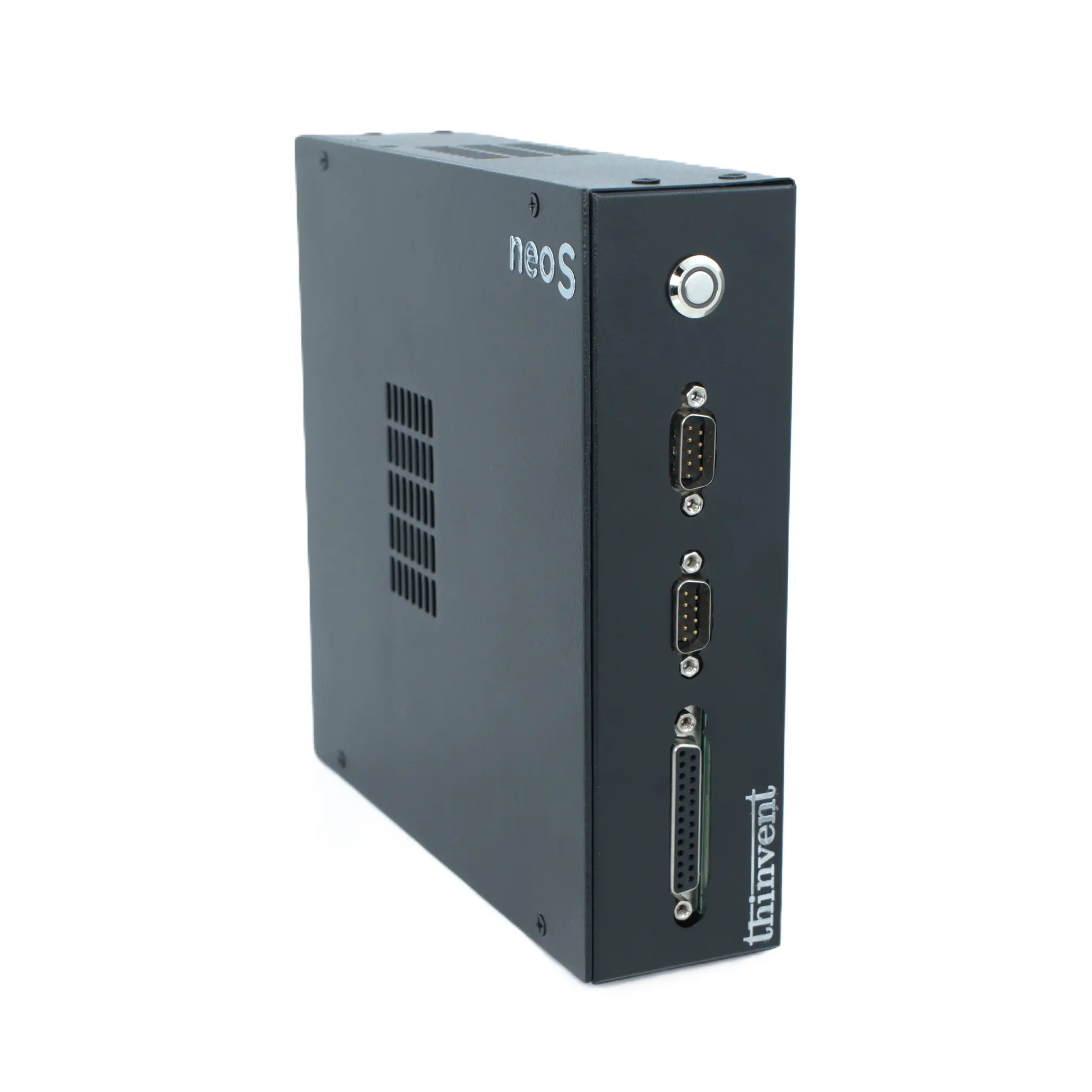
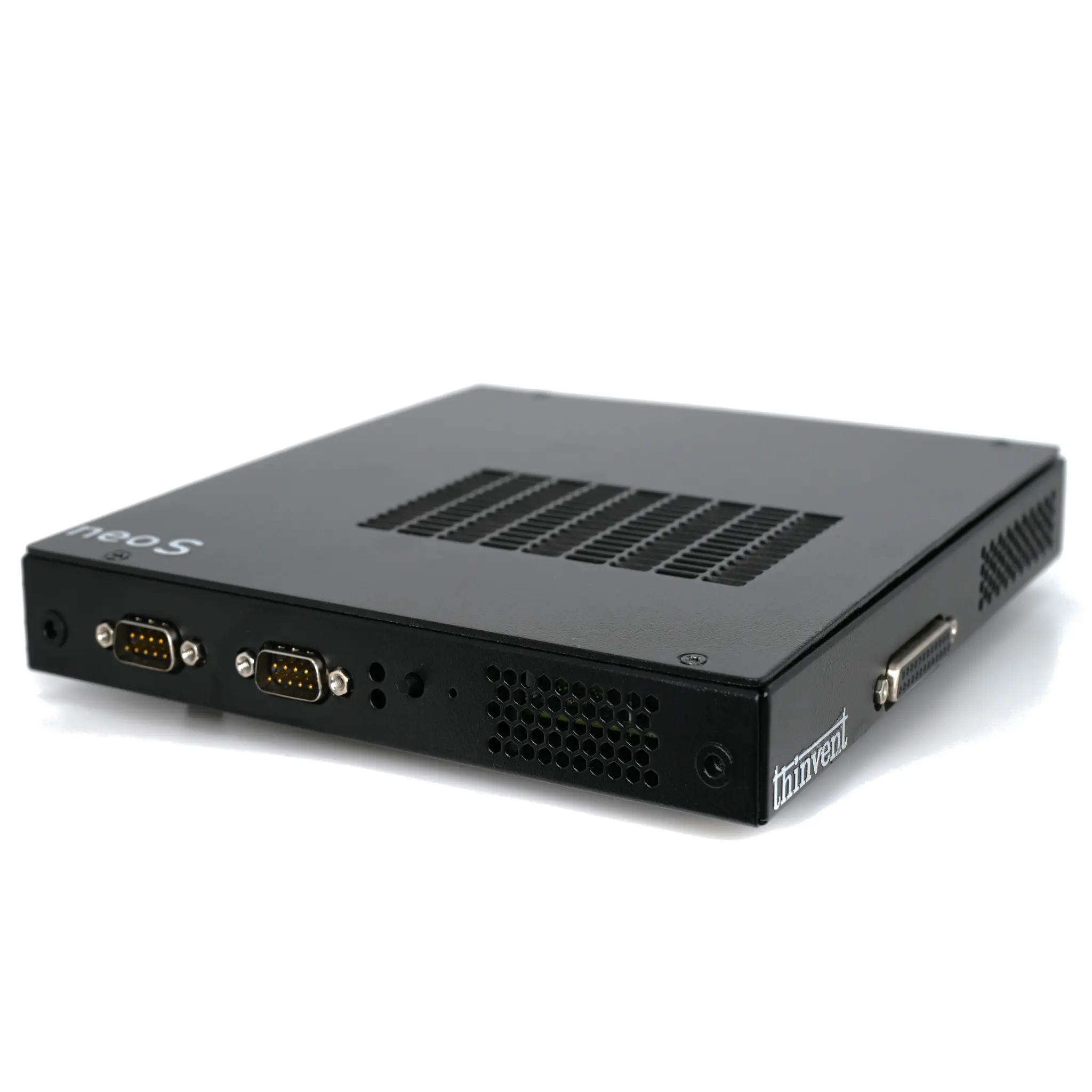
Thinvent offers a comprehensive range of Neo S Thin Client models, manufactured with reliability in our Indian facilities for a global customer base, to serve as perfect endpoints for Windows 365. Our portfolio allows you to select the precise balance of performance, storage, and connectivity to match your organizational needs and user profiles. From entry-level configurations with the Intel J4125 for task workers to high-performance models featuring the Intel N100 processor with 16GB RAM and 1TB SSD for power users, Thinvent provides a scalable solution. Every device comes pre-loaded with a genuine Windows 11 Pro or Windows 11 IoT operating system, ensuring seamless compatibility and a secure foundation for connecting to your Windows 365 Cloud PCs, backed by our global support.