Wyse 3040 Flashing Orange Light – Common Causes and Fixes
A flashing orange light on a Wyse 3040 thin client typically indicates a power or boot failure. This LED behavior can mean the device is not receiving adequate power, the BIOS is corrupted, or the internal hardware has encountered a fault. The orange light often alternates with a white or green LED during normal operation, so a persistent or rhythmic orange flash signals a problem that requires troubleshooting.
Step-by-Step Troubleshooting
- Check the Power Adapter – Ensure you are using the original 12V/2A power supply (model DA-48M12 or equivalent). A weak or failing adapter is the most common cause of an orange flashing light. Try a known-good adapter if available.
- Perform a Hard Reset – Disconnect all cables (power, USB, display), remove the battery if accessible, and press and hold the power button for 30 seconds. Reconnect only power and try to boot.
- Inspect the CMOS Battery – A depleted CR2032 coin cell battery can cause BIOS corruption. Replace it and then attempt a cold boot.
- Test with Minimal Peripherals – Remove all USB devices, SD cards, and external monitors. Boot with only power and a display connected.
- Re-flash the BIOS – If the device powers on but the orange light persists, the BIOS may be corrupted. Use a USB recovery key (download from Dell support) to reinstall the firmware.
When to Consider Replacement
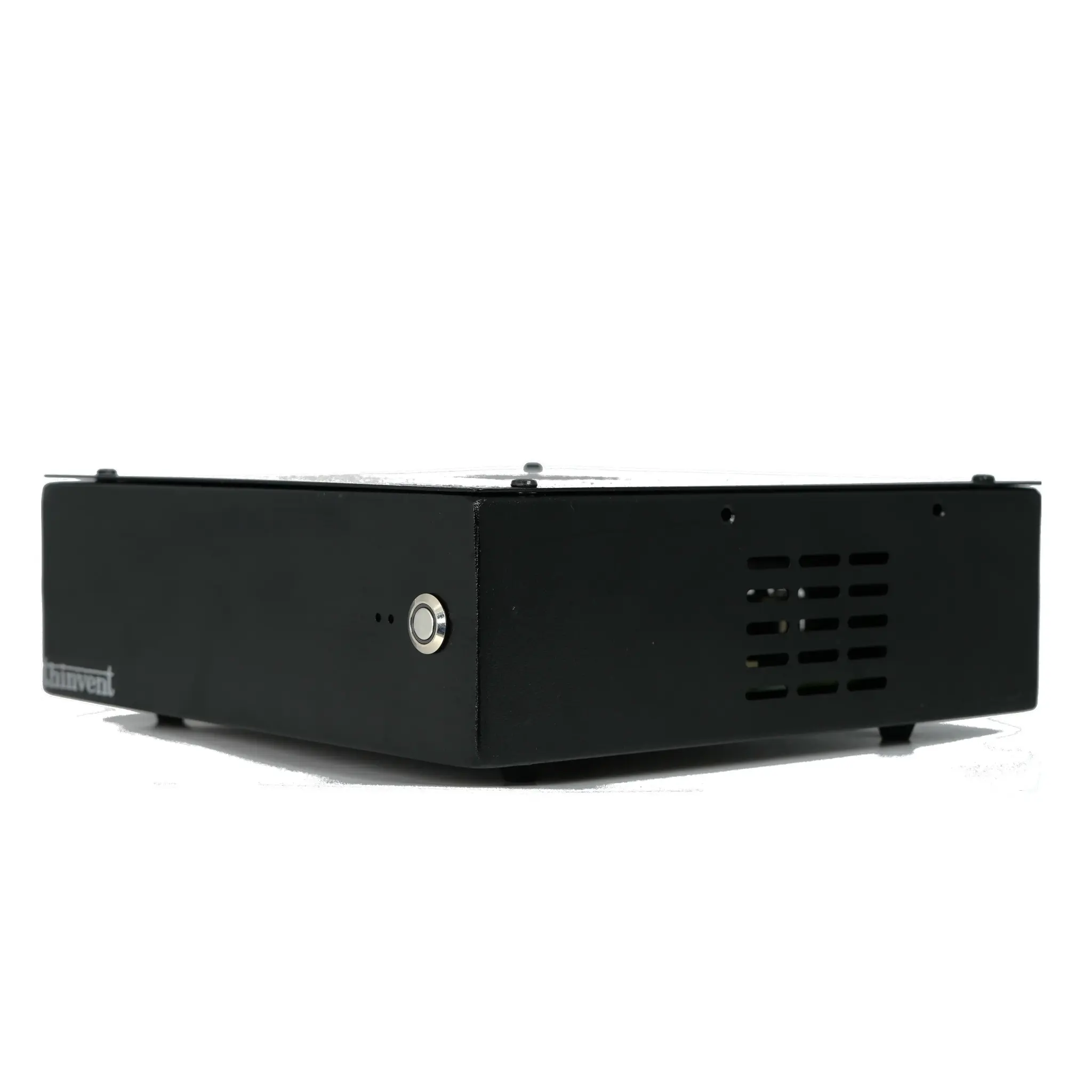
If none of the above steps resolve the flashing orange light, the motherboard or power circuit may be damaged. The Wyse 3040 is a low-power, fanless thin client that can fail due to capacitor aging or power surges. In such cases, replacing the unit with a modern alternative like the Thinvent Aero Mini PC provides a cost-effective upgrade with better performance and reliability.
Thinvent Aero Mini PC – A Reliable Alternative
For users experiencing persistent hardware failures with legacy thin clients, Thinvent offers the Aero Mini PC series. These fanless, industrial-grade computers feature Intel N100 processors (4 cores, up to 3.4 GHz), 16GB DDR4 RAM, and 128GB SSD storage. They are built for 24/7 operation, consume minimal power, and support Windows 11 IoT, Linux, or DOS. The Aero Mini PC is an ideal drop-in replacement for aging Wyse 3040 units, offering modern connectivity and silent operation.