What Is a Zero Client Desktop?
A zero client desktop is an endpoint device for server-based computing. It has no local operating system, no local storage, and no moving parts. The desktop environment runs on a central server, and the zero client displays it to the user. Zero clients are also called ultrathin clients.
How a Zero Client Works
Zero clients are built around dedicated hardware decoders and digital processors for remote display protocols such as PCoIP, HDX, and RemoteFX. A zero client connects a keyboard, mouse, monitor, and Ethernet link to a server. Desktop applications are provisioned and managed centrally, so the device holds no user data.
Zero Client vs. Thin Client
A thin client keeps its operating system and device configuration settings in flash memory. A zero client keeps neither. The table below summarizes the main differences.
| Feature | Zero Client | Thin Client |
|---|---|---|
| Local operating system | None | Yes |
| Local storage | None | Flash memory |
| Configuration | Managed centrally | Stored on device |
| OS updates | Not required on device | Required on device |
Benefits and Use Cases
Zero clients are easy to deploy and configure. With no resident operating system to update, there are no OS compatibility issues to manage. Their longer equipment life span can reduce costs over time. They suit call centers, kiosks, shared workstations, and organizations that run virtual desktop infrastructure.
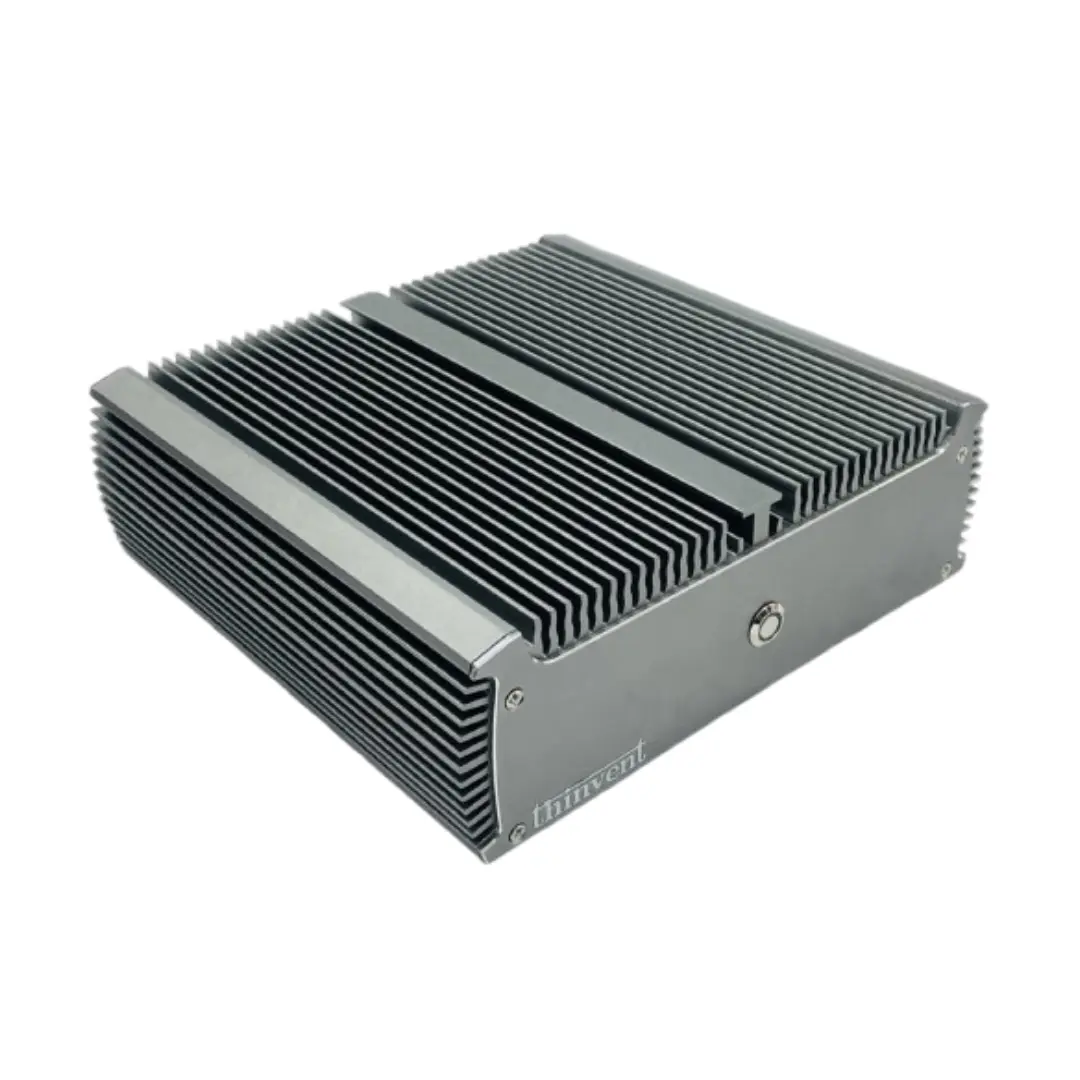
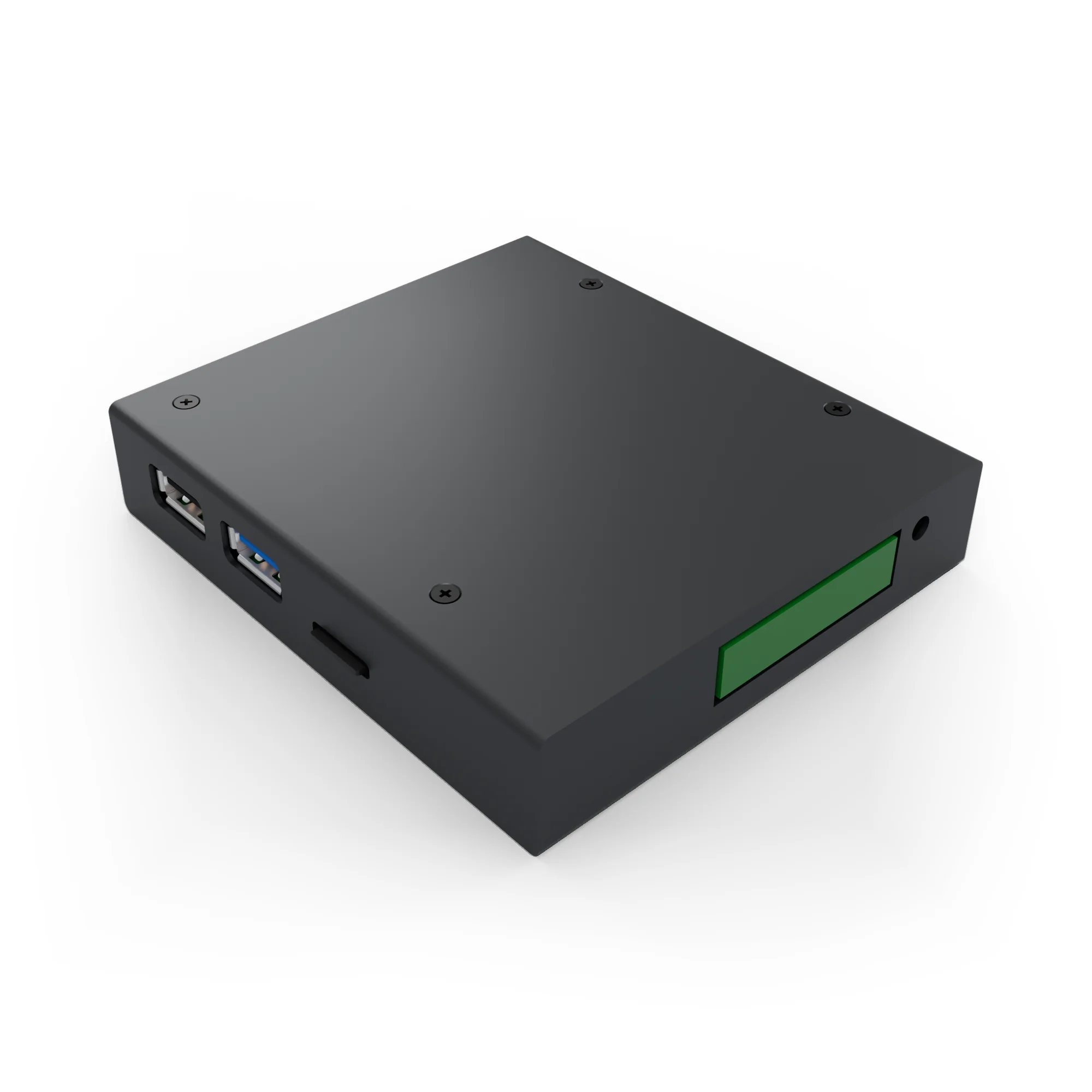
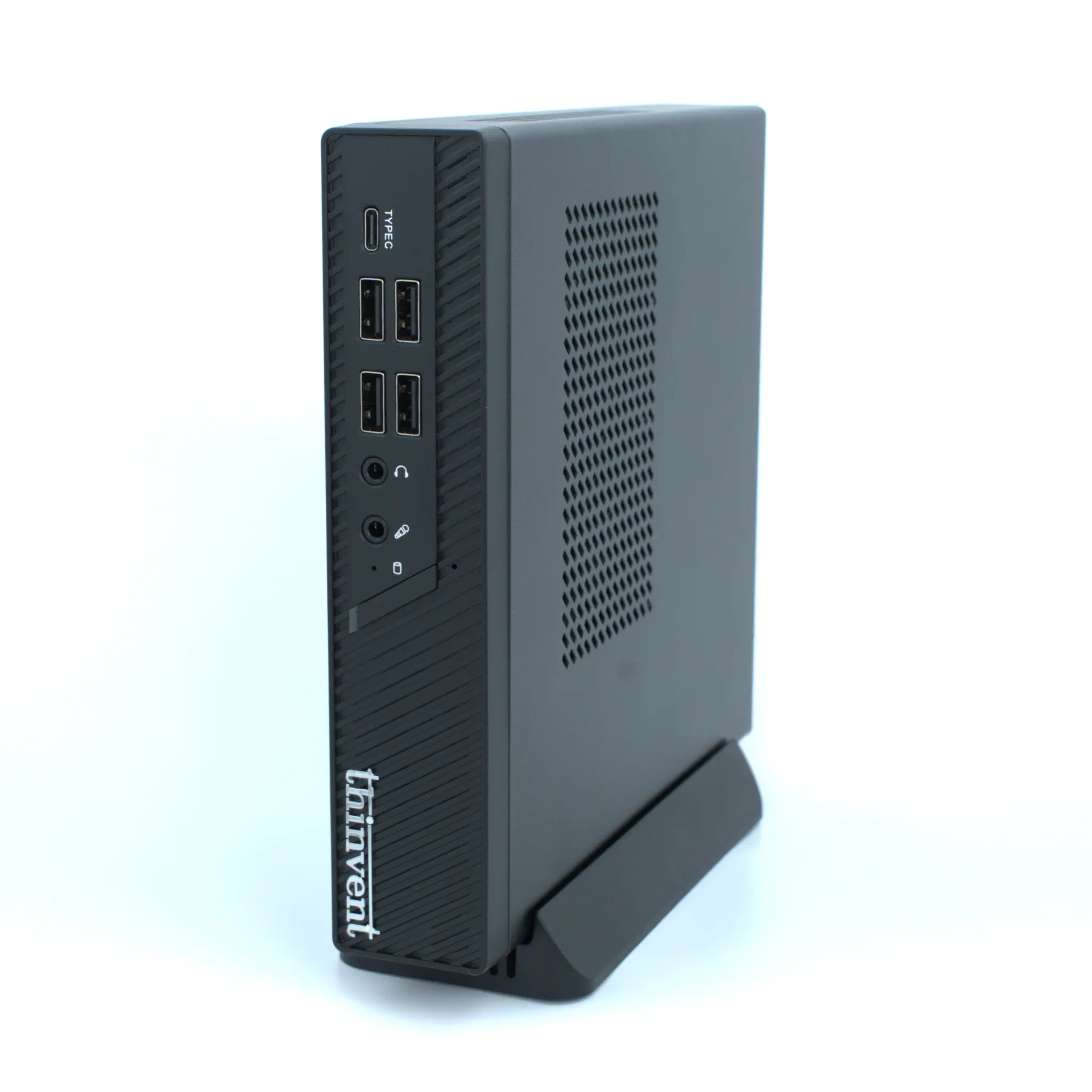
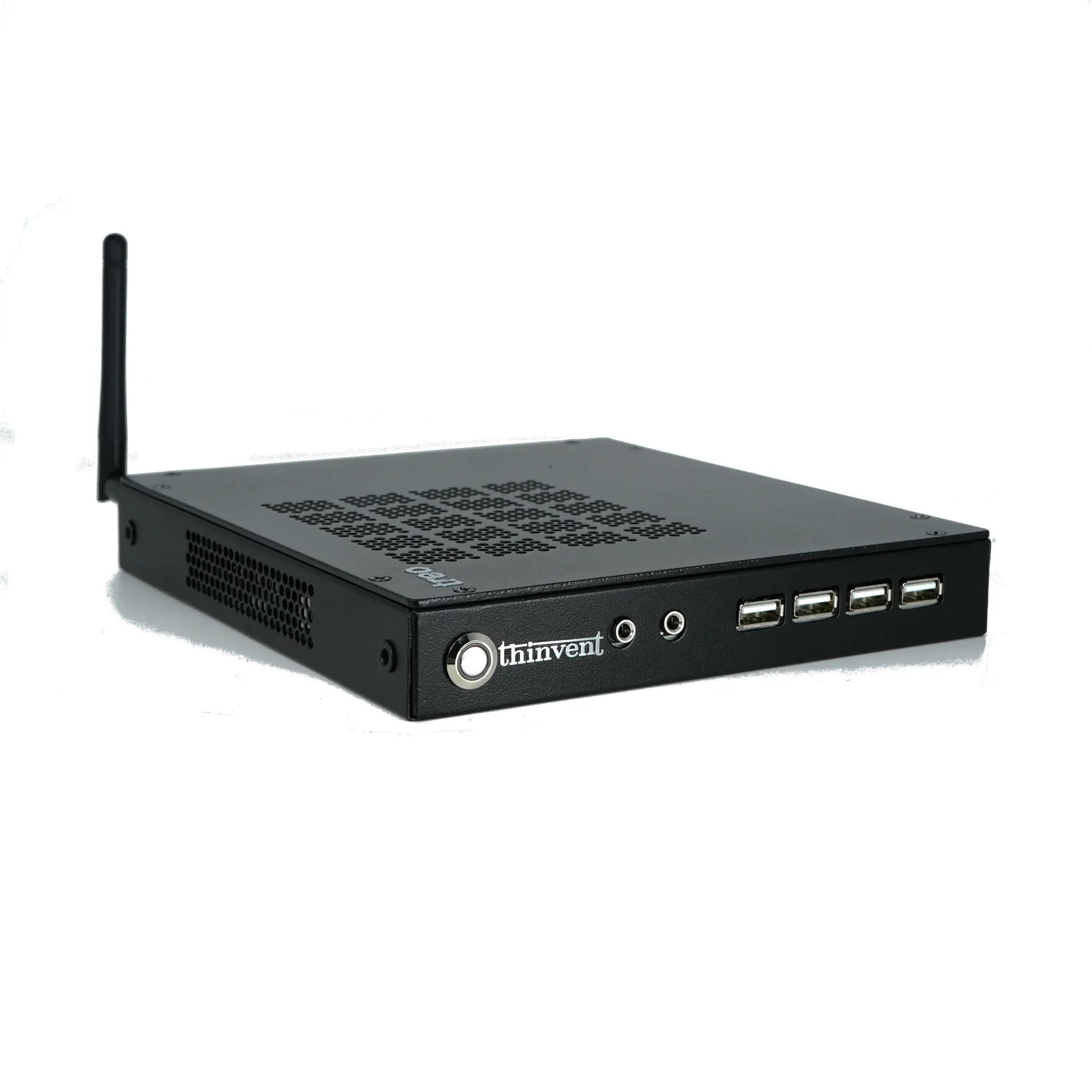
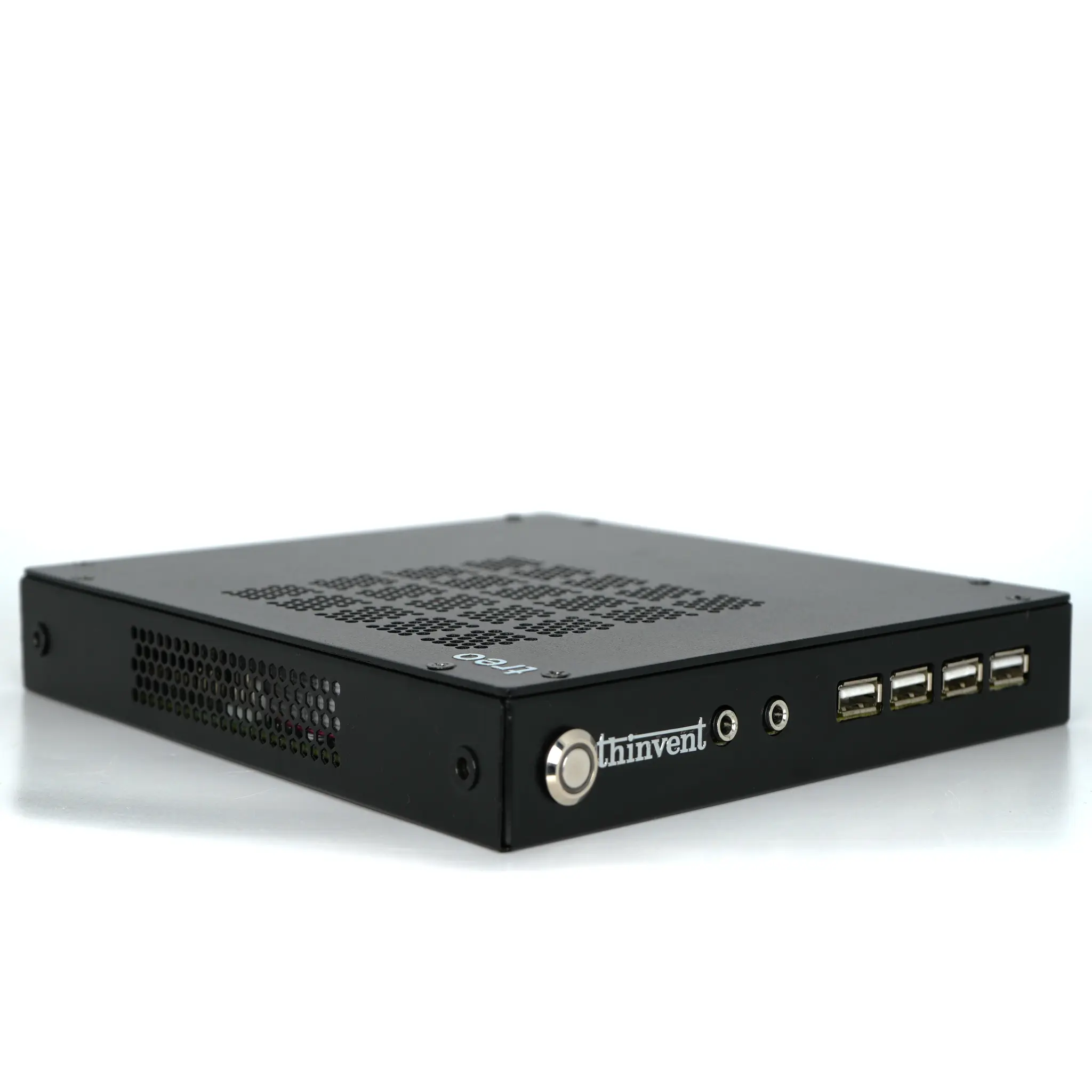
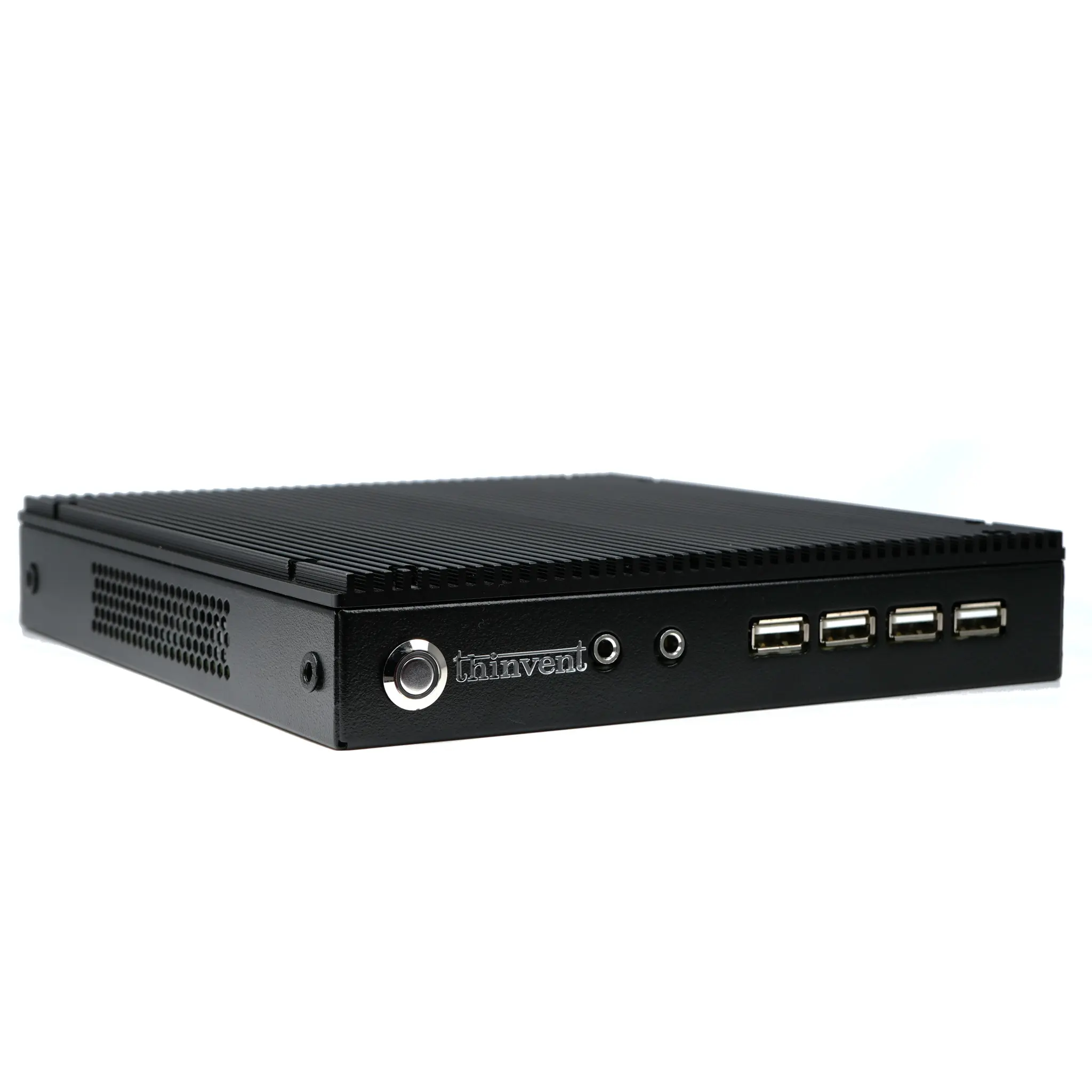
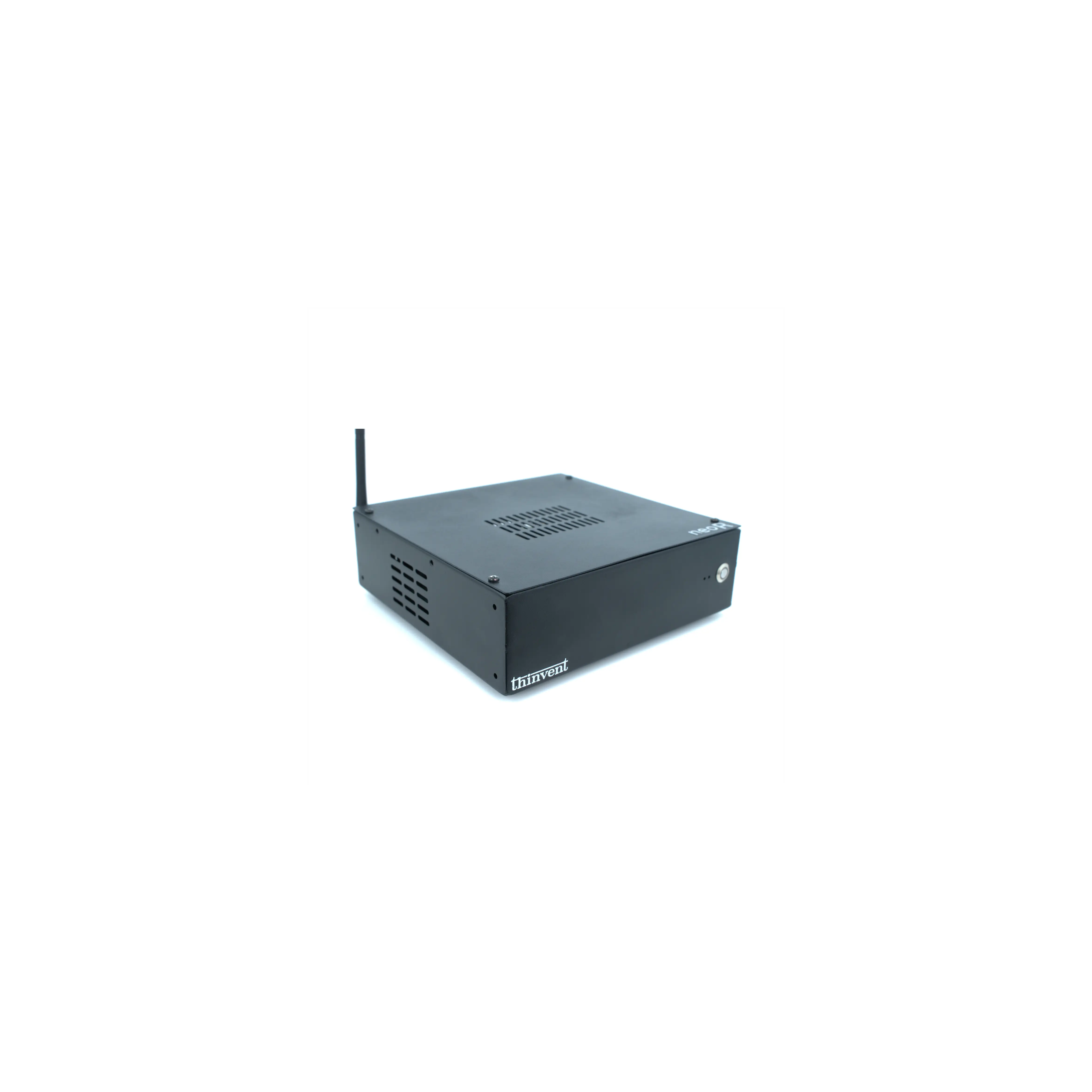
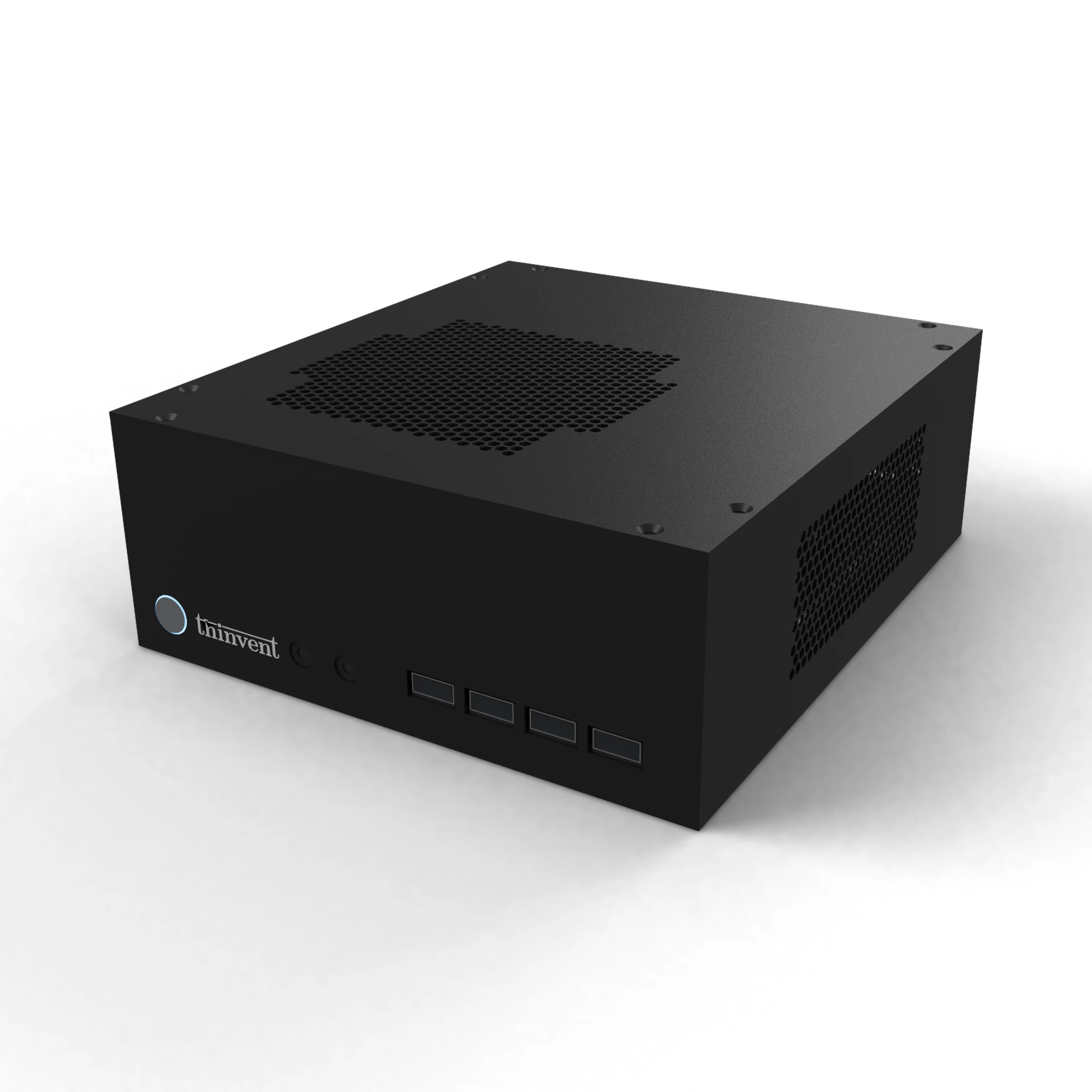
Thinvent Range and Zero Client Computing
The Thinvent range does not include a dedicated zero client. Thinvent has the Micro 5R Thin Client, which runs Thinux embedded Linux, has 2GB onboard RAM and 16GB eMMC storage, and includes WiFi 6 and Bluetooth. For centralized desktops, the Thinvent Treo Mini PC and the Thinvent Aero Mini PC are available with Intel Core and AMD Ryzen processors and 8GB to 16GB of RAM.