Understanding Desktop Computer Pricing
The price of a desktop computer is determined by its core components, form factor, and intended use. For industrial and business applications, factors like durability, fanless cooling, and long-term availability often influence cost more than raw consumer-grade performance. Key specifications that drive pricing include the processor (CPU), amount of RAM (main memory), storage type and capacity (SSD), and the included operating system.
Key Specifications and Technical Details
The primary components affecting desktop computer pricing are:
-
Processor (CPU): The brain of the computer. Entry-level processors like Intel's N-series (e.g., N100) are cost-effective for basic tasks, while Core i3, i5, and i7 series offer higher performance for demanding applications. Newer generations generally provide better performance and efficiency.
-
Main Memory (RAM): Essential for multitasking. Common configurations are 8GB for general office use, 16GB for more intensive applications, and 32GB or more for professional workstations.
-
Storage (SSD): Solid-state drives offer fast boot and load times. Capacities like 128GB, 256GB, 512GB, and 1TB are standard, with larger drives increasing the price.
-
Form Factor: Traditional towers, compact Mini PCs, space-saving All-in-Ones, and specialized Industrial PCs each have different manufacturing costs.
-
Operating System: Systems can come with commercial licenses for Windows 11 Pro, open-source Linux distributions like Ubuntu, or without an OS (FreeDOS) for custom software deployment.
Use Cases and Application-Based Selection
Choosing the right desktop involves matching specifications to the workload:
-
General Office & Digital Signage: An Intel N-series processor (e.g., N100), 8GB RAM, and a 128GB SSD provide a reliable, low-power, and cost-effective solution.
-
Point-of-Sale (POS) & Kiosks: Compact Mini PCs with fanless designs are ideal for 24/7 operation in dusty retail environments.
-
Engineering & Design Workstations: Require high-performance CPUs (e.g., Intel Core i5/i7), 16GB+ RAM, and large SSDs to run CAD and simulation software smoothly.
-
Industrial Automation & Control: Rugged Industrial PCs with wide temperature tolerance and multiple I/O ports are necessary for factory floor integration.
Desktop Computer Configuration Comparison
| Use Case | Recommended Processor | Recommended RAM | Recommended SSD | Ideal Form Factor |
|---|---|---|---|---|
| Basic Office / Thin Client | Intel N100 / Celeron | 4GB - 8GB | 128GB | Mini PC, Thin Client |
| Advanced Office / POS | Intel i3 / i5 (10th-12th Gen) | 8GB - 16GB | 256GB - 512GB | Mini PC, All-in-One |
| Professional Workstation | Intel i5 / i7 (13th-14th Gen) | 16GB - 32GB+ | 512GB - 1TB+ | Industrial PC, Tower |
| Industrial Embedded | Intel N-series / Celeron | 8GB - 16GB | 128GB - 256GB | Fanless Industrial PC |
Thinvent's Range of Industrial Desktop Solutions
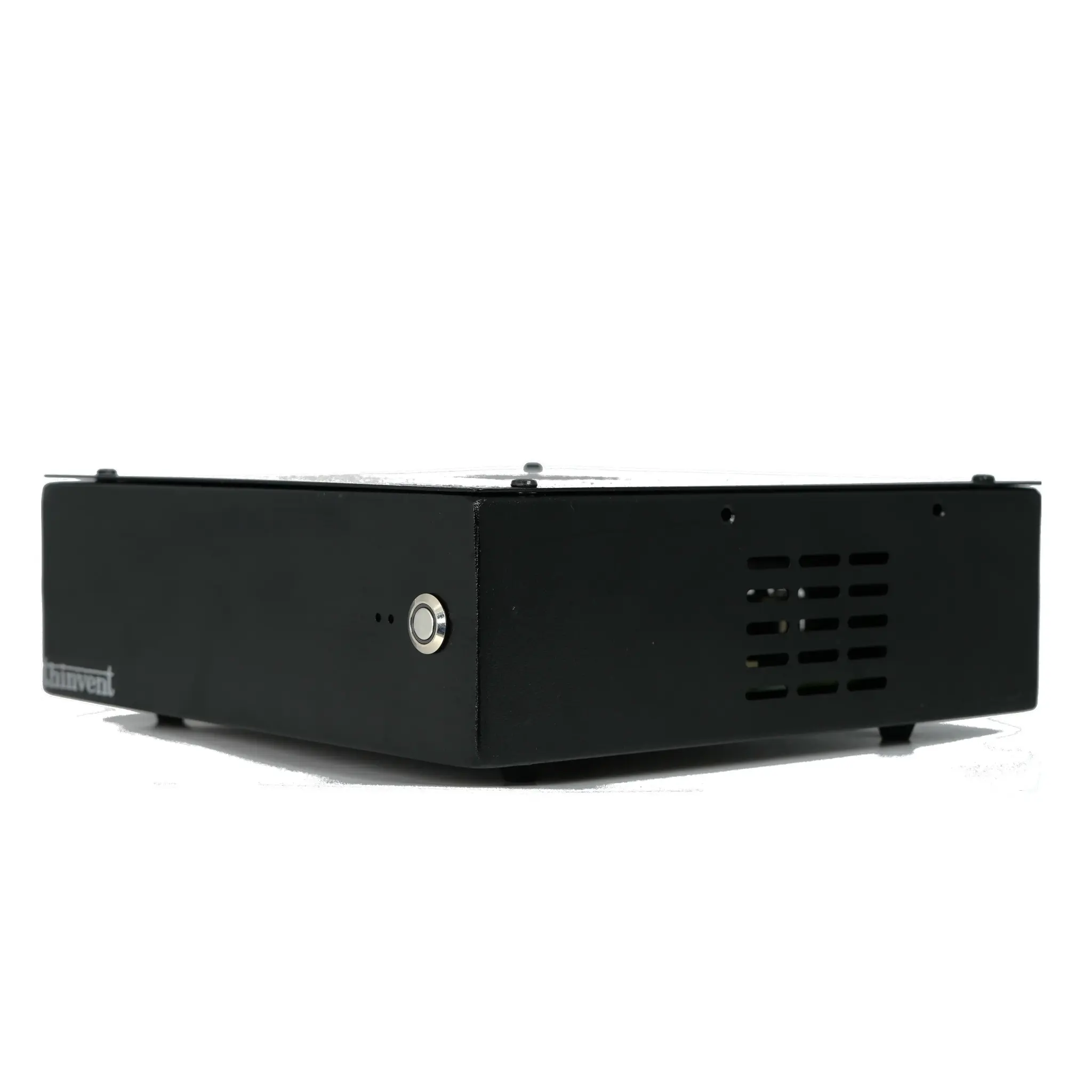
Thinvent specializes in robust, application-ready industrial computers. Our product lineup includes fanless Mini PCs powered by efficient Intel processors like the N100, perfect for space-constrained and harsh environments. For more demanding computational tasks, we offer systems with Intel Core i3, i5, and i7 processors from the latest generations. All Thinvent desktops are built for reliability, featuring solid-state drives, industrial-grade components, and flexible operating system options including Windows, Linux, and FreeDOS. This ensures you find a performance-matched and cost-optimized solution for any business or OEM application, from digital signage and kiosks to factory automation and edge computing.