What Is an All-in-One Desktop?
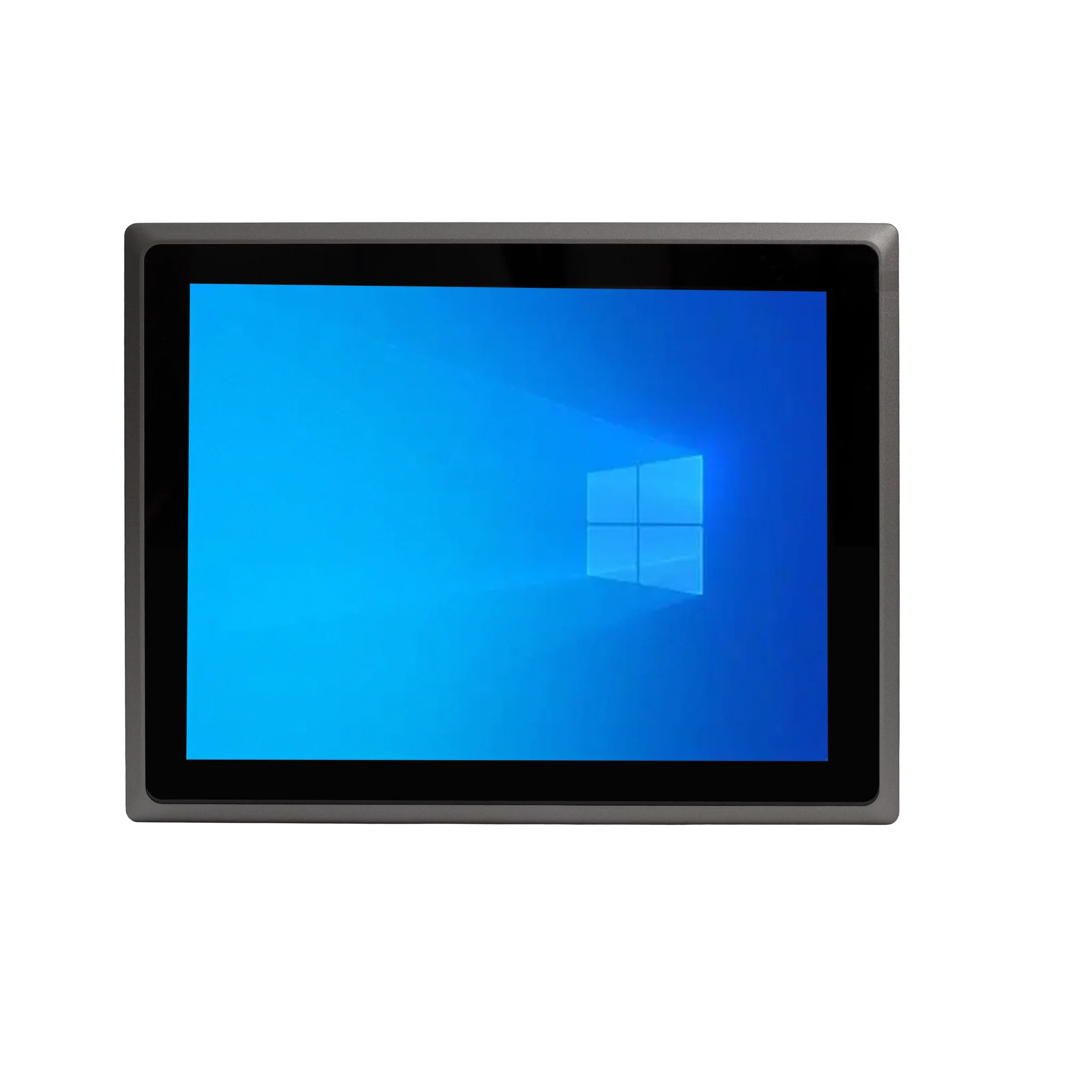
An all-in-one (AIO) desktop integrates the computer's processing hardware, display, speakers and often a webcam into a single enclosure, so there is no separate tower to place under or beside a desk. The result is a cleaner workspace, fewer cables, and simpler deployment: unbox, plug in power and network, and the system is ready to use. For organisations rolling out many desks at once, this reduces installation time and eliminates the cable clutter and trip hazards of conventional desktop setups.
Internally, an all-in-one desktop still contains the same core components as a standard PC: a processor, memory, storage, a graphics engine and a power supply. Because the display is built in, screen sizes typically range from around 21.5 inches to 23.8 inches for office-grade models, with full-HD panels being the common choice for productivity work. Connectivity is what distinguishes a good AIO from a mediocre one — look for Gigabit Ethernet for stable wired networking, multiple USB ports (USB 3.2 Gen 2 and USB-C where available) for peripherals, and HDMI output if you need to drive a second monitor for spreadsheets, dashboards or point-of-sale displays.
All-in-One vs Traditional Desktop vs Mini PC
| Factor | All-in-One Desktop | Tower Desktop | Mini PC |
|---|---|---|---|
| Footprint | Display only | Tower plus monitor | Small box plus monitor |
| Cabling | Minimal | Many cables | Moderate |
| Upgradability | Limited | High | Limited |
| Best for | Front desks, counters, kiosks | Workstations needing expansion | Digital signage, VDI, control rooms |
| Deployment speed | Fast | Slower | Fast |
The trade-off is upgradeability: all-in-one systems are generally not designed for swapping graphics cards or adding internal drives, so it pays to specify memory and storage correctly at the time of purchase. Choose 8GB of RAM for basic office and browsing tasks, 16GB for multitasking, virtual desktops or heavier line-of-business applications, and 32GB or more where virtual machines or large datasets are involved. Solid-state storage from 128GB up to 1TB keeps boot times short and applications responsive.
Where All-in-One Desktops Fit Best
All-in-one desktops are particularly effective in customer-facing and space-constrained environments: reception and front-desk counters, clinic and hospital check-in stations, retail point-of-sale terminals, hotel and airline booking desks, bank branches, showroom kiosks and training rooms. In these settings the tidy single-unit design looks professional, resists the accidental cable disconnections common in public areas, and is quick to clean and service. Industrial and commercial variants add wider operating temperature tolerance, dust resistance and long-life components so the same form factor can be used on a shop floor or in a warehouse office rather than only in air-conditioned rooms.
When specifying an AIO for business use, confirm the processor generation and model, since this determines both performance and long-term software support. Modern Intel® processors in the Celeron, N-series and Core™ i3, i5 families cover the range from light kiosk duty to demanding multitasking. Also check the operating system options — Windows 11 Pro for domain-joined corporate environments, Linux distributions such as Ubuntu for locked-down or custom deployments, or no OS at all where you supply your own image.
Thinvent All-in-One and Compact Desktop Range
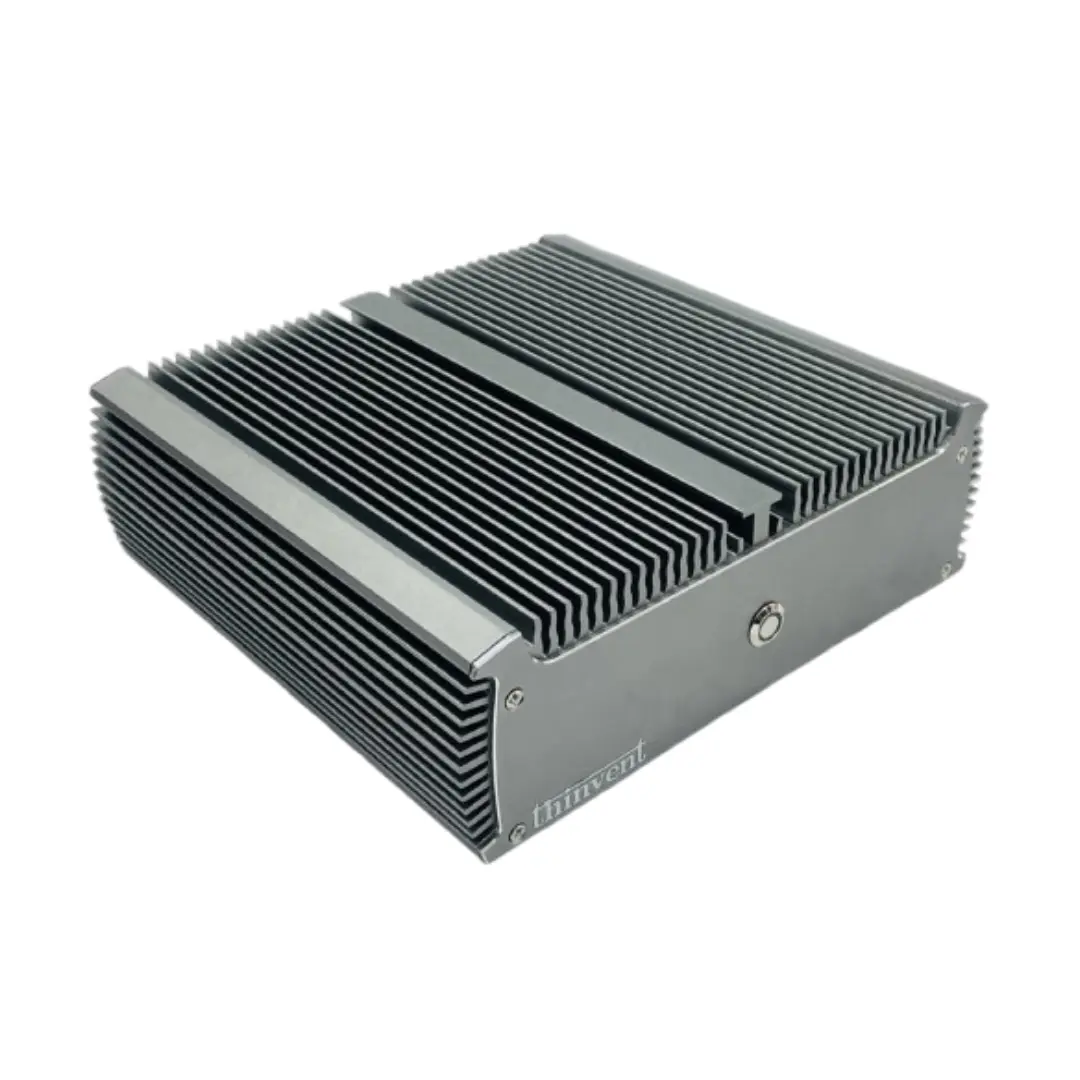
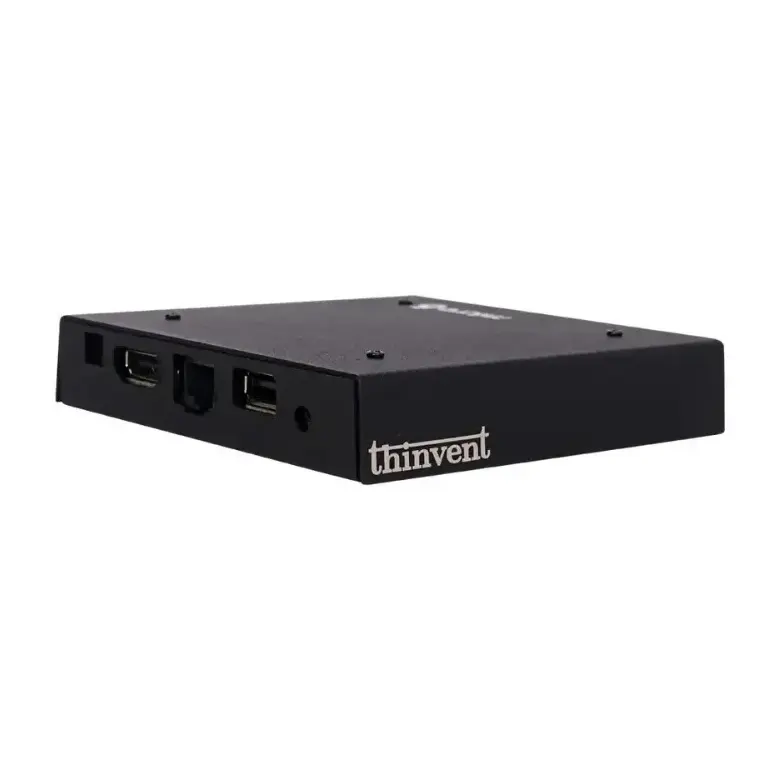
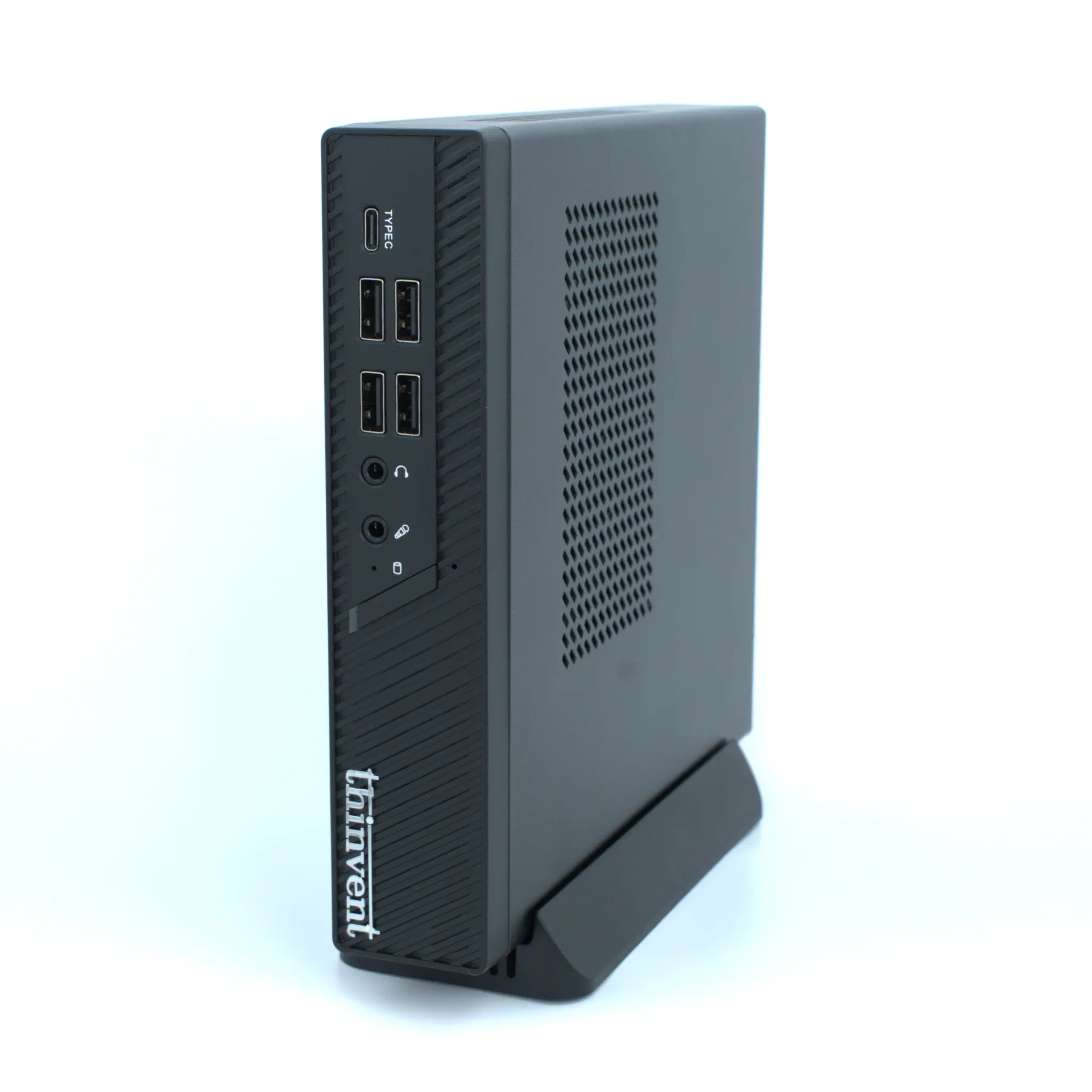
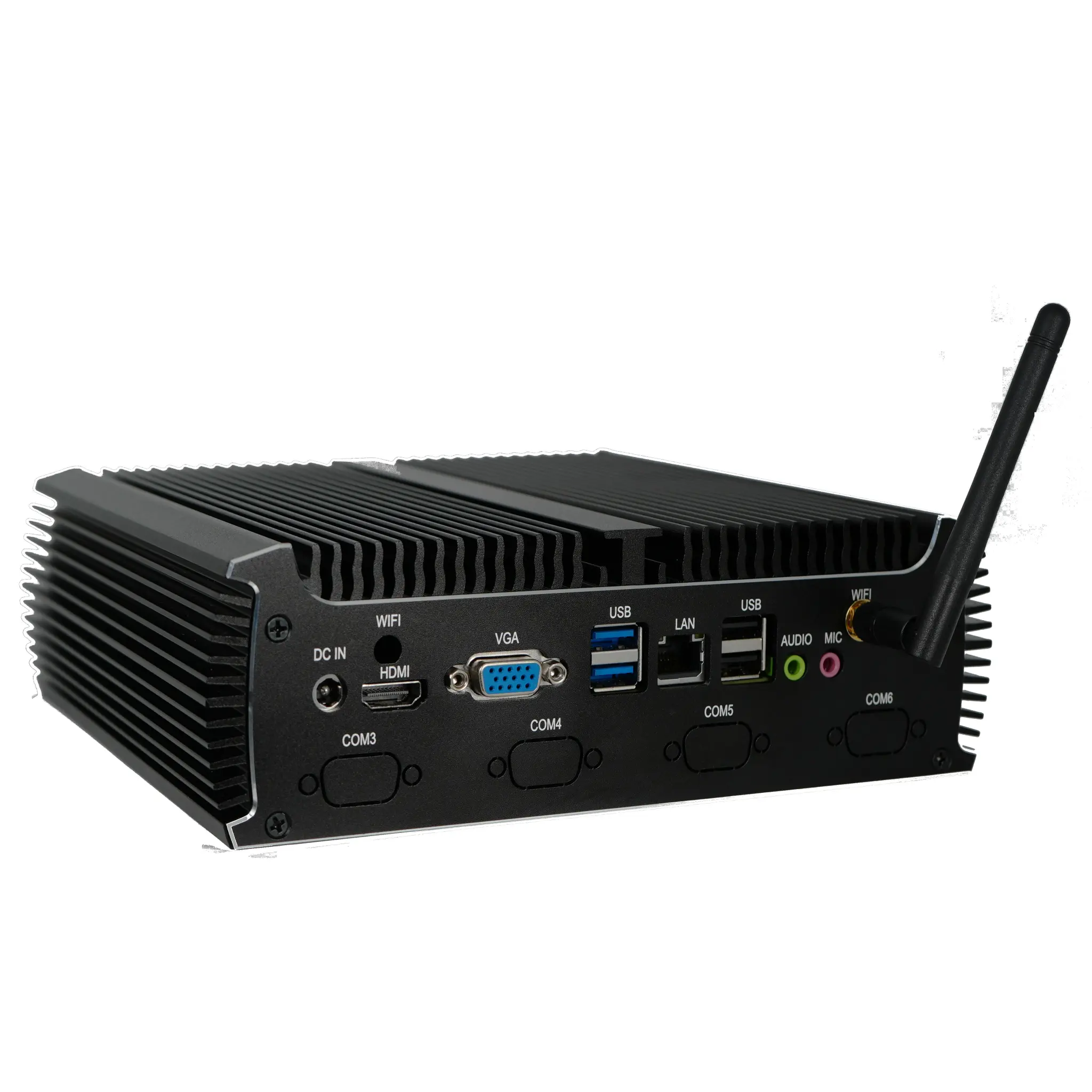
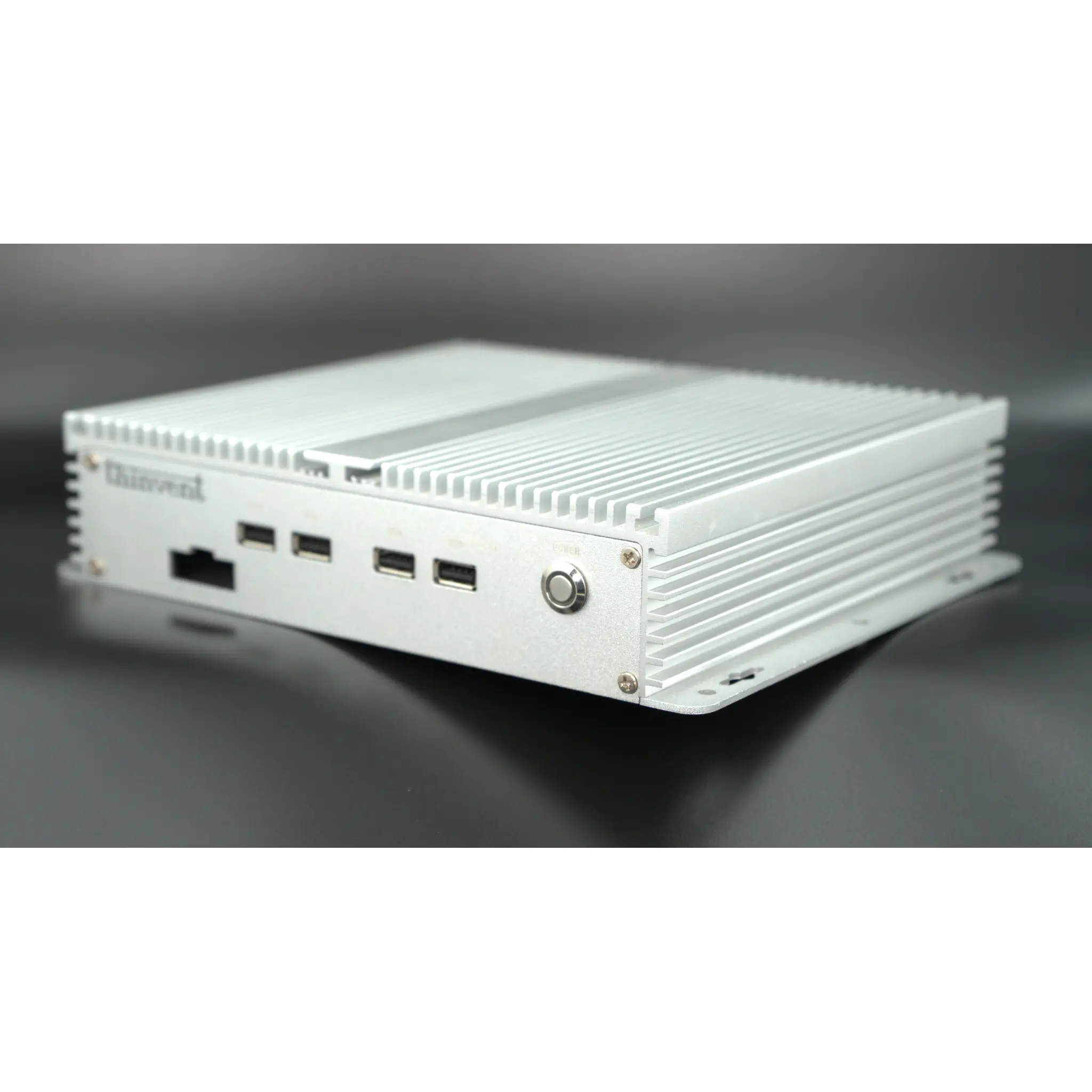
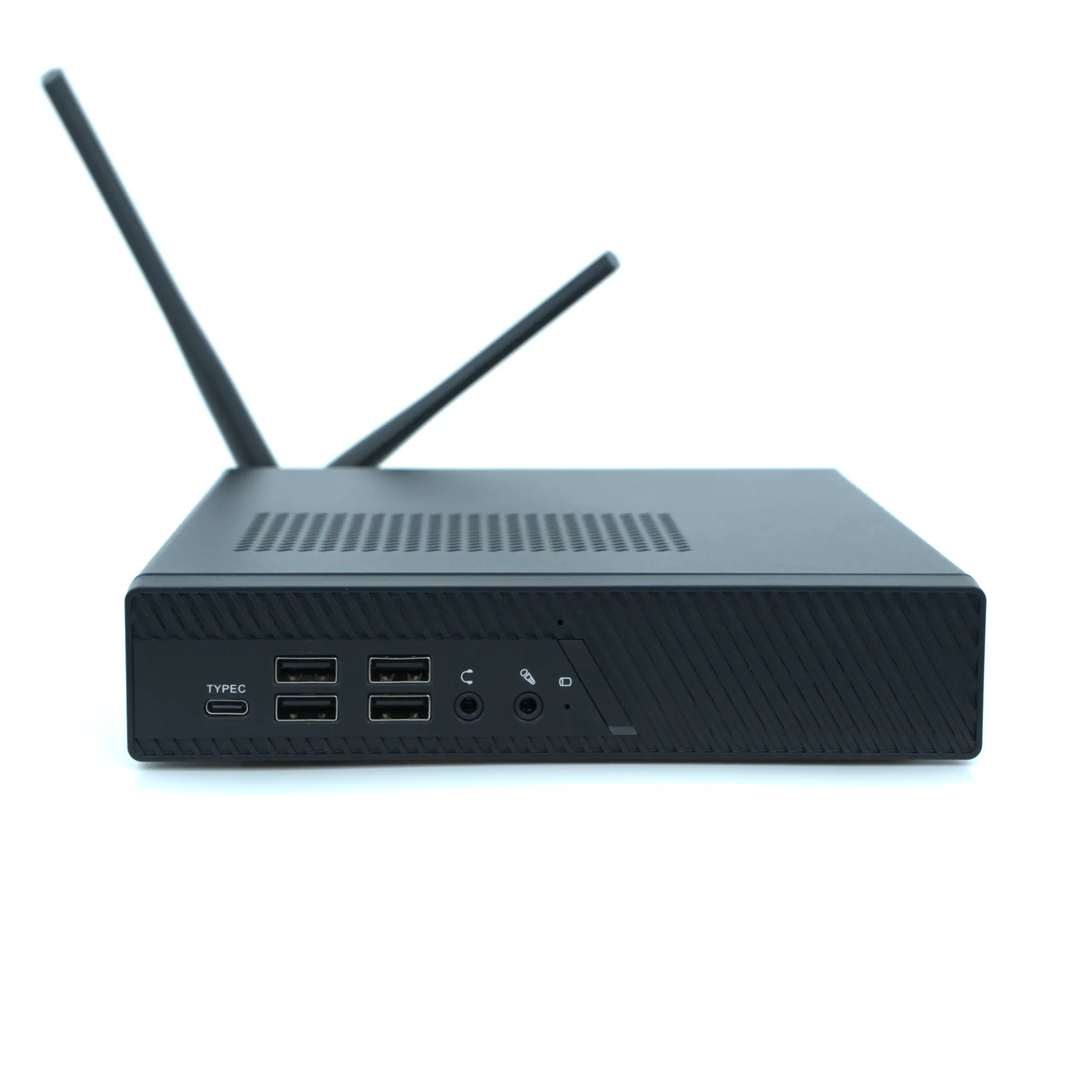
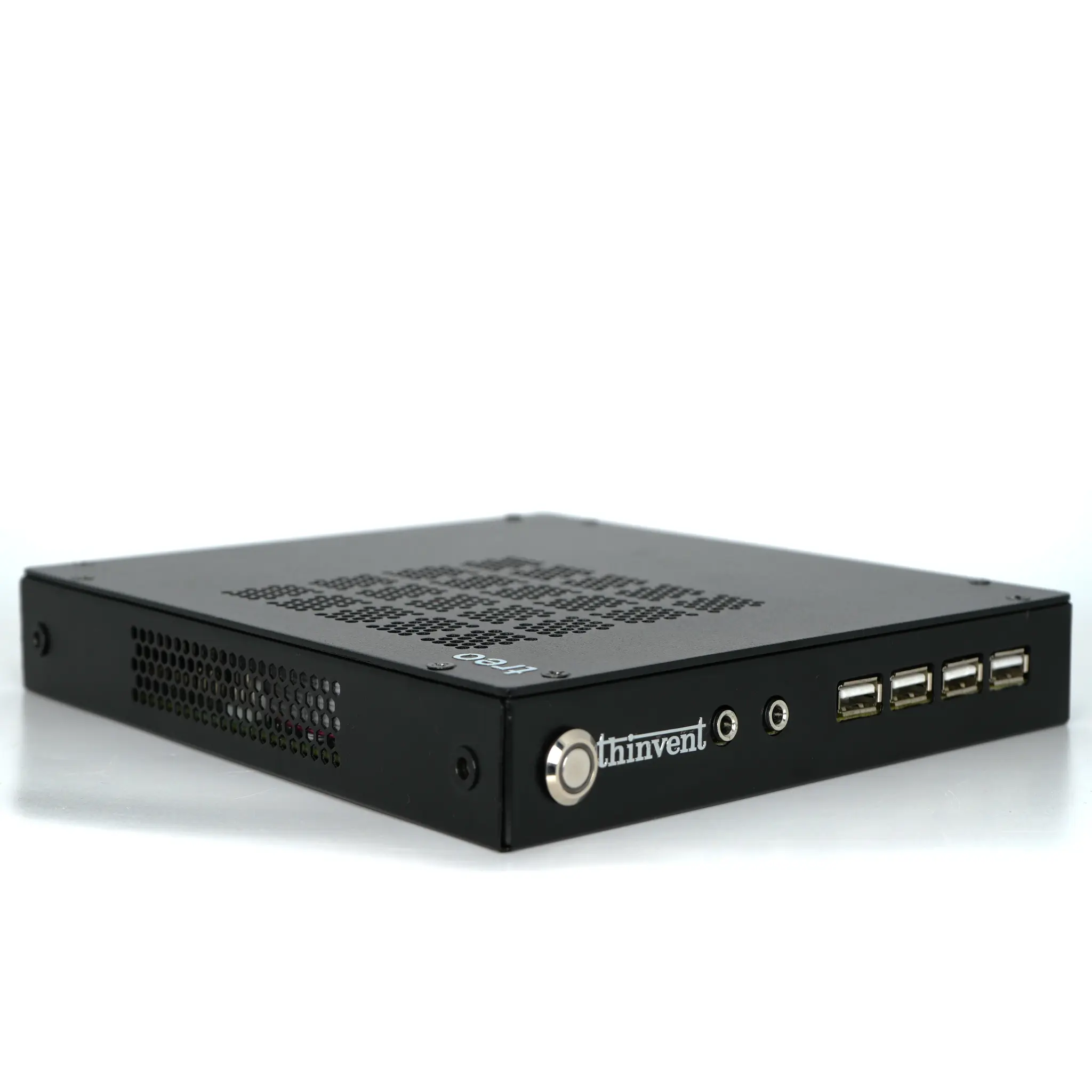
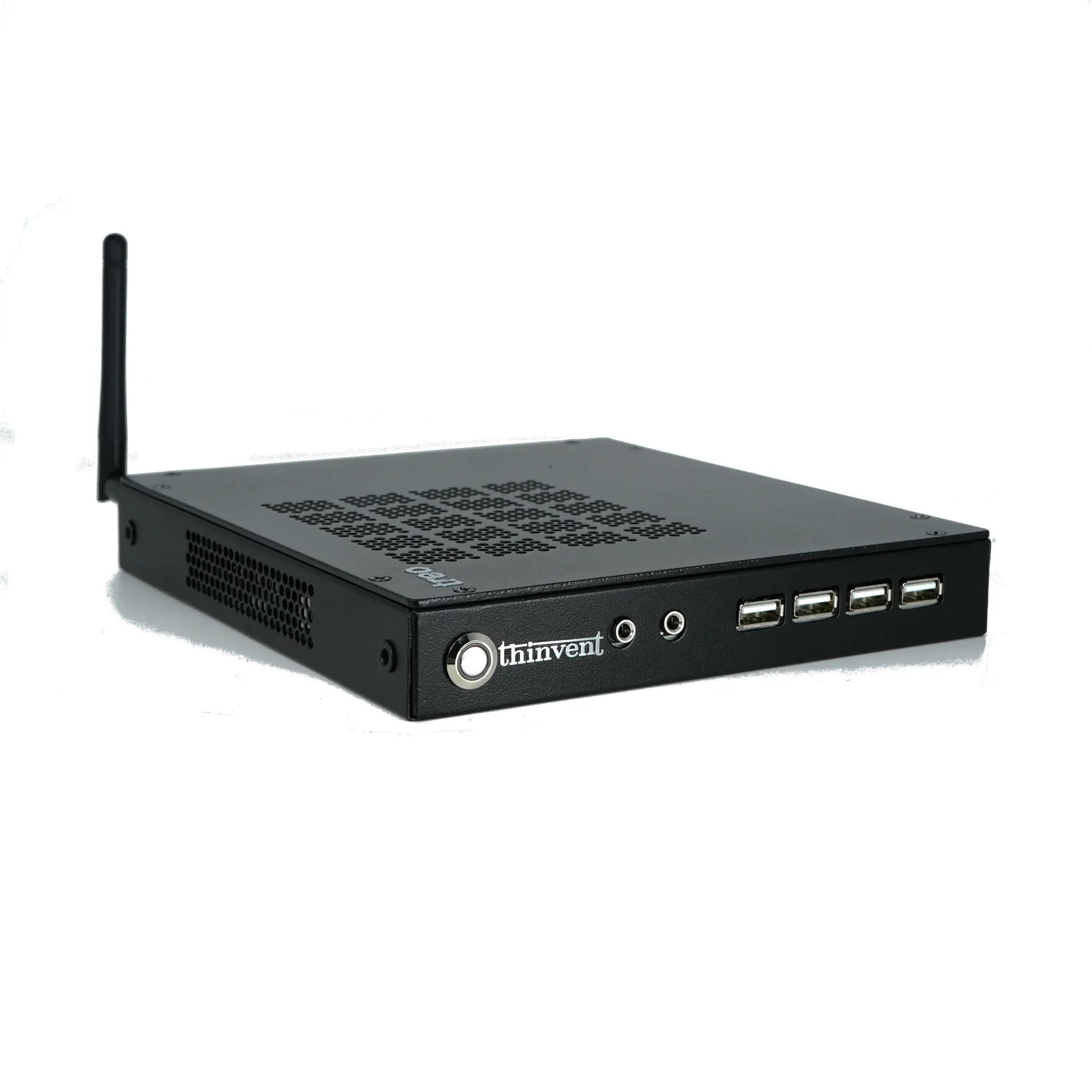
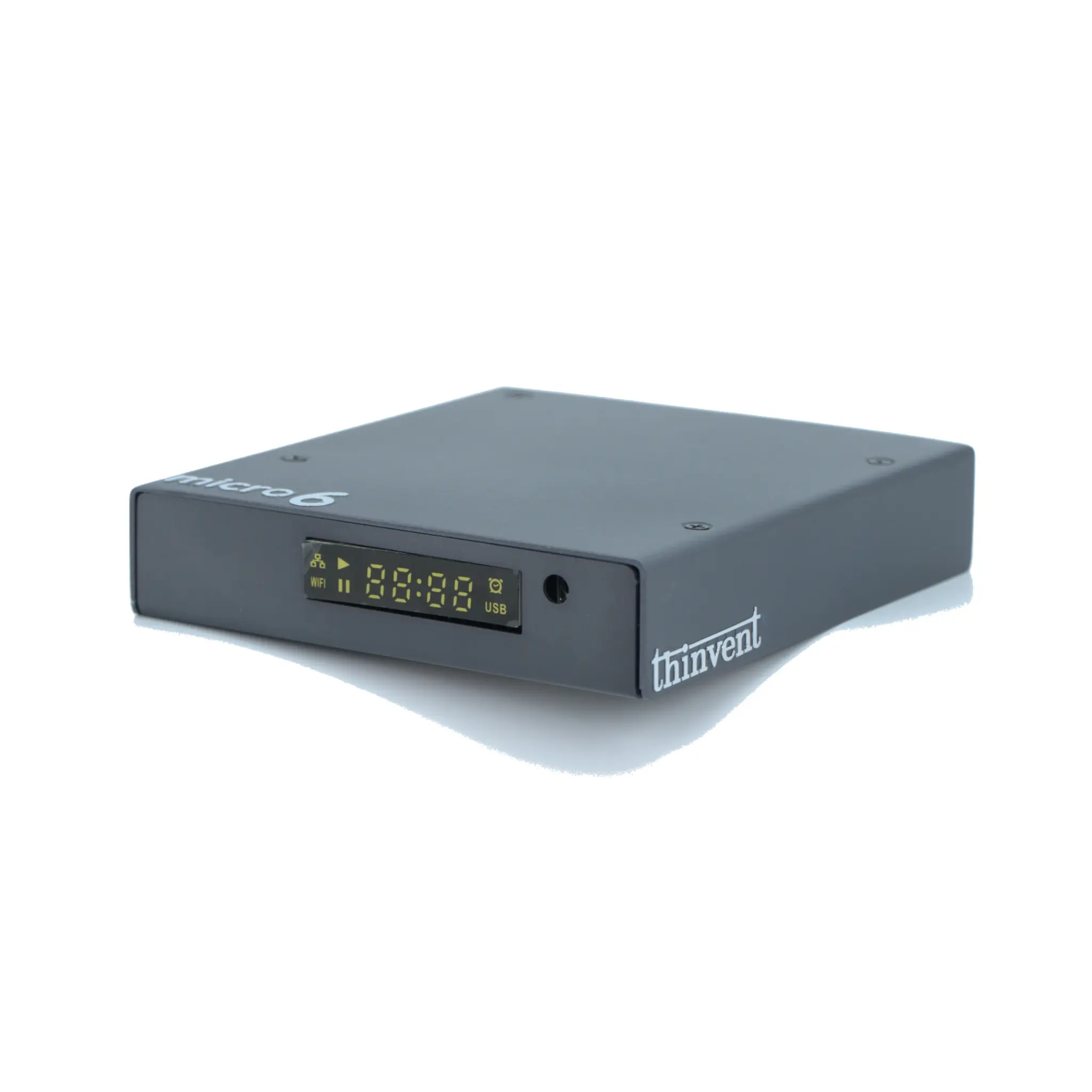
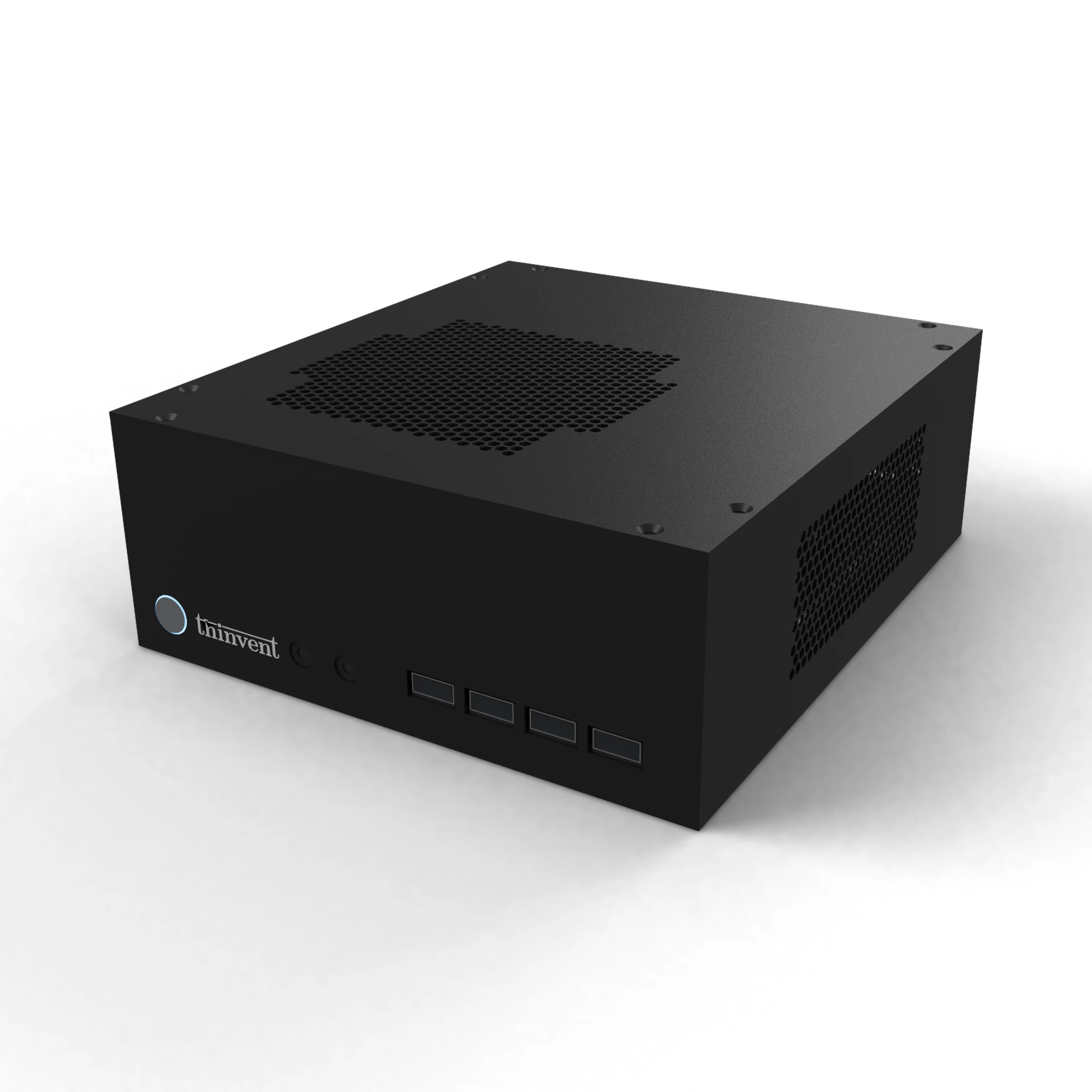
Thinvent builds all-in-one PCs, mini PCs, thin clients and industrial computers designed for continuous operation in business and industrial environments. Our systems use Intel® and ARM platforms, fanless or low-noise cooling, dual Gigabit Ethernet options, and support Windows 11 Pro, Ubuntu Linux, embedded Linux or no operating system, so they can be standardised across an entire estate. Whether you are equipping a reception desk, a retail counter or a factory-floor terminal, Thinvent's compact and all-in-one range delivers consistent, reliable hardware with worldwide availability and long product lifecycles.