What Makes a Computer Ideal for 3D Work?
The best computer for 3D modeling, rendering, and visualization demands a balance of high-performance components. Unlike general-purpose computing, 3D applications place intense loads on the CPU, GPU, and system memory. A capable system requires a multi-core processor for complex calculations, a powerful integrated or dedicated GPU for real-time viewport performance and rendering, ample RAM to handle large datasets and textures, and fast SSD storage for quick project loading and asset streaming. Industrial-grade reliability and stable thermal performance are also critical for long rendering sessions and continuous operation in professional environments.
Key Specifications for 3D Computing
For serious 3D work, focus on these core specifications:
-
Processor (CPU): High core and thread counts are essential. Modern Intel Core i5, i7, or i9 processors (12th generation or newer) provide the necessary multi-threaded performance for simulation, physics, and final rendering.
-
Graphics (GPU): This is arguably the most critical component. A powerful GPU accelerates viewport manipulation, real-time rendering in engines like Unreal or Unity, and GPU-based renderers (e.g., Octane, Redshift). Look for systems with capable integrated Iris Xe graphics or expansion options for dedicated graphics cards.
-
Memory (RAM): 16GB is a practical minimum, but 32GB or 64GB is recommended for complex scenes, high-poly models, and working with multiple applications simultaneously.
-
Storage: NVMe SSDs (512GB or 1TB+) offer the fast read/write speeds needed to load large texture files and 3D assets without bottlenecking the system.
-
Connectivity: Multiple display outputs (HDMI, DisplayPort) are necessary for multi-monitor setups, and high-speed USB ports are needed for peripherals and data transfer.
Applications and Use Cases
Industrial computers optimized for 3D are used across various sectors:
-
CAD/CAM & Engineering: For product design, architectural visualization, and mechanical engineering using software like SolidWorks, AutoCAD, and Revit.
-
Digital Content Creation: 3D animation, visual effects (VFX), and game asset development using Blender, Maya, 3ds Max, and Cinema 4D.
-
Scientific Visualization: Rendering complex data models, molecular structures, and simulation results in research and development.
-
Industrial Design & Prototyping: Creating and reviewing detailed 3D prototypes and models before physical manufacturing.
Comparison of 3D Workload Requirements
| Workload Type | Recommended CPU Series | Minimum RAM | Storage Priority | GPU Importance |
|---|---|---|---|---|
| 3D Modeling & CAD | Intel Core i5 / i7 | 16 GB | Fast SSD (NVMe) | High (Integrated Iris Xe or better) |
| Animation & VFX | Intel Core i7 / i9 | 32 GB+ | High-Capacity NVMe SSD | Critical (Dedicated GPU preferred) |
| Rendering (CPU-based) | Intel Core i7 / i9 (High Core Count) | 32 GB+ | Fast SSD for Assets | Moderate |
| Rendering (GPU-based) | Intel Core i5 / i7 | 32 GB+ | Fast SSD for Assets | Critical (Dedicated GPU required) |
Thinvent Solutions for 3D Professionals
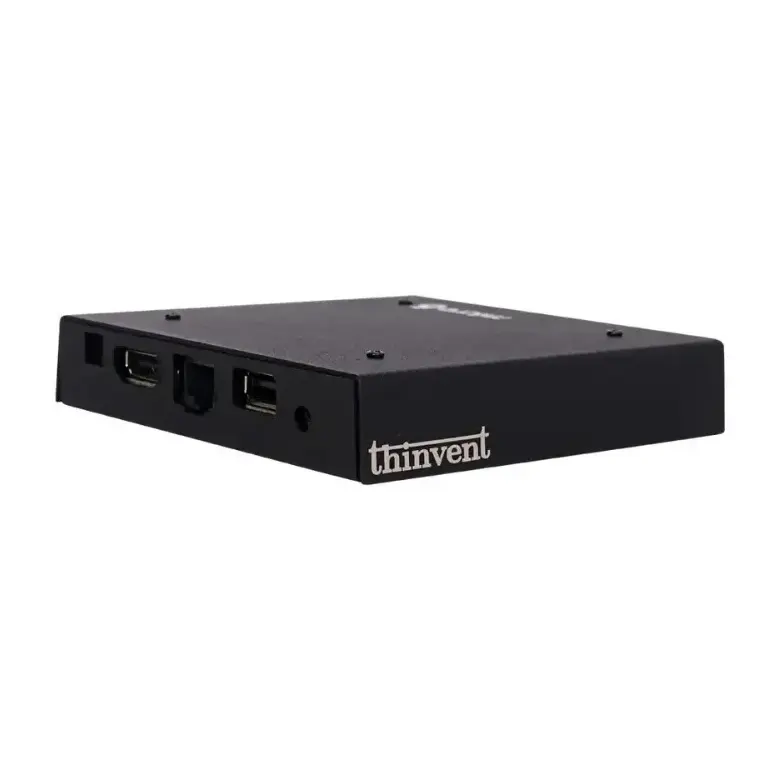
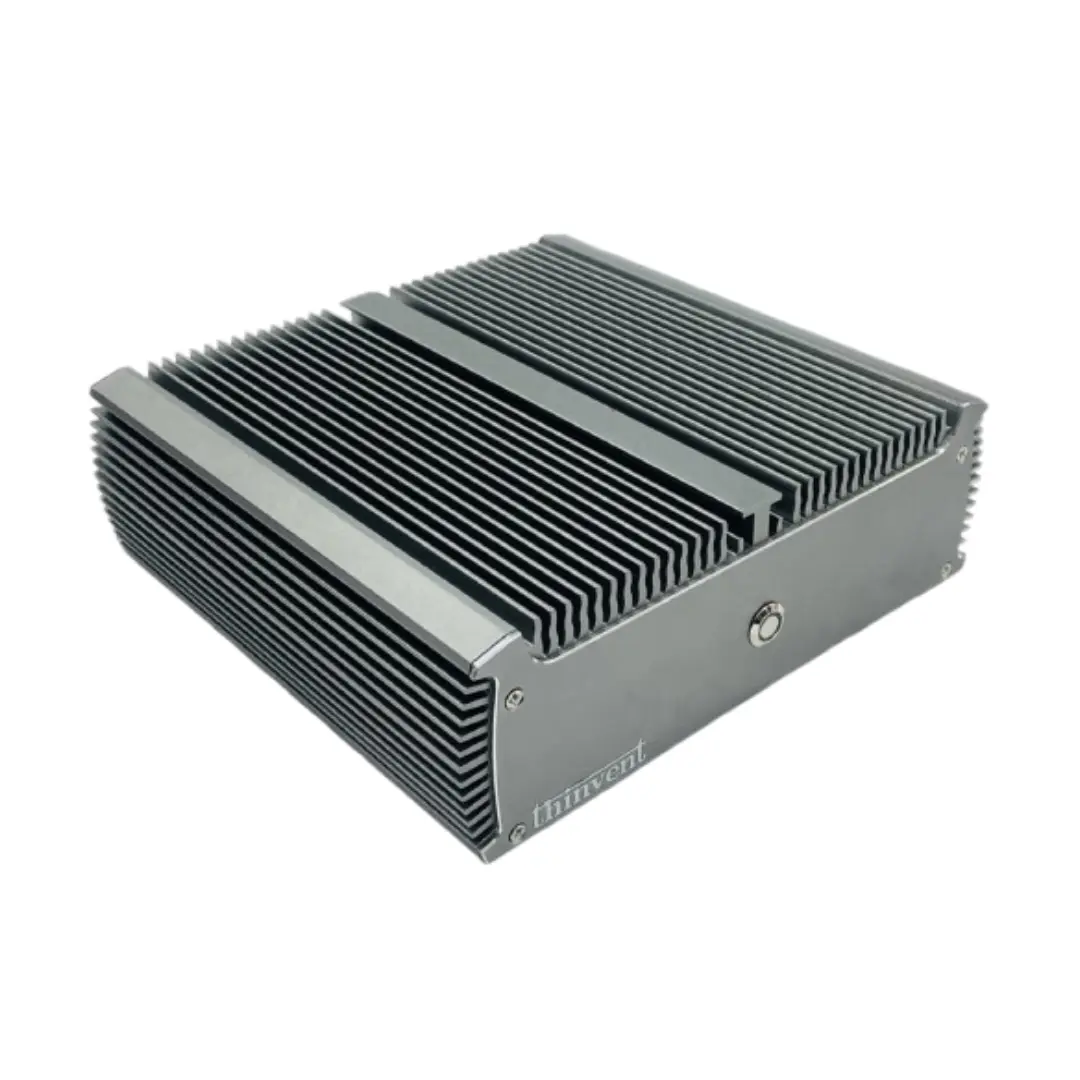
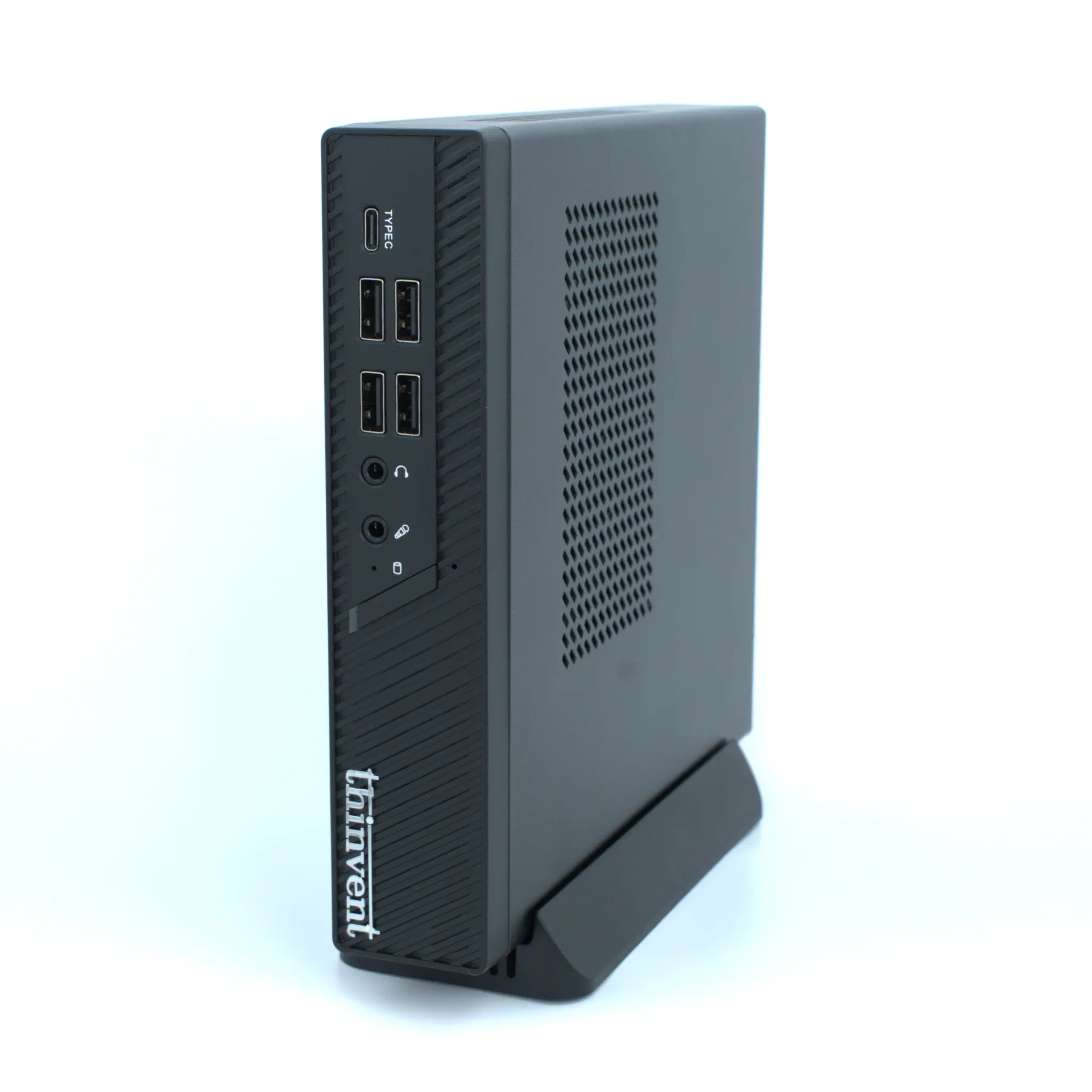
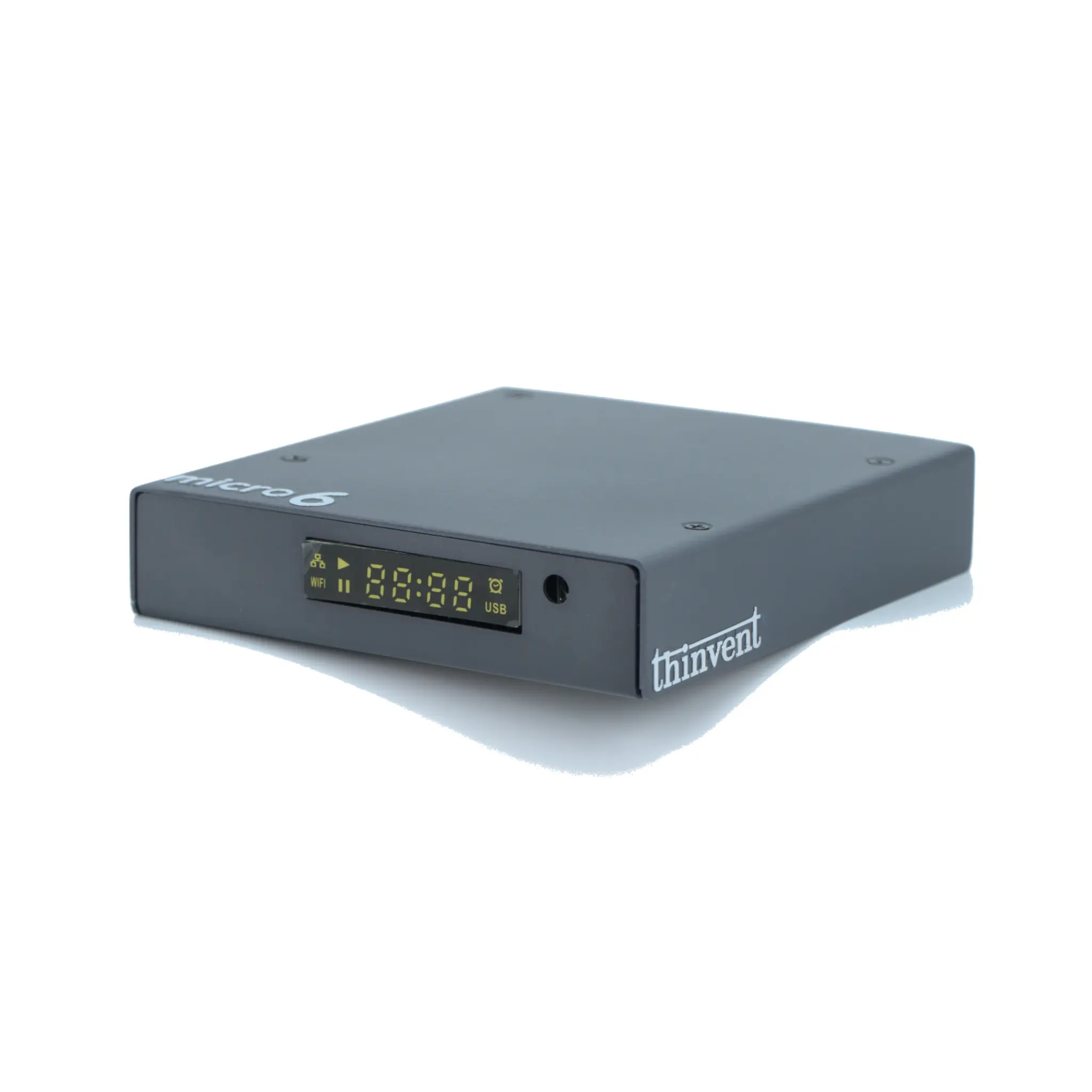
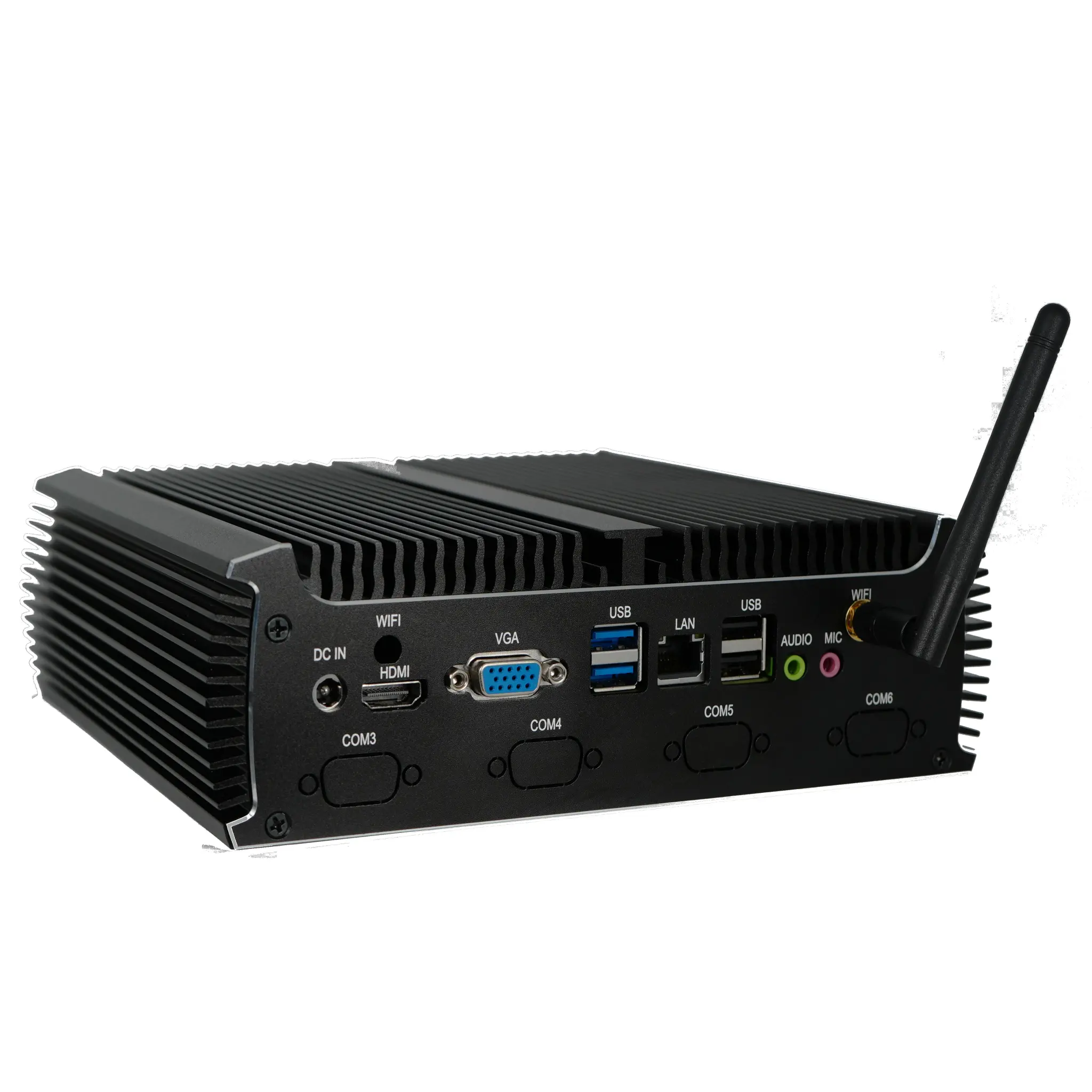
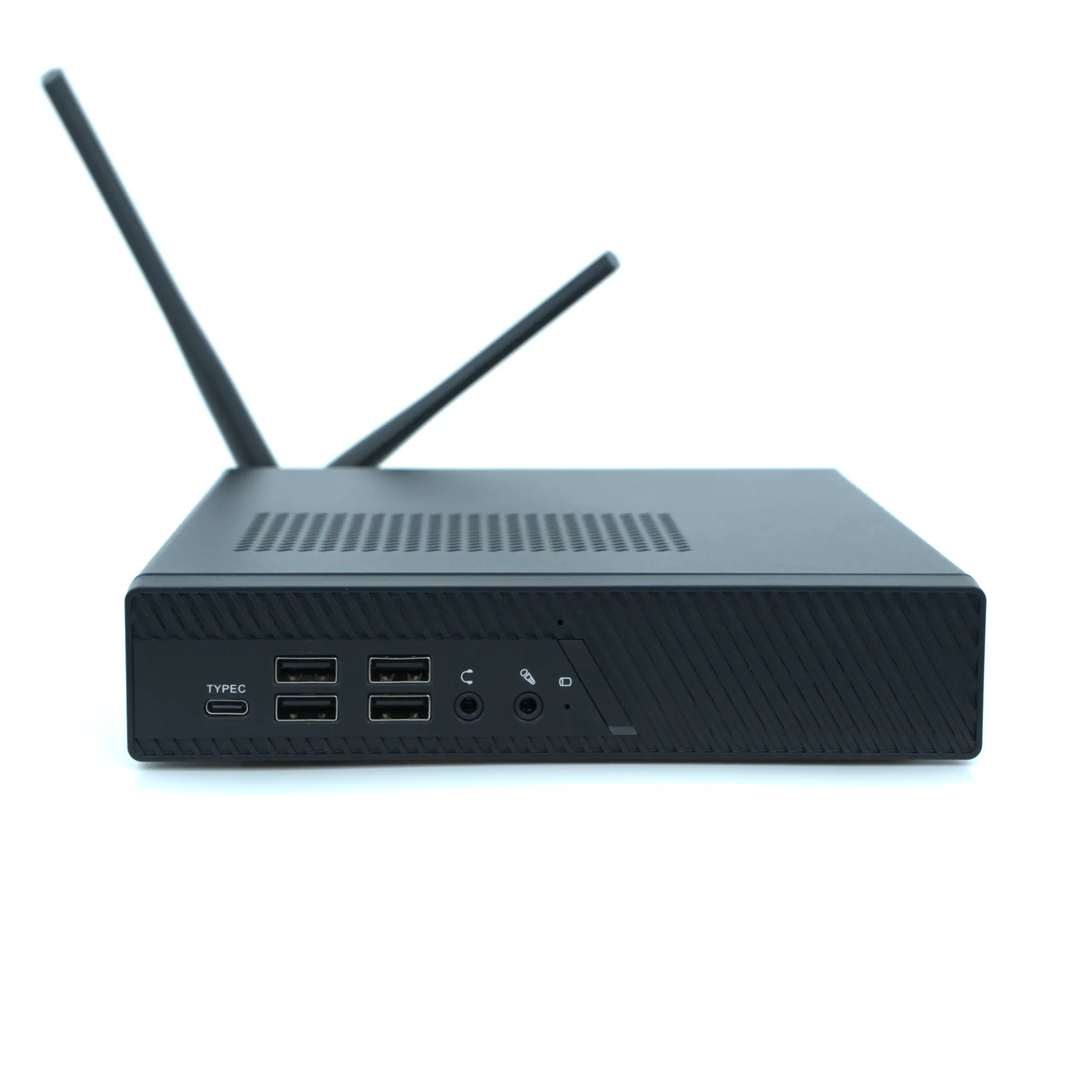
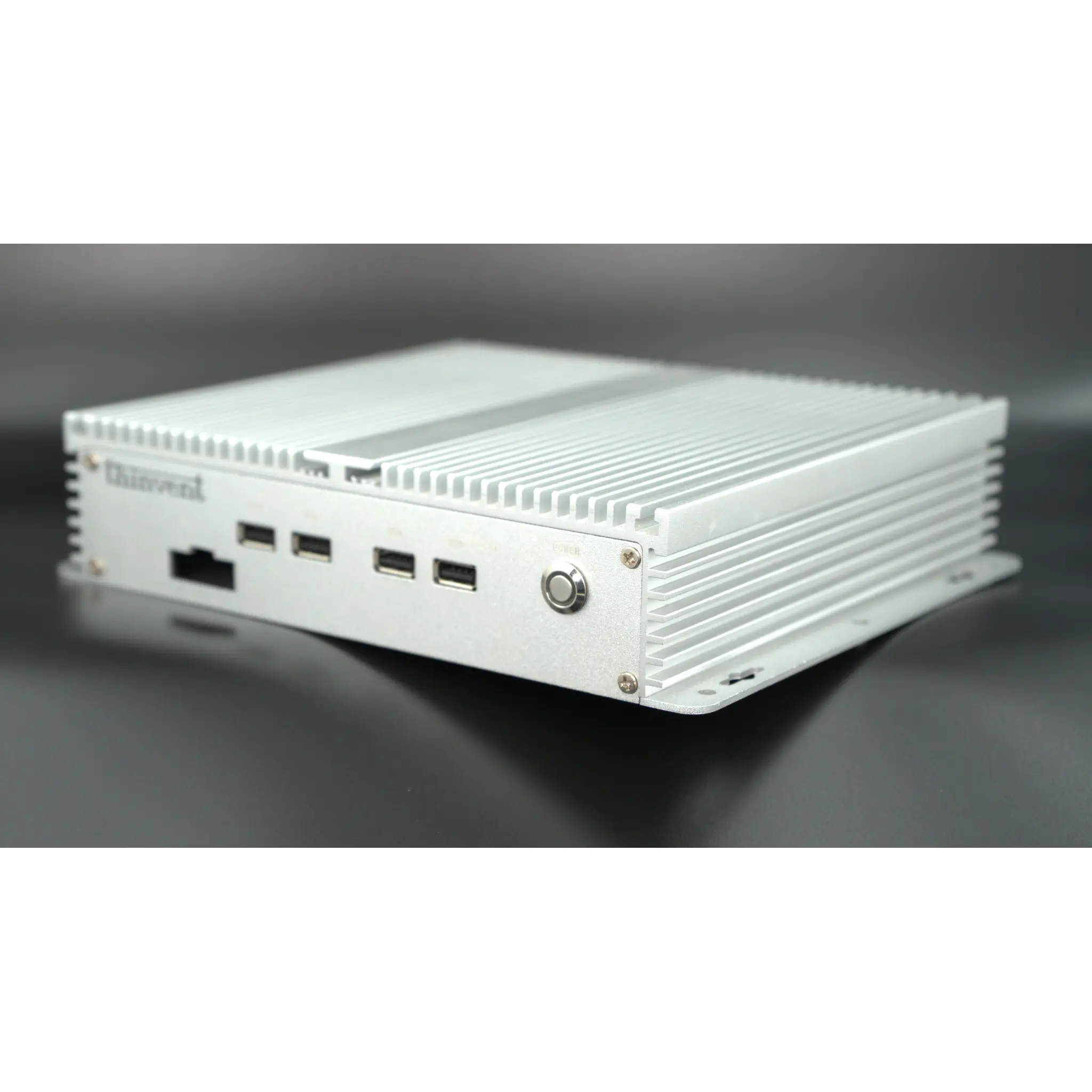
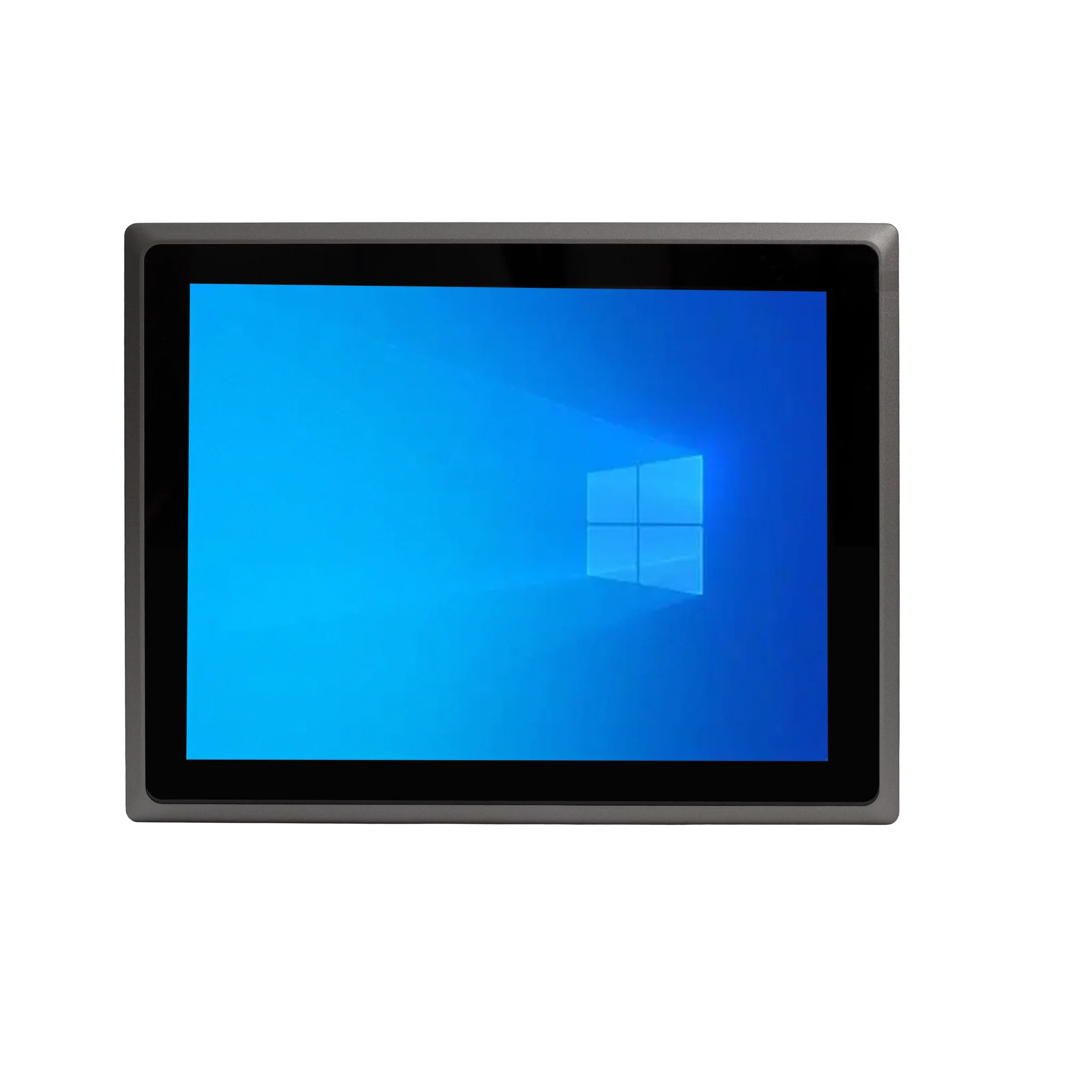
Thinvent offers a range of robust industrial computing solutions built to handle demanding 3D workloads. Our systems prioritize sustained performance, reliability, and stable operation in challenging environments. For 3D applications, we recommend exploring our high-performance Industrial PC and Mini PC lines equipped with the latest Intel Core processors (i3, i5, i7), generous DDR4/DDR5 memory configurations up to 64GB, and high-speed NVMe SSD storage. Many of our fanless and actively cooled models provide the thermal headroom needed for prolonged rendering tasks, ensuring your creative or engineering workflow remains uninterrupted.