What Makes a CPU Good for 3D Modeling and Rendering?
The best CPU for 3D modeling and rendering balances high single-core clock speeds with a healthy number of cores. 3D modeling in tools like Blender, AutoCAD, SketchUp, SolidWorks, and 3ds Max is largely single-threaded, so clock speed and IPC (instructions per cycle) matter enormously for smooth viewport interaction. Rendering, on the other hand — whether in Blender Cycles, V-Ray, KeyShot, or Corona — scales with core count, so more cores mean faster final frames. A processor that offers both strong per-core performance and enough threads to chew through render jobs is the ideal choice.
Key Specifications to Look For
When evaluating a CPU for a 3D workflow, focus on these technical details:
-
Cores and threads: 6 cores is a practical minimum for professional rendering; 10–12 cores and above deliver significantly faster render times.
-
Max frequency: Look for boost clocks of 4.4 GHz or higher for responsive modeling and viewport navigation.
-
Cache: A larger L3 cache (10 MB and up) reduces memory stalls during complex scene evaluation.
-
Memory support: 16 GB DDR4 is a solid baseline; 32 GB or more is recommended for large assemblies and high-poly scenes.
-
Storage: Fast NVMe SSD storage (512 GB–1 TB) keeps large project files and texture libraries loading quickly.
CPU Class Comparison for 3D Workloads
| CPU Class | Cores | Typical Boost | Best For | Rendering Speed |
|---|---|---|---|---|
| Intel Celeron / N-series | 4 | ~3.4 GHz | Light 2D, entry modeling | Basic |
| Intel Core i3 (12th–13th Gen) | 6 | up to 4.4 GHz | Modeling, moderate rendering | Good |
| Intel Core i5 (12th–14th Gen) | 10–12 | up to 4.7+ GHz | Professional modeling + rendering | Very good |
| Intel Core i7 / i9 | 12+ | 5.0+ GHz | Heavy rendering, simulation | Excellent |
For most professional 3D artists, a modern Intel Core i3 or i5 with 6–12 cores and 16–32 GB RAM hits the sweet spot between cost and render throughput. Higher core counts pay off most in CPU-based rendering, while GPU rendering (CUDA/OptiX) shifts load to the graphics card — but the CPU still drives scene preparation, simulation, and viewport performance.
Use Cases and Applications
A capable 3D workstation CPU supports a wide range of tasks: architectural visualization, product design and CAD, game asset creation, animation, VFX, and 3D printing preparation. Workflows that combine modeling with occasional rendering benefit most from high clock speeds, while dedicated render farms and animation studios prioritize core count and memory capacity. Industrial environments running CAD/CAM or digital-twin software also demand stable, thermally controlled systems that can run for long hours without throttling.
Thinvent's Products for 3D Modeling and Rendering
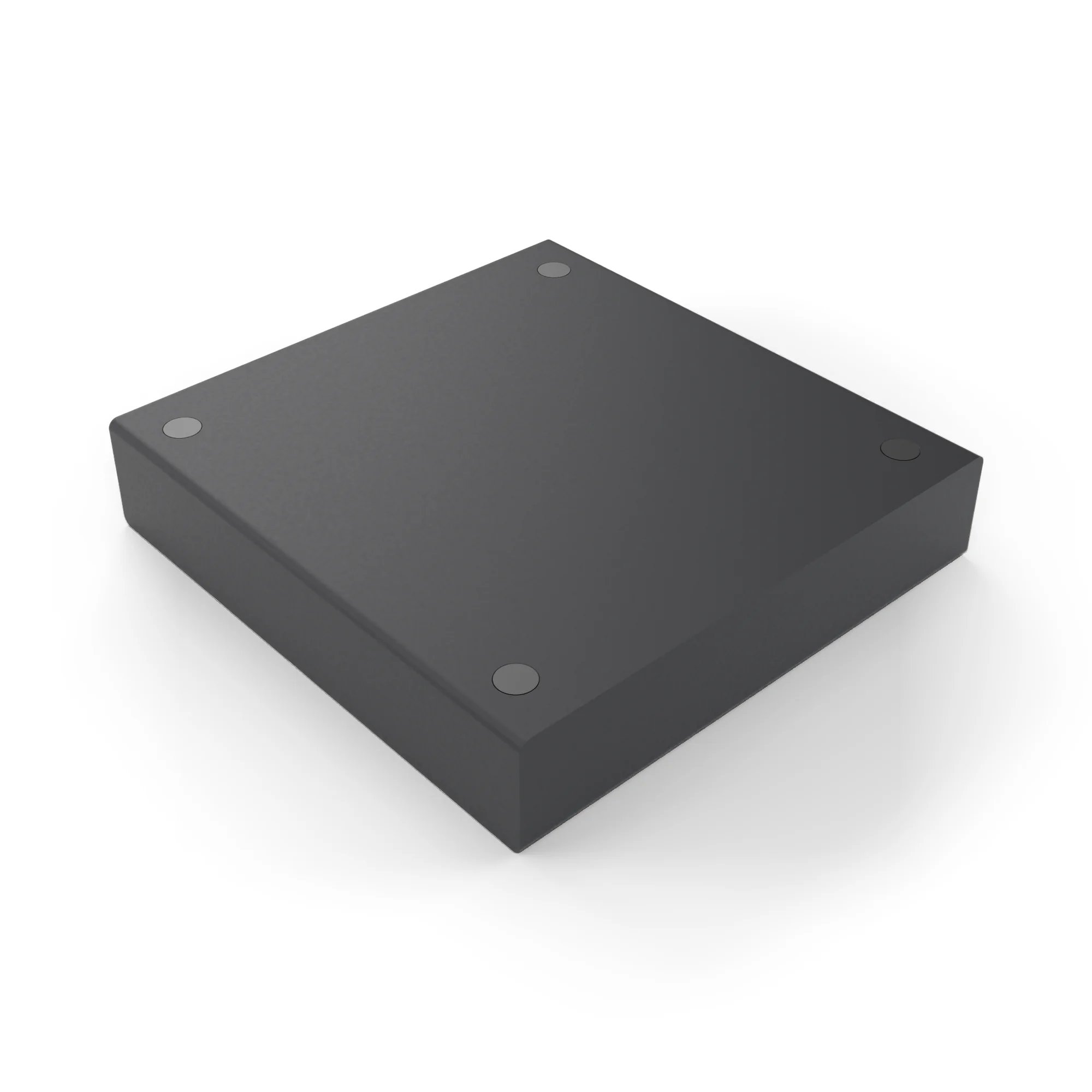
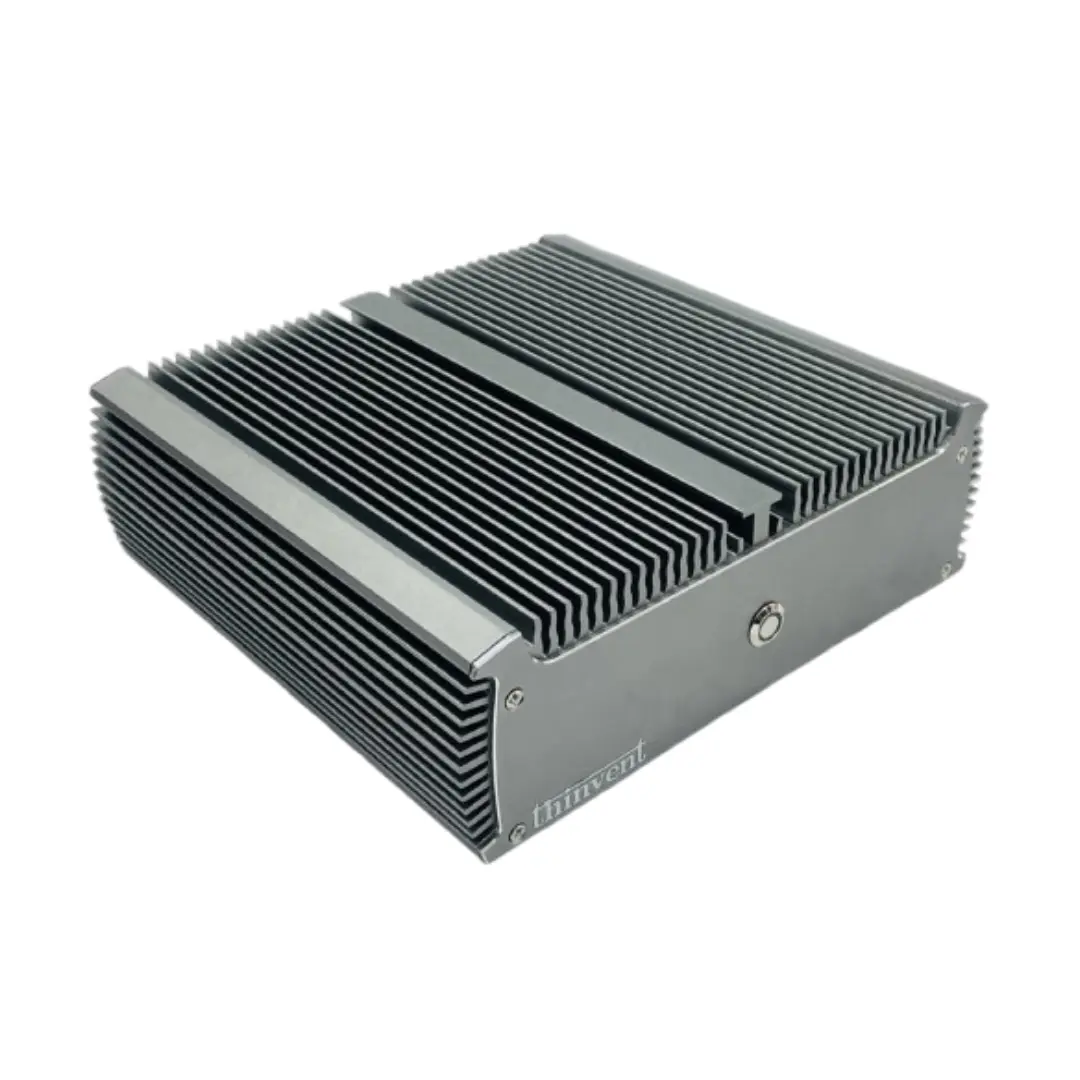
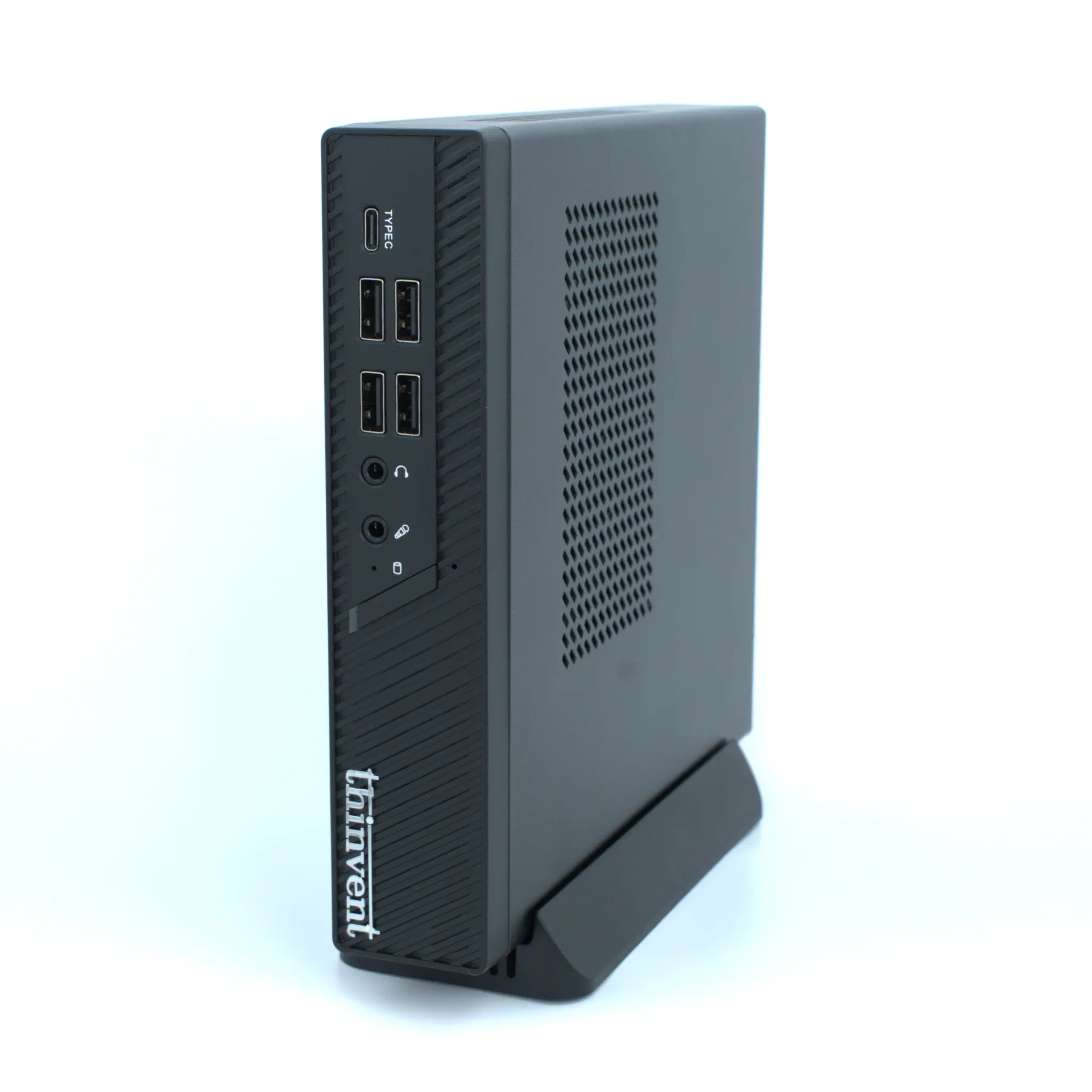
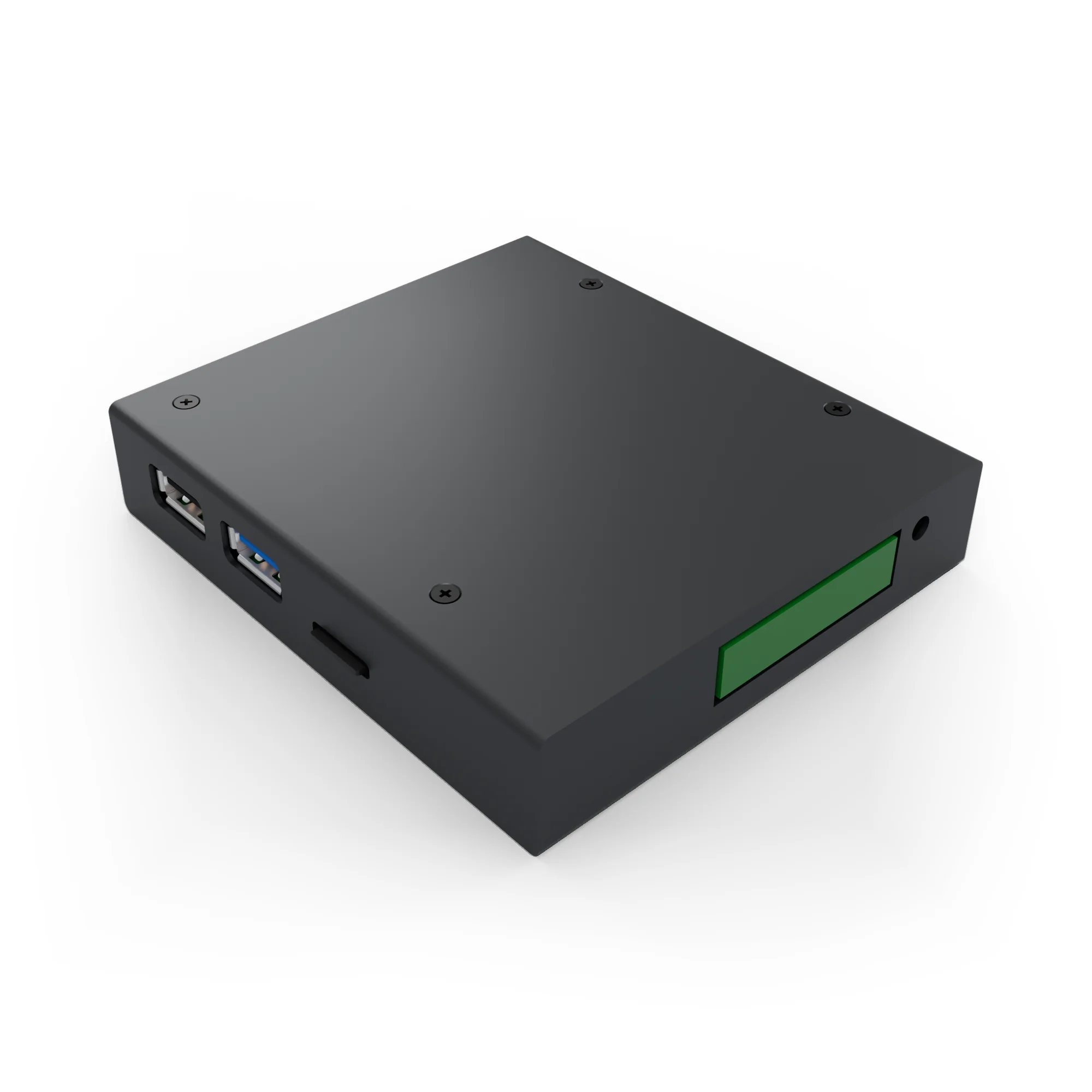
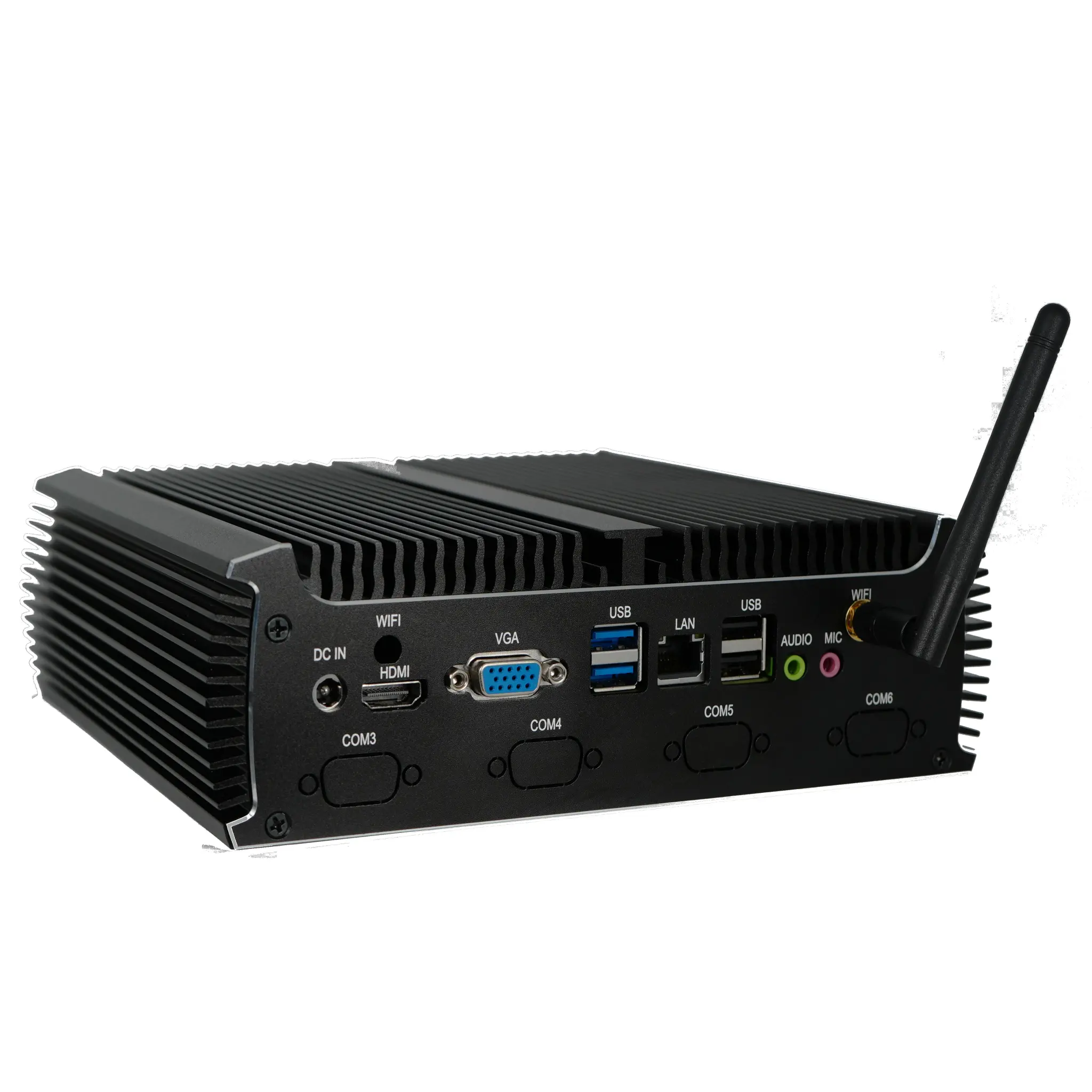
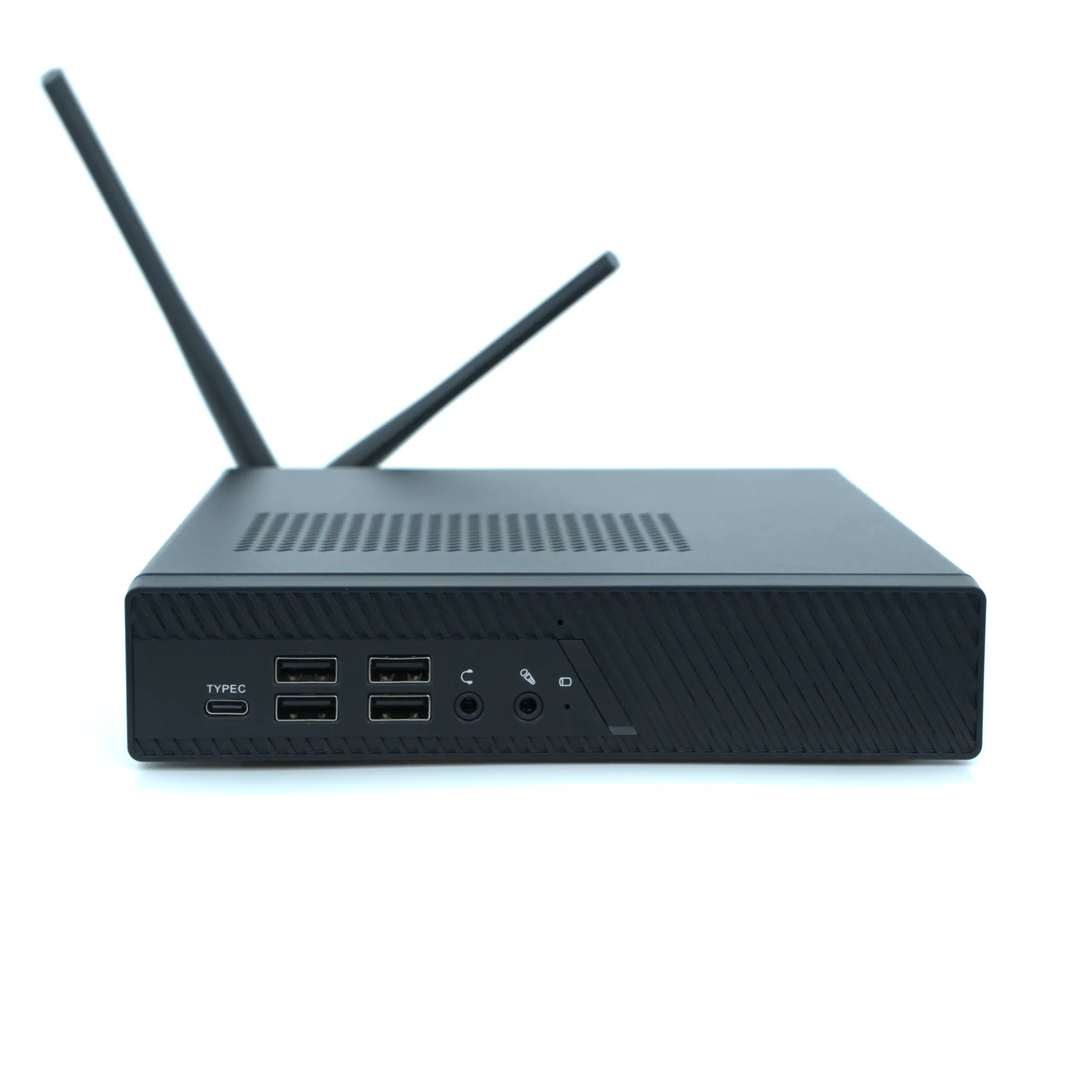
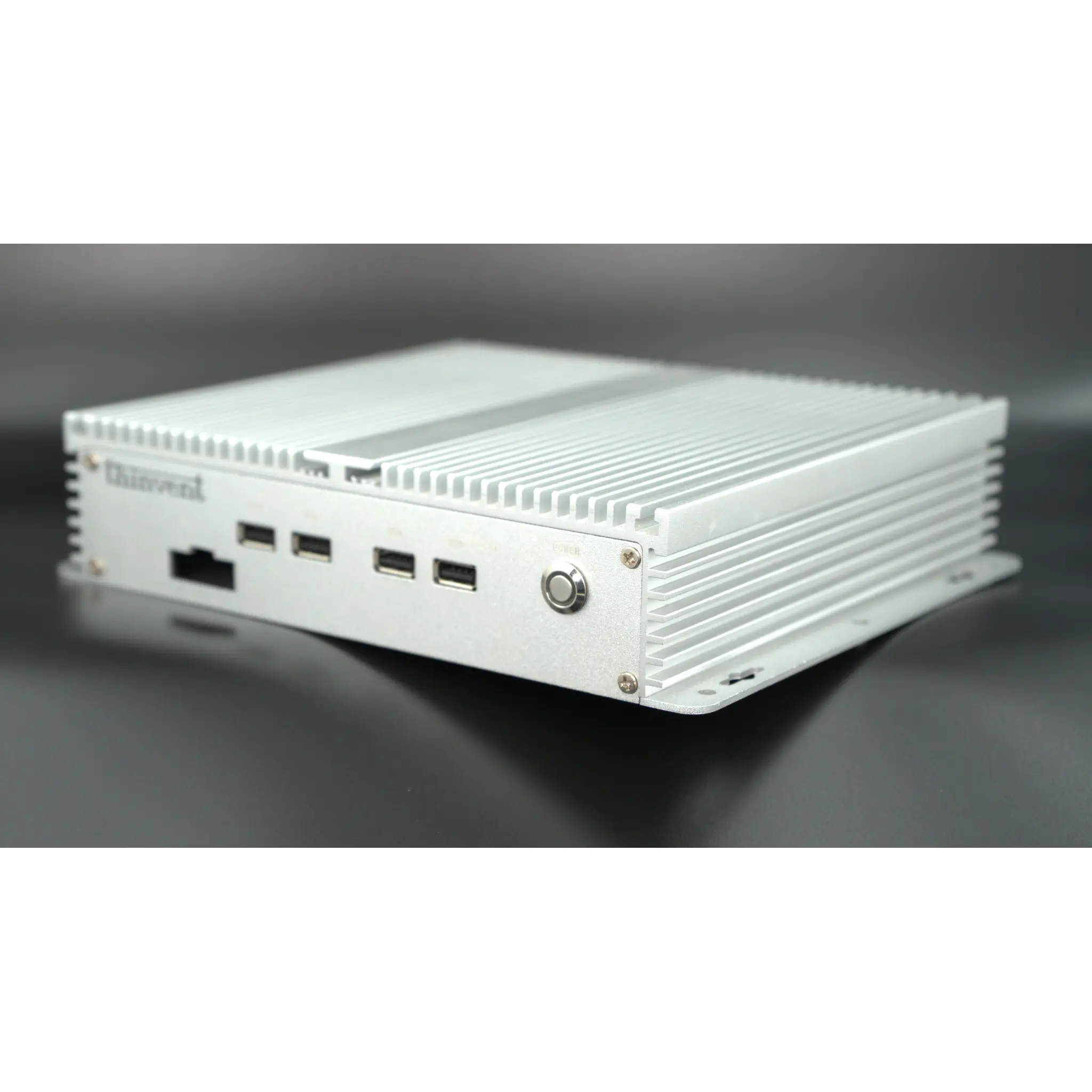
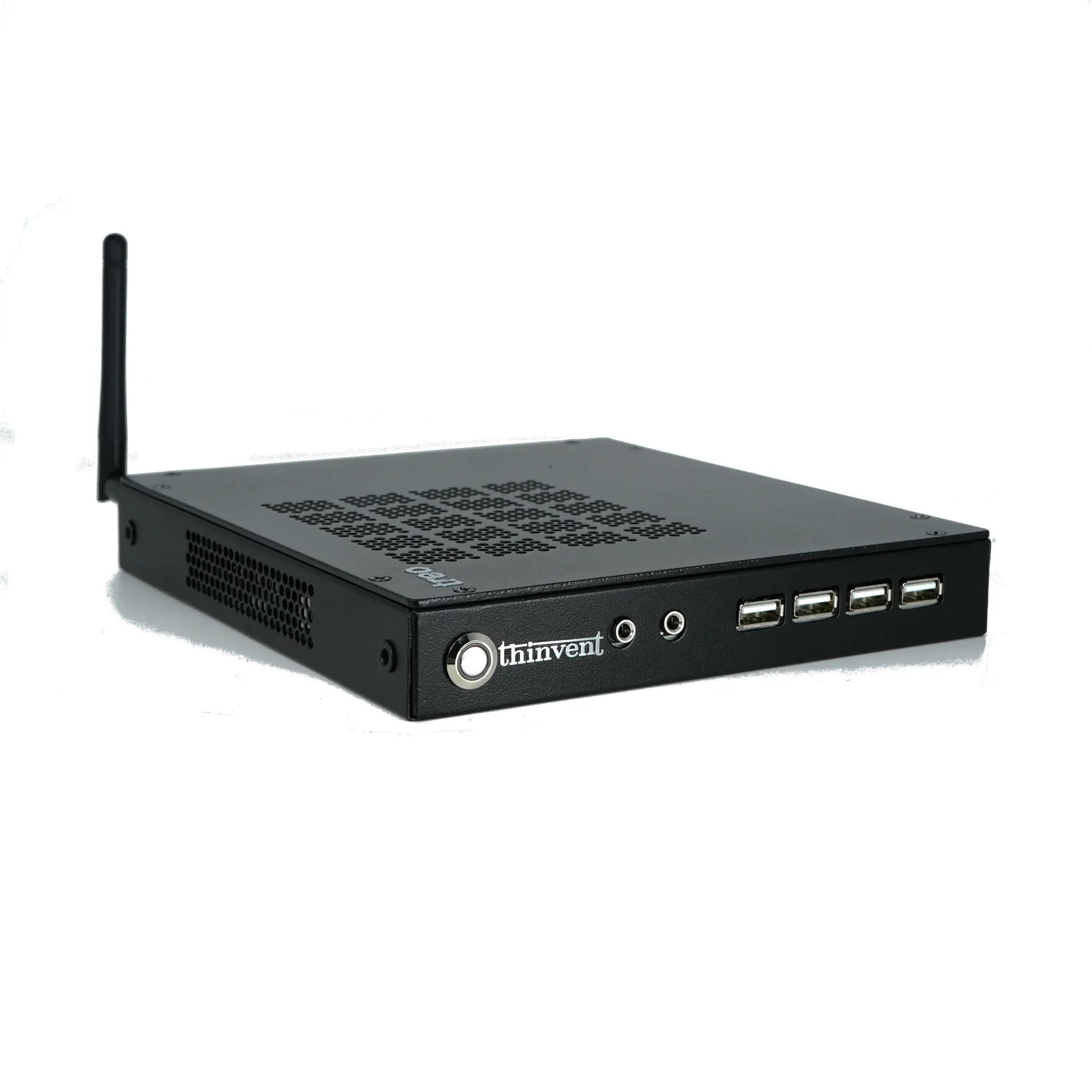
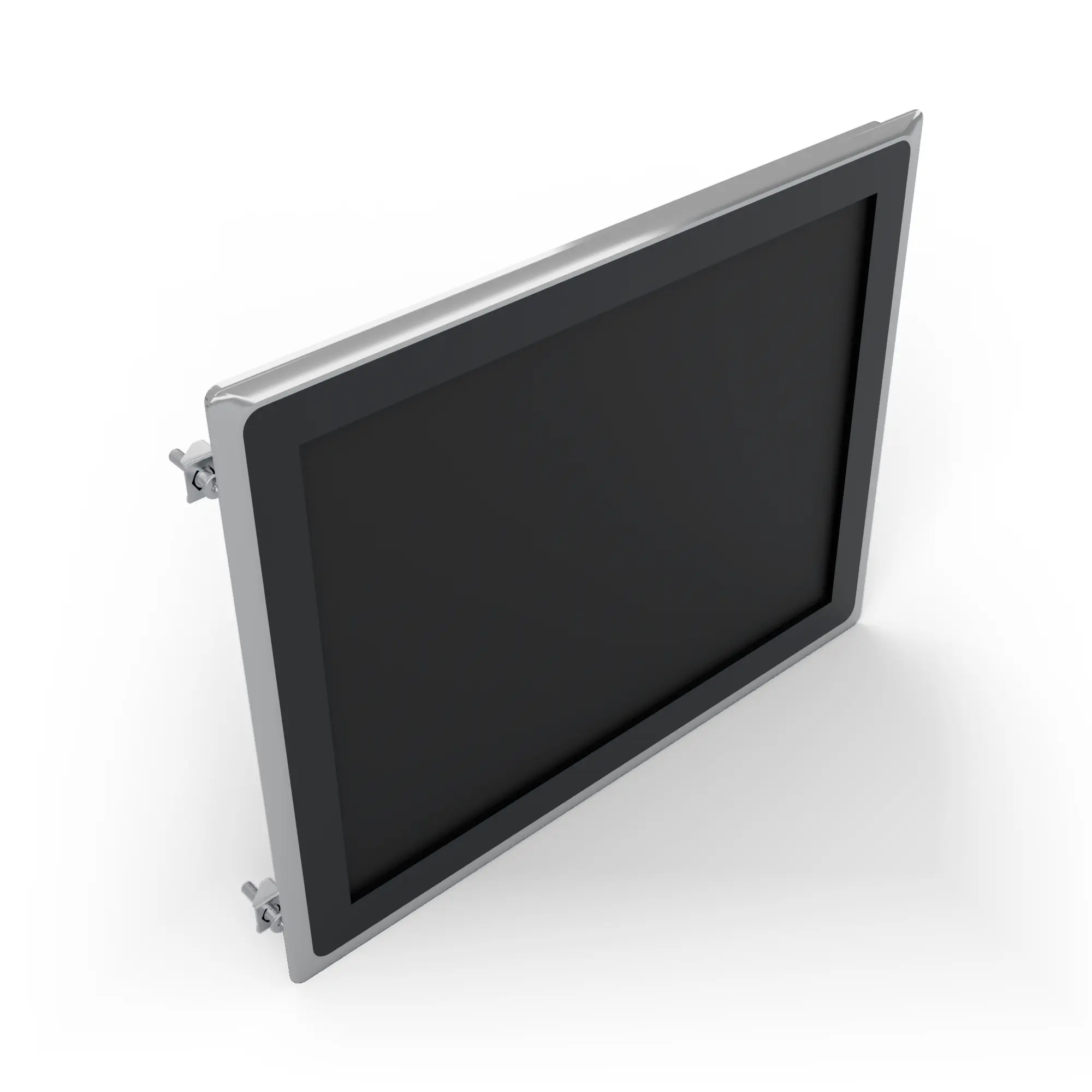
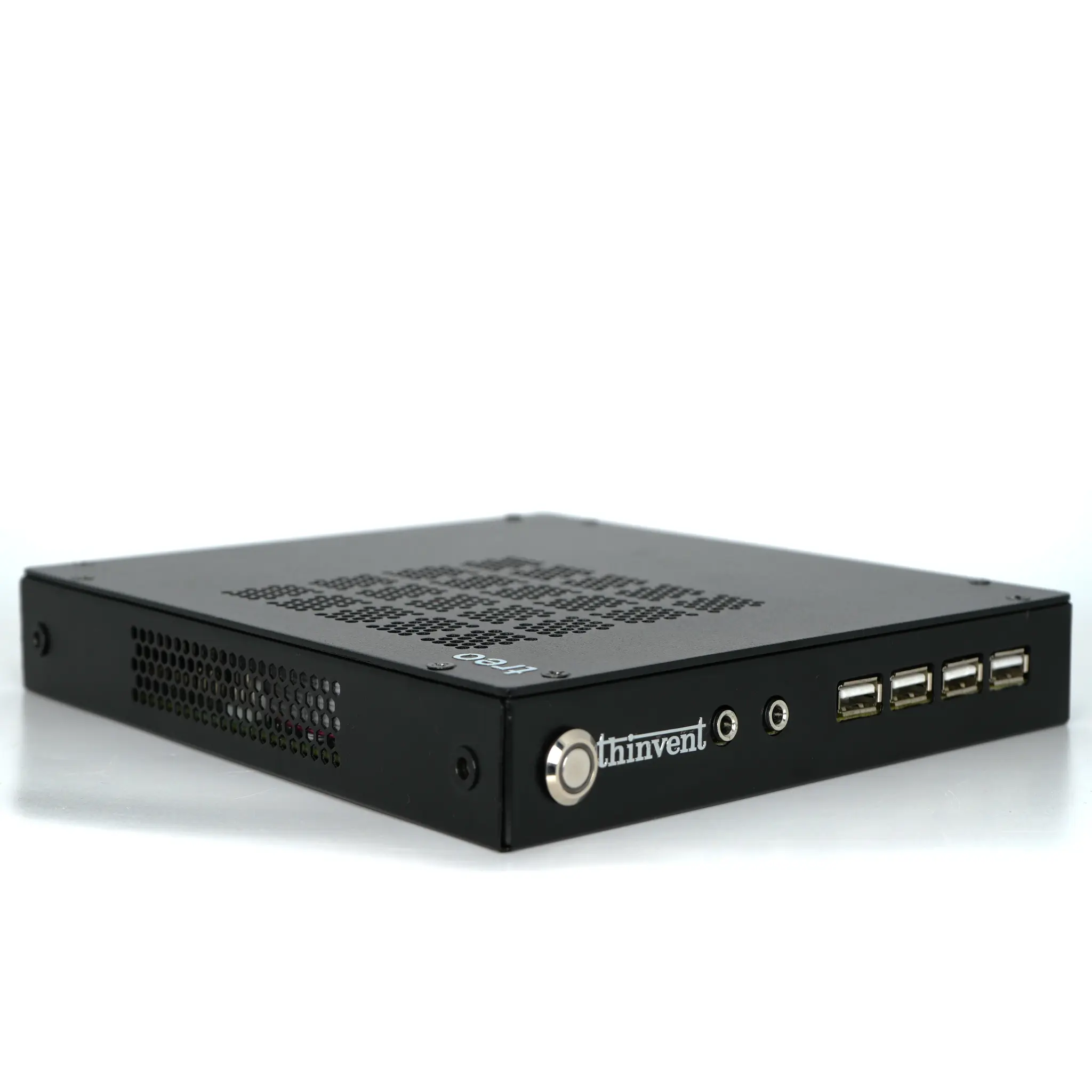
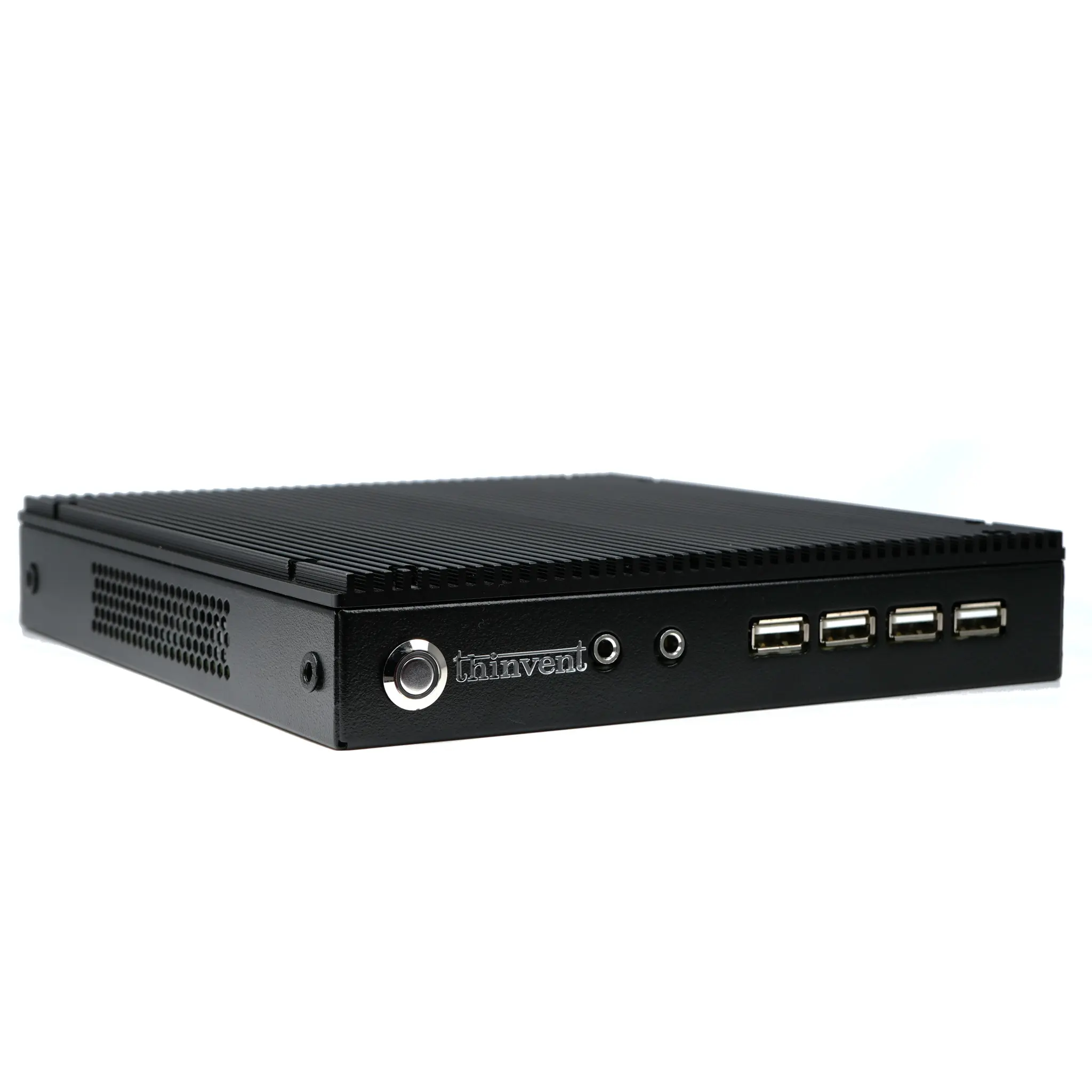
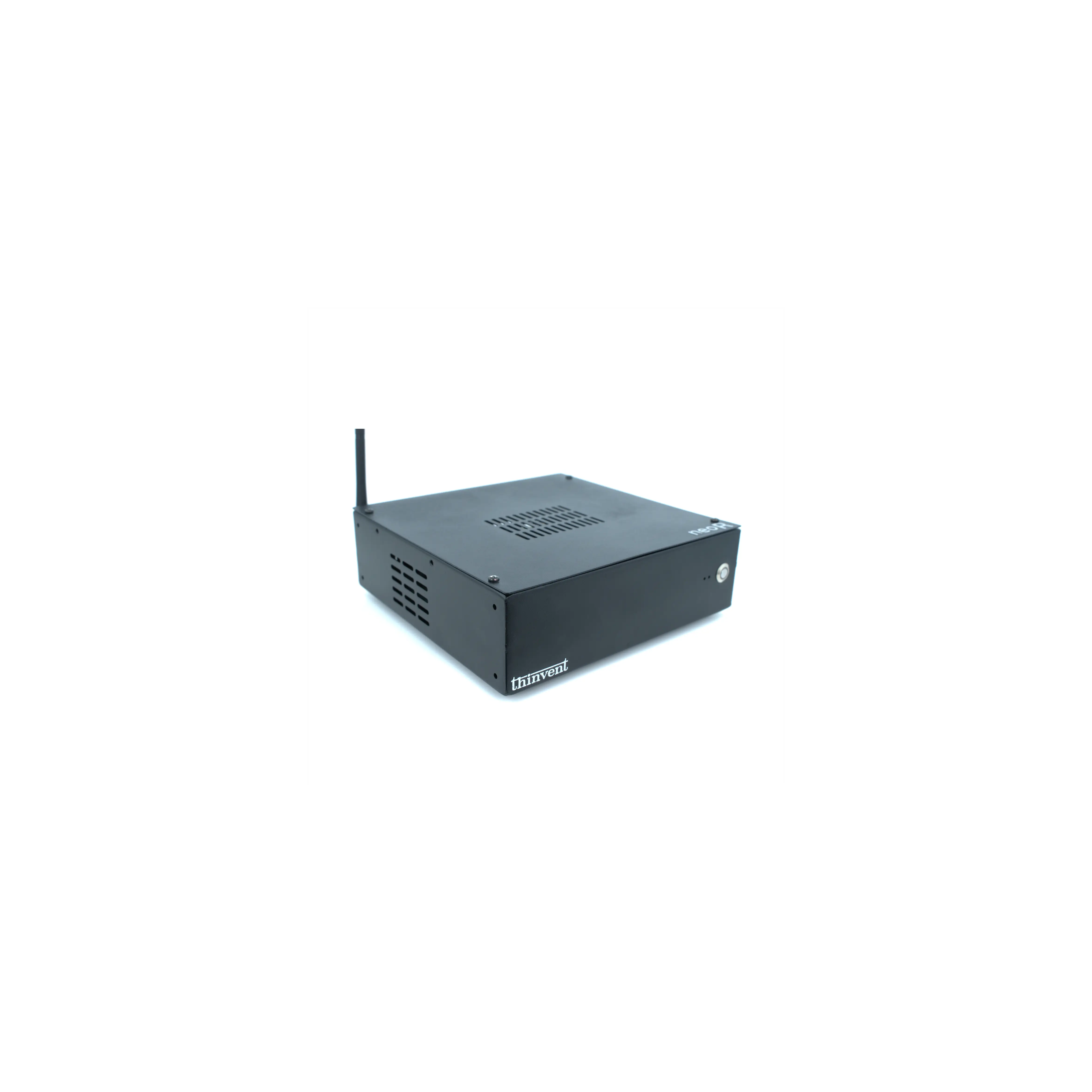
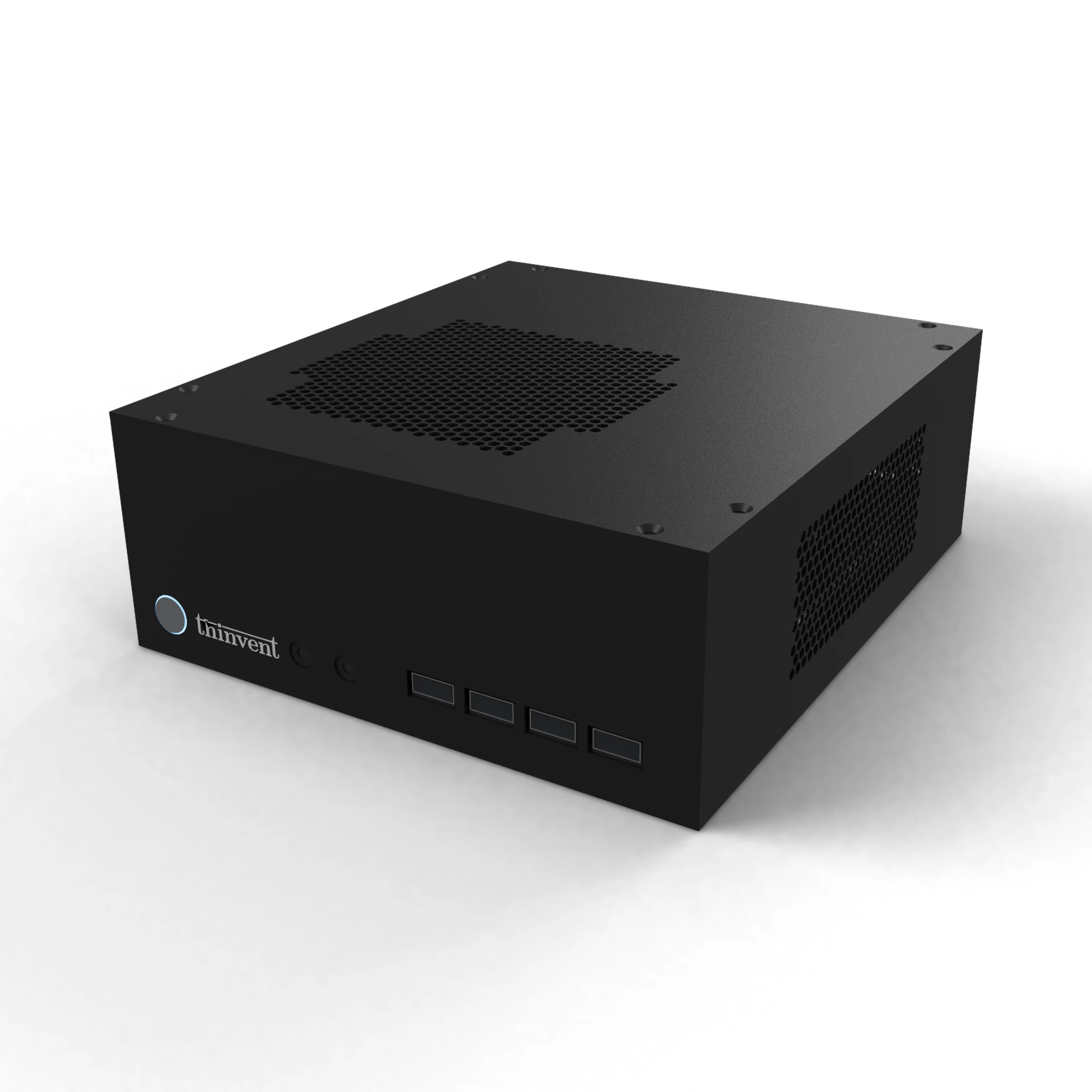
Thinvent's Industrial PC range is built for demanding, always-on professional workloads. The IPC3 series, powered by Intel® Core™ i3-1215U processors (6 cores, up to 4.4 GHz, 10 MB cache), pairs strong single-core responsiveness for modeling with multi-core capability for rendering. Configurable with 16 GB DDR4 RAM and 1 TB SSD, and available with Windows 11 Professional, Windows 11 IoT, Linux, or DOS, these systems suit design studios, engineering labs, and industrial CAD environments. Their robust, fanless-friendly thermal design keeps performance consistent during long render sessions, making them a dependable foundation for 3D modeling and rendering workstations.